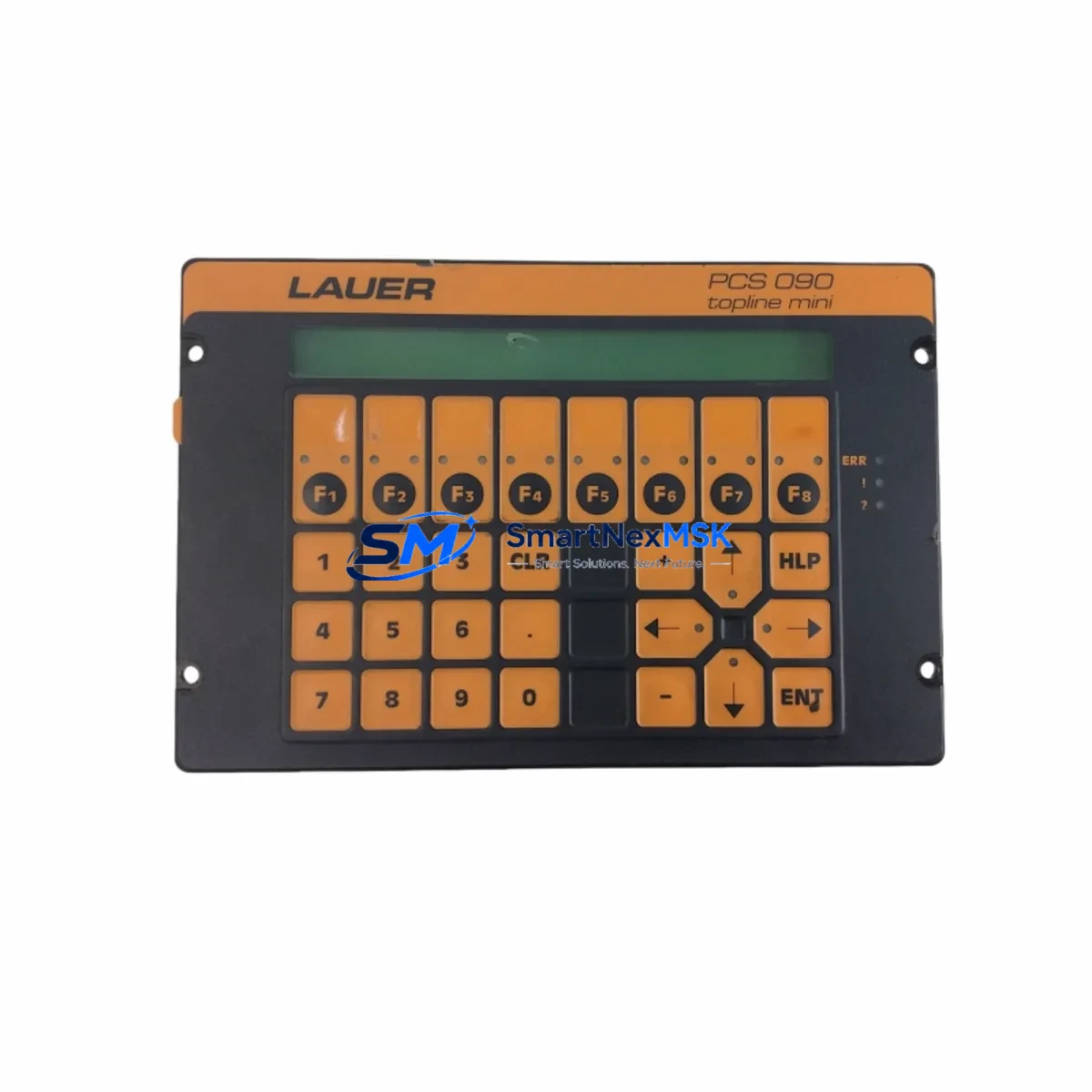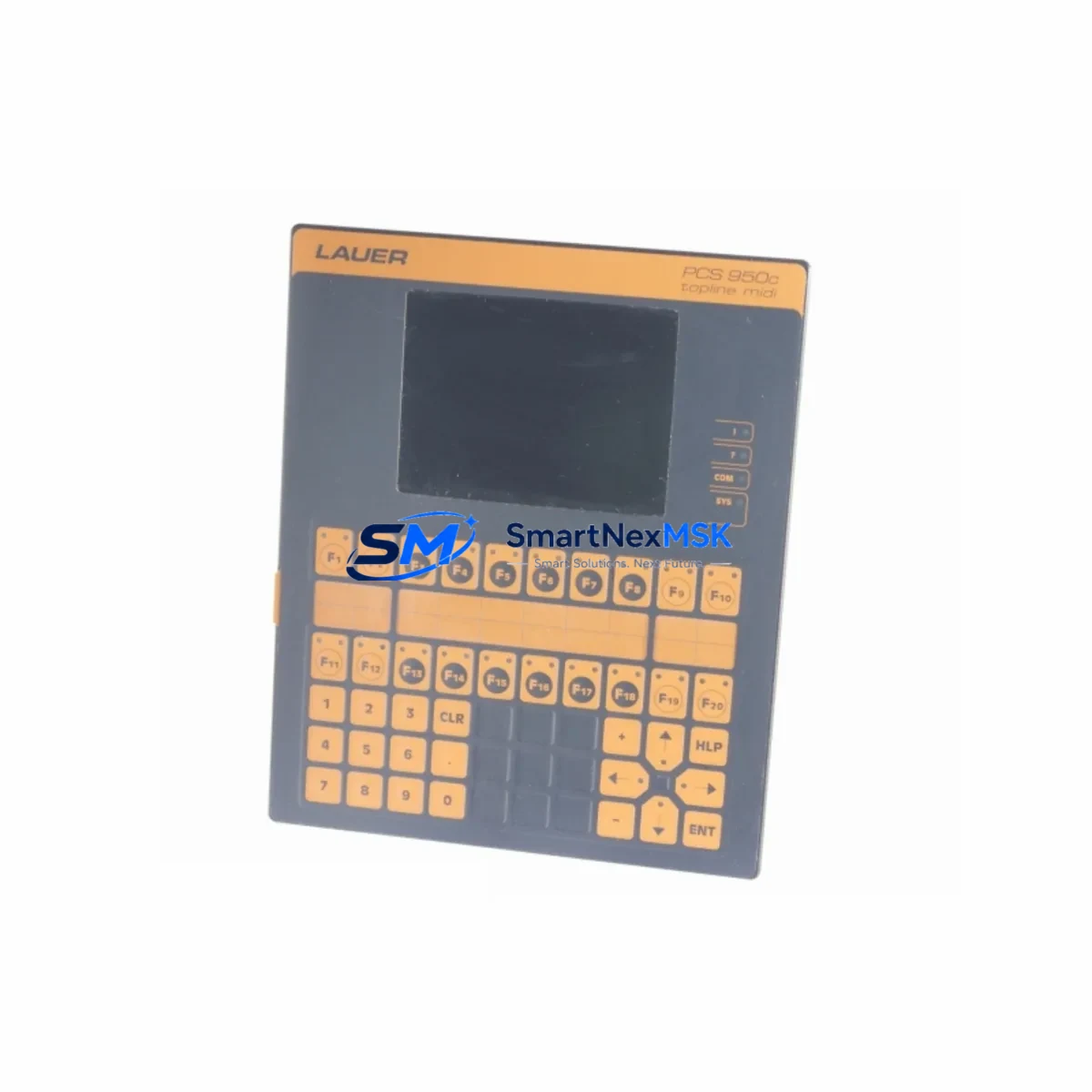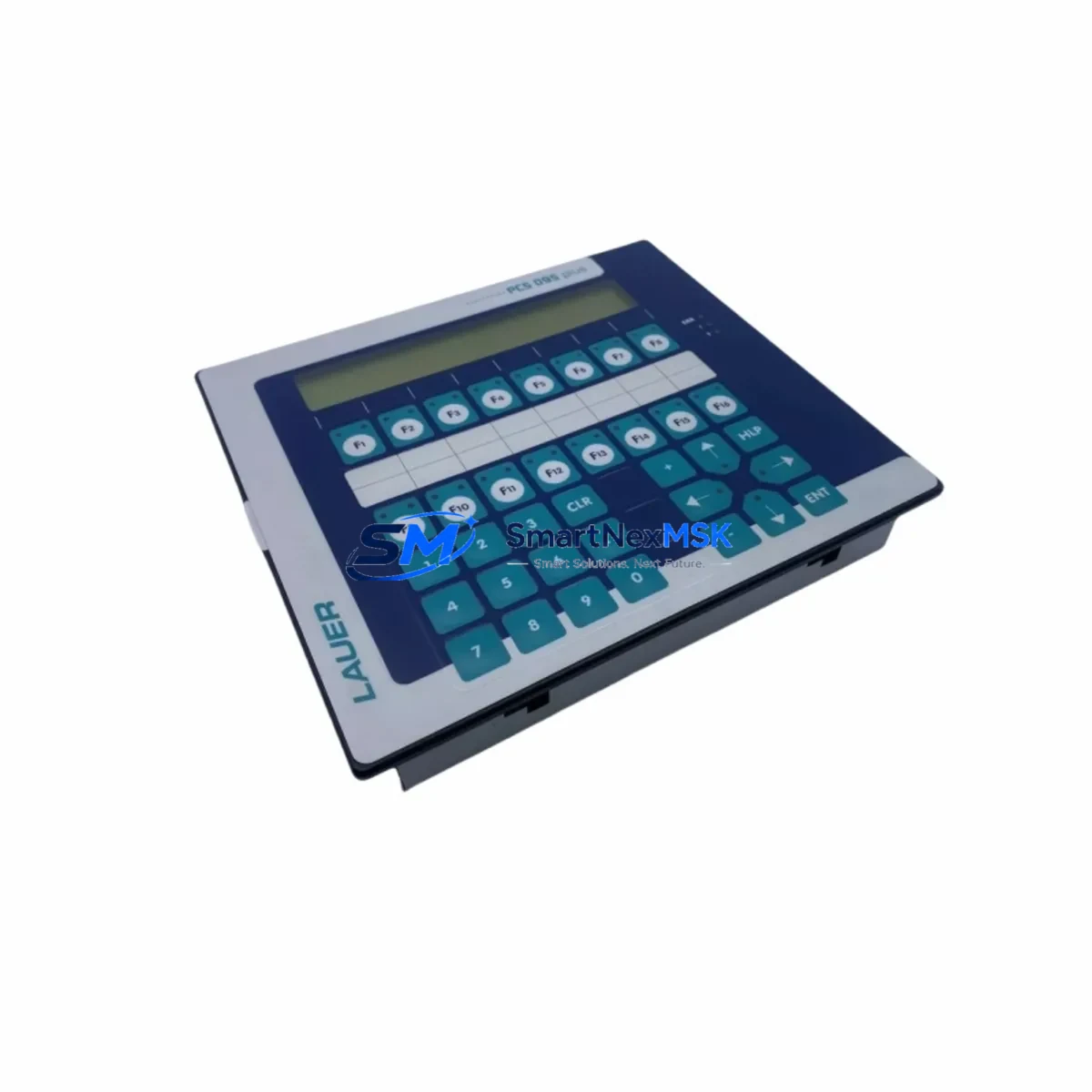
Lauer PCS095 Maintenance-Ready Spare for PCS Automation
The Lauer PCS095 is an original HMI operator panel designed for PCS Series industrial automation systems. As a maintenance-ready spare part, it is sourced, inspected, and dispatched to support rapid downtime recovery in manufacturing, process control, and machine automation environments. Whether you are managing a planned overhaul or responding to an unscheduled fault, the PCS095 provides a direct, compatible replacement that restores operator interface functionality without requiring system reconfiguration.
For maintenance engineers and MRO procurement teams, the PCS095 addresses one of the most critical failure points in legacy control architectures: the operator panel. When an HMI goes offline, operators lose visibility into process status, alarm acknowledgment, and manual override capability. Stocking a verified PCS095 spare eliminates the lead-time risk associated with sourcing obsolete or discontinued Lauer components from the open market.
Each unit is tested prior to shipment and backed by a 12-month warranty, giving procurement engineers confidence in both quality and post-sale support. Long-term supply continuity is maintained through our established sourcing network, making the PCS095 available even for systems that have been in service for over a decade.
Spare Maintenance Table
| Parameter | Specification |
|---|---|
| Part Number / SKU | PCS095 |
| Brand | Lauer |
| Series | PCS Series |
| Product Type | HMI Operator Panel |
| Country of Origin | Germany |
| Weight | 1,500 g (approx.) |
| Compatibility | Lauer PCS Series control systems; legacy industrial automation cabinets |
| Installation | Panel-mount; refer to OEM dimensional drawing for cutout specifications |
| Application Environment | Industrial manufacturing, process automation, machine control |
| Condition | Original spare; inspected and function-tested before dispatch |
| Maintenance Recommendation | Replace on visible display degradation, keypad failure, or communication fault; inspect sealing gasket during installation |
| Warranty | 12 Months |
Maintenance Planning for Continuous Operation
When scheduling a replacement of the Lauer PCS095, a thorough inspection of the surrounding control cabinet is essential to prevent repeat failures and ensure system stability. Maintenance engineers should treat the HMI panel replacement as an opportunity to audit the full operator interface circuit.
Begin by verifying the 24 VDC power supply module feeding the HMI — voltage ripple or insufficient current capacity is a common root cause of premature panel failure. Check the power distribution terminal blocks for signs of oxidation, loose connections, or thermal discoloration. If the PCS095 communicates via RS-232 or RS-485, inspect the serial communication cable and connector integrity; a degraded cable can cause intermittent display faults that mimic panel hardware failure.
For systems where the PCS095 interfaces with a Lauer PCS Series PLC or remote I/O module, confirm that the communication parameters — baud rate, parity, and station address — are correctly configured before powering up the replacement unit. If the control cabinet includes a signal isolator on the HMI communication line, verify its output signal level and isolation resistance.
Inspect the 24 VDC fuse or circuit breaker protecting the HMI supply rail; a blown fuse that is replaced without identifying the overcurrent cause will result in repeat failure. Check any relay output modules or digital I/O cards connected to the operator panel for alarm acknowledgment or interlock functions — these should be tested for correct operation after the HMI is restored.
If the cabinet houses a Lauer PCS Series memory module or program cartridge, confirm that the operator program and recipe data are backed up before removing the old panel. For systems with an integrated Ethernet or fieldbus communication card, verify network connectivity and IP configuration post-replacement. Finally, check the cabinet door sealing and ventilation filter — excessive dust ingress or condensation is a leading cause of HMI panel degradation in harsh industrial environments.
Site Replacement Workflow
The PCS095 is designed for direct substitution of the original Lauer HMI panel without modification to the control cabinet wiring or PLC program. Follow this workflow to minimize downtime:
- Isolate and de-energize the control cabinet following your site LOTO procedure.
- Document all cable connections, communication settings, and panel configuration before removal.
- Remove the failed unit by releasing the panel-mount clips or fasteners; disconnect power and communication cables carefully.
- Inspect the mounting cutout for damage, corrosion, or gasket wear; clean the surface before installing the replacement.
- Install the PCS095, reconnect all cables in the documented order, and verify connector seating.
- Restore power and confirm display initialization, communication link status, and alarm acknowledgment functionality.
- Conduct a functional test covering all operator inputs, outputs, and communication responses before returning the system to production.
This workflow supports compatibility with legacy PCS Series installations and eliminates the need for software reconfiguration in most standard replacement scenarios, significantly reducing mean time to repair (MTTR).
Spare Parts Support FAQ
Q1: What is the expected service life of the Lauer PCS095, and when should I plan a proactive replacement?
The PCS095 is a legacy HMI component. Proactive replacement is recommended when the display shows brightness degradation, keypad response becomes inconsistent, or communication errors increase in frequency. For critical production lines, maintaining at least one PCS095 in your spare parts inventory is advisable to avoid unplanned downtime.
Q2: How is compatibility with my existing PCS Series system verified before shipment?
Each PCS095 unit is cross-referenced against the original Lauer part number and series documentation. Function testing is performed prior to dispatch to confirm display, keypad, and communication interface operation. If you provide your system model and software version, our technical team can confirm compatibility before the order is processed.
Q3: Can the PCS095 replace other Lauer PCS Series HMI models, and what are the key compatibility checks?
The PCS095 is a specific model within the Lauer PCS Series. Cross-model substitution requires verification of panel dimensions, communication protocol, power supply voltage, and operator program compatibility. Contact our technical support team with your existing panel model number for a compatibility assessment before ordering an alternative model.
Q4: What does the 12-month warranty cover, and what is the return process if a fault is identified after installation?
The 12-month warranty covers manufacturing defects and functional failures under normal operating conditions. If a fault is identified after installation, contact our support team with the order reference and a description of the fault. Units are assessed and replaced or repaired within the warranty period. Warranty claims require the unit to be returned in its original packaging with fault documentation.
© 2026 SMARTNEXMSK. All rights reserved.
Original Source: https://smartnexmsk.com
Contact: [email protected] | +86 18259474341