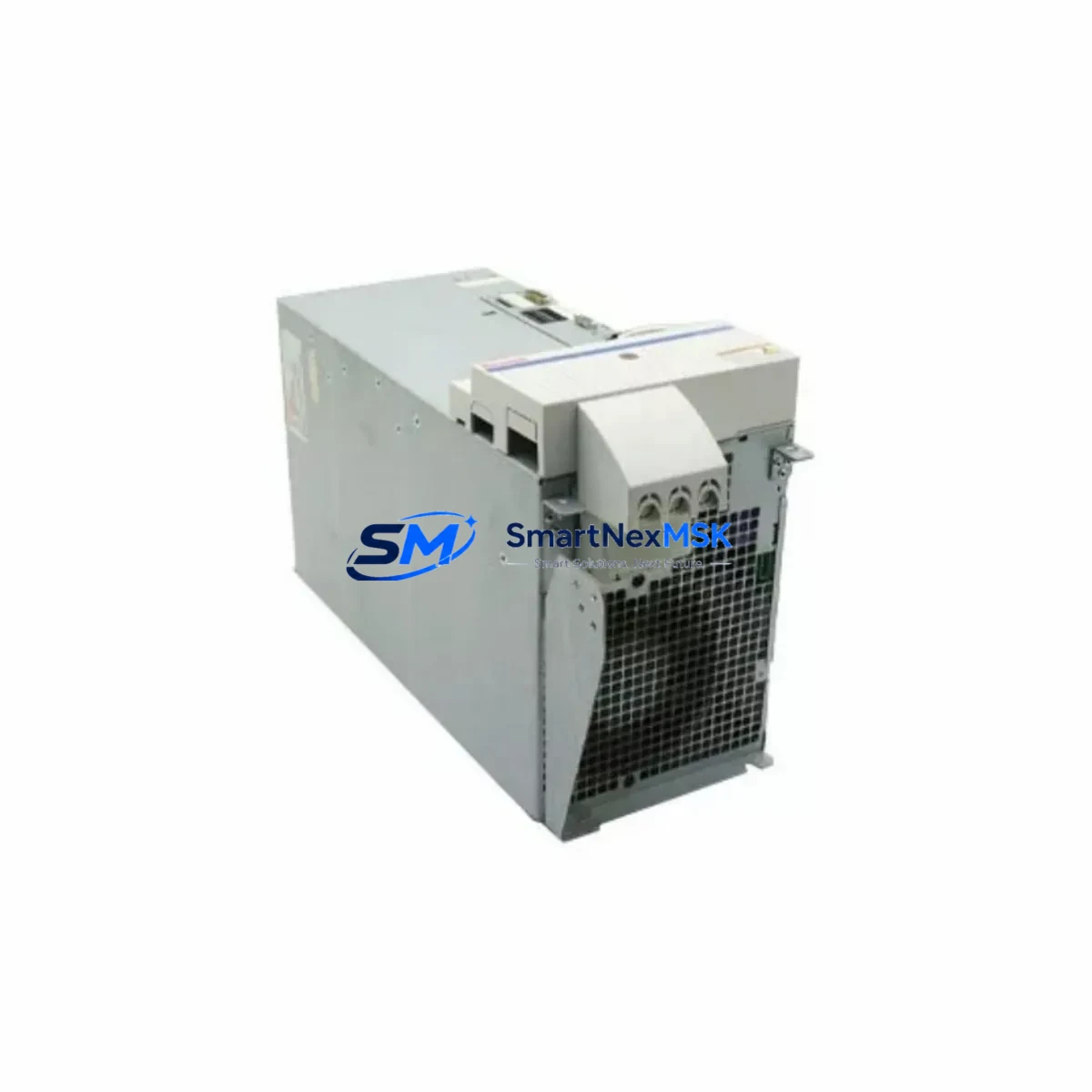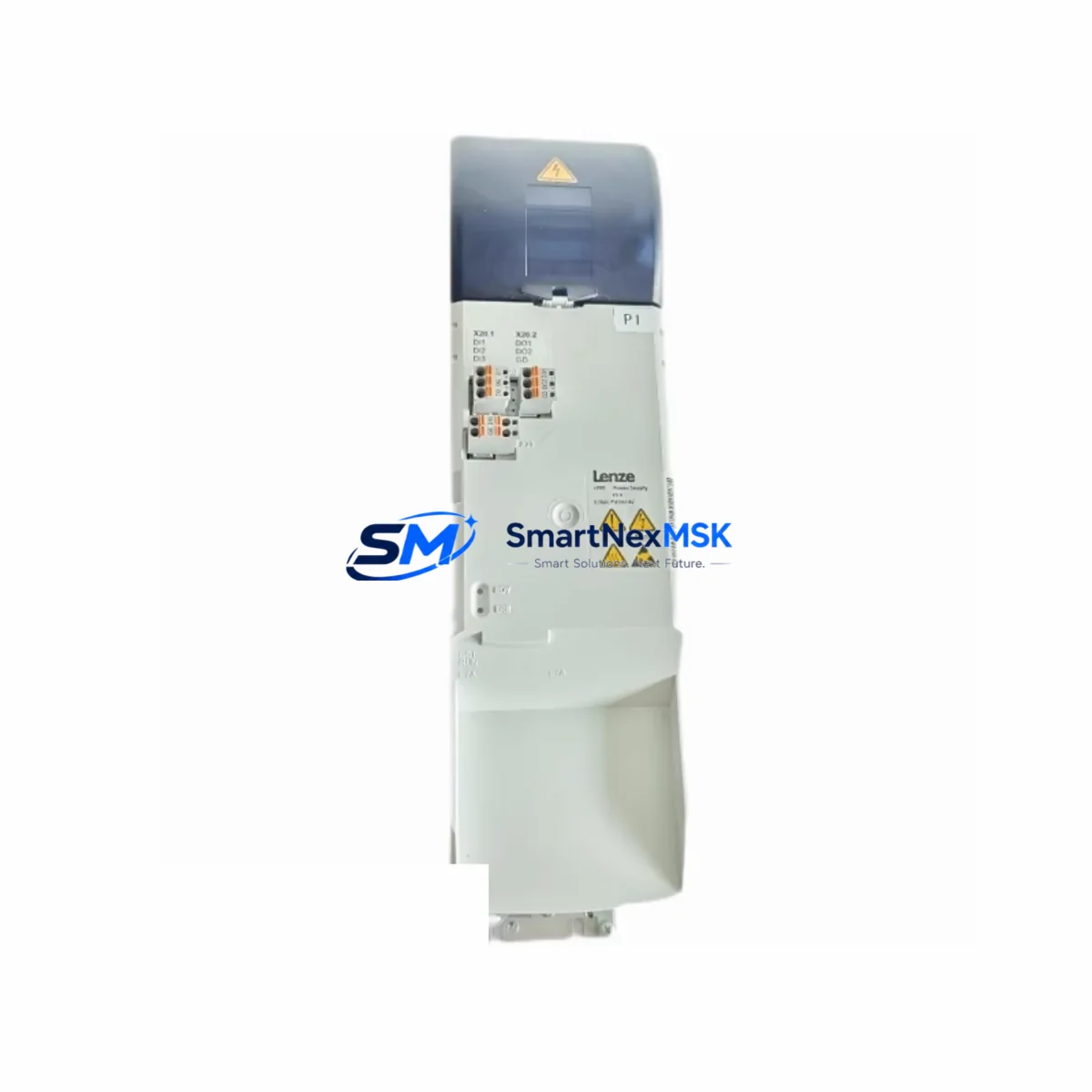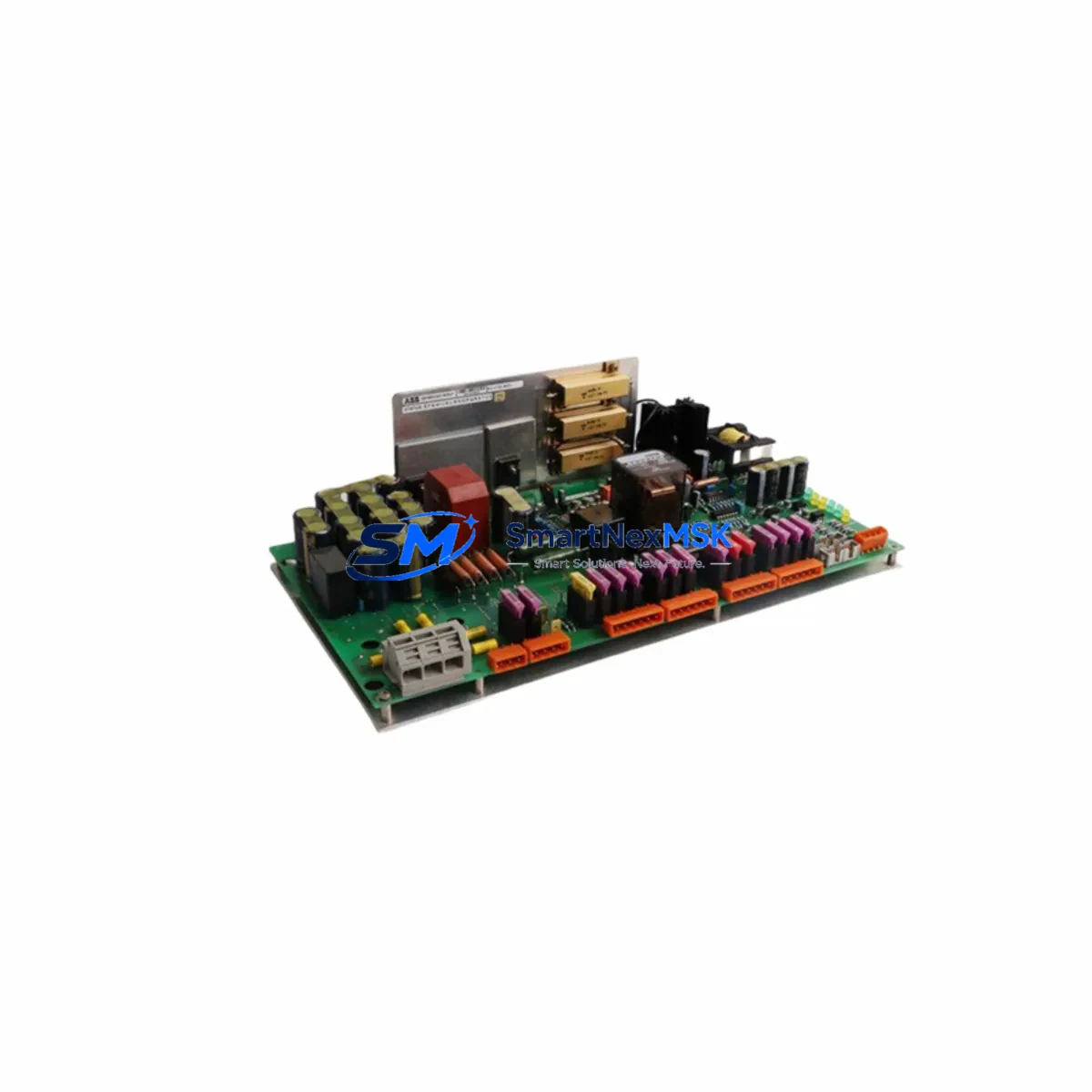
LENZE E84DGFCRENPX069 Maintenance-Ready Spare for E84DG Automation
The LENZE E84DGFCRENPX069 is an original spare-grade AC variable frequency drive from the E84DG Series, engineered for industrial automation environments where unplanned downtime carries significant operational and financial risk. Whether you are managing a scheduled overhaul, responding to an emergency fault, or building a proactive spare parts inventory for a critical production line, the E84DGFCRENPX069 delivers the compatibility, reliability, and traceability that maintenance and procurement engineers demand.
Sourced from verified supply channels and tested prior to dispatch, this unit is suitable for direct replacement in existing E84DG Series installations without requiring firmware reconfiguration or panel rewiring in standard applications. Its compact form factor and standardized mounting interface reduce mean time to repair (MTTR), allowing your team to restore motor control functions quickly and resume production with minimal disruption.
With a 12-month warranty covering manufacturing defects and functional performance, the E84DGFCRENPX069 is a dependable choice for facilities that cannot afford uncertainty in their spare parts supply chain.
Spare Maintenance Table
| SKU / Part Number | E84DGFCRENPX069 |
| Brand | LENZE |
| Series | E84DG (8400 StateLine / HighLine) |
| Product Type | AC Variable Frequency Drive (VFD / Inverter) |
| Origin | Germany (DE) |
| Rated Voltage | 3 × 400 V AC (±10%), 50/60 Hz |
| Output Frequency Range | 0 – 650 Hz (application dependent) |
| Protection Class | IP20 (panel-mount); IP65 optional with enclosure |
| Control Interface | Keypad / Fieldbus (CANopen, PROFIBUS, EtherCAT via option) |
| Compatibility | Direct replacement for E84DG Series installations; compatible with standard LENZE motor cables and control wiring |
| Mounting | DIN rail or panel mount; standard E84DG footprint |
| Operating Temperature | 0 °C to +40 °C (derating above 40 °C) |
| Storage Temperature | −25 °C to +70 °C |
| Humidity | ≤ 95% RH, non-condensing |
| Maintenance Recommendation | Inspect cooling fan, DC bus capacitors, and terminal connections every 12 months or per site PM schedule |
| Warranty | 12 Months — covers manufacturing defects and functional performance |
| Pre-shipment Testing | Power-on functional verification performed before dispatch |
Maintenance Planning for Continuous Operation
When replacing the E84DGFCRENPX069 in a live control cabinet, experienced maintenance engineers treat the drive swap as an opportunity to inspect the entire motor control circuit. A failed or degraded VFD rarely operates in isolation — surrounding components are often subject to the same thermal stress, voltage transients, and operational hours.
Begin by verifying the incoming power supply. Check the upstream circuit breaker or fused disconnect for correct rating and contact condition. Inspect the input line reactor or EMC filter (such as the LENZE EMF series or equivalent) for signs of overheating or insulation degradation. A compromised filter can allow conducted interference to affect the replacement drive immediately after installation.
Next, examine the motor cable and output contactor (if fitted). LENZE shielded motor cables rated for VFD output are recommended; unshielded or undersized cables can cause premature IGBT failure in the new unit. If the installation uses a motor thermistor (PTC/NTC), verify the thermistor input wiring at the drive’s control terminal block — a short or open circuit here will trigger a fault on first power-up.
Review the 24 V DC control power supply feeding the drive’s logic and I/O circuits. Units such as the LENZE PSL or equivalent SITOP-class power supplies should be load-tested; a sagging control rail can cause erratic parameter behavior or communication dropouts. While the cabinet is open, inspect the I/O terminal strips and signal cables connected to the drive’s digital inputs (enable, run/stop, fault reset) and analog inputs (speed reference). Loose ferrules or corroded terminals are a common source of intermittent faults that are misdiagnosed as drive failures.
If the E84DGFCRENPX069 is networked via CANopen or PROFIBUS, verify the fieldbus termination resistors and cable continuity before restoring communication. A missing terminator on a CANopen segment will prevent the replacement drive from joining the network. For EtherCAT-connected variants, check the RJ45 connectors and cable shielding at both ends.
In multi-axis cabinets, also inspect the shared DC bus connections and braking resistor (if present). The braking resistor and its thermal cutout should be tested for continuity; a failed resistor will cause DC bus overvoltage faults under deceleration. Finally, review the HMI or operator panel (such as the LENZE EPM keypad or a third-party touchscreen) for parameter backup — ensure the drive parameters are uploaded to the HMI or a laptop before the old unit is removed, so they can be transferred to the replacement without manual re-entry.
Proactive spare parts planning for E84DG Series installations should also include: spare control boards or option cards (e.g., communication modules), a set of replacement fuses for the input protection circuit, spare terminal blocks and DIN rail end stops, and at least one spare cooling fan unit for drives operating in high-ambient environments.
Site Replacement Workflow
Step 1 — Isolation and Safety: Isolate the drive from mains supply and allow a minimum of 5 minutes for DC bus capacitors to discharge. Verify zero voltage at the output terminals with a calibrated meter before touching any wiring.
Step 2 — Parameter Backup: If the existing drive is still partially functional, use the LENZE EPM keypad or »Engineer« software to upload all parameters to a storage device. Record the motor nameplate data, ramp times, and any application-specific function block settings.
Step 3 — Mechanical Removal: Disconnect all power, motor, control, and fieldbus cables, labeling each connector. Remove the drive from the DIN rail or panel mount. Note the torque values for terminal screws — over-tightening on the replacement unit can damage the terminal block.
Step 4 — Replacement Installation: Mount the E84DGFCRENPX069 in the same position. Reconnect all cables in reverse order, verifying correct phase sequence on the input (L1/L2/L3) and output (U/V/W) terminals. Torque all power terminals to the manufacturer’s specification.
Step 5 — Parameter Restore and Commissioning: Download the saved parameter set to the replacement drive. Perform a no-load test run at low speed before connecting the mechanical load. Verify motor rotation direction, speed reference tracking, and fault relay output before returning the drive to automatic control.
Step 6 — Documentation: Update the maintenance log with the replacement date, new unit serial number, and any parameter changes. Schedule the next PM inspection per site policy.
This structured approach minimizes re-work, reduces the risk of infant mortality in the replacement unit, and ensures the system is returned to service in a fully verified state.
Spare Parts Support FAQ
Q1: Is the E84DGFCRENPX069 a direct drop-in replacement for all E84DG Series variants?
The E84DGFCRENPX069 is designed for direct mechanical and electrical replacement within the E84DG Series family. However, always verify the power rating, voltage class, and option card configuration of the unit being replaced against the replacement unit’s nameplate data before installation. Parameter sets from the original unit should be reviewed for compatibility before download.
Q2: What pre-shipment testing is performed on this unit?
Each E84DGFCRENPX069 unit undergoes a power-on functional verification prior to dispatch, confirming basic drive operation, display function, and I/O response. Units are packed in anti-static and shock-resistant packaging to protect against transit damage.
Q3: How should this spare be stored if not immediately installed?
Store in original packaging in a dry, temperature-controlled environment (−25 °C to +70 °C, ≤ 95% RH non-condensing). Avoid locations subject to vibration, dust, or corrosive atmospheres. For long-term storage exceeding 12 months, it is recommended to power the unit briefly once per year to reform the DC bus electrolytic capacitors and prevent capacity loss.
Q4: What does the 12-month warranty cover, and how is a claim initiated?
The 12-month warranty covers manufacturing defects and confirmed functional failures under normal operating conditions. It does not cover damage resulting from incorrect installation, overvoltage events, or unauthorized modification. To initiate a warranty claim, contact [email protected] with the order reference, unit serial number, and a description of the fault. Our technical team will advise on return and replacement procedures.
© 2026 SMARTNEXMSK. All rights reserved.
Original Source: https://smartnexmsk.com
Contact: [email protected] | +86 18259474341