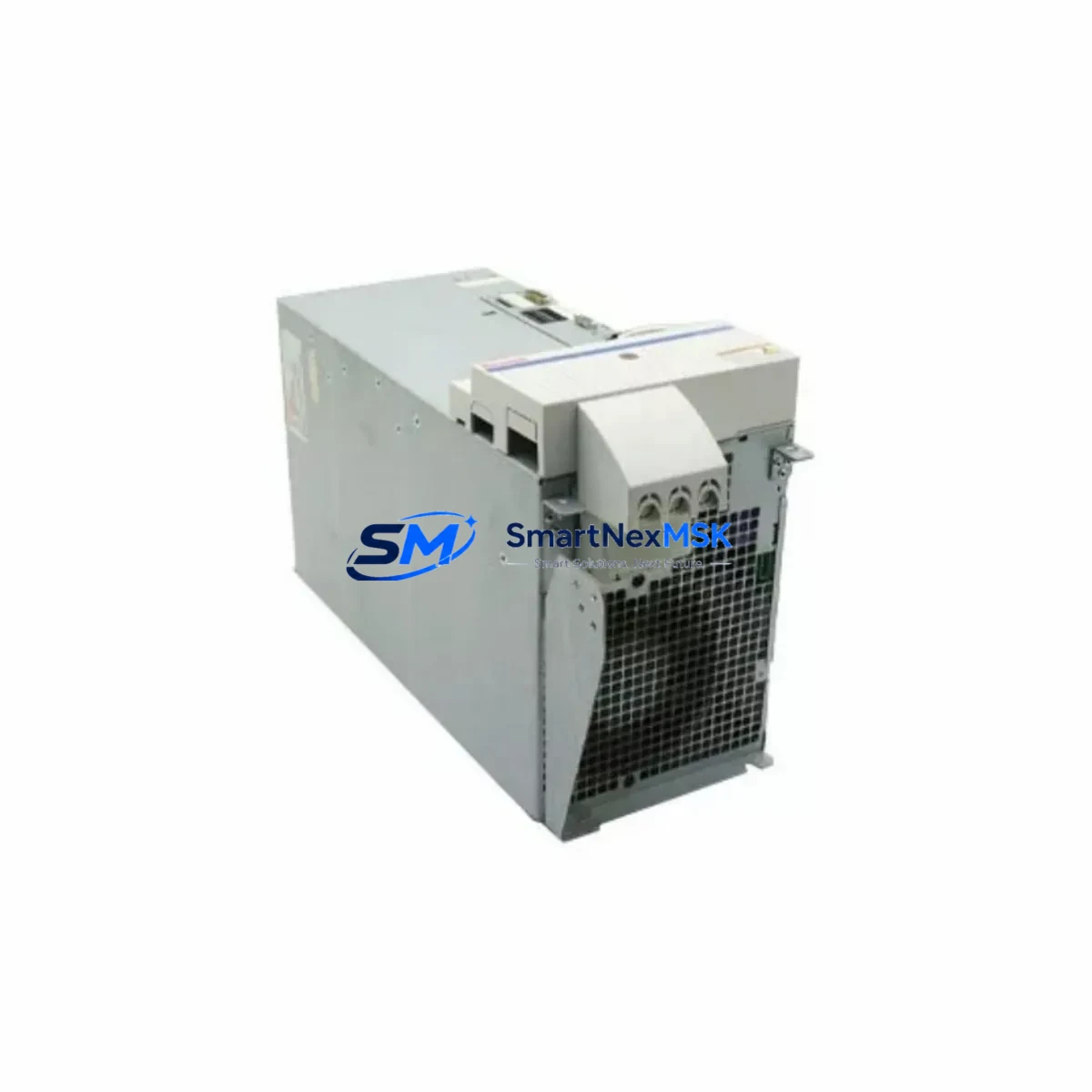
LENZE EP8GAP51300P6MB0XX Spare for EP8GAP Automation
The LENZE EP8GAP51300P6MB0XX-00C6901404V is an original HMI touch screen panel designed for LENZE EP8GAP series industrial automation systems. For maintenance engineers managing continuous production lines, unplanned HMI failure is one of the highest-risk downtime events in a control cabinet — operator visibility is lost instantly, and manual intervention becomes impossible without a verified replacement on hand. This spare part is stocked, tested, and ready for immediate dispatch to support rapid site restoration.
The EP8GAP51300P6MB0XX-00C6901404V integrates directly into LENZE EP8GAP series control architectures, providing the operator interface layer between field personnel and the underlying PLC or drive control logic. Its role in daily inspection routines, fault isolation, and planned maintenance shutdowns makes it a critical item in any LENZE-based spare parts inventory. Procurement engineers sourcing long-term supply for aging LENZE systems will find this unit fully compatible with existing panel cutouts, communication wiring, and software configurations — eliminating costly re-engineering during emergency replacements.
Spare Maintenance Table
| Parameter | Specification |
|---|---|
| Part Number | EP8GAP51300P6MB0XX-00C6901404V |
| Brand | LENZE |
| Series | EP8GAP |
| Product Type | HMI Touch Screen Panel |
| Display Type | Color TFT Touch Screen |
| Supply Voltage | 24 VDC (typical LENZE HMI standard) |
| Communication Interface | Ethernet, RS-232/RS-485 (series standard) |
| Origin | Germany |
| Installation | Panel mount, standard EP8GAP cutout |
| Operating Temperature | 0°C to +50°C |
| Protection Rating | IP65 (front panel) |
| Compatibility | LENZE EP8GAP series control systems |
| Condition | Original, tested before shipment |
| Warranty | 12 Months |
Maintenance Planning for Continuous Operation
When replacing the EP8GAP51300P6MB0XX-00C6901404V on-site, a thorough control cabinet inspection is essential to prevent repeat failures and ensure system stability. Maintenance engineers should begin by verifying the 24 VDC panel power supply — a degraded or noisy supply is a common root cause of HMI screen faults and communication dropouts. Check the associated LENZE power supply module (such as units from the LENZE PSL or PSU series) for output voltage stability under load before energizing the new HMI.
Inspect all communication cables connecting the HMI to the PLC or drive controller — Ethernet patch cables, RS-485 twisted-pair wiring, and USB programming leads should be tested for continuity and shielding integrity. Damaged or improperly terminated cables are a frequent cause of communication faults that can be misdiagnosed as HMI hardware failure. If the system uses a LENZE 9400 series servo drive or E94 series inverter as the primary controller, verify that the drive’s communication parameters are correctly configured to match the replacement HMI’s node address and baud rate settings.
During planned maintenance windows, it is good practice to simultaneously inspect the LENZE I/O extension modules connected to the same backplane or DIN rail — particularly digital input/output cards that feed status signals to the HMI display. Faulty I/O modules can cause misleading alarm displays on the new HMI, complicating post-replacement commissioning. Check terminal blocks and wiring ferrules in the HMI power and signal circuits for signs of oxidation or loose connections, which are especially common in high-vibration or high-humidity environments.
For systems with integrated safety functions, verify the status of any safety relay modules (such as LENZE or Pilz safety relays) wired into the E-stop and guard door circuits monitored by the HMI. A tripped or degraded safety relay can prevent the HMI from displaying a normal run state after replacement, causing unnecessary diagnostic delays. Additionally, inspect any signal isolators or analog input conditioning modules in the HMI’s process value display circuits — these components are often overlooked during HMI replacements but can cause erratic readings on the new panel if they have drifted out of calibration.
If the control system includes a LENZE communication gateway or fieldbus coupler (PROFIBUS, CANopen, or EtherCAT), confirm that the gateway firmware version is compatible with the replacement HMI’s software revision. Mismatched firmware can cause intermittent communication faults that are difficult to trace without a systematic inspection approach. Finally, check the cabinet ventilation fans and filter mats — overheating is a leading cause of premature HMI failure, and replacing the screen without addressing thermal management will shorten the service life of the new unit.
Site Replacement Workflow
Step 1 — Pre-replacement verification: Confirm the replacement unit part number EP8GAP51300P6MB0XX-00C6901404V matches the installed unit’s label. Back up the existing HMI project file via USB or Ethernet before powering down — this is critical for systems where the HMI holds the only copy of the operator screen configuration.
Step 2 — Safe isolation: Isolate the control cabinet following site LOTO (Lockout/Tagout) procedures. Discharge any residual voltage in the 24 VDC supply rail before disconnecting HMI wiring. Label all communication and power connectors before removal to prevent miswiring during reinstallation.
Step 3 — Physical replacement: Remove the panel-mount retaining clips or screws securing the HMI in the cabinet door. Disconnect power, Ethernet, and serial communication connectors. Install the replacement EP8GAP51300P6MB0XX-00C6901404V into the existing cutout — no mechanical modification is required for a direct like-for-like replacement. Reconnect all connectors in the labeled sequence.
Step 4 — Software restore and commissioning: Power up the cabinet and restore the backed-up HMI project file. Verify all screen pages, alarm displays, and communication links are functioning correctly before returning the system to production. Document the replacement date and unit serial number in the site maintenance log.
Step 5 — Post-replacement monitoring: Monitor the replacement HMI for the first 72 hours of operation, paying particular attention to communication stability and touch screen response accuracy. Any anomalies during this period should be investigated before the next planned shutdown to avoid unplanned downtime.
Spare Parts Support FAQ
Q: Is the EP8GAP51300P6MB0XX-00C6901404V a direct drop-in replacement for the original installed unit?
A: Yes. This is an original LENZE EP8GAP series HMI panel with the same part number as the factory-installed unit. No mechanical modification, software re-engineering, or parameter reconfiguration is required for a like-for-like replacement in EP8GAP series control systems.
Q: What compatibility verification is performed before shipment?
A: Each unit undergoes functional testing prior to dispatch, including power-on verification, touch screen calibration check, and communication port integrity testing. The part number and firmware revision are confirmed against the order specification before packaging.
Q: What does the 12-month warranty cover?
A: The 12-month warranty covers manufacturing defects and functional failures under normal operating conditions. It does not cover damage caused by incorrect installation, overvoltage events, or environmental conditions outside the specified operating range. Warranty claims are supported with full technical documentation.
Q: Can you supply multiple units for long-term spare parts inventory?
A: Yes. We support bulk procurement for maintenance stock programs. Long-term supply agreements are available for customers managing aging LENZE EP8GAP systems where OEM availability may be limited. Contact our team to discuss quantity pricing and lead times.
© 2026 SMARTNEXMSK. All rights reserved.
Original Source: https://smartnexmsk.com
Contact: [email protected] | +86 18259474341