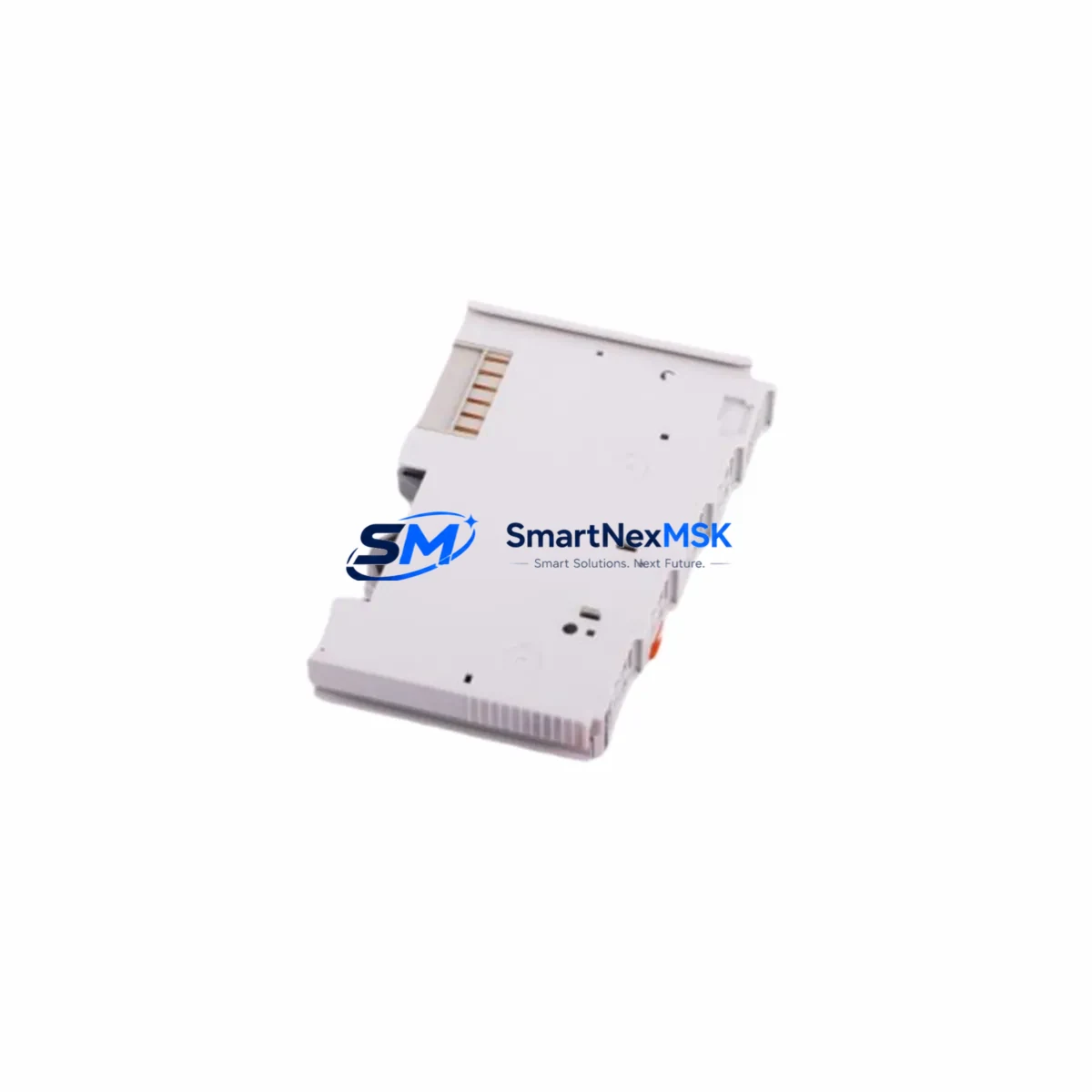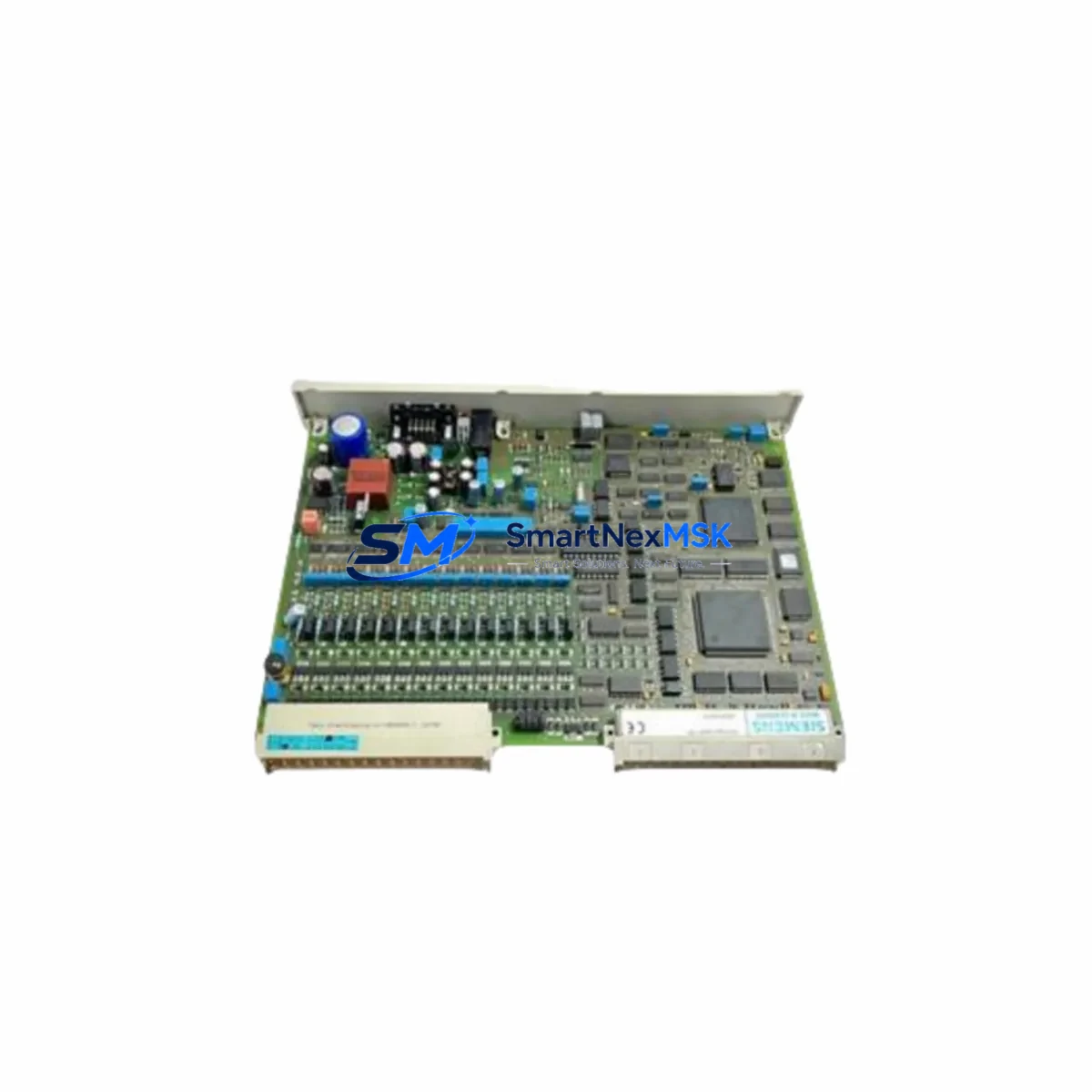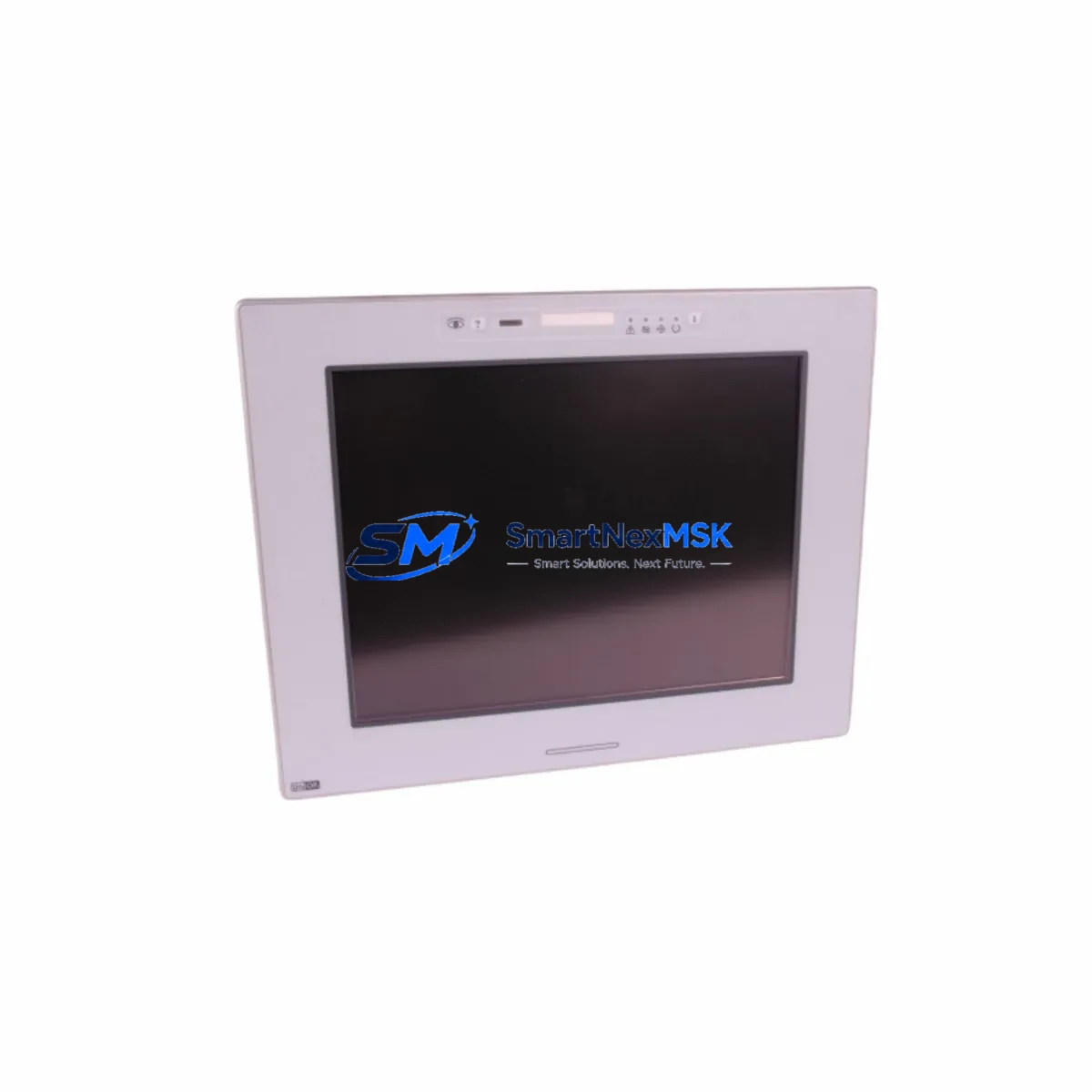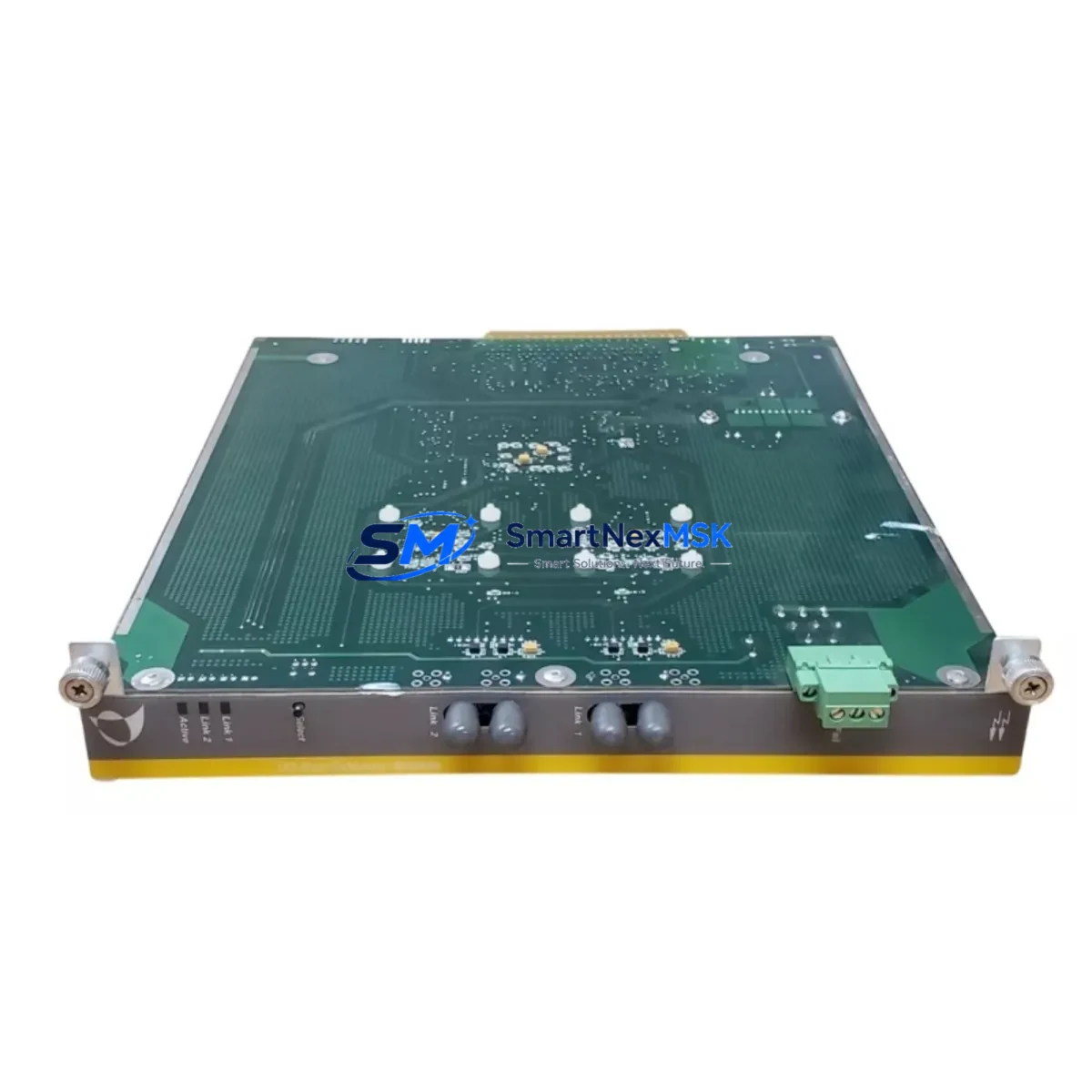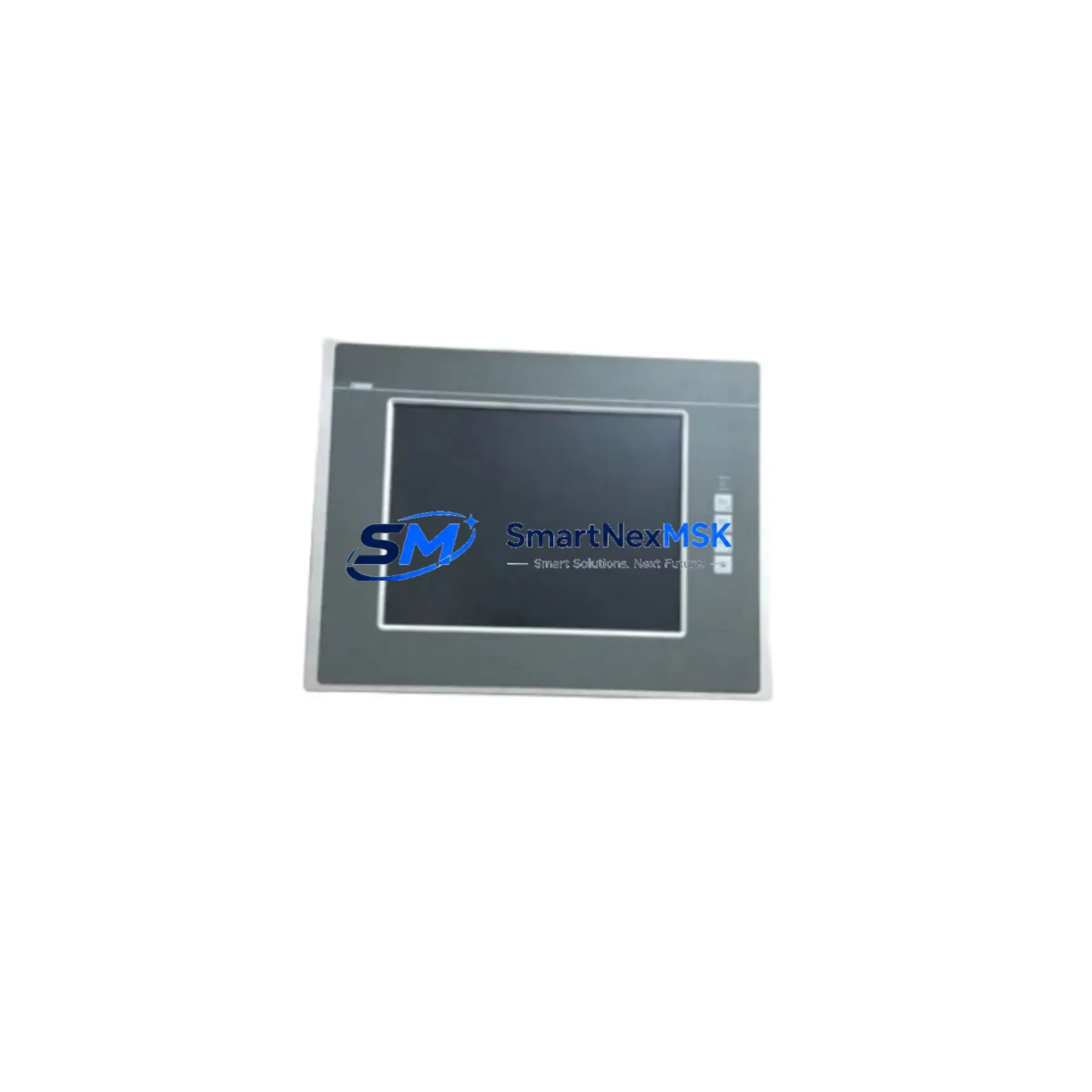
Lenze EL9800 EP8GAP71300P6M90XX Retrofit-Ready HMI Panel: Seamless Compatibility for Legacy System Upgrades
The Lenze EL9800 EP8GAP71300P6M90XX-00C6901404W is a retrofit-ready Human Machine Interface (HMI) panel engineered for direct integration into existing Lenze EL9800-series control architectures. Designed to address the growing demand for discontinued-part replacement and aging-line modernization, this unit provides a validated upgrade path for facilities operating legacy Lenze 9300 servo inverter systems, E82 frequency inverter cabinets, and ECS motion control platforms. Whether your facility is managing a planned control cabinet overhaul or responding to an unplanned HMI failure, this panel delivers the compatibility, wiring continuity, and communication protocol support required to restore full system operation with minimal disruption.
Industrial maintenance engineers and automation integrators frequently encounter the EL9800 series in multi-axis servo lines, packaging machinery, and conveyor control systems where the original HMI has reached end-of-life. The EP8GAP71300P6M90XX-00C6901404W variant is specifically suited for applications requiring a 7-inch color touchscreen interface with CAN bus and RS-232 communication support, making it a direct functional replacement for earlier EL9800 panel revisions that are no longer available through standard distribution channels.
Before commissioning this unit as a replacement, engineers should verify several critical parameters. First, confirm that the control cabinet’s 24 VDC power supply — typically sourced from a Lenze EPM-H401 or equivalent power module — can sustain the panel’s rated current draw under full backlight and active communication load. Second, review the existing terminal wiring layout against the EP8GAP71300P6M90XX connector pinout; while the EL9800 family maintains a high degree of terminal compatibility across revisions, subtle differences in CAN_H/CAN_L shielding termination and RS-232 handshake line assignments have been observed between early and late production batches. Third, validate the backplane interface connector alignment if the panel is mounted in a Lenze EM-S rack or a third-party DIN-rail enclosure adapted for EL9800 form factor.
Program compatibility is a central concern in any HMI retrofit. Projects originally developed in Lenze PLC Designer or Engineer software targeting the EL9800 platform are generally transferable to the EP8GAP71300P6M90XX without full recompilation, provided the target firmware version is matched. However, screen object libraries, alarm tag mappings, and communication driver configurations should be reviewed and re-validated before go-live. If the original project files reference a Lenze EL9800 EP8GAP71300P6M90XX-00C6901404W device descriptor, the replacement unit will load the project without requiring a hardware profile change. Projects migrated from older EL9800 variants may require a device substitution step within the Engineer IDE.
Communication link integrity is equally important. The EL9800 EP8GAP71300P6M90XX-00C6901404W supports CAN open protocol at configurable baud rates, enabling direct peer communication with Lenze E94AYCE servo drive modules, E82EV frequency inverters, and third-party CANopen I/O nodes. If the existing network includes a Lenze ECS motion controller acting as CANopen master, the replacement HMI must be assigned a unique node ID that does not conflict with existing network participants. RS-232 connectivity to upstream SCADA systems or barcode readers should be re-tested after installation, as baud rate and parity settings are stored in the panel’s non-volatile configuration memory and may require re-entry following a factory reset.
For facilities undertaking broader control cabinet upgrades alongside the HMI replacement, this panel integrates cleanly with Lenze EPL-S400 I/O extension modules and EM-S system bus couplers, allowing incremental I/O expansion without requiring a full PLC platform migration. Where the original control design relied on discrete wiring between the HMI and field devices, engineers may use this retrofit opportunity to consolidate I/O through a structured Lenze EPM digital input/output module array, reducing cabinet wiring complexity and improving long-term maintainability.
Outgoing testing at our facility includes power-on verification, touchscreen calibration check, CAN bus enumeration test, and RS-232 loopback validation. Each unit ships with a 12-month warranty covering manufacturing defects and functional failures under normal operating conditions. Units are available from stock and typically ship within 1–3 business days. Expedited dispatch is available for urgent line-down situations.
Upgrade Compatibility Table
| Parameter | EL9800 EP8GAP71300P6M90XX-00C6901404W | Notes / Retrofit Guidance |
|---|---|---|
| Display | 7-inch color TFT touchscreen | Direct visual replacement for prior EL9800 7″ variants |
| Supply Voltage | 24 VDC (±20%) | Verify EPM-H401 or cabinet PSU output capacity |
| Communication Ports | CANopen, RS-232 | Re-validate node ID and baud rate after installation |
| Mounting Interface | Panel cutout / DIN-rail adapter | Check EM-S rack backplane connector alignment |
| Program Compatibility | Lenze Engineer / PLC Designer projects | Device substitution may be required for older variants |
| I/O Expansion | Via CANopen bus | Compatible with EPL-S400 and EPM I/O modules |
| Firmware | Match to original project target version | Confirm before loading project files |
| Warranty | 12 Months | Covers manufacturing defects and functional failures |
Retrofit Planning for Existing Automation Systems
A successful EL9800 retrofit begins with a thorough audit of the existing control cabinet. Identify all active components communicating with the HMI: this typically includes one or more Lenze E82EV frequency inverters on the RS-232 or CANopen network, E94AYCE servo drive modules on the motion bus, and potentially a Lenze ECS servo controller acting as the system master. Document the current CANopen node ID assignments, baud rate settings, and any custom function block libraries loaded on the drives before beginning disassembly.
Terminal wiring should be photographed and labeled before the old panel is removed. Pay particular attention to the CAN bus termination resistor placement — in many EL9800 installations, the HMI serves as one end of the CAN segment and carries a 120-ohm termination resistor internally. Confirm whether the EP8GAP71300P6M90XX-00C6901404W includes an internal termination resistor or requires an external one at the terminal block. RS-232 connections to upstream systems, barcode scanners, or label printers should be documented with full pinout references before disconnection.
Where the retrofit scope extends beyond the HMI, consider simultaneously upgrading the Lenze EPM-H401 power supply module if it is approaching end-of-life, and evaluate whether the existing Lenze EM-S system bus coupler firmware is current. Adding a Lenze EPL-S400 digital I/O module during the retrofit window can provide spare I/O capacity for future process improvements without requiring additional downtime. If the control system includes a Lenze ECS motion controller with a separate operator panel, coordinate the HMI replacement with any pending drive firmware updates to avoid version incompatibilities that could affect motion profile execution.
Downtime Control During System Migration
Minimizing production downtime during an HMI replacement requires careful pre-staging. Before the maintenance window opens, pre-configure the replacement EP8GAP71300P6M90XX-00C6901404W unit on a bench: load the project file, set the CANopen node ID, configure RS-232 parameters, and perform a touchscreen calibration. If a spare unit is available, a full bench simulation using a Lenze programming cable and a laptop running Lenze Engineer software allows the project to be validated offline before the live system is touched.
During the cutover, follow a structured sequence: isolate the cabinet from mains power, remove the failed HMI, install the replacement, reconnect all terminals in documented order, restore power, and verify CAN bus enumeration before enabling drive outputs. Keep the original HMI program backup on a USB drive or engineering laptop throughout the process. If the replacement panel fails to enumerate on the CANopen network, check node ID conflicts and termination resistor status before escalating. Most EL9800 retrofit cutover sequences can be completed within a two-to-four-hour maintenance window when pre-staging is thorough, protecting original program logic and maintaining field control continuity throughout the transition.
Retrofit Support FAQ
Q: Is the EL9800 EP8GAP71300P6M90XX-00C6901404W a direct drop-in replacement for earlier EL9800 HMI variants?
A: Functionally yes for most EL9800 7-inch panel applications. Physical mounting dimensions and 24 VDC supply connections are consistent across the EL9800 family. Communication port pinouts and internal termination resistor configuration should be verified against the specific variant being replaced before installation.
Q: Can I load my existing Lenze Engineer project onto this replacement panel without modification?
A: In most cases yes, provided the project targets the EL9800 EP8GAP71300P6M90XX device descriptor. If the original project was developed for an earlier EL9800 variant, a device substitution step in Lenze Engineer may be required. Screen objects, alarm tags, and communication driver settings should be re-validated after loading.
Q: What pre-shipment testing is performed on each unit?
A: Each unit undergoes power-on verification, touchscreen calibration check, CAN bus enumeration test, and RS-232 loopback validation before dispatch. Units are shipped with a test report and are covered by a 12-month warranty against manufacturing defects and functional failures.
Q: What is the lead time and warranty coverage?
A: Units are available from stock with standard dispatch within 1–3 business days. Expedited shipping is available for urgent line-down situations. All units carry a 12-month warranty covering manufacturing defects and operational failures under normal use conditions.
© 2026 SMARTNEXMSK. All rights reserved.
Original Source: https://smartnexmsk.com
Contact: [email protected] | +86 18259474341