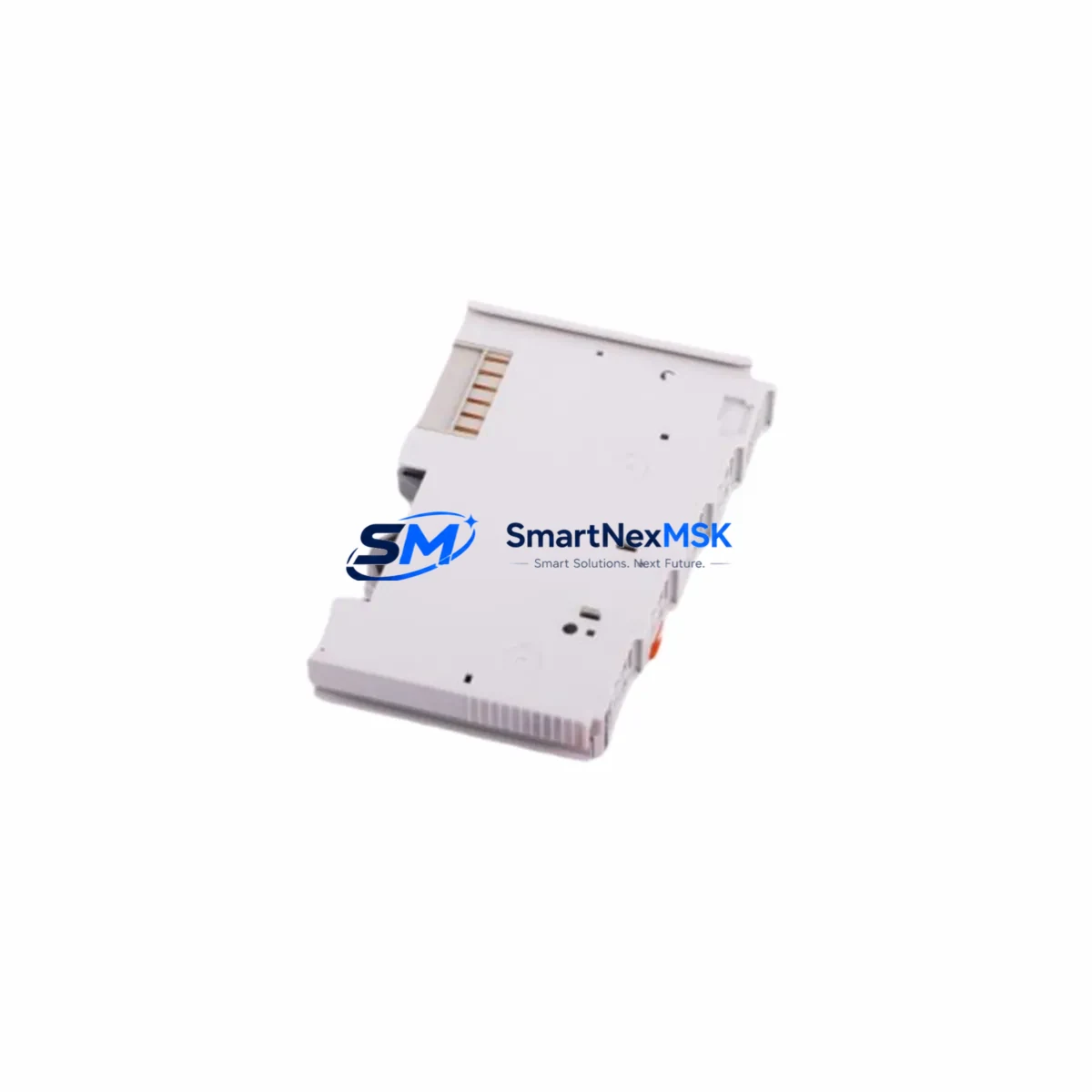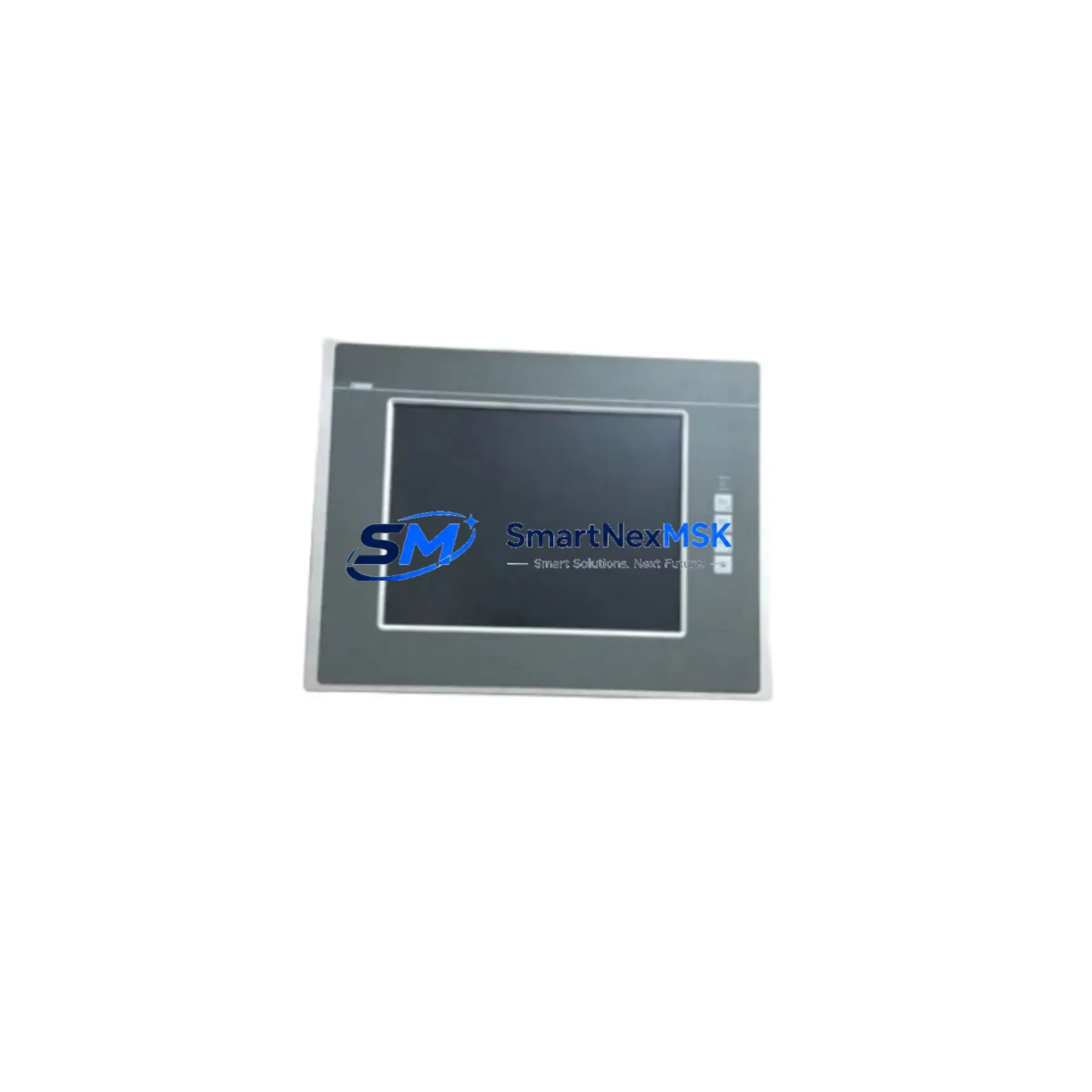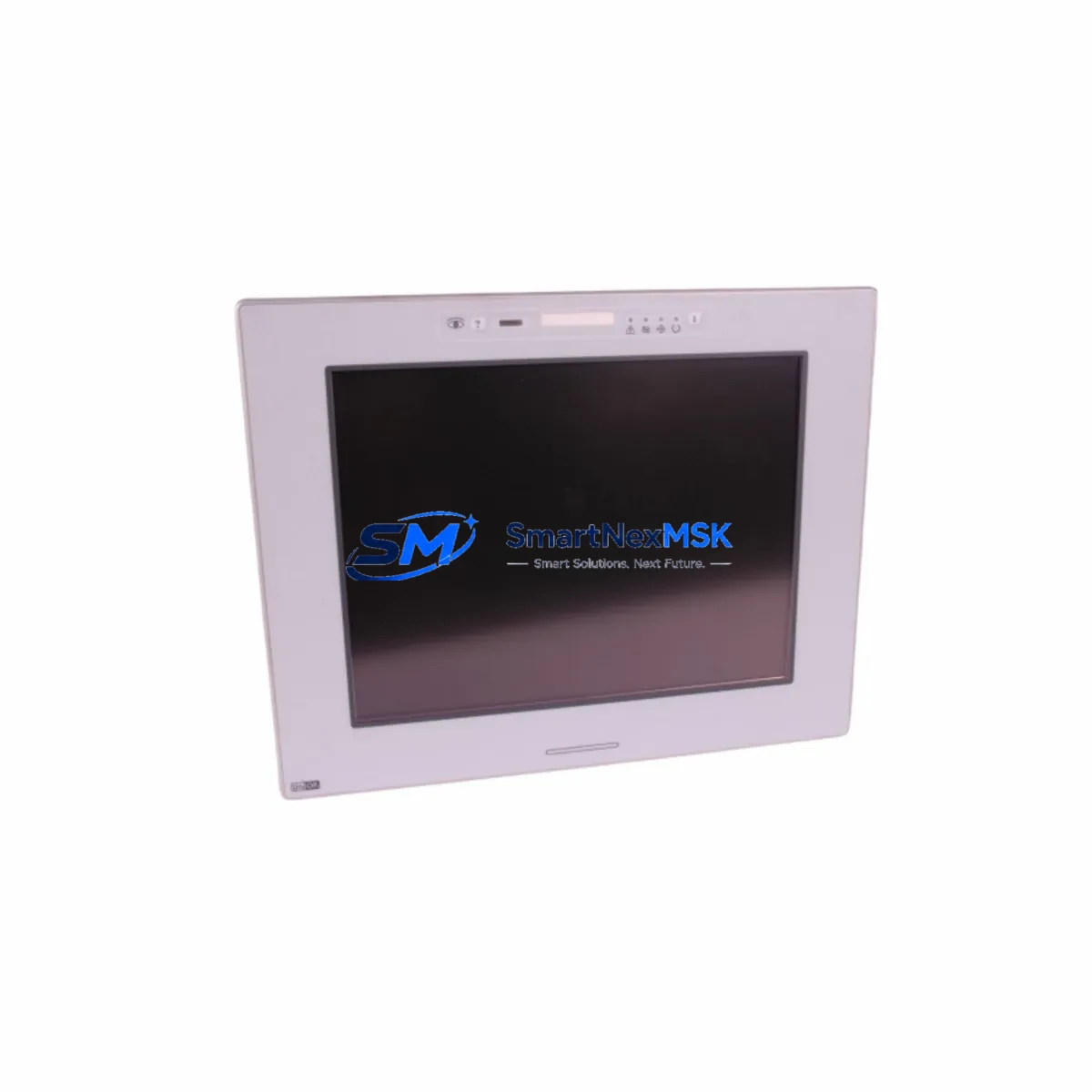
Lenze EPM-H515 Maintenance-Ready Spare for EPM-H Automation
The Lenze EPM-H515 is a 5.7-inch TFT operator panel designed for demanding industrial automation environments. As a maintenance-ready original spare, the EPM-H515 is a critical component in control cabinet uptime strategies for machine builders, OEM integrators, and plant maintenance teams operating Lenze EPM-H Series HMI systems. Whether you are managing a scheduled overhaul, responding to an unplanned panel failure, or building a proactive spare parts inventory, the EPM-H515 delivers the compatibility, reliability, and fast-swap capability that industrial maintenance engineers depend on.
Sourced as an original Lenze spare, each EPM-H515 unit undergoes pre-shipment functional testing to verify display integrity, touch response, communication interface operation, and power input stability. With a 12-month warranty and documented compatibility with the EPM-H Series platform, this panel supports both emergency replacement and long-term asset lifecycle management for aging Lenze-based control systems.
Spare Maintenance Table
| Parameter | Specification |
|---|---|
| Part Number / SKU | EPM-H515 |
| Brand | Lenze |
| Series | EPM-H Series |
| Display | 5.7″ TFT Color LCD |
| Supply Voltage | 24 VDC (±20%) |
| Protection Rating | IP65 (front panel) |
| Communication Interface | RS-232 / RS-485 / CANopen (series-dependent) |
| Operating Temperature | 0°C to +50°C |
| Storage Temperature | -20°C to +70°C |
| Mounting | Panel cut-out, rear-mount with gasket seal |
| Compatibility | Lenze EPM-H Series; replaces legacy EPM-H5xx variants |
| Application Environment | Machine control panels, conveyor systems, packaging lines, drive cabinets |
| Maintenance Recommendation | Inspect connector pins, backlight condition, and touch calibration at each planned maintenance interval |
| Pre-Shipment Test | Power-on, display, touch, and communication port verification |
| Warranty | 12 Months |
| Origin | Germany |
Maintenance Planning for Continuous Operation
When replacing the EPM-H515 in a Lenze-based control cabinet, a thorough maintenance inspection of the surrounding electrical environment is essential to prevent repeat failures and ensure system stability. Maintenance engineers should begin by verifying the 24 VDC power supply feeding the HMI panel — a failing or under-spec power supply module is a common root cause of premature HMI damage. Check the power supply output voltage under load and inspect the DC bus fusing and circuit breakers protecting the HMI circuit.
Next, inspect the communication wiring between the EPM-H515 and the connected Lenze drive or PLC. Degraded RS-485 or CANopen cables, loose terminal block connections, or corroded D-sub connectors can cause intermittent communication faults that are often misdiagnosed as HMI panel failures. If the system uses a Lenze 8400 series inverter or an E82 frequency inverter, verify the parameter set and communication address configuration before commissioning the replacement panel.
For systems with I/O expansion, inspect the associated digital input/output modules and signal isolators connected to the same control bus. Faulty I/O modules can generate voltage spikes that stress the HMI communication interface. Where relay output modules are used for motor control or alarm signaling, check contact condition and coil voltage to rule out inductive kickback affecting the 24 VDC rail shared with the EPM-H515.
Terminal strips and cable duct routing inside the control cabinet should be inspected for insulation wear, especially in high-vibration environments such as press lines or compressor rooms. Loose terminal connections on the HMI power input or communication port are a frequent cause of intermittent display lockups. If the cabinet includes a Lenze EASY series controller or a third-party PLC communicating via Modbus RTU, confirm that the baud rate and parity settings match the EPM-H515 configuration.
For older installations where the EPM-H515 is part of a legacy system extension strategy, consider stocking companion spares such as the Lenze EPM-H510 or EPM-H520 alongside the EPM-H515 to cover adjacent panel sizes in the same EPM-H family. Maintaining a minimum of one cold-standby unit per production line significantly reduces mean time to repair (MTTR) during unplanned outages.
Site Replacement Workflow
Step 1 — Isolation: De-energize the control cabinet following site LOTO (Lockout/Tagout) procedures. Confirm 24 VDC supply to the HMI is isolated before disconnecting any cables.
Step 2 — Documentation: Photograph the existing wiring, connector positions, and any visible parameter labels on the old EPM-H515 before removal. Note the communication address and baud rate settings if accessible from the panel menu.
Step 3 — Removal: Release the panel mounting clamps from the rear of the cabinet cutout. Disconnect the power connector and communication cable(s). Remove the faulty unit.
Step 4 — Inspection: Inspect the cabinet cutout gasket for damage. Clean the mounting surface. Verify the replacement EPM-H515 panel cutout dimensions match the existing opening (standard EPM-H Series cutout dimensions apply).
Step 5 — Installation: Insert the replacement EPM-H515, secure mounting clamps evenly to maintain IP65 gasket compression. Reconnect power and communication cables. Verify connector locking.
Step 6 — Commissioning: Re-energize the cabinet. Confirm display startup, touch calibration, and communication link to the connected drive or controller. Restore any project file or parameter set from backup if required.
Step 7 — Verification: Run a functional test cycle. Confirm all HMI screens, alarm displays, and operator inputs respond correctly before returning the machine to production.
This workflow is compatible with direct replacement of legacy EPM-H5xx variants, minimizing downtime and eliminating the need for control cabinet rewiring or software reconfiguration in most standard installations.
Spare Parts Support FAQ
Q1: Is the EPM-H515 a direct drop-in replacement for other EPM-H Series panels?
The EPM-H515 is designed for direct replacement within the Lenze EPM-H Series. It shares the same panel cutout dimensions and communication interface standard as other EPM-H5xx variants. Compatibility with specific machine configurations should be confirmed against the original system documentation or Lenze wiring diagram before installation.
Q2: What pre-shipment testing is performed on each EPM-H515 unit?
Each unit is powered on and tested for display function, touch screen response, and communication port integrity before shipment. Units that do not pass functional verification are not dispatched. A test record is available upon request for quality-critical applications.
Q3: What does the 12-month warranty cover?
The 12-month warranty covers manufacturing defects and functional failures under normal operating conditions. It does not cover damage resulting from incorrect installation voltage, reversed polarity, physical impact, or environmental exposure beyond the rated IP65 and temperature specifications. Warranty claims are processed via [email protected] with proof of purchase.
Q4: Can you support long-term or repeat supply of the EPM-H515 for multi-site maintenance programs?
Yes. SMARTNEXMSK maintains stock and sourcing channels for the EPM-H515 and related EPM-H Series components to support multi-site maintenance contracts, annual spare parts budgets, and emergency procurement programs. Contact our team to discuss volume pricing, lead times, and consignment stock arrangements.
© 2026 SMARTNEXMSK. All rights reserved.
Original Source: https://smartnexmsk.com
Contact: [email protected] | +86 18259474341