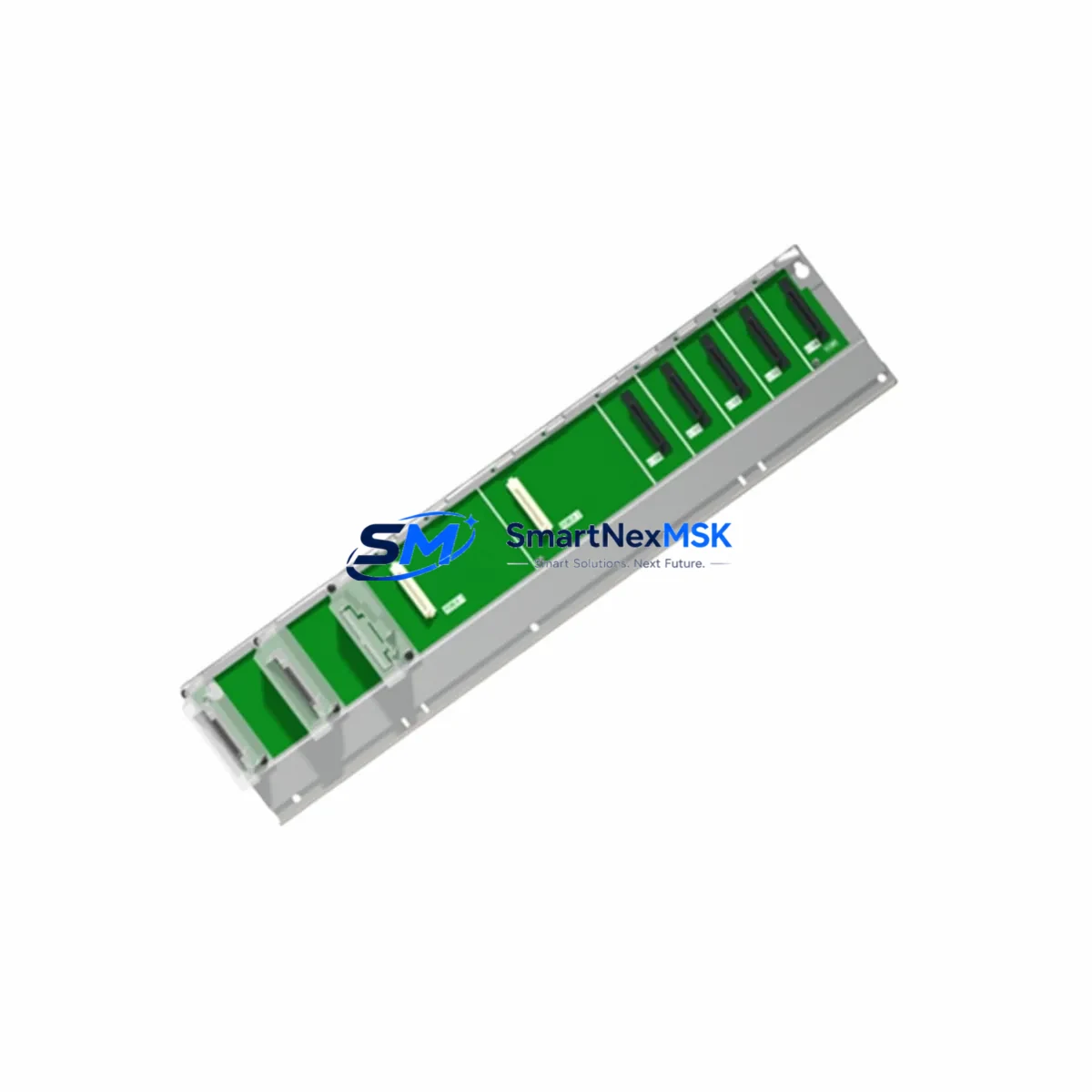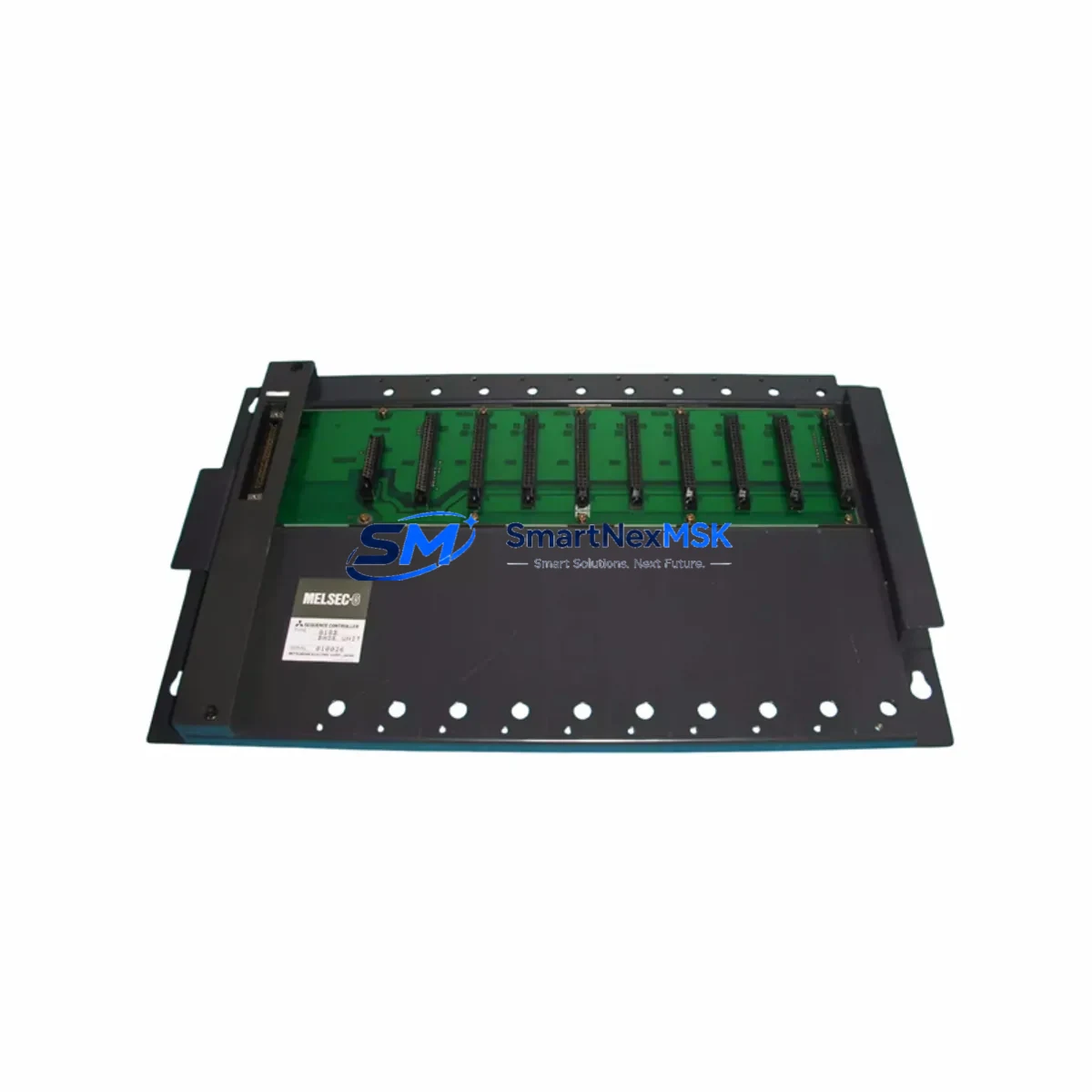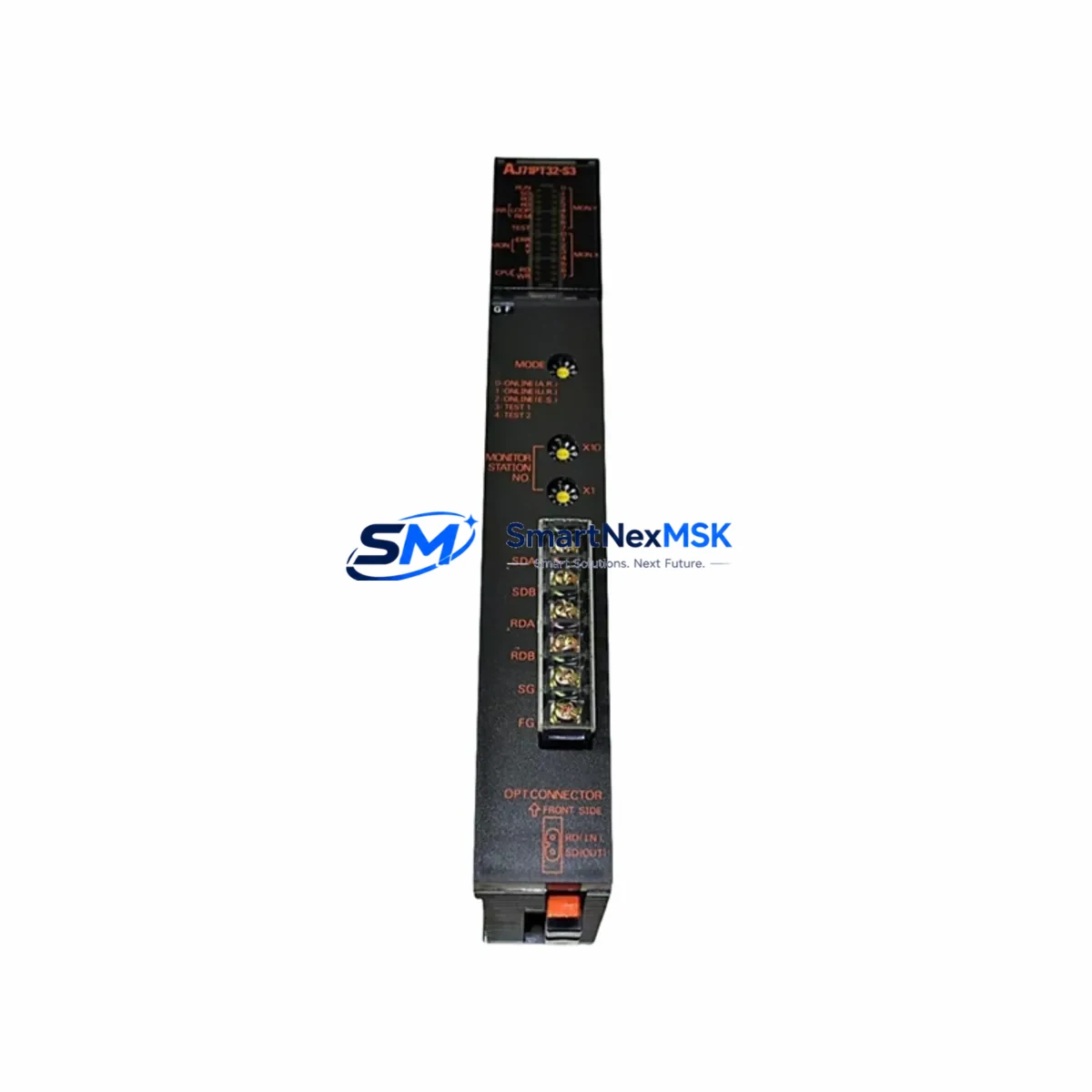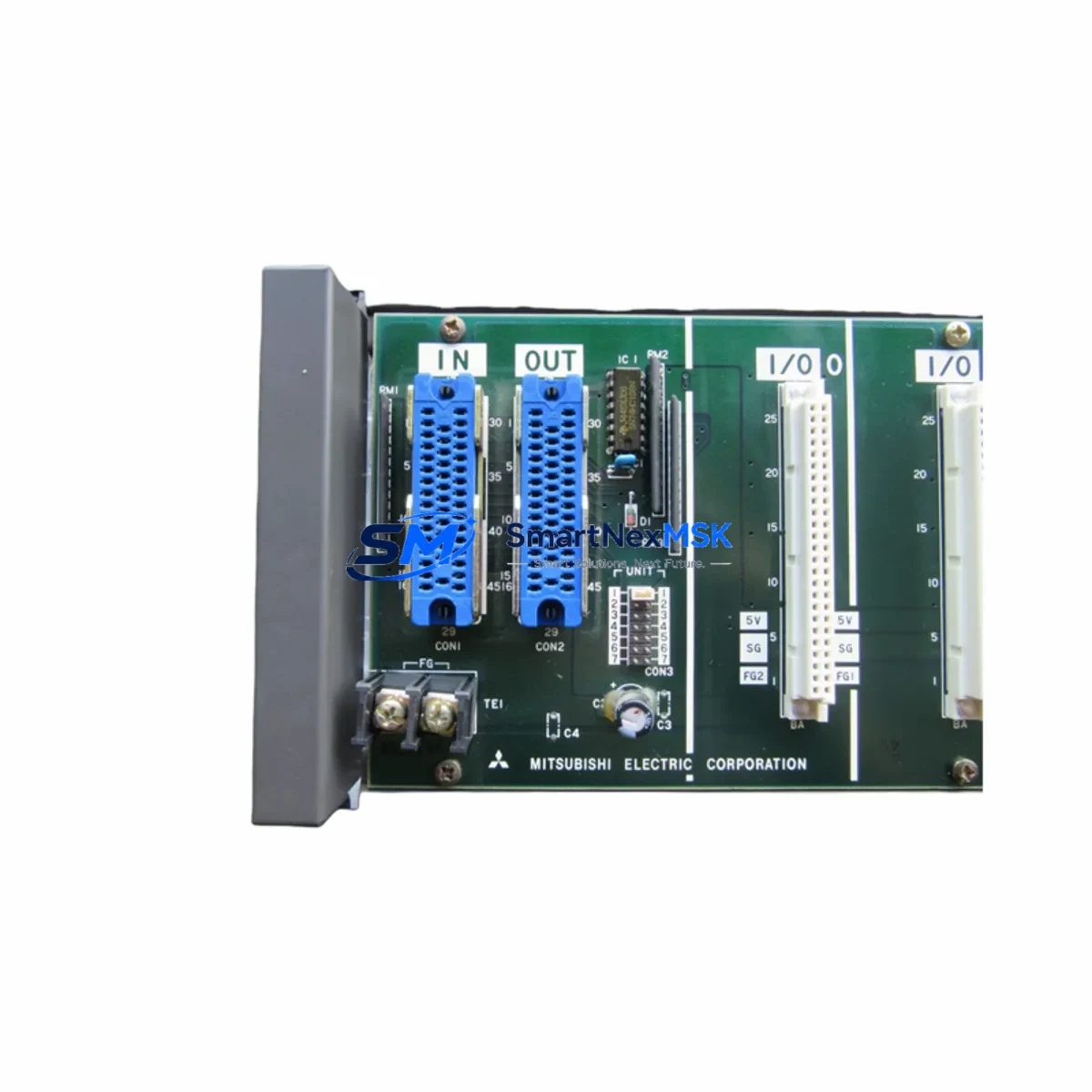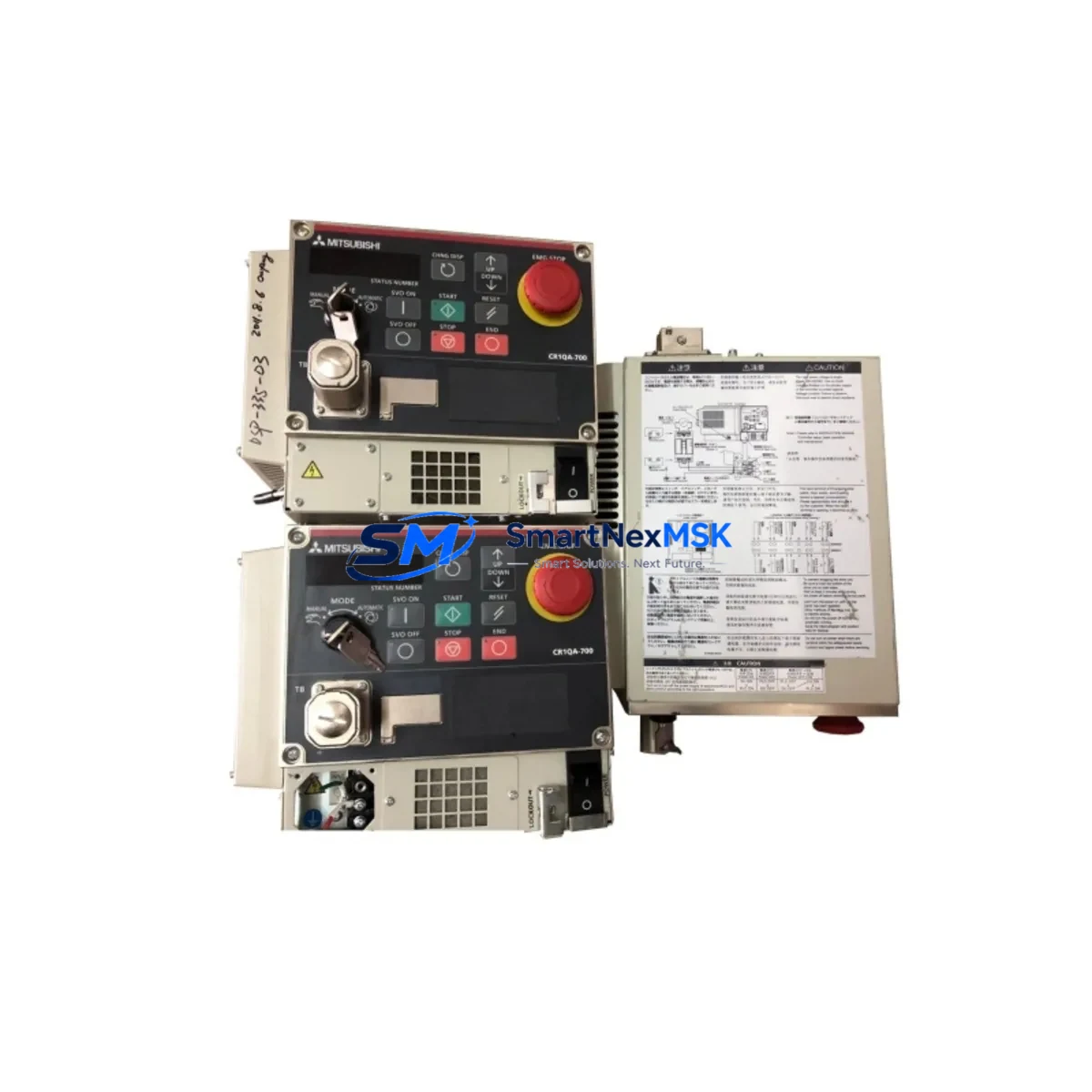
Mitsubishi CR1QA-761 Retrofit-Ready Controller for MELFA Control Systems
The Mitsubishi CR1QA-761 is a retrofit-ready robot controller designed to serve as a direct replacement for legacy MELFA series control systems. For maintenance engineers and procurement teams managing aging robotic production lines, sourcing a verified compatible CR1QA-761 is often the fastest path to restoring full automation capability without committing to a full system overhaul. This unit supports smooth integration into existing MELFA robot arms, preserving original program logic, I/O mapping, and communication architecture while dramatically reducing unplanned downtime.
Whether you are upgrading a CR1 or CR2 generation controller cabinet, replacing a failed unit on a RV-series or RH-series MELFA robot, or modernizing a legacy cell as part of a phased retrofit program, the CR1QA-761 provides the electrical and protocol compatibility needed to keep your production line running. Its architecture supports the standard MELFA BASIC V programming environment, allowing engineers to reload existing robot programs without rewriting motion sequences or reconfiguring teach pendant interfaces.
Upgrade Compatibility Table
| Parameter | Details |
|---|---|
| SKU / Part Number | CR1QA-761 |
| Brand | Mitsubishi Electric |
| Series | MELFA CR1Q / CR1 Series |
| Product Type | Robot Controller |
| Replaces / Compatible With | CR1, CR1Q, CR2 series MELFA robot controllers |
| Communication Interfaces | RS-232C, Ethernet (CC-Link IE compatible) |
| I/O Compatibility | Standard MELFA I/O terminal block; compatible with existing wiring harness |
| Programming Environment | MELFA BASIC V; RT ToolBox2 / RT ToolBox3 compatible |
| Power Supply Requirement | Single-phase AC 200–230V, 50/60Hz (verify local supply before installation) |
| Installation Form Factor | Controller cabinet mount; standard CR-series footprint |
| Origin | Japan |
| Warranty | 12-Month Warranty — tested and verified before shipment |
| Retrofit Recommendation | Confirm servo amplifier model (e.g. MR-J4 series) and teach pendant cable compatibility prior to installation |
Retrofit Planning for Existing Automation Systems
A successful CR1QA-761 retrofit begins well before the controller arrives on site. Maintenance engineers should start by auditing the existing control cabinet to document all connected components. In a typical MELFA robot cell, the controller interfaces with a servo amplifier — commonly an MR-J4-B or MR-J3-B series unit — via a dedicated servo bus cable. Confirming that the existing servo amplifier firmware is compatible with the CR1QA-761 is a critical pre-installation step that prevents post-swap commissioning failures.
Beyond the servo drive, engineers should inspect the teach pendant connection. The R32TB or R56TB teach pendant used with earlier CR1 controllers connects via a proprietary cable; verify the connector type matches the CR1QA-761 port before proceeding. If the existing pendant is incompatible, a pendant adapter or a replacement R88TB unit may be required.
On the I/O side, the CR1QA-761 uses a standard MELFA terminal block layout. Existing 24VDC I/O wiring — including safety interlock circuits, end-of-arm tooling signals, and conveyor synchronization inputs — can typically be reconnected without modification. However, engineers should verify the I/O address mapping against the original program to ensure signal assignments remain consistent after the swap.
Communication links also require attention. If the robot cell uses CC-Link or CC-Link IE Field for integration with a Mitsubishi MELSEC Q-series or iQ-R series PLC, confirm that the network station address and baud rate settings are preserved in the replacement controller configuration. In cells where an GOT2000 series HMI panel displays robot status or alarm codes, the Ethernet or RS-232C connection parameters must be re-entered to restore the HMI communication link after controller replacement.
For cells using a MELSEC QJ71C24N serial communication module or a QJ71E71-100 Ethernet module on the PLC side, the robot controller’s IP address and port settings should be documented before the old unit is removed. This ensures the new CR1QA-761 can be configured to match the existing network topology without requiring PLC program changes. Similarly, if a safety relay module or safety PLC (such as a MELSEC WS0-CPU0) is wired into the robot’s emergency stop circuit, the safety I/O wiring must be verified against the CR1QA-761 terminal diagram before power-on.
Finally, confirm that the power supply feeding the controller cabinet is rated for the CR1QA-761’s inrush and steady-state current draw. In older installations, the cabinet power supply may be undersized for a replacement unit with updated servo drive support. A 24VDC switching power supply of adequate amperage should be verified or replaced as part of the retrofit scope.
Downtime Control During System Migration
Minimizing downtime during a CR1QA-761 swap requires a structured pre-outage preparation process. Before taking the robot offline, engineers should use RT ToolBox3 to perform a full backup of the existing controller — capturing all robot programs, parameter files, tool data, and network configuration. This backup can be restored directly to the CR1QA-761 after installation, eliminating the need to manually re-enter motion sequences or recalibrate tool offsets.
During the physical swap, label all I/O wiring, servo cables, and communication connectors before disconnection. Photograph the terminal block layout and cable routing inside the controller cabinet. This documentation accelerates reconnection and reduces the risk of wiring errors that could trigger faults on first power-up.
After installation, perform a controlled power-on sequence: verify the controller boots without hardware fault codes, confirm servo amplifier communication is established, and run a slow-speed jog test before restoring full program execution. If the robot is integrated into a production line controlled by a MELSEC iQ-R series PLC, coordinate the controller restart with the PLC operator to prevent sequence errors in the broader automation system. With proper preparation, a CR1QA-761 replacement can be completed within a planned maintenance window, keeping unplanned production loss to a minimum.
Retrofit Support FAQ
Q1: Is the CR1QA-761 a direct drop-in replacement for earlier CR1 series controllers?
The CR1QA-761 is designed for compatibility with the MELFA CR1Q platform and is suitable for replacing CR1 and CR1Q generation controllers in most configurations. However, engineers should verify servo amplifier model compatibility and teach pendant connector type before installation, as minor hardware revisions may require adapter cables or firmware updates.
Q2: Can existing robot programs be transferred to the CR1QA-761 without rewriting?
Yes. Programs written in MELFA BASIC V can be backed up from the original controller using RT ToolBox2 or RT ToolBox3 and restored directly to the CR1QA-761. Parameter files, tool data, and I/O assignments are preserved in the backup, minimizing re-commissioning time.
Q3: What pre-shipment testing is performed on the CR1QA-761?
Each unit undergoes functional verification prior to dispatch, including power-on self-test, communication interface checks, and I/O continuity testing. Units are shipped with a 12-month warranty covering manufacturing defects and functional failures under normal operating conditions.
Q4: How long does delivery take, and is long-term supply availability guaranteed?
Standard delivery is 3–7 business days for most destinations, with expedited options available for urgent requirements. We maintain dedicated stock of CR1QA-761 units to support ongoing retrofit programs and can provide supply continuity agreements for customers managing multi-site MELFA robot fleets.
© 2026 SMARTNEXMSK. All rights reserved.
Original Source: https://smartnexmsk.com
Contact: [email protected] | +86 18259474341