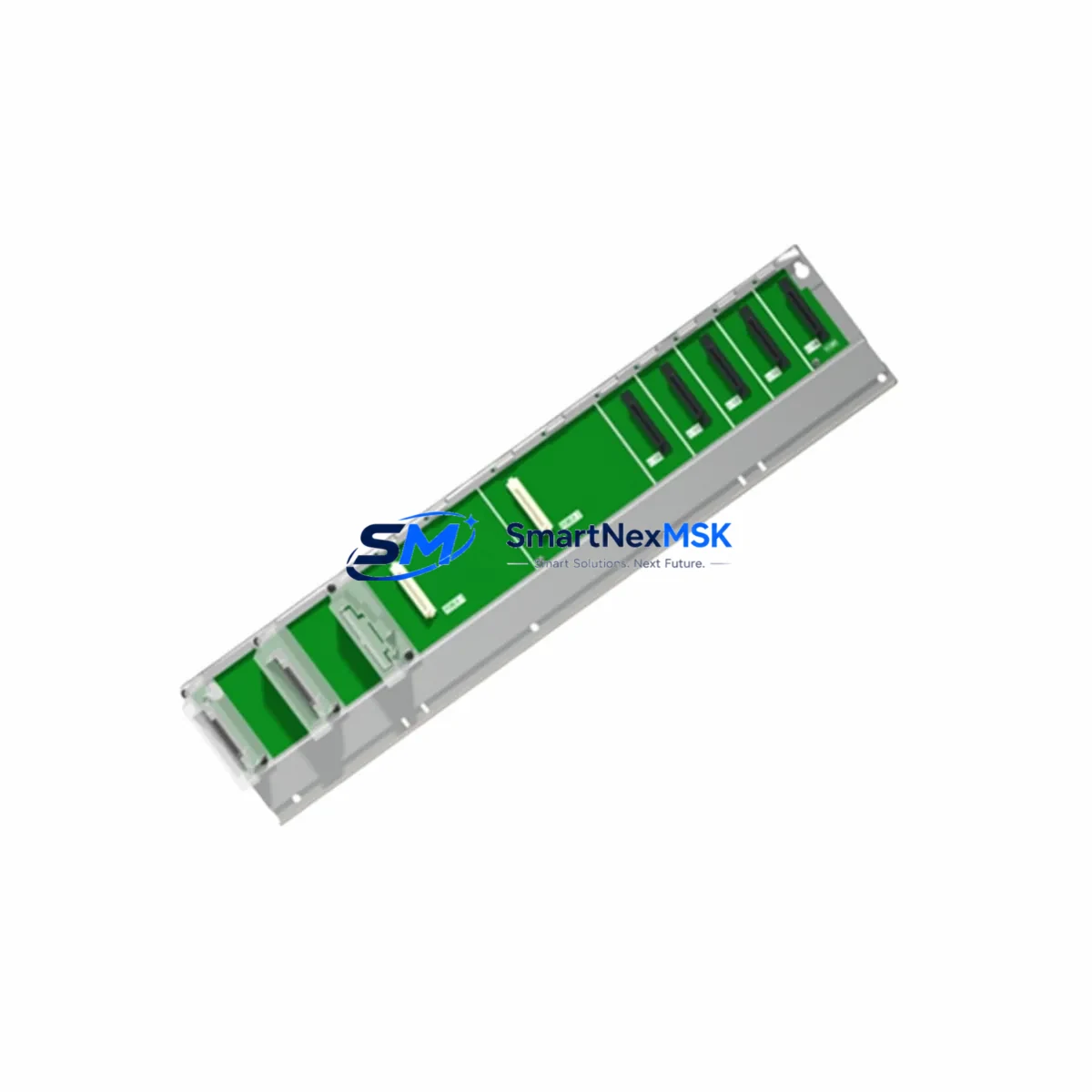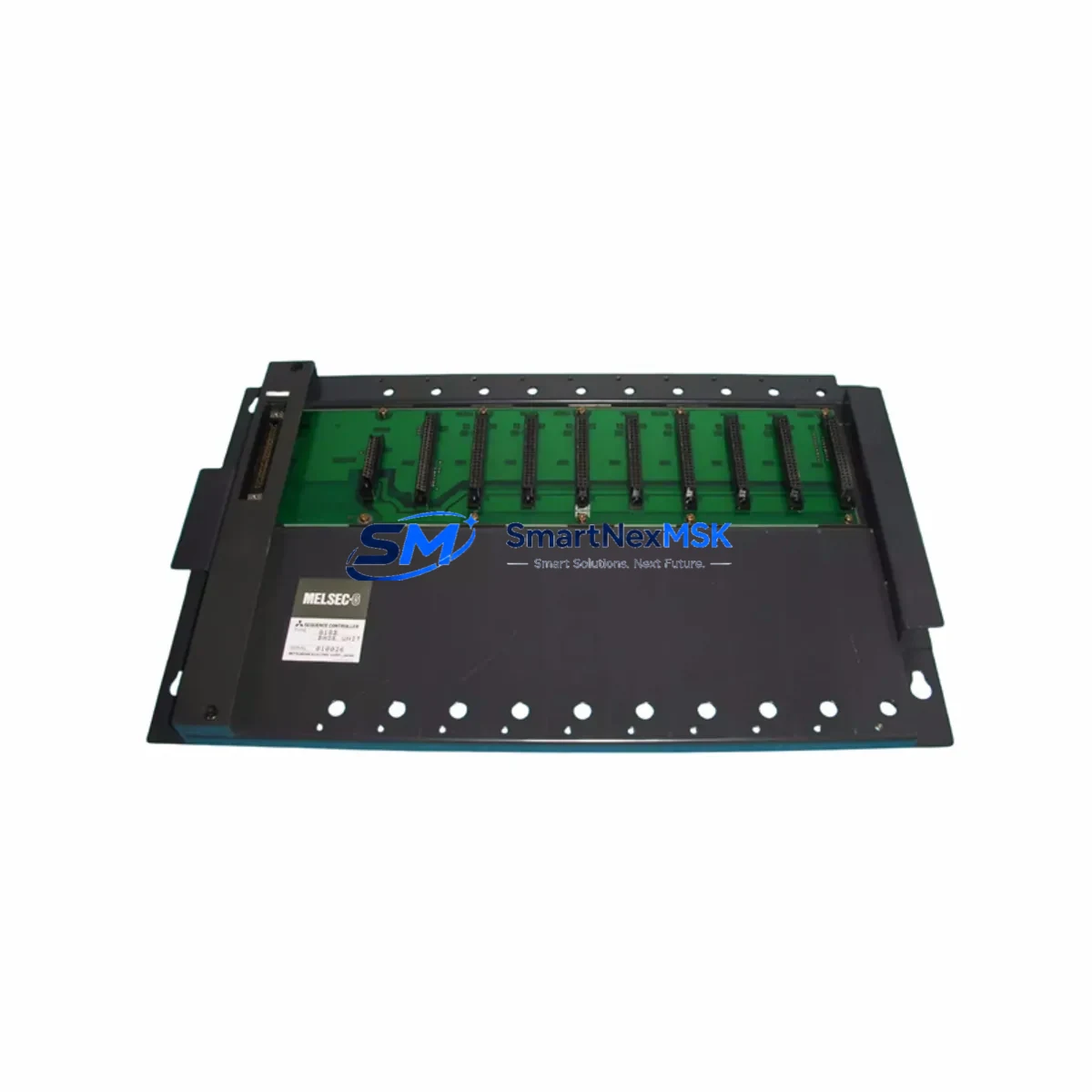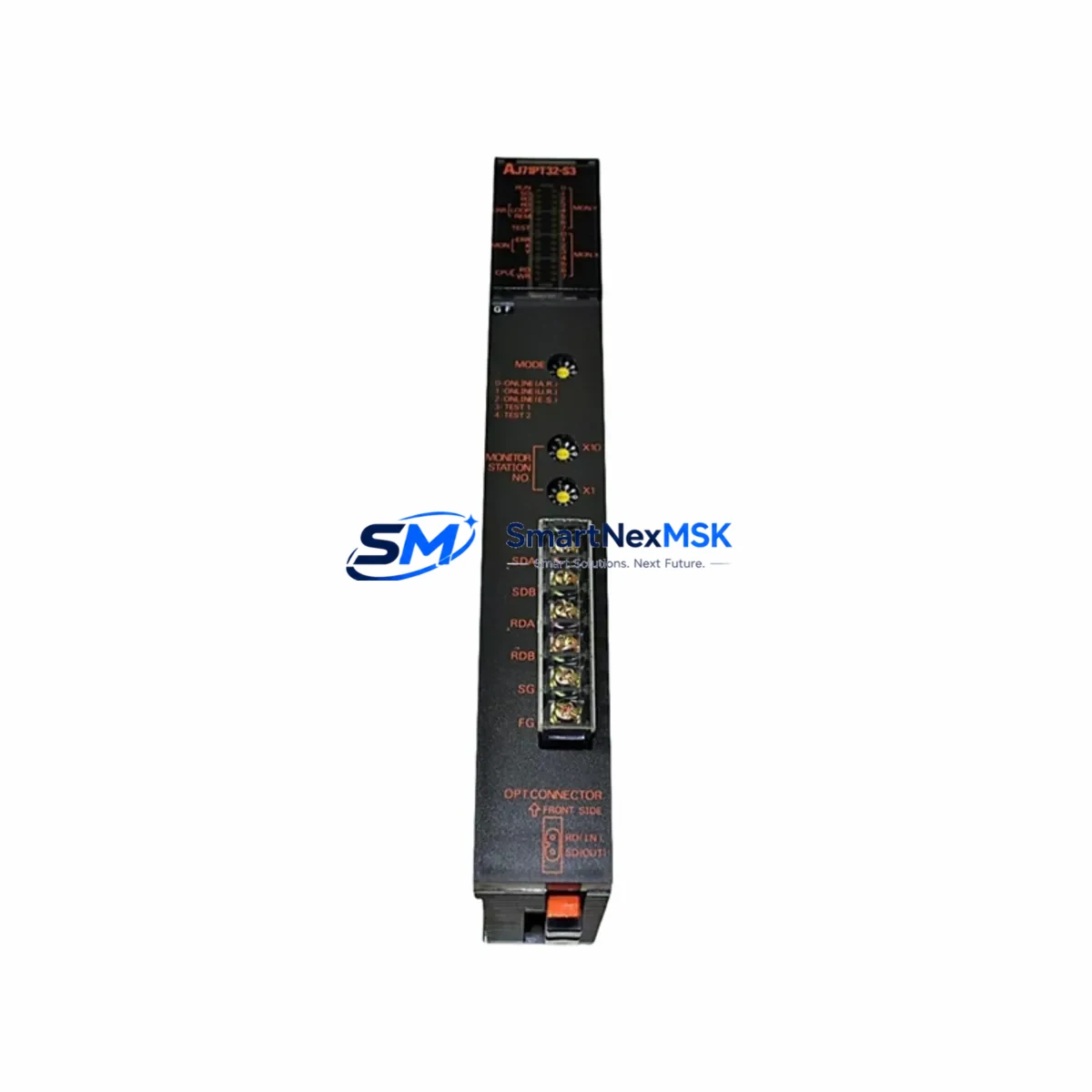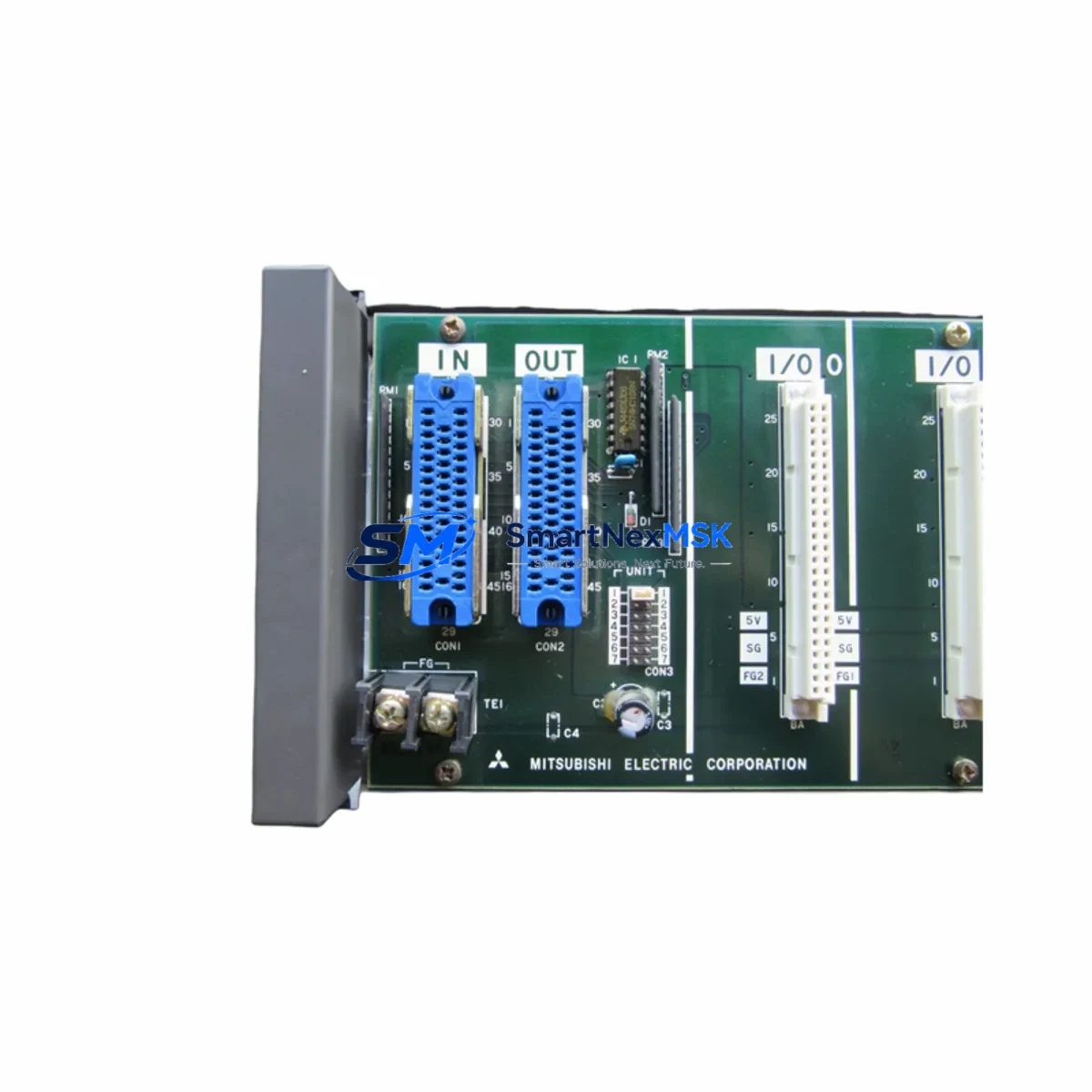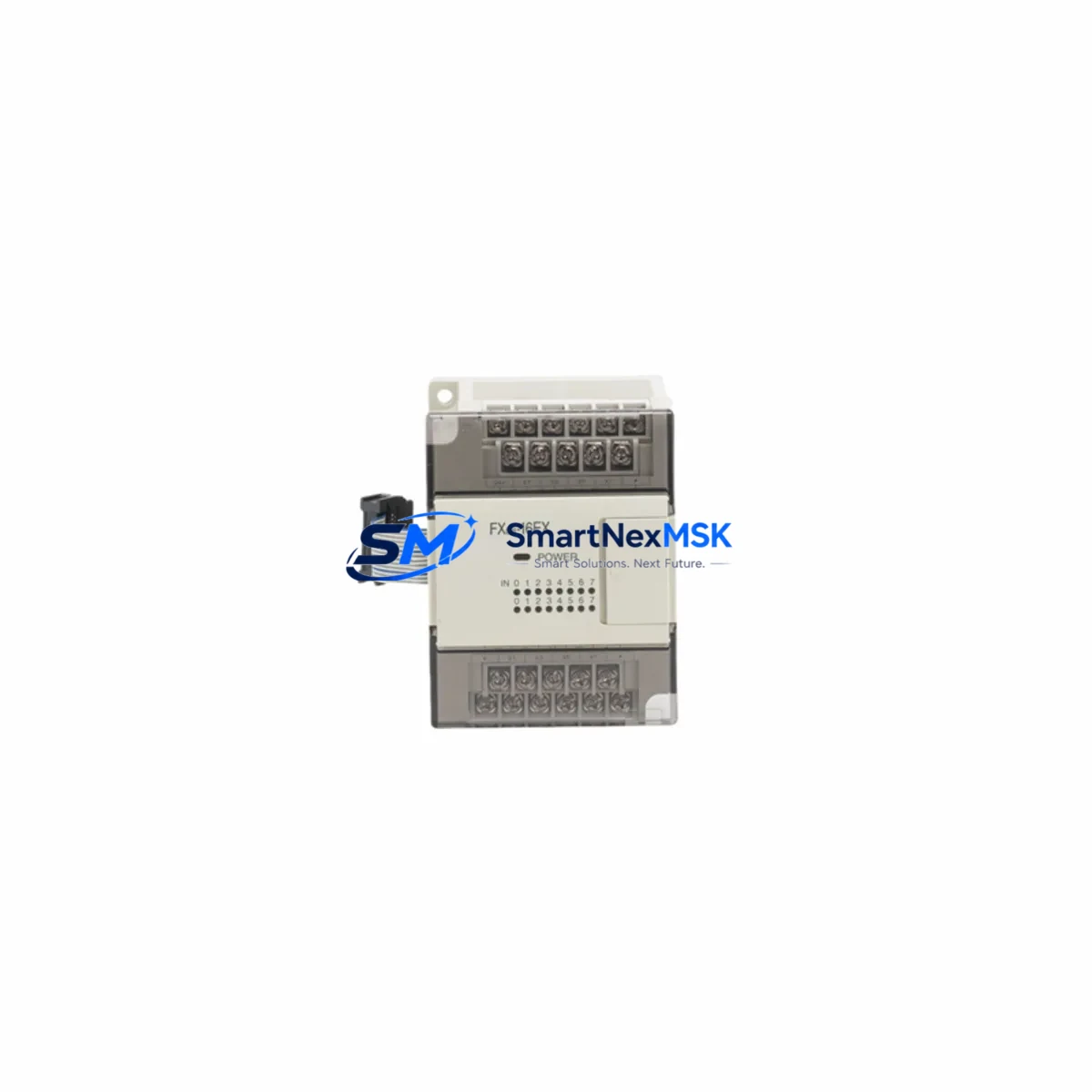
Mitsubishi FX0N-16EX Maintenance-Ready Spare for MELSEC Automation
The Mitsubishi FX0N-16EX is an original 16-point DC digital input expansion module designed for the MELSEC FX0N series programmable logic controller platform. As a maintenance-ready spare, this module is sourced, inspected, and dispatched to support rapid field replacement, minimizing unplanned downtime in manufacturing lines, packaging systems, material handling equipment, and legacy automation cells that continue to rely on the FX0N architecture.
For maintenance engineers managing aging control systems, the FX0N-16EX represents a critical inventory item. Its 16 DC input points extend the I/O capacity of the FX0N base unit, enabling connection of field sensors, limit switches, proximity detectors, and push-button stations. When this module fails or degrades, the entire input group it serves goes offline — halting process feedback and triggering system faults. Holding a verified spare on the shelf is the most effective strategy to contain mean time to repair (MTTR) and protect production continuity.
Procurement engineers sourcing this module should confirm compatibility with the installed FX0N base unit variant and verify the DC input voltage specification against the field wiring. All units shipped from our inventory undergo pre-dispatch functional verification and are covered by a 12-month warranty.
Spare Maintenance Table
| SKU / Part Number | FX0N-16EX |
| Brand | Mitsubishi Electric |
| Series | MELSEC FX0N |
| Module Type | Digital Input Expansion Module |
| Number of Input Points | 16 points (DC input) |
| Input Voltage | 24 VDC (sink/source compatible) |
| Compatible Base Units | FX0N-14MR, FX0N-24MR, FX0N-40MR, FX0N-60MR |
| Expansion Bus | FX0N series right-side expansion connector |
| Installation | DIN rail or panel mount via expansion connector |
| Operating Temperature | 0°C to 55°C |
| Storage Temperature | -20°C to 70°C |
| Origin | Japan |
| Condition | Original / New |
| Pre-Dispatch Testing | Yes — functional verification before shipment |
| Warranty | 12 Months |
| Maintenance Recommendation | Inspect input LED indicators, terminal block torque, and expansion connector seating during scheduled PM |
Maintenance Planning for Continuous Operation
When a maintenance team schedules replacement of the FX0N-16EX, the work scope should extend beyond the module itself. The FX0N expansion bus connects multiple modules in sequence, and a fault in one section often reveals stress in adjacent components. A thorough inspection and planned replacement strategy should include the following associated components:
Begin with the FX0N base unit (such as the FX0N-40MR or FX0N-60MR) — verify that the CPU is executing the scan cycle normally and that the expansion connector pins show no oxidation or mechanical damage. Check the FX0N-16EYR or FX0N-16EYT output expansion module installed alongside this input module, as output-side failures frequently accompany input degradation in high-cycle applications.
Inspect the 24 VDC field power supply feeding the input commons — voltage sag or ripple on this rail is a leading cause of intermittent input faults that are misdiagnosed as module failure. A dedicated Mitsubishi FX0N-series power supply module or equivalent DIN-rail SMPS should be verified for output stability under load.
Review the terminal block wiring on the FX0N-16EX input terminals. Loose or corroded terminations on the screw-type terminal strip cause high-resistance connections that produce erratic input states. Replace any discolored or brittle wire ferrules and re-torque all terminals to specification.
If the control cabinet includes a Mitsubishi FX0N-232ADP or FX0N-422ADP communication adapter, confirm that the RS-232C or RS-422 link to the HMI or SCADA host is stable. Communication faults during a module swap can corrupt the PLC program or trigger watchdog resets. Similarly, if an FX0N-8AV analog volume module or FX0N-3A analog I/O module is present, verify analog signal integrity before and after the replacement.
Check the 24 VDC fuse or circuit breaker protecting the input field wiring circuit. A blown fuse is often the first indicator of a wiring fault that subsequently damaged the input module. Replace the protective device as part of the corrective maintenance action. For cabinets using Phoenix Contact or Weidmuller terminal blocks with integrated fuse holders, inspect each fused terminal in the input circuit group.
Finally, if the system uses a Mitsubishi GOT1000 or GOT2000 series HMI connected to the FX0N CPU, confirm that the HMI screen data and alarm history are backed up before cycling power during the module replacement. This protects recipe data and alarm logs that may be stored in the HMI’s internal memory.
Site Replacement Workflow
Step 1 — Pre-Replacement Verification: Before removing the FX0N-16EX, use GX Developer or GX Works2 to monitor the input status of all 16 points in real time. Document which inputs are active and which are faulted. This baseline confirms the fault scope and prevents misdiagnosis.
Step 2 — Safe Isolation: Switch the PLC to STOP mode via the RUN/STOP switch on the base unit or via the programming software. De-energize the 24 VDC field supply to the input module terminals. Do not remove the expansion module while the PLC is in RUN mode — this can cause a bus fault and corrupt the I/O map.
Step 3 — Module Removal: Disconnect the field wiring terminal block from the FX0N-16EX. Note the terminal block orientation before removal. Slide the module off the expansion connector carefully, avoiding lateral stress on the connector pins.
Step 4 — Spare Installation: Seat the replacement FX0N-16EX onto the expansion connector until the locking tab engages. Reconnect the terminal block. Verify that the module address assignment is consistent with the original configuration — the FX0N expansion bus assigns I/O addresses automatically based on module position, so physical slot order must be preserved.
Step 5 — Power-Up and Verification: Restore the 24 VDC field supply and switch the PLC to RUN mode. Monitor all 16 input points in the programming software and confirm that the input LED indicators on the module match the expected field device states. Test each input point by actuating the connected field device.
Step 6 — Documentation: Record the replacement date, module serial number, and post-replacement test results in the equipment maintenance log. Update the spare parts inventory to trigger reorder of a replacement FX0N-16EX for the next maintenance cycle.
Spare Parts Support FAQ
Q1: Is this FX0N-16EX compatible with all FX0N base units?
The FX0N-16EX is compatible with all FX0N series base units including the FX0N-14MR, FX0N-24MR, FX0N-40MR, and FX0N-60MR. It connects via the standard FX0N right-side expansion bus. The total number of expansion modules that can be connected is limited by the base unit’s expansion capacity — consult the FX0N hardware manual for the maximum I/O point count for your specific base unit.
Q2: What pre-shipment testing is performed on this module?
Each FX0N-16EX unit undergoes functional verification prior to dispatch. This includes power-on testing, input point actuation verification, and expansion bus communication confirmation. Units that do not pass verification are not shipped. A 12-month warranty covers all dispatched units against manufacturing defects and functional failure under normal operating conditions.
Q3: Can this module replace an FX0N-16EX that has been discontinued by the original manufacturer?
Yes. The FX0N-16EX is a form-fit-function replacement for the original Mitsubishi Electric part. It installs in the same physical slot, uses the same terminal block pinout, and is recognized by the FX0N CPU without any program modification. This makes it the preferred solution for extending the service life of legacy FX0N-based control systems without requiring a full PLC platform migration.
Q4: What is the recommended spare parts stocking strategy for FX0N systems?
For production-critical FX0N installations, we recommend maintaining a minimum of one FX0N-16EX input module and one FX0N output expansion module (FX0N-16EYR or FX0N-16EYT) as on-site cold spares. For multi-line facilities, a ratio of one spare module per three installed modules is a practical starting point. Long-term supply availability for FX0N series components is supported through our inventory — contact us to discuss blanket order arrangements for ongoing spare parts programs.
© 2026 SMARTNEXMSK. All rights reserved.
Original Source: https://smartnexmsk.com
Contact: [email protected] | +86 18259474341