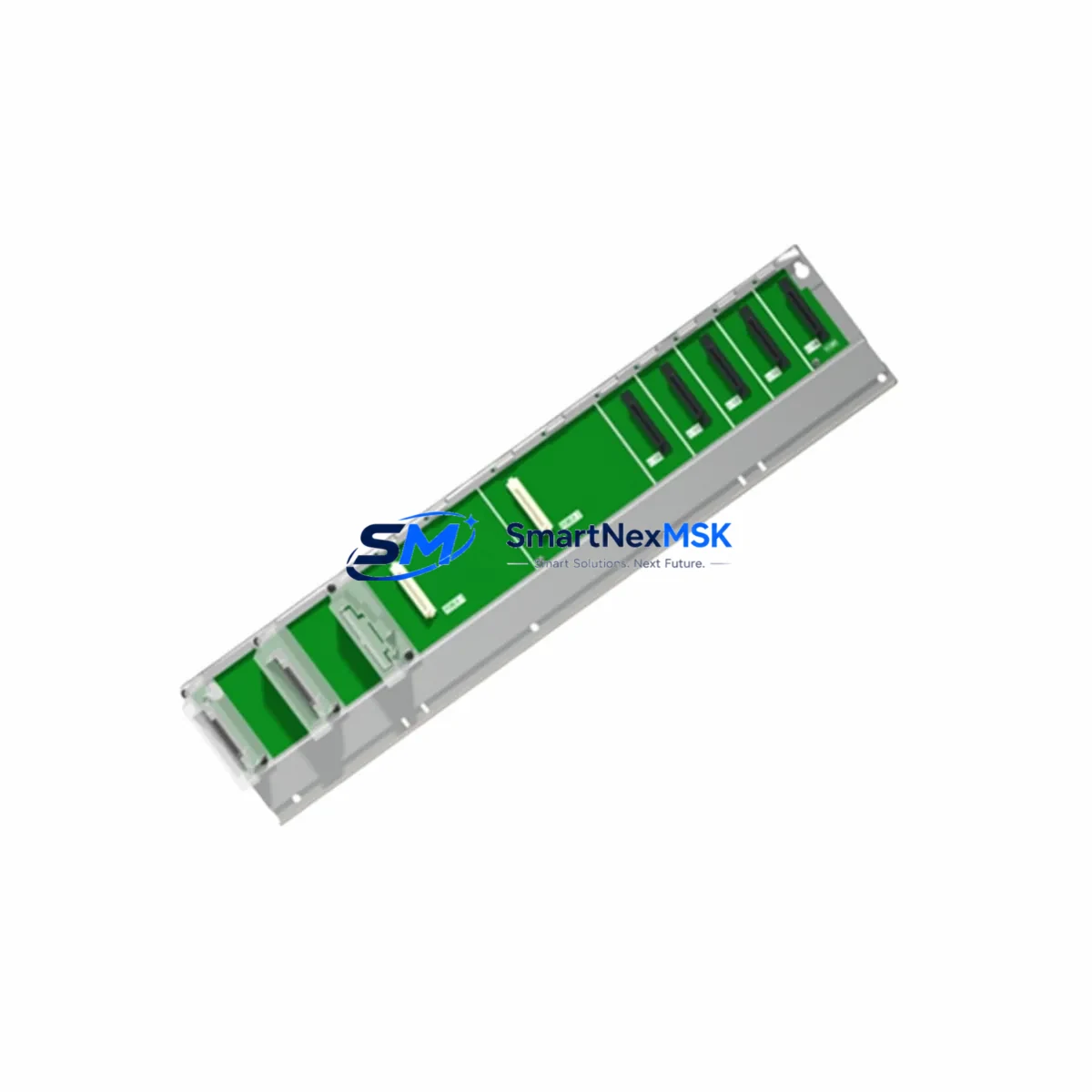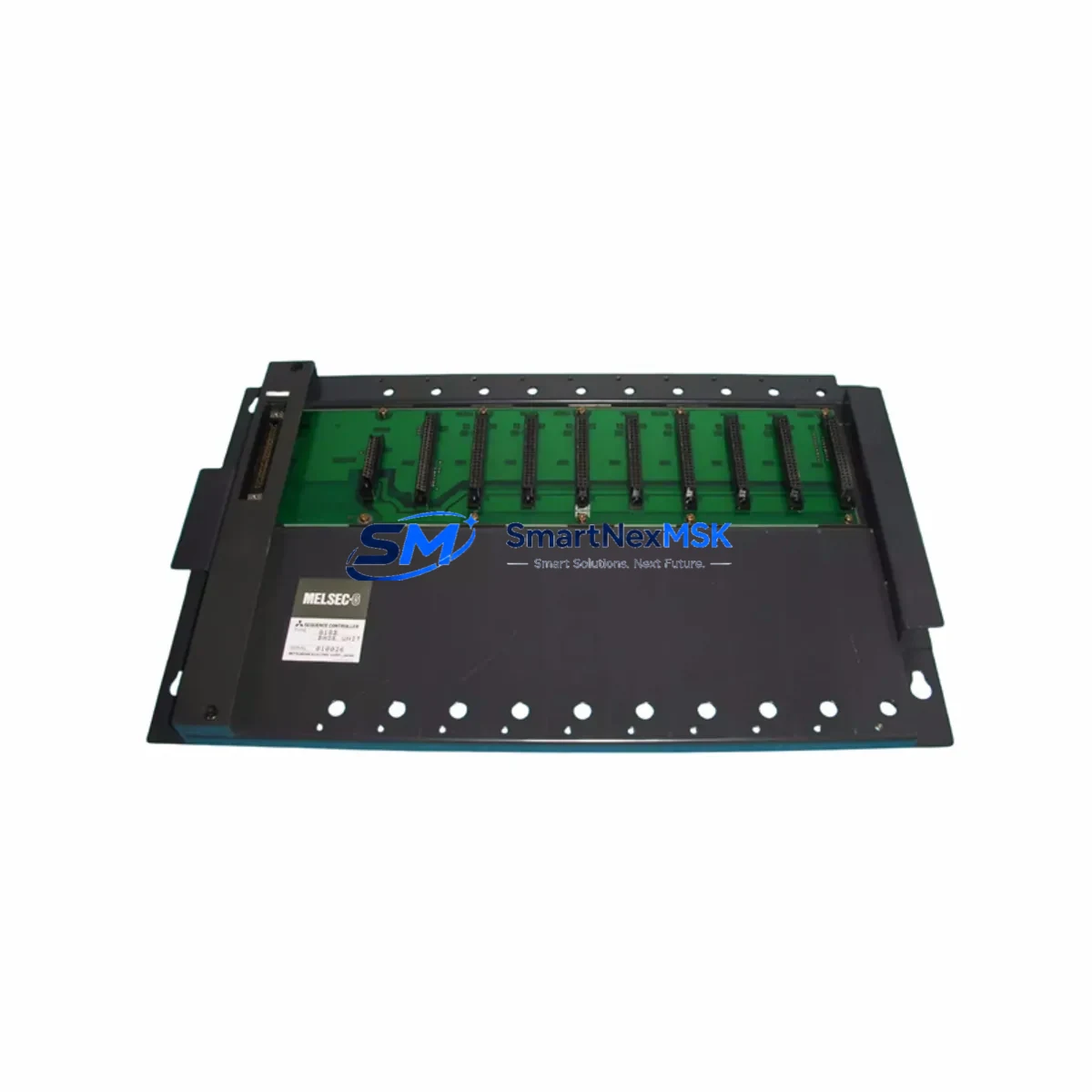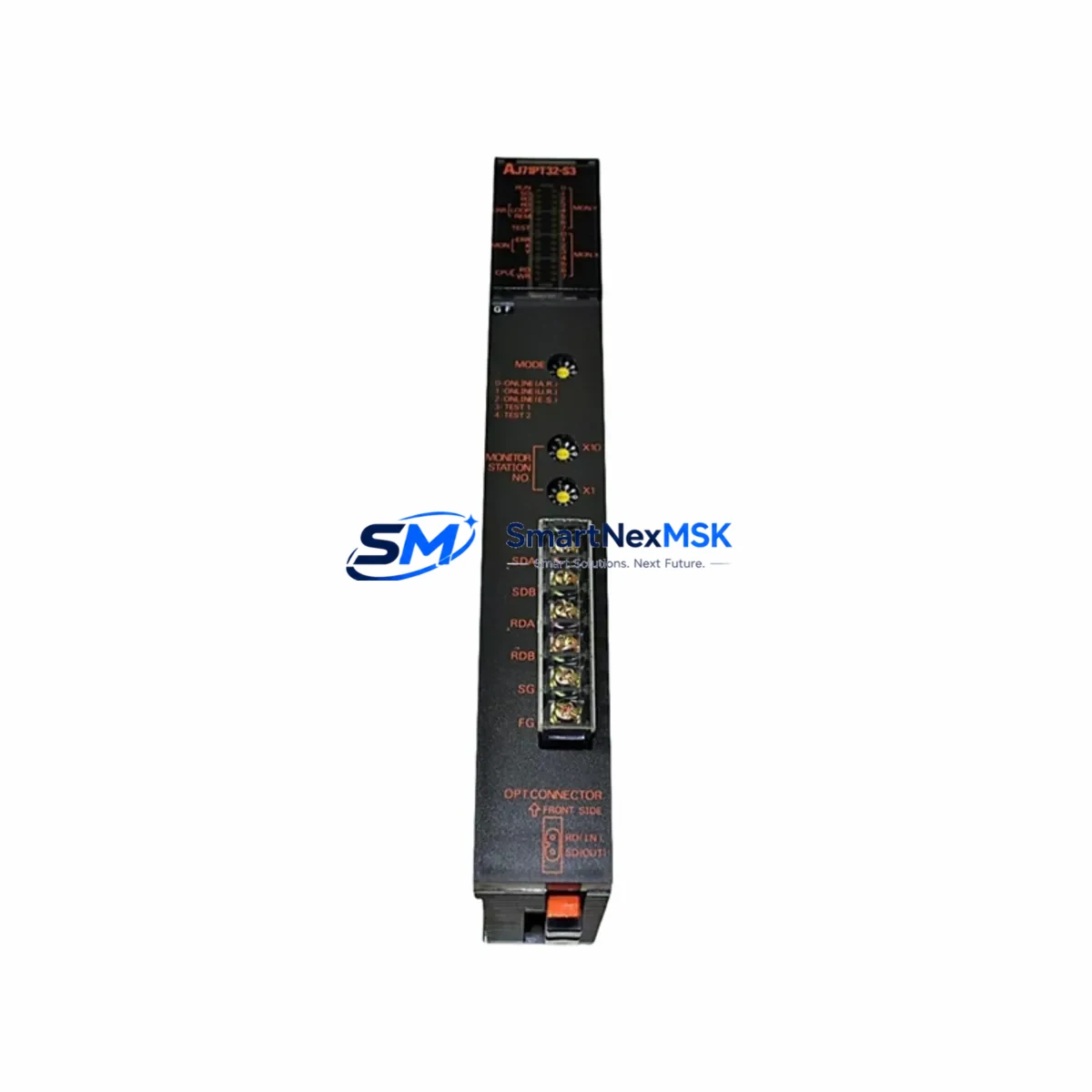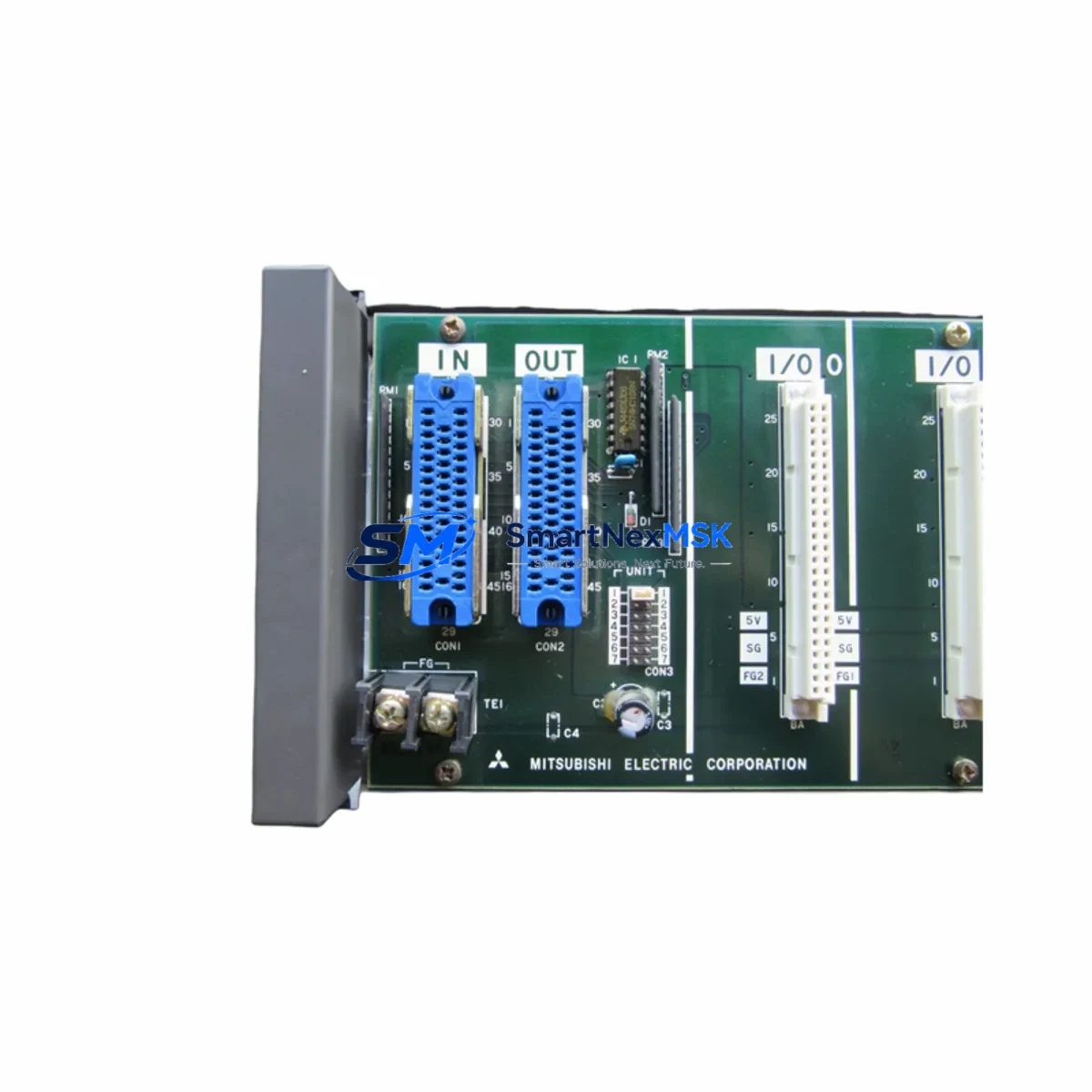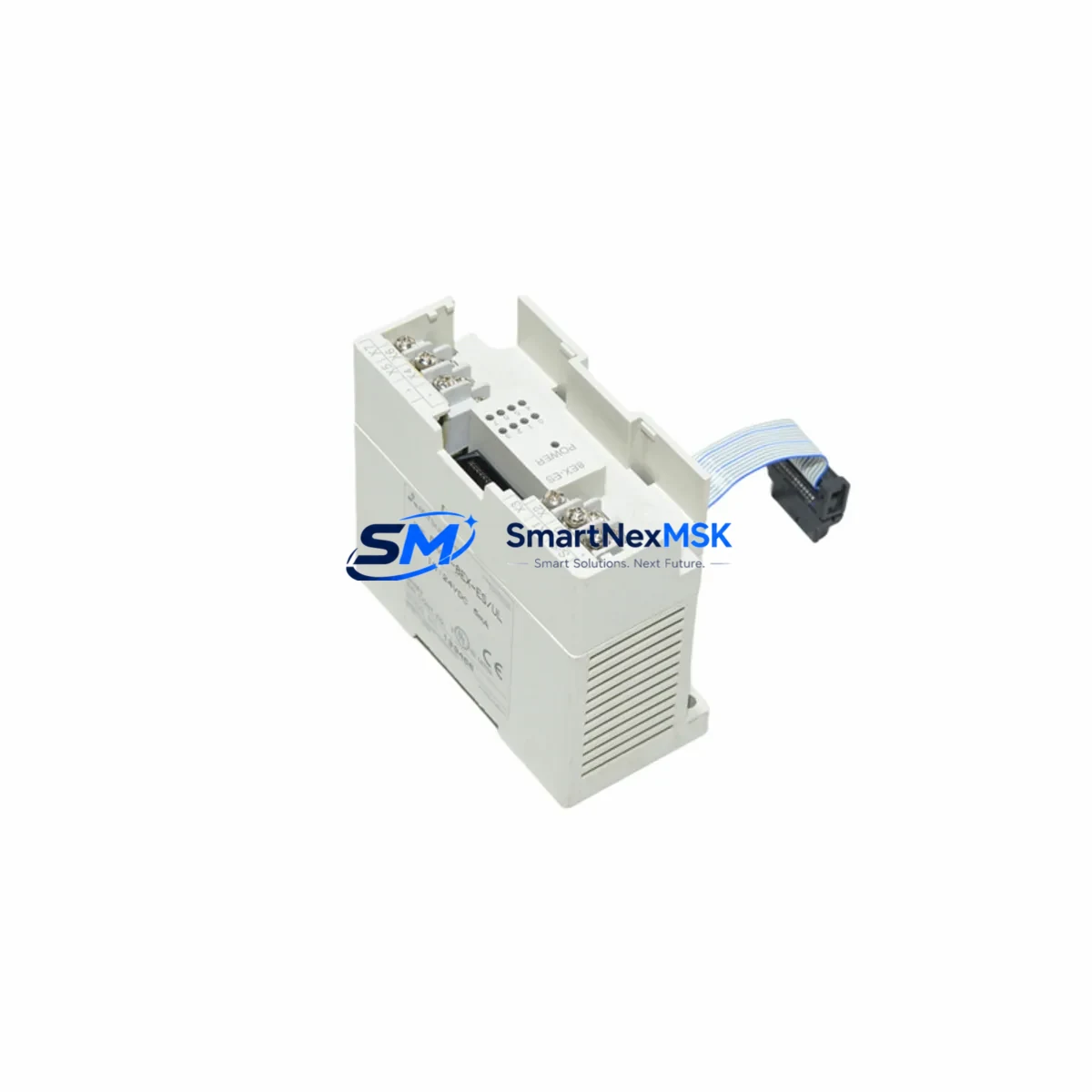
Mitsubishi FX0N-8EX Spare for MELSEC FX0N Automation
The Mitsubishi FX0N-8EX is an 8-point DC input extension module designed for the MELSEC FX0N series programmable logic controller platform. In industrial maintenance environments where unplanned downtime carries significant operational and financial risk, having a verified, original spare of the FX0N-8EX on hand is a foundational element of any responsible spare parts strategy. This module extends the digital input capacity of the FX0N base unit, enabling field devices such as proximity sensors, limit switches, push buttons, and encoder feedback signals to be integrated into the control loop without replacing the main CPU unit.
For maintenance engineers managing aging FX0N-based control systems in manufacturing lines, packaging equipment, conveyor systems, or process automation cells, the FX0N-8EX represents a cost-effective path to system longevity. Rather than undertaking a full PLC platform migration — which involves reprogramming, rewiring, and revalidation — replacing a failed or degraded input extension module with an original spare restores full system functionality within a planned maintenance window. This approach is particularly valuable in facilities where the FX0N platform has been in continuous service for over a decade and where the control logic is deeply embedded in production workflows.
Each unit supplied by SMARTNEXMSK is sourced from verified channels, individually tested prior to dispatch, and backed by a 12-month warranty. Fast worldwide shipping ensures that emergency replacement orders can be fulfilled with minimal lead time, reducing the risk of extended production stoppages.
Spare Maintenance Table
| SKU / Part Number | FX0N-8EX |
| Brand | Mitsubishi Electric |
| Series | MELSEC FX0N |
| Module Type | Digital Input Extension Module |
| Input Points | 8 points DC input |
| Input Voltage | 24V DC (sink/source compatible) |
| Compatible Base Units | FX0N-14MR, FX0N-24MR, FX0N-40MR, FX0N-60MR and FX0N-14MT, FX0N-24MT, FX0N-40MT, FX0N-60MT |
| Max Extension Modules | Up to 4 extension modules per FX0N base unit |
| Connection Method | Direct bus connector to FX0N base unit or adjacent extension |
| Operating Temperature | 0°C to 55°C |
| Storage Temperature | -25°C to 70°C |
| Humidity | 5% to 95% RH (non-condensing) |
| Origin | Japan |
| Condition | Original, new or tested-good surplus |
| Warranty | 12 months from date of shipment |
| Pre-shipment Testing | Yes — functional verification performed before dispatch |
| Maintenance Recommendation | Inspect input wiring terminals and connector bus annually; replace if input response time degrades or LED indicators show intermittent faults |
Maintenance Planning for Continuous Operation
When a maintenance or procurement engineer identifies the FX0N-8EX as a replacement requirement, the replacement event should be treated as a broader system health checkpoint rather than an isolated component swap. The FX0N platform integrates tightly with its power supply, CPU, and extension bus, meaning that a failed input module may be symptomatic of wider electrical stress in the control cabinet.
Before or during the replacement of the FX0N-8EX, engineers should inspect and verify the following associated components:
- FX0N-8ER / FX0N-8EYR (Output Extension Modules): If the input module has failed due to voltage transients or wiring faults, the adjacent output extension modules in the same cabinet may have sustained similar stress. Verify relay output contact resistance and response integrity.
- FX0N Power Supply Section: The FX0N base unit incorporates an internal 24V DC service power supply used to power input field devices. Measure output voltage under load; degraded internal PSU performance is a common root cause of intermittent input faults.
- FX0N-14MR / FX0N-24MR CPU Base Unit: Inspect the bus connector on the base unit for oxidation or mechanical damage. A worn connector can cause communication errors between the CPU and extension modules, mimicking input module failure.
- Terminal Blocks and Wiring Harnesses: Screw-type terminal blocks on FX0N I/O modules are subject to vibration-induced loosening over time. Re-torque all input wiring terminals and inspect for insulation degradation, particularly in high-temperature or high-vibration environments.
- Surge Suppressors and Fuse Protection: Input circuits connected to inductive field devices (solenoids, relay coils) should be protected by surge suppressors. Verify that inline fuses or MCBs protecting the 24V input circuit are within rated values and have not been oversized as a workaround.
- FX0N-16EX or FX2N-8EX (Alternative Input Extensions): In systems where additional input capacity is required beyond the FX0N-8EX, engineers should confirm whether the FX0N-16EX or a compatible FX2N-series extension module is already in use and assess its condition during the same maintenance window.
- Signal Isolators: For input signals sourced from remote field instruments or crossing electrical noise boundaries (e.g., near VFDs or large motor starters), signal isolators should be inspected for drift or failure. A degraded isolator can inject noise into the input circuit, causing false triggering or missed signals.
- FX0N-3A Analog I/O Module: If the control system includes analog process variables alongside digital inputs, the FX0N-3A analog module should be checked for calibration drift and connector integrity during the same cabinet inspection.
- Communication Modules (FX0N-485ADP / FX0N-232ADP): If the FX0N system communicates with an HMI, SCADA, or upstream DCS via RS-485 or RS-232, verify that the communication adapter is seated correctly and that communication parameters have not been corrupted by a power event.
- HMI / GOT Interface: If a Mitsubishi GOT series HMI (such as the GOT1000 or GOT2000) is connected to the FX0N CPU, confirm that the HMI program reflects the correct I/O address mapping after the module replacement, particularly if the extension module order has changed.
Maintaining a minimum stock of one FX0N-8EX per production line or control cabinet cluster is recommended for facilities where the FX0N platform remains in active service. Given that this module series is mature and production availability may be subject to market fluctuation, securing buffer stock through a reliable industrial spare parts supplier is a prudent procurement strategy.
Site Replacement Workflow
Replacing the FX0N-8EX in a live production environment requires a structured approach to minimize downtime and ensure system integrity upon restart. The following workflow is recommended for maintenance engineers performing a planned or emergency replacement:
- Pre-replacement documentation: Before powering down, capture the current I/O status via the HMI or programming software (GX Developer or GX Works2). Record the input address assignments mapped to the FX0N-8EX (typically X010–X017 or similar, depending on extension order).
- Controlled shutdown: Follow the site lockout/tagout (LOTO) procedure. Power down the FX0N base unit and all connected extension modules. Disconnect the 24V DC field power supply to the input terminals.
- Module removal: Disconnect the bus connector between the FX0N-8EX and the adjacent module or base unit. Remove the module from the DIN rail. Inspect the bus connector pins on both the removed module and the mating connector for damage or contamination.
- Replacement installation: Mount the new FX0N-8EX on the DIN rail. Connect the bus connector firmly. Reconnect all input field wiring to the terminal block, referencing the pre-replacement wiring documentation.
- Power-up and verification: Restore power to the system. Monitor the RUN and input indicator LEDs on the FX0N-8EX. Use GX Developer or GX Works2 to monitor the input register in real time and verify that all 8 input points respond correctly to field device actuation.
- System handover: Document the replacement in the equipment maintenance log, including the date, replaced part number, and post-replacement test results. Update the spare parts inventory record.
This workflow is applicable whether the FX0N-8EX is replacing a failed unit or being installed as part of a scheduled preventive maintenance program. The same procedure applies when upgrading from an older revision of the module to a current-production equivalent.
Spare Parts Support FAQ
Q1: Is the FX0N-8EX still available as a new original part, and what is the expected supply lifecycle?
The FX0N series is a mature Mitsubishi Electric product line. While new production availability may be limited, SMARTNEXMSK maintains stock of original and tested-good surplus FX0N-8EX units sourced from verified industrial channels. Each unit undergoes functional testing before shipment. For facilities with long-term FX0N platform commitments, we recommend securing buffer stock to mitigate future availability risk.
Q2: How do I confirm compatibility between the FX0N-8EX and my existing FX0N base unit?
The FX0N-8EX is compatible with all FX0N series base units (FX0N-14MR/MT, FX0N-24MR/MT, FX0N-40MR/MT, FX0N-60MR/MT). Compatibility is determined by the bus connector standard shared across the FX0N extension module family. If you are uncertain about your base unit model or the current extension configuration, please contact our technical team with your system nameplate details and we will confirm compatibility before order processing.
Q3: What pre-shipment testing is performed, and what does the 12-month warranty cover?
Every FX0N-8EX unit dispatched by SMARTNEXMSK is functionally tested to verify input point response, LED indicator operation, and bus communication integrity. The 12-month warranty covers defects in materials and workmanship under normal operating conditions. It does not cover damage resulting from incorrect installation, overvoltage events, or physical mishandling. Warranty claims are supported by our technical team with replacement or repair options.
Q4: Can the FX0N-8EX be used as a direct replacement for older revision modules without reprogramming?
Yes. The FX0N-8EX is a direct drop-in replacement for earlier revisions of the same module. Input address assignments are determined by the physical position of the extension module in the bus chain, not by the module revision. No PLC program changes are required provided the replacement module is installed in the same position as the original. If the extension order is changed during replacement, I/O address remapping in GX Developer or GX Works2 will be necessary.
© 2026 SMARTNEXMSK. All rights reserved.
Original Source: https://smartnexmsk.com
Contact: [email protected] | +86 18259474341