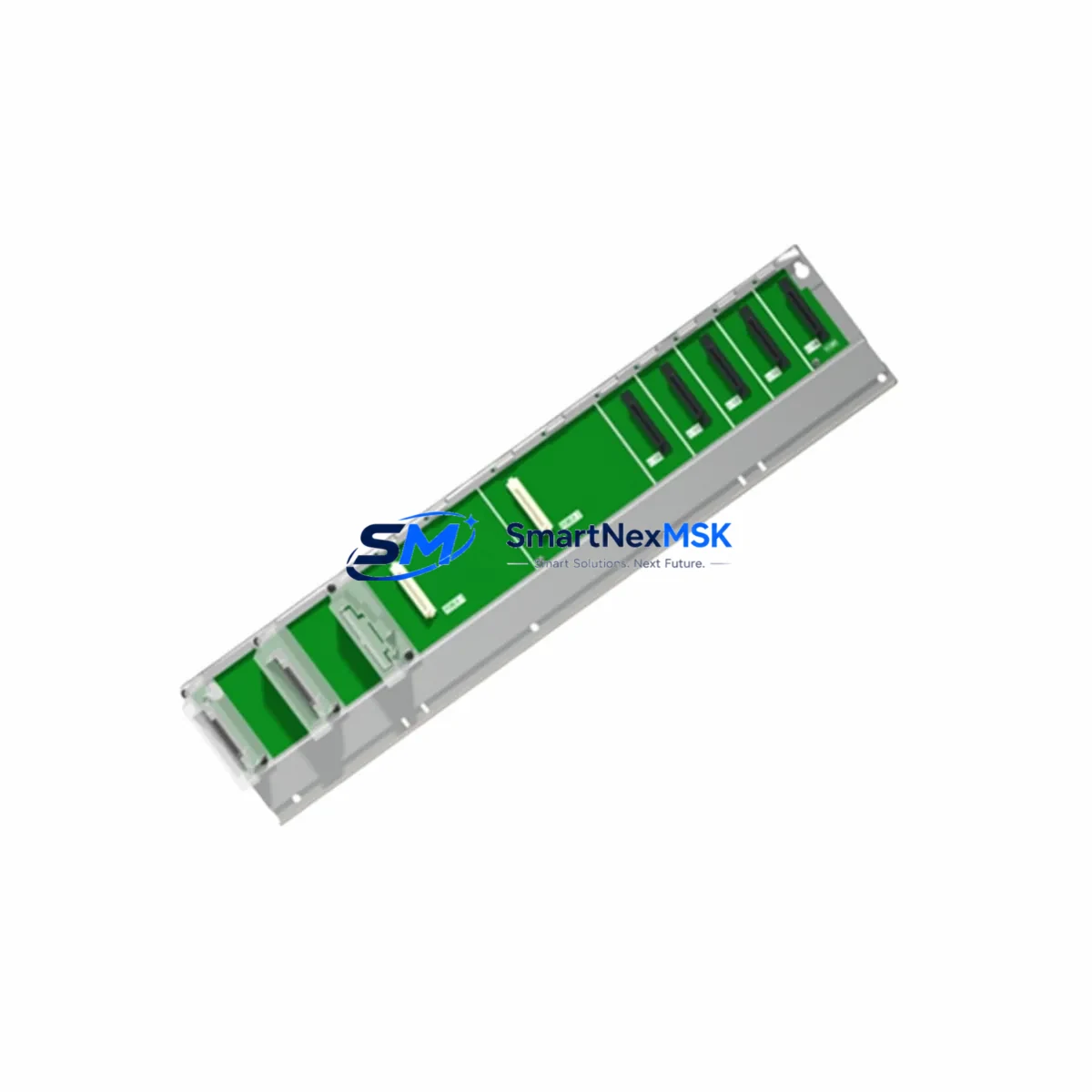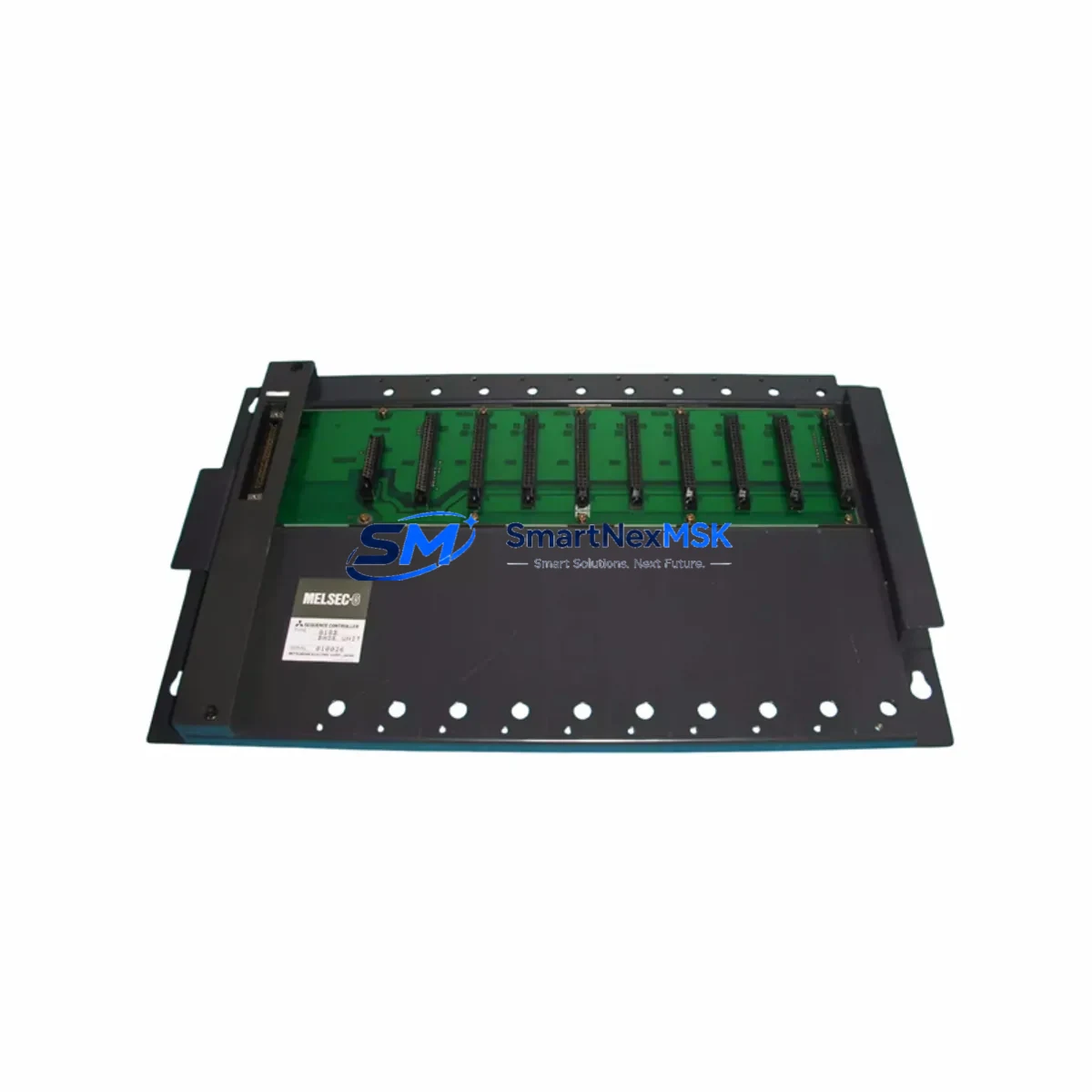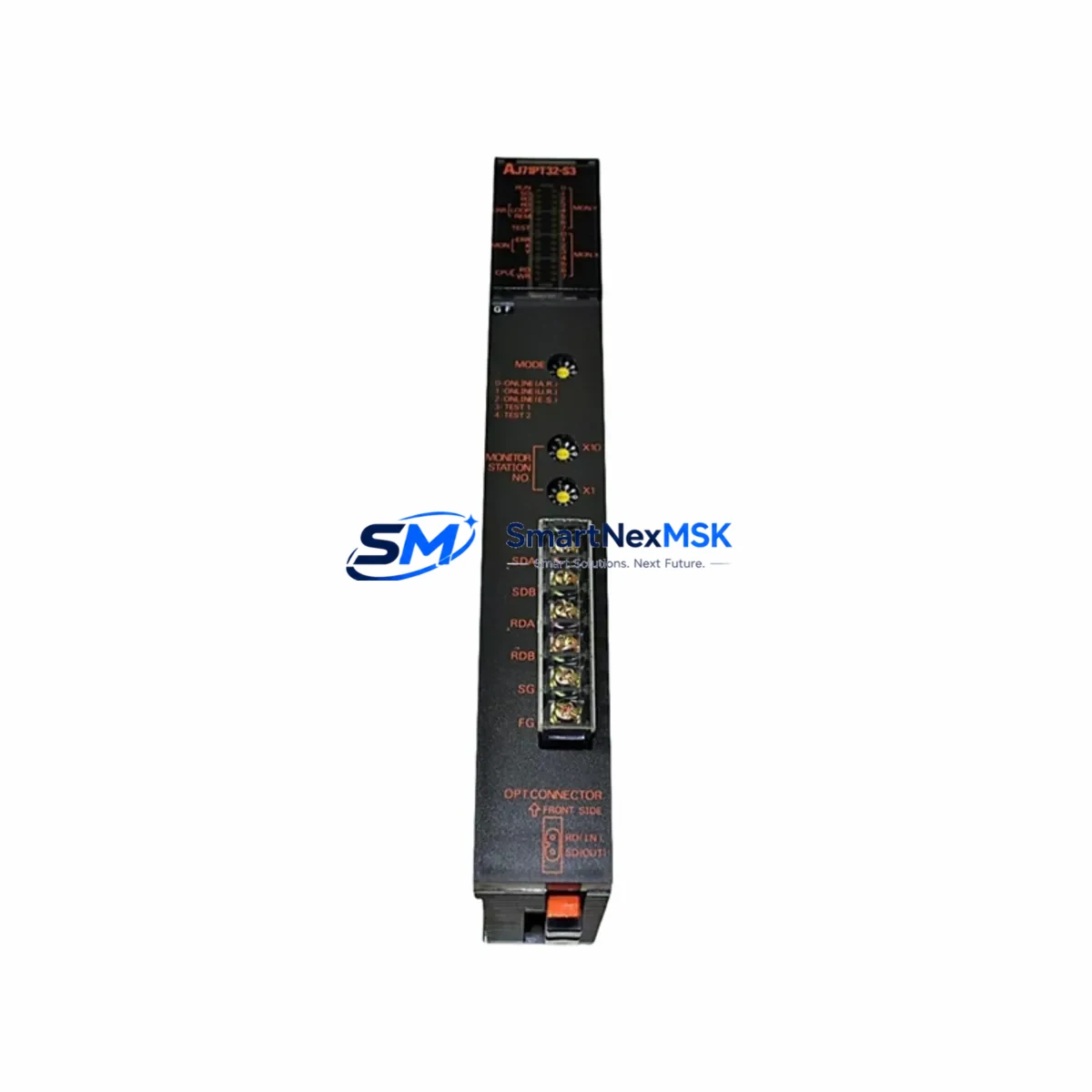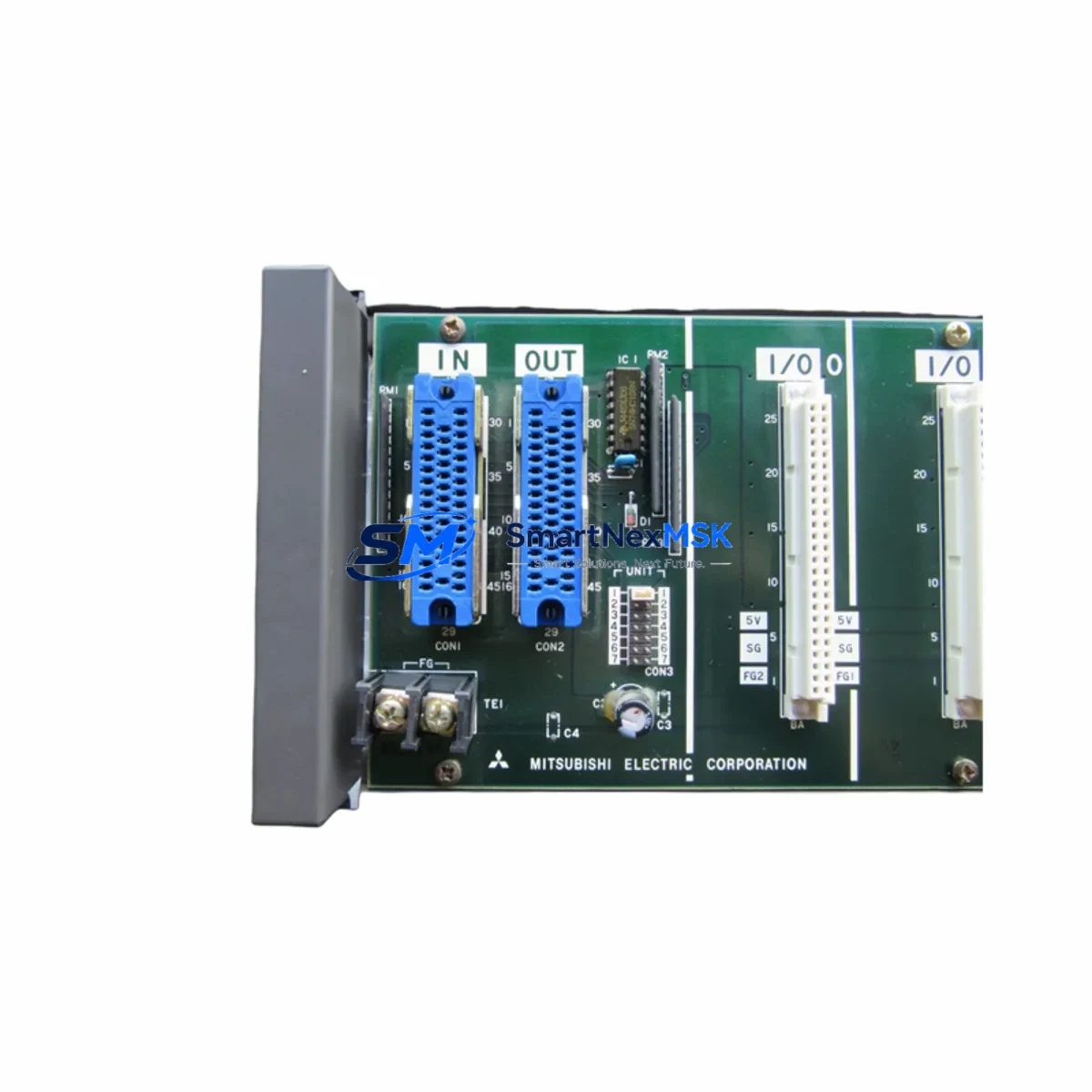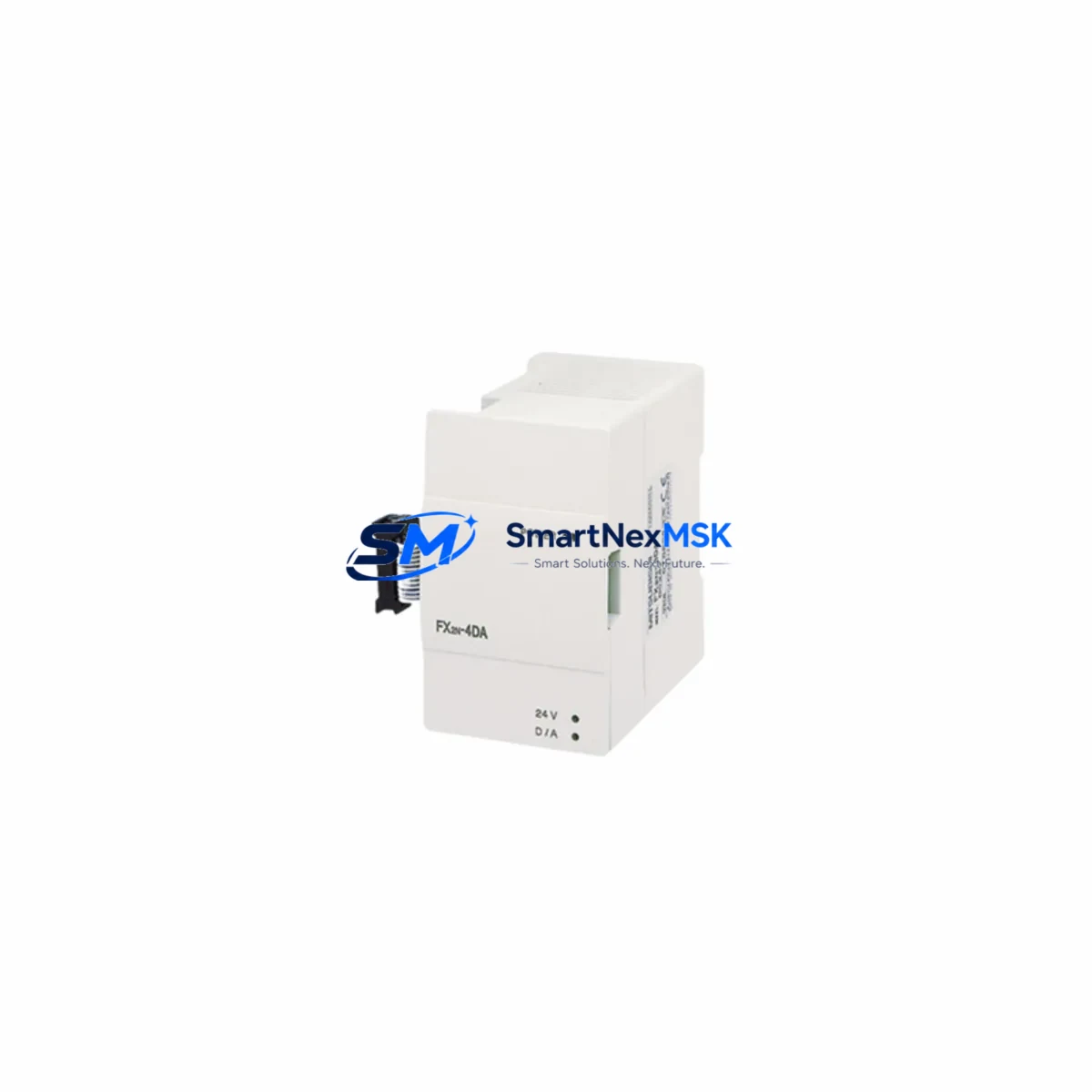
Mitsubishi FX2N-4DA Spare for MELSEC FX2N Automation: Spare Part Replacement & Industrial Downtime Risk Control
The Mitsubishi FX2N-4DA is a 4-channel analog output expansion module designed for the MELSEC FX2N series programmable logic controller platform. In continuous-process and discrete manufacturing environments, this module serves as the critical interface between the PLC control logic and field actuators — including proportional control valves, variable-speed drives, and analog-input instrumentation. When an FX2N-4DA fails or degrades, the downstream impact is immediate: loss of analog setpoint control, process deviation alarms, and unplanned production stoppages.
Sourcing a verified, maintenance-ready spare of the FX2N-4DA before failure occurs is the single most effective strategy for protecting uptime in FX2N-based control systems. Every unit we supply is inspected, function-tested across all four output channels, and shipped with a 12-month warranty covering both voltage and current output modes.
Spare Maintenance Table
| Parameter | Specification |
|---|---|
| Model / SKU | FX2N-4DA |
| Brand | Mitsubishi Electric |
| Series Compatibility | MELSEC FX2N, FX2NC (with adapter) |
| Output Channels | 4 independent analog output channels |
| Output Signal (Voltage) | DC −10 V to +10 V |
| Output Signal (Current) | 4–20 mA / 0–20 mA |
| Resolution | 12-bit (4,096 steps) |
| Conversion Speed | Approx. 2.5 ms per channel (all 4 channels: 10 ms) |
| External Power Supply | DC 24 V ±10%, 200 mA |
| Isolation | Optical isolation between PLC bus and analog outputs |
| Connector Type | Expansion bus connector (right-side mount to FX2N CPU) |
| Operating Temperature | 0 °C to 55 °C |
| Storage Temperature | −25 °C to +75 °C |
| Humidity | 5–95% RH (non-condensing) |
| Weight | Approx. 1,070 g (with packaging) |
| Origin | Japan |
| Warranty | 12 months from date of shipment |
| Condition | Original spare — inspected and function-tested |
| Maintenance Recommendation | Replace proactively at first sign of output drift or channel fault; verify 24 VDC supply before installation |
Maintenance Planning for Continuous Operation
A disciplined maintenance strategy for any FX2N-4DA installation extends well beyond the module itself. Maintenance engineers and procurement engineers responsible for FX2N-based control cabinets should treat the FX2N-4DA as part of an interconnected electrical system — and plan spare holdings accordingly.
Before replacing an FX2N-4DA, always verify the 24 VDC external power supply feeding the module. A degraded or undersized power supply is a common root cause of intermittent analog output faults that are misdiagnosed as module failure. If your cabinet uses a dedicated DIN-rail power supply unit for expansion modules, inspect it during the same maintenance window.
The FX2N CPU module — such as the FX2N-32MR, FX2N-48MT, or FX2N-64MR — should be checked for firmware version compatibility and bus connector integrity whenever an expansion module is replaced. A worn or oxidized expansion bus connector can cause communication errors between the CPU and the FX2N-4DA even after a new module is installed.
Analog output wiring should be inspected at the terminal block level. Loose terminations, corroded screw terminals, or undersized wire gauge on the 4–20 mA current loop are frequent contributors to signal instability. Consider replacing terminal blocks on a scheduled basis in high-vibration or high-humidity environments.
If your system uses the FX2N-4AD analog input module alongside the FX2N-4DA for closed-loop control, both modules should be evaluated together during planned shutdowns. A drift in the input reference can mask an output calibration issue, and vice versa. Similarly, the FX2N-2AD or FX2N-8AD may be present in multi-loop configurations and warrant simultaneous inspection.
Communication integrity between the FX2N CPU and upstream SCADA or HMI systems — often via an FX2N-232-BD or FX2N-485-BD communication board — should be confirmed after any expansion module replacement. A module swap that causes a brief bus interruption can reset communication parameters on older HMI panels.
For systems with signal isolation requirements, signal isolators on the 4–20 mA output loops protect both the FX2N-4DA and downstream instrumentation from ground loops and transient surges. If isolators are not already installed, a module replacement event is an appropriate time to add them to the maintenance BOM.
Fuse protection on the 24 VDC supply line to the FX2N-4DA should be verified. A correctly rated fuse (typically 1 A fast-blow) prevents cascade damage to the CPU backplane in the event of an output short circuit. Spare fuses of the correct rating should be stocked alongside the FX2N-4DA spare itself.
Finally, if your facility operates legacy FX2N systems approaching end-of-service-life, a proactive spare parts inventory covering the FX2N-4DA, the CPU module, key I/O expansion modules, and communication boards is the most cost-effective strategy for extending system life without a full PLC platform migration.
Site Replacement Workflow
Step 1 — Pre-replacement verification: Confirm the fault is isolated to the FX2N-4DA by checking the CPU diagnostic buffer (D8060–D8069 error registers) and verifying that all four output channels read incorrectly or show no output. Rule out wiring faults and power supply issues before pulling the module.
Step 2 — Safe isolation: Place the FX2N CPU in STOP mode. De-energize the 24 VDC external supply to the FX2N-4DA. Do not remove the module while the expansion bus is live — this can corrupt CPU memory or damage the bus connector.
Step 3 — Module removal: Disconnect the analog output wiring from the terminal block, noting wire positions and channel assignments. Release the DIN-rail mounting clip and slide the module off the expansion bus connector.
Step 4 — Spare installation: Mount the replacement FX2N-4DA onto the DIN rail and engage the expansion bus connector firmly. Reconnect the 24 VDC supply wiring and the analog output field wiring per the original terminal assignments.
Step 5 — Configuration restore: The FX2N-4DA is configured via FROM/TO instructions in the FX2N ladder program. No DIP switch or hardware configuration is required on the module itself. Verify that the existing PLC program correctly initializes BFM #0 (output mode register) on the first scan after power-up.
Step 6 — Functional test: Restore power and place the CPU in RUN mode. Use the GX Developer or GX Works2 device monitor to force analog output values on each channel and confirm correct field signal levels with a calibrated multimeter or loop calibrator. Document the test results before returning the system to automatic operation.
This workflow is compatible with direct replacement of older FX2N-4DA units without any program modification, provided the replacement unit is a genuine Mitsubishi Electric original spare — which is the only type we supply.
Spare Parts Support FAQ
Q1: What is the warranty coverage for the FX2N-4DA spare supplied by SMARTNEXMSK?
All FX2N-4DA units are covered by a 12-month warranty from the date of shipment. Coverage includes defects in materials and workmanship, and functional failure under normal operating conditions. Each unit is function-tested across all four analog output channels — both voltage and current modes — prior to dispatch. A test report is available upon request.
Q2: Is this FX2N-4DA compatible with FX2NC series PLCs?
The FX2N-4DA connects natively to the FX2N CPU expansion bus. For use with FX2NC series CPUs, a Mitsubishi FX2NC-CNV-IF bus conversion adapter is required to bridge the compact connector format. The module’s electrical and functional specifications are identical in both configurations. Confirm your CPU model before ordering if you are unsure of the connector type.
Q3: How should I manage FX2N-4DA spare inventory for a multi-line facility?
For facilities operating three or more FX2N-based control systems, we recommend maintaining a minimum of one FX2N-4DA spare per production line, plus one additional unit as a floating emergency spare. Given that the FX2N platform is mature and Mitsubishi Electric has transitioned to the iQ-F and iQ-R series, lead times for original FX2N expansion modules can be unpredictable. Holding verified original spares on-site eliminates procurement lead time as a downtime variable.
Q4: Can I verify the module before installation in my system?
Yes. The FX2N-4DA can be bench-tested using a spare FX2N CPU, a 24 VDC bench supply, and a simple ladder program that writes known values to BFM #1–#4 (channel output registers). Measure the output at the terminal block with a calibrated instrument. This pre-installation verification step is recommended for any spare module that will be held in inventory for more than 12 months before use, to confirm the module remains within specification before it enters service.
© 2026 SMARTNEXMSK. All rights reserved.
Original Source: https://smartnexmsk.com
Contact: [email protected] | +86 18259474341