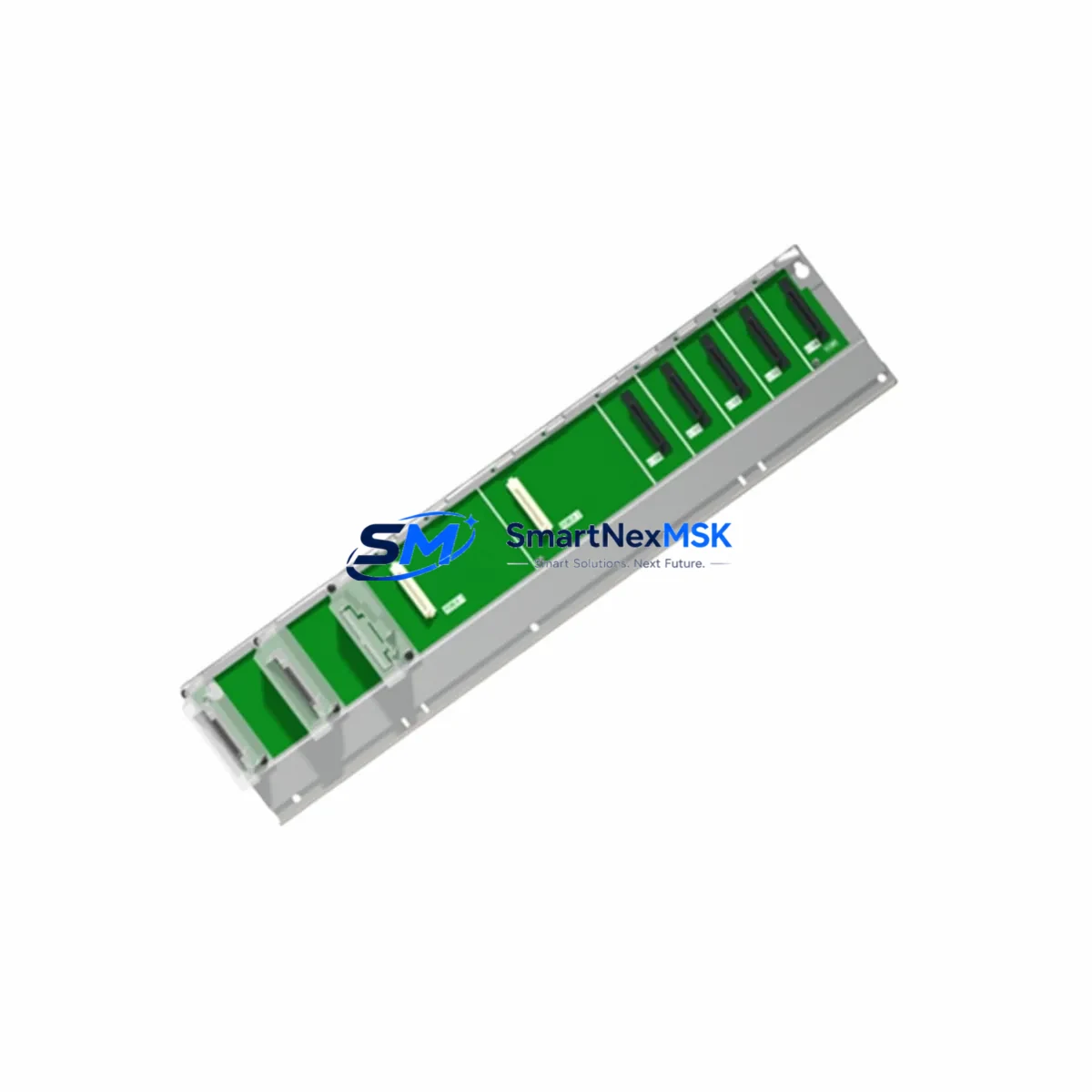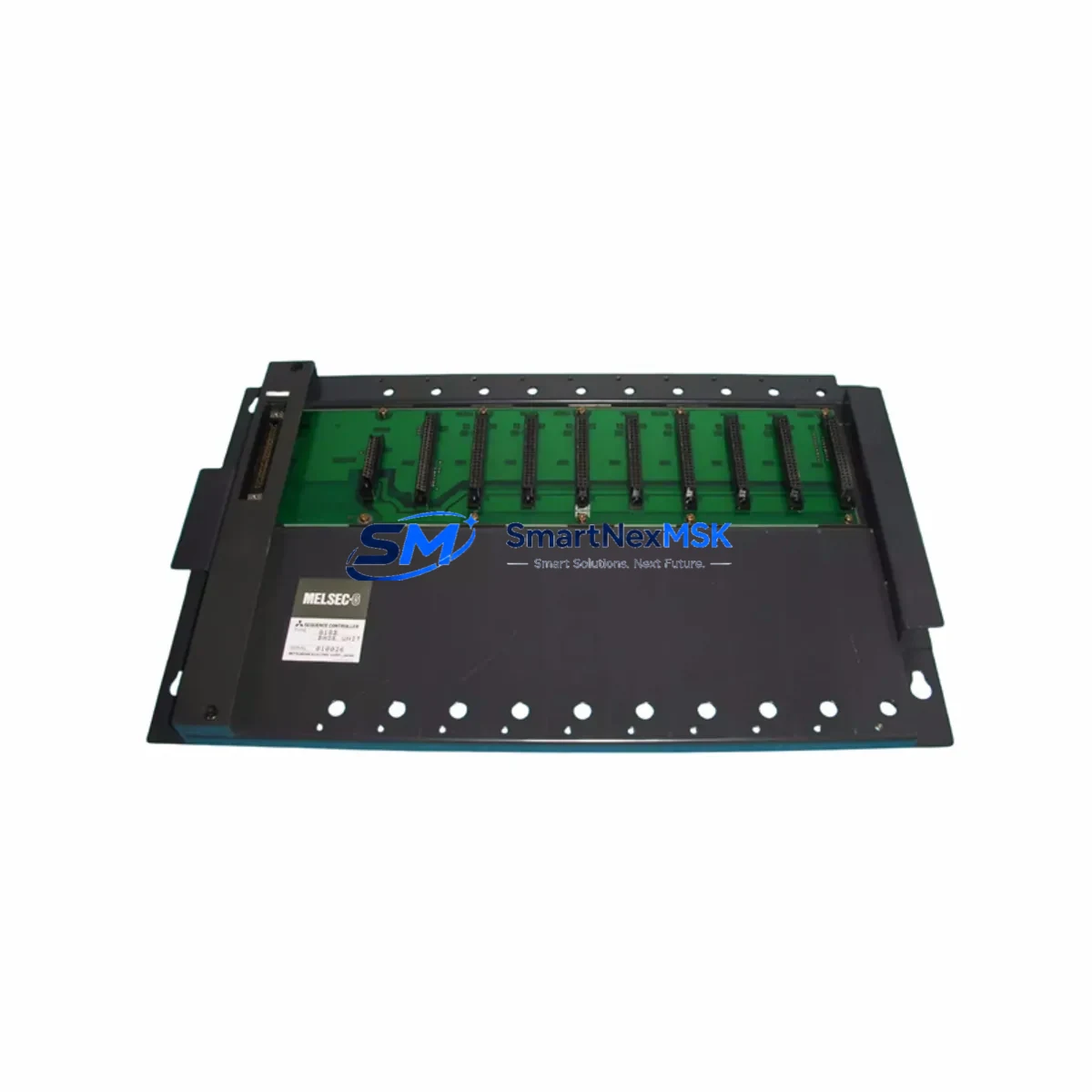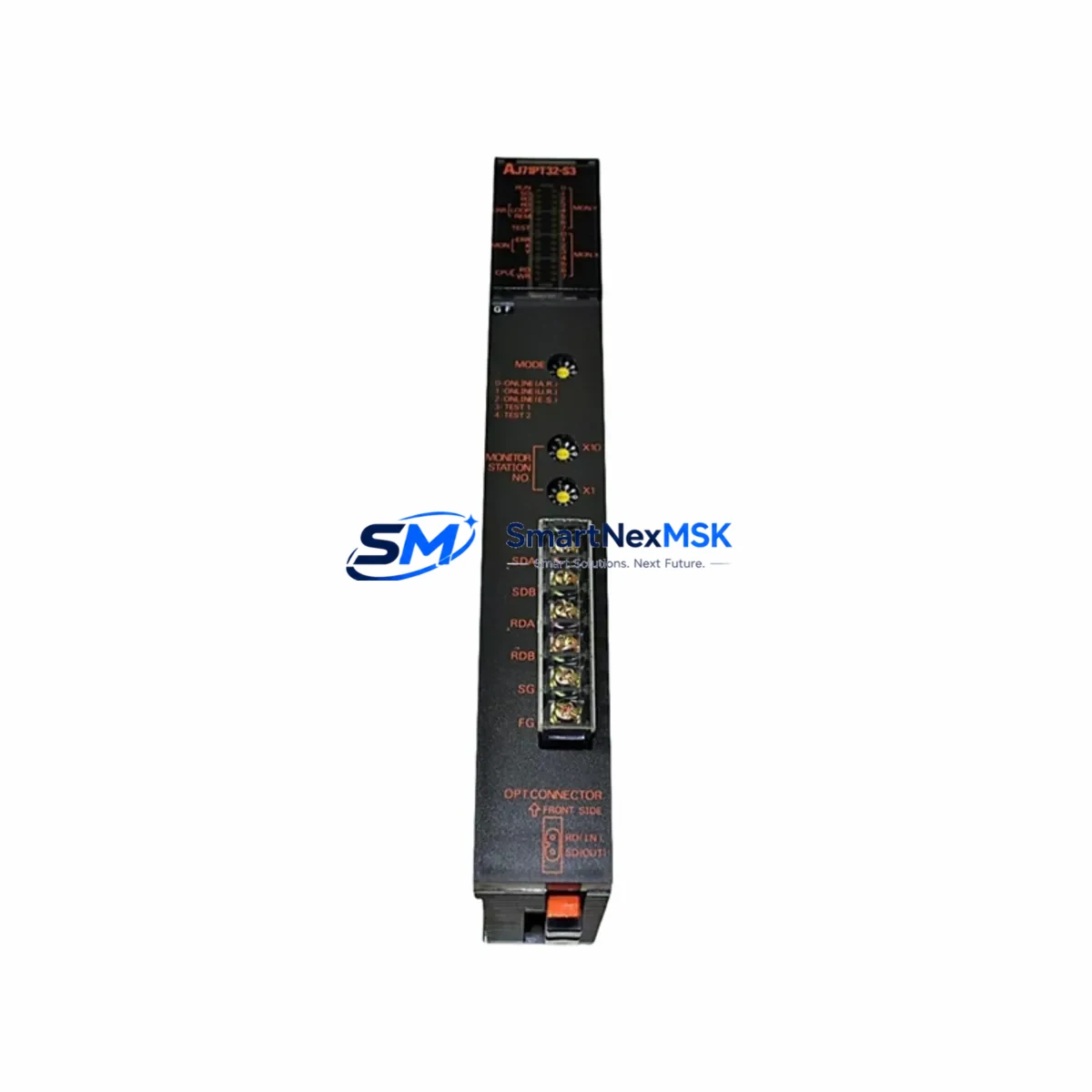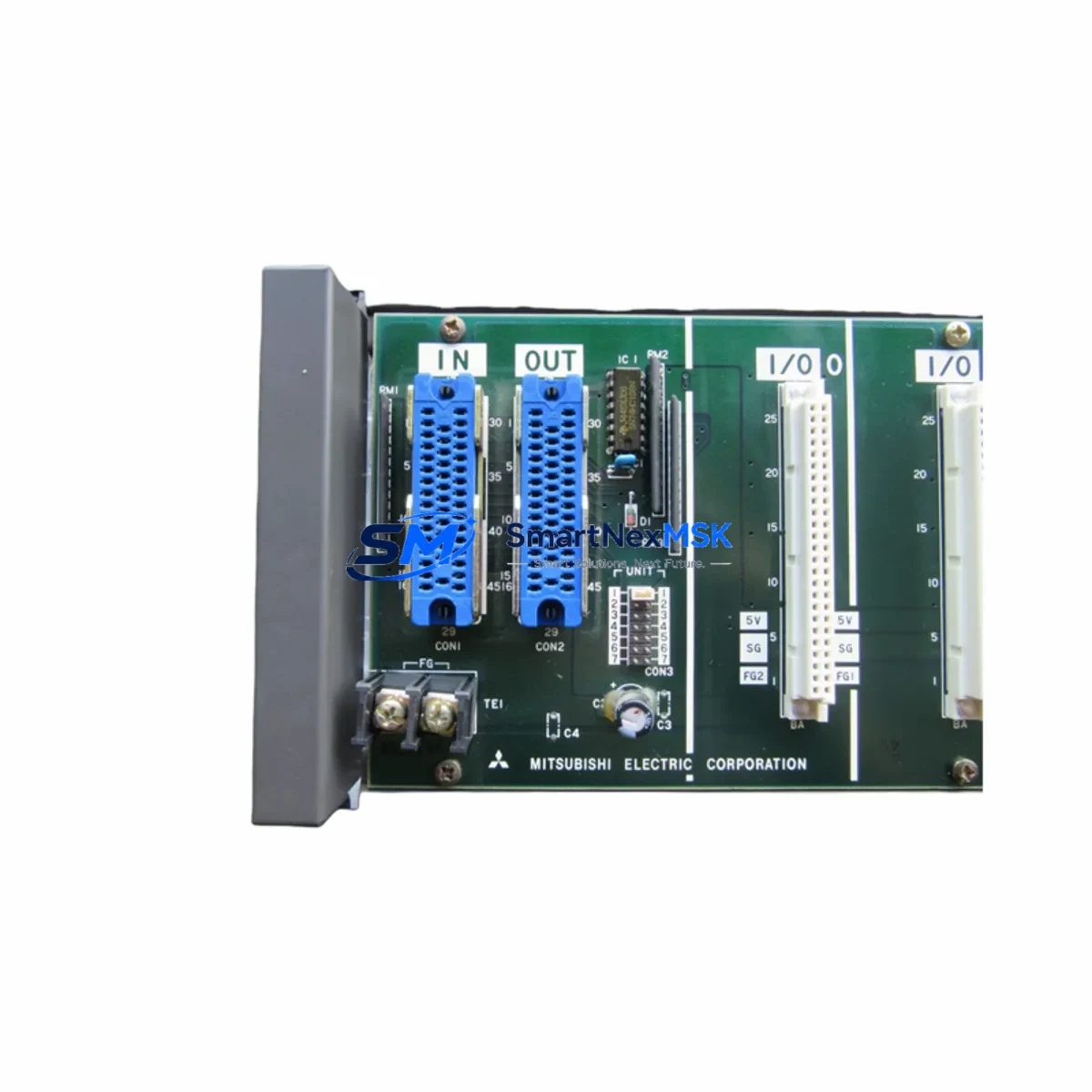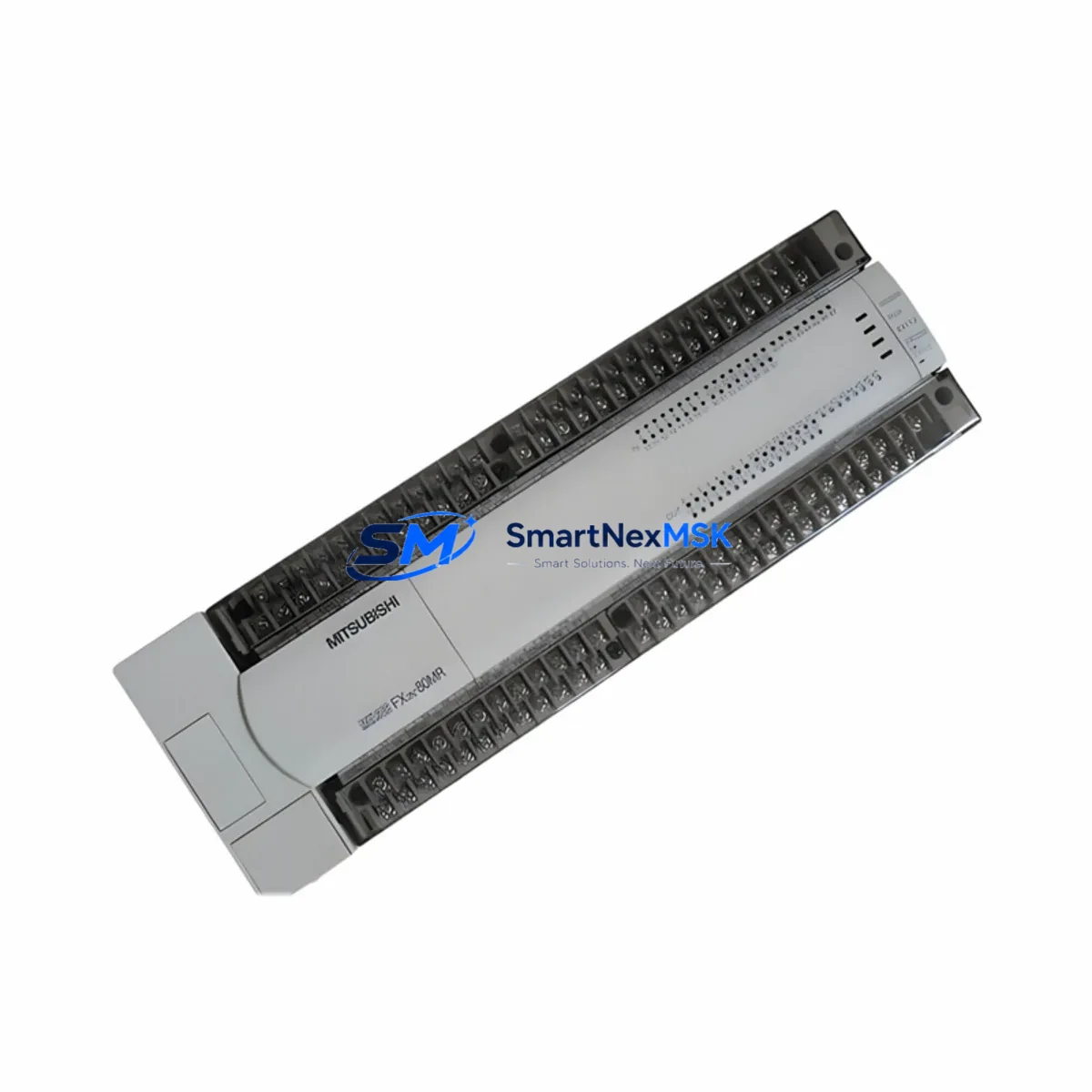
Mitsubishi FX2N-80MR-001 Retrofit-Ready Relay PLC for MELSEC FX2N Control Systems
The Mitsubishi FX2N-80MR-001 is a high-performance 80-point relay output programmable logic controller from the MELSEC FX2N series — one of Mitsubishi Electric’s most widely deployed compact PLC platforms in global manufacturing. With the FX2N series now discontinued, production lines and control cabinets that were built around this platform face an increasing challenge: sourcing verified, compatible replacement units that can be installed without rewriting control logic or rewiring terminal blocks.
Our FX2N-80MR-001 stock is sourced from authorized channels, individually tested before shipment, and backed by a 12-month warranty. Whether you are managing a planned retrofit, responding to an emergency unit failure, or building a strategic spare parts inventory for aging FX2N-based systems, this unit provides a direct, validated replacement path with no compromise on compatibility.
The FX2N-80MR-001 features 40 DC input points and 40 relay output points, AC power supply input (100–240 VAC), and a maximum of 256 I/O points when expanded with FX2N extension modules. It supports the full MELSEC FX2N instruction set, making it fully compatible with existing GX Developer or GX Works2 programs without modification. The relay output configuration makes it particularly suitable for applications involving motor starters, solenoid valves, and high-inductive loads where transistor outputs would require additional protection circuitry.
Upgrade Compatibility Table
| Parameter | Specification / Notes |
|---|---|
| SKU / Model | FX2N-80MR-001 |
| Brand / Series | Mitsubishi Electric / MELSEC FX2N |
| I/O Configuration | 40 DC Inputs + 40 Relay Outputs (80 points total) |
| Power Supply | AC 100–240 V, 50/60 Hz |
| Max Expandable I/O | Up to 256 points with FX2N extension modules |
| Output Type | Relay (suitable for inductive and resistive loads) |
| Programming Software | GX Developer / GX Works2 (FX2N instruction set) |
| Communication Port | RS-422 (built-in), expandable via FX2N-232-BD / FX2N-485-BD |
| Replacement Compatibility | Direct drop-in for FX2N-80MR-001; program-compatible with FX2N-80MT-001 (output type differs) |
| Installation | DIN rail or panel mount; standard FX2N terminal pitch |
| Origin | Japan |
| Warranty | 12 Months — tested and verified before shipment |
Retrofit Planning for Existing Automation Systems
A successful FX2N-80MR-001 retrofit begins well before the unit arrives on site. Maintenance and procurement engineers should conduct a full audit of the control cabinet to identify every component that interfaces with the PLC — not just the CPU unit itself.
Start with the power supply rail. The FX2N-80MR-001 draws power from the AC supply, but many cabinets also include a dedicated 24 VDC power supply module (such as the Mitsubishi A1S61PN or a third-party equivalent) that feeds the input field devices. Verify that this supply is within specification and that its output voltage is stable before commissioning the replacement PLC.
Next, inspect all connected FX2N extension modules. Common configurations include the FX2N-16EX (16-point DC input extension), FX2N-16EYR (16-point relay output extension), and FX2N-32ER (32-point combined I/O extension). These modules connect via the right-side expansion bus and must be confirmed compatible with the replacement unit. Check that the total I/O count does not exceed the 256-point limit and that module addresses are correctly assigned in the program.
Communication links are a frequent source of retrofit complications. If the existing system uses an FX2N-232-BD RS-232 communication board or an FX2N-485-BD RS-485 board for SCADA, HMI, or inverter communication, confirm that these boards are physically intact and that the communication parameters (baud rate, parity, station number) are documented before removing the old unit. HMI panels — such as Mitsubishi GOT1000 or GOT2000 series terminals — connected via RS-422 should be tested for communication restoration immediately after the new PLC is powered on.
Terminal block wiring should be photographed and labeled before disconnection. The FX2N-80MR-001 uses standard screw-type terminals; verify that wire ferrules are in good condition and that no terminals show signs of overheating or corrosion. If the cabinet includes signal isolators between field sensors and PLC inputs, confirm that their output signal levels match the FX2N input specifications (typically 24 VDC sink/source).
For sites running special function modules — such as the FX2N-4AD (4-channel analog input) or FX2N-2DA (2-channel analog output) — verify that the FROM/TO instruction addresses in the program match the physical module slot positions after reinstallation. Analog module calibration data should be backed up before the retrofit and restored after commissioning.
Finally, confirm that the programming cable (SC-09 or USB-SC09-FX) and a laptop with GX Developer or GX Works2 are available on site. Upload the existing program from the old unit before removal if the unit is still partially functional. If the program can only be retrieved from a backup file, verify the file version matches the hardware configuration.
Downtime Control During System Migration
Minimizing production downtime during an FX2N-80MR-001 replacement requires a structured, pre-planned approach. The following workflow is recommended for field engineers managing this retrofit:
Step 1 — Pre-Shutdown Preparation: Back up the PLC program using GX Developer or GX Works2 via the SC-09 programming cable. Document all I/O force values, data register contents (D registers), and timer/counter presets that may affect process state. Photograph all terminal wiring and label each wire group by function zone.
Step 2 — Controlled Shutdown: Place the process in a safe hold state. De-energize the control cabinet following site lockout/tagout (LOTO) procedures. Remove the FX2N-80MR-001 by disconnecting the terminal blocks and expansion bus connectors. Do not remove the FX2N communication boards (FX2N-232-BD, FX2N-485-BD) unless they require replacement — these can be transferred directly to the new unit.
Step 3 — New Unit Installation: Mount the replacement FX2N-80MR-001 on the DIN rail. Reconnect all terminal blocks in sequence, verifying each wire against the documented layout. Reinstall expansion modules and communication boards. Confirm that the power supply voltage is within specification before energizing.
Step 4 — Program Download and Verification: Connect the programming cable and download the backed-up program to the new unit. Verify program checksum and I/O map. Run the PLC in monitor mode before enabling outputs to confirm that all input signals are reading correctly.
Step 5 — Commissioning and Handover: Enable outputs in a controlled sequence. Test each output zone against the process response. Restore HMI communication and verify that all GOT screen data is displaying correctly. Document the retrofit completion date, unit serial number, and warranty start date for maintenance records.
With proper preparation, an FX2N-80MR-001 swap can typically be completed within a 2–4 hour maintenance window, keeping production impact to a minimum.
Retrofit Support FAQ
Q1: Is the FX2N-80MR-001 a direct replacement for the FX2N-80MT-001?
The FX2N-80MR-001 and FX2N-80MT-001 share the same I/O count (80 points) and program compatibility, but differ in output type — the MR variant uses relay outputs while the MT variant uses transistor (sink) outputs. If your application uses relay outputs and your program does not reference transistor-specific timing, the FX2N-80MR-001 is a direct functional replacement. Verify output wiring and load specifications before substitution.
Q2: Can I transfer my existing FX2N program without modification?
Yes. The FX2N-80MR-001 supports the full MELSEC FX2N instruction set. Programs developed in GX Developer or GX Works2 for any FX2N-series CPU can be downloaded to this unit without modification, provided the I/O point count and special function module addresses are within the supported range. Always verify the program on a test bench or in monitor mode before enabling field outputs.
Q3: What pre-shipment testing is performed on each unit?
Every FX2N-80MR-001 unit undergoes power-on functional testing, I/O point verification, and communication port check before shipment. Units are inspected for physical condition, terminal integrity, and firmware version. A test report is available upon request. All units are covered by a 12-month warranty from the date of shipment.
Q4: How do I confirm compatibility with my existing FX2N expansion modules and communication boards?
The FX2N-80MR-001 is compatible with all standard FX2N-series right-side expansion modules (FX2N-16EX, FX2N-32ER, FX2N-4AD, FX2N-2DA, etc.) and left-side communication boards (FX2N-232-BD, FX2N-485-BD, FX2N-CNV-BD). Confirm that the total expanded I/O count does not exceed 256 points and that special function module buffer addresses match your program. Contact our technical team with your system configuration for a pre-purchase compatibility review.
© 2026 SMARTNEXMSK. All rights reserved.
Original Source: https://smartnexmsk.com
Contact: [email protected] | +86 18259474341