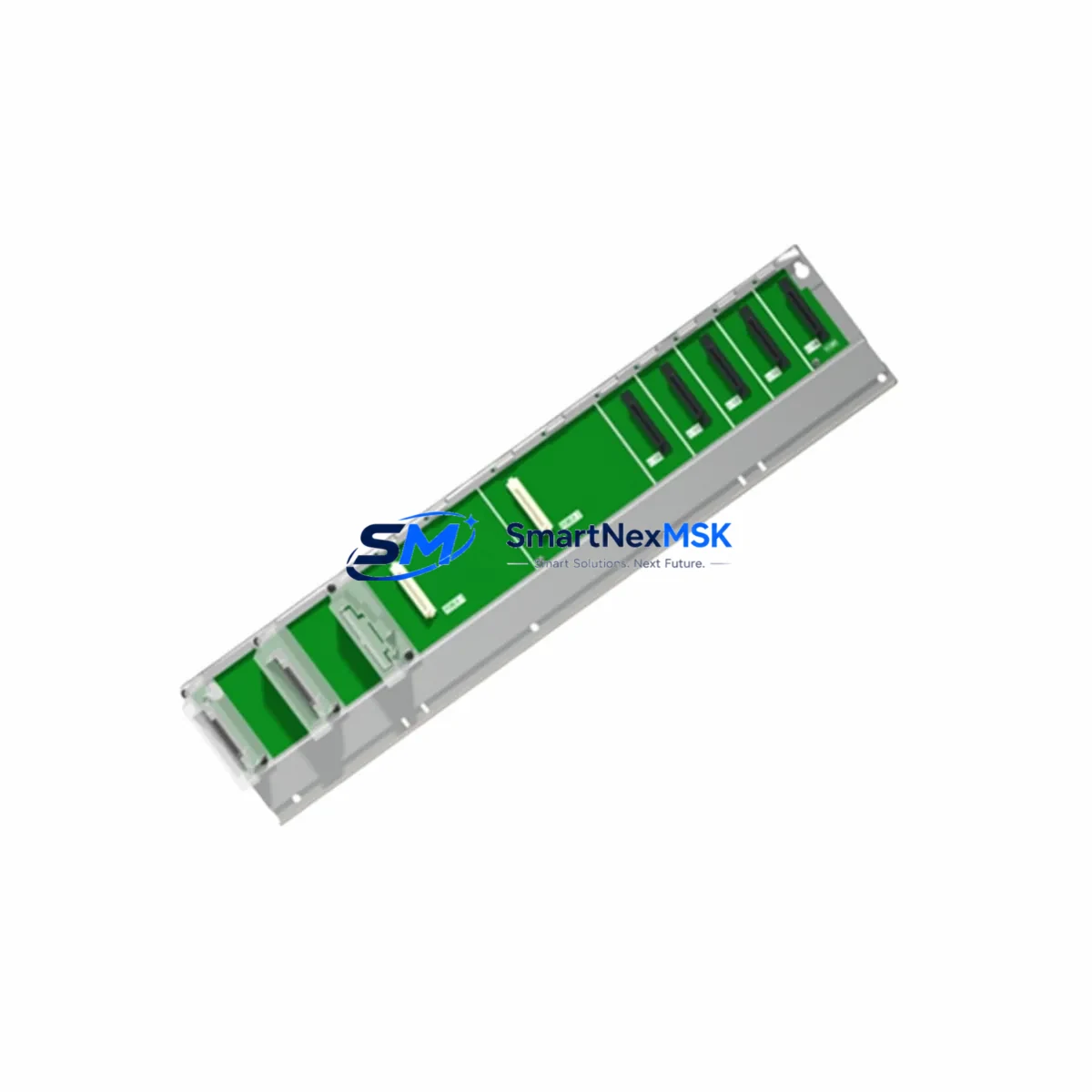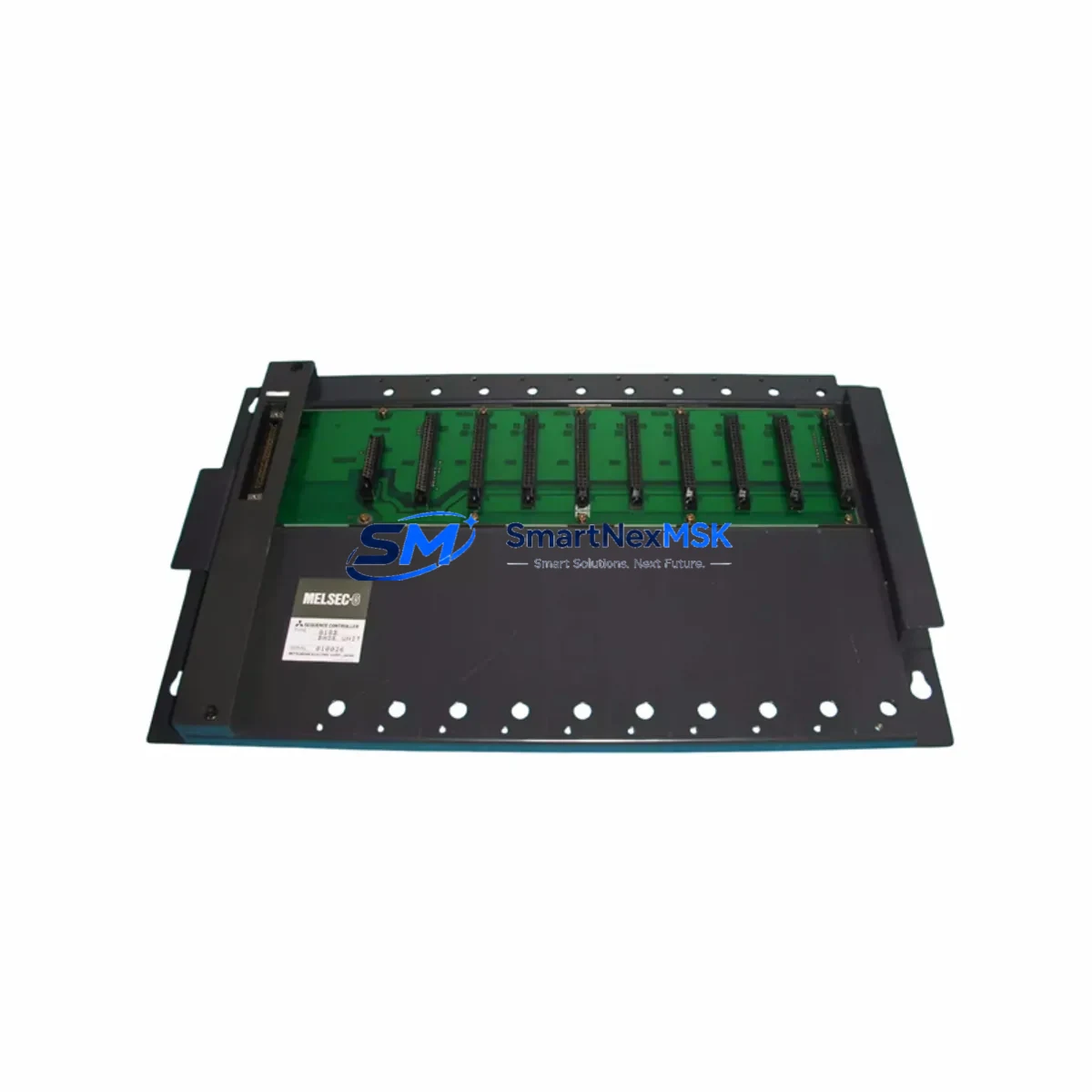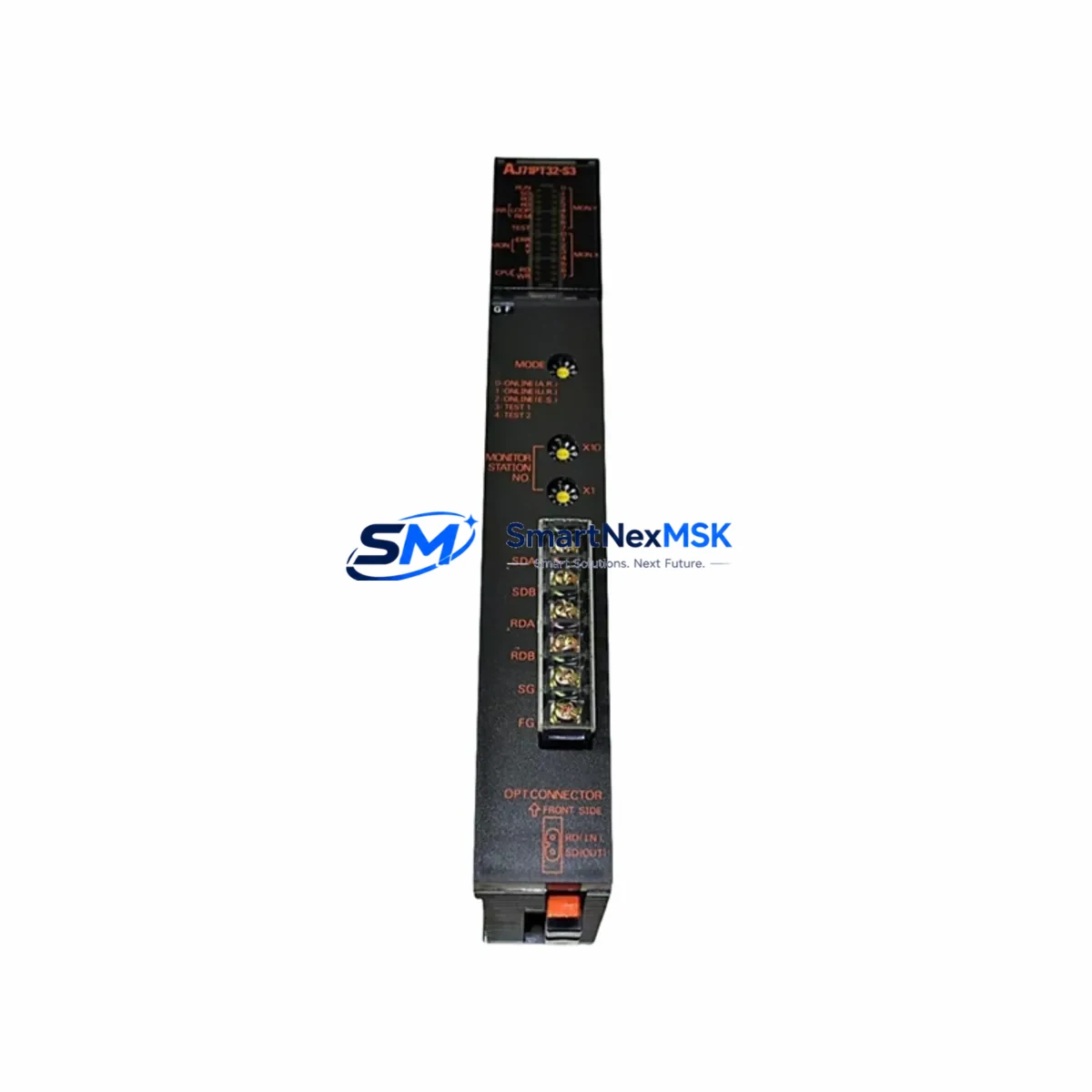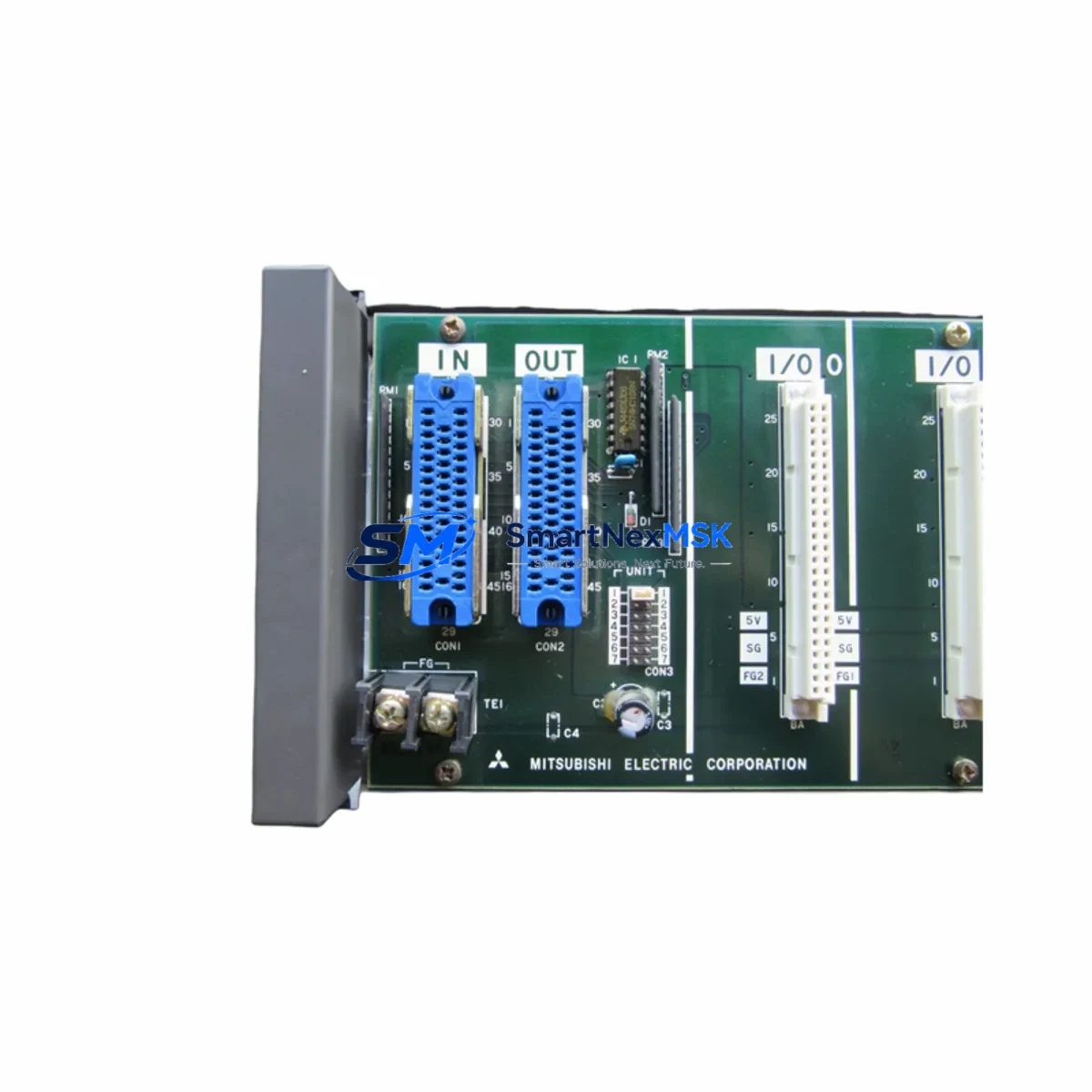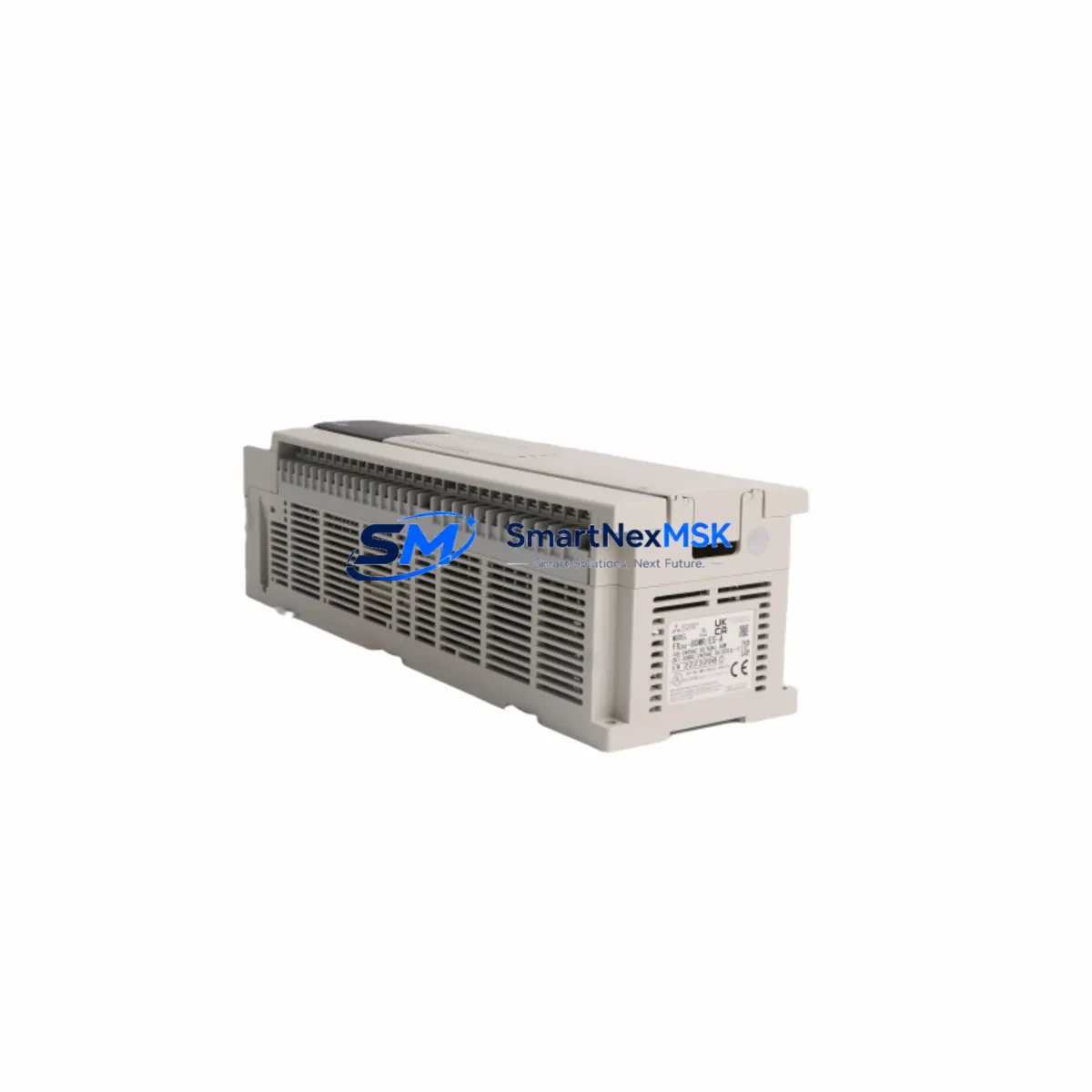
Mitsubishi FX3U-80MR/ES Retrofit-Ready Relay Output for FX3U Control Systems
The Mitsubishi FX3U-80MR/ES is a high-performance, 80-point relay output programmable logic controller (PLC) main unit from the MELSEC FX3U Series, designed for seamless integration into both new automation projects and legacy system modernization programs. With AC power input and a compact DIN-rail-mountable form factor, the FX3U-80MR/ES is the preferred drop-in replacement for aging FX2N-80MR/ES and FX1N-series controllers that have reached end-of-life or are no longer supported under Mitsubishi Electric’s standard maintenance program.
Industrial facilities operating legacy MELSEC FX-series control panels face increasing pressure to modernize without disrupting production continuity. The FX3U-80MR/ES addresses this challenge directly: it retains backward-compatible I/O terminal layouts, supports the same GX Works2 and GX Developer programming environments, and accepts existing FX3U-series expansion modules — including analog I/O units such as the FX3U-4AD and FX3U-4DA — without requiring rack redesign or major rewiring. This makes it an ideal candidate for control cabinet upgrades where minimizing downtime is a primary engineering constraint.
For engineers planning a retrofit from an FX2N-80MR/ES, the FX3U-80MR/ES offers a significant performance uplift: processing speed increases from 0.08 µs/step to 0.065 µs/step, built-in high-speed counters are expanded, and the maximum program capacity grows to 64,000 steps. These improvements translate directly into faster scan cycles, more responsive HMI screen updates on GOT2000-series operator panels, and improved handling of high-frequency pulse train outputs for servo drive coordination.
Upgrade Compatibility Table
| Parameter | FX2N-80MR/ES (Legacy) | FX3U-80MR/ES (Replacement) | Retrofit Notes |
|---|---|---|---|
| I/O Points | 80 (40 IN / 40 OUT) | 80 (40 IN / 40 OUT) | Direct terminal-for-terminal replacement; no rewiring required |
| Output Type | Relay | Relay | Compatible with existing load wiring and relay ladder logic |
| Power Supply | AC 100–240V | AC 100–240V | No power circuit modification needed |
| Program Capacity | 16,000 steps | 64,000 steps | Existing programs upload directly; expanded capacity available for future logic |
| Processing Speed | 0.08 µs/step | 0.065 µs/step | Faster scan cycle; verify HMI polling intervals if using GOT1000/GOT2000 |
| Communication Port | RS-422 (built-in) | RS-422 + USB (built-in) | USB port enables direct GX Works2 connection without FX-USB-AW adapter |
| Expansion Bus | FX2N expansion connector | FX3U expansion connector | FX2N expansion modules require FX2N-CNV-BC adapter for compatibility |
| Programming Software | GX Developer / GX Works2 | GX Works2 / GX Works3 | Existing GX Developer projects can be imported into GX Works2 with minor review |
| Installation | DIN rail / panel mount | DIN rail / panel mount | Same mounting footprint; no cabinet modification required |
| Warranty | — | 12 Months | Covered from date of shipment; includes functional verification before dispatch |
Retrofit Planning for Existing Automation Systems
A successful retrofit begins well before the replacement unit arrives on-site. When migrating from an FX2N-80MR/ES or FX1N-60MR to the FX3U-80MR/ES, the first step is a full backup of the existing PLC program using GX Developer or GX Works2 via the RS-422 programming port. If the legacy controller uses an FX-232AW or SC-09 programming cable, these remain compatible with the FX3U’s RS-422 port, though the newer USB mini-B connection on the FX3U-80MR/ES eliminates the need for a serial adapter in most modern laptop environments.
Terminal block wiring should be documented with photographs and a point-by-point I/O list before disconnection. The FX3U-80MR/ES shares the same screw terminal pitch and I/O numbering convention as the FX2N-80MR/ES, so existing field wiring — including 24VDC sensor commons, relay output load circuits, and emergency stop interlock chains — can be reconnected without modification. Engineers should verify the power supply capacity of the existing FX3U-1PS-5V or FX3U-PSU-5V power supply module if the system uses multiple expansion units, as the FX3U-80MR/ES draws slightly different current from the internal 5V bus depending on the expansion configuration.
For systems that include FX3U-4AD analog input modules, FX3U-4DA analog output modules, or FX3U-232-BD and FX3U-485-BD communication boards, these expansion components connect directly to the FX3U-80MR/ES expansion bus without modification. If the legacy system used FX2N-series expansion modules such as the FX2N-8EX or FX2N-8EYR, an FX2N-CNV-BC bus conversion adapter is required to bridge the FX2N expansion connector to the FX3U bus. This adapter is compact and installs between the main unit and the first FX2N expansion module without requiring additional DIN rail space.
Communication protocol migration is a common concern in FX3U retrofit projects. If the existing system communicates with a SCADA host or HMI via Modbus RTU over RS-485, the FX3U-485-BD communication board and the existing Modbus protocol library in GX Works2 provide a direct migration path. For systems using CC-Link field network, the FX3U-16CCL-M CC-Link master module integrates with the FX3U-80MR/ES to maintain network topology without reconfiguring remote I/O stations. GOT2000-series HMI panels connected via RS-422 or Ethernet require only a station number and baud rate confirmation — screen projects created in GT Designer3 do not require modification when the PLC model is updated from FX2N to FX3U within the same device address range.
Downtime Control During System Migration
Minimizing production downtime during a PLC replacement requires a structured hot-swap methodology. The recommended approach is to pre-configure the FX3U-80MR/ES offline: load the backed-up program, set the correct I/O parameters, configure communication port settings, and perform a full simulation run in GX Works2 before the unit reaches the control cabinet. This offline preparation reduces on-site commissioning time to a single planned maintenance window, typically 2–4 hours for an 80-point system.
During the physical swap, the sequence should follow: power down the control panel at the main isolator, photograph all terminal connections, remove the legacy FX2N-80MR/ES from the DIN rail, mount the FX3U-80MR/ES in the same position, reconnect all field wiring using the documented I/O list, and restore power. The FX3U-80MR/ES will enter STOP mode on first power-up, allowing the engineer to verify program integrity via GX Works2 before switching to RUN mode. If the system includes a GOT2000 HMI, the operator panel will display a communication error during the swap window — this clears automatically once the FX3U-80MR/ES enters RUN mode and re-establishes the RS-422 or Ethernet link.
For critical production lines where even a 2-hour window is unacceptable, a parallel run strategy is available: install the FX3U-80MR/ES alongside the existing controller using a temporary I/O splitter harness, verify all outputs in simulation mode, then perform a live cutover by switching the I/O commons from the old unit to the new unit in a single step. This approach is particularly effective in food processing, pharmaceutical, and continuous chemical process environments where process continuity is a safety requirement. All units shipped by SMARTNEXMSK undergo functional power-on testing and program load verification before dispatch, reducing the risk of DOA failures during planned maintenance windows.
Retrofit Support FAQ
Q1: Is the FX3U-80MR/ES a direct drop-in replacement for the FX2N-80MR/ES?
Yes, for the main unit itself. The terminal layout, DIN rail footprint, AC power input, and relay output configuration are identical. The primary consideration is the expansion bus: FX2N-series expansion modules require an FX2N-CNV-BC adapter to connect to the FX3U expansion port. FX3U-series expansion modules connect directly without any adapter.
Q2: Can I upload my existing FX2N program to the FX3U-80MR/ES without rewriting it?
In most cases, yes. Programs written in GX Developer for the FX2N can be imported into GX Works2 and transferred to the FX3U-80MR/ES with minimal modification. Device address ranges are compatible, and standard ladder instructions execute identically. Engineers should review any high-speed counter (HSC) or interrupt routine configurations, as the FX3U offers expanded HSC capabilities that may require parameter updates to take full advantage of the new hardware.
Q3: What communication options are available on the FX3U-80MR/ES for connecting to SCADA or HMI systems?
The FX3U-80MR/ES includes a built-in RS-422 port and a USB programming port. For RS-485 Modbus RTU, add an FX3U-485-BD communication board. For Ethernet/IP or SLMP protocol connectivity, the FX3U-ENET-L Ethernet adapter module provides TCP/IP integration with SCADA systems and GOT2000 HMI panels. CC-Link compatibility is available via the FX3U-16CCL-M master module.
Q4: What does the 12-month warranty cover, and what pre-shipment testing is performed?
Every FX3U-80MR/ES unit shipped by SMARTNEXMSK is covered by a 12-month warranty from the date of shipment. Pre-shipment testing includes power-on functional verification, I/O point continuity check, and communication port validation. If a unit develops a fault within the warranty period under normal operating conditions, SMARTNEXMSK will arrange replacement or repair at no additional cost. Units are shipped with original manufacturer packaging and include a test report upon request.
© 2026 SMARTNEXMSK. All rights reserved.
Original Source: https://smartnexmsk.com
Contact: [email protected] | +86 18259474341