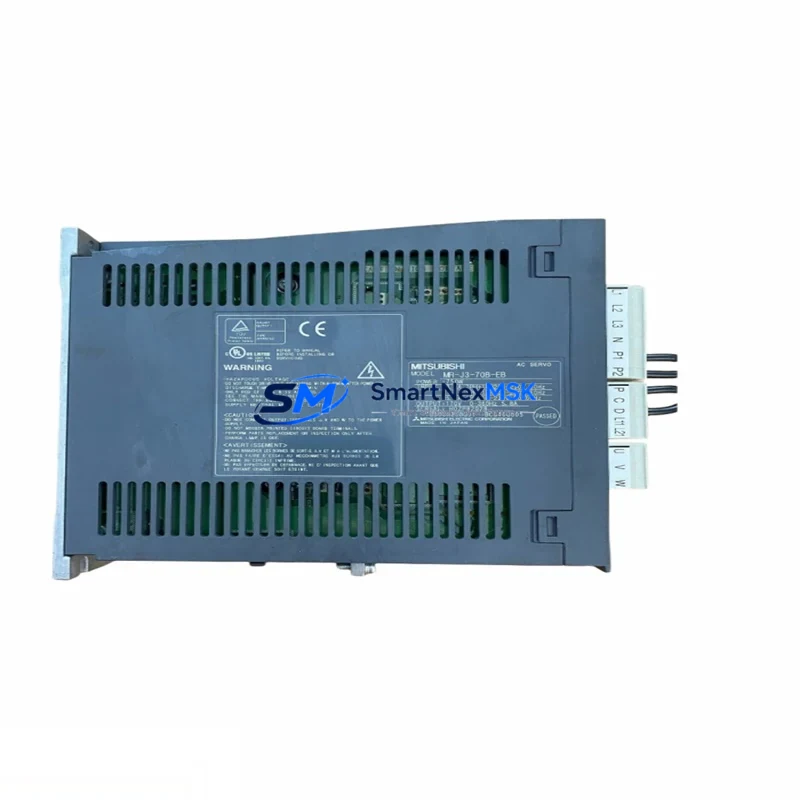
Mitsubishi GT2508-VTBD Retrofit-Ready HMI for GOT2000 Control Systems
The Mitsubishi Electric GT2508-VTBD is an 8.4-inch SVGA color touch panel from the GOT2000 series, purpose-built for industrial control environments where legacy HMI panels are reaching end-of-life or have been discontinued. As automation engineers face increasing pressure to modernize aging MELSEC control cabinets without disrupting production, the GT2508-VTBD provides a validated, drop-in upgrade path from earlier GOT1000 series panels such as the GT1575-VNBA and GT1585-STBA, eliminating the need for full control system redesign.
This panel supports Ethernet, RS-232, RS-422/485, and USB interfaces, making it fully compatible with existing communication architectures built around CC-Link IE Field, CC-Link, MELSECNET/H, and PROFIBUS-DP networks. Engineers migrating from older GOT1000 installations can retain their existing GX Works2 or GX Developer ladder programs without rewriting core logic, provided that device address mappings and screen tag assignments are verified during the commissioning phase using GT Designer3.
Upgrade Compatibility Table
| Parameter | GT2508-VTBD (New) | GT1575-VNBA (Legacy) | Notes |
|---|---|---|---|
| Display Size | 8.4″ SVGA (800×600) | 10.4″ XGA (1024×768) | Panel cutout dimensions differ; verify cabinet opening |
| Communication Ports | Ethernet, RS-232, RS-422/485, USB | RS-232, RS-422/485, USB | GT2508-VTBD adds Ethernet — enables remote monitoring |
| CC-Link IE Compatibility | Yes (via Ethernet port) | No | Protocol migration supported without PLC replacement |
| Power Supply | 24 VDC (±10%) | 24 VDC (±10%) | Existing 24 VDC rail compatible; verify current capacity ≥1.5 A |
| Mounting Style | Panel-mount (front) | Panel-mount (front) | Gasket seal rating IP67 (front face) |
| Screen Project Transfer | GT Designer3 (v1.195M+) | GT Designer2 / GT Designer3 | Project conversion tool available in GT Designer3 |
| PLC Compatibility | MELSEC iQ-R, iQ-F, Q, L, FX Series | MELSEC Q, L, FX Series | Expanded controller support with GT2508-VTBD |
| Replacement Recommendation | Direct retrofit with wiring adapter harness | Confirm terminal block pitch before ordering | |
| Commissioning Focus | Device address mapping, tag verification, comms test | Use GOT2000 connection check function | |
| Warranty | 12 Months | Covers hardware defects from date of shipment | |
Retrofit Planning for Existing Automation Systems
A successful GT2508-VTBD retrofit begins well before the panel arrives on-site. The first step is a full audit of the existing control cabinet, including the power supply module — typically a Mitsubishi Q61P or Q62P — to confirm that the 24 VDC rail can sustain the additional 1.5 A draw of the new HMI without tripping the circuit breaker or causing voltage sag on shared I/O modules. If the cabinet also houses a Q series CPU such as the Q06UDEHCPU or Q13UDHCPU, the backplane slot configuration and I/O module addresses must be documented before any hardware is removed, as these addresses are referenced directly in the existing HMI screen project.
For systems using CC-Link communication, the existing CC-Link master module — such as the QJ61BT11N — will continue to operate without modification. However, if the retrofit goal includes migrating to CC-Link IE Field for higher bandwidth and noise immunity, the GT2508-VTBD’s built-in Ethernet port supports this transition natively, provided the connected MELSEC iQ-R or Q series PLC is equipped with a compatible network module such as the RJ71GF11-T2. Engineers should map all existing CC-Link device assignments to the new IE Field station numbers before going live.
Terminal wiring is another critical checkpoint. The GT2508-VTBD uses a standard 9-pin D-sub connector for RS-232 and a 6-pin terminal block for RS-422/485. If the legacy panel used a different connector pitch or pinout — common with older GOT1000 units — a wiring adapter or custom harness will be required. It is strongly recommended to prepare a wiring diagram comparing the old and new terminal assignments before the scheduled maintenance window. The 24 VDC power terminals on the GT2508-VTBD accept wire gauges from 0.75 mm² to 2 mm², consistent with most existing cabinet wiring standards.
Screen project migration from GT Designer2 to GT Designer3 is straightforward using the built-in conversion wizard, but engineers should allocate time to verify all alarm display objects, recipe data blocks, and trend graph components after conversion, as some object properties may require manual adjustment. If the existing project references a QD75MH positioning module or an A1SD75 legacy motion controller, device address compatibility must be confirmed against the GT2508-VTBD connection driver list. For systems with a GOT-A900 series panel still in service, a full screen rebuild in GT Designer3 is recommended rather than attempting a direct conversion.
Downtime Control During System Migration
Minimizing unplanned downtime during an HMI retrofit requires a structured pre-commissioning protocol. Before removing the legacy panel, use GT Designer3 to export a complete backup of the existing screen project, including all device comments, alarm history settings, and communication parameters. Store this backup on a USB drive and retain it as a rollback reference throughout the migration window.
The GT2508-VTBD supports a built-in connection check function that allows engineers to verify PLC communication, I/O device response, and network link status before the panel is fully integrated into the production line. This function can be accessed directly from the utility menu without requiring a laptop or programming cable, significantly reducing the time needed for on-site commissioning. For systems where the PLC program references time-sensitive interrupt routines — common in high-speed packaging or press control applications — the HMI communication cycle time should be set conservatively during initial startup to avoid watchdog faults on the CPU module.
Where production schedules permit only a narrow maintenance window, a parallel commissioning approach is recommended: install and configure the GT2508-VTBD alongside the existing panel using a secondary RS-232 or Ethernet connection to the PLC, verify all screen functions and alarm triggers in shadow mode, then perform the final cutover during a planned stop. This approach has been validated in retrofit projects involving MELSEC Q series and iQ-R series controllers and is particularly effective when the control system also includes an MR-J4 servo amplifier network or an FR-A800 inverter drive array that must remain operational throughout the transition.
All units are pre-tested prior to shipment and include a 12-month warranty covering hardware defects from the date of delivery. In-stock units typically ship within 2 business days, supporting urgent replacement scenarios where a failed legacy panel has caused an unplanned line stoppage.
Retrofit Support FAQ
Q: Can the GT2508-VTBD directly replace a GT1575-VNBA without modifying the PLC program?
A: In most cases, yes. The GT2508-VTBD uses the same device address structure as the GOT1000 series when connected to MELSEC Q or FX series PLCs. The existing ladder program does not need to be modified, but the HMI screen project must be converted using GT Designer3 and all device tag assignments verified before going live. Communication parameters — baud rate, station number, and protocol — must also be reconfigured to match the new panel’s driver settings.
Q: What wiring changes are required when replacing a GOT1000 panel with the GT2508-VTBD?
A: The 24 VDC power wiring is typically compatible without modification. RS-232 and RS-422/485 signal wiring may require a new connector or adapter harness depending on the legacy panel’s terminal configuration. Ethernet wiring is new if the legacy panel did not have a network port. Always prepare a terminal comparison diagram before the maintenance window and test continuity before powering up the new panel.
Q: Does the GT2508-VTBD support CC-Link IE Field communication?
A: Yes. The GT2508-VTBD supports CC-Link IE Field communication via its built-in Ethernet port when connected to a compatible MELSEC iQ-R or Q series PLC equipped with a CC-Link IE Field master module such as the RJ71GF11-T2. This allows existing CC-Link installations to be migrated to the higher-bandwidth IE Field network as part of the same retrofit project, without replacing the PLC or I/O modules.
Q: What does the 12-month warranty cover, and how is it claimed?
A: The 12-month warranty covers hardware defects in materials and workmanship from the date of shipment. It does not cover damage caused by incorrect wiring, overvoltage, physical impact, or unauthorized modification. To initiate a warranty claim, contact our technical support team with the unit serial number, purchase order reference, and a description of the fault. Replacement units are dispatched within 3 business days of claim approval, and pre-shipment functional testing reports are available upon request.
© 2026 SMARTNEXMSK. All rights reserved.
Original Source: https://smartnexmsk.com
Contact: [email protected] | +86 18259474341