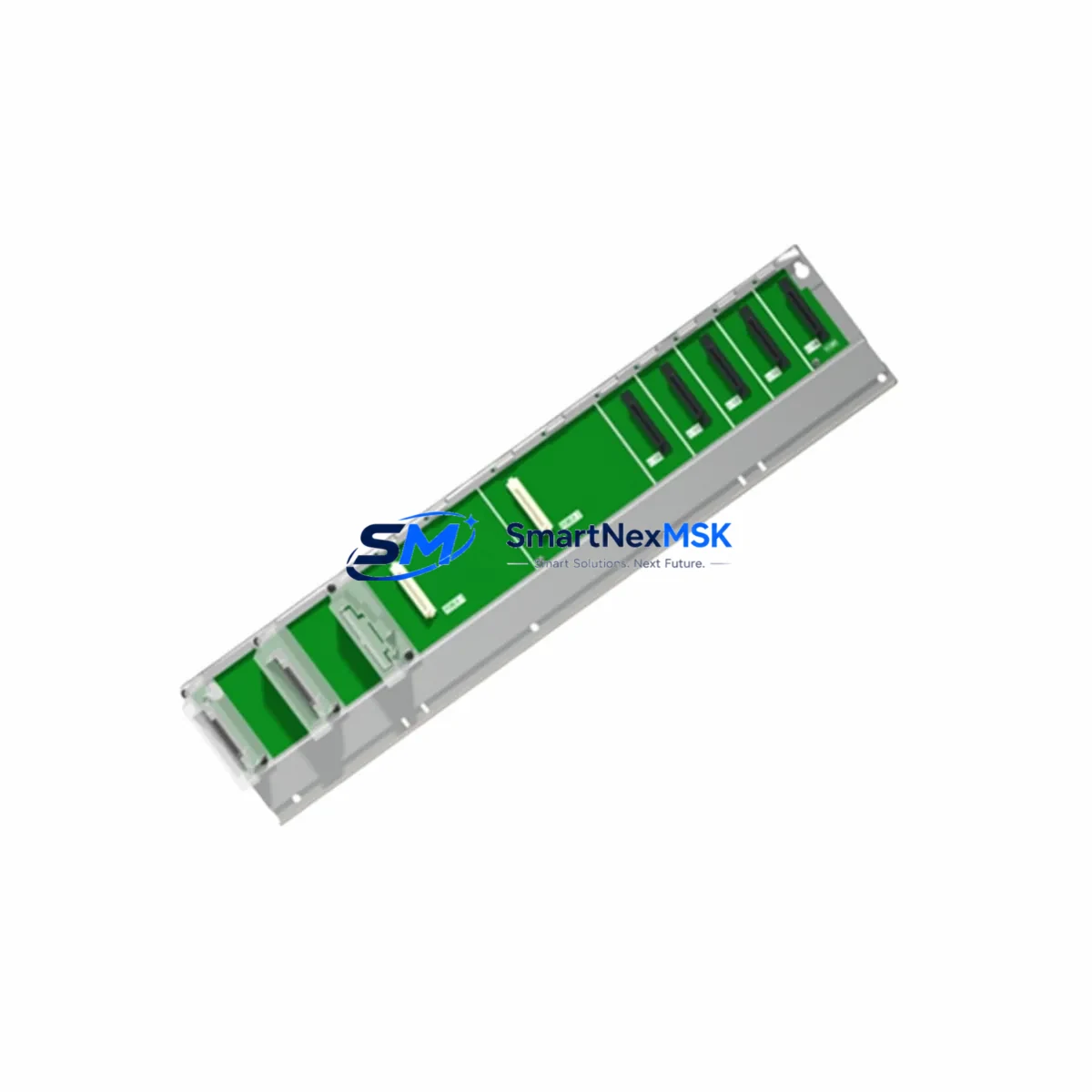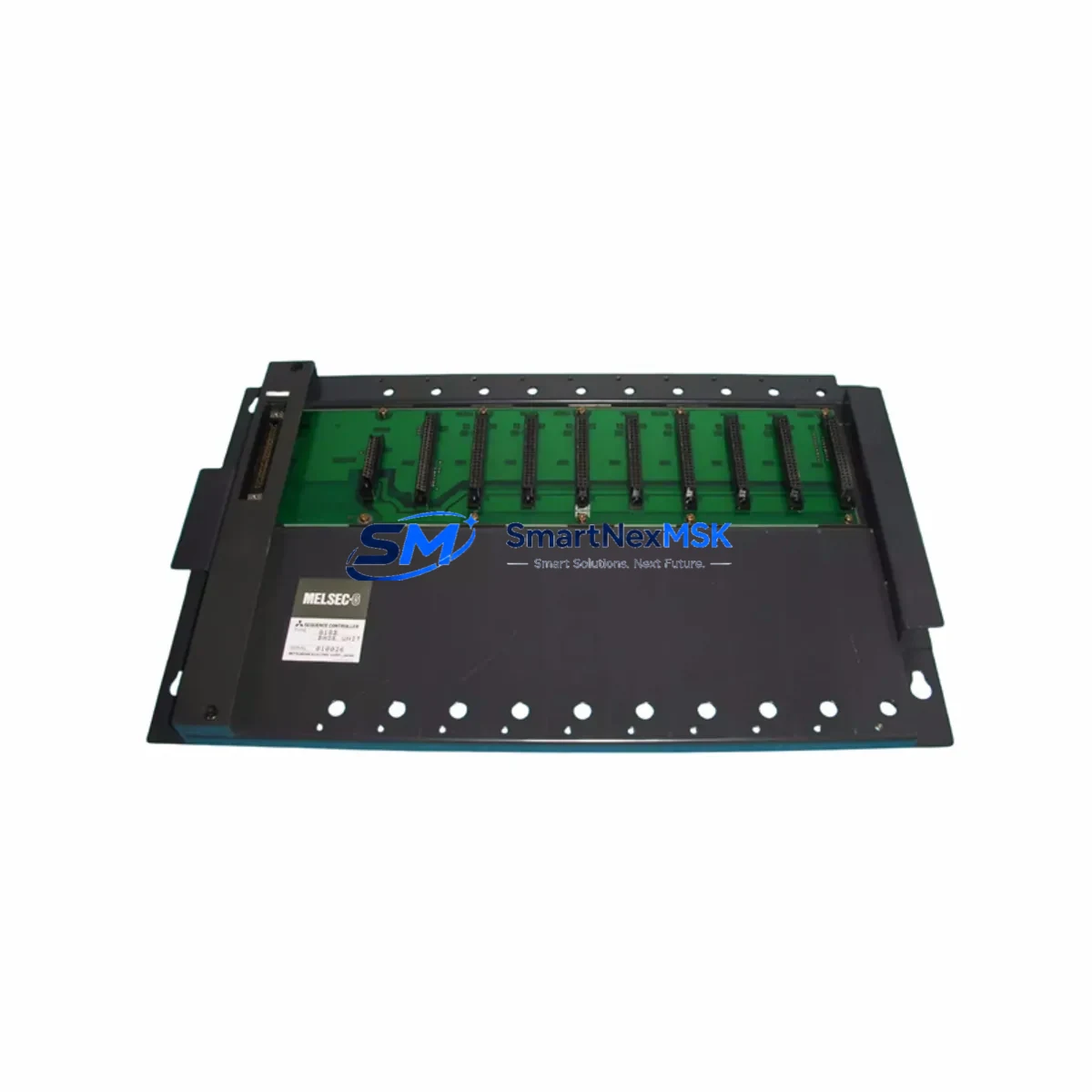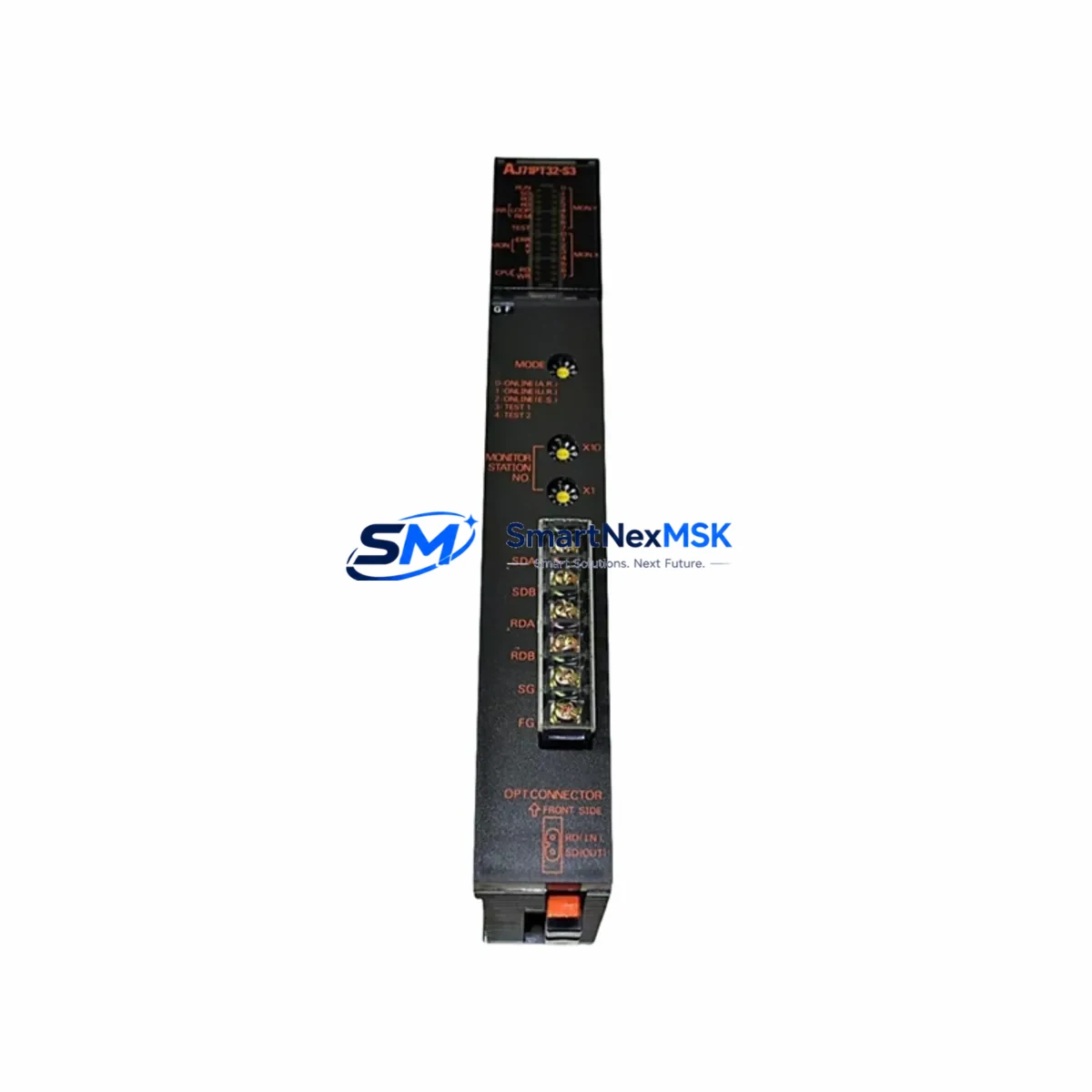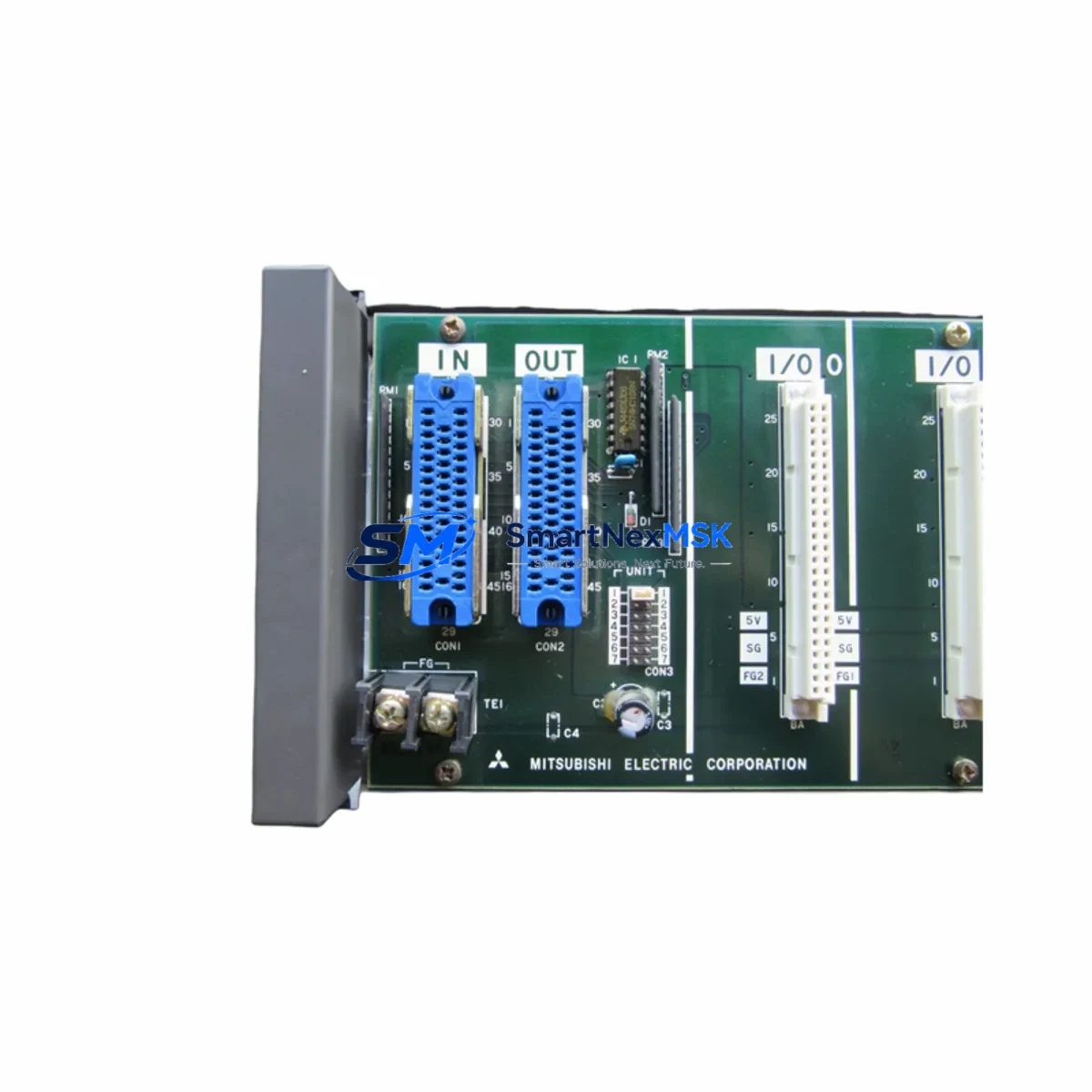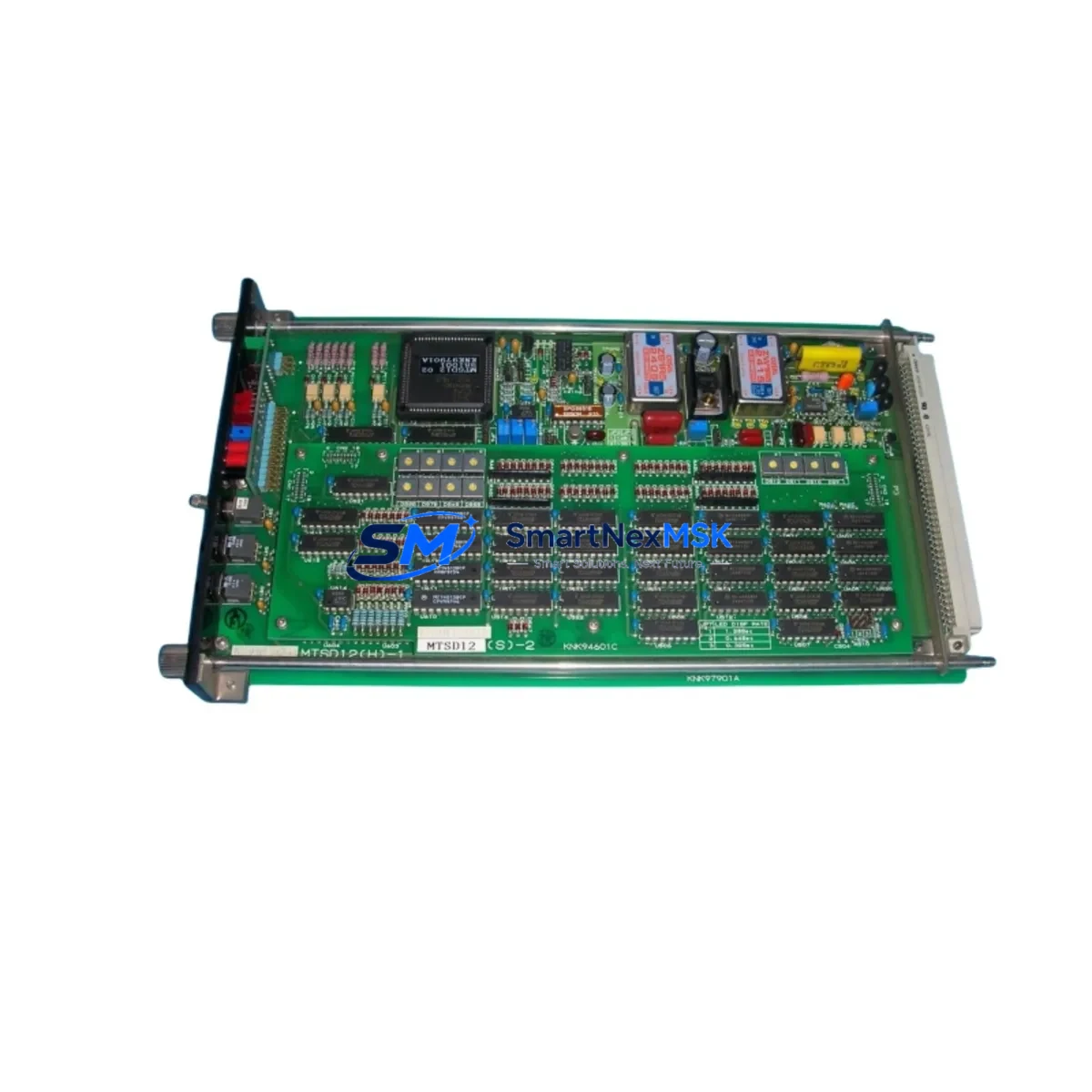
Mitsubishi MTSD12 Maintenance-Ready Spare for MELSEC Automation
The Mitsubishi MTSD12 is a critical control board component within the MELSEC programmable logic controller family, widely deployed across manufacturing lines, process control systems, and automated assembly environments. When a MTSD12 fails or degrades, the downstream impact on production continuity is immediate — unplanned downtime in industrial automation environments can cost thousands of dollars per hour. Sourcing a verified, original-specification spare is the fastest path to restoring system integrity and resuming normal operations.
This listing provides a maintenance-ready MTSD12 spare, sourced to original Mitsubishi Electric specifications, tested prior to shipment, and backed by a 12-month warranty. Whether you are executing a planned replacement during a scheduled shutdown, responding to an emergency fault condition, or building out your site spare parts inventory, this unit is prepared for immediate installation.
Spare Maintenance Table
| Parameter | Specification / Detail |
|---|---|
| Part Number / SKU | MTSD12 |
| Brand | Mitsubishi Electric |
| Series | MELSEC |
| Product Type | PLC Control Board |
| Origin | Japan |
| Compatibility | MELSEC series PLC systems; verify rack and backplane compatibility before installation |
| Application Environment | Industrial automation, process control, discrete manufacturing, motion control panels |
| Installation | Slot-mount into compatible MELSEC base unit; follow Mitsubishi wiring and grounding guidelines |
| Condition | Original specification; tested before shipment |
| Warranty | 12 Months |
| Lead Time | In-stock units ship within 1–3 business days |
| Maintenance Recommendation | Inspect power supply rails, I/O wiring, and communication cables during replacement; clean backplane contacts |
Maintenance Planning for Continuous Operation
Replacing the MTSD12 in a live MELSEC system is rarely an isolated task. Experienced maintenance engineers understand that a control board fault is often a symptom of broader electrical stress within the control cabinet. Before returning the system to service, a structured inspection of adjacent components is strongly recommended.
Begin with the power supply module — MELSEC systems typically use dedicated DC power supply units such as the Q61P or Q62P series. Verify output voltage stability and check for ripple or thermal discoloration on the PCB. A degraded power supply is a common root cause of control board failures and will damage a replacement unit if not addressed.
Next, inspect the backplane or base unit (e.g., Q33B, Q35B, Q38B) for bent connector pins, oxidation, or physical damage. A compromised backplane slot will prevent the MTSD12 from seating correctly and may cause intermittent communication faults. Clean the slot contacts with appropriate contact cleaner before installing the replacement board.
Review the I/O modules connected to the same rack — input modules such as QX40 or QX80 series and output modules such as QY10 or QY80 series should be checked for blown fuses, damaged terminal blocks, and correct wiring polarity. A shorted field device connected to an I/O module can propagate fault conditions back to the CPU or control board.
For systems using communication modules — such as QJ71C24N for serial communication or QJ71E71-100 for Ethernet — verify that network cables are intact, connectors are secure, and module LEDs indicate normal link status after the MTSD12 is replaced. Communication timeouts are a frequent post-replacement complaint when cable integrity is not verified.
If the control cabinet includes relay output modules or intermediate relay banks, inspect coil voltage ratings and contact condition. Relay contacts in high-cycle applications wear rapidly and can cause erratic output behavior that is mistakenly attributed to the PLC control board. Similarly, check terminal blocks and wiring ferrules for looseness, corrosion, or heat damage — particularly on 24VDC control circuits.
For systems with signal isolation requirements, verify that any installed signal isolators or barriers between field instruments and I/O modules are functioning correctly. A failed isolator can introduce ground loops or signal distortion that masks the true source of a system fault.
Finally, if the installation includes an HMI panel (such as a GOT2000 series GT2710 or GT2715), confirm that the HMI communication link to the MELSEC CPU is re-established after the board replacement and that all screen tags are reading correctly. HMI communication loss is a common post-maintenance finding that delays production restart.
Site Replacement Workflow
A structured replacement workflow minimizes downtime and reduces the risk of secondary faults during the MTSD12 swap:
Step 1 — Isolate and de-energize: Follow your site LOTO (Lockout/Tagout) procedure. Confirm that all power rails to the control cabinet are isolated before opening the enclosure.
Step 2 — Document current configuration: If the MTSD12 holds any onboard parameter settings or DIP switch configurations, photograph or record these before removal. Refer to the Mitsubishi MELSEC hardware manual for your specific system variant.
Step 3 — Remove the faulty unit: Release the module locking tab, extract the board carefully, and inspect the backplane connector for damage.
Step 4 — Install the replacement MTSD12: Seat the new board firmly into the backplane slot until the locking tab engages. Do not force the module — misalignment will damage connector pins.
Step 5 — Restore power and verify: Re-energize the system in stages. Confirm that the CPU module RUN LED illuminates, I/O modules report correct status, and communication links are re-established. Run a diagnostic scan from GX Works2 or GX Works3 to confirm no residual fault codes.
Step 6 — Functional test before production restart: Execute a controlled test cycle before returning the line to full production. Verify all outputs actuate correctly and all inputs are reading field signals accurately.
Maintaining a site spare of the MTSD12 — along with key power supply, I/O, and communication modules — reduces mean time to repair (MTTR) and supports long-term system availability for aging MELSEC installations.
Spare Parts Support FAQ
Q1: Is this MTSD12 an original Mitsubishi Electric component?
Yes. This unit is sourced to original Mitsubishi Electric specifications. Each unit undergoes functional testing prior to shipment to confirm it meets the performance requirements of the MELSEC platform.
Q2: What is the warranty coverage and what does it include?
All units are covered by a 12-month warranty from the date of shipment. The warranty covers manufacturing defects and functional failures under normal operating conditions. Units damaged by incorrect installation, overvoltage, or physical impact are not covered.
Q3: How do I confirm compatibility with my existing MELSEC system before ordering?
Provide your existing system model number, base unit type, and current firmware version when contacting our sales team. We will verify compatibility and advise on any configuration requirements before the order is processed.
Q4: Can you support long-term or repeat supply for maintenance programs?
Yes. We support planned maintenance programs, annual spare parts contracts, and emergency replenishment orders. Contact our team to discuss volume pricing, lead time commitments, and consignment stock arrangements for critical MELSEC components.
© 2026 SMARTNEXMSK. All rights reserved.
Original Source: https://smartnexmsk.com
Contact: [email protected] | +86 18259474341