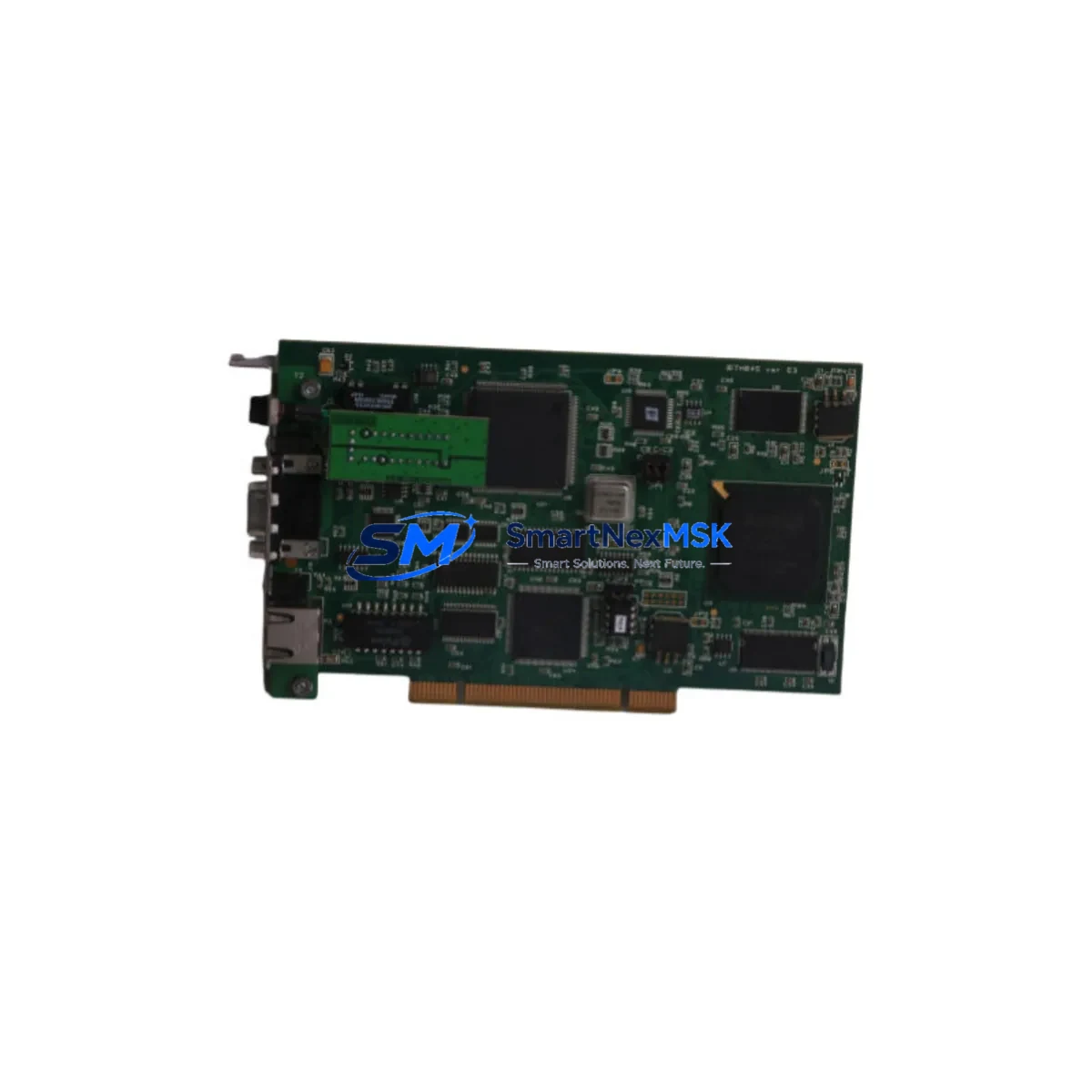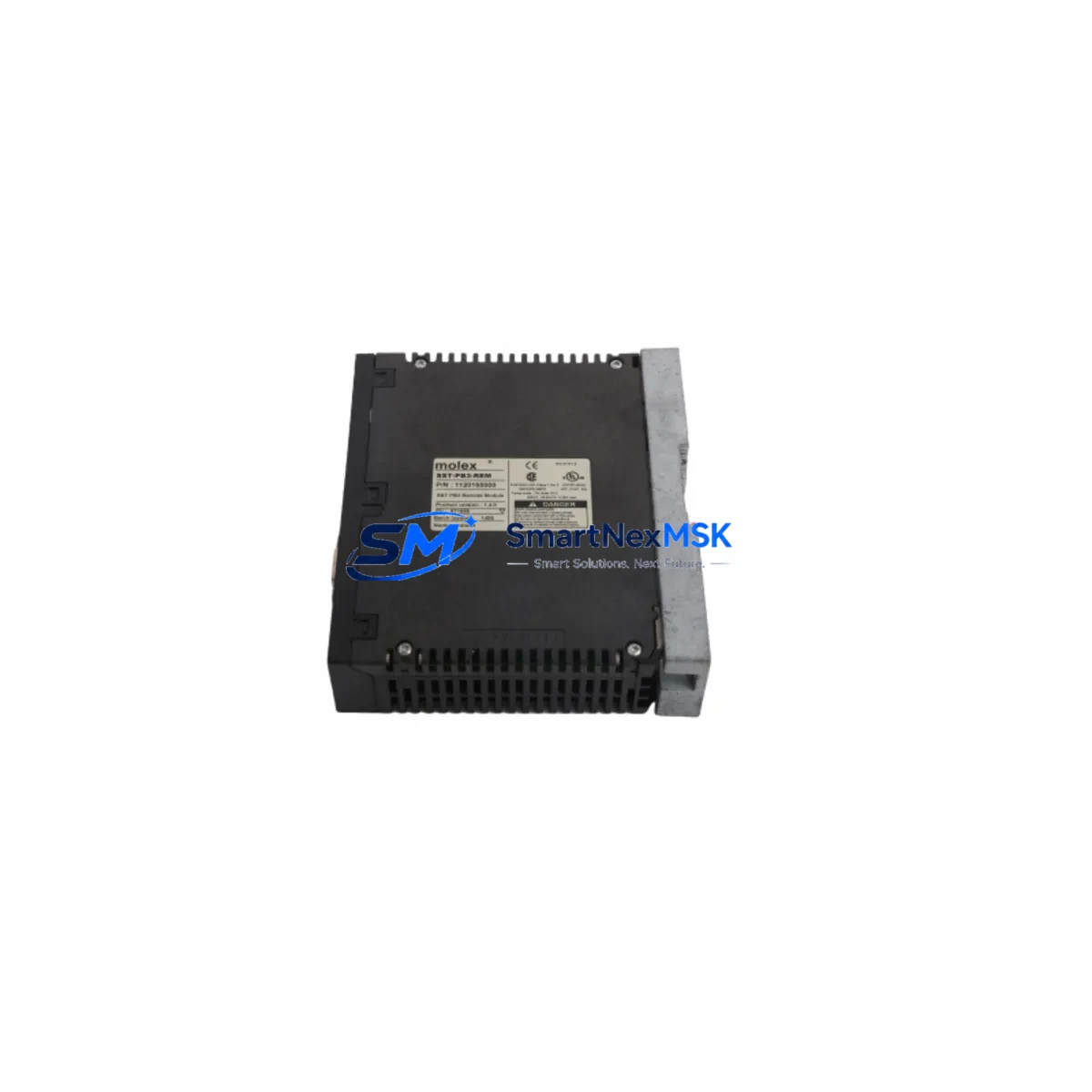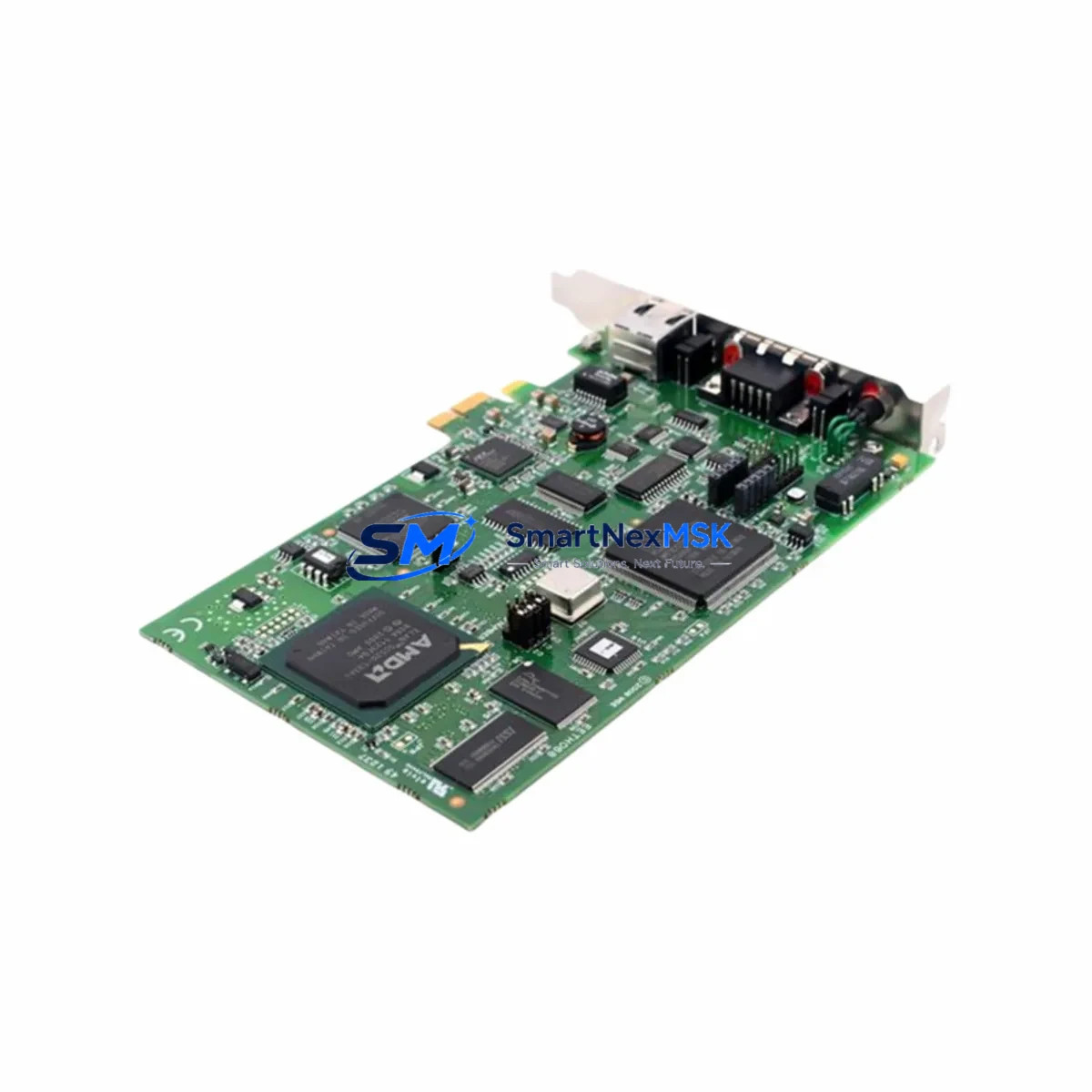
Molex PCIE2000ETH-APP-EPB-PCIE Spare for PCIE2000ETH Automation
The Molex PCIE2000ETH-APP-EPB-PCIE is an original industrial-grade PCI Express Ethernet Network Interface Card engineered for demanding automation and control system environments. As a maintenance-ready spare, this module is critical for facilities that rely on continuous Ethernet-based communication between PLCs, DCS controllers, SCADA hosts, and field devices. Unplanned downtime caused by NIC failure can cascade across an entire production line — having a verified, tested replacement on the shelf is the most effective strategy for rapid recovery.
Sourced directly from authorized supply channels, each PCIE2000ETH-APP-EPB-PCIE unit undergoes functional verification prior to dispatch. It ships with full documentation support and is backed by a 12-month warranty, giving maintenance engineers and procurement teams confidence in both quality and long-term availability. Whether you are managing a greenfield installation or extending the service life of a legacy control system, this spare part delivers the compatibility and reliability your operation demands.
For industrial sites running Molex PCIE2000ETH series communication infrastructure, maintaining at least one spare NIC in the control cabinet inventory is a recognized best practice. Network interface failures are among the harder faults to diagnose quickly under pressure — a pre-tested, drop-in replacement eliminates guesswork and restores communication links within minutes rather than hours.
Spare Maintenance Table
| Parameter | Specification / Detail |
|---|---|
| Part Number | PCIE2000ETH-APP-EPB-PCIE |
| Brand | Molex |
| Series | PCIE2000ETH |
| Product Type | Industrial Ethernet Network Interface Card (NIC) |
| Interface | PCI Express (PCIe) |
| Network Protocol | Industrial Ethernet (EtherNet/IP / PROFINET compatible) |
| Operating Voltage | 3.3 V / 12 V via PCIe slot |
| Operating Temperature | 0°C to +60°C (industrial grade) |
| Mounting | PCIe slot, standard half-height bracket |
| Compatibility | PCIE2000ETH series; industrial PC / IPC platforms |
| Application Environment | Control cabinets, SCADA hosts, PLC communication gateways |
| Condition | Original, new or refurbished-tested |
| Pre-shipment Test | Functional communication and link verification |
| Warranty | 12 Months |
| Lead Time | Ships within 1–3 business days |
| Origin | United States |
Maintenance Planning for Continuous Operation
When a PCIE2000ETH-APP-EPB-PCIE NIC fails or is flagged during a scheduled control cabinet inspection, the replacement workflow should extend beyond the card itself. Experienced maintenance engineers treat a NIC fault as a trigger for a broader cabinet health check. Begin by verifying the integrity of the industrial Ethernet patch cables and RJ45 connectors feeding the card — cable degradation is a common co-failure mode in high-vibration environments. Inspect the managed Ethernet switch or unmanaged hub that the NIC connects to; a failing switch port can mimic NIC failure symptoms and should be ruled out before committing to a card swap.
Check the IPC or industrial PC power supply unit (PSU) that hosts the PCIe card — insufficient or unstable 12 V rail voltage is a known cause of intermittent NIC dropouts. If the host system uses a Molex power connector harness or a modular PSU with PCIe power rails, inspect those connectors for oxidation or thermal stress. Review the PCIe slot itself for debris, bent pins, or reflow solder issues on the motherboard, particularly in older systems that have been in service for five or more years.
For systems integrated with a Siemens S7-300 or S7-400 PLC via CP communication modules, or with a Rockwell ControlLogix EN2T or EN3TR Ethernet bridge, confirm that the network topology and IP addressing scheme remain consistent after the NIC replacement. PROFINET device names and EtherNet/IP node addresses may need to be re-assigned if the MAC address changes. Keep a record of the previous NIC’s MAC address and network configuration before removal.
In DCS environments — for example, systems using Honeywell C300 controllers or Emerson DeltaV M-series I/O — the Ethernet NIC in the operator workstation or engineering station is a critical link. A spare PCIE2000ETH-APP-EPB-PCIE on the shelf means that a workstation communication failure does not become a multi-day procurement delay. Pair this spare with a documented network configuration backup (IP, subnet, gateway, VLAN settings) stored in your maintenance management system.
Additional components to include in the same spare parts review cycle: industrial Ethernet surge protectors or signal isolators on the NIC’s RJ45 port, PCIe riser cards or extender brackets used in compact IPC chassis, and any fiber-to-copper media converters in the same network segment. For sites using Phoenix Contact or Weidmüller terminal blocks on the communication panel, inspect those for loose terminations that can introduce ground loops affecting NIC stability.
Site Replacement Workflow
Step 1 — Pre-replacement documentation: Record the existing NIC’s MAC address, IP configuration, VLAN membership, and any driver or firmware version from the host OS device manager. Photograph the cable routing and labeling before disconnection.
Step 2 — Safe shutdown: Follow your site’s lockout/tagout (LOTO) procedure for the IPC or workstation. For hot-swap-capable systems, verify whether the PCIe slot supports hot-plug before attempting live replacement. Most industrial PCs do not support PCIe hot-swap.
Step 3 — Physical swap: Remove the failed PCIE2000ETH-APP-EPB-PCIE card, clean the PCIe slot with compressed air, and seat the replacement card firmly. Reconnect all Ethernet cables in the original configuration. Verify bracket screw torque to prevent vibration-induced contact loss.
Step 4 — Driver and configuration restore: Boot the host system and confirm the OS recognizes the new NIC. Restore the saved IP configuration. For PROFINET systems, use the engineering tool (e.g., Siemens TIA Portal or Step 7) to re-assign the device name to the new MAC address. For EtherNet/IP, update the RSLinx or Studio 5000 driver mapping as needed.
Step 5 — Communication verification: Ping the PLC or DCS controller from the workstation. Verify cyclic data exchange is re-established. Check the SCADA or HMI screen for communication fault alarms — clear any latched faults once stable communication is confirmed. Log the replacement in your CMMS with the new card’s serial number and installation date.
This workflow minimizes mean time to repair (MTTR) and ensures the replacement is traceable for future audits. Keeping a pre-configured spare — with drivers pre-installed on a USB image — can reduce the restoration window to under 30 minutes for experienced technicians.
Spare Parts Support FAQ
Q1: Is the PCIE2000ETH-APP-EPB-PCIE a direct drop-in replacement for older PCIE2000ETH series cards?
Yes. The PCIE2000ETH-APP-EPB-PCIE is designed as a form-fit-function replacement within the PCIE2000ETH series. Physical dimensions, PCIe interface, and driver compatibility are maintained across the series. Always verify the host OS driver version and confirm MAC-address-dependent configurations (PROFINET device names, EtherNet/IP node IDs) are updated after installation.
Q2: What pre-shipment testing is performed before dispatch?
Each unit undergoes functional link-up and communication verification testing before shipment. Cards that fail any test stage are quarantined and not dispatched. A test report summary is available upon request for critical infrastructure procurement. All units are shipped with ESD-protective packaging to prevent transit damage.
Q3: How should this spare be stored in a control room inventory?
Store in the original ESD bag inside a dry, temperature-controlled environment (recommended: 10°C–30°C, relative humidity below 70%, non-condensing). Avoid storage near strong magnetic fields or high-vibration areas. Label the spare with the purchase date and warranty expiry. Rotate stock on a first-in, first-out basis and re-verify functionality if the spare has been in storage for more than 24 months without use.
Q4: What is covered under the 12-month warranty?
The 12-month warranty covers manufacturing defects and functional failures under normal operating conditions. It does not cover damage caused by incorrect installation, overvoltage events, physical impact, or use outside the specified environmental ratings. In the event of a warranty claim, contact our technical support team with the order reference and a description of the fault. Replacement or repair will be arranged within the warranty period at no additional cost.
© 2026 SMARTNEXMSK. All rights reserved.
Original Source: https://smartnexmsk.com
Contact: [email protected] | +86 18259474341