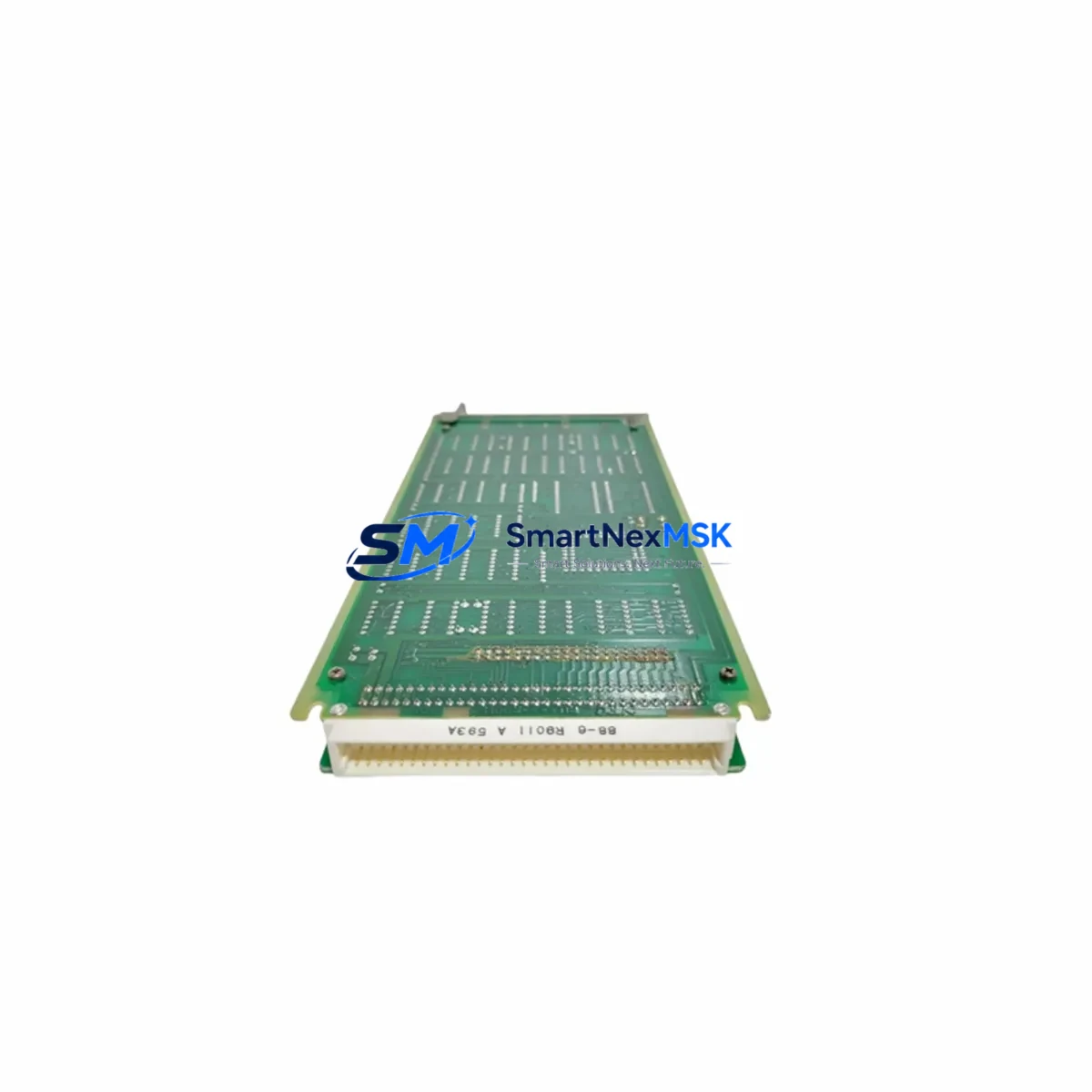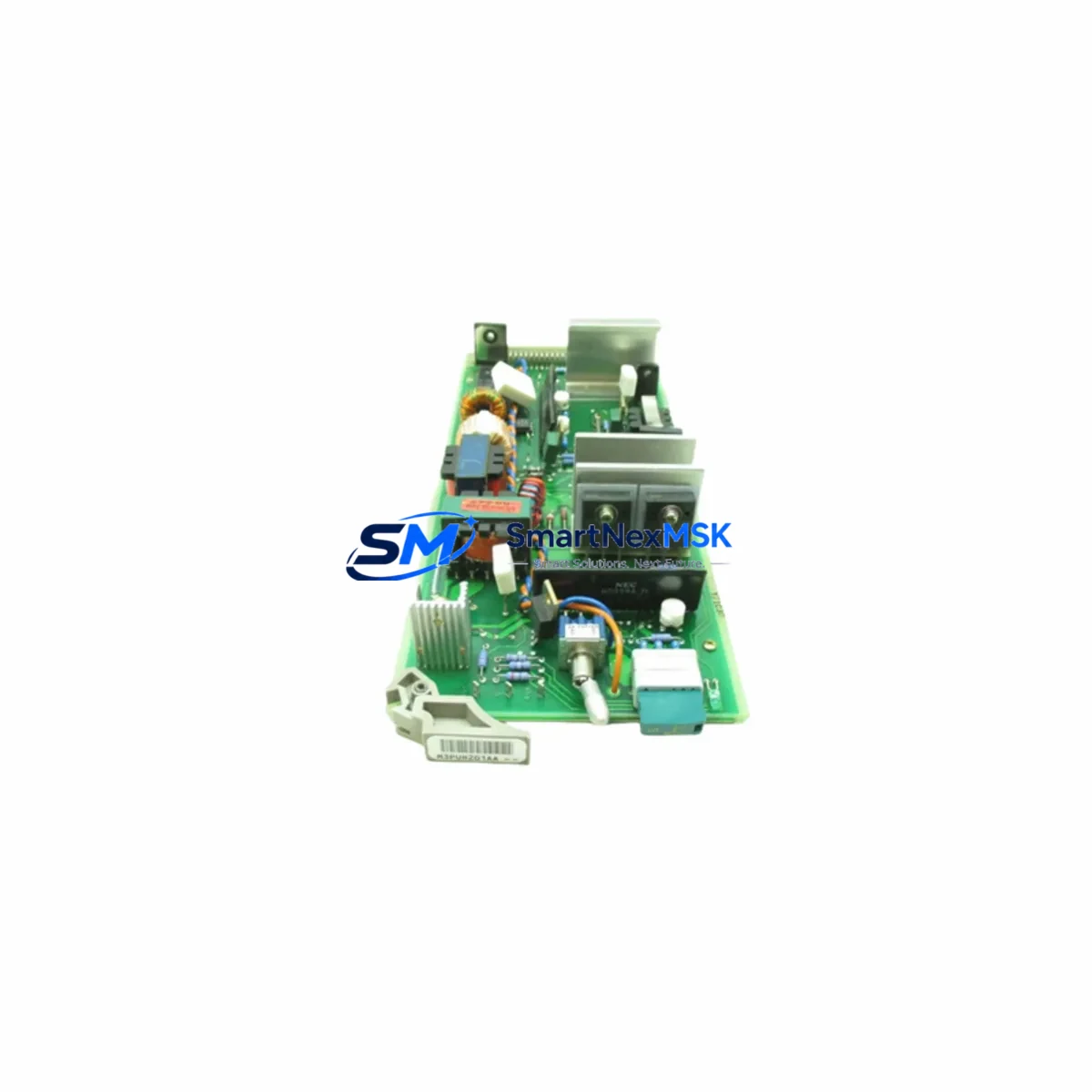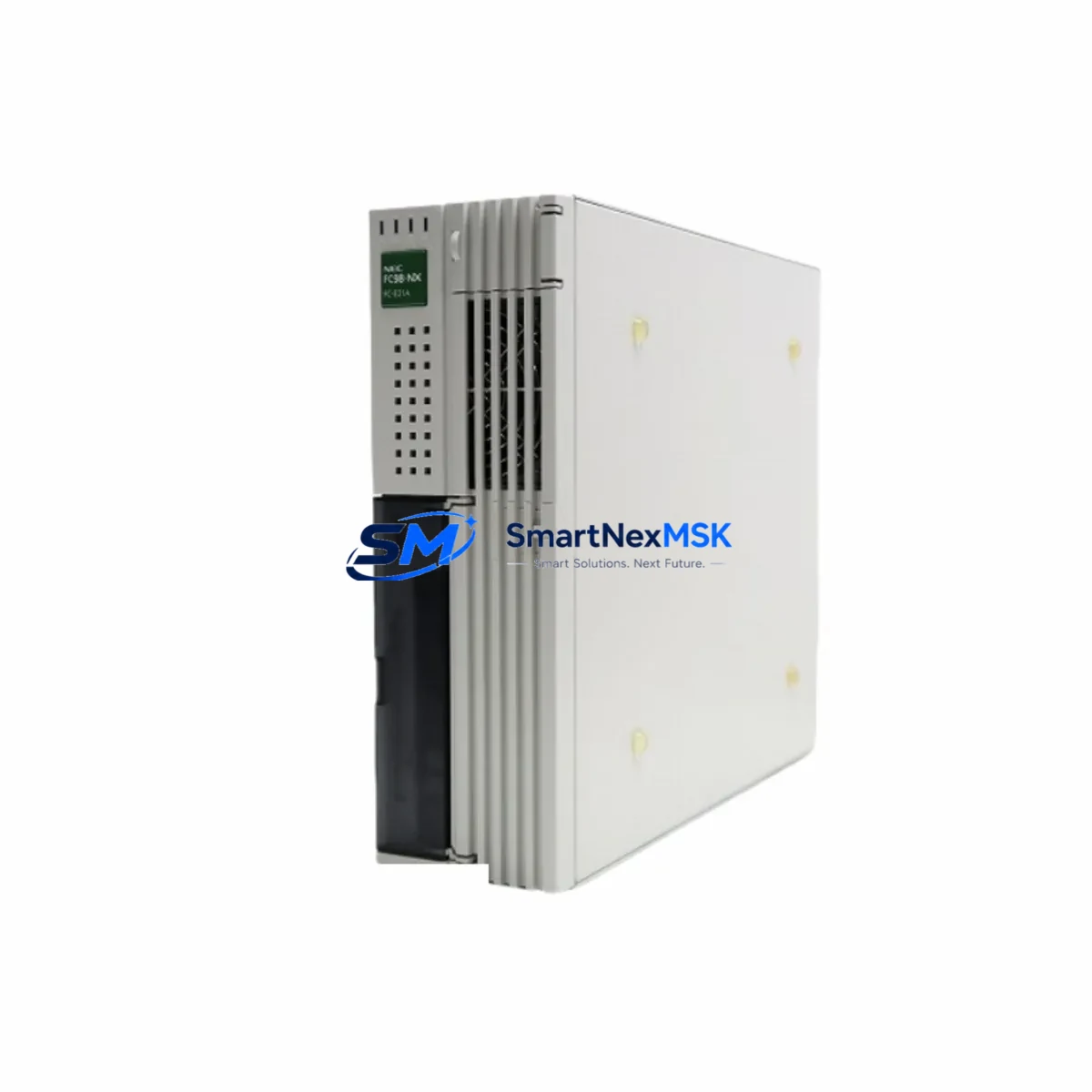
NEC Y6ZA08-R8520-NDR064RTP86Z Retrofit-Ready DCS Module for R8520 Control Systems
The NEC Y6ZA08-R8520-NDR064RTP86Z is a retrofit-ready DCS controller module engineered for seamless integration into legacy R8520 series control systems. As original R8520 platform components reach end-of-life and spare parts become increasingly scarce, this module provides a verified drop-in replacement path that preserves existing wiring infrastructure, backplane slot assignments, and communication link configurations — minimising engineering rework and unplanned downtime during system modernisation projects.
Sourced directly from authorised distribution channels and subject to full functional testing prior to shipment, each unit is backed by a 12-month warranty covering manufacturing defects and operational failures under normal industrial service conditions. Stock is maintained on-hand to support urgent breakdown recovery as well as planned retrofit schedules.
Upgrade Compatibility Table
| Parameter | Legacy R8520 Module | NEC Y6ZA08-R8520-NDR064RTP86Z | Retrofit Note |
|---|---|---|---|
| Backplane Interface | R8520 standard bus | R8520 standard bus | Direct slot-for-slot replacement; no adapter required |
| Power Supply Requirement | 24 V DC / 5 V DC (backplane) | 24 V DC / 5 V DC (backplane) | Verify PSU capacity before adding additional I/O modules |
| Terminal Wiring | Screw-terminal, 0.5–2.5 mm² | Screw-terminal, 0.5–2.5 mm² | Existing field cables reusable; confirm torque spec per manual |
| Communication Protocol | Proprietary R8520 bus / RS-485 | Proprietary R8520 bus / RS-485 | No protocol migration required for same-series upgrade |
| Module Address Setting | DIP switch / software | DIP switch / software | Re-confirm address before power-on; document original setting |
| Program Compatibility | R8520 ladder / function block | R8520 ladder / function block | Existing application logic transferable without recompilation |
| HMI Screen Mapping | Tag-based addressing | Tag-based addressing | Verify tag names match after module swap; update HMI project if needed |
| Installation Format | DIN-rail / rack mount | DIN-rail / rack mount | Fits existing control cabinet without mechanical modification |
| Warranty | OEM warranty expired (EOL) | 12 months | Covers manufacturing defects under normal operating conditions |
| Availability | Discontinued / scarce | In stock — ready to ship | Contact sales for lead time on volume orders |
Retrofit Planning for Existing Automation Systems
A successful retrofit of the NEC Y6ZA08-R8520-NDR064RTP86Z into an operating production line requires a structured pre-installation audit. Begin by documenting the existing rack and backplane layout: identify the chassis slot occupied by the outgoing module, record the I/O channel assignments, and photograph all terminal wiring before disconnection. Where the control cabinet houses an NEC R8520 power supply module — such as the PS8520 series — confirm that the available current budget on the 24 V DC rail is sufficient to support the replacement module alongside any co-installed digital input modules, analog output modules, and communication interface cards already occupying adjacent slots.
For systems that include an NEC R8520 CPU module as the central controller, verify firmware revision compatibility before the swap. In multi-rack configurations connected via an R8520 expansion backplane or remote I/O rack, re-confirm that the module address set on the replacement unit matches the original DIP-switch configuration to prevent address conflicts on the internal bus. Systems that rely on an RS-485 communication module for SCADA or historian connectivity should have the communication link tested end-to-end after module installation and before returning the process to automatic mode.
Where the existing control architecture includes an NEC Industrial PC (IPC) or a third-party HMI panel running supervisory screens, update the HMI project file to reflect any tag or address changes introduced during the swap. If the plant uses a programming cable (such as the USB-to-RS-232 adapter compatible with NEC’s engineering workstation software) for online monitoring, connect and verify live data readback before closing the cabinet. For sites migrating from an older generation of NEC DCS hardware to the R8520 platform, an NEC protocol converter module may be required to bridge legacy fieldbus segments to the current communication standard.
Finally, conduct a full I/O loop check covering all field instruments connected to the module’s input and output channels. Verify that analog signal scaling, engineering unit conversion, and alarm setpoints are correctly restored in the controller database. Where the system includes NEC R8520 analog input modules on adjacent slots, cross-check channel-to-channel isolation to confirm no cross-talk was introduced during the physical swap.
Downtime Control During System Migration
Minimising production interruption during a DCS module replacement requires advance preparation rather than reactive troubleshooting. Before scheduling the maintenance window, obtain a verified backup of the controller application program, including all function block configurations, PID tuning parameters, and interlock logic. Store the backup on an offline engineering workstation and confirm the restore procedure with the controls engineer responsible for the system.
Where process conditions permit, switch the affected control loops to manual mode at the operator station before isolating power to the module slot. This preserves field actuator positions and prevents uncontrolled process excursions during the swap interval. For critical loops that cannot be placed in manual, coordinate with the process team to identify a safe hold condition or reduced-throughput operating point that can be maintained while the module is offline.
Physical replacement of the NEC Y6ZA08-R8520-NDR064RTP86Z into the backplane slot is a hot-swap-capable operation on supported R8520 rack configurations — consult the system hardware manual to confirm whether your specific rack revision supports live insertion. After seating the module, allow the self-diagnostic cycle to complete before re-enabling communication. Restore the application program from backup if the module does not automatically inherit the resident configuration, then perform a controlled return-to-auto sequence loop by loop, monitoring process variables at the HMI for stability before releasing the system to normal operation.
Typical elapsed time for a prepared, single-module swap on an R8520 system — including wiring verification, program restore, and loop checkout — is 2 to 4 hours. Having a second technician available for simultaneous HMI monitoring and field instrument verification can reduce this window further. All units supplied by SMARTNEXMSK are pre-tested and shipped with a functional test report, reducing the risk of a second outage caused by a defective replacement part.
Retrofit Support FAQ
Q1: Is the NEC Y6ZA08-R8520-NDR064RTP86Z a direct drop-in replacement for the original R8520 module?
Yes. The Y6ZA08-R8520-NDR064RTP86Z is designed to occupy the same backplane slot, use the same terminal wiring layout, and communicate on the same internal bus as the original R8520 series module it replaces. No mechanical adapters or wiring harness modifications are required in standard installations. Confirm the module address setting matches the original before powering on.
Q2: What commissioning steps are required after installation?
After physical installation, complete the following: (1) verify module address DIP-switch settings match the original; (2) restore the application program from a pre-swap backup if the module does not auto-load; (3) confirm communication link status on the engineering workstation; (4) perform a full I/O loop check on all connected field instruments; (5) return control loops from manual to automatic mode sequentially, monitoring process variables for stability at each step.
Q3: How is wiring compatibility confirmed before the swap?
Document all existing terminal connections using the original wiring diagram or an as-built drawing produced during the pre-swap audit. The Y6ZA08-R8520-NDR064RTP86Z uses the same screw-terminal pitch and signal assignment as the original R8520 module, so existing field cables can be reconnected to the same terminal numbers. Verify conductor cross-section is within the 0.5–2.5 mm² specification and re-torque all terminals to the value stated in the hardware manual after reconnection.
Q4: What does the 12-month warranty cover, and what is the process for a warranty claim?
The 12-month warranty covers manufacturing defects and functional failures arising under normal industrial operating conditions from the date of shipment. It does not cover damage caused by incorrect installation, overvoltage, reverse polarity, or physical impact. To initiate a warranty claim, contact SMARTNEXMSK at [email protected] with the order reference number, a description of the fault, and the functional test report supplied with the unit. Replacement or repair will be arranged within the warranty period at no additional charge.
© 2026 SMARTNEXMSK. All rights reserved.
Original Source: https://smartnexmsk.com
Contact: [email protected] | +86 18259474341