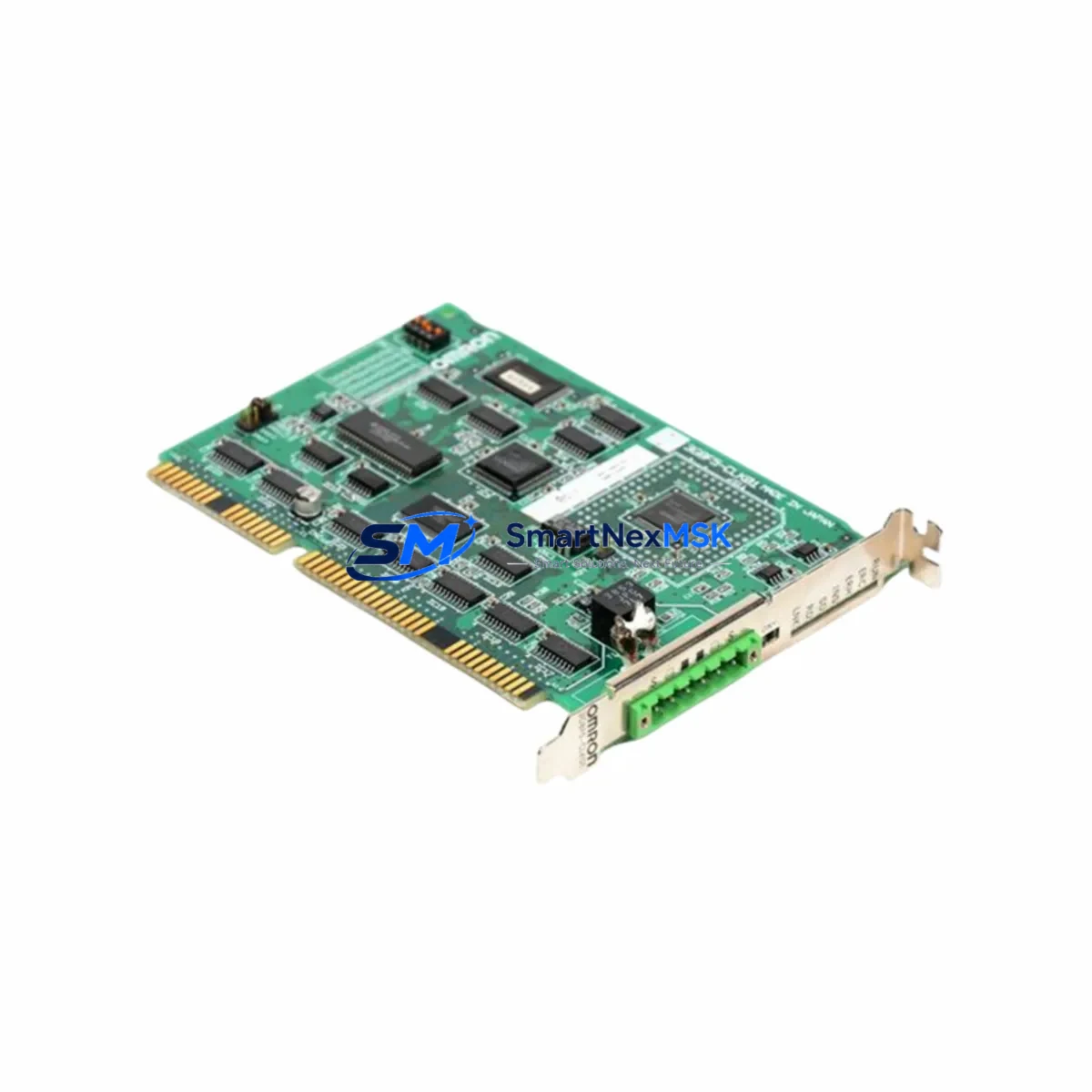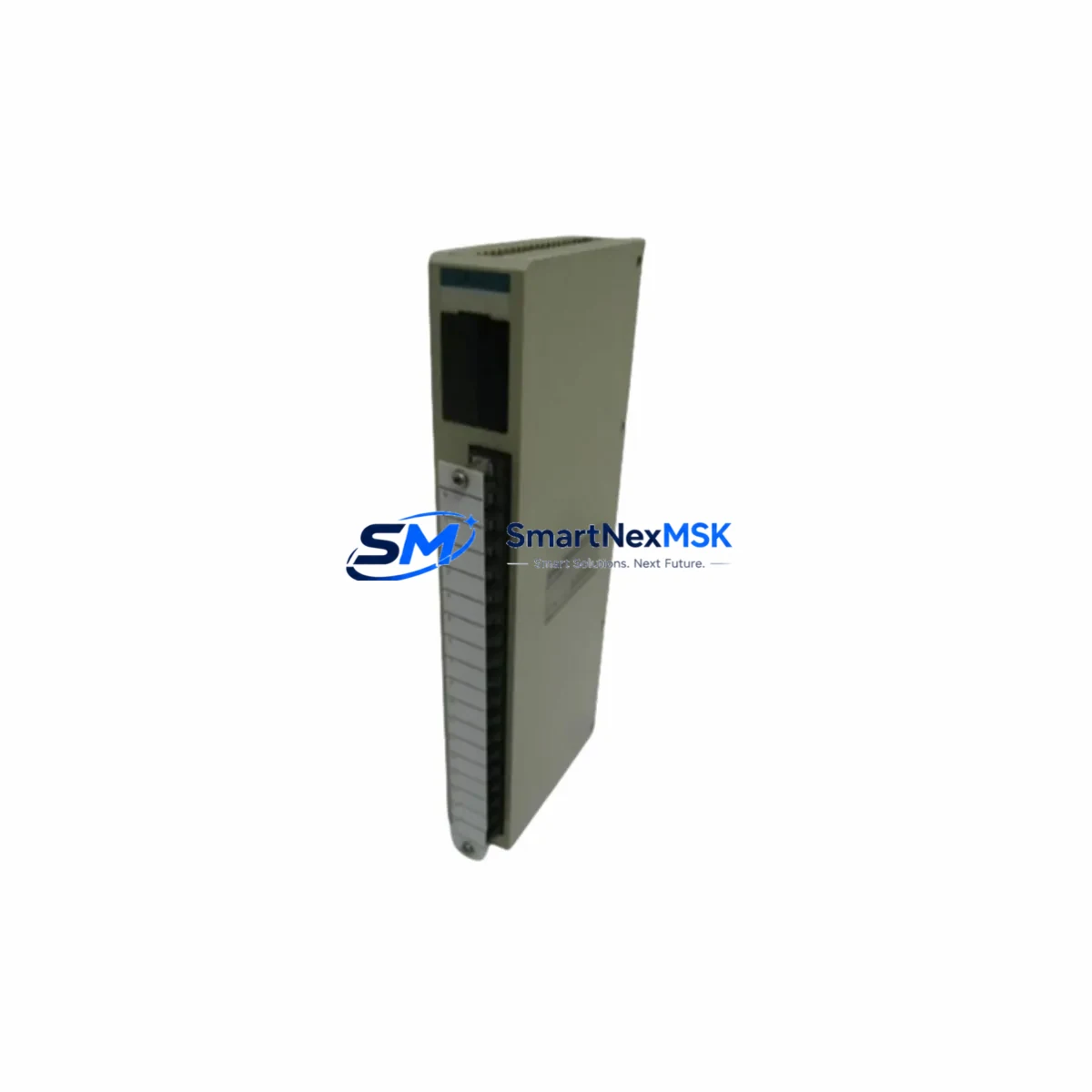
OMRON C500-AD501-EU Retrofit-Ready Analog Input for SYSMAC C500 Control Systems
The OMRON C500-AD501-EU is a 4-channel analog input module engineered for the SYSMAC C500 series programmable logic controller platform. As legacy C500 systems approach end-of-life and original spare parts become increasingly scarce, the C500-AD501-EU remains one of the most sought-after retrofit components for engineers tasked with sustaining aging production lines, upgrading control cabinets, and migrating I/O infrastructure without full system replacement. Whether you are restoring a failed analog input channel, expanding signal acquisition capacity, or executing a phased modernization of a C500-based control system, this module provides a verified drop-in solution with full backward compatibility to the original SYSMAC C500 backplane architecture.
The C500-AD501-EU accepts standard analog voltage and current signals across its four input channels, converting field-level process values into digital data readable by the C500 CPU. Its EU-variant designation confirms compliance with European electrical standards, making it suitable for installations across manufacturing, chemical processing, water treatment, and energy management facilities where OMRON SYSMAC C500 controllers remain in active service. Each unit shipped by SMARTNEXMSK undergoes functional verification prior to dispatch and is covered by a 12-month warranty against manufacturing defects and operational failure.
Upgrade Compatibility Table
| Parameter | Details |
|---|---|
| SKU / Part Number | C500-AD501-EU |
| Compatible Series | OMRON SYSMAC C500, C500F |
| Module Type | 4-Channel Analog Input |
| Backplane Interface | C500-series I/O bus connector (direct slot insertion) |
| Signal Input Range | 0–10 V DC / 4–20 mA (channel-selectable) |
| Installation Requirement | C500 expansion rack or base unit slot; no adapter required |
| Communication Compatibility | Native C500 I/O bus; compatible with C500H CPU units |
| Replacement Recommendation | Direct replacement for failed or end-of-life C500-AD501-EU units |
| Commissioning Notes | Verify module address DIP switch settings match original configuration before power-on |
| Warranty | 12 months from date of shipment |
Retrofit Planning for Existing Automation Systems
Successful integration of the C500-AD501-EU into an existing SYSMAC C500 installation requires systematic pre-installation planning. Engineers should begin by auditing the current rack configuration, confirming available slot positions within the C500-series expansion rack or base unit. The module occupies a single I/O slot and draws power directly from the C500 backplane; therefore, the total power budget of the C500-PA205 or C500-PA206 power supply unit must be reviewed to confirm sufficient capacity for the additional analog input load alongside existing digital I/O modules such as the C500-ID212 input unit and C500-OD212 output unit.
Terminal wiring is a critical step. Field signal cables must be routed to the module’s screw terminal block, with each channel configured for either voltage or current input mode via the onboard DIP switches. Engineers should cross-reference the original wiring diagrams and confirm signal polarity, shielding continuity, and grounding practices before energizing the module. Where the original C500-AD501-EU was installed alongside communication modules such as the C500-LK201-EV1 Host Link unit or the C500-LK203 SYSMAC NET Link module, the replacement module must be assigned the same I/O address to preserve program compatibility without requiring CPU ladder logic modifications.
For systems incorporating the C500H-CPU51-E or C500H-CPU21-E central processing unit, the analog input data from the C500-AD501-EU is mapped to specific data memory (DM) words defined in the original program. Technicians must verify that the DM word assignments in the CPU program match the module’s configured address before resuming automatic operation. Where HMI screens built on OMRON NT-series or NS-series panels reference analog channel values, the display tag addresses should be validated against the restored module address map to prevent erroneous process readings on operator interfaces.
In retrofit scenarios involving partial migration toward newer OMRON CJ2M or CP1H platforms, the C500-AD501-EU may serve as a bridging component, maintaining analog signal acquisition on the legacy C500 rack while new CPU and communication infrastructure is staged in parallel. This approach allows production continuity during phased upgrades and reduces the risk of extended unplanned downtime. The C500-IF001 analog I/O interface unit and C500-AD004 analog input module are commonly encountered in adjacent slots during such migrations and should be inventoried as part of the overall retrofit bill of materials.
Downtime Control During System Migration
Minimizing production interruption during C500-AD501-EU replacement requires a structured changeover procedure. Prior to module removal, the original CPU program should be backed up using a programming console such as the C500-ZL3AT1-E or via the SYSMAC Support Software connected through the C500-LK201-EV1 peripheral port. This backup preserves all ladder logic, timer and counter presets, and data memory values, ensuring that program integrity is maintained regardless of any unexpected power interruption during the swap.
The physical module exchange should be performed with the C500 rack de-energized. After seating the replacement C500-AD501-EU and securing the terminal block wiring, the DIP switch address configuration must be confirmed before power restoration. A controlled power-up sequence — energizing the power supply unit first, then enabling the CPU run mode — allows the system to perform its I/O bus scan and confirm module recognition before field devices are re-engaged. Analog channel calibration should be verified against known reference signals to confirm accurate conversion before returning the process loop to automatic control. Where redundant signal paths or manual bypass valves exist in the field, these should remain active until analog input readings are confirmed stable across all four channels.
Retrofit Support FAQ
Q: Is the C500-AD501-EU a direct drop-in replacement for the original module without program changes?
A: Yes, provided the replacement module is configured with the same I/O address DIP switch settings as the original. No CPU ladder logic modifications are required when the module address is preserved.
Q: What wiring checks are required before commissioning the replacement module?
A: Verify terminal polarity, confirm voltage or current input mode selection per channel via DIP switches, check cable shielding continuity, and ensure the field signal source is within the module’s rated input range (0–10 V DC or 4–20 mA).
Q: Has each unit been tested before shipment?
A: Yes. Every C500-AD501-EU dispatched by SMARTNEXMSK undergoes functional verification prior to shipment. All units are covered by a 12-month warranty from the date of dispatch.
Q: Can this module be used in a C500F rack alongside newer I/O modules?
A: The C500-AD501-EU is compatible with C500F-series racks and can coexist with other C500-compatible I/O modules, including digital input/output units and communication interface modules, provided the total rack power budget is not exceeded.
© 2026 SMARTNEXMSK. All rights reserved.
Original Source: https://smartnexmsk.com
Contact: [email protected] | +86 18259474341