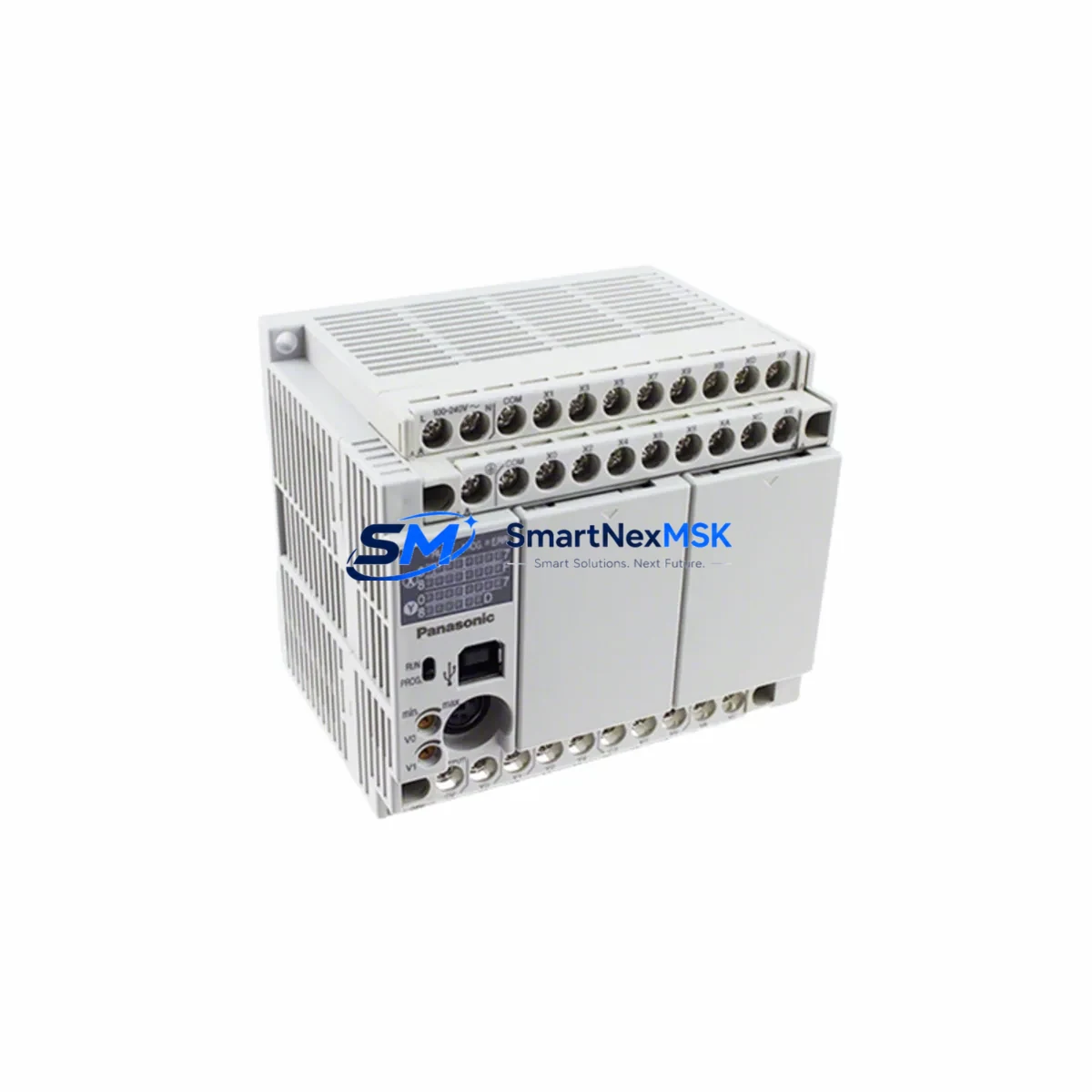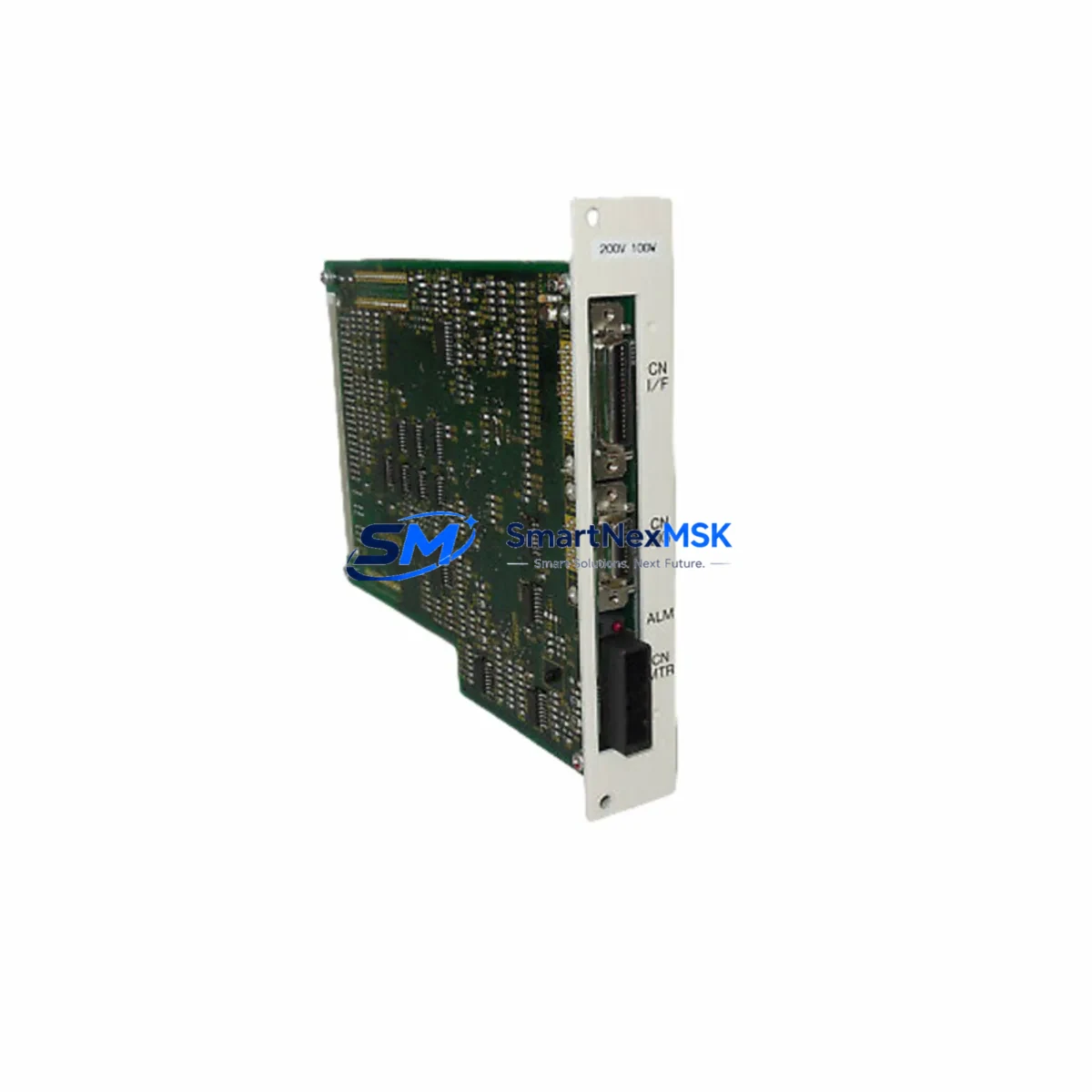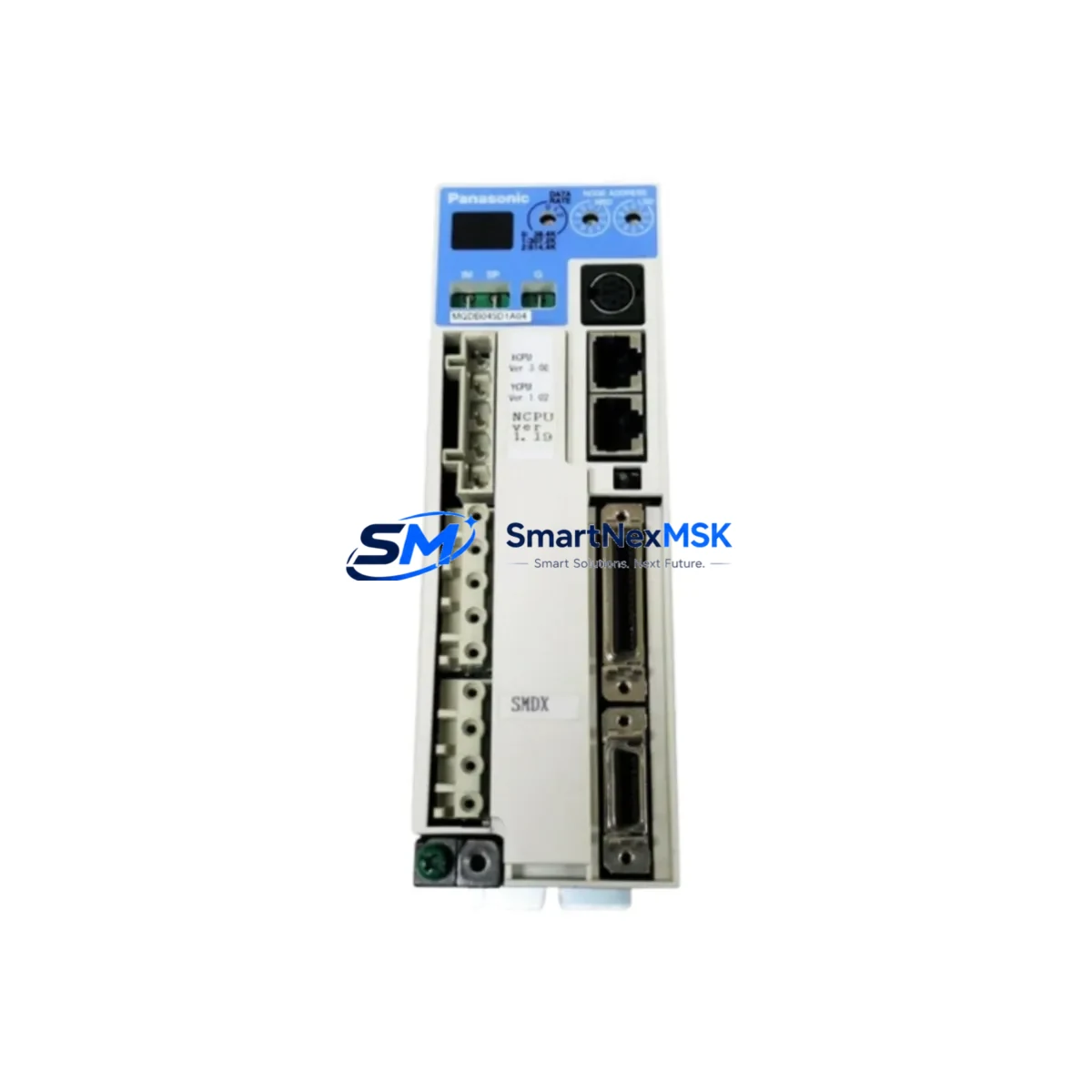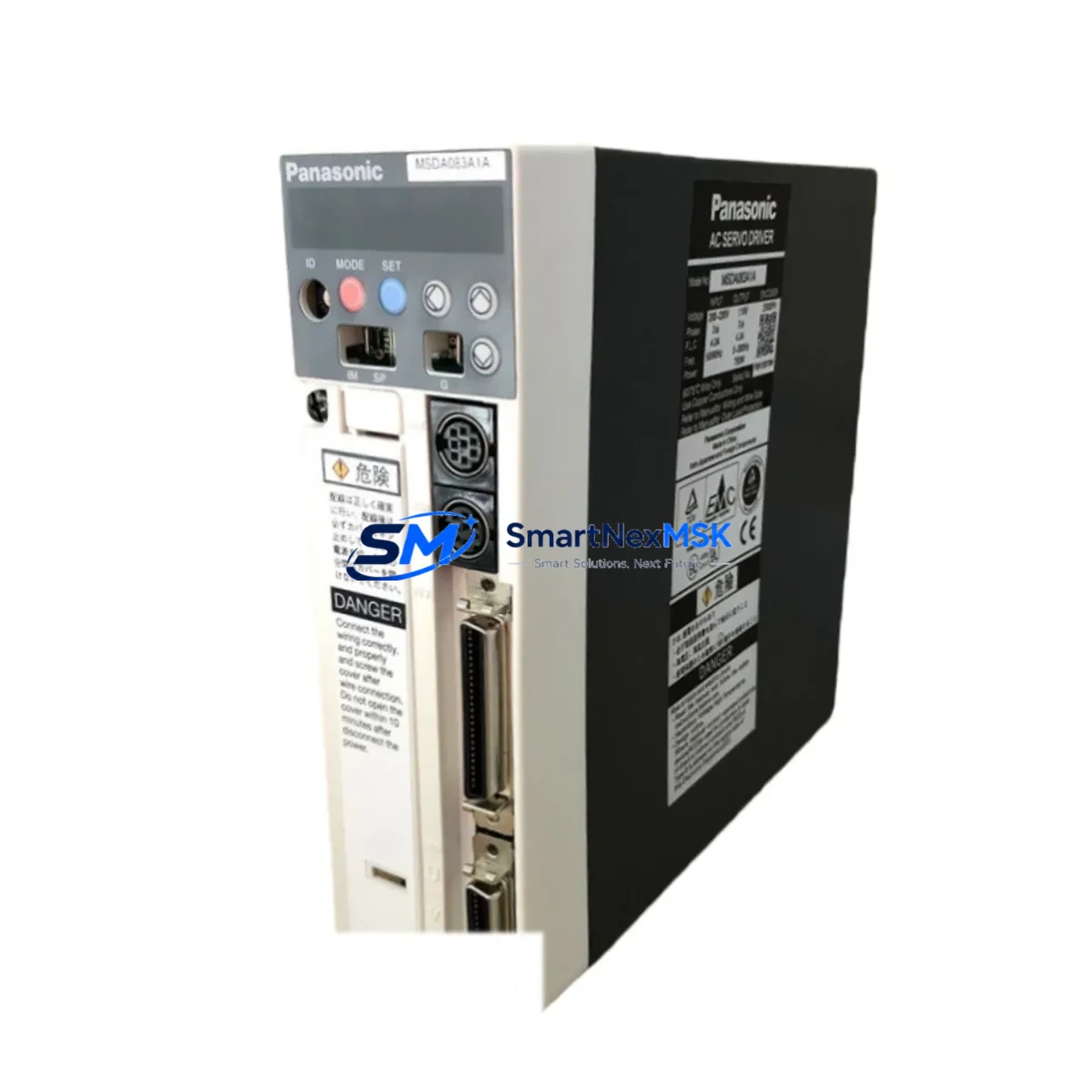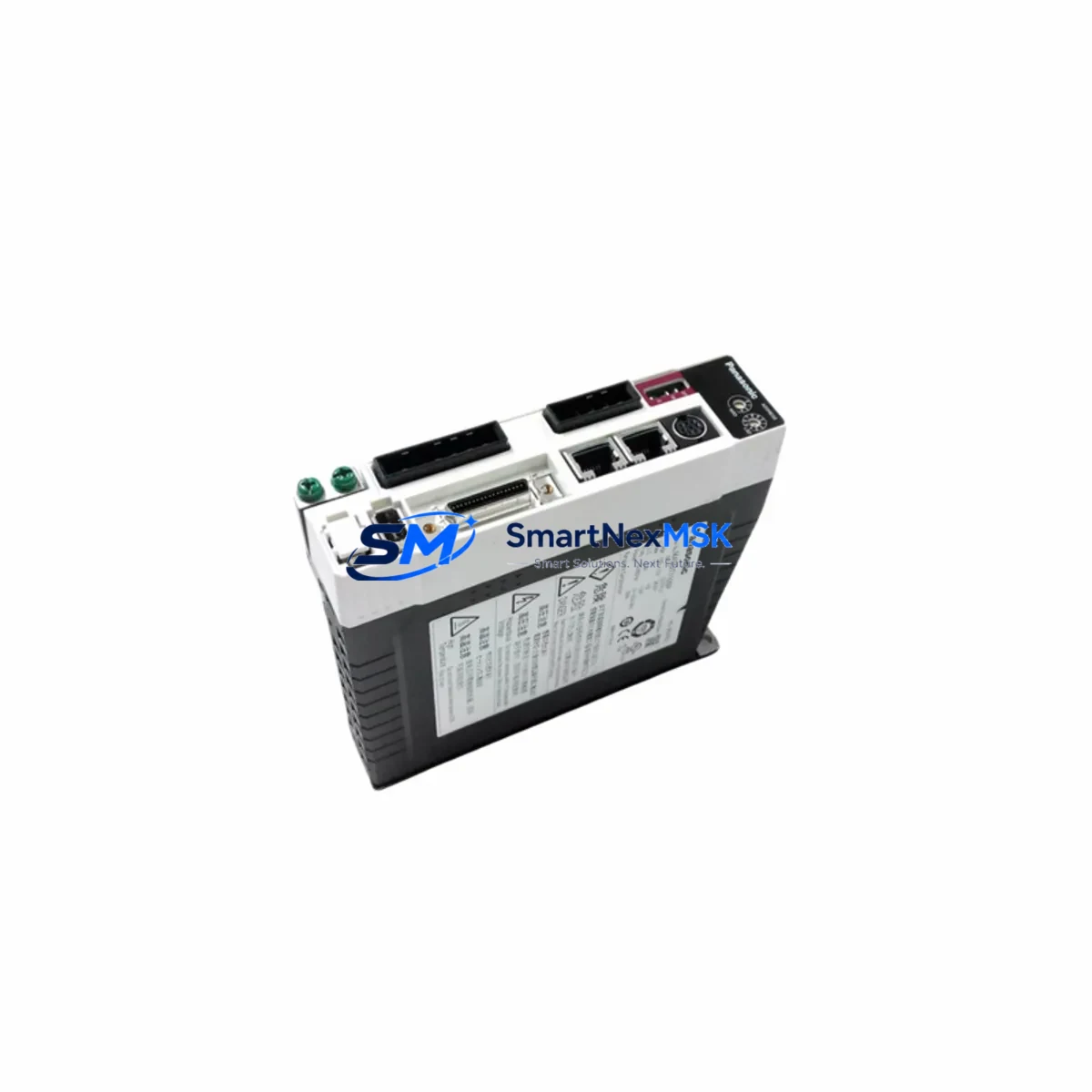
Panasonic P610-AC100B Maintenance-Ready Spare FP-Sigma Automation
The Panasonic P610-AC100B is an AC 100V I/O Expansion Unit designed for the FP-Sigma programmable logic controller series. As a maintenance-ready original spare, it is sourced to support rapid field replacement, planned shutdown maintenance, and emergency downtime recovery in industrial automation environments. Whether you are managing a discrete manufacturing line, a process control cabinet, or a legacy system extension project, the P610-AC100B delivers verified electrical compatibility and reliable I/O expansion performance consistent with Panasonic’s FP-Sigma platform specifications.
Maintenance engineers and procurement teams working with FP-Sigma-based control systems recognize the P610-AC100B as a critical component in sustaining continuous operation. Its AC 100V power input design integrates directly with standard industrial panel power distribution, and its I/O expansion architecture allows seamless addition of digital I/O points to existing FP-Sigma CPU units without system reconfiguration. Holding this unit in your spare parts inventory eliminates the risk of extended lead times during unplanned failures — a key factor in minimizing mean time to repair (MTTR) across high-availability production environments.
Each unit dispatched by SMARTNEXMSK undergoes pre-shipment functional verification and is covered by a 12-month warranty, giving maintenance planners and procurement engineers confidence in both quality and long-term supply continuity.
Spare Maintenance Table
| Part Number | P610-AC100B |
| Brand | Panasonic |
| Series | FP-Sigma |
| Module Type | I/O Expansion Unit |
| Power Supply Input | AC 100V |
| Compatibility | FP-Sigma CPU Units (FP-Sigma series) |
| Origin | Japan |
| Installation | DIN rail or panel mount, right-side expansion of CPU unit |
| Application Environment | Industrial control cabinets, discrete manufacturing, process automation |
| Maintenance Recommendation | Inspect terminal connections, verify AC input voltage, check I/O wiring integrity during scheduled maintenance |
| Pre-Shipment Testing | Functional verification performed on each unit |
| Warranty | 12 Months |
| Supply Status | In stock — long-term supply supported |
Maintenance Planning for Continuous Operation
When scheduling replacement of the P610-AC100B in an FP-Sigma control system, a thorough cabinet inspection is essential to prevent repeat failures and ensure system stability after the swap. Maintenance engineers should begin by verifying the AC 100V supply rail feeding the expansion unit — a degraded or fluctuating power supply is a common root cause of I/O module faults. The FP-Sigma power supply module (such as the AFP2430 or equivalent) should be checked for output voltage stability and capacitor aging before the new P610-AC100B is commissioned.
Next, inspect all I/O terminal blocks and wiring harnesses connected to the expansion unit. Loose terminals, corroded contacts, or undersized conductors can cause intermittent I/O faults that mimic module failure. Replace any suspect terminal blocks or ferrules at this stage. If the system uses signal isolators between field sensors and the PLC I/O, verify that isolation barriers are functioning correctly — degraded isolators can inject noise into I/O channels and shorten module service life.
For systems with mixed digital and analog I/O, also inspect any FP-Sigma analog I/O expansion modules (such as the AFP2440 or AFP2442) installed in the same rack. Shared backplane power and communication buses mean that a failing analog module can affect digital I/O performance. Check the FP-Sigma CPU unit (e.g., AFPX-C30T or AFPX-C60T) for error flags and communication diagnostics before and after replacement.
Communication integrity should also be confirmed: if the control cabinet includes an FP-Sigma RS232C or RS485 communication cassette, verify that the communication parameters and cable shielding are intact. For cabinets with MEWNET or Ethernet communication modules, confirm network connectivity is restored after the I/O expansion unit is replaced and the CPU is restarted.
Protective components deserve attention as well. Check fuses and circuit breakers on the AC input line to the expansion unit — a blown fuse is often the first indicator of an overcurrent event that may have damaged the module. Replace fuses with correctly rated components and investigate the overcurrent source before energizing the new unit. If the cabinet includes surge protection devices (SPDs) on the AC supply, inspect them for degradation.
Finally, if the facility operates an HMI panel (such as a Panasonic GT series or compatible third-party HMI) connected to the FP-Sigma CPU, confirm that the HMI communication link is re-established and that all I/O status displays reflect correct field states after the P610-AC100B replacement is complete. Document the replacement in the cabinet maintenance log and update the spare parts inventory to trigger reorder of a replacement unit.
Site Replacement Workflow
Step 1 — Isolate and de-energize: Switch off the AC supply to the FP-Sigma expansion rack. Confirm zero voltage at the P610-AC100B AC input terminals using a calibrated multimeter before proceeding.
Step 2 — Document wiring: Photograph or sketch all I/O terminal connections on the existing module. Label wires if not already marked. This step is critical for systems where original wiring documentation is incomplete or outdated.
Step 3 — Remove the old module: Disconnect I/O terminal blocks and the expansion bus connector. Release the DIN rail locking tab and remove the P610-AC100B from the rack. Note any signs of overheating, arc marks, or physical damage for root cause analysis.
Step 4 — Install the replacement unit: Mount the new P610-AC100B onto the DIN rail and secure the expansion bus connector to the adjacent CPU or expansion module. Reconnect I/O terminal blocks according to the documented wiring layout.
Step 5 — Power-on and verify: Restore AC supply and observe the module status LEDs. Confirm that the FP-Sigma CPU recognizes the expansion unit and that all I/O channels report correct status. Run a short functional test cycle before returning the system to production.
Step 6 — Update records: Log the replacement date, unit serial number, and technician details. Reorder a spare P610-AC100B to restore inventory buffer levels.
This workflow is compatible with both like-for-like replacement of a failed P610-AC100B and planned upgrade scenarios where an older FP-Sigma expansion unit is being replaced to extend system service life.
Spare Parts Support FAQ
Q1: Is the P610-AC100B compatible with all FP-Sigma CPU units?
The P610-AC100B is designed for the FP-Sigma series and is compatible with standard FP-Sigma CPU units that support right-side I/O expansion. Confirm your CPU model’s expansion slot count and power budget before installation. Contact our technical team if you need compatibility verification for a specific CPU variant.
Q2: What does the 12-month warranty cover?
The warranty covers manufacturing defects and functional failures under normal operating conditions for 12 months from the date of shipment. Each unit is functionally tested prior to dispatch. Warranty claims are supported by our after-sales team with replacement or repair options.
Q3: How quickly can the P610-AC100B be dispatched for emergency downtime situations?
In-stock units are typically dispatched within 1–2 business days. For urgent downtime recovery requirements, contact our sales team directly to confirm stock availability and expedited shipping options.
Q4: Can the P610-AC100B replace older or discontinued FP-Sigma expansion units?
In many cases, yes. The P610-AC100B can serve as a direct replacement for compatible FP-Sigma I/O expansion units of the same power class. For legacy system extension projects, we recommend verifying the expansion bus pinout and power input rating against your existing installation before ordering. Our team can assist with compatibility assessment based on your system documentation.
© 2026 SMARTNEXMSK. All rights reserved.
Original Source: https://smartnexmsk.com
Contact: [email protected] | +86 18259474341