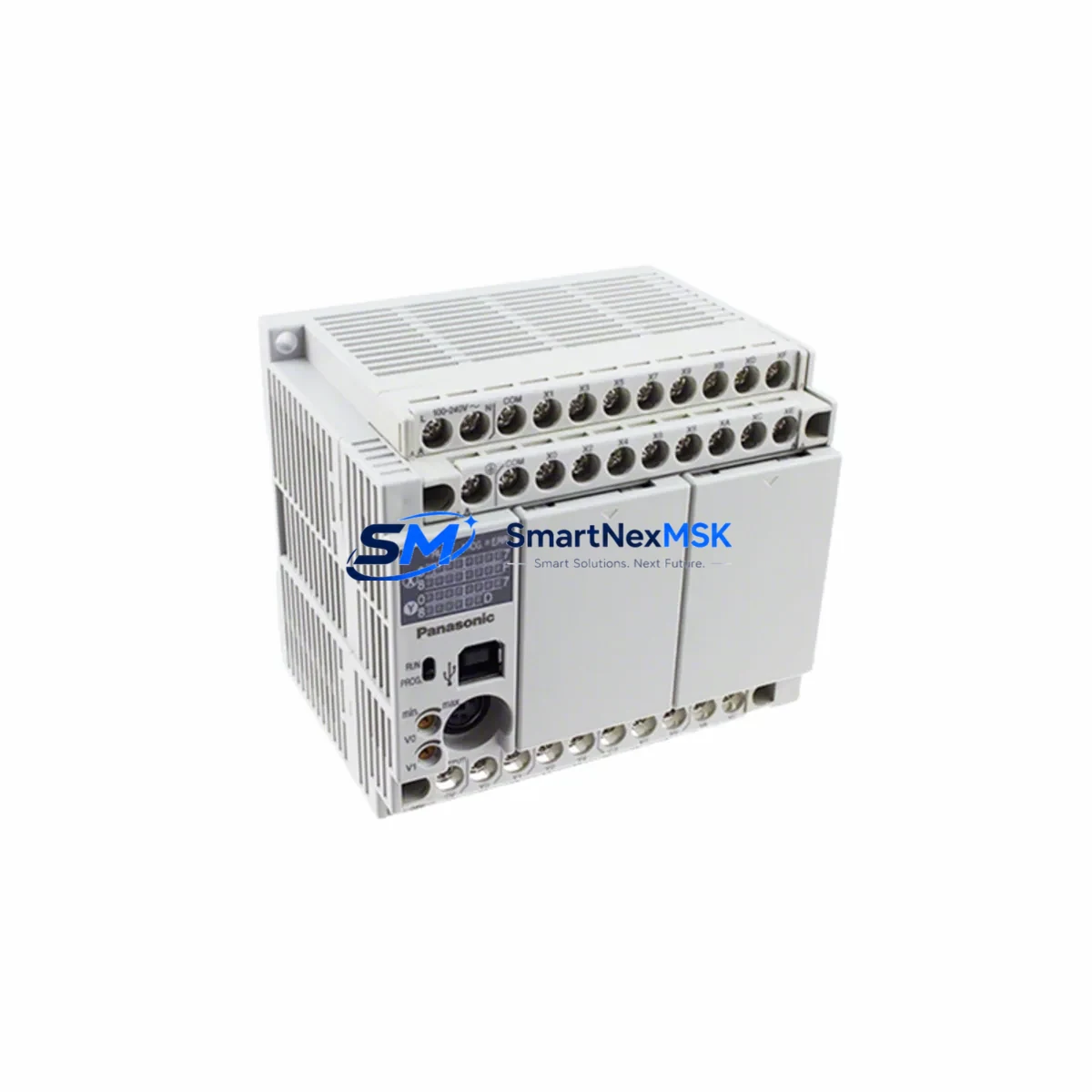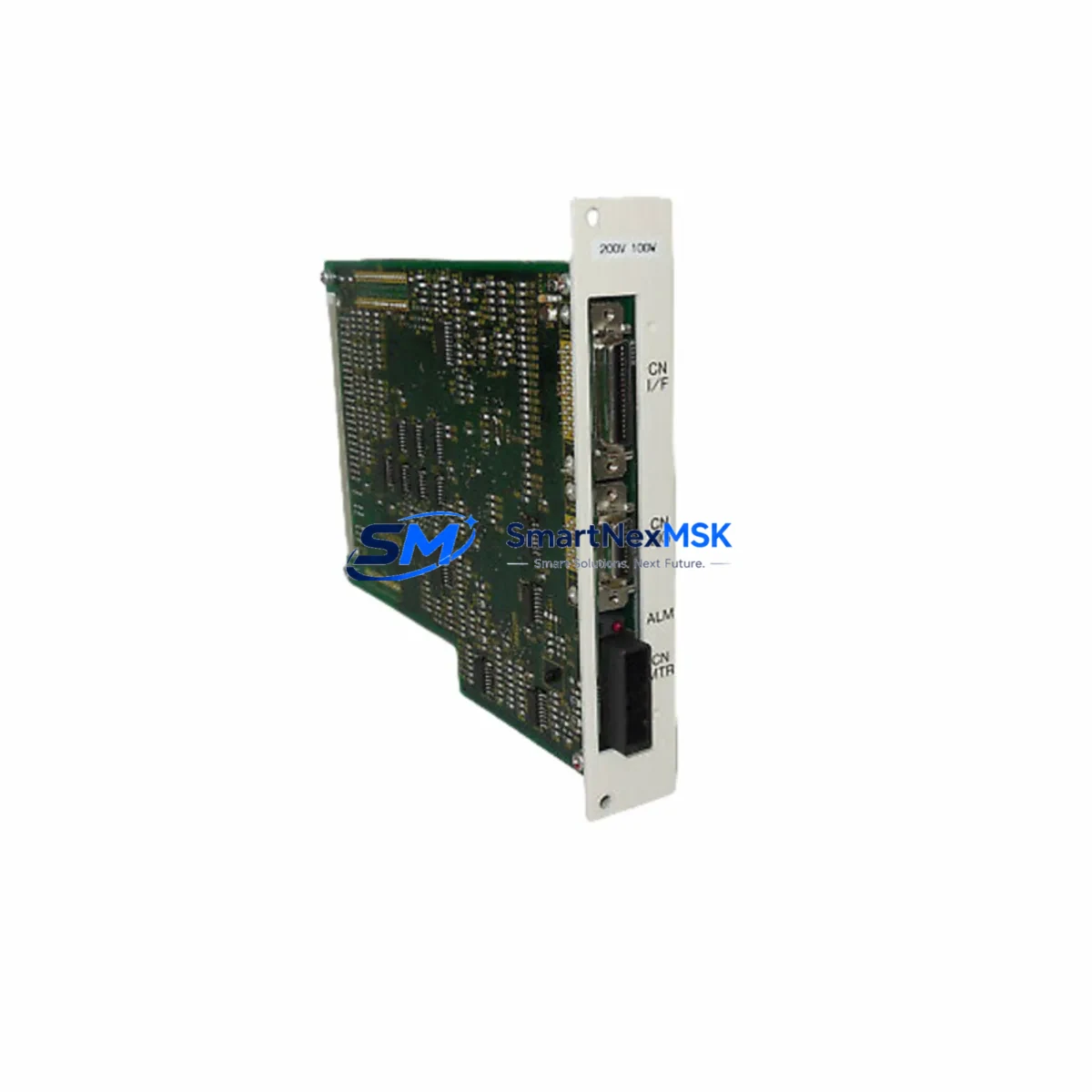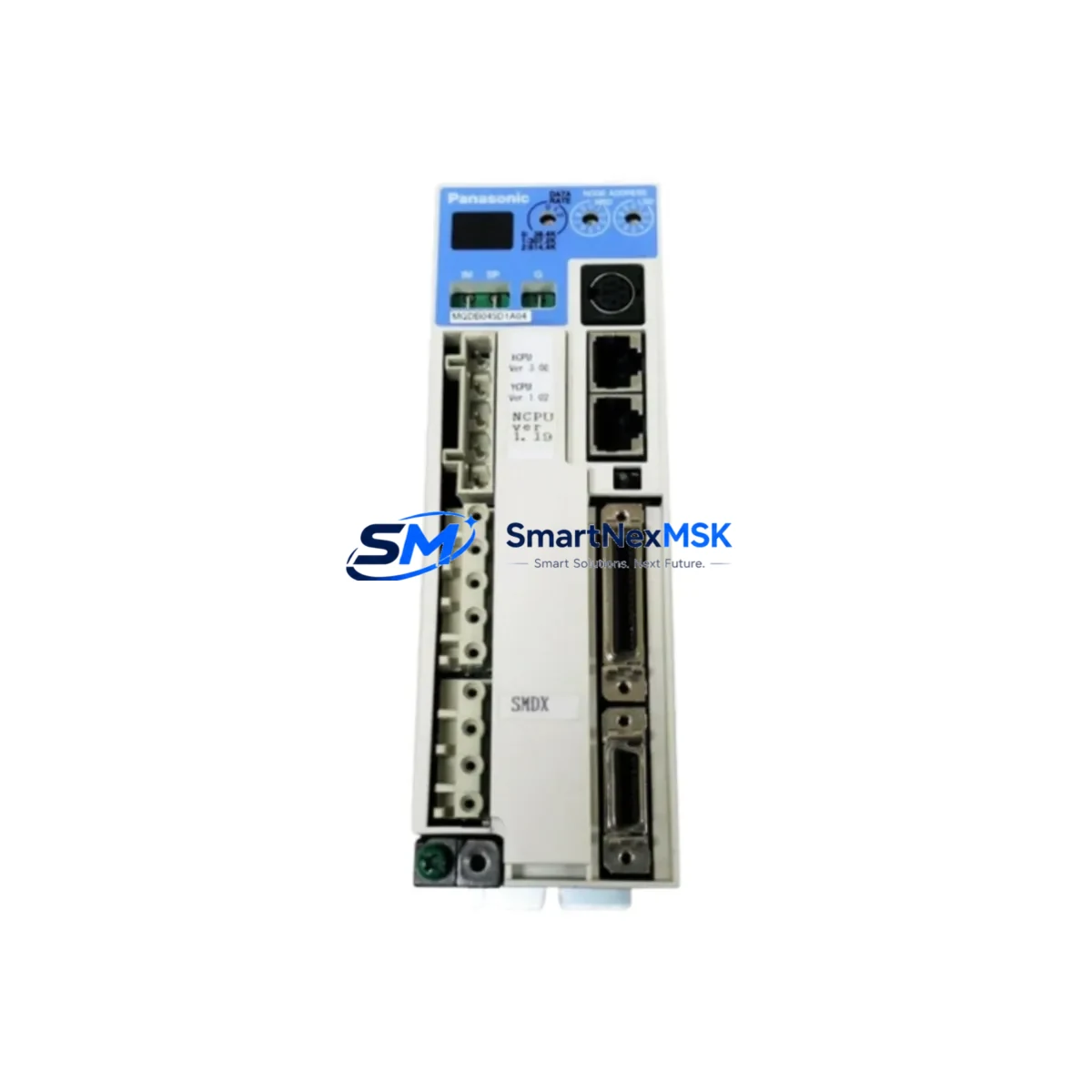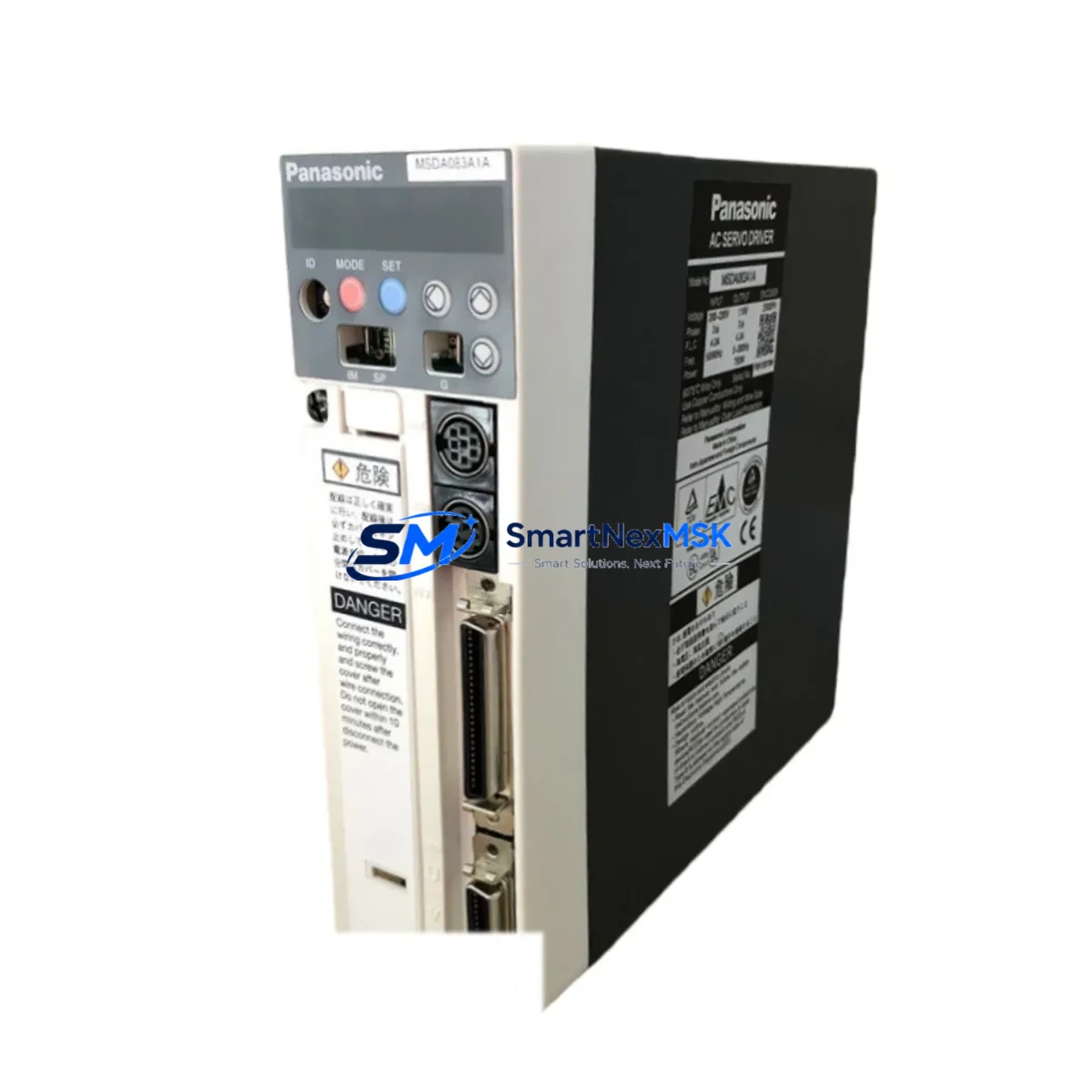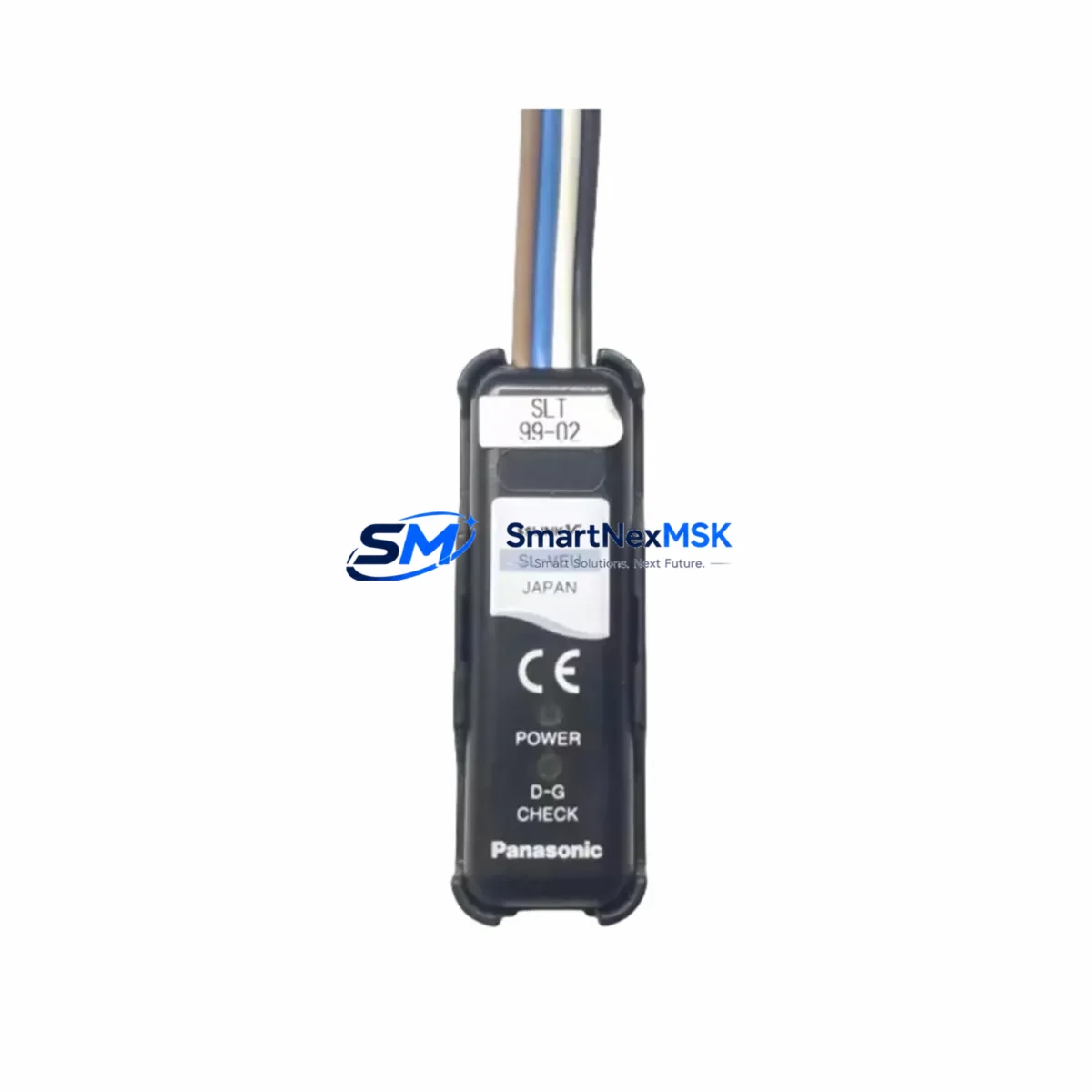
Panasonic SL-VEU Maintenance-Ready Spare for SL Series Automation
The Panasonic SL-VEU is a Vision Terminal Unit designed for integration within Panasonic’s SL Series machine vision and industrial automation systems. For maintenance engineers managing production lines, conveyor inspection stations, or quality-control cells, the SL-VEU represents a critical interface node — its failure can halt image acquisition, disrupt pass/fail logic, and trigger unplanned downtime across an entire inspection loop. Sourcing a verified, original-specification replacement is the fastest path to restoring normal operation.
At SMARTNEXMSK, every SL-VEU unit is sourced from authorized supply channels, electrically tested prior to shipment, and covered by a 12-month warranty. Whether you are executing a planned overhaul, responding to an emergency fault, or building a strategic spare-parts buffer, we provide reliable stock with documented traceability and rapid dispatch.
Spare Maintenance Table
| Parameter | Specification / Notes |
|---|---|
| SKU / Part Number | SL-VEU |
| Brand | Panasonic |
| Series | SL Series |
| Product Type | Vision Terminal Unit |
| Country of Origin | Japan |
| Compatibility | Panasonic SL Series vision controllers and associated I/O expansion racks |
| Typical Application | Machine vision terminal interface, image signal routing, inspection cell HMI link |
| Installation Environment | Industrial control cabinet; protected from moisture, vibration, and excessive heat |
| Maintenance Recommendation | Inspect connector integrity and signal cable seating at each scheduled PM interval; replace if terminal response latency is detected |
| Pre-Shipment Testing | Electrical continuity and functional verification performed before dispatch |
| Warranty | 12 months from date of shipment |
| Lead Time | Contact sales for current stock availability |
Maintenance Planning for Continuous Operation
When a maintenance or procurement engineer schedules replacement of the SL-VEU, the surrounding system components should be evaluated concurrently to avoid repeat call-outs and secondary failures. In a typical SL Series inspection cell, the SL-VEU interfaces with the vision controller’s power supply rail — verifying that the 24 VDC control power supply module is within voltage tolerance is a mandatory first step before installing any replacement terminal unit.
Signal integrity downstream of the SL-VEU depends on the condition of the vision camera cable assembly and any signal isolation modules in the image-trigger circuit. Degraded shielding or loose ferrule terminations on these cables are a common root cause of intermittent vision faults that are incorrectly attributed to the terminal unit itself. Inspect and, where necessary, replace these cables as part of the same work order.
The SL-VEU’s I/O interface connects to the host PLC — often a Panasonic FP Series or FPΣ controller — via discrete I/O or a dedicated vision communication link. During replacement, confirm that the PLC I/O module assigned to the vision trigger and result output signals is functioning correctly. A faulty I/O card can mask a successful terminal unit replacement and delay return-to-service.
In control cabinets where the SL-VEU is mounted alongside relay output modules and terminal blocks, it is good practice to inspect the relay output module responsible for the inspection-result signal (OK/NG output) and the associated DIN rail terminal blocks. Loose or corroded terminals at these points introduce resistance that can corrupt low-level signals. Similarly, the 24 VDC fuse or circuit breaker protecting the vision circuit should be checked and replaced if showing signs of thermal stress.
For systems that include remote HMI monitoring of vision results, verify the HMI communication cable and the HMI’s vision data display screen. If the SL-VEU failure was preceded by intermittent display errors on the operator panel, the HMI itself or its RS-232/RS-485 communication module may require attention. Finally, where the SL Series system is integrated into a broader DCS or SCADA environment via a fieldbus communication module (PROFIBUS, DeviceNet, or EtherNet/IP), confirm that the network node address and communication parameters are correctly restored after the terminal unit swap.
Site Replacement Workflow
Replacing the SL-VEU on-site follows a structured sequence to minimize downtime and ensure system compatibility is maintained:
1. Isolate and document. De-energize the vision cell at the control cabinet isolator. Photograph the existing wiring, connector positions, and any DIP switch or parameter settings on the outgoing unit before disconnection.
2. Remove the faulty unit. Disconnect all signal and power connectors in the documented sequence. Remove the unit from its mounting rail or panel cutout. Retain all hardware for comparison with the replacement.
3. Verify the replacement. Confirm the SL-VEU SKU and hardware revision against the system’s spare-parts list or OEM documentation. Check that any firmware version requirements are met. Our pre-shipment test report accompanies each unit to support this verification step.
4. Install and reconnect. Mount the replacement unit, reconnect all connectors in the documented sequence, and restore any DIP switch settings. Ensure all cable shields are properly grounded at the cabinet earth bar.
5. Power-up and validate. Re-energize the circuit and perform a functional test: trigger the vision system with a known-good reference part and confirm that OK/NG outputs, HMI display, and PLC I/O responses are all correct before returning the line to production.
This workflow is applicable whether the SL-VEU is replacing a failed unit in an emergency or substituting an end-of-life component in an aging SL Series system being extended beyond its original design life. The SL-VEU’s original-specification design ensures backward compatibility with existing wiring and software configurations, eliminating the need for parameter re-engineering.
Spare Parts Support FAQ
Q1: How long is the SL-VEU covered under warranty, and what does it include?
Every SL-VEU supplied by SMARTNEXMSK carries a 12-month warranty from the date of shipment. The warranty covers manufacturing defects and functional failures under normal operating conditions. Each unit is electrically tested before dispatch, and a test report is available on request.
Q2: Can the SL-VEU directly replace older or discontinued Panasonic SL Series terminal units?
The SL-VEU is designed to maintain compatibility with the SL Series platform. For systems running legacy configurations, we recommend confirming the hardware revision and connector type against your existing installation documentation before ordering. Our technical team can assist with compatibility verification based on your system’s model and serial number.
Q3: What is the recommended inventory strategy for the SL-VEU in a multi-line facility?
For facilities operating multiple SL Series inspection cells, maintaining at least one SL-VEU as a cold-standby spare per production zone is standard practice. Given the unit’s role as a critical interface node, a stockout during an unplanned failure can result in extended downtime. We support blanket order arrangements and scheduled replenishment to help procurement teams maintain optimal buffer stock without excess capital tied up in inventory.
Q4: How is the SL-VEU packaged and shipped to prevent transit damage?
Units are packaged in anti-static protective enclosures with foam cushioning, suitable for international air and express freight. All shipments include a packing list, test report, and warranty documentation. Express delivery options are available for urgent maintenance requirements.
© 2026 SMARTNEXMSK. All rights reserved.
Original Source: https://smartnexmsk.com
Contact: [email protected] | +86 18259474341