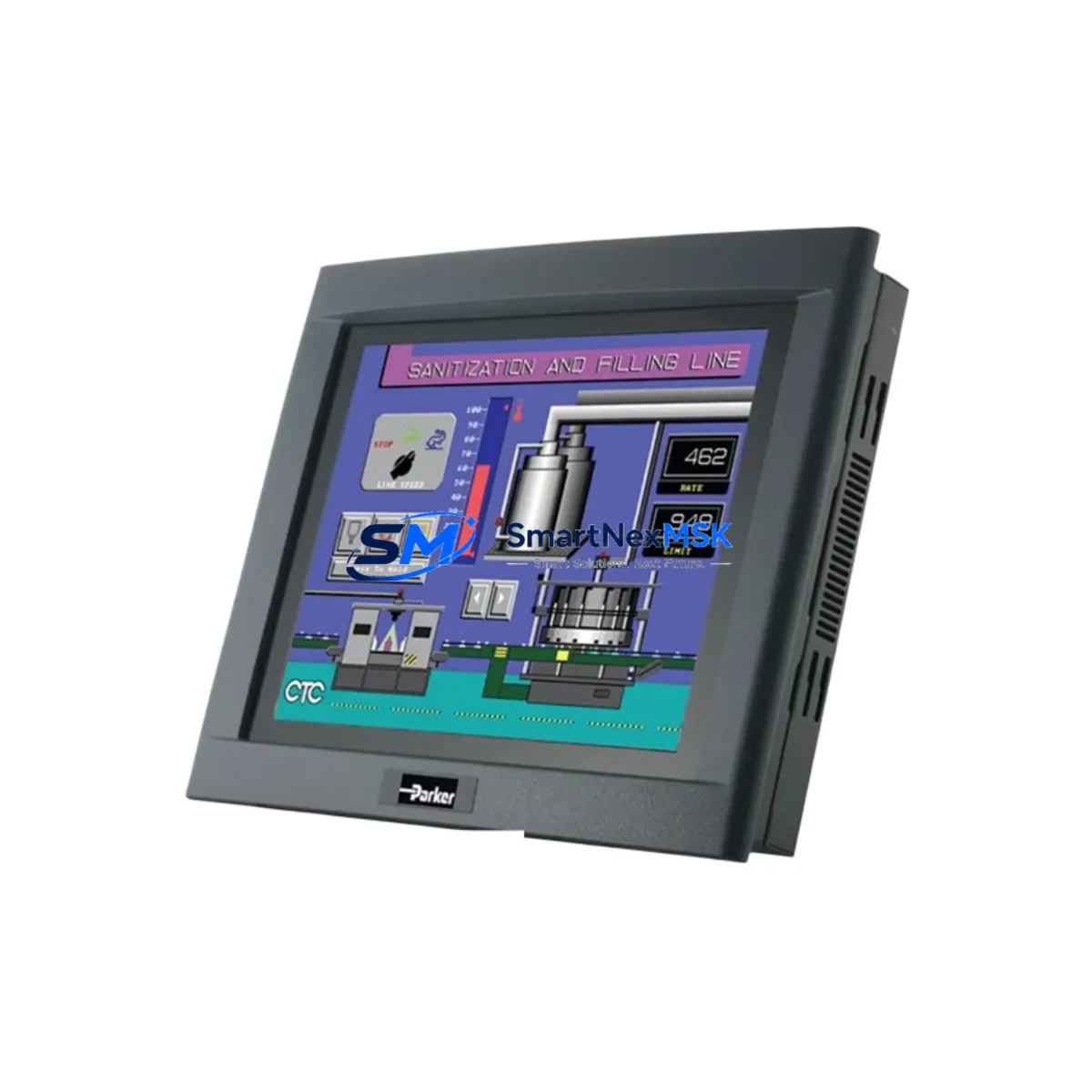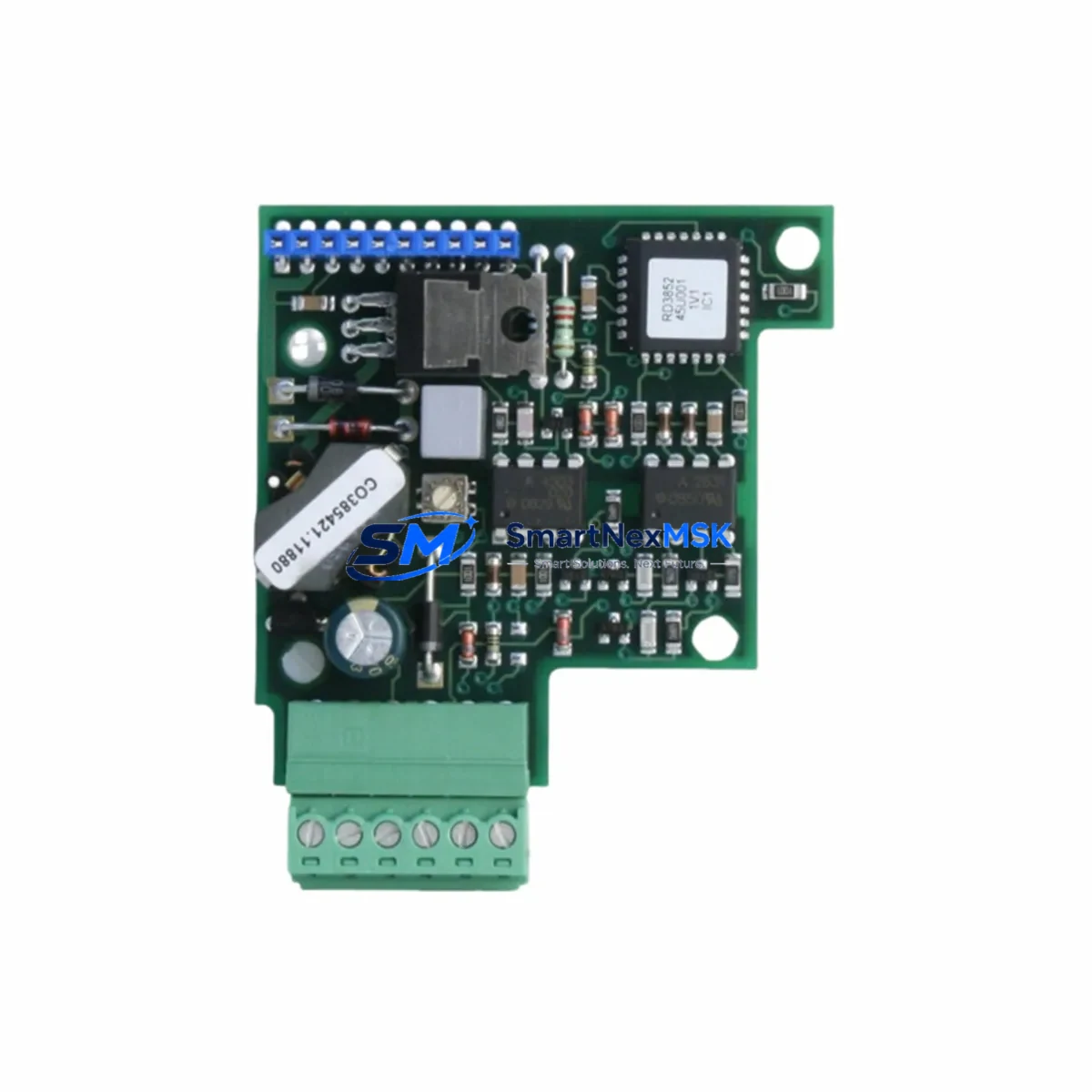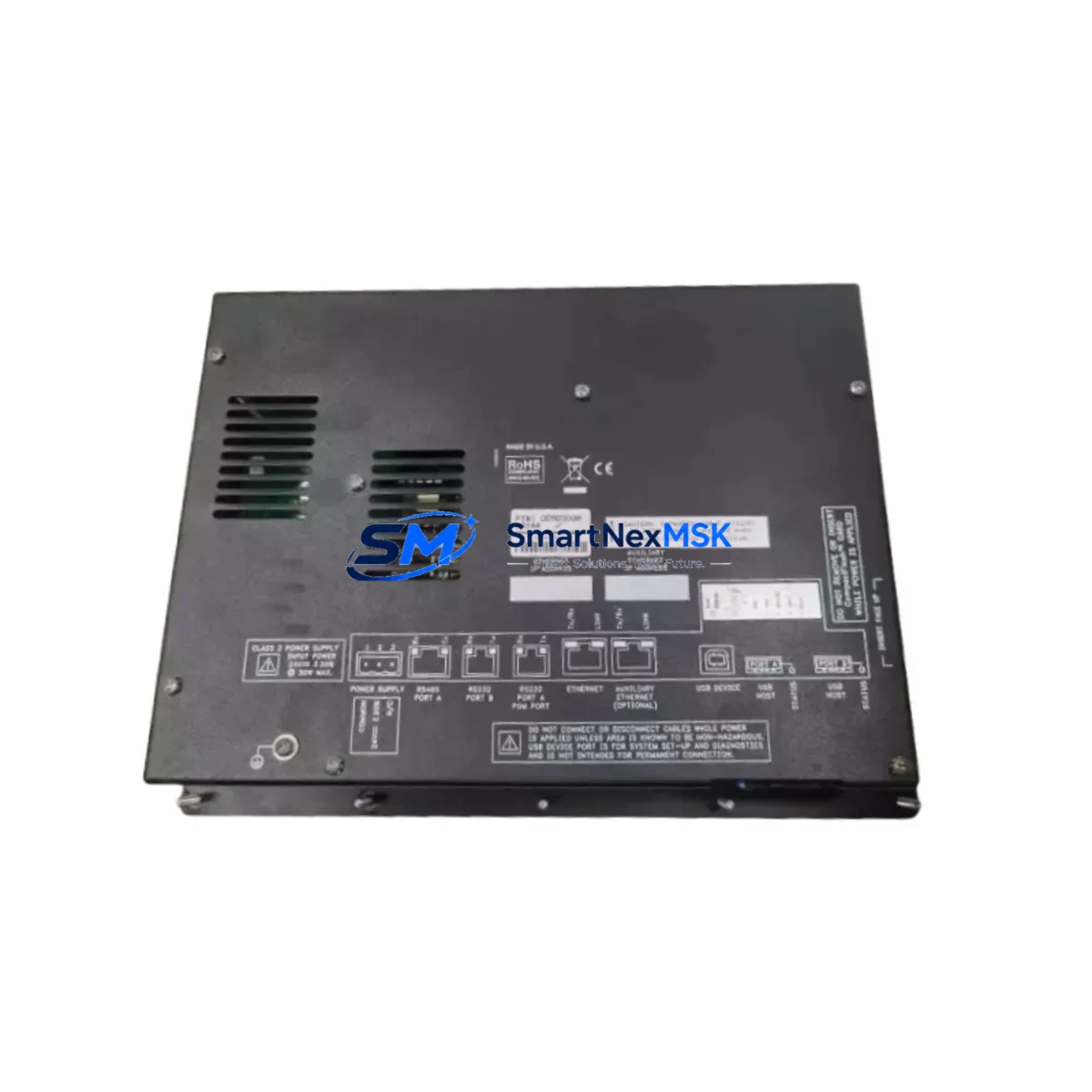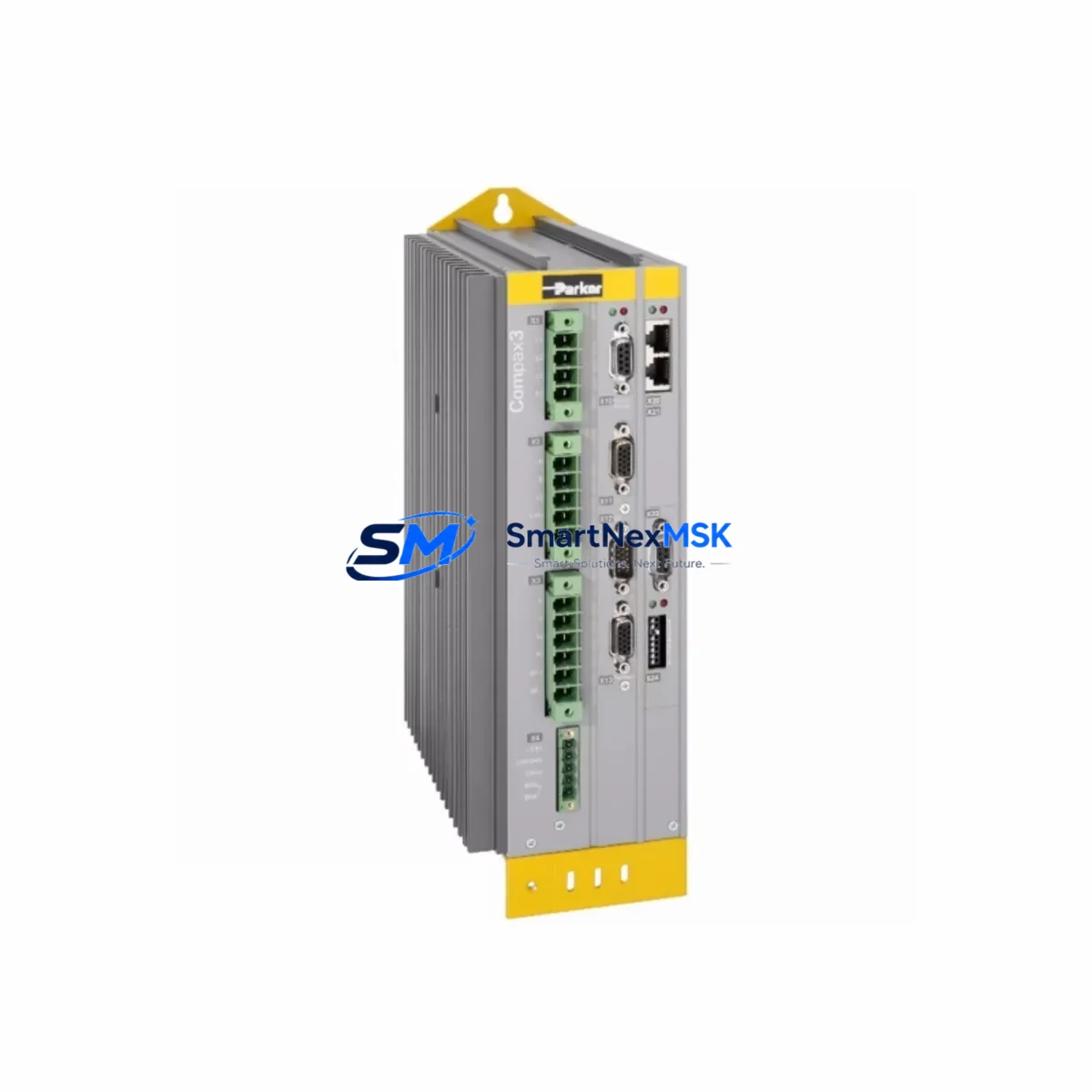
Parker C3S038V4F10I20T40M00 Maintenance-Ready Spare for Compax3 Automation
The Parker C3S038V4F10I20T40M00 is a single-axis servo drive controller from the Compax3 series, engineered by Parker Hannifin for high-precision motion control in demanding industrial automation environments. As a maintenance-ready original spare, this unit is sourced, inspected, and dispatched to support rapid replacement in servo-driven machinery, packaging lines, CNC systems, and process automation cells. Every unit undergoes pre-shipment functional verification and is backed by a 12-month warranty, ensuring your maintenance team can restore operations with confidence and minimal downtime.
For maintenance engineers managing aging Compax3 installations, the C3S038V4F10I20T40M00 represents a direct, drop-in replacement that preserves existing wiring, parameter sets, and communication topology. Its integrated EtherCAT interface and onboard IEC 61131-3 PLC logic engine eliminate the need for external motion controllers in many retrofit scenarios, making it a cost-effective solution for extending the service life of legacy Parker servo systems without full panel redesign.
Spare Maintenance Table
| SKU / Part Number | C3S038V4F10I20T40M00 |
| Brand | Parker Hannifin |
| Series | Compax3 |
| Product Type | Single-Axis Servo Drive Controller |
| Continuous Output Current | 3.8 A (nominal) |
| Supply Voltage | 3-phase 200–240 VAC, 50/60 Hz |
| Communication Interface | EtherCAT (F10 option) |
| I/O Configuration | Digital I/O onboard (I20 option) |
| Onboard PLC | IEC 61131-3 compliant (T40 option) |
| Feedback Compatibility | Resolver, EnDat, SinCos encoder |
| Mounting | DIN rail / panel mount |
| Cooling | Forced air (internal fan) |
| Protection Class | IP20 |
| Operating Temperature | 0 °C to +45 °C |
| Origin | Germany |
| Series Compatibility | Parker Compax3 S-series single-axis drives |
| Application Environment | Industrial automation, packaging, CNC, process control |
| Maintenance Recommendation | Replace drive if overcurrent, encoder fault, or EtherCAT sync loss persists after parameter reset |
| Warranty | 12 Months |
| Pre-Shipment Test | Functional verification performed on every unit |
Maintenance Planning for Continuous Operation
When a C3S038V4F10I20T40M00 servo drive fails or is flagged during a scheduled inspection, experienced maintenance engineers know that the drive itself is rarely the only component requiring attention. A thorough site assessment should accompany every drive replacement to prevent repeat failures and ensure the restored axis performs reliably through the next maintenance interval.
Begin by inspecting the 24 VDC control power supply feeding the Compax3 logic board — voltage ripple or transient spikes are a common root cause of drive faults that are misdiagnosed as drive failures. Check the AC input filter and line reactor upstream of the drive for signs of overheating or degraded capacitance. If the installation uses a Parker PSR regenerative power supply or shared DC bus, verify bus voltage stability and regenerative braking resistor integrity before commissioning the replacement drive.
On the feedback side, inspect the resolver or EnDat encoder cable and its shielding continuity — damaged feedback cables are a leading cause of premature drive faults in high-cycle applications. The motor power cable (U/V/W phases and PE) should be checked for insulation resistance and connector seating. If the axis uses a Parker MPP or MPJ servo motor, verify motor winding resistance and insulation to ground before reconnecting to the replacement drive.
At the control cabinet level, inspect the EtherCAT network topology — verify ring or line configuration integrity, check the EtherCAT master (typically a Beckhoff CX or IPC, or a Parker ACR controller) for node loss alarms, and confirm cable quality on all daisy-chained nodes. Review the digital I/O terminal block wiring for loose connections, particularly on enable, fault reset, and limit switch inputs. If the system uses Phoenix Contact or Weidmuller terminal strips, check for oxidation on high-cycle signal terminals.
For installations where the Compax3 drive interfaces with a Parker HMI or third-party SCADA panel, confirm that the drive’s node address and EtherCAT slave configuration match the master’s expected topology after replacement. Backup and restore the drive’s parameter set using Parker’s C3 ServoManager software to avoid manual re-commissioning errors. Where safety relay modules (STO — Safe Torque Off) are wired to the drive’s safety inputs, verify STO circuit continuity and relay response time after installation.
Proactive spare parts planning for Compax3 installations should also include stocking 24 VDC fuses and miniature circuit breakers for the control voltage rail, as well as signal isolators on analog reference inputs where long cable runs are present. Maintaining at least one C3S038V4F10I20T40M00 on the shelf — alongside compatible feedback cables and a pre-configured parameter backup — reduces mean time to repair (MTTR) from hours to minutes in the event of an unplanned axis failure.
Site Replacement Workflow
Step 1 — Isolate and de-energize: Switch off the main AC supply to the drive and discharge the DC bus capacitors (minimum 5 minutes). Confirm zero voltage on the DC bus terminals before proceeding.
Step 2 — Document existing wiring: Photograph or sketch all terminal connections — AC input (L1/L2/L3), motor output (U/V/W/PE), feedback connector (X4), I/O connector (X3), EtherCAT ports (X5/X6), and 24 VDC control supply (X1). Label all cables before disconnection.
Step 3 — Remove the faulty drive: Disconnect all connectors and cables in reverse order of installation. Remove DIN rail mounting clips or panel mounting screws. Retain all hardware for reinstallation.
Step 4 — Install the replacement C3S038V4F10I20T40M00: Mount the new drive, reconnect all cables per the documented layout. Verify EtherCAT port assignment (IN/OUT) matches the original topology. Confirm 24 VDC control supply polarity.
Step 5 — Restore parameters: Using Parker C3 ServoManager, load the backed-up parameter file. Verify axis configuration, feedback type, current limits, and motion profile settings match the original drive. If no backup exists, re-commission from the machine’s electrical documentation.
Step 6 — Test and validate: Power up the control supply first, confirm no fault codes. Apply AC mains, perform a low-speed jog test, verify encoder feedback direction and resolution. Run a full motion cycle at reduced speed before returning the axis to production.
This structured replacement workflow minimizes re-commissioning errors, preserves system compatibility, and ensures the replacement C3S038V4F10I20T40M00 integrates seamlessly into the existing Compax3 motion architecture — reducing total downtime to the shortest possible window.
Spare Parts Support FAQ
Q1: Is the C3S038V4F10I20T40M00 a new or refurbished unit?
All units supplied are original Parker Hannifin components — either new old stock (NOS) or professionally refurbished to OEM specification. Each unit undergoes functional verification prior to shipment. The condition is clearly stated in the product listing, and all units are covered by a 12-month warranty regardless of condition grade.
Q2: How do I confirm compatibility with my existing Compax3 installation?
Compatibility is determined by matching the full SKU string: C3S038V4F10I20T40M00. Each segment encodes a specific parameter — output current (038 = 3.8 A), voltage class (V4 = 200–240 VAC), communication option (F10 = EtherCAT), I/O option (I20), PLC option (T40), and safety option (M00). If your existing drive carries this exact part number, the replacement is a direct swap. For cross-series compatibility queries, contact our technical team with your machine’s electrical schematic.
Q3: What is included in the pre-shipment inspection?
Every C3S038V4F10I20T40M00 is powered up and tested for: DC bus charging, control power initialization, fault-free startup, EtherCAT port link detection, and I/O channel continuity. Units that fail any test point are quarantined and not dispatched. A test report is available upon request for critical MRO applications.
Q4: What is your recommended spare parts stocking strategy for Compax3 systems?
For production lines with 3 or more Compax3 axes, we recommend maintaining a minimum of one drive per current rating in your on-site spare parts inventory. Pair each drive spare with a pre-configured parameter backup file, a compatible feedback cable, and a set of replacement fuses for the control voltage rail. For facilities with long lead times or remote locations, a 2-unit buffer per critical axis is advisable. Our team can assist with consignment stock arrangements for high-volume MRO customers.
© 2026 SMARTNEXMSK. All rights reserved.
Original Source: https://smartnexmsk.com
Contact: [email protected] | +86 18259474341