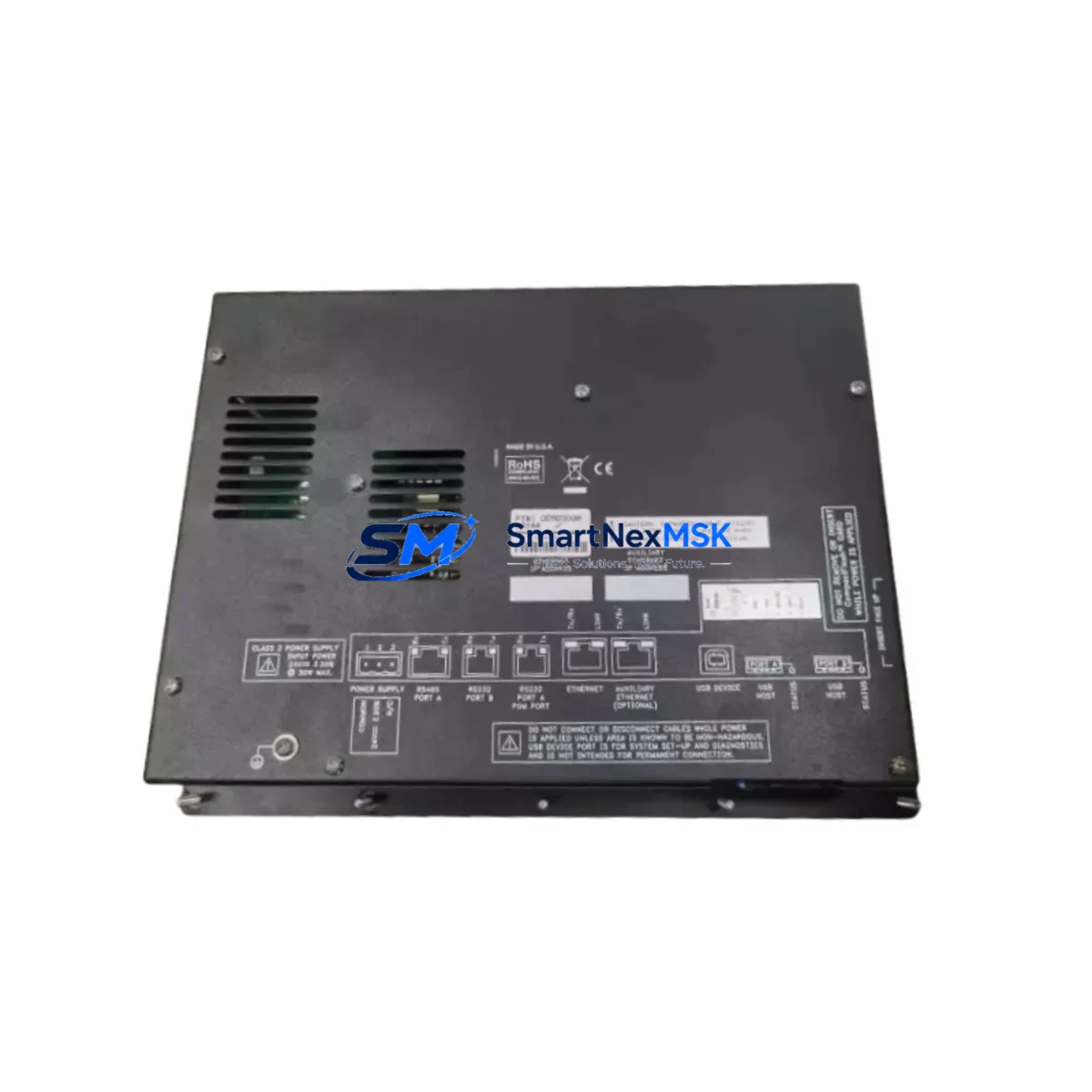
Parker HPC15T-28-XHA-BD3 Maintenance-Ready Spare for HPC15T Automation
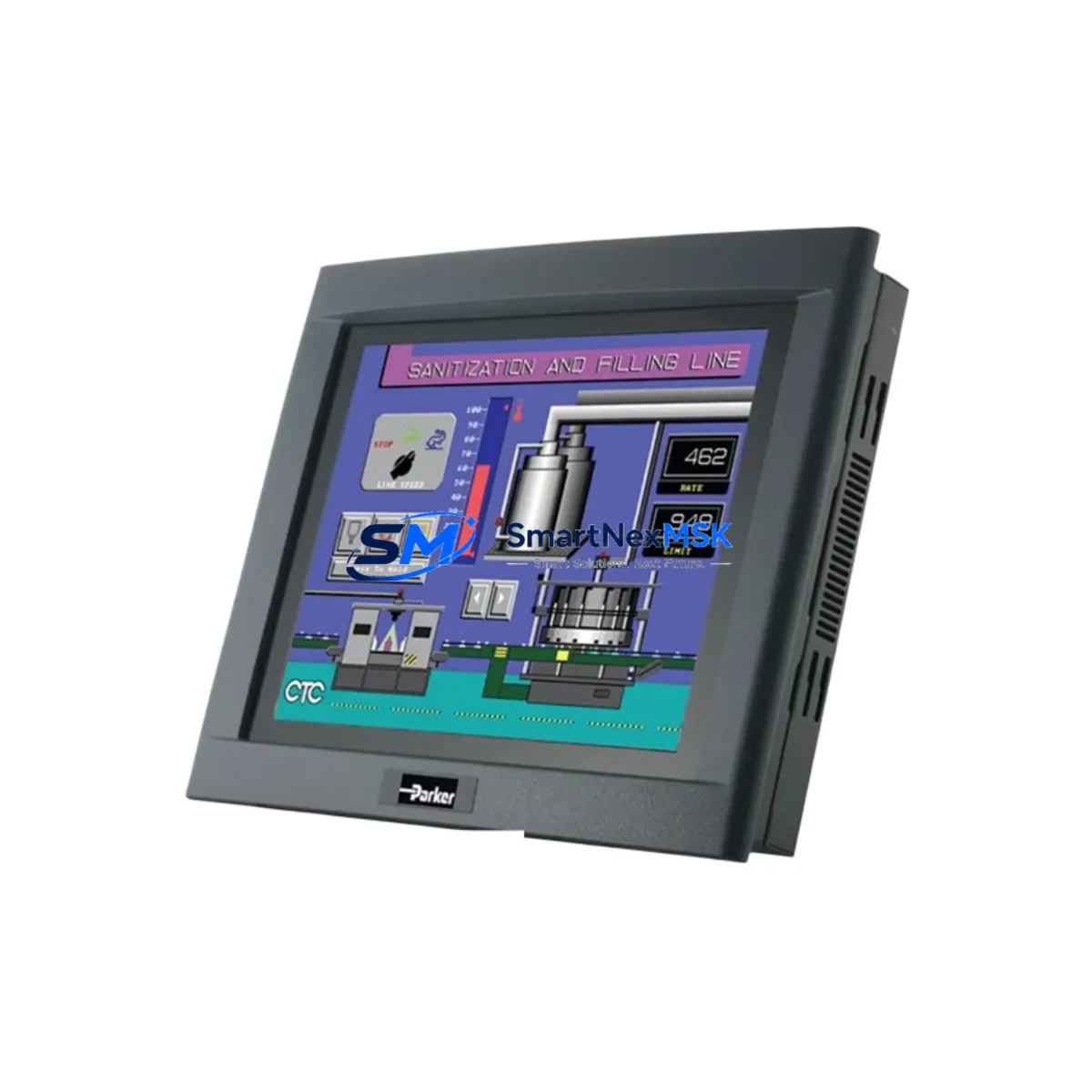
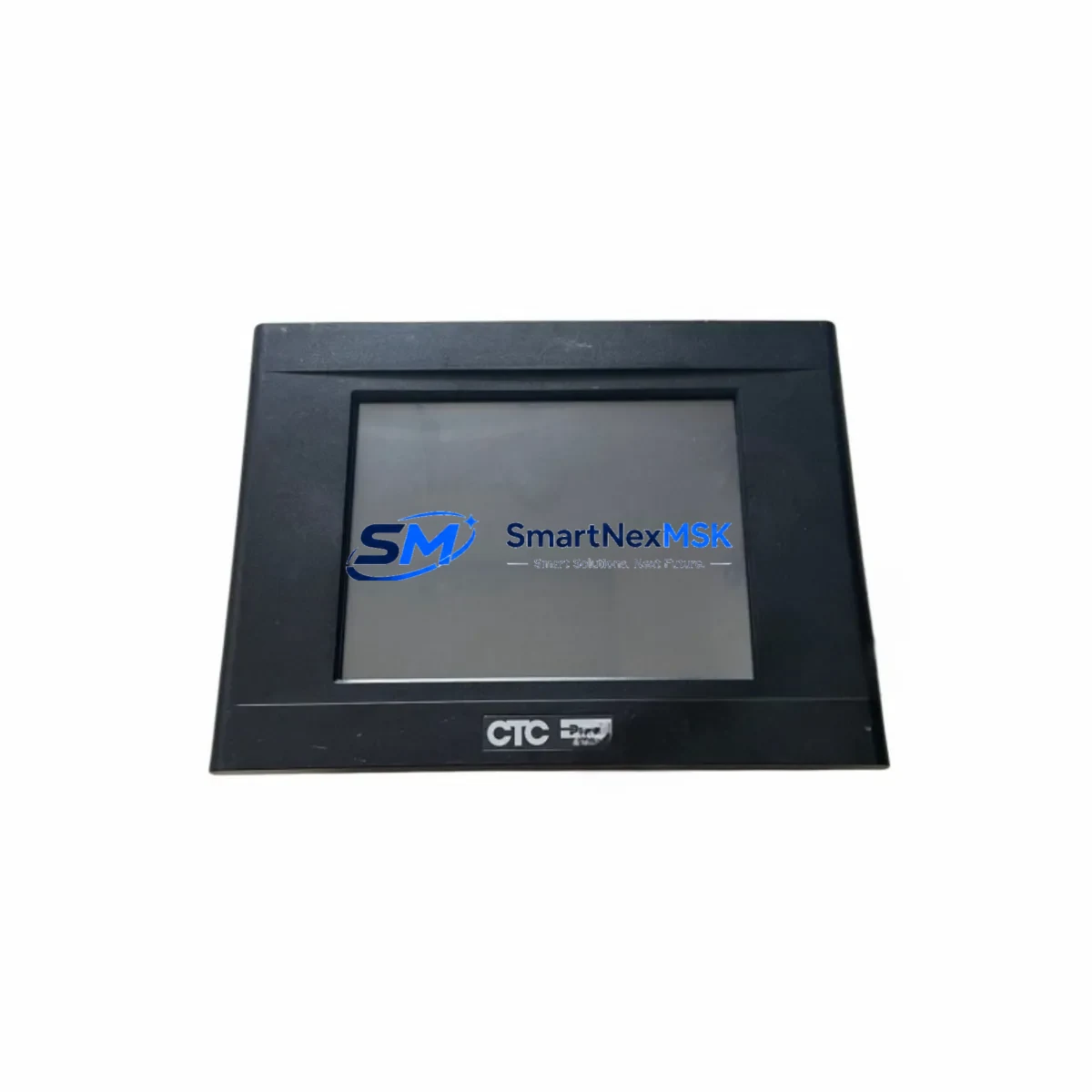
The Parker HPC15T-28-XHA-BD3 DT-02475-202 is an original-specification HMI panel spare designed for industrial automation environments where unplanned downtime carries significant operational and financial risk. Sourced directly from verified supply channels, this unit is fully tested prior to dispatch and backed by a 12-month warranty, making it a reliable choice for both emergency replacement and planned maintenance stock. Whether you are managing a continuous production line, a batch processing facility, or a legacy control system that depends on the HPC15T series, having this spare on hand is a cornerstone of any credible downtime-reduction strategy.
Maintenance engineers and procurement teams working with Parker Hannifin HPC15T-series control panels will recognize this part as a direct fit for the HPC15T operator interface architecture. The DT-02475-202 revision designation confirms compatibility with the specific backplane and communication interface used in this series, eliminating guesswork during emergency swap-outs. All units are inspected, function-tested, and shipped with protective packaging to ensure they arrive in field-ready condition.
Spare Maintenance Table
| Parameter | Specification |
|---|---|
| Part Number / SKU | HPC15T-28-XHA-BD3 DT-02475-202 |
| Brand | Parker Hannifin |
| Series | HPC15T |
| Product Type | Industrial HMI Panel |
| Display Type | Color TFT LCD (series standard) |
| Communication Interface | RS-232 / RS-485 / Ethernet (series dependent) |
| Power Supply Input | 24 VDC nominal (verify against panel label) |
| Operating Temperature | 0°C to +55°C |
| Protection Rating | IP65 front panel (series standard) |
| Compatibility | Parker HPC15T series control panels; DT-02475-202 revision |
| Installation | Panel cutout mount; refer to OEM dimensional drawing |
| Pre-shipment Testing | Full functional test performed |
| Warranty | 12 Months |
| Origin | USA (Parker Hannifin) |
| Condition | Original / New Old Stock / Refurbished (confirm at order) |
Maintenance Planning for Continuous Operation
When replacing the HPC15T-28-XHA-BD3 DT-02475-202 in the field, a disciplined maintenance engineer will not stop at swapping the HMI panel alone. The replacement event is an opportunity to audit the entire control cabinet for components that share the same operational stress cycle and may be approaching end-of-life simultaneously.
Begin with the 24 VDC power supply module feeding the HMI and associated I/O racks — a degraded power supply is a common root cause of HMI display faults and communication dropouts. Inspect the Parker SSD or equivalent DC bus capacitor bank if the panel is part of a drive-integrated control loop. Next, verify the RS-485 or Ethernet communication cable connecting the HMI to the PLC or DCS controller; aged or improperly terminated cables introduce noise that can mimic HMI hardware failure.
Check the I/O expansion modules connected to the same backplane — particularly any digital input modules monitoring door interlocks or E-stop circuits, and analog output modules driving proportional valves or variable-speed drives. Inspect terminal blocks and DIN rail connectors for signs of thermal cycling damage, loose ferrules, or corrosion, especially in high-humidity or high-vibration environments.
If the system includes signal isolators between field sensors and the HMI input channels, test their output accuracy; a drifting isolator can cause false alarms or missed fault conditions. Review the relay output modules for contact wear if they are switching inductive loads such as solenoid valves or motor contactors. For systems with Modbus RTU or PROFIBUS DP communication cards, confirm that termination resistors are correctly installed and that the baud rate settings match the replacement HMI configuration.
Finally, if the control cabinet houses a Parker or third-party PLC CPU module that communicates with this HMI, verify firmware compatibility between the new HMI revision (DT-02475-202) and the PLC program version before going live. Keeping a spare fuse kit matched to the panel’s protection scheme and a set of backup SD cards or memory modules with the latest HMI project file will further reduce recovery time in future incidents.
Site Replacement Workflow
Step 1 — Isolation and Lockout: De-energize the control cabinet following site LOTO procedures. Confirm zero-energy state on the 24 VDC bus before opening the panel door.
Step 2 — Documentation: Photograph the existing wiring, communication cable routing, and HMI mounting orientation before removal. Record the current HMI firmware version and project file checksum if accessible.
Step 3 — Removal: Disconnect communication cables (RS-232/RS-485/Ethernet) and power leads. Release the panel cutout retaining clips or screws. Remove the HPC15T-28-XHA-BD3 unit carefully to avoid stressing the backplane connector.
Step 4 — Compatibility Verification: Confirm the replacement unit’s revision code (DT-02475-202) matches the required specification. Verify that the backplane connector pinout and power input voltage are consistent with the installation.
Step 5 — Installation: Seat the replacement HMI into the panel cutout. Reconnect power and communication cables in the documented sequence. Restore the HMI project file from backup if required.
Step 6 — Commissioning: Re-energize the panel and confirm HMI boot sequence completes without fault codes. Verify communication link to the PLC/DCS is established and all I/O tags are reading correctly. Conduct a functional test of all operator controls before returning the system to production.
Step 7 — Documentation Update: Log the replacement in the site maintenance management system (CMMS). Update the spare parts inventory and reorder a replacement unit to restore buffer stock.
Spare Parts Support FAQ
Q1: Is the HPC15T-28-XHA-BD3 DT-02475-202 a direct drop-in replacement for earlier HPC15T revisions?
The DT-02475-202 revision is designed for direct compatibility within the HPC15T series. However, if your existing installation uses an earlier revision, confirm the backplane connector version and firmware compatibility with your PLC program before installation. Our technical team can assist with compatibility verification prior to shipment.
Q2: How is the unit tested before shipment?
Every unit undergoes a full functional test covering power-on sequence, display output, communication port integrity, and input/output response before dispatch. A test report is available upon request. Units are shipped in anti-static and impact-protective packaging to maintain field-ready condition on arrival.
Q3: What does the 12-month warranty cover?
The 12-month warranty covers manufacturing defects and functional failures under normal operating conditions as specified in the Parker HPC15T series documentation. It does not cover damage resulting from incorrect installation, overvoltage events, or environmental conditions outside the rated operating range. Warranty claims are processed with priority to minimize your downtime.
Q4: Can you support long-term or blanket purchase orders for ongoing spare parts inventory?
Yes. We support scheduled delivery agreements and blanket purchase orders for maintenance teams that require guaranteed stock availability for critical HMI spares. Contact our sales team to discuss lead times, pricing tiers, and consignment stock options tailored to your planned maintenance calendar.
© 2026 SMARTNEXMSK. All rights reserved.
Original Source: https://smartnexmsk.com
Contact: [email protected] | +86 18259474341