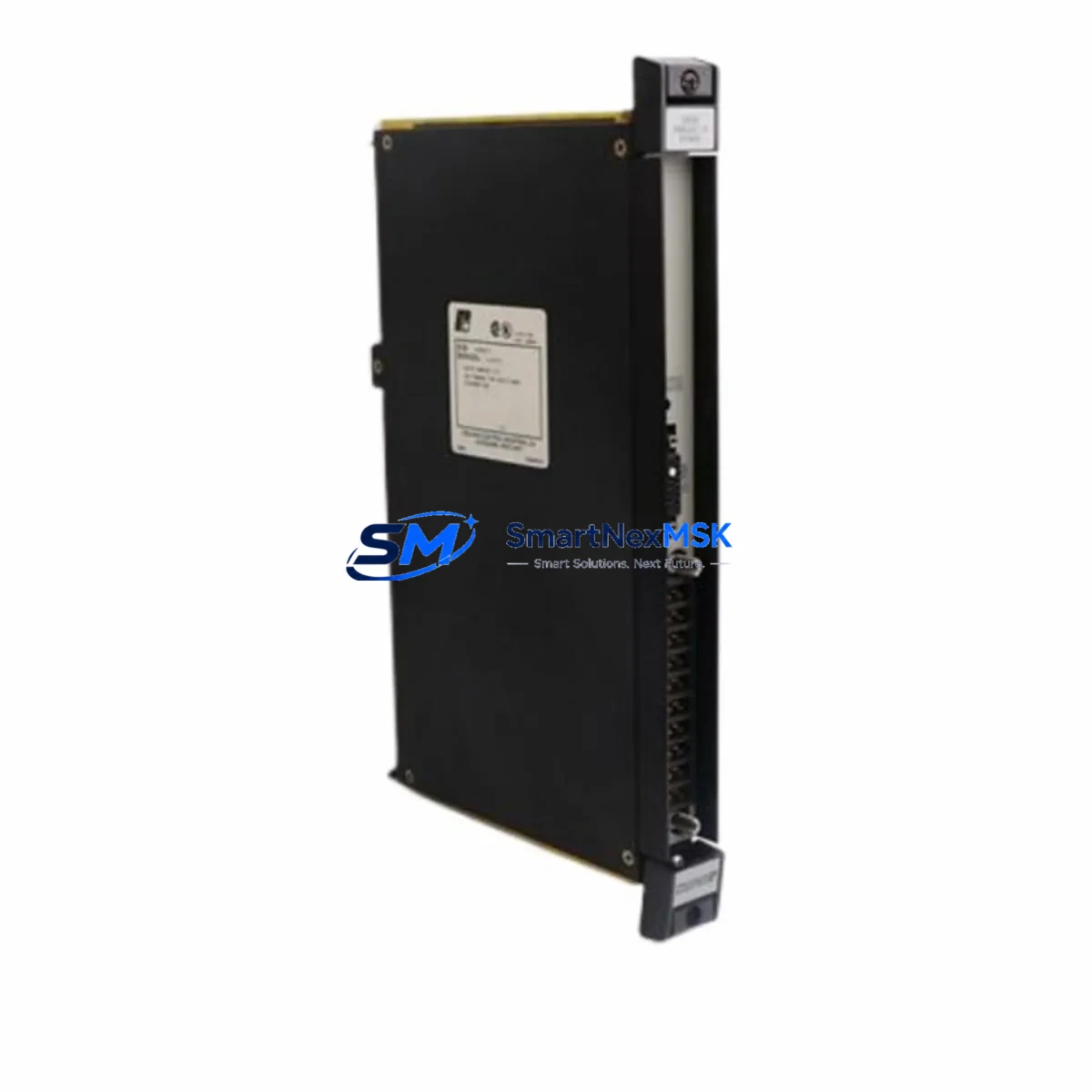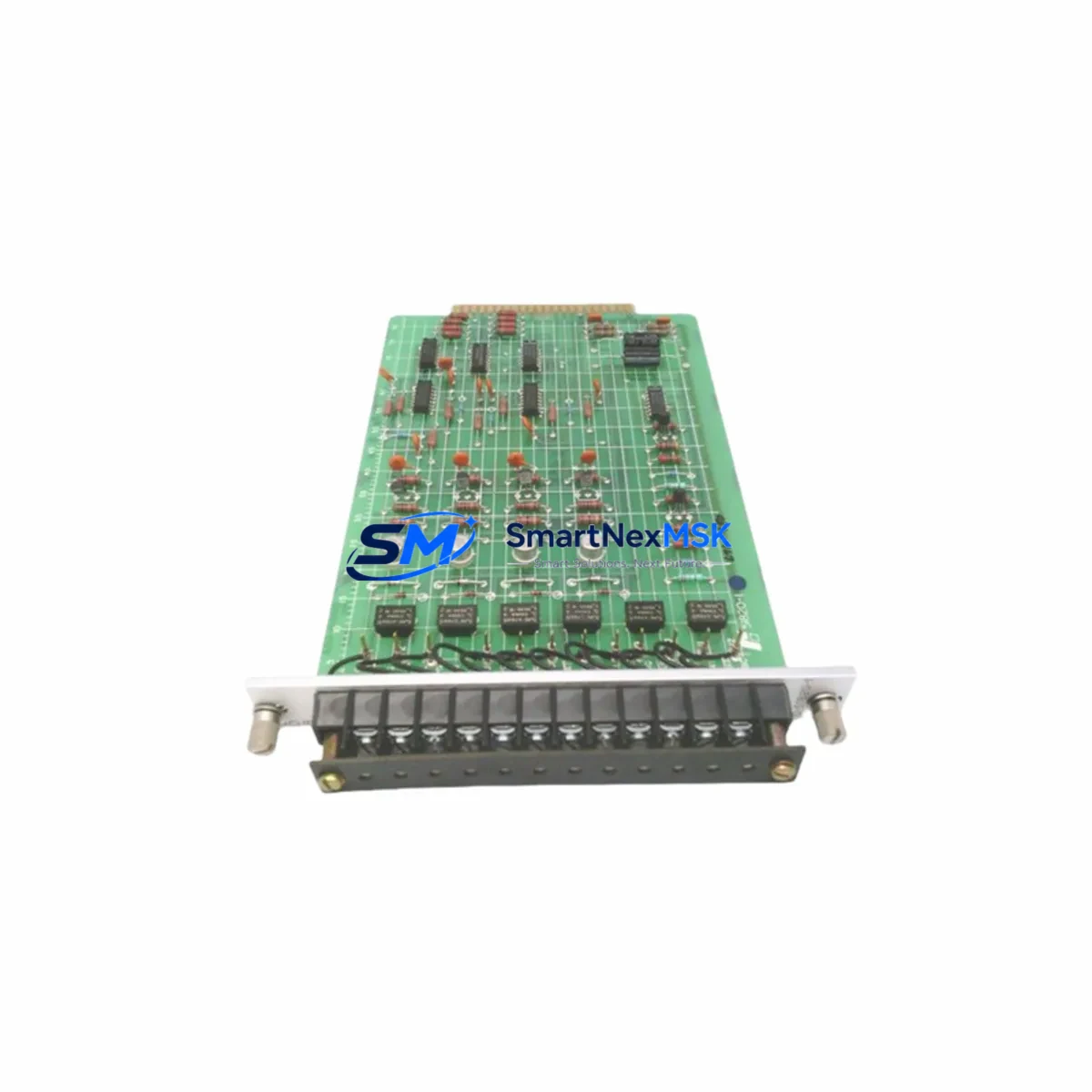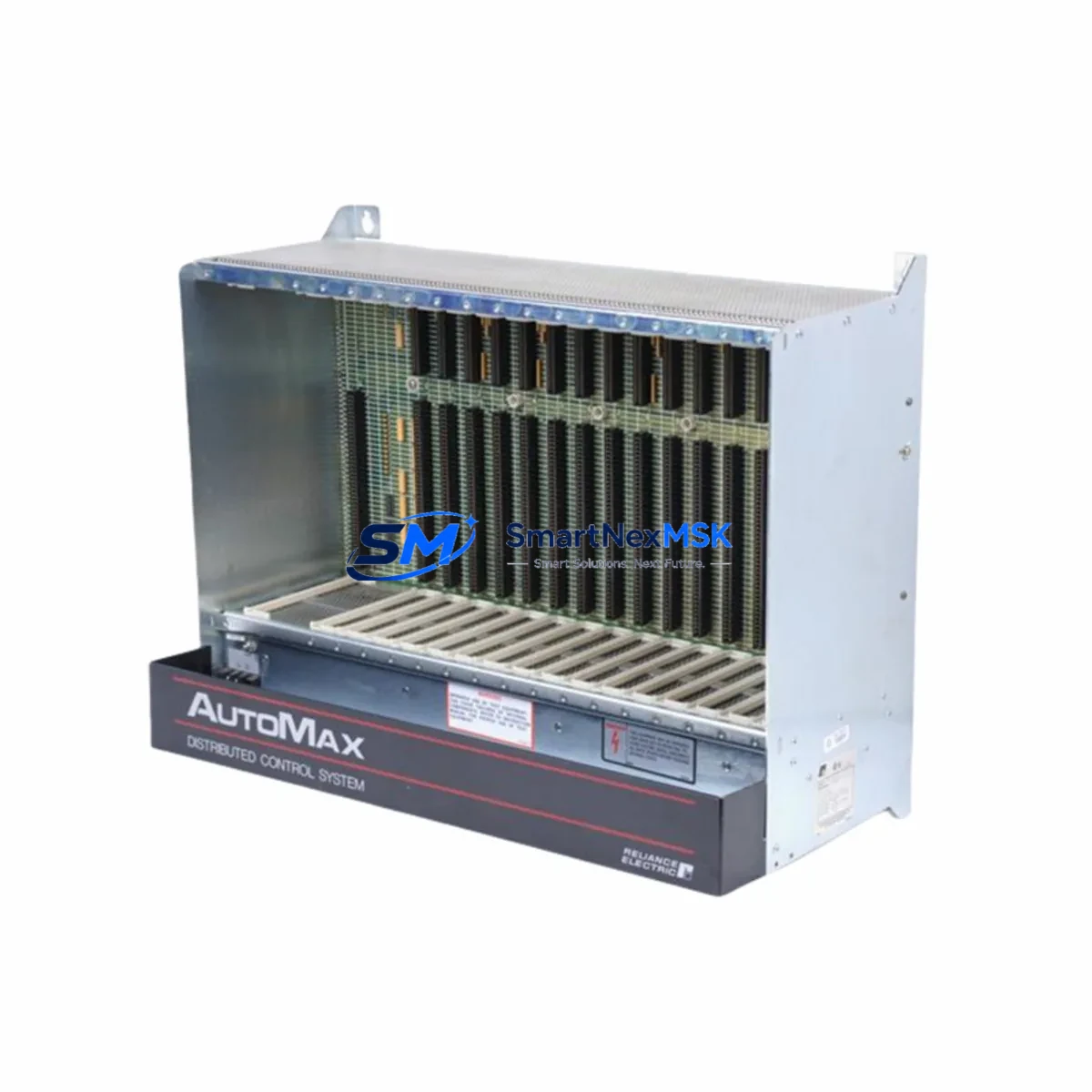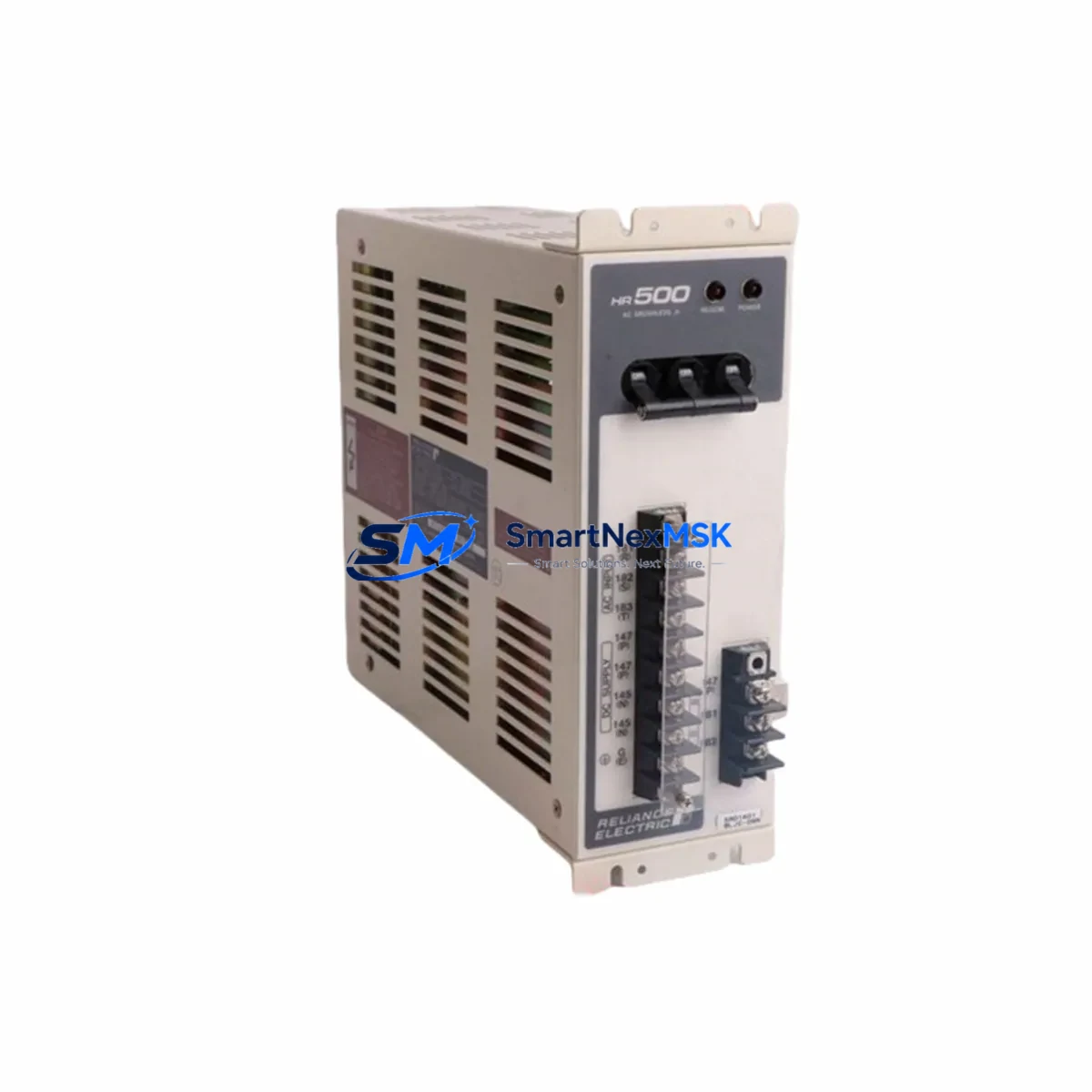
Reliance S-D4007-E Retrofit-Ready Drive Control for AutoMax Systems: Compatible Modernization & Smooth Legacy Upgrade
The Reliance Electric S-D4007-E is a drive control module engineered for the AutoMax Drive Series — a platform widely deployed across heavy industrial environments including steel mills, paper lines, mining conveyors, and process manufacturing facilities. As original AutoMax hardware reaches end-of-life and spare parts become increasingly scarce, the S-D4007-E remains one of the most sought-after retrofit-ready components for engineers tasked with keeping legacy drive systems operational or executing a controlled migration to modern control architectures.
SMARTNEXMSK maintains verified stock of the S-D4007-E and ships globally with full pre-shipment functional testing and a 12-month warranty. Every unit is inspected against Reliance Electric’s original specifications before dispatch, ensuring compatibility with existing AutoMax rack assemblies, backplane interfaces, and drive communication links.
Upgrade Compatibility Table
| Parameter | Details |
|---|---|
| SKU / Part Number | S-D4007-E | S-D4007 |
| Brand / Manufacturer | Reliance Electric (Rockwell Automation heritage) |
| Compatible Series | AutoMax Drive Series (all rack variants) |
| Module Function | Drive Control Module — speed reference, torque regulation, I/O interface |
| Backplane Interface | AutoMax proprietary backplane connector; direct slot-in replacement |
| Communication Compatibility | AutoMax network protocol; compatible with AutoMax Network Interface modules |
| Installation Requirement | Standard AutoMax rack; no hardware modification required for direct replacement |
| Replacement Recommendation | Direct drop-in for failed or end-of-life S-D4007 / S-D4007-E units |
| Commissioning Notes | Verify module address DIP switches; re-download drive parameters via AutoMax programming software |
| Warranty | 12 Months — covers functional failure under normal operating conditions |
Retrofit Planning for Existing Automation Systems
Replacing the S-D4007-E in an active production environment requires careful pre-work to avoid extended downtime. Before pulling the existing module, engineers should document the current drive parameter set using the AutoMax programming terminal or a connected HMI workstation. Parameter files should be saved to a backup medium — this is critical because the S-D4007-E stores speed reference scaling, torque limits, acceleration/deceleration ramps, and fault response configurations that are unique to each drive axis.
The AutoMax rack itself must be inspected for backplane integrity. Corroded or damaged backplane connectors are a common cause of intermittent faults that are misdiagnosed as module failures. If the rack shows signs of wear, consider replacing the AutoMax rack chassis alongside the S-D4007-E to eliminate latent reliability risks. Similarly, the AutoMax power supply module feeding the rack should be load-tested — an undersized or aging power supply is a frequent contributor to drive control module failures and must be verified before commissioning the replacement unit.
Terminal wiring at the drive control module’s I/O interface should be photographed and labeled before disconnection. The S-D4007-E interfaces with analog speed reference inputs, digital run/stop command signals, and fault relay outputs. Wiring polarity and signal scaling must be confirmed against the original drive schematics. If the original schematics are unavailable, the wiring can be reverse-engineered from the HMI screen tag assignments — a process that requires cross-referencing the AutoMax Network Interface module’s node address table with the SCADA or DCS tag database.
For facilities running a mixed control architecture — for example, where the AutoMax drive network feeds into a broader Allen-Bradley PLC-5 or SLC 500 control system — the communication link between the AutoMax Network Interface and the upstream controller must be validated after module swap. The AutoMax network uses a proprietary token-passing protocol, and any change in module addressing can disrupt the network scan cycle. Node address switches on the S-D4007-E must be set to match the original module’s address before powering up the rack.
In larger retrofit projects where multiple AutoMax drive axes are being upgraded simultaneously, it is common to also replace associated AutoMax I/O modules, analog output modules, and encoder feedback interface cards. These peripheral modules share the same rack and backplane, and their firmware revision levels must be compatible with the S-D4007-E’s control firmware. SMARTNEXMSK can source compatible AutoMax peripheral modules to support full-rack retrofit projects, reducing the risk of firmware mismatch faults during commissioning.
For facilities planning a longer-term migration from AutoMax to a modern drive platform — such as the PowerFlex 755 or PowerFlex 700 series — the S-D4007-E serves as a reliable interim solution that maintains production continuity while the migration is planned and budgeted. The AutoMax programming cable and software remain available for parameter backup and restore operations during this transition period.
Downtime Control During System Migration
Minimizing unplanned downtime during an S-D4007-E replacement requires a structured hot-swap protocol. The recommended approach is to pre-configure the replacement module offline before the maintenance window begins. This means setting the DIP switch addresses to match the failed unit, loading the backed-up parameter file into the module using the AutoMax programming software, and performing a bench-level functional check using a test rack if available.
During the maintenance window, the sequence should follow: isolate the drive axis at the motor control center (MCC), de-energize the AutoMax rack, extract the failed S-D4007-E, insert the pre-configured replacement, re-energize the rack, and verify network communication before releasing the axis to automatic control. This sequence typically takes 20–45 minutes for a single axis when the replacement module is pre-configured — compared to 4–8 hours when parameter restoration must be performed from scratch on-site.
For critical production lines where even a 30-minute outage is unacceptable, a cold-standby strategy is recommended: maintain one pre-configured S-D4007-E per drive type in the local spare parts cabinet. SMARTNEXMSK supports this strategy by supplying pre-tested units with documentation packages that include parameter templates, wiring diagrams, and commissioning checklists tailored to the AutoMax platform.
After the replacement module is online, the first 30 minutes of operation should be monitored closely. Key indicators include drive output current stability, speed reference tracking accuracy, fault log activity, and HMI status display confirmation. Any deviation from baseline performance should be investigated before returning the axis to full production load. The 12-month warranty provided with every S-D4007-E unit covers functional failures that emerge during this commissioning and early-operation phase.
Retrofit Support FAQ
Q1: Is the S-D4007-E a direct replacement for the S-D4007 without any hardware modification?
Yes. The S-D4007-E is the enhanced revision of the S-D4007 and is a direct slot-in replacement within the AutoMax rack. No hardware modification to the rack, backplane, or wiring is required. DIP switch addressing must be set to match the original module’s node address before installation.
Q2: What commissioning steps are required after installing the replacement module?
After physical installation, restore the drive parameter file using the AutoMax programming software via the AutoMax programming cable. Verify the module’s network node address, confirm I/O signal wiring, and perform a no-load test run before applying full production load. Check the HMI status display for drive ready confirmation and review the fault log for any initialization errors.
Q3: How do I verify wiring compatibility between the old and new S-D4007-E units?
The S-D4007-E uses a standard AutoMax terminal block layout. Compare the terminal assignments on the replacement unit against the original wiring documentation or photographs taken before removal. Pay particular attention to analog speed reference input polarity, digital I/O signal levels (24VDC vs. 120VAC), and fault relay wiring. If original documentation is unavailable, the AutoMax drive manual provides the default terminal assignment table.
Q4: What does the 12-month warranty cover, and how is a warranty claim processed?
The 12-month warranty covers functional failure of the S-D4007-E module under normal operating conditions, including failures that emerge during commissioning. It does not cover damage caused by incorrect installation, overvoltage events, or physical mishandling. To initiate a warranty claim, contact SMARTNEXMSK with the order reference number and a description of the fault symptom. A replacement or repair will be arranged within the warranty period at no additional cost.
© 2026 SMARTNEXMSK. All rights reserved.
Original Source: https://smartnexmsk.com
Contact: [email protected] | +86 18259474341