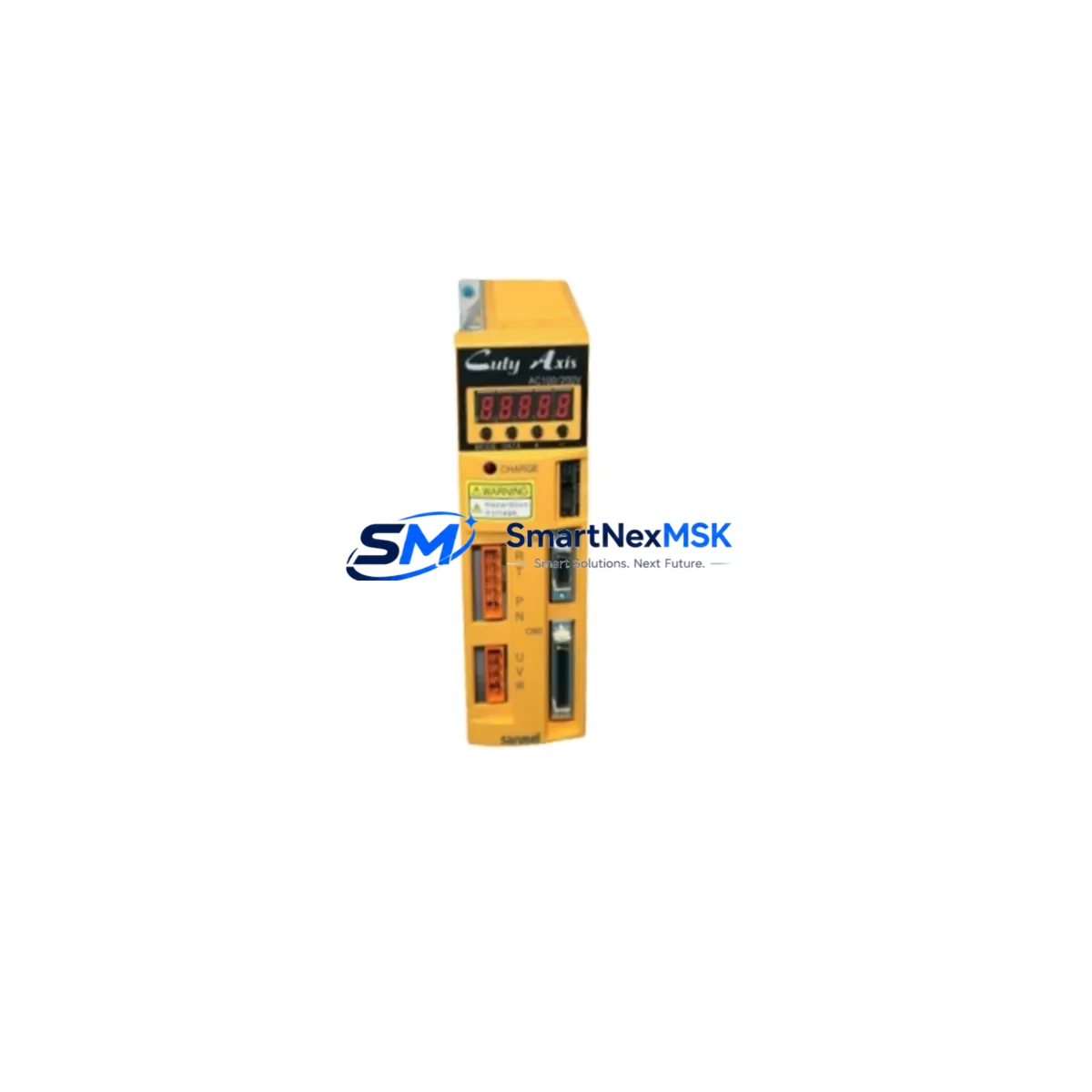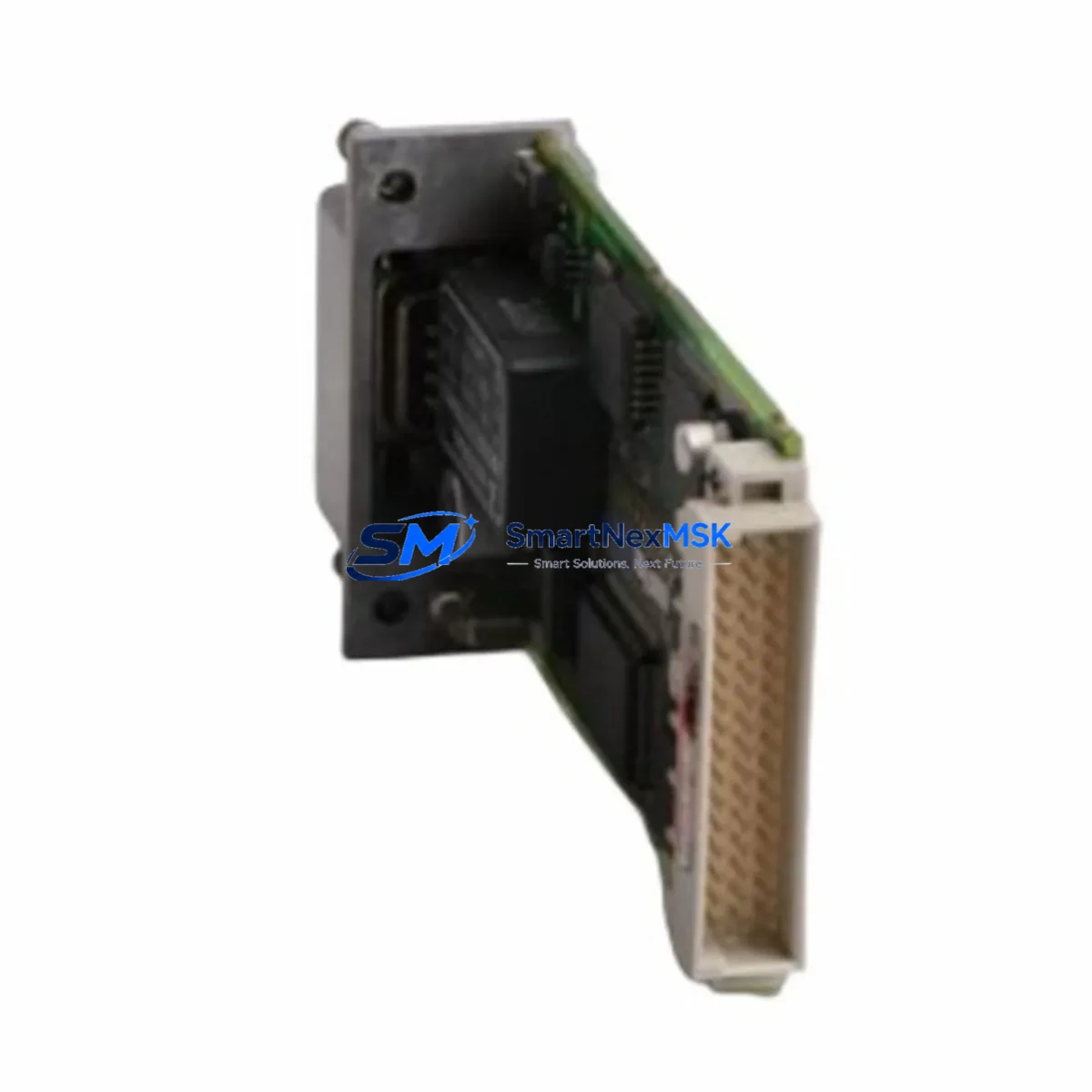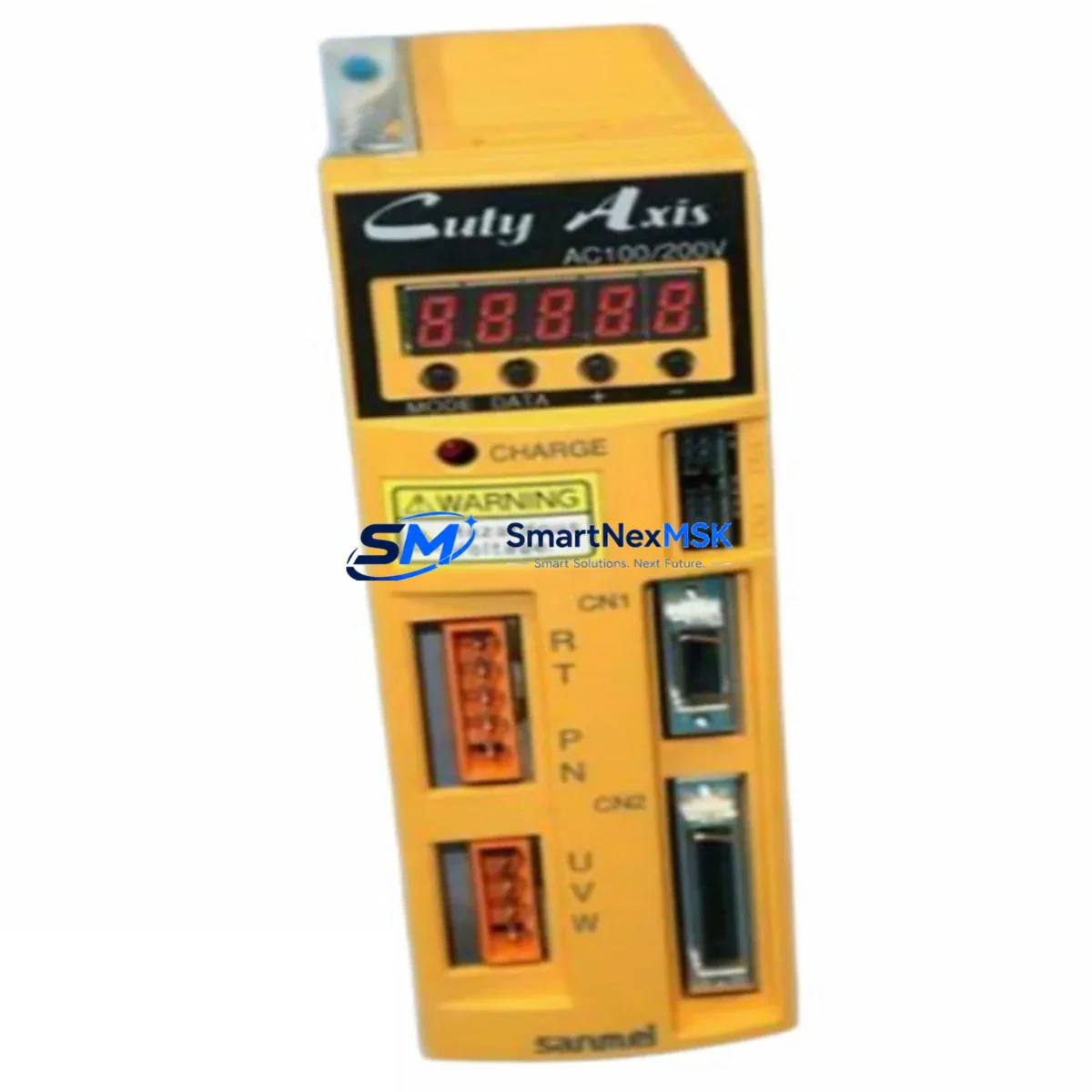
SANMEI QT-004AXE Retrofit-Ready Interface for QT Series PLC: Compatible Modernization & Smooth System Upgrade
The SANMEI QT-004AXE is a retrofit-ready external interface module engineered for seamless integration into QT Series programmable logic controller (PLC) systems. Whether you are replacing an end-of-life component on an aging production line, upgrading a legacy control cabinet, or restoring a system after an unexpected module failure, the QT-004AXE delivers the electrical compatibility, mechanical fit, and communication reliability that industrial engineers demand. With verified wiring compatibility, a 12-month warranty, and in-stock availability from Xiamen, this module is the preferred choice for maintenance teams and system integrators managing QT Series installations across manufacturing, utilities, and process automation environments.
Sourced directly from SANMEI’s authorized supply chain, every QT-004AXE unit undergoes pre-shipment functional testing to confirm I/O response, backplane communication integrity, and terminal block continuity before dispatch. This ensures that your replacement module arrives ready for immediate installation, minimizing unplanned downtime and reducing the risk of commissioning delays on the plant floor.
Upgrade Compatibility Table
| Parameter | Details |
|---|---|
| Compatible Series | SANMEI QT Series PLC Systems |
| Module Type | External Interface Module |
| Backplane Interface | QT Series standard backplane connector; direct slot replacement |
| Terminal Wiring | Wiring-compatible with original QT-series terminal layouts; no rewiring required in standard configurations |
| Communication Compatibility | Supports QT Series native communication protocols; verify firmware revision before installation |
| Installation Requirement | DIN rail or panel mount per QT Series rack specification; no additional hardware required |
| Replacement Recommendation | Direct drop-in replacement for discontinued or damaged QT-series interface modules |
| Commissioning Notes | Verify module address assignment, I/O mapping, and HMI tag references after installation |
| Pre-Shipment Testing | Full functional test performed on every unit prior to dispatch |
| Warranty | 12-Month Warranty — covers manufacturing defects and functional failures under normal operating conditions |
| Origin | China (CN) |
| Stock Status | In Stock — ready for immediate shipment from Xiamen |
Retrofit Planning for Existing Automation Systems
Integrating the QT-004AXE into an existing QT Series control system requires a structured approach to ensure continuity of the automation program and field wiring. Before beginning the replacement, engineers should document the current module’s slot position within the QT Series rack or backplane, confirm the power supply capacity of the existing QT Series power module to support the replacement unit’s load requirements, and photograph or record all terminal connections for reference during reinstallation.
In systems where the QT-004AXE interfaces with a QT Series CPU module, it is essential to export and back up the current PLC program using the SANMEI programming software before powering down the rack. This protects the control logic in the event of any unexpected data loss during the hardware swap. If the system includes a QT Series communication module handling Modbus RTU, PROFIBUS, or proprietary SANMEI network links, verify that the communication parameters — baud rate, station address, and data format — are recorded and can be restored after the new module is seated.
For control cabinets that incorporate QT Series analog I/O modules alongside the interface module, confirm that the signal ranges (4–20 mA or 0–10 V) and channel assignments remain consistent with the replacement unit’s specifications. In multi-rack configurations using a QT Series expansion backplane, check that the module address switches or software-assigned addresses are set identically to the original unit to prevent I/O mapping conflicts in the PLC program.
Where the system includes an HMI panel — such as a SANMEI QT Series operator terminal or a third-party touch panel connected via RS-232 or RS-485 — review the HMI project’s tag database to confirm that all variable addresses referencing the interface module remain valid after the swap. In some legacy installations, HMI screen objects are mapped directly to module-specific memory addresses, and a module replacement may require a brief HMI configuration review to confirm display accuracy.
If the retrofit involves migrating from an older, discontinued QT Series variant to the QT-004AXE, also inspect the programming cable and adapter used for laptop-to-PLC communication. Ensuring that the programming interface remains compatible with the updated module prevents delays during the post-installation program verification step. Systems that include QT Series digital input modules or digital output modules connected to field devices should have their wiring continuity verified with a multimeter before the system is powered back on, confirming that no terminal connections were disturbed during the module exchange.
Downtime Control During System Migration
Minimizing production downtime during a QT-004AXE replacement requires preparation before the maintenance window begins. The most effective strategy is to complete all pre-work — program backup, wiring documentation, spare parts staging, and communication parameter recording — during normal operation, so that the physical replacement can be executed within a single planned shutdown window.
Once the system is de-energized and the original module is removed, the QT-004AXE can be seated into the backplane slot and secured without mechanical modification. Terminal connections should be transferred systematically, referencing the pre-recorded wiring diagram to avoid transposition errors. After reconnection, power the rack in stages: energize the QT Series power supply first, confirm the CPU module status indicators, then bring the interface module online and observe its diagnostic LEDs for normal initialization behavior.
Reload the backed-up PLC program if required, and perform a controlled I/O force test to verify that each input and output channel responds correctly before returning the system to automatic mode. For processes where even brief interruptions are critical, consider coordinating the replacement with a scheduled production break or shift changeover to further reduce the impact on output continuity. With proper preparation, most QT-004AXE installations are completed within a single maintenance shift, restoring full system functionality with no changes to the existing control logic or field wiring layout.
Retrofit Support FAQ
Q1: Is the QT-004AXE a direct replacement for the original SANMEI QT Series interface module?
Yes. The QT-004AXE is designed as a drop-in replacement for compatible QT Series interface module positions. It shares the same backplane connector, terminal layout, and communication interface as the original unit. In most standard installations, no rewiring or program modification is required. We recommend verifying the module’s firmware revision and slot address assignment against your system documentation before installation to confirm full compatibility.
Q2: What commissioning steps are required after installing the QT-004AXE?
After seating the module and reconnecting all terminal wiring, power the QT Series rack and observe the module’s status LEDs for normal initialization. Confirm that the PLC CPU recognizes the module in the correct rack slot, verify I/O channel mapping in the PLC program, and perform a controlled force test on critical I/O points. If the system includes an HMI, check that all relevant screen tags display correctly. For communication-linked modules, confirm that the baud rate, station address, and protocol settings match the original configuration.
Q3: Has the QT-004AXE been tested before shipment?
Yes. Every QT-004AXE unit undergoes a full pre-shipment functional test covering I/O response verification, backplane communication integrity, and terminal block continuity. This ensures that the module arrives in confirmed working condition, reducing the risk of installation delays caused by defective components. A 12-month warranty is included, covering manufacturing defects and functional failures under normal operating conditions.
Q4: What is the warranty coverage and how do I make a claim?
The QT-004AXE is covered by a 12-month warranty from the date of shipment. The warranty covers manufacturing defects and functional failures that occur under normal operating conditions and correct installation. To initiate a warranty claim, contact our technical support team with your order reference, a description of the fault, and any available diagnostic information from the PLC system. Replacement or repair will be arranged promptly to minimize disruption to your operations.
© 2026 SMARTNEXMSK. All rights reserved.
Original Source: https://smartnexmsk.com
Contact: [email protected] | +86 18259474341