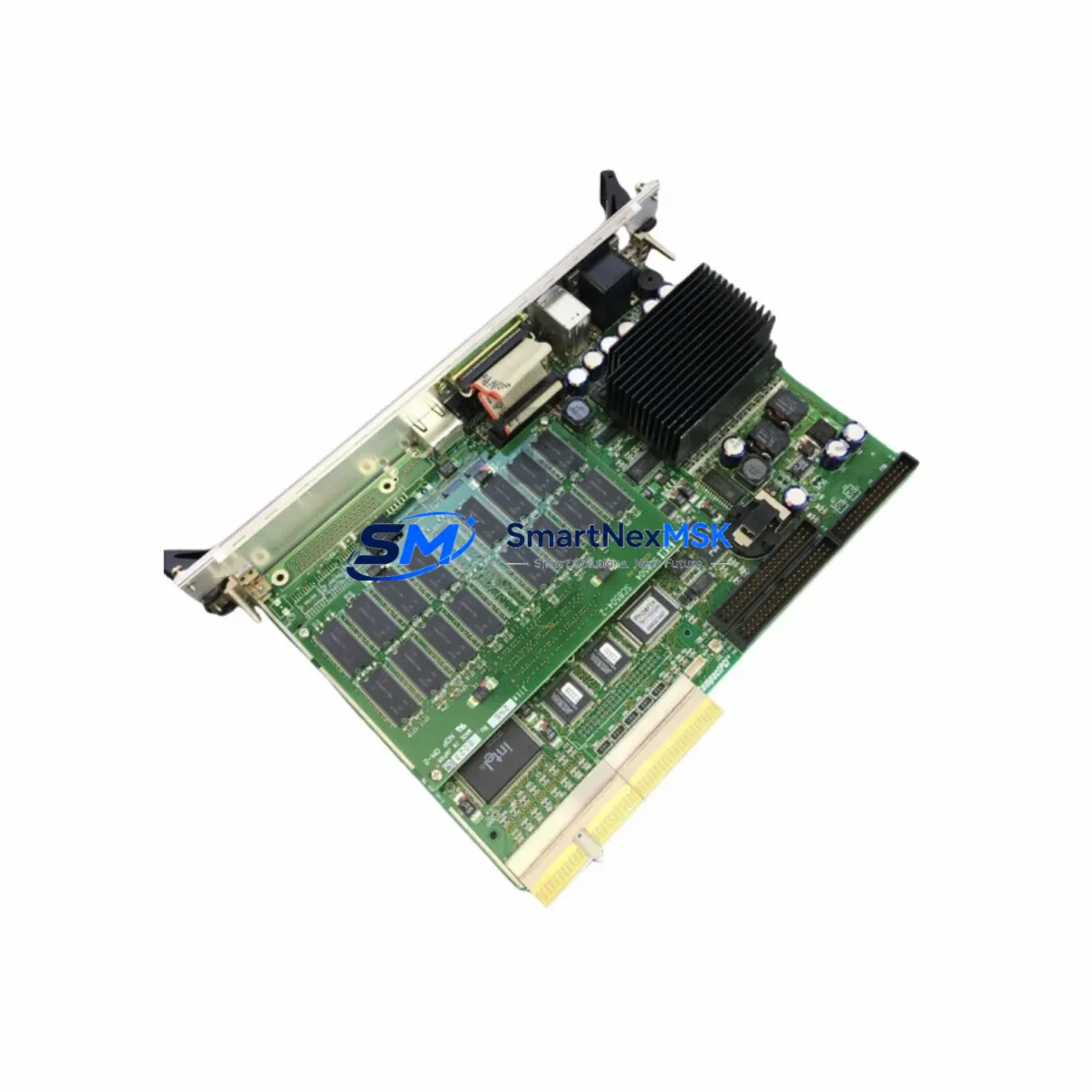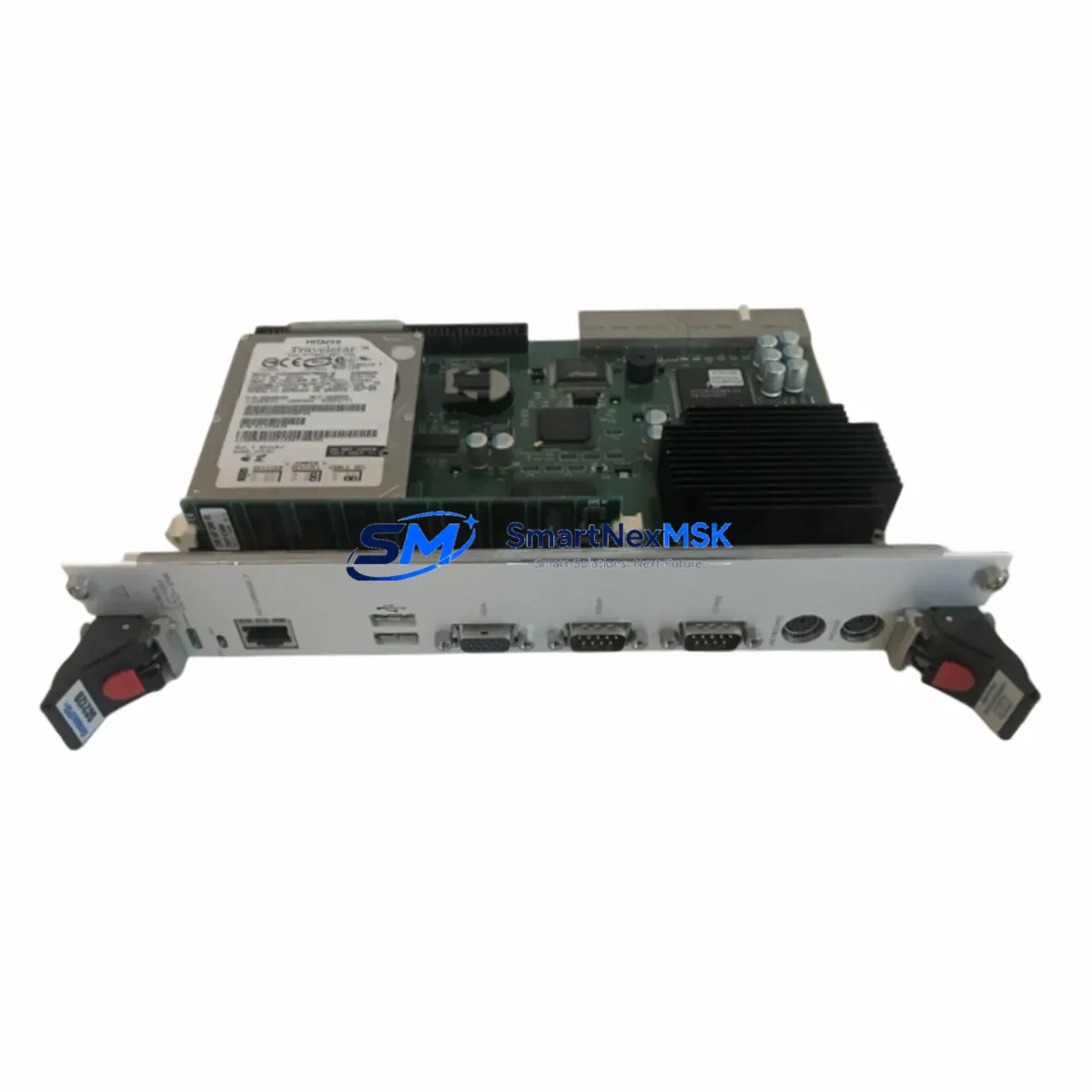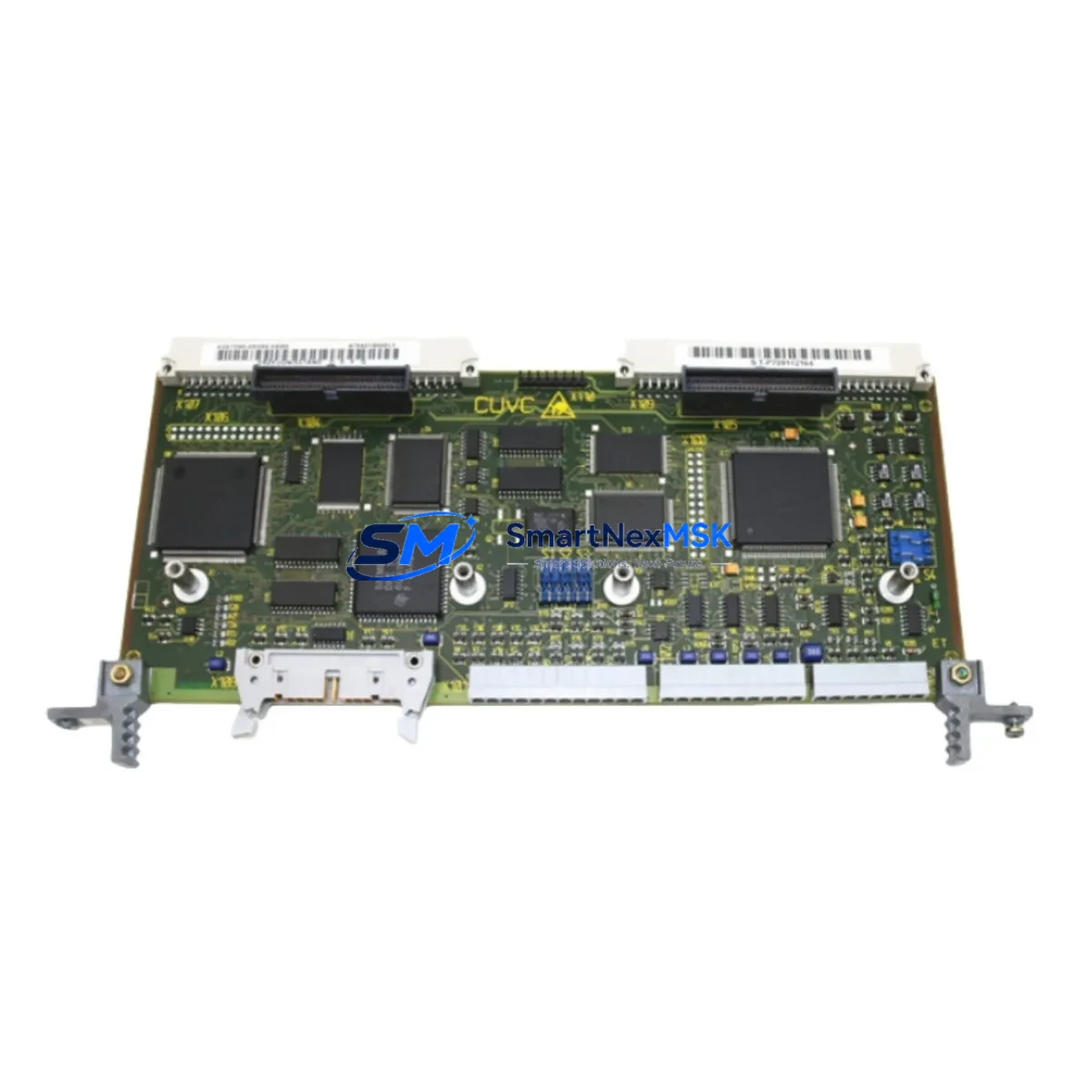
Sanritz SC4008-A-1-S Retrofit-Ready Control Board for SC4008 Series Control Systems
The Sanritz SC4008-A-1-S (cross-compatible with SC4008-B-0-S) is a retrofit-ready PLC control board engineered for seamless integration into existing SC4008 Series automation architectures. As legacy Sanritz control systems approach end-of-life, plant engineers and system integrators increasingly rely on verified replacement modules to maintain production continuity without committing to a full platform migration. This board addresses that need directly — offering electrical compatibility, identical backplane pinout, and equivalent I/O addressing to the original factory-installed unit.
Whether you are recovering from an unplanned board failure, executing a scheduled control cabinet upgrade, or migrating from an obsolete DCS node to a modernized PLC rack, the SC4008-A-1-S provides the functional baseline required to restore and sustain operations. Each unit is pre-tested against Sanritz SC4008 Series electrical specifications before shipment, and is backed by a 12-month warranty covering manufacturing defects and functional failures under normal operating conditions.
Upgrade Compatibility Table
| Parameter | SC4008-A-1-S (This Unit) | SC4008-B-0-S (Cross-Reference) | Notes |
|---|---|---|---|
| Backplane Interface | SC4008 Series standard slot | SC4008 Series standard slot | Direct plug-in, no adapter required |
| Power Supply Requirement | 24 VDC nominal | 24 VDC nominal | Verify existing PSU capacity before swap |
| Terminal Wiring | Screw-terminal, 0.5–2.5 mm² | Screw-terminal, 0.5–2.5 mm² | Retain original wiring diagram for re-termination |
| Communication Protocol | RS-485 / proprietary Sanritz bus | RS-485 / proprietary Sanritz bus | No protocol migration required for same-series swap |
| Module Address | DIP-switch configurable | DIP-switch configurable | Match original address before powering on |
| Installation Format | DIN rail / rack-mount | DIN rail / rack-mount | Compatible with standard SC4008 enclosure |
| Replacement Recommendation | Direct 1:1 replacement confirmed | No firmware re-flash required in most cases | |
| Commissioning Focus | Address verification, I/O scan, HMI tag mapping | Test all I/O channels before resuming production | |
| Warranty | 12 Months | Covers manufacturing defects and functional failure | |
Retrofit Planning for Existing Automation Systems
A successful retrofit of the SC4008-A-1-S into an operational control system requires methodical pre-work across several subsystems. Before removing the failed or obsolete board, engineers should document the existing DIP switch address settings and photograph all terminal wiring connections. The SC4008 Series rack typically houses multiple modules in adjacent slots — including dedicated power supply modules (such as the Sanritz PS4008 or equivalent 24 VDC rail-mount PSU), digital input modules, analog output modules, and in some configurations, a communications gateway module bridging the proprietary Sanritz backplane bus to Modbus RTU or PROFIBUS DP for upstream SCADA connectivity.
When the control board is part of a larger I/O expansion architecture, the replacement sequence must account for the backplane rack slot assignment. Mismatched slot addressing is one of the most common causes of post-replacement faults. If the system uses a remote I/O expansion chassis connected via RS-485 trunk cable, verify that the new board’s node address does not conflict with other devices on the same segment. In multi-rack installations, the rack termination resistor setting must also be confirmed — particularly if the SC4008-A-1-S occupies the last physical node on the RS-485 bus.
For systems that include an HMI panel — whether a Sanritz-branded operator terminal or a third-party touch panel communicating via serial link — the tag database should be exported and backed up before the swap. In most same-series replacements, HMI screen layouts and tag mappings remain valid without modification, but a full I/O force-test is recommended to confirm that all analog and digital channels respond correctly after the board is seated and powered. If the system also incorporates a programming cable (typically USB-to-RS232 or RS-485 adapter) for ladder logic upload and online monitoring, have it connected and ready during commissioning to allow real-time diagnostics.
Where the retrofit involves migrating from an older Sanritz control platform to a partially modernized architecture — for example, retaining the SC4008 Series I/O layer while upgrading the CPU module or master controller — additional compatibility checks are required. The new controller must support the same backplane communication protocol and scan cycle timing as the original SC4008 board to avoid I/O update latency or watchdog faults. In such hybrid upgrade scenarios, a protocol converter module may be needed to bridge legacy Sanritz bus signals to EtherNet/IP or PROFINET if the new controller uses an Ethernet-based I/O network.
Downtime Control During System Migration
Minimizing unplanned downtime during a control board replacement is a primary concern for any production facility. The SC4008-A-1-S is designed to support a hot-swap-compatible workflow where the replacement board can be pre-configured — address switches set, firmware version confirmed, and terminal labels prepared — before the production line is taken offline. This preparation phase typically reduces the actual control cabinet downtime to under 30 minutes for a straightforward same-series swap.
To protect the original program logic, the PLC program should be uploaded from the existing CPU and saved to a secure backup location before any hardware is disturbed. If the SC4008-A-1-S is replacing a board in a system where the CPU retains the program in non-volatile memory, the program will survive the board swap without re-download — but this should be verified against the specific CPU model’s memory retention specification. For systems where program memory is distributed across the I/O board itself (common in some compact Sanritz configurations), a full program re-download from the engineering workstation will be required after the replacement board is installed and addressed.
Field control continuity can be maintained during the swap by placing the affected control loop in manual mode at the DCS or SCADA level before removing the board. Operators should be briefed on the expected duration of the maintenance window and the manual override procedures for any critical process variables — particularly for temperature, pressure, or flow control loops that cannot tolerate an uncontrolled open-loop condition. After the SC4008-A-1-S is installed and the system is returned to automatic mode, a structured loop checkout sequence — verifying each I/O channel against the field instrument — should be completed before resuming full production.
Retrofit Support FAQ
Q1: Is the SC4008-A-1-S a direct drop-in replacement for the SC4008-B-0-S?
Yes. The SC4008-A-1-S and SC4008-B-0-S share the same backplane connector, terminal block layout, power supply requirements, and communication protocol. In the vast majority of field installations, the replacement is a direct 1:1 swap with no wiring modifications required. The only pre-installation step is to match the DIP switch address settings to the original board configuration.
Q2: What commissioning steps are required after installing the replacement board?
After seating the SC4008-A-1-S in the rack and re-terminating all field wiring, power on the system and verify that the board’s status LED indicates normal operation. Connect the programming cable and perform an online I/O force-test to confirm that all digital and analog channels respond correctly. Check the HMI for any unacknowledged alarms or tag communication errors. If the system uses a remote I/O expansion chassis, verify that all downstream nodes are communicating correctly before releasing the system to automatic control.
Q3: How do I verify wiring compatibility before removing the original board?
Before powering down, photograph all terminal connections and record the wire labels against the original wiring diagram. The SC4008-A-1-S uses the same screw-terminal format (0.5–2.5 mm² conductor range) as the original SC4008 Series boards, so no re-crimping or ferrule changes are required. If the original wiring diagram is unavailable, use a continuity tester to map each terminal to its field instrument before disconnecting.
Q4: What does the 12-month warranty cover, and what is the return process?
The 12-month warranty covers manufacturing defects and functional failures under normal operating conditions, including board-level component failures, communication port faults, and I/O channel failures that are not attributable to incorrect installation, overvoltage, or physical damage. To initiate a warranty claim, contact [email protected] with the order reference, a description of the fault, and any available diagnostic data. Replacement or repair will be arranged within the warranty period at no additional cost.
© 2026 SMARTNEXMSK. All rights reserved.
Original Source: https://smartnexmsk.com
Contact: [email protected] | +86 18259474341