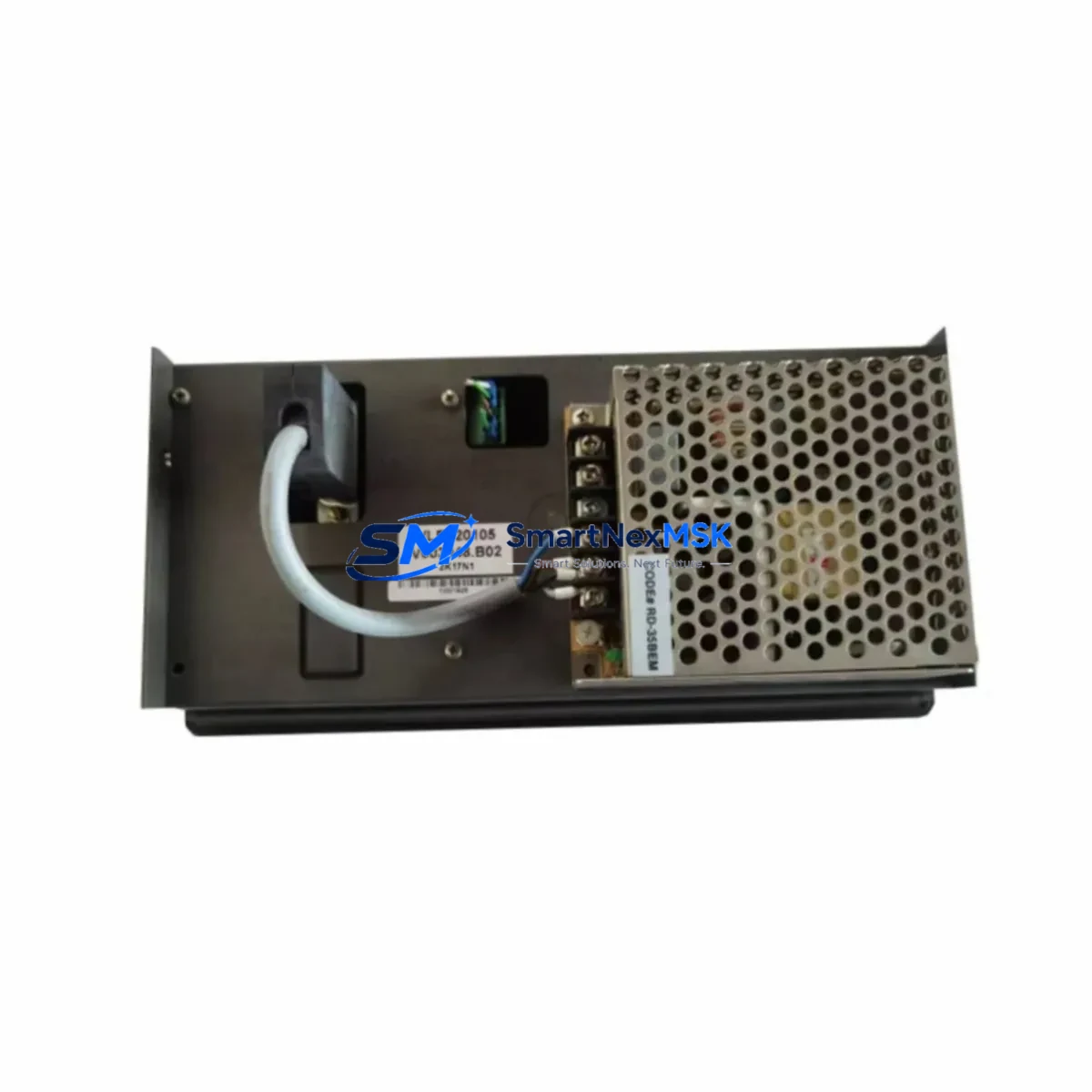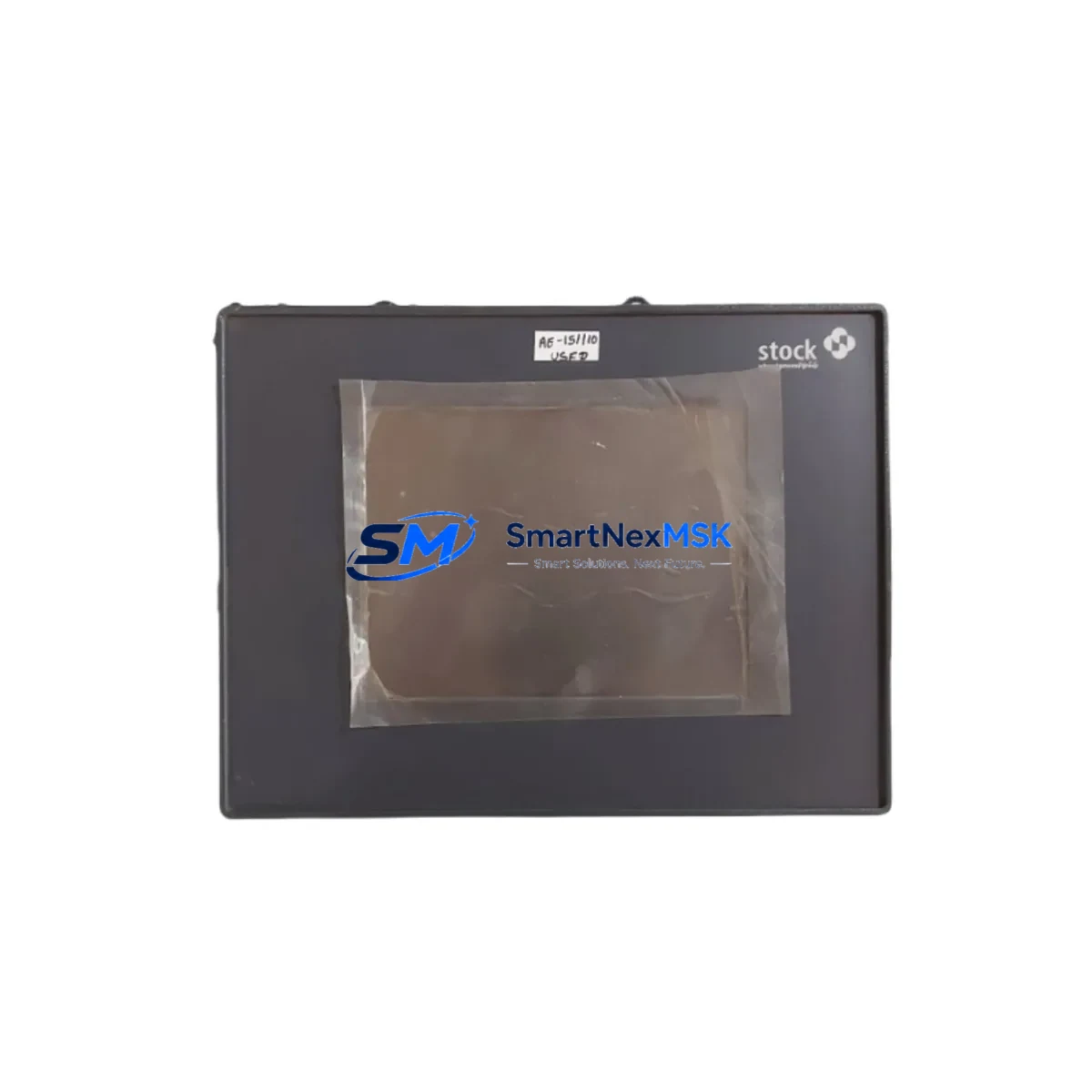
Schenck V064089.B01 Retrofit-Ready HMI Panel for CAB Series Control Systems
The Schenck V064089.B01 is a retrofit-ready Human Machine Interface (HMI) touch panel engineered for seamless integration into Schenck CAB series balancing machine control systems. As legacy CAB control cabinets age and original HMI panels reach end-of-life, the V064089.B01 provides a verified drop-in replacement path that preserves existing wiring harnesses, communication links, and operator screen logic — dramatically reducing retrofit engineering time and unplanned downtime.
Whether you are replacing a failed display unit on a production balancing line, upgrading an aging CAB control cabinet, or migrating from an obsolete Schenck panel to a currently supported interface, the V064089.B01 is the correct starting point for your retrofit plan. This unit is sourced from verified supply channels, undergoes pre-shipment functional testing, and is backed by a 12-month warranty covering hardware defects under normal industrial operating conditions.
Upgrade Compatibility Table
| Parameter | Details |
|---|---|
| Compatible Series | Schenck CAB 690, CAB 700, CAB 800, CAB 900 balancing control systems |
| Interface Type | Touch panel HMI with RS-232 / RS-485 serial communication |
| Mounting Standard | Panel-cut or cabinet-door flush mount; matches original CAB enclosure footprint |
| Communication Compatibility | Compatible with Schenck CAB proprietary serial protocol; verify baud rate and parity settings before commissioning |
| Power Supply Requirement | 24 VDC nominal; confirm cabinet PSU capacity before installation (minimum 2A dedicated circuit recommended) |
| Replacement Recommendation | Direct replacement for failed or end-of-life CAB HMI panels; no backplane modification required in standard configurations |
| Commissioning Notes | Restore operator screen project file from backup or re-download from Schenck service portal; verify axis calibration after panel swap |
| Warranty | 12 months from shipment date; covers manufacturing defects under normal industrial use |
Retrofit Planning for Existing Automation Systems
A successful V064089.B01 retrofit begins well before the panel arrives on site. Start by auditing the existing CAB control cabinet: document the 24 VDC power supply rail loading — the Schenck CAB series power supply module typically feeds the HMI, the measurement electronics board, and any auxiliary I/O terminal blocks simultaneously. Confirm that the PSU has sufficient headroom to support the replacement panel without voltage sag under full load.
Next, photograph and label all terminal connections on the existing HMI before disconnection. The CAB series uses a dedicated wiring harness that routes RS-232 or RS-485 serial signals, 24 VDC power, and discrete I/O lines through a single multi-pin connector or a set of numbered terminal blocks. Matching these connections precisely to the V064089.B01 terminal layout is critical — any transposition of the serial TX/RX lines will prevent communication with the CAB measurement electronics and the balancing controller.
For systems that include a Schenck CAB unbalance measurement module or a dedicated signal conditioning board, verify that the communication address and baud rate configured in the replacement HMI match the values stored in the measurement module’s non-volatile memory. In multi-plane balancing setups, the HMI communicates sequentially with each measurement channel; an address mismatch will cause the panel to display a communication fault immediately after boot.
If the existing installation includes a Schenck CAB remote I/O expansion module or a discrete I/O terminal block assembly for machine interlock signals — such as spindle run permissive, guard door closed, and unbalance reject outputs — these signals must be verified against the new panel’s I/O mapping before the machine is returned to production. In some CAB configurations, the HMI panel directly sources or sinks these interlock signals through its onboard I/O rather than through a separate PLC or relay module.
Where the CAB system is networked to a plant-level SCADA or MES via a Profibus DP gateway module or an Ethernet communication adapter, confirm that the gateway’s node address and network parameters are preserved during the HMI swap. The V064089.B01 does not alter gateway configuration, but a panel reboot may temporarily interrupt the network heartbeat — coordinate with the plant control room before proceeding. Similarly, if a Schenck CAB printer interface or a barcode reader is connected to the HMI’s auxiliary serial port, re-verify the port settings after commissioning.
For installations where the original HMI screen project file is unavailable, contact Schenck service or your authorized distributor to obtain the correct project version for your CAB machine serial number. Loading an incorrect screen project can result in mismatched calibration constants and incorrect unbalance display scaling. Always perform a test run with a known reference rotor before returning the machine to production balancing.
Downtime Control During System Migration
Minimizing production downtime during a CAB HMI replacement requires a structured pre-outage preparation sequence. Before scheduling the maintenance window, back up the existing HMI project file and all calibration data to an external storage device or a laptop running the Schenck CAB configuration software. If the original panel is still partially functional, use this opportunity to export the current machine parameters, rotor correction plane data, and operator recipe files.
Prepare the V064089.B01 for installation in advance: unbox and inspect the unit, verify the firmware version against the CAB system requirements, and pre-load the correct screen project file if possible. Having the replacement panel pre-configured before the machine is taken offline can reduce the active outage window to under two hours for a straightforward swap — compared to four to eight hours if configuration is performed cold on the shop floor.
During the swap, work systematically through the terminal disconnection sequence, keeping the original wiring harness intact where possible. Reconnect in reverse order, power up the cabinet, and allow the CAB controller and the new HMI to complete their initialization handshake before attempting any operator input. Verify that all measurement channels report correctly, that interlock signals are active, and that the unbalance display matches the reference rotor values before releasing the machine to production. Document the completed retrofit in the machine maintenance log, including the replacement panel serial number and the date of commissioning, to support future warranty claims and service records.
Retrofit Support FAQ
Q: Is the V064089.B01 a direct drop-in replacement for all CAB series HMI panels?
A: The V064089.B01 is designed as a replacement for CAB series HMI panels sharing the same mechanical footprint and communication interface. However, CAB series machines span multiple generations. Always verify your machine’s serial number and original panel part number against the V064089.B01 specification sheet before ordering. Our technical team can assist with compatibility confirmation prior to purchase.
Q: What commissioning steps are required after installing the V064089.B01?
A: After physical installation and wiring reconnection, restore the HMI screen project file, verify communication parameters (baud rate, parity, node address), confirm interlock I/O signal states, and perform a calibration verification run with a reference rotor. Do not return the machine to production balancing until all measurement channels display values within the expected tolerance range.
Q: Can the V064089.B01 be used if the original wiring harness is damaged?
A: Yes, provided the terminal assignments are correctly re-wired to the new panel. Obtain the CAB wiring diagram for your machine model from Schenck service documentation and re-terminate each signal individually. Pay particular attention to the serial communication lines and the 24 VDC power and ground connections. Incorrect wiring can damage the panel and will void the warranty.
Q: What does the 12-month warranty cover?
A: The 12-month warranty covers manufacturing defects and hardware failures under normal industrial operating conditions from the date of shipment. It does not cover damage resulting from incorrect installation, overvoltage, physical impact, or unauthorized modification. Warranty claims require the original order reference and a description of the fault. Replacement or repair is arranged through our after-sales support team.
© 2026 SMARTNEXMSK. All rights reserved.
Original Source: https://smartnexmsk.com
Contact: [email protected] | +86 18259474341