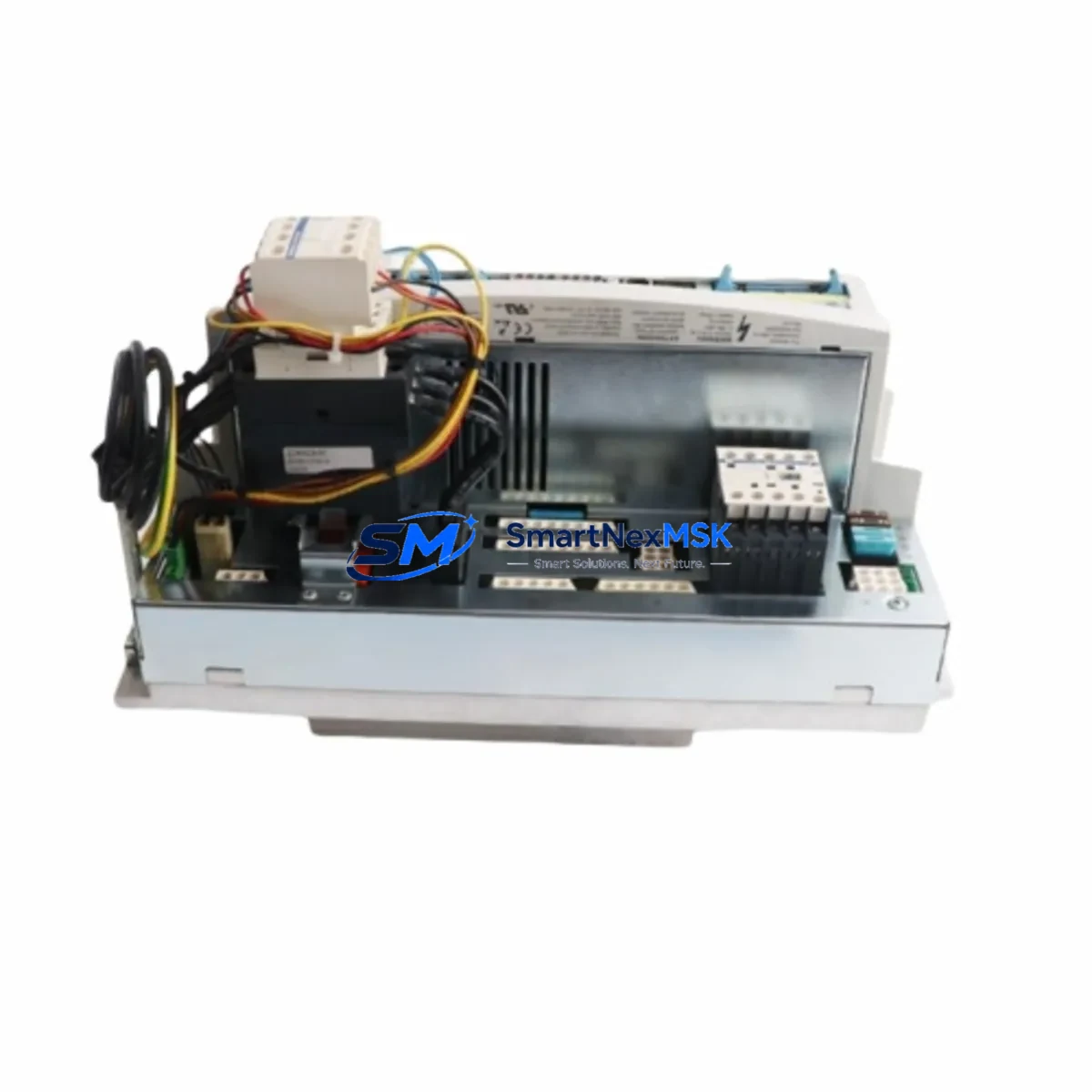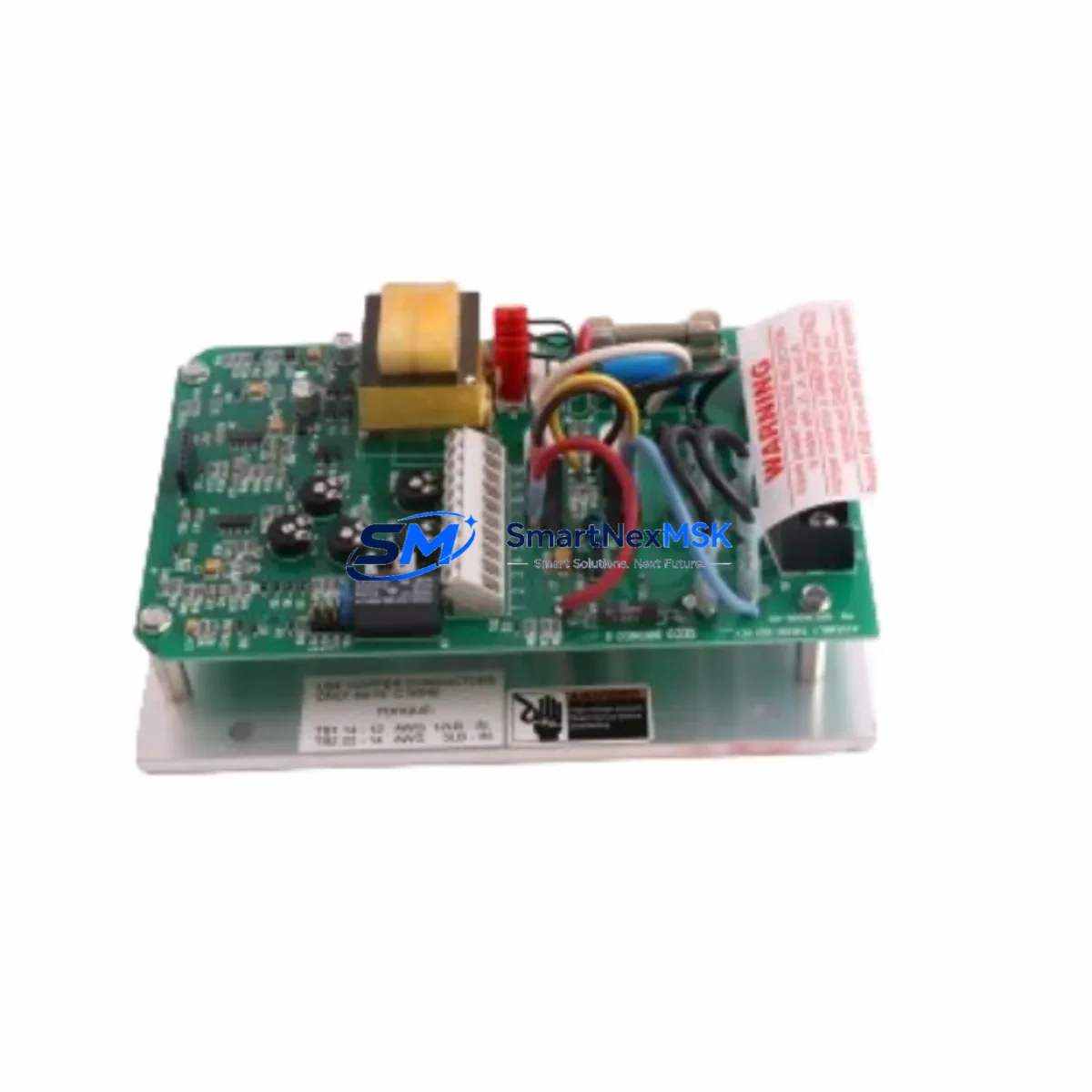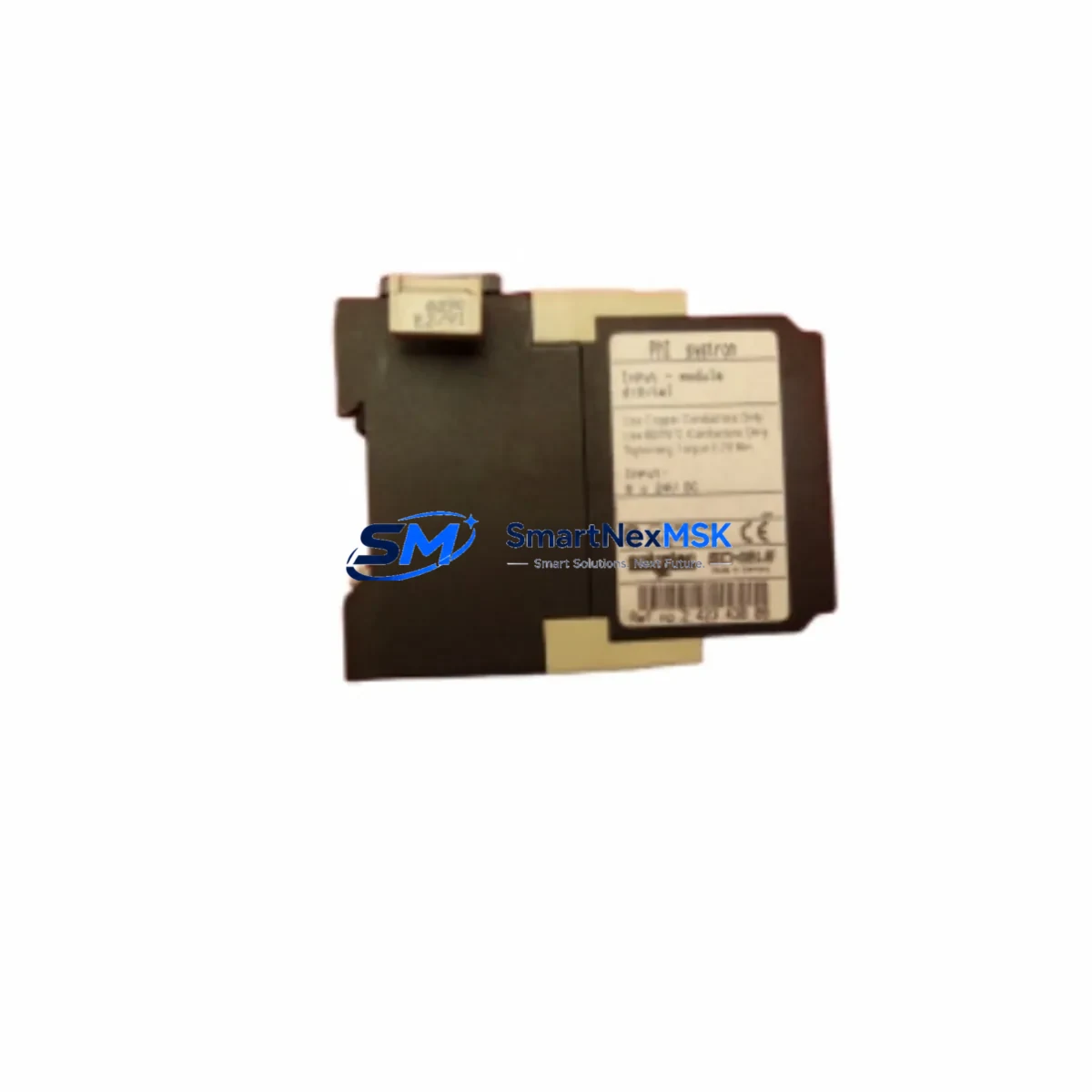
SCHIELE 2.423.430.00 Maintenance-Ready Spare for DCS Automation
The SCHIELE 2.423.430.00 is an original digital input module designed for SCHIELE DCS control systems widely deployed in process automation, power generation, water treatment, and industrial manufacturing environments. When a digital input module fails or degrades, the consequences extend far beyond a single I/O point — the entire control loop dependent on that signal becomes unreliable, triggering unplanned shutdowns, false alarms, and costly production losses. Stocking a verified replacement of the 2.423.430.00 is a fundamental element of any proactive maintenance strategy for facilities running SCHIELE-based distributed control architectures.
This unit is sourced as an original SCHIELE spare, fully tested prior to shipment, and backed by a 12-month warranty. It is intended for maintenance engineers and procurement teams who require a fast, compatible, and reliable replacement to restore system operation with minimal downtime. Each unit undergoes functional verification before dispatch to ensure it meets the original electrical and signal specifications required by the host DCS backplane.
Spare Maintenance Table
| Part Number | 2.423.430.00 |
| Brand | SCHIELE |
| Module Type | Digital Input Module |
| System Compatibility | SCHIELE DCS Series — distributed control system backplanes |
| Signal Type | Digital Input (DI) |
| Input Voltage Range | 24 VDC nominal (typical for SCHIELE DI modules) |
| Isolation | Galvanic isolation between field signals and backplane bus |
| Mounting | DCS rack/backplane slot — direct plug-in replacement |
| Country of Origin | Germany |
| Operating Temperature | 0°C to +60°C (standard industrial range) |
| Application Environment | Process automation, power plants, water treatment, manufacturing |
| Pre-Shipment Testing | Yes — functional verification performed on every unit |
| Warranty | 12 Months |
| Availability | In stock — ready for immediate dispatch |
| Lead Time | Same-day or next-business-day shipment available |
Maintenance Planning for Continuous Operation
When a maintenance or reliability engineer schedules replacement of the SCHIELE 2.423.430.00 digital input module, the scope of inspection should extend beyond the module itself. A digital input failure in a DCS environment is rarely isolated — it often reflects broader issues in the field wiring, power distribution, or signal conditioning chain that feeds the module.
Begin by verifying the 24 VDC field power supply that energizes the input circuits. A degraded or fluctuating power supply module — such as those in the SCHIELE power distribution rack — can cause intermittent DI faults that mimic module failure. Inspect the terminal blocks and field wiring terminals connected to the module’s input channels; corroded or loose terminals are a leading cause of spurious digital input signals in aging control cabinets.
Check the DCS backplane and rack assembly for signs of oxidation on the connector pins. A poor backplane connection can cause the 2.423.430.00 to report incorrect states even when the module itself is functional. If the system uses signal isolators or signal conditioners between field devices and the DI module, inspect these components for drift or failure — particularly in high-noise environments near variable frequency drives or large motor starters.
For facilities using SCHIELE communication modules or fieldbus interfaces within the same DCS rack, verify that the communication bus remains stable after the module swap. A module replacement that disturbs the rack configuration may require a bus re-initialization or parameter download from the engineering workstation. Confirm that the DCS configuration software recognizes the replacement module at the correct slot address before returning the loop to automatic control.
In control cabinets where the 2.423.430.00 interfaces with relay output modules or digital output modules in a command-feedback loop, test the full interlock sequence after replacement to confirm that both the input and output sides of the control circuit are functioning correctly. Also inspect any fuse holders or circuit protection devices on the field power distribution rail — a blown fuse protecting the DI input circuit is a common finding during module replacement that, if overlooked, will prevent the new module from operating.
For older SCHIELE DCS installations, consider scheduling a concurrent inspection of analog input modules, CPU or processor modules, and HMI communication interfaces during the same maintenance window. Aging systems often experience cascading component degradation, and addressing multiple wear items in a single planned outage is significantly more cost-effective than repeated emergency interventions. Maintaining a minimum spare inventory of one 2.423.430.00 unit — alongside spares for the associated power supply and communication modules — is strongly recommended for any facility where this DCS platform is critical to production continuity.
Site Replacement Workflow
Step 1 — Preparation: Obtain the replacement SCHIELE 2.423.430.00 and confirm the part number matches the installed module. Review the DCS rack layout drawing to identify the exact slot position. Notify the control room operator and obtain a permit to work before proceeding.
Step 2 — Safe Isolation: Place the affected control loop in manual mode at the DCS workstation. De-energize the field power supply feeding the module’s input circuits. Do not power down the entire DCS rack unless required — most SCHIELE DCS systems support hot-swap or warm-swap of I/O modules without full rack shutdown, reducing overall downtime.
Step 3 — Module Removal: Disconnect field wiring connectors from the module front face. Release the module locking mechanism and extract the 2.423.430.00 from the backplane slot. Inspect the backplane connector for damage or contamination before inserting the replacement.
Step 4 — Installation and Verification: Insert the replacement module firmly into the backplane slot until the connector is fully seated. Reconnect field wiring connectors. Re-energize the field power supply and observe the module status indicators. Confirm that the DCS workstation recognizes the module and that all input channels report the correct field states.
Step 5 — Loop Test and Return to Service: Perform a point-by-point loop test for each input channel, verifying signal continuity from the field device through to the DCS display. Return the control loop to automatic mode only after all channels have been verified. Document the replacement in the maintenance management system with the date, technician name, and new module serial number.
This workflow is applicable to both planned maintenance replacements and emergency fault recovery scenarios. The 2.423.430.00 is a direct plug-in replacement for the original installed unit, requiring no hardware modification or firmware update in standard SCHIELE DCS configurations.
Spare Parts Support FAQ
Q1: Is the SCHIELE 2.423.430.00 available as a genuine original spare, or is it a third-party compatible replacement?
A: The unit supplied is an original SCHIELE 2.423.430.00 digital input module, not a third-party copy or compatible substitute. Each unit is sourced from verified supply channels and undergoes functional testing before shipment to confirm it meets original SCHIELE electrical and signal specifications.
Q2: How many units should we stock for a facility running multiple SCHIELE DCS racks?
A: For facilities with two or more DCS racks utilizing the 2.423.430.00, a minimum of two spare units is recommended. High-criticality installations — such as power generation or continuous process plants — should maintain three or more units on-site. Pairing this spare with backup power supply modules and a communication module ensures comprehensive coverage for the most common failure scenarios.
Q3: Can the replacement module be installed without reconfiguring the DCS software?
A: In most standard SCHIELE DCS configurations, the 2.423.430.00 is a direct slot replacement that does not require DCS software reconfiguration. The system will recognize the module automatically upon power-up. However, if the original module had custom channel parameterization or diagnostic settings, verify these parameters in the DCS engineering tool after installation to ensure they are correctly applied to the replacement unit.
Q4: What does the 12-month warranty cover, and what is the process for a warranty claim?
A: The 12-month warranty covers manufacturing defects and functional failures under normal operating conditions. It does not cover damage resulting from incorrect installation, overvoltage events, or physical mishandling. To initiate a warranty claim, contact our sales team with the order reference number and a description of the fault. A replacement unit will be dispatched after fault confirmation, minimizing the impact on your maintenance schedule.
© 2026 SMARTNEXMSK. All rights reserved.
Original Source: https://smartnexmsk.com
Contact: [email protected] | +86 18259474341