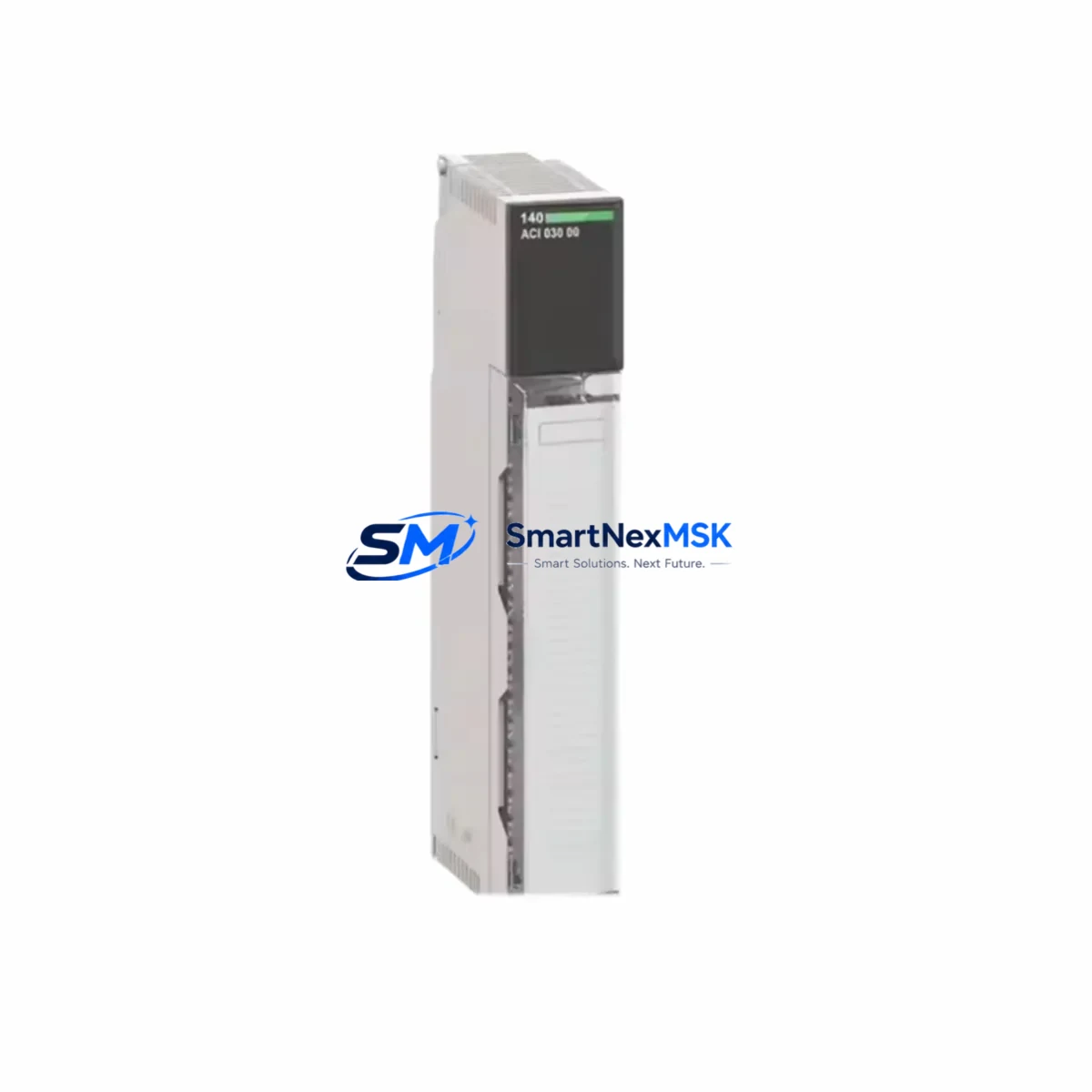
Schneider 140DD035300 Maintenance-Ready Spare Quantum: Spare Replacement & Industrial Downtime Risk Control
The Schneider Electric 140DD035300 is a 32-point discrete output module designed for the Modicon Quantum PLC platform — one of the most widely deployed process automation architectures in heavy industry, utilities, and critical manufacturing. When this module fails or degrades, the consequences extend beyond a single I/O channel: entire output loops, actuator control circuits, and interlock sequences can be disrupted, triggering unplanned shutdowns that cost far more than the component itself.
Sourced as an original spare, the 140DD035300 is tested prior to shipment and backed by a 12-month warranty. Whether you are executing a planned turnaround, responding to an emergency fault, or building a resilient spare parts inventory for aging Quantum systems, this module ships ready for immediate installation.
Spare Maintenance Table
| Parameter | Specification |
|---|---|
| Part Number / SKU | 140DD035300 |
| Brand | Schneider Electric |
| Series / Platform | Modicon Quantum |
| Module Type | Discrete Output Module |
| Output Points | 32 points |
| Output Voltage | 24 VDC / 120–240 VAC (load-side) |
| Output Current per Point | 0.5 A (typical) |
| Backplane Compatibility | Modicon Quantum I/O backplane (140 XBP series) |
| Mounting | Quantum I/O rack slot — direct backplane insertion |
| Operating Temperature | 0°C to 60°C |
| Relative Humidity | 5% to 95% non-condensing |
| Origin | France |
| Condition | Original / New-surplus |
| Warranty | 12 Months |
| Pre-shipment Testing | Yes — functional verification before dispatch |
| Typical Application | Actuator control, valve drive, relay coil switching, interlock output |
| Maintenance Recommendation | Inspect output LED indicators, verify terminal wiring torque, confirm backplane connector seating during scheduled PM |
Maintenance Planning for Continuous Operation
Replacing the 140DD035300 in a live Quantum system is rarely an isolated task. Experienced maintenance engineers know that a discrete output module fault is often a symptom of broader electrical stress in the control cabinet. Before returning the system to service, a thorough inspection of the surrounding components is essential.
Start with the 140CPS11420 or 140CPS21400 power supply module feeding the Quantum rack — verify output voltage stability and check for ripple or thermal discoloration on the housing. A degraded power supply can cause intermittent output faults that mimic module failure. Next, inspect the 140XBP01600 or 140XBP01000 backplane for bent connector pins, oxidation, or mechanical damage at the slot where the 140DD035300 was seated.
On the field wiring side, examine the terminal blocks and wiring harness connected to the module’s output terminals. Loose terminations, insulation breakdown, or undersized conductors are common contributors to output channel failures. If the system uses 140ACO02000 analog output modules in adjacent slots, verify that no cross-wiring or ground loop issues exist between the analog and discrete circuits.
For systems with safety interlocks, check the associated relay output modules (such as the 140DDO35300 or equivalent relay-type variants) and confirm that any external relay coils driven by the 140DD035300 outputs are within rated load. Coil inrush from contactors and solenoid valves is a leading cause of output transistor degradation over time.
Communication integrity should also be verified: inspect the 140NOE77100 or 140NOE77101 Ethernet communication module and the 140CPU65150 or equivalent CPU module for firmware version compatibility and active fault logs. A communication timeout or CPU watchdog event during the module swap can corrupt the I/O map if not properly managed.
Finally, if the control cabinet includes signal isolators or surge protection devices on the output field circuits, inspect these components for signs of clamping events or thermal stress. Replacing the 140DD035300 without addressing upstream surge exposure will shorten the service life of the new module.
Building a minimum viable spare kit around the 140DD035300 for a Quantum system should include: at least one spare output module, a backup power supply module, a set of terminal block connectors, and a spare backplane fuse assembly — ensuring that any single-point failure can be resolved within one maintenance window.
Site Replacement Workflow
Step 1 — Pre-replacement verification: Confirm the exact slot address of the failed 140DD035300 in the Unity Pro or Concept configuration file. Document the I/O map, output channel assignments, and any forced values before powering down the rack segment.
Step 2 — Safe isolation: De-energize the affected rack using the appropriate circuit breaker or rack power switch. Do not rely solely on software disable — physically isolate the output field circuits at the terminal strip to prevent actuator movement during the swap.
Step 3 — Module extraction and inspection: Remove the 140DD035300 by releasing the module locking lever and sliding it from the backplane slot. Inspect the backplane connector for damage before inserting the replacement unit.
Step 4 — Replacement insertion: Insert the new 140DD035300 firmly until the backplane connector is fully seated and the locking lever engages. The module requires no DIP switch configuration for standard discrete output operation — the I/O map is managed entirely by the CPU configuration.
Step 5 — Power-up and verification: Restore rack power and observe the module’s RUN and I/O status LEDs. In Unity Pro, perform an online comparison to confirm the I/O configuration matches the installed hardware. Force-test each output channel against its field device before releasing the system to automatic control.
Step 6 — Documentation: Record the replacement in the maintenance log with the date, slot address, old module serial number, and new module part number. Update the spare parts inventory accordingly.
This workflow minimizes downtime, preserves system compatibility, and ensures that the replacement is traceable — a requirement in ISO 9001-compliant maintenance environments.
Spare Parts Support FAQ
Q1: Is the 140DD035300 a direct drop-in replacement for older Quantum discrete output modules?
Yes. The 140DD035300 is designed for direct slot-compatible installation in any standard Modicon Quantum I/O rack. No hardware modification or firmware update is required for standard replacement. Always verify the Unity Pro or Concept I/O configuration matches the module type before returning to automatic operation.
Q2: What does the 12-month warranty cover, and how is it validated?
The 12-month warranty covers manufacturing defects and functional failure under normal operating conditions. Each unit undergoes pre-shipment functional testing. Warranty claims are supported with the original invoice and a fault description. Units showing signs of field damage, incorrect installation, or overvoltage are assessed case by case.
Q3: How should the 140DD035300 be stored as a long-term spare?
Store in original anti-static packaging in a dry environment between -25°C and +70°C with relative humidity below 80% non-condensing. Avoid storage near strong magnetic fields or corrosive atmospheres. Inspect the backplane connector annually for oxidation if stored for more than 24 months. Rotate stock on a first-in, first-out basis to maintain readiness.
Q4: Can compatibility be verified before shipment for legacy Quantum system configurations?
Yes. Provide your Quantum rack model, CPU reference, and Unity Pro or Concept version when placing your order. Our technical team will confirm slot compatibility, firmware requirements, and any known integration considerations before dispatch — ensuring the module is ready for immediate installation upon arrival.
© 2026 SMARTNEXMSK. All rights reserved.
Original Source: https://smartnexmsk.com
Contact: [email protected] | +86 18259474341