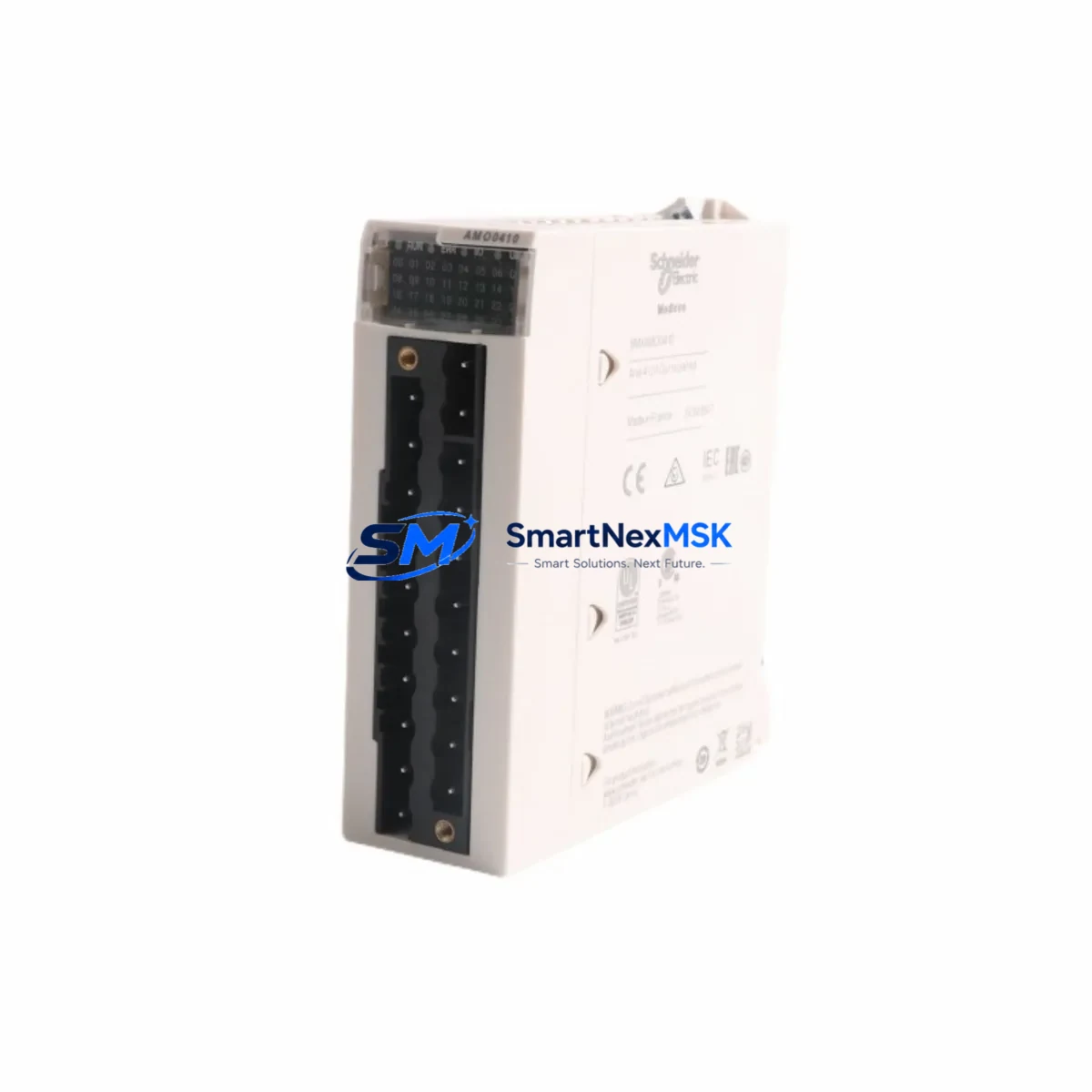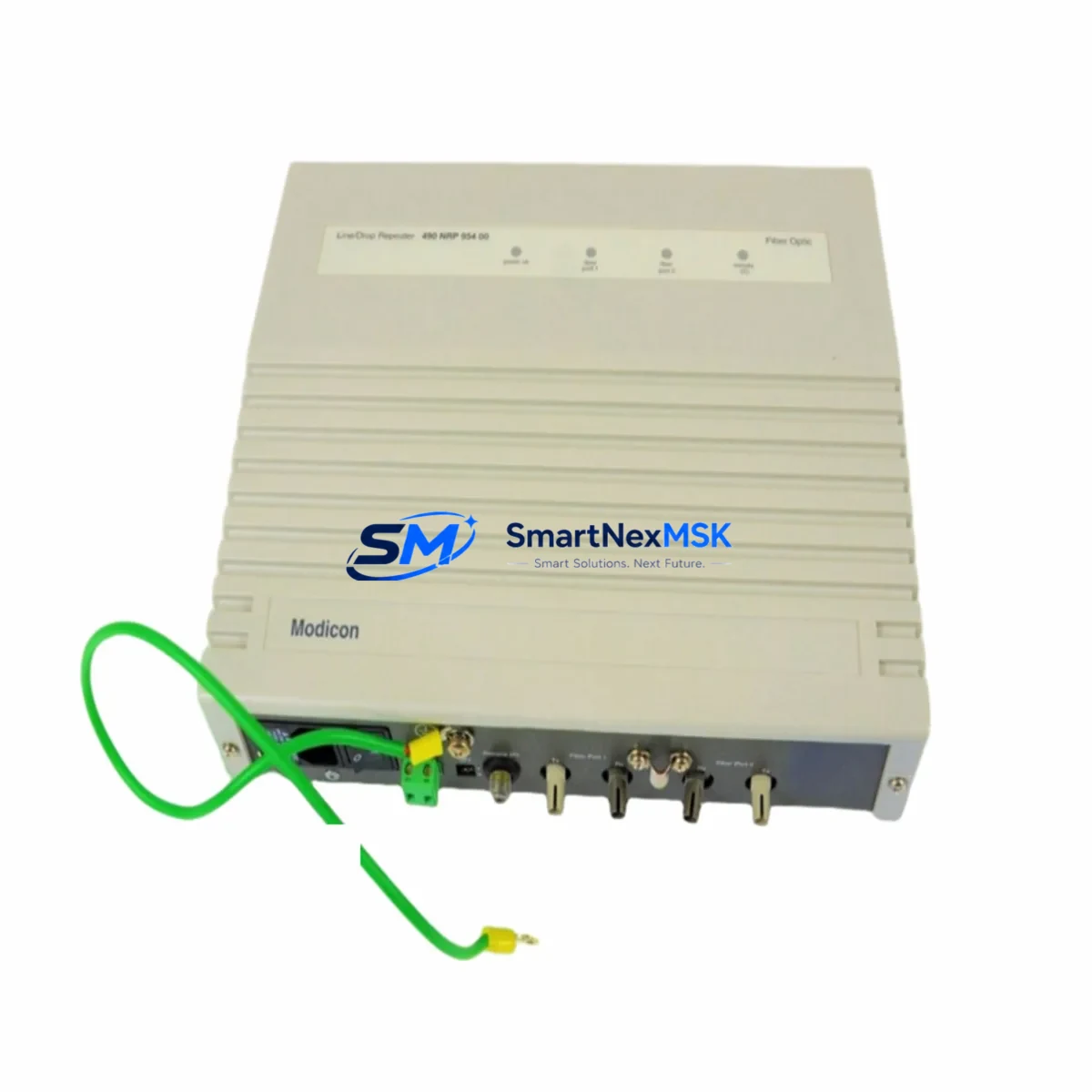
Schneider 490NRP95400 Retrofit-Ready RIO Drop Head for Quantum Control Systems
The Schneider Electric 490NRP95400 is a Quantum Series Remote I/O (RIO) Drop Head Module designed for distributed I/O architectures in legacy and active Modicon Quantum control systems. As production lines age and original equipment manufacturers discontinue support for older Quantum RIO infrastructure, the 490NRP95400 has become a critical retrofit component for engineers tasked with extending system life, restoring failed nodes, and migrating from discontinued drop configurations without full panel redesign.
This module serves as the communication and power interface between the Quantum RIO coaxial cable network and the local I/O drop — managing Modbus Plus protocol framing, drop addressing, and backplane power distribution to installed I/O modules such as the 140ACI04000 analog input module, 140DDI35300 discrete input module, and 140DDO35300 discrete output module. In retrofit scenarios, the 490NRP95400 is typically paired with a 140CRP93200 or 140CRP93100 RIO head adapter on the main rack, maintaining the original coaxial RIO topology without requiring migration to Ethernet-based remote I/O architectures such as those used by the 140NOE77101 Ethernet communication module.
For facilities operating Modicon Quantum PLCs — including the 140CPU65150, 140CPU67160, or 140CPU43412A — the 490NRP95400 drop head enables continued use of existing field wiring, terminal blocks, and I/O module inventory. This is particularly valuable in retrofit projects where replacing the entire I/O infrastructure would require extensive rewiring, updated HMI screen mapping, and re-validation of safety interlocks. By replacing only the failed or end-of-life drop head, engineers can restore full I/O functionality while preserving the original Unity Pro or Concept ladder logic program structure.
Upgrade Compatibility Table
| Parameter | 490NRP95400 Specification | Retrofit Notes |
|---|---|---|
| Communication Protocol | Modbus Plus (Coaxial RIO) | Direct replacement for same-protocol drops; no protocol migration required |
| Drop Address Configuration | DIP switch selectable (1–31) | Match original drop address before installation to avoid address conflicts |
| Backplane Interface | Quantum RIO local backplane | Compatible with standard Quantum RIO racks; verify rack slot count |
| Power Supply Requirement | 24 VDC from local RIO power supply | Confirm power supply capacity covers all installed I/O modules in the drop |
| Cable Connection | Coaxial BNC connectors (IN/OUT) | Inspect coaxial cable termination and BNC connectors before replacement |
| Installation Form Factor | Mounts to Quantum RIO rack left slot | No mechanical modification required for direct swap |
| Replacement Compatibility | Replaces 490NRP95400 (same PN) | Verify firmware revision if mixing with updated rack assemblies |
| Commissioning Requirement | Drop address + coaxial continuity check | Use Modbus Plus network analyzer or Unity Pro diagnostics to verify node |
| Warranty | 12-Month Warranty — covers manufacturing defects, DOA replacement, and functional verification before shipment | |
Retrofit Planning for Existing Automation Systems
Successful retrofit of a Quantum RIO drop using the 490NRP95400 requires systematic pre-installation planning. Begin by documenting the existing drop configuration: record the DIP switch address setting on the failed module, the number and types of I/O modules installed in the local rack, and the power supply model — typically a 140CPS11420 or 140CPS21400 — to confirm available current budget after adding or replacing modules.
Next, inspect the coaxial RIO cable at both the IN and OUT BNC connectors. Damaged coaxial terminations are a common cause of intermittent drop communication faults that are misdiagnosed as drop head failures. If the coaxial cable shows signs of damage or impedance mismatch, replace the cable segment before installing the new 490NRP95400. The RIO network terminator resistor at the last drop in the chain should also be verified.
For drops that include analog I/O modules such as the 140ACI04000 or 140ACO02000, confirm that the replacement drop head restores correct scaling and channel mapping in the Unity Pro or Concept application. Analog channel data is mapped through the RIO drop address into the PLC’s I/O image table — any address mismatch will cause incorrect process variable readings and may trigger safety shutdowns. Similarly, for drops controlling motor starters or valve actuators through discrete output modules like the 140DDO35300, verify output forcing is disabled and the program logic is in a safe state before energizing the replacement drop.
In control cabinets where the Quantum RIO rack is mounted alongside a 140XBP01600 or 140XBP00600 backplane extension, confirm that the backplane bus connectors are fully seated after the drop head swap. Loose backplane connections are a frequent source of post-retrofit communication errors that can be mistaken for module incompatibility.
Downtime Control During System Migration
Minimizing production downtime during a Quantum RIO drop head replacement requires a structured hot-swap procedure and pre-tested spare module. Before initiating the replacement, use Unity Pro’s online diagnostics or the Modbus Plus network management tool to confirm which specific drop is faulted and to document the current I/O status of all channels in that drop. Export the current application program from the CPU — whether a 140CPU65150 or 140CPU67160 — to a backup file before any hardware changes.
Where process conditions allow, place the affected drop’s output modules in a safe fallback state using the program’s manual override or forcing functions. This prevents uncontrolled actuator movement during the module swap. For continuous-process applications where the drop cannot be taken offline, coordinate with the operations team to identify a planned maintenance window — even a 15-minute window is sufficient for a direct drop head swap if the replacement 490NRP95400 is pre-configured with the correct DIP switch address.
After installing the replacement module, restore coaxial cable connections, power up the drop, and monitor the RIO network status LED on both the drop head and the main rack’s 140CRP93200 head adapter. A solid green status on both ends confirms successful network re-establishment. Verify all I/O channels are reading correctly in Unity Pro before releasing the system to automatic control. Total replacement time for a prepared technician with a pre-configured spare is typically under 30 minutes, keeping unplanned downtime to a minimum.
Retrofit Support FAQ
Q: Is the 490NRP95400 a direct replacement for a failed Quantum RIO drop head of the same part number?
A: Yes. The 490NRP95400 is a direct same-part-number replacement. Set the DIP switch drop address to match the original module before installation. No program changes are required in Unity Pro or Concept, as the I/O image table mapping is determined by the drop address, not the module’s internal firmware.
Q: What wiring or cabling changes are needed during replacement?
A: No field wiring changes are required. The 490NRP95400 connects via coaxial BNC connectors to the existing RIO cable and interfaces with the local rack backplane. Inspect BNC connectors and coaxial cable condition before installation. Terminal block wiring on I/O modules in the rack does not need to be disturbed.
Q: How is compatibility with the existing Modbus Plus RIO network verified after installation?
A: After powering up the replacement drop, use Unity Pro’s I/O configuration diagnostics or the Modbus Plus network management software to confirm the drop node is online and all configured I/O modules are responding. The RIO head adapter on the main rack (e.g., 140CRP93200) will also show a healthy network status LED when the drop is correctly communicating.
Q: What does the 12-month warranty cover?
A: Every 490NRP95400 shipped by SMARTNEXMSK is functionally tested prior to dispatch. The 12-month warranty covers manufacturing defects and DOA (dead-on-arrival) failures. In the event of a warranty claim, we provide replacement or refund after fault confirmation. Contact [email protected] with your order number and fault description to initiate a warranty case.
© 2026 SMARTNEXMSK. All rights reserved.
Original Source: https://smartnexmsk.com
Contact: [email protected] | +86 18259474341