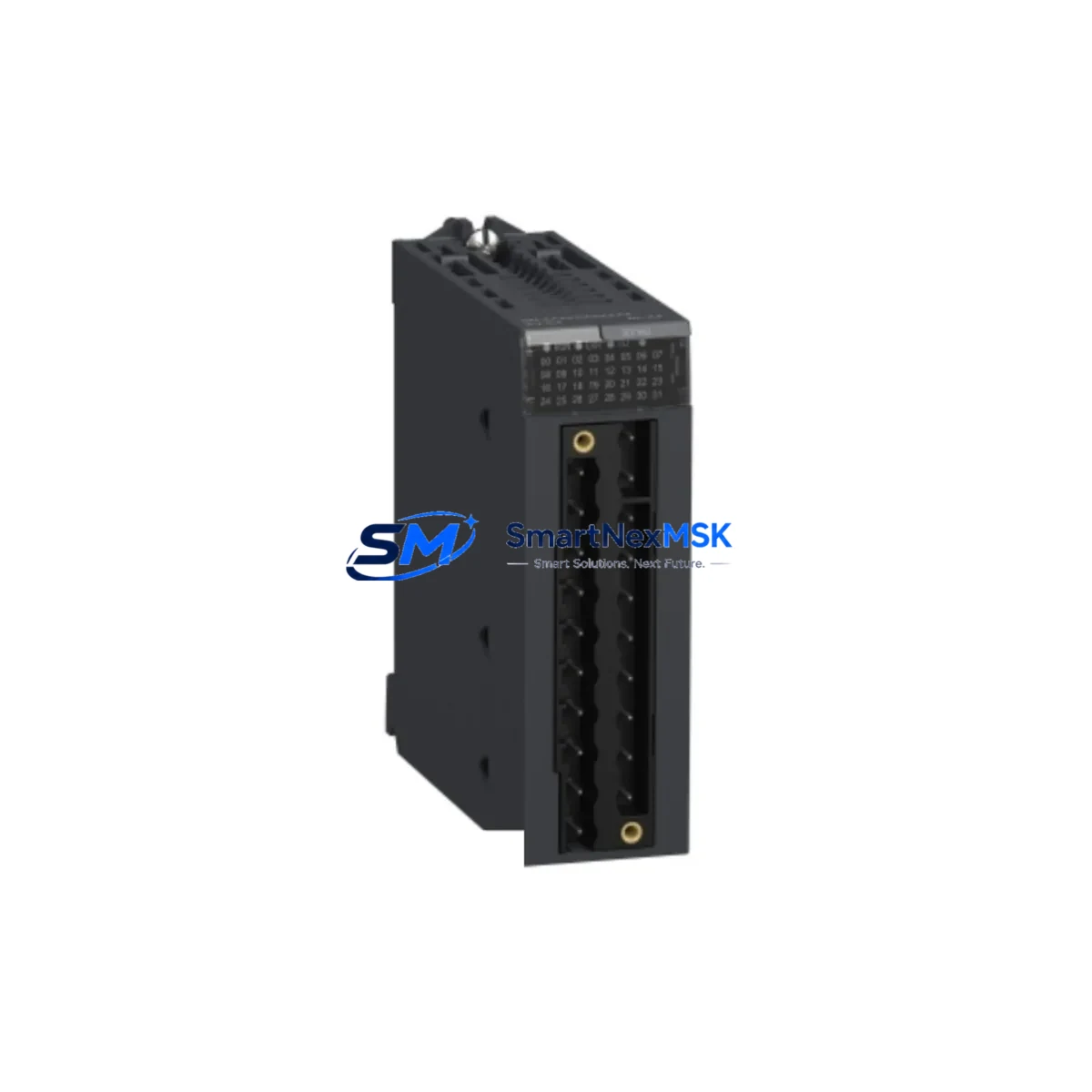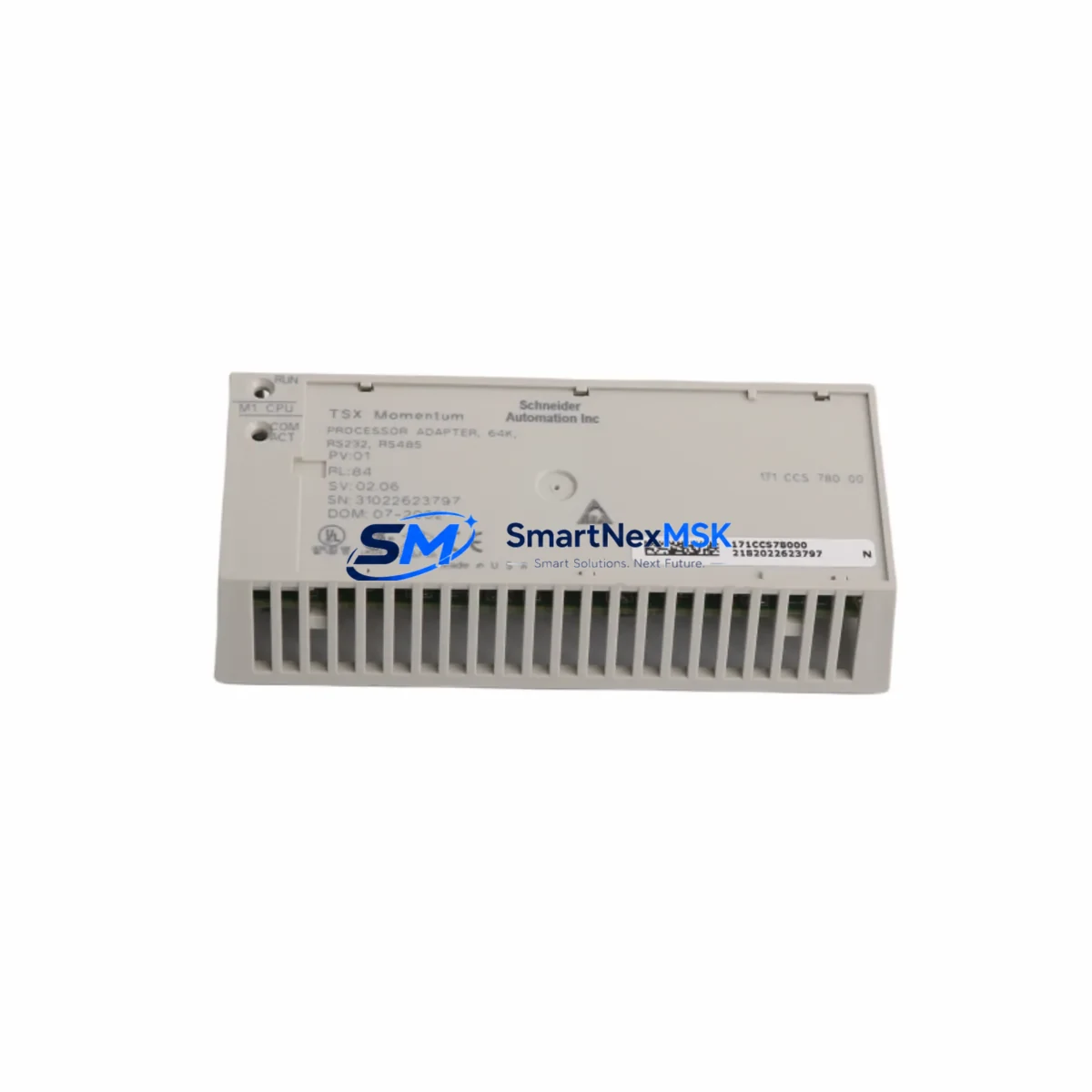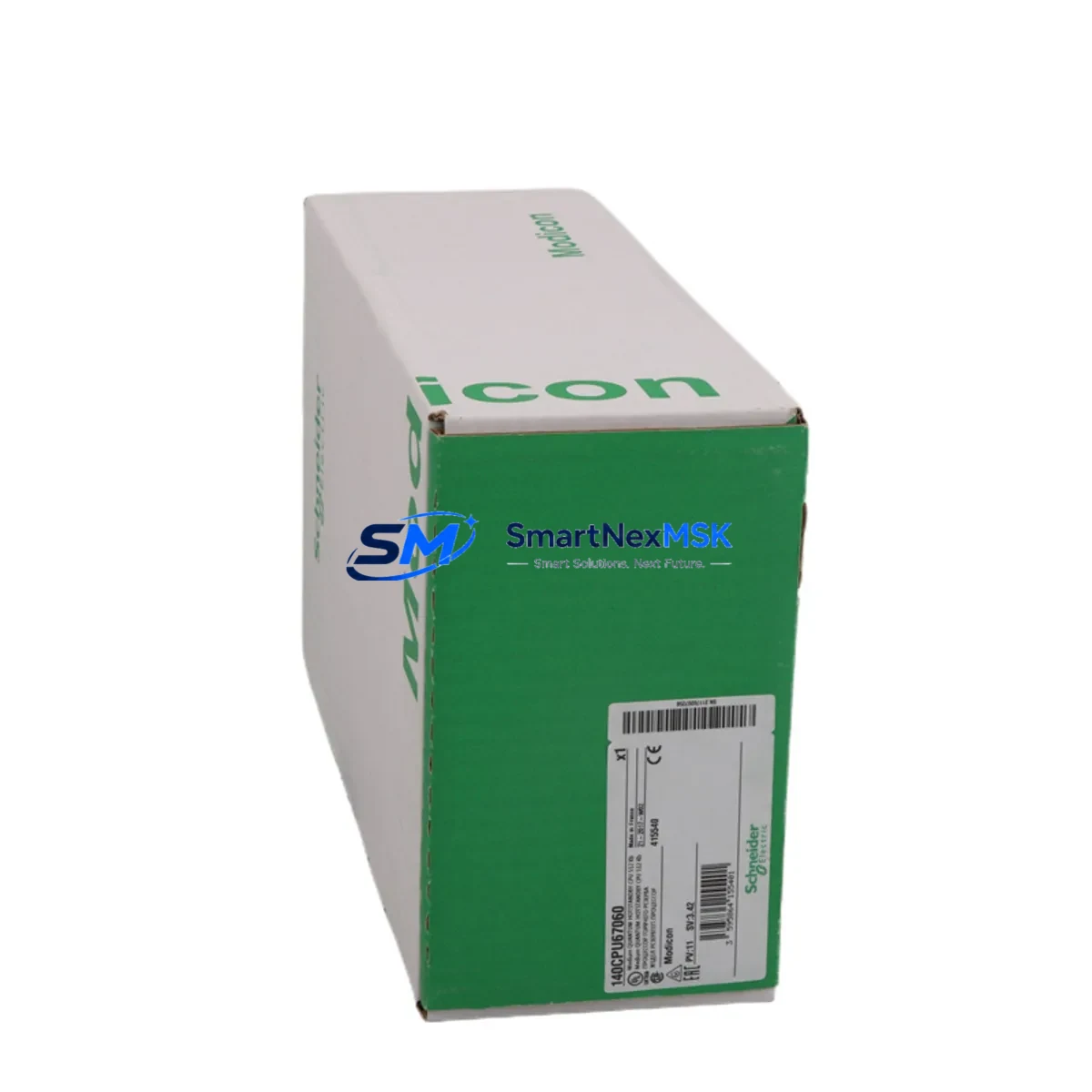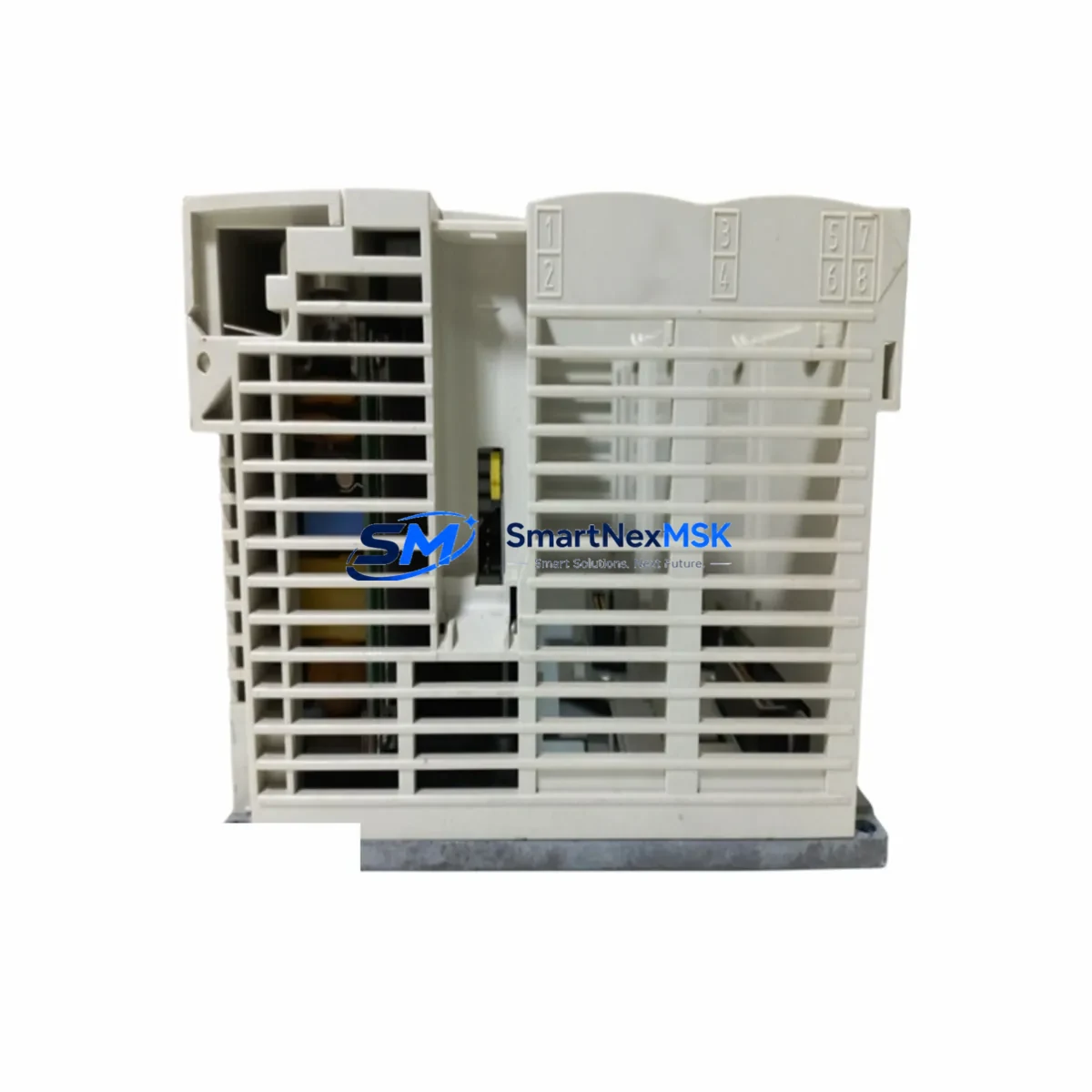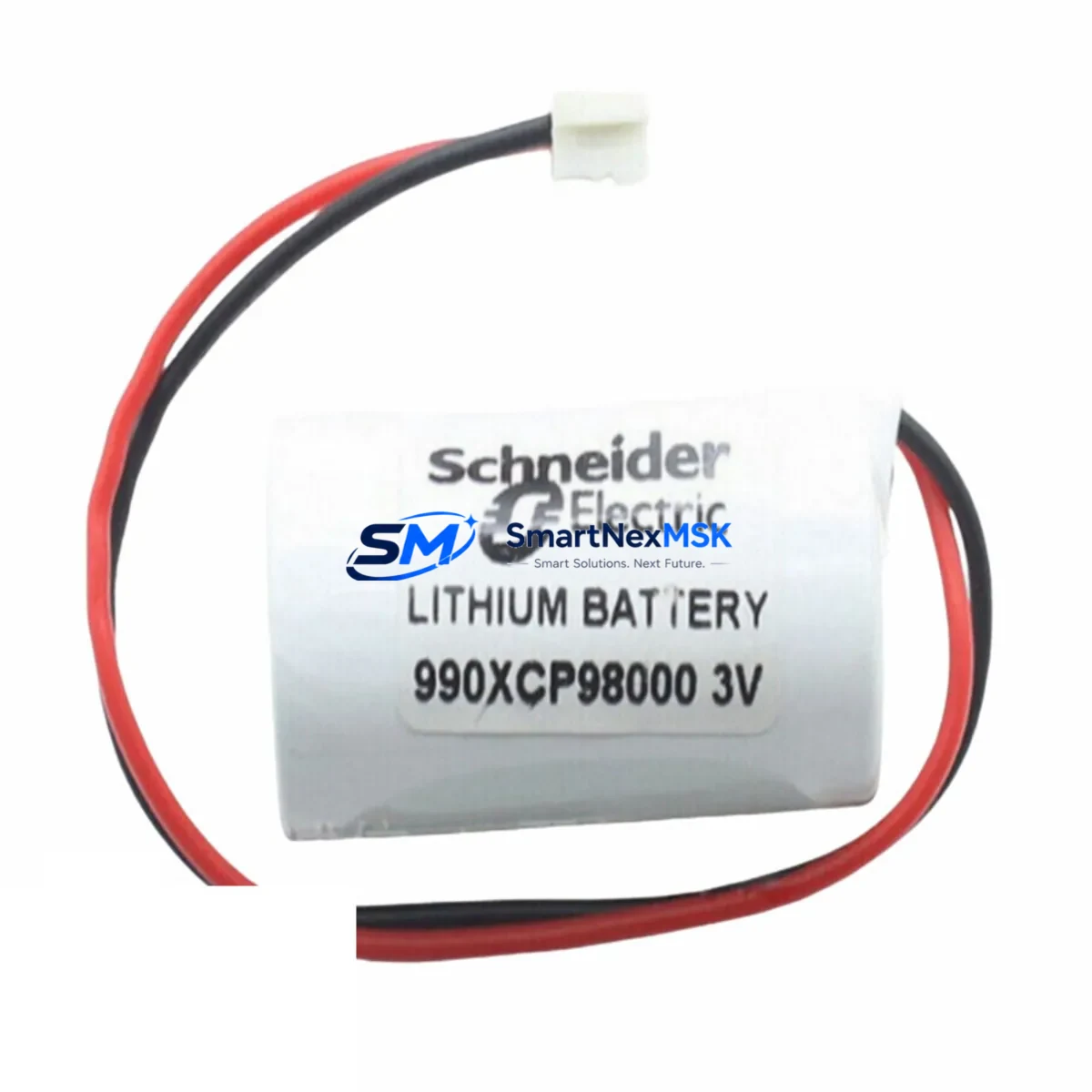
Schneider 990XCP98000 Spare for Modicon Quantum Automation: Spare Replacement & Industrial Downtime Risk Control
The Schneider Electric 990XCP98000 is an original connector component designed for the Modicon Quantum PLC platform — one of the most widely deployed process automation architectures in power generation, oil & gas, water treatment, and heavy manufacturing. As a maintenance-ready spare, the 990XCP98000 plays a critical role in sustaining signal integrity and I/O continuity across the Quantum backplane system. When this connector degrades or fails, the consequences extend beyond a single channel: entire rack segments can lose communication, triggering unplanned shutdowns that cost far more than the part itself.
At SMARTNEXMSK, we stock the 990XCP98000 as a verified original spare, pre-tested before dispatch, and backed by a 12-month warranty. Our inventory is maintained specifically for MRO (Maintenance, Repair & Operations) engineers who cannot afford lead-time uncertainty on critical automation components.
Spare Maintenance Table
| Parameter | Specification |
|---|---|
| Part Number / SKU | 990XCP98000 |
| Brand | Schneider Electric |
| Series | Modicon Quantum |
| Product Type | PLC Connector / Backplane Interface Component |
| Origin | France (Original Schneider Electric) |
| Compatibility | Modicon Quantum PLC racks; compatible with 140-series I/O and CPU modules |
| Application Environment | Industrial control cabinets, DCS/PLC panels, process automation systems |
| Installation | Direct backplane slot replacement; no firmware change required |
| Maintenance Recommendation | Inspect connector pins for oxidation or mechanical wear during scheduled PM; replace at first sign of intermittent I/O faults |
| Condition | New, original — pre-tested before shipment |
| Warranty | 12 Months |
| Dispatch | Same-day or next business day for in-stock units |
Maintenance Planning for Continuous Operation
Replacing the 990XCP98000 in a live Quantum system is rarely an isolated task. Experienced maintenance engineers treat connector replacement as a trigger for a broader cabinet inspection. During the same maintenance window, it is best practice to verify the condition of the 140CPU65150 or 140CPU67160 processor module — connector wear at the backplane level often correlates with vibration or thermal cycling that affects the CPU slot as well.
Check the 140CPS11420 or 140CPS21400 power supply module output voltage under load. A marginal power supply accelerates connector oxidation and can cause the very intermittent faults that first appear as connector issues. Similarly, inspect the 140XBP01600 or 140XBP00600 backplane itself for cracked traces or bent guide pins before installing the replacement 990XCP98000.
On the I/O side, review the 140DAI54000 digital input module and 140DAO84000 digital output module seated adjacent to the faulty connector position. Connector degradation can introduce ground loops or signal noise that corrupts I/O readings even after the connector is replaced. If the system uses analog loops, inspect the 140ACI04000 analog input module for drift or offset errors that may have developed during the fault period.
For systems with Modbus Plus or Ethernet communication, verify the 140NOE77101 Ethernet communication module link status after reconnection — a brief power interruption during connector swap can cause the module to require a soft reset. If the cabinet includes signal isolators between field instruments and the Quantum I/O, check the isolator output levels to confirm no calibration shift occurred during the downtime event.
Finally, review the terminal block wiring at the I/O module face connectors. Loose ferrules or corroded terminals are frequently discovered during connector replacement work and should be addressed in the same maintenance window to prevent a repeat call-out.
Site Replacement Workflow
Step 1 — Verify compatibility before removal. Confirm the installed rack model and slot position. The 990XCP98000 is designed for specific Quantum rack configurations; cross-reference the rack label (e.g., 140XBP01600) against the Schneider Electric Quantum hardware reference guide before proceeding.
Step 2 — Safe isolation. Follow your site LOTO (Lockout/Tagout) procedure. For hot-standby Quantum systems, confirm the redundant CPU has assumed control before isolating the primary rack. Do not assume the system is de-energized based on HMI status alone — verify at the panel.
Step 3 — Remove and inspect. Extract the faulty connector carefully. Inspect the mating backplane pins for deformation or carbon deposits. Clean with appropriate contact cleaner if contamination is present. Do not reinstall a new connector into a damaged backplane socket — replace the backplane first.
Step 4 — Install 990XCP98000. Seat the replacement connector firmly and evenly. Verify the locking mechanism engages fully. Partial seating is a common cause of intermittent faults post-maintenance.
Step 5 — Power-up and verify. Restore power in sequence per the Quantum startup procedure. Monitor the CPU status LEDs and confirm all I/O modules return to RUN state. Check the Unity Pro or ProWORX diagnostic screen for any residual fault codes. Log the replacement in your CMMS with the 990XCP98000 part number and installation date for lifecycle tracking.
This workflow minimizes downtime, preserves system compatibility, and creates a documented maintenance record that supports future spare parts planning and audit compliance.
Spare Parts Support FAQ
Q1: Is the 990XCP98000 still available as a new original part, or only as refurbished?
The units we supply are new, original Schneider Electric components sourced through verified industrial distribution channels. Each unit undergoes pre-shipment functional testing. We do not supply refurbished or reconditioned connectors under this part number.
Q2: How do I confirm the 990XCP98000 is compatible with my specific Quantum rack revision?
Provide us with your rack model number (e.g., 140XBP01600) and the slot position of the failed connector. Our technical team will cross-reference the Schneider Electric Quantum hardware compatibility matrix and confirm fit before shipment. We can also advise on any revision-specific considerations.
Q3: What does the 12-month warranty cover, and what is the claim process?
The 12-month warranty covers manufacturing defects and functional failure under normal operating conditions. If a unit fails within the warranty period, contact us at [email protected] with your order number and a brief fault description. We will arrange a replacement dispatch or credit — no lengthy RMA process.
Q4: Can you support ongoing spare parts inventory programs for Quantum systems?
Yes. We work with maintenance and procurement engineers to establish standing stock agreements for critical Quantum components including connectors, power supplies, CPU modules, and I/O cards. Contact us to discuss minimum stock levels, lead-time guarantees, and pricing for multi-unit spare kits.
© 2026 SMARTNEXMSK. All rights reserved.
Original Source: https://smartnexmsk.com
Contact: [email protected] | +86 18259474341