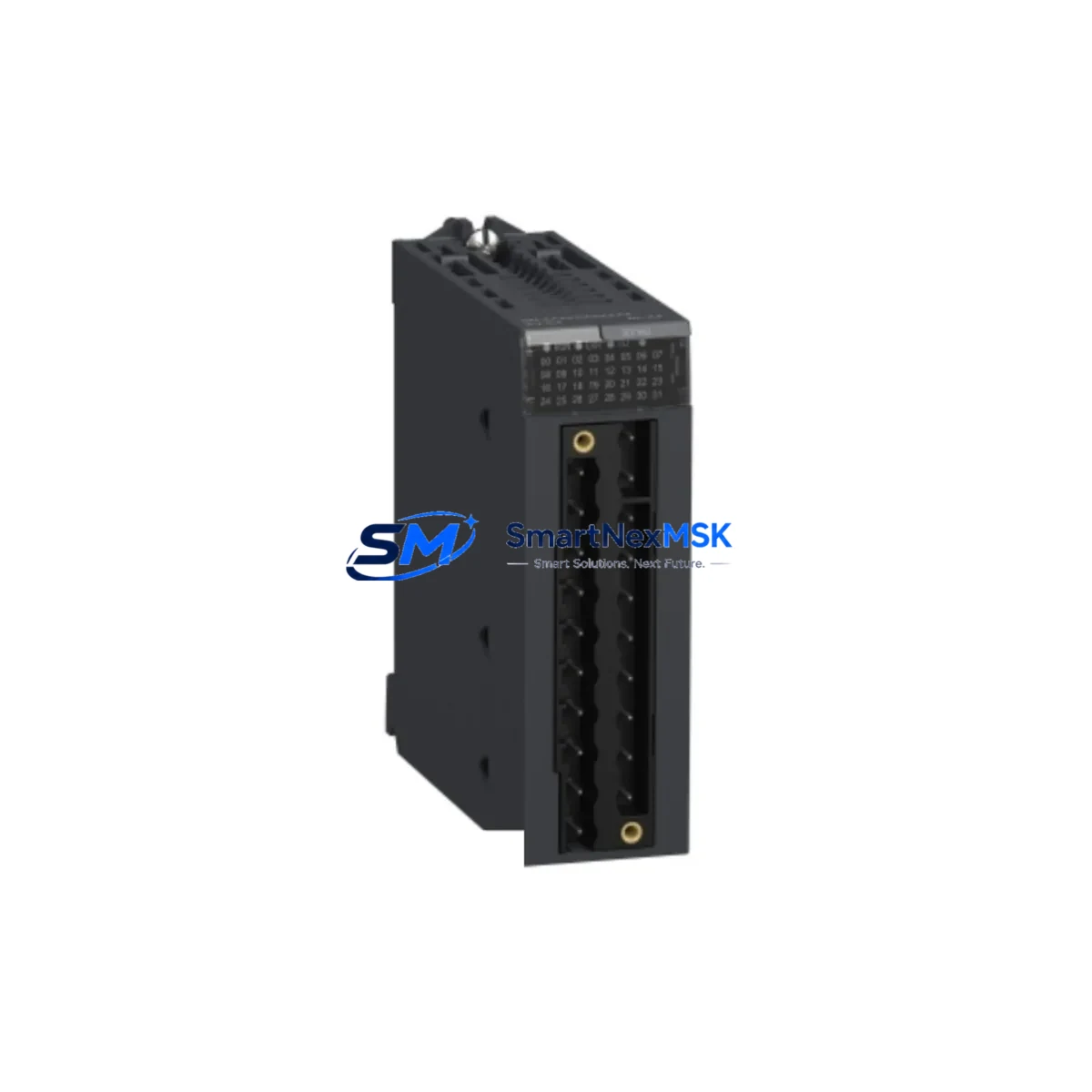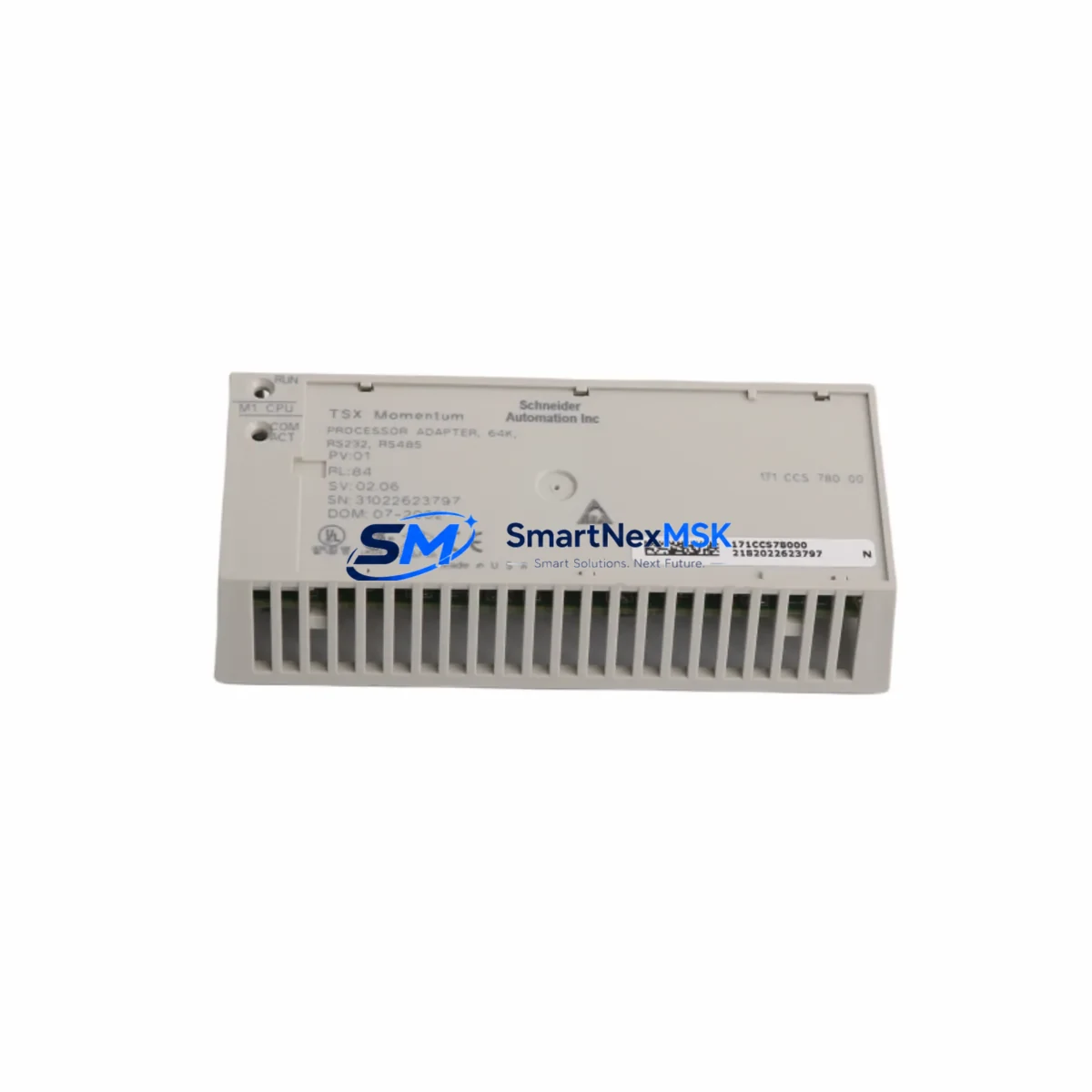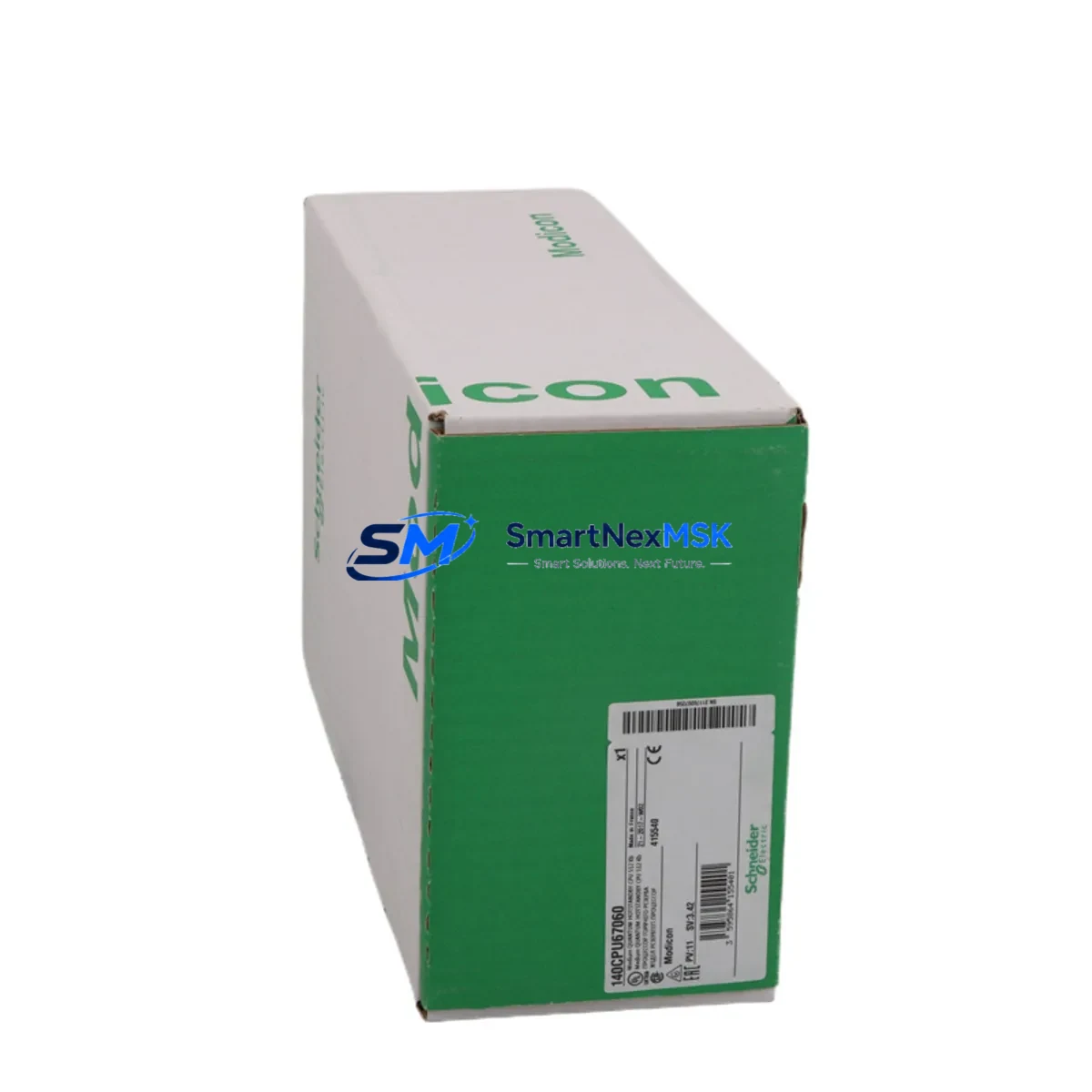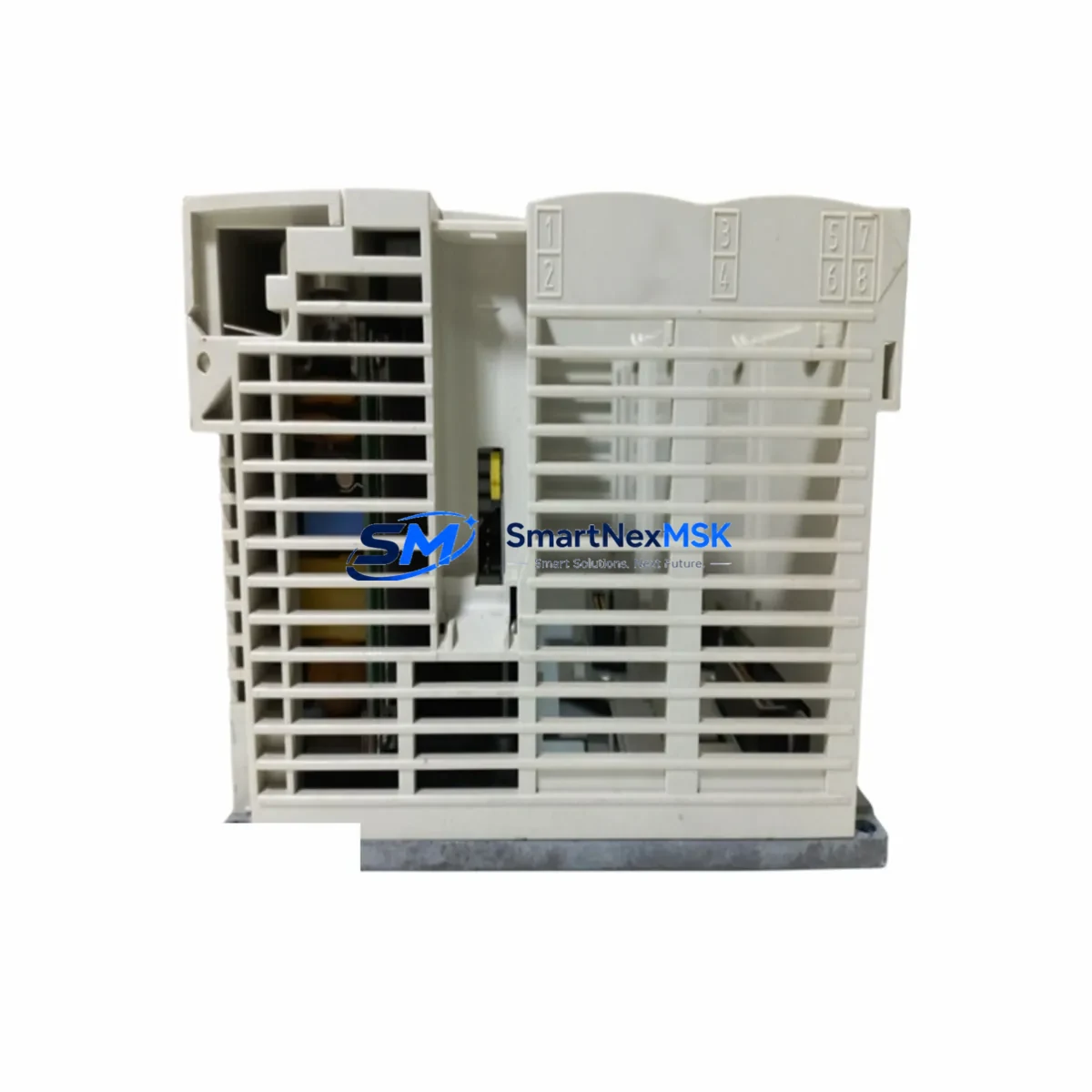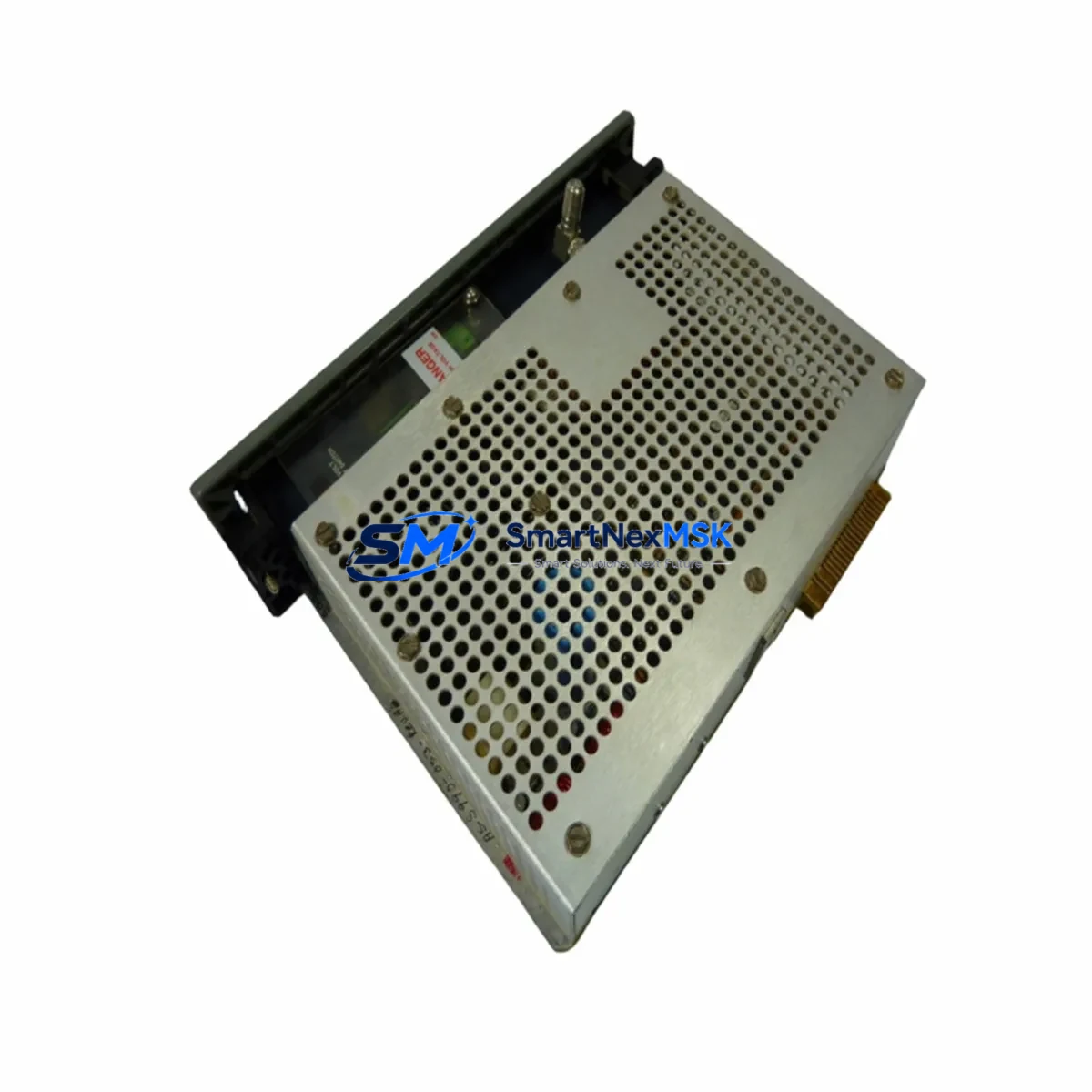
Schneider AS-P890-000 Spare for Modicon 800 Automation
The Schneider Electric AS-P890-000 is an original I/O processor module engineered for the Modicon 800 series programmable logic controller platform. In industrial maintenance environments — from automotive assembly lines to water treatment facilities — this module serves as a critical interface between field-level I/O signals and the central processing unit. When an AS-P890-000 fails or degrades, the consequences extend beyond a single I/O rack: the entire control loop dependent on that processor can halt, triggering unplanned downtime that costs far more than the component itself.
Sourced directly from authorized supply chains and verified against original Schneider Electric specifications, each unit shipped by SMARTNEXMSK undergoes pre-dispatch electrical testing to confirm signal integrity, backplane communication, and firmware compatibility. Maintenance engineers and procurement teams can rely on a 12-month warranty covering manufacturing defects, with documented test records available upon request.
Spare Maintenance Table
| Parameter | Specification |
|---|---|
| Part Number / SKU | AS-P890-000 |
| Brand | Schneider Electric |
| Series | Modicon 800 |
| Module Type | I/O Processor Module |
| Origin | France (Original OEM) |
| Backplane Compatibility | Modicon 800 series chassis / backplane |
| Power Supply Requirement | Compatible with Modicon 800 rack power supplies (e.g., AS-P800-series PSU) |
| Communication Interface | Modbus / proprietary Modicon backplane bus |
| Operating Temperature | 0°C to 60°C (standard industrial enclosure) |
| Mounting | DIN-rail / rack-mount per Modicon 800 chassis specification |
| Weight | 2,300 g (approx.) |
| Condition | Original spare — new or tested-refurbished, clearly stated at order |
| Pre-Shipment Test | Electrical continuity, backplane signal, firmware version check |
| Warranty | 12 months from date of shipment |
| Lead Time | In-stock: ships within 2 business days; sourced: 5–15 business days |
Maintenance Planning for Continuous Operation
Replacing an AS-P890-000 in a live Modicon 800 system is rarely an isolated task. Experienced maintenance engineers know that an I/O processor failure is often symptomatic of broader stress in the control cabinet. Before returning the system to service, a structured inspection of adjacent components is essential to prevent repeat failures and ensure long-term stability.
Begin with the rack power supply module (typically an AS-P800-series PSU): verify output voltage rails are within tolerance, as an under-voltage condition is a leading cause of I/O processor resets and data corruption. Next, inspect the backplane bus connectors and chassis for oxidation or mechanical damage — a degraded backplane can cause intermittent communication faults that mimic processor failure. Check all I/O sub-modules seated in the same rack, including discrete input modules and analog output modules, for proper seating and terminal tightness.
Review the 24 VDC field power distribution feeding sensors and actuators connected to this I/O rack. Loose terminal blocks or corroded wiring on the field side can generate transient spikes that stress the processor. Inspect signal isolation barriers on any 4–20 mA analog loops routed through this rack — degraded isolators can introduce ground loops that corrupt analog readings and accelerate module wear.
For systems using Modbus RTU or Modbus TCP communication, verify the network termination resistors and cable shielding on the RS-485 segment or Ethernet drop connected to this rack. A communication fault at the network layer can be misdiagnosed as a processor hardware failure. If the cabinet includes a Modicon TSX or Quantum series gateway module for upstream SCADA integration, confirm its firmware is compatible with the replacement AS-P890-000 firmware version.
Do not overlook the UPS or battery-backed power module protecting the Modicon 800 rack. An aging UPS that fails to hold voltage during a grid dip is a common root cause of repeated I/O processor failures. Similarly, inspect miniature circuit breakers (MCBs) and fuse holders in the control cabinet’s power distribution section — a nuisance trip or a slow-blow fuse nearing end-of-life can cause intermittent power interruptions to the rack.
Finally, if the system includes an operator HMI panel (such as a Magelis or third-party touch panel) communicating with the Modicon 800 CPU, verify the HMI communication parameters after module replacement, as some HMI configurations store the I/O processor’s node address locally and may require a re-scan after hardware swap.
Site Replacement Workflow
Step 1 — Isolate and document. Before removing the AS-P890-000, capture the current I/O map, module configuration, and firmware version from the Modicon programming software (Concept or ProWORX). Export the project file and store it on a local engineering workstation — never rely solely on the PLC’s internal memory during a hardware swap.
Step 2 — Power down safely. Follow your site’s lockout/tagout (LOTO) procedure. De-energize the rack power supply and confirm zero voltage on the backplane before extracting the module. Avoid hot-swapping unless the Modicon 800 chassis explicitly supports it for this module type.
Step 3 — Physical inspection. Before inserting the replacement AS-P890-000, inspect the chassis slot for bent pins, debris, or moisture. Clean with dry compressed air if necessary. Verify the replacement unit’s firmware label matches or is compatible with the system’s CPU firmware version.
Step 4 — Restore and verify. Re-energize the rack and download the saved project configuration to the replacement module. Perform a full I/O force test on each channel to confirm signal integrity before releasing the system to automatic operation. Document the replacement date, module serial number, and test results in the site maintenance log.
Step 5 — Spare stock update. After a successful replacement, immediately initiate a reorder for the consumed spare to maintain minimum stock levels. For critical production lines, a minimum of one AS-P890-000 on the shelf is recommended. SMARTNEXMSK supports standing purchase orders and long-term supply agreements for industrial maintenance teams managing aging Modicon 800 installations.
Spare Parts Support FAQ
Q1: Is the AS-P890-000 still available as a new original part, or only as refurbished?
Both options are available. SMARTNEXMSK maintains stock of original new units sourced from authorized channels, as well as tested-refurbished units that have passed full electrical verification. The condition is clearly stated on the order confirmation. All units — new or refurbished — carry a 12-month warranty from the shipment date.
Q2: How do I confirm compatibility before ordering?
The AS-P890-000 is designed for the Modicon 800 series platform. Compatibility depends on your chassis model, CPU firmware version, and rack configuration. Share your existing module label, chassis part number, and Modicon software version with our technical team at [email protected], and we will confirm compatibility before shipment.
Q3: What pre-shipment testing is performed on each unit?
Every AS-P890-000 shipped by SMARTNEXMSK undergoes electrical continuity testing, backplane communication verification, and firmware version confirmation. Test records are available upon request and accompany the shipment documentation for quality-controlled maintenance environments.
Q4: What is the warranty coverage and what does it include?
The 12-month warranty covers manufacturing defects and functional failures under normal operating conditions. It does not cover damage caused by incorrect installation, overvoltage events, or physical mishandling. In the event of a warranty claim, SMARTNEXMSK provides a replacement unit or full refund after fault verification. Contact [email protected] with your order number and fault description to initiate a claim.
© 2026 SMARTNEXMSK. All rights reserved.
Original Source: https://smartnexmsk.com
Contact: [email protected] | +86 18259474341