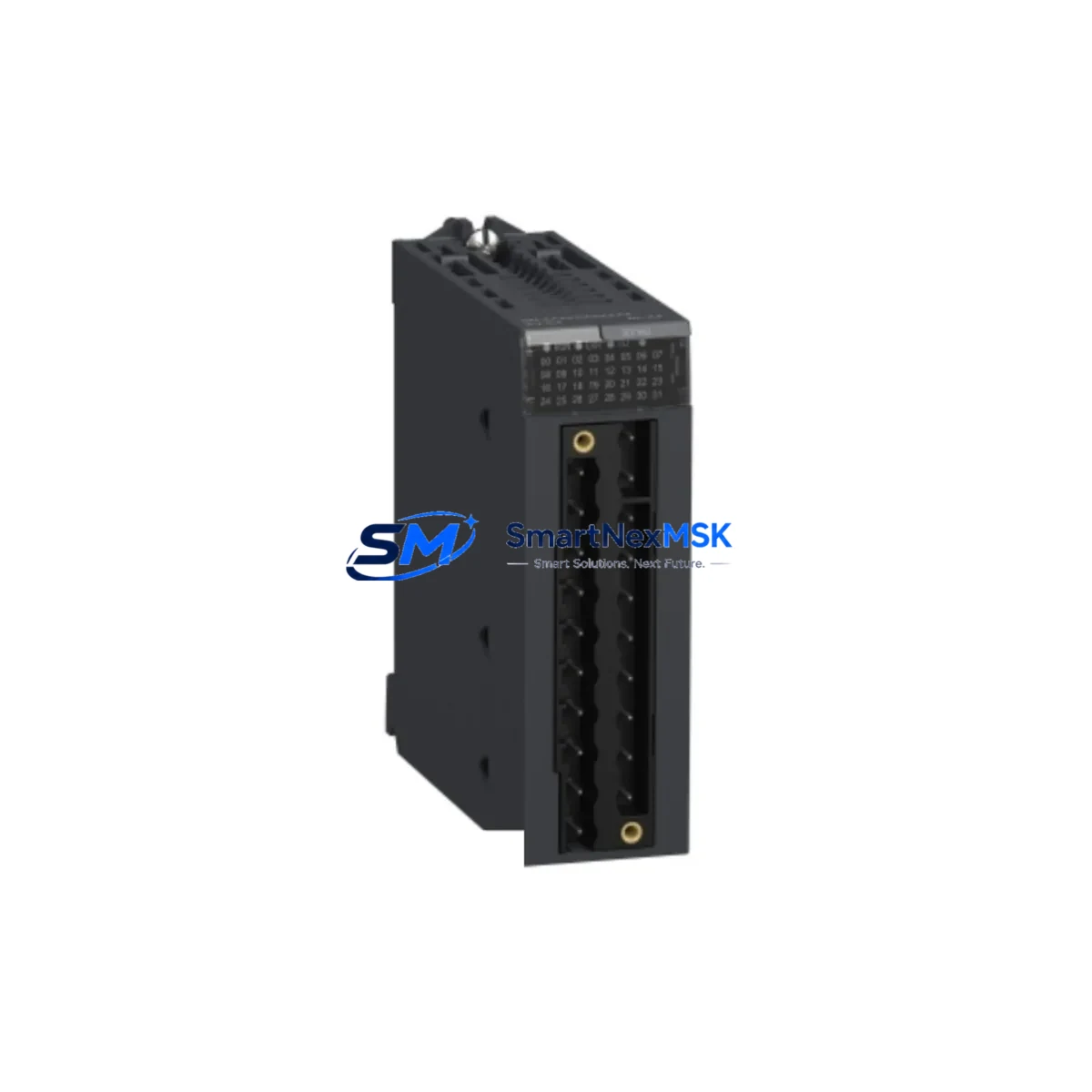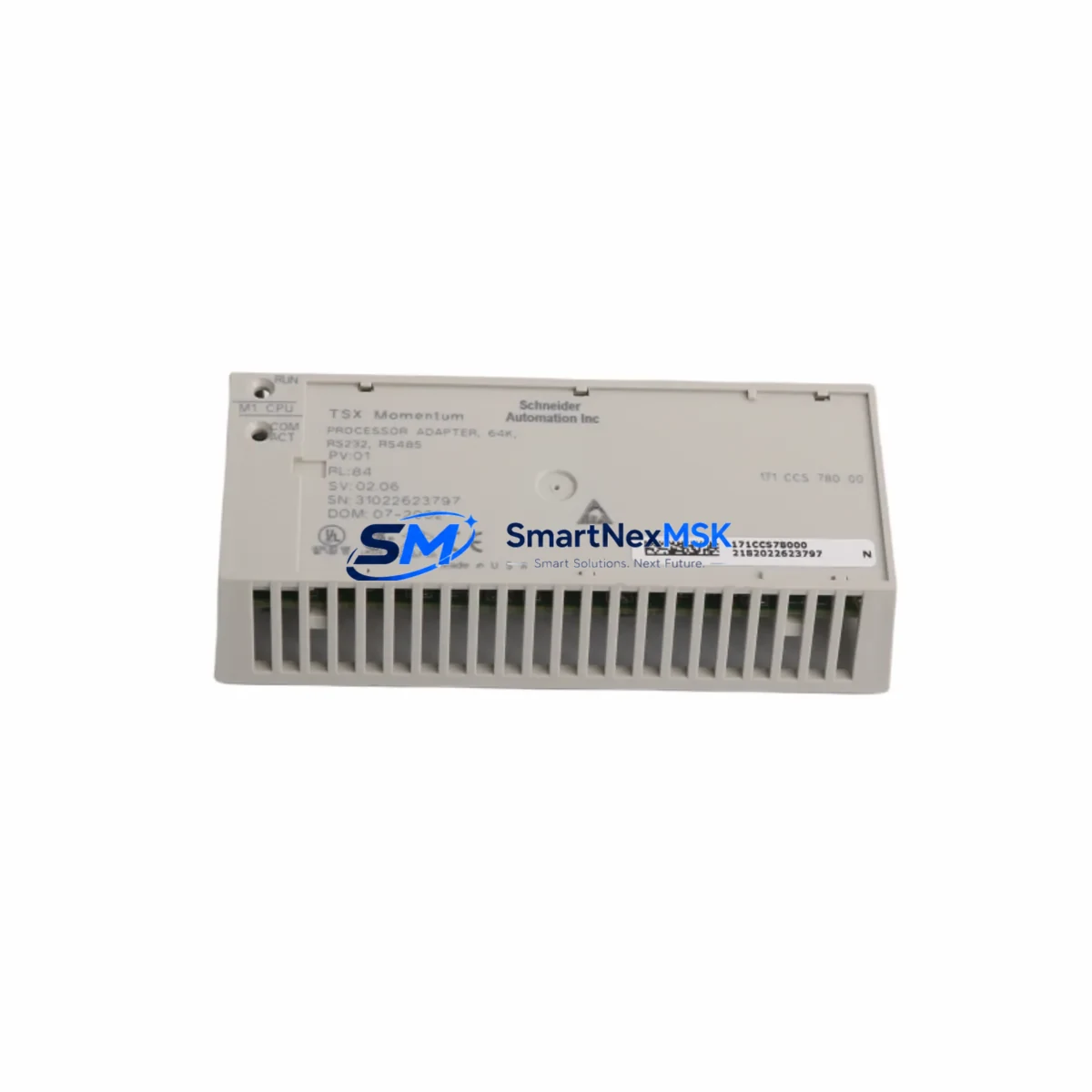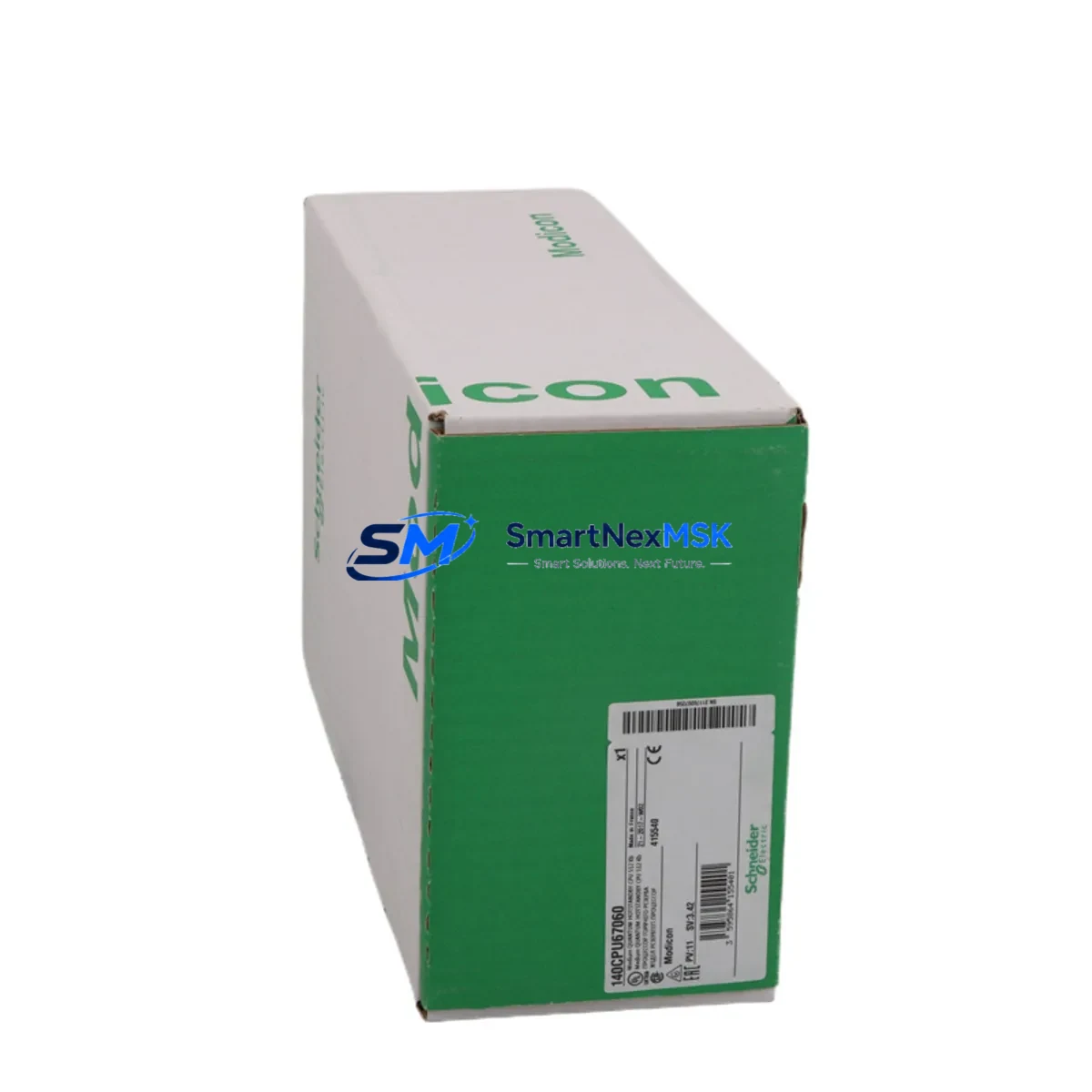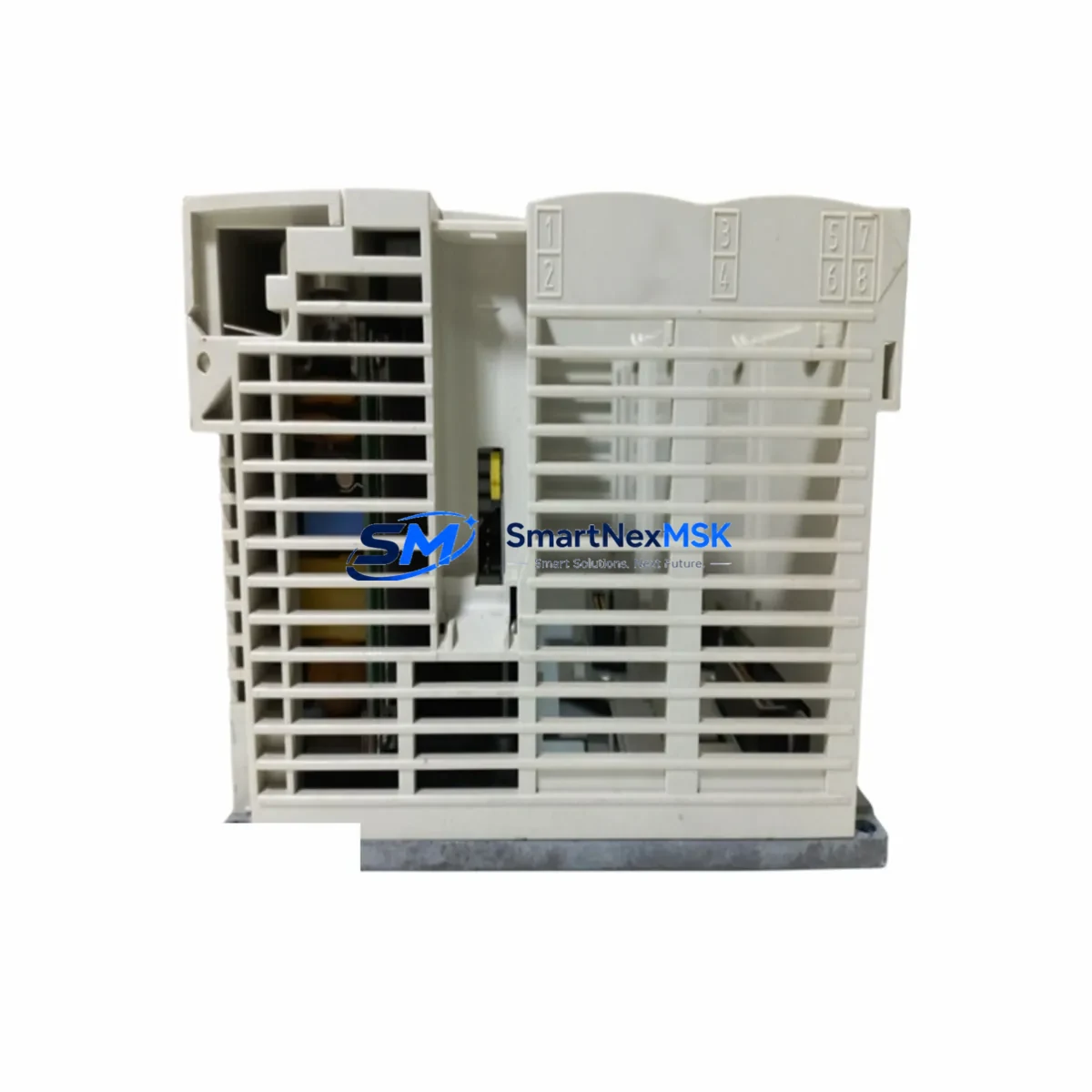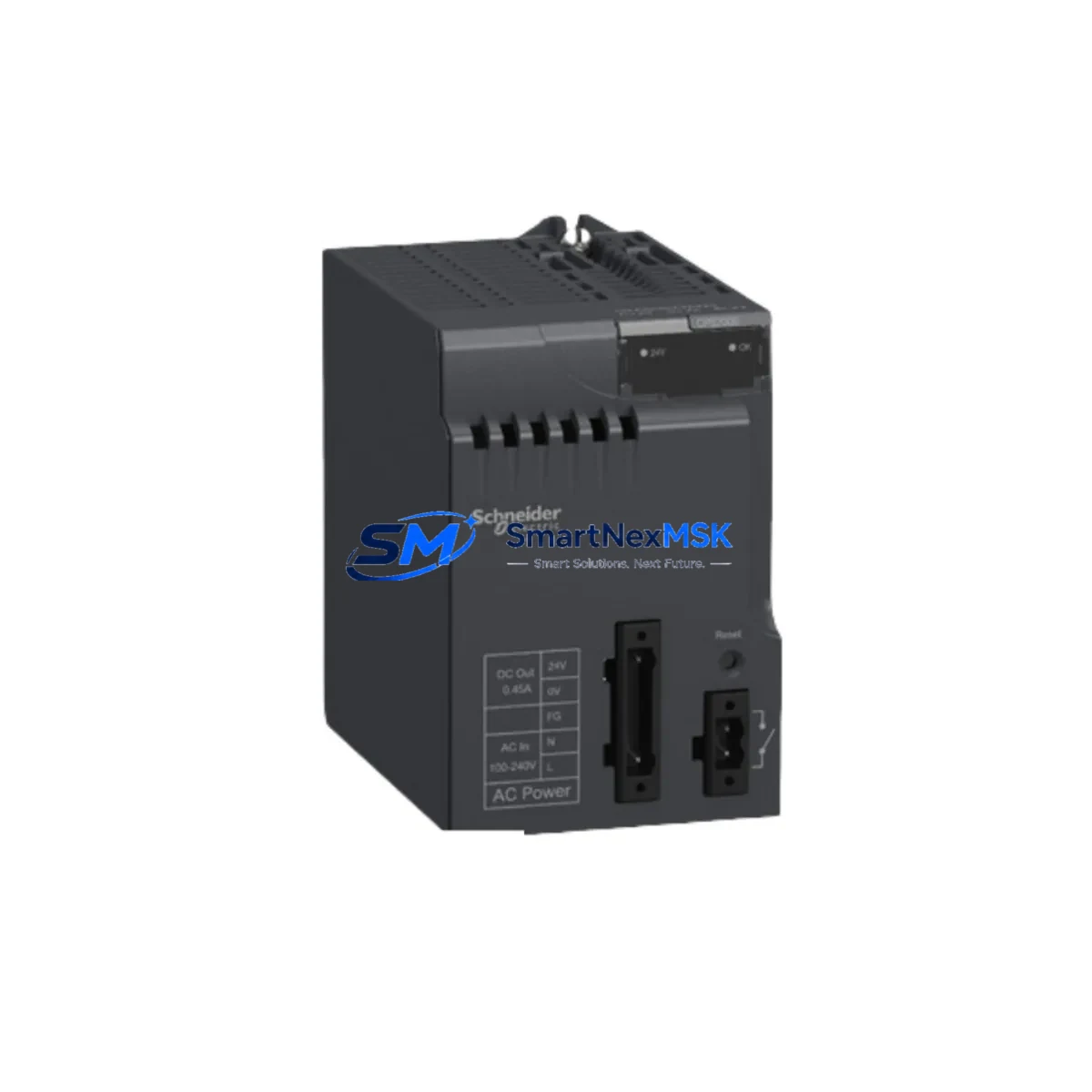
Schneider BMXCPS2000 Retrofit-Ready AC Power Supply for M340 Control Systems
The Schneider Electric BMXCPS2000 is a 100 W AC power supply module purpose-built for the Modicon M340 mid-range PLC platform. Rated for 100–240 V AC input, it delivers stable 24 V DC backplane power to the BMX rack, making it the direct retrofit choice when an aging or failed power supply threatens production continuity. Whether you are replacing a worn BMXCPS2000 on an existing M340 rack or upgrading a legacy Modicon Quantum or Premium control cabinet to the M340 architecture, this module slots into the leftmost position of any BMX XBP backplane without mechanical modification.
Industrial sites running Modicon M340 systems frequently encounter power supply degradation after 8–12 years of continuous operation. Symptoms include intermittent CPU resets, backplane undervoltage faults logged in the BMXP342020 or BMXP342030 processor, and unstable communication on the Ethernet or CANopen network. In most cases, a direct BMXCPS2000 swap resolves these issues without requiring a program reload or HMI reconfiguration — provided the replacement unit is sourced from verified stock and tested before installation.
Upgrade Compatibility Table
| Parameter | BMXCPS2000 Specification | Retrofit Notes |
|---|---|---|
| Input Voltage | 100–240 V AC, 47–63 Hz | Compatible with global mains; no transformer required in most installations |
| Output Power | 100 W (24 V DC backplane) | Verify total module current draw on BMX XBP rack before replacement |
| Rack Compatibility | BMX XBP 0400 / 0600 / 0800 / 1200 | Installs in slot 0 (leftmost); no backplane modification needed |
| Communication | N/A (power module) | Does not affect Modbus TCP, CANopen, or Ethernet/IP configuration |
| Replacement for | BMXCPS2000 (same SKU), legacy TSX PSY series (with adapter) | Confirm terminal block wiring matches existing L, N, PE layout |
| Commissioning | No software configuration required | Power-cycle rack after swap; verify 24 V DC LED indicator on module front |
| Warranty | 12-Month Warranty — all units tested prior to shipment | |
Retrofit Planning for Existing Automation Systems
A successful BMXCPS2000 retrofit begins with a full power budget audit of the target rack. List every module installed in the BMX XBP backplane — including BMXDDI1602 digital input modules, BMXDDO1602 digital output modules, BMXAMI0410 analog input modules, and any BMXNOM0200 serial communication modules — and sum their 24 V DC current consumption. The BMXCPS2000 provides up to 4.2 A on the backplane bus; if your rack load exceeds this, consider redistributing I/O across a second rack connected via the BMXXBE1000 bus extension module.
For sites migrating from older Modicon Premium TSX platforms, the control cabinet layout typically requires new DIN rail mounting for the BMX XBP rack, updated terminal block wiring from the existing TSX PSY 2600 or TSX PSY 3610 power supply footprint, and a review of the 24 V DC field power distribution to sensors and actuators. The BMXCPS2000 does not supply field power directly; a separate 24 V DC PHASEO ABL8 power supply is recommended for field device loops to maintain isolation between backplane and field circuits.
Communication continuity is critical during migration. If the existing system uses a BMXNOE0100 Ethernet communication module for Modbus TCP SCADA connectivity, or a BMXP342020 CPU with embedded Ethernet, these modules retain their IP addresses and program logic through a power supply swap — no Unity Pro or EcoStruxure Machine Expert re-download is required unless the CPU battery has discharged and RAM has been lost. Always verify the BMXRBA015 battery status before powering down for maintenance.
For CANopen fieldbus networks, the BMXCPS2000 replacement does not interrupt the CANopen master configuration stored in the BMXP342020 processor. However, field engineers should confirm that all CANopen slave node addresses are documented before the outage window, as a cold restart may trigger node guarding timeouts on sensitive drives or valve positioners connected to the network.
Downtime Control During System Migration
Minimizing unplanned downtime is the primary concern for any M340 power supply replacement. The recommended procedure is to schedule the swap during a planned maintenance window of no more than 30 minutes. Before de-energizing the rack, use Unity Pro or EcoStruxure Machine Expert to perform a full program upload and save the .STU project file to a local engineering workstation — this protects against data loss if the BMXRBA015 backup battery is depleted.
Label all terminal block connections on the BMXCPS2000 before disconnecting: L (line), N (neutral), and PE (protective earth) must be re-terminated in the correct order on the replacement unit. The terminal block on the BMXCPS2000 is a removable screw-type connector, which allows the wiring harness to be transferred directly to the new module without re-stripping conductors — significantly reducing reconnection time and the risk of wiring errors.
After installing the replacement BMXCPS2000, power up the rack and observe the module’s green PWR LED. If the LED illuminates steadily, the backplane voltage is within specification and the CPU will resume its last RUN state automatically (provided the program is intact in flash memory). The HMI — whether a Magelis HMIGTO or a third-party SCADA panel — will reconnect to the CPU via Ethernet within seconds of the network link being restored, with no operator intervention required on the HMI side.
All BMXCPS2000 units supplied by SMARTNEXMSK are pre-tested under load before dispatch, with a 12-month warranty covering manufacturing defects and premature failure. Units are shipped with original packaging and include a test report on request.
Retrofit Support FAQ
Q: Is the BMXCPS2000 a direct drop-in replacement for a failed unit on my existing M340 rack?
A: Yes. The BMXCPS2000 is a same-SKU replacement that installs in slot 0 of any BMX XBP backplane. No software changes, address reassignment, or program modification is required. Simply transfer the terminal block wiring and power up.
Q: What wiring checks should I perform before powering up the replacement module?
A: Verify that L, N, and PE terminals are correctly connected and torqued to 0.5–0.6 N·m. Confirm that the input voltage at the terminal block is within the 100–240 V AC range. Check that no module has been added to the rack that would push total current draw above the 4.2 A backplane limit.
Q: Will replacing the power supply affect my Modbus TCP or CANopen communication configuration?
A: No. Communication parameters are stored in the CPU flash memory and are not affected by a power supply swap. Your SCADA system, HMI, and fieldbus slaves will reconnect automatically after the rack restarts.
Q: What does the 12-month warranty cover, and how are units tested before shipment?
A: Every BMXCPS2000 unit is tested under rated load conditions before dispatch. The 12-month warranty covers manufacturing defects and premature failure under normal operating conditions. Test reports are available on request. Contact [email protected] for warranty claims or pre-shipment inspection documentation.
© 2026 SMARTNEXMSK. All rights reserved.
Original Source: https://smartnexmsk.com
Contact: [email protected] | +86 18259474341