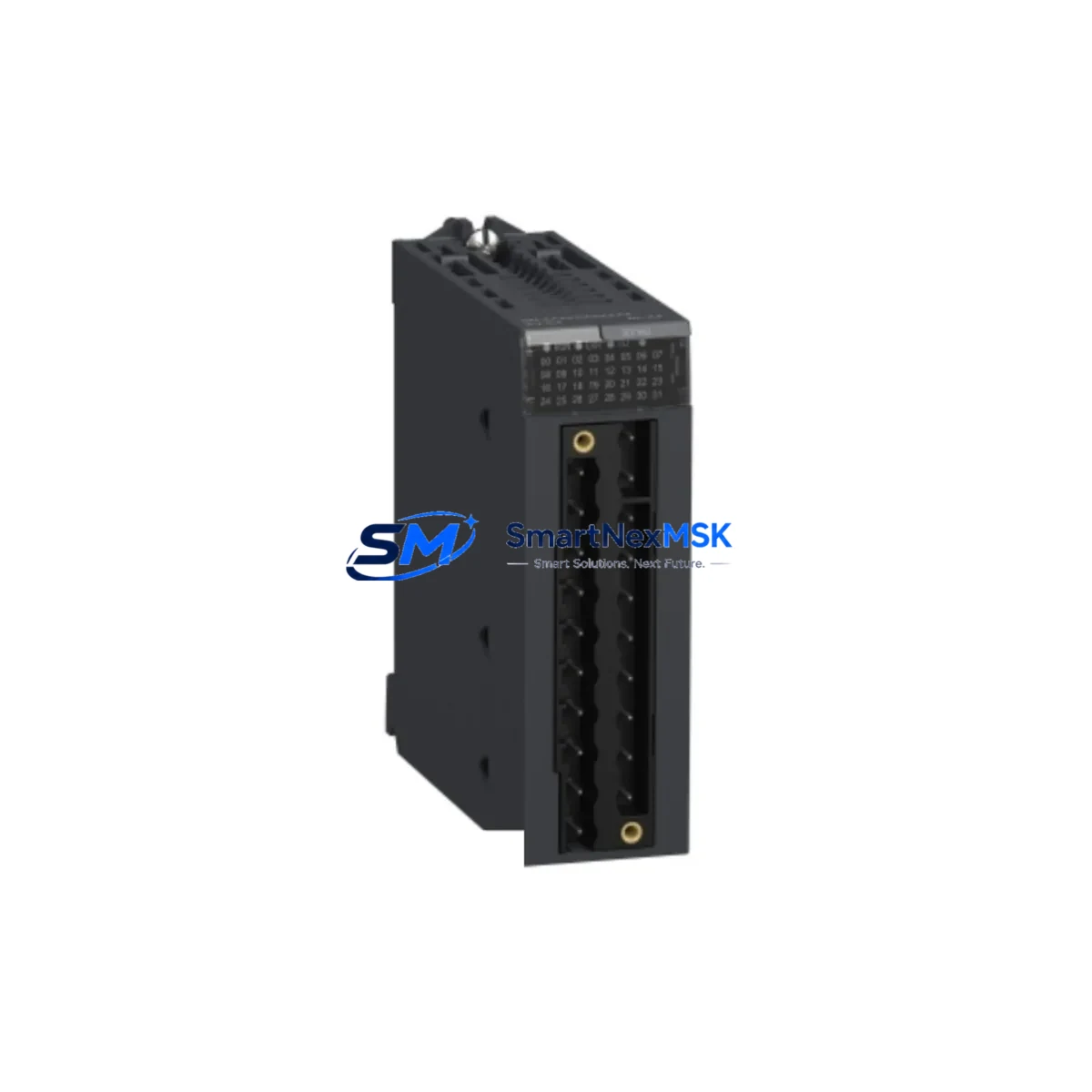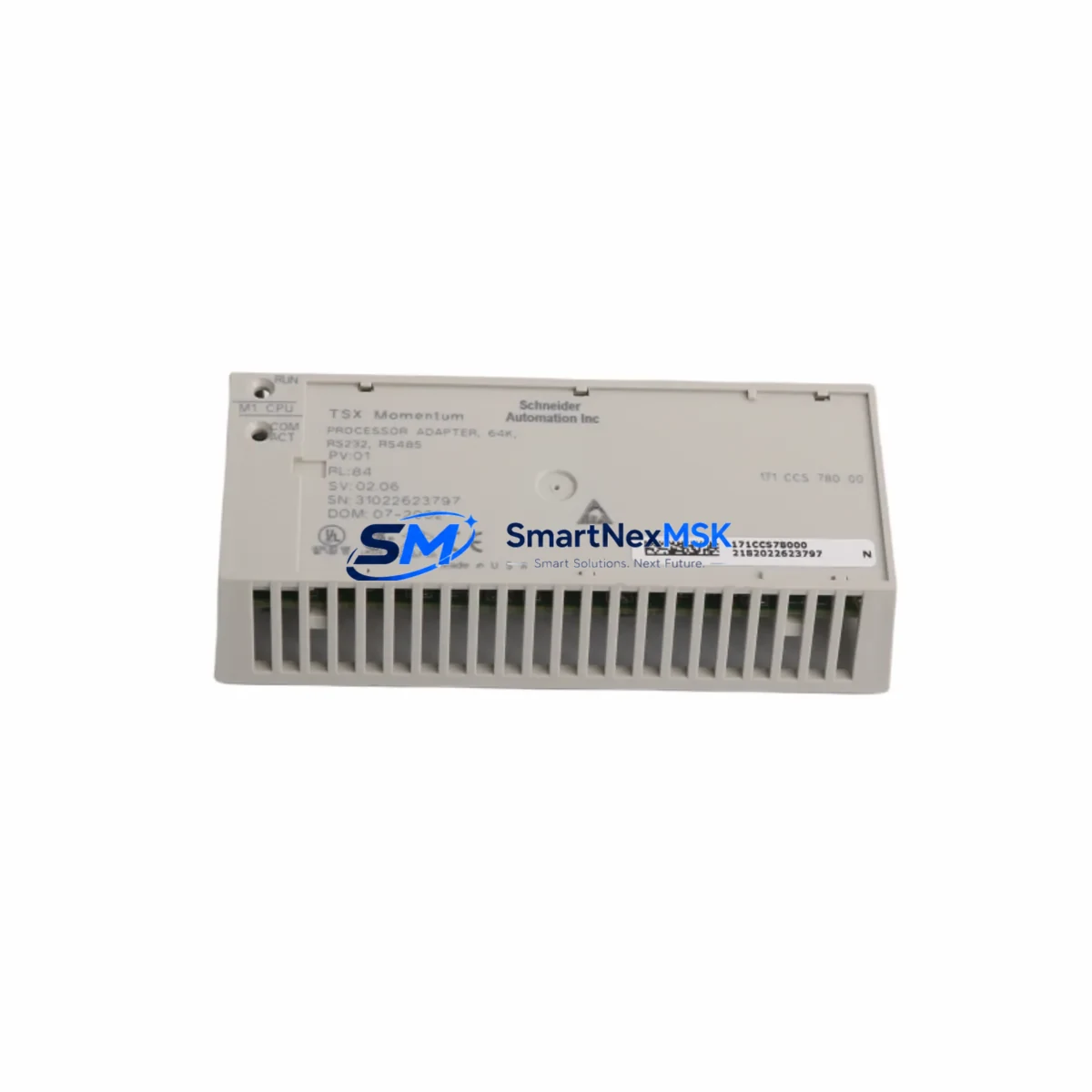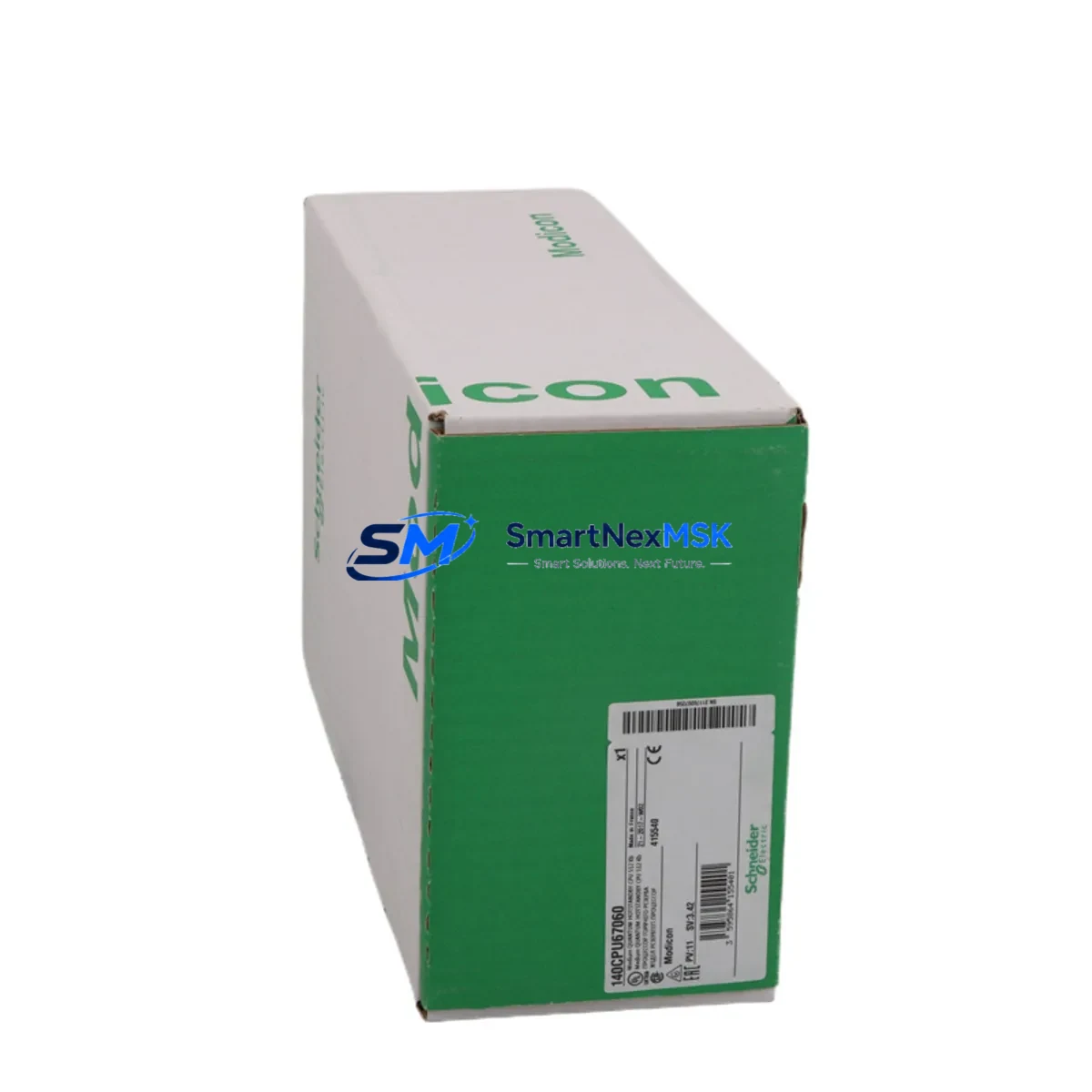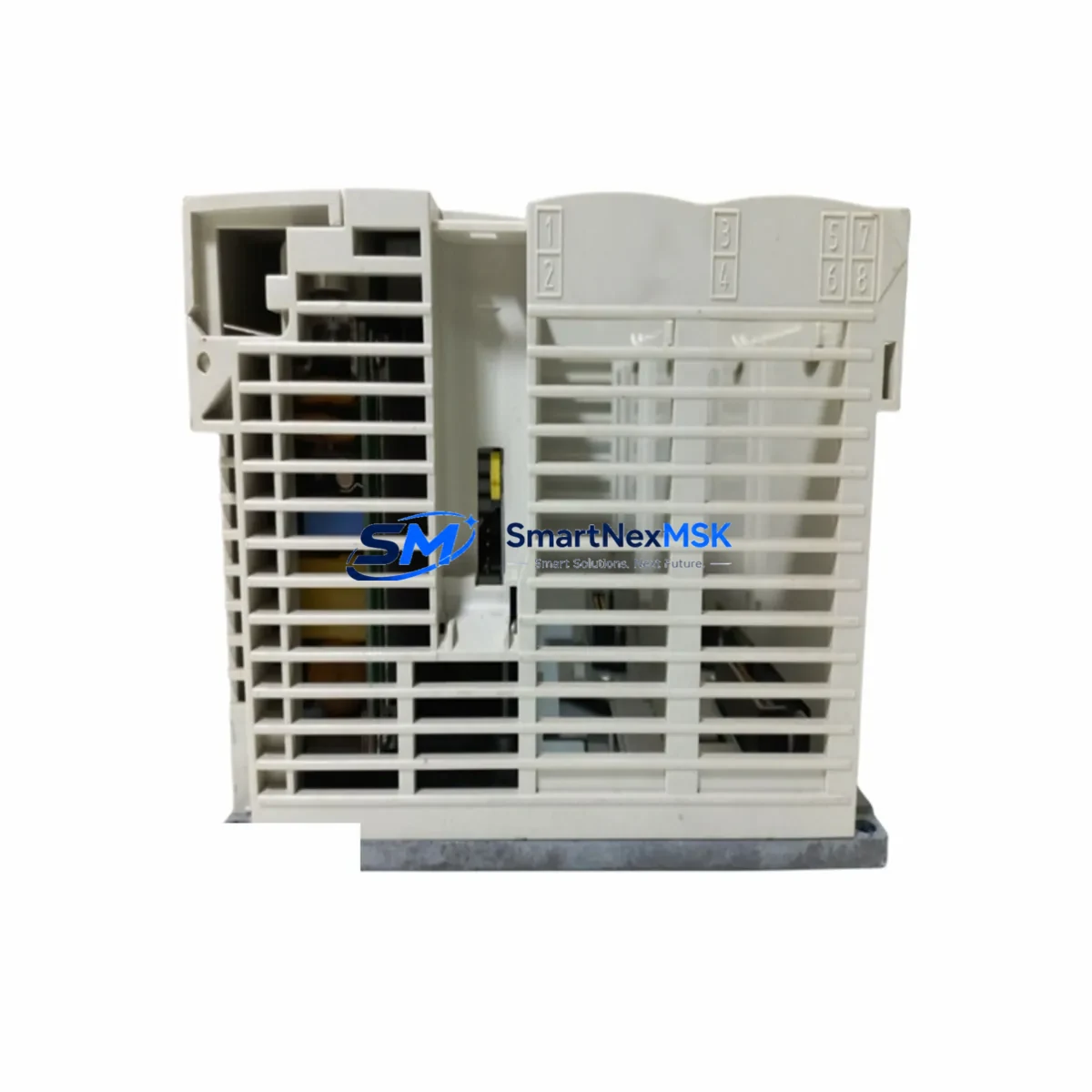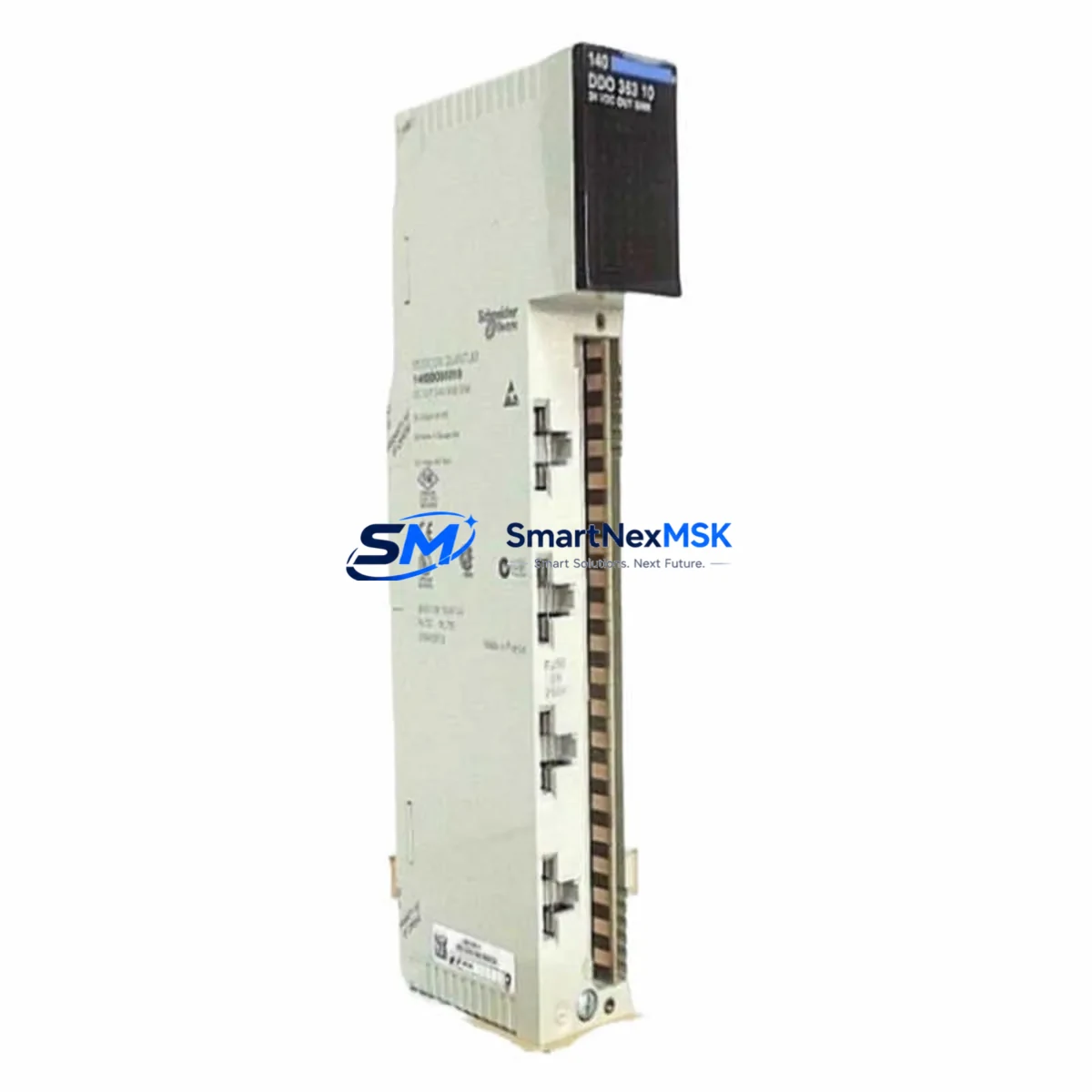
Schneider Electric 140DDO35301 Maintenance-Ready Spare for Quantum Automation
The Schneider Electric 140DDO35301 is a 32-point transistor (sourcing) discrete output module designed for the Modicon Quantum PLC platform. As a maintenance-ready original spare, it is the direct replacement for aging or failed output modules in Quantum racks, enabling rapid restoration of machine control and process automation without system reconfiguration. For maintenance engineers managing aging Quantum installations, holding a verified 140DDO35301 in the spare parts cabinet is a proven strategy to reduce unplanned downtime from hours to minutes.
Each unit shipped by SMARTNEXMSK undergoes pre-shipment functional verification, is individually packaged with anti-static protection, and is covered by a 12-month warranty. Long-term supply continuity is supported for customers managing multi-site Quantum fleets or legacy DCS/PLC hybrid architectures.
Spare Maintenance Table
| Parameter | Specification |
|---|---|
| Part Number / SKU | 140DDO35301 |
| Brand | Schneider Electric (Modicon) |
| Series | Modicon Quantum |
| Module Type | Discrete Output Module – Transistor (Sourcing) |
| Output Points | 32 Points |
| Output Voltage | 24 VDC |
| Output Current per Point | 0.5 A |
| Total Load Current | 4 A per group |
| Backplane Compatibility | Modicon Quantum Rack (140 Series) |
| Isolation | Optical isolation between field and backplane |
| Operating Temperature | 0°C to 60°C |
| Mounting | Quantum rack slot, hot-swap capable with power precautions |
| Country of Origin | France |
| Weight | 910 g |
| Warranty | 12 Months – SMARTNEXMSK |
| Condition | Original, pre-shipment tested |
Maintenance Planning for Continuous Operation
When a 140DDO35301 output module fails or is flagged during a scheduled inspection, the fault rarely exists in isolation. Experienced maintenance engineers know that a transistor output failure in a Quantum rack is often accompanied by stress on adjacent components. A thorough site assessment should include the following checks before and after module replacement:
Power Supply Integrity: Verify the Quantum rack power supply module — such as the 140CPS11420 or 140CPS21400 — is delivering stable 24 VDC to the backplane. An under-voltage condition is a common root cause of output module degradation and should be ruled out before installing the replacement 140DDO35301.
Backplane and Rack Health: Inspect the Quantum backplane (140XBP01600 or equivalent) for bent pins, oxidation, or mechanical damage at the module slot. A damaged backplane connector can cause intermittent faults on a new module and must be addressed before commissioning.
CPU and I/O Bus Communication: Confirm the Quantum CPU module — such as the 140CPU65160 or 140CPU67160 — is not logging I/O bus errors. If the CPU is reporting communication faults on the output rack, the issue may extend beyond the output module itself to the 140CRP93200 RIO head adapter or the remote I/O cable.
Input Module Cross-Check: If the failed output module was part of a control loop, verify the corresponding discrete input module (e.g., 140DDI35300) is reading field signals correctly. A faulty input module can mask the true source of a control failure and lead to repeat output module replacements.
Field Wiring and Terminal Blocks: Inspect the field-side terminal blocks and wiring harness connected to the 140DDO35301. Loose terminals, corroded conductors, or overloaded output circuits are frequent contributors to premature module failure. Replace any suspect terminal blocks before reconnecting field loads.
Fusing and Protection: Check the external fuse or circuit breaker protecting each output group. Blown fuses on the field side indicate an overload or short-circuit condition that must be resolved before energizing the replacement module.
Communication and HMI Verification: After module replacement, confirm that the SCADA or HMI system — connected via Modbus TCP or Ethernet through the Quantum NOE module (e.g., 140NOE77101) — is correctly reflecting the new module’s I/O status. Stale I/O maps or incorrect rack addressing can prevent the replacement module from operating as expected.
Maintaining a minimum spare inventory of one 140DDO35301 per Quantum rack cluster, alongside a spare power supply and at least one CPU module, is the recommended strategy for facilities with zero-tolerance downtime requirements.
Site Replacement Workflow
Step 1 – Pre-Replacement Verification: Before removing the failed module, document the rack slot address and confirm the replacement 140DDO35301 matches the original part number exactly. Verify firmware compatibility with the installed Quantum CPU version if applicable.
Step 2 – Safe Isolation: Place the Quantum CPU in STOP mode via the programming terminal (Unity Pro / EcoStruxure Control Expert). De-energize the field-side 24 VDC supply to the output module group. Do not remove the module under live field voltage.
Step 3 – Module Removal and Inspection: Remove the failed 140DDO35301 from the rack slot. Inspect the backplane connector and the module’s edge connector for damage. Clean with dry compressed air if contamination is present.
Step 4 – Replacement Installation: Insert the replacement 140DDO35301 firmly into the rack slot until the locking tab engages. Reconnect the field wiring terminal block. Restore the field-side 24 VDC supply.
Step 5 – System Restart and Validation: Return the CPU to RUN mode. Monitor the I/O status in the programming software and confirm all 32 output points are responding correctly. Verify field device operation through the HMI or SCADA system before returning the machine to production.
Step 6 – Documentation: Record the replacement in the maintenance log, including the date, slot address, old module serial number, and new module serial number. Update the spare parts inventory accordingly.
Spare Parts Support FAQ
Q1: Is the 140DDO35301 a direct drop-in replacement for the original Schneider Electric module?
Yes. The 140DDO35301 supplied by SMARTNEXMSK is an original Schneider Electric (Modicon) module. It is a direct, pin-compatible replacement for any Quantum rack slot previously occupied by a 140DDO35301. No firmware changes or rack reconfiguration are required.
Q2: What pre-shipment testing is performed on each unit?
Each 140DDO35301 undergoes functional output verification prior to shipment. Testing confirms that all 32 output channels respond correctly to control signals and that optical isolation integrity is maintained. A test report is available upon request for critical applications.
Q3: How should the 140DDO35301 be stored as a long-term spare?
Store the module in its original anti-static packaging in a dry environment between -25°C and +70°C with relative humidity below 95% non-condensing. Avoid storage near strong electromagnetic fields or corrosive atmospheres. Inspect the module annually and rotate stock to prevent extended shelf storage beyond 5 years.
Q4: What is the warranty coverage and what does it include?
SMARTNEXMSK provides a 12-month warranty from the date of shipment. The warranty covers manufacturing defects and functional failures under normal operating conditions. It does not cover damage caused by incorrect installation, overvoltage, field short-circuits, or unauthorized modification. Warranty claims are processed with priority to minimize customer downtime.
© 2026 SMARTNEXMSK. All rights reserved.
Original Source: https://smartnexmsk.com
Contact: [email protected] | +86 18259474341