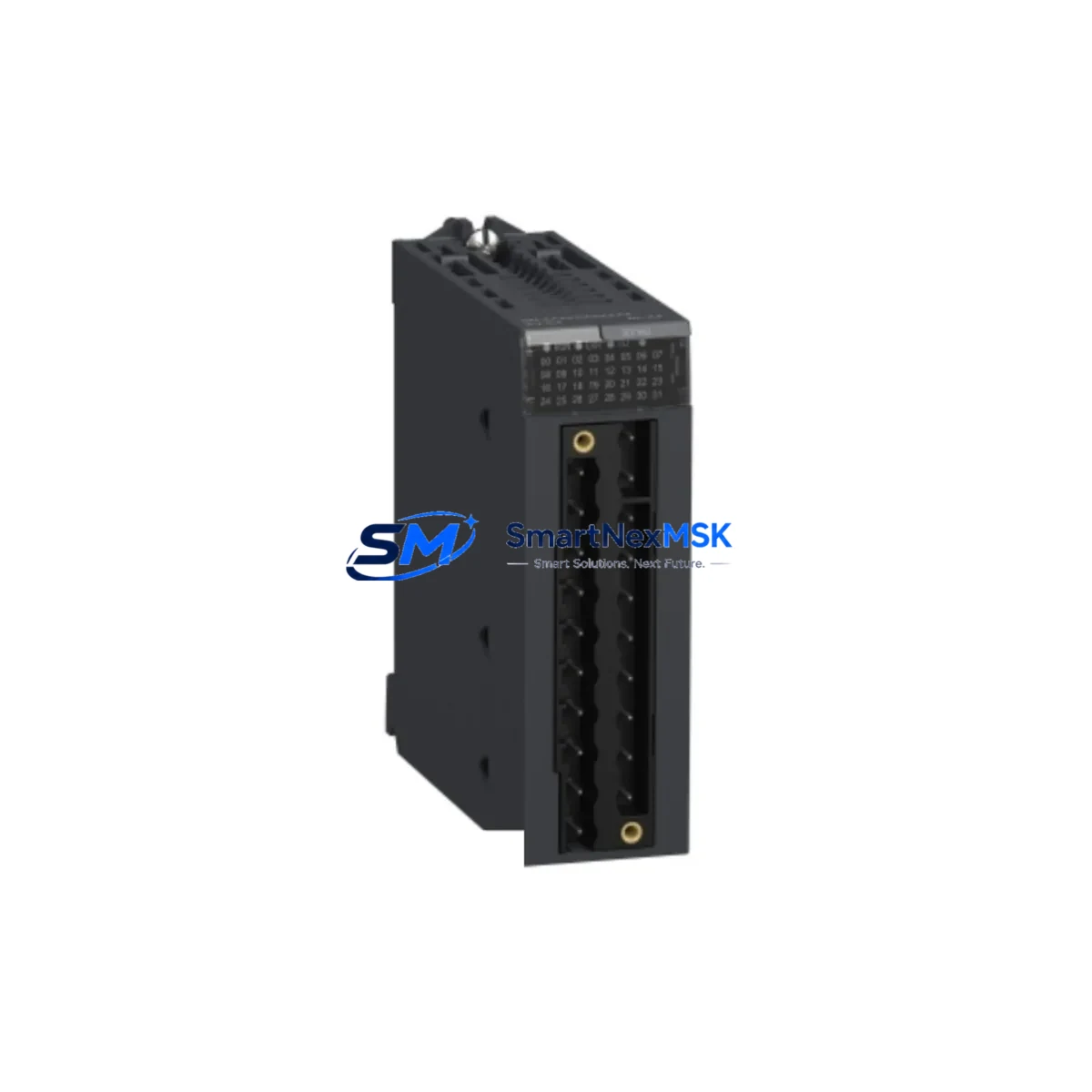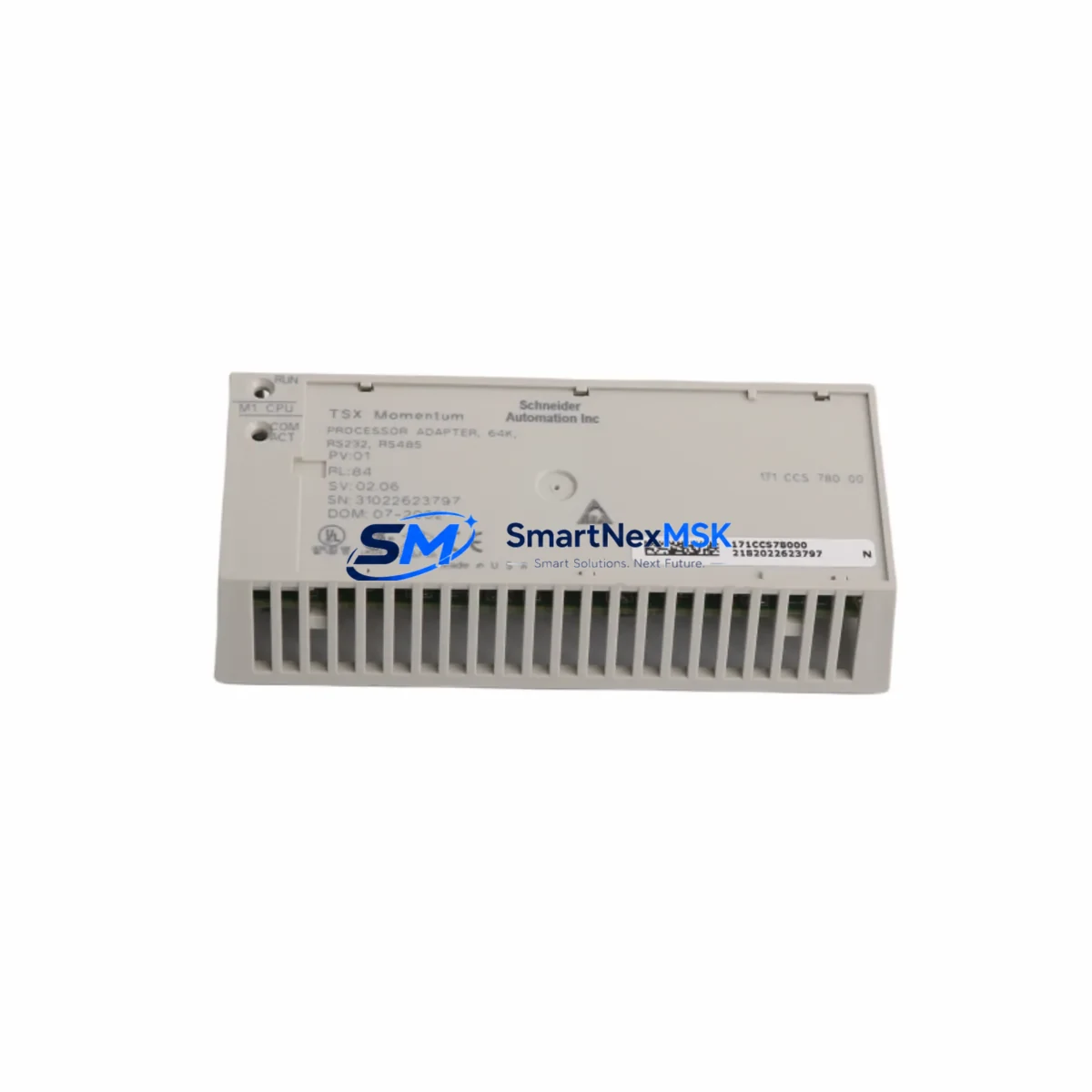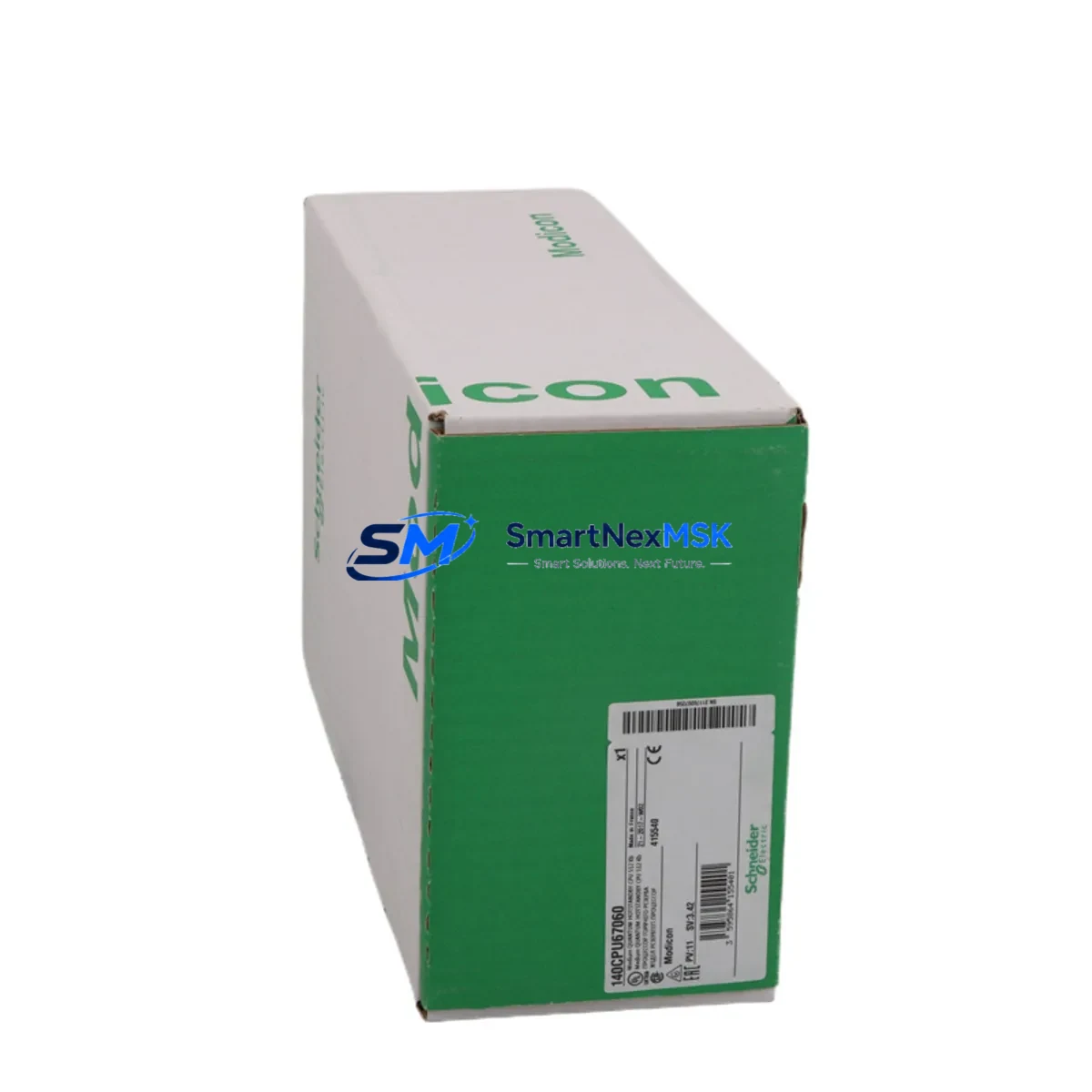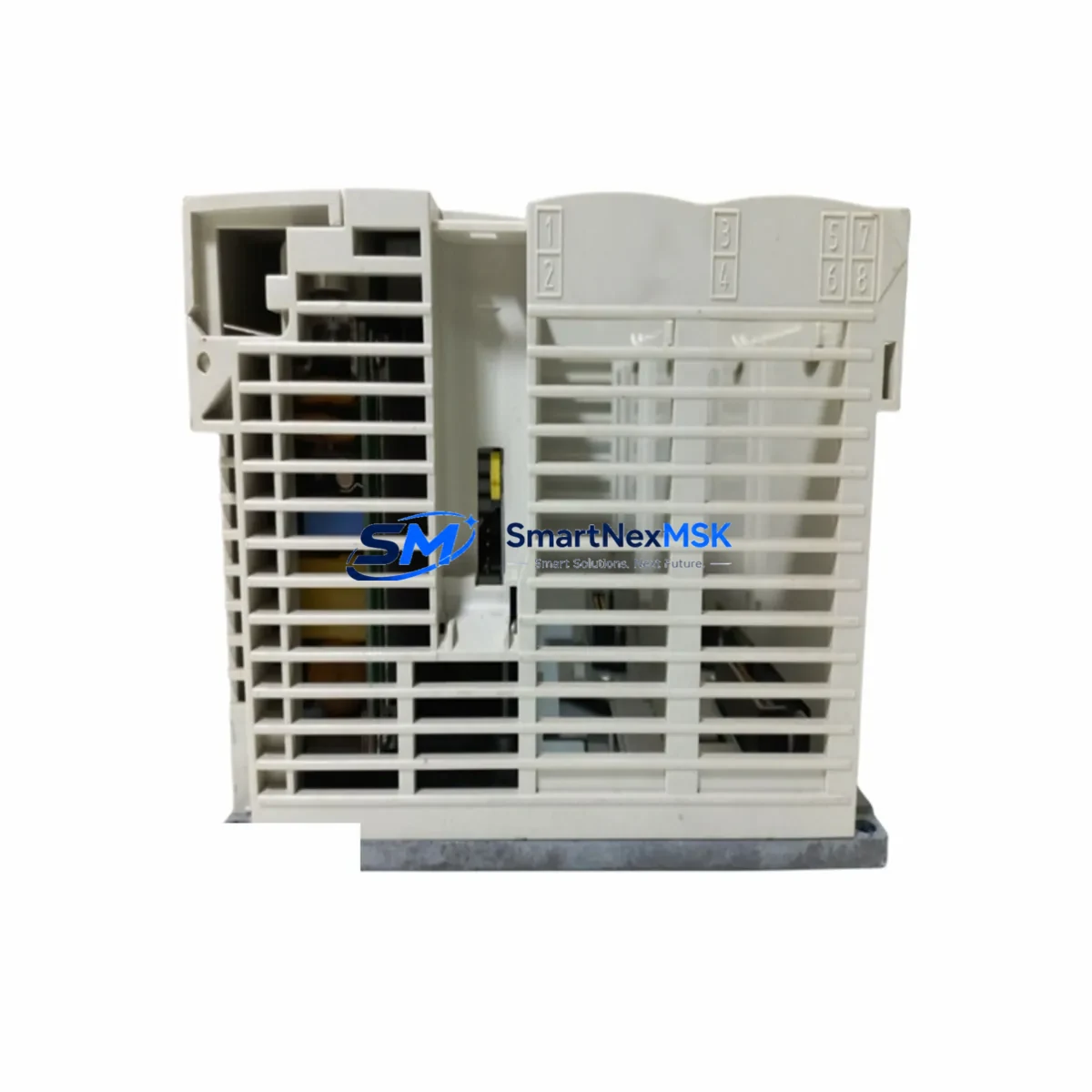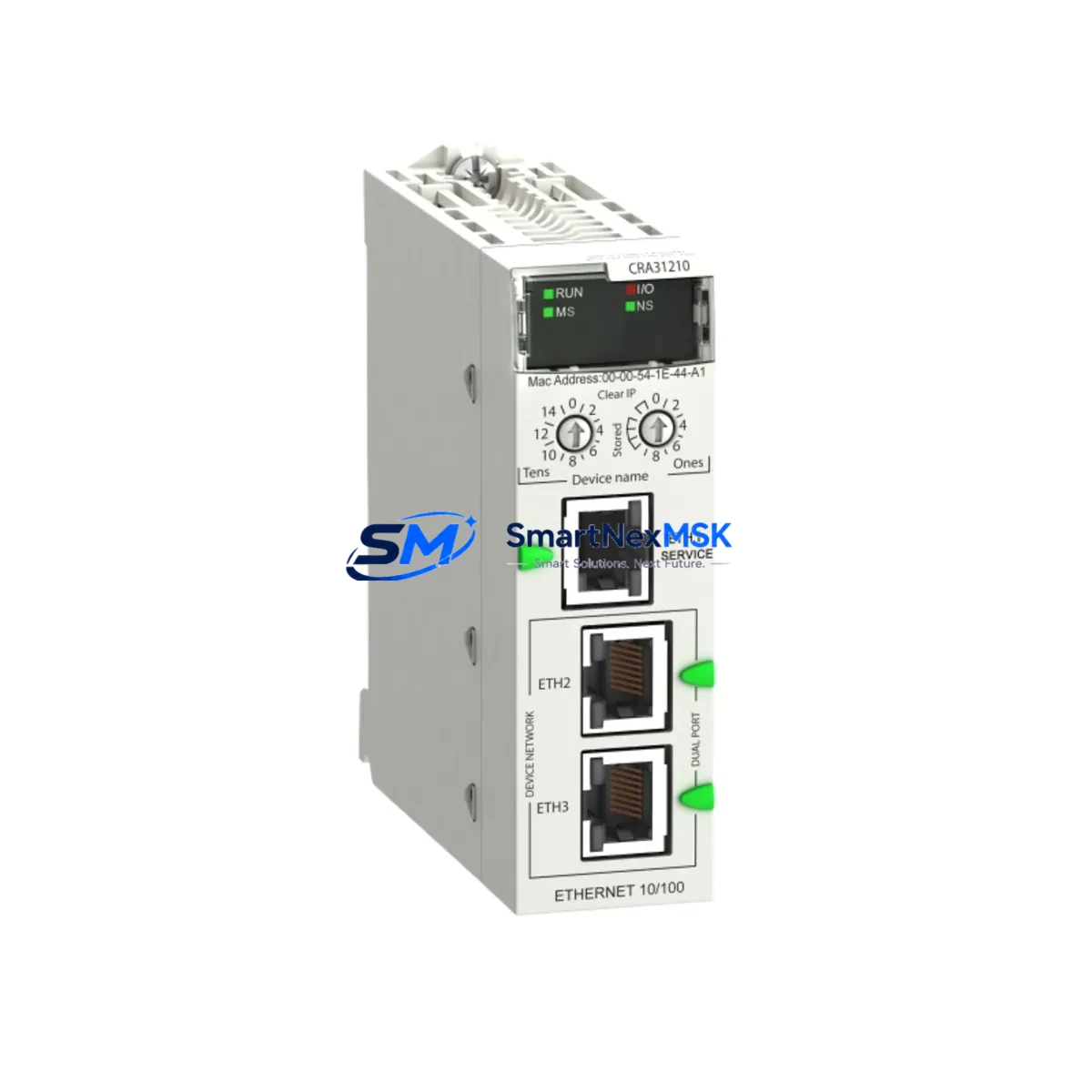
Schneider Electric BMXCRA31210 Spare for X80 Automation
The Schneider Electric BMXCRA31210 is an original Remote I/O Communication Adapter designed for the Modicon X80 platform — one of the most widely deployed distributed I/O architectures in process automation, machine control, and critical infrastructure. For maintenance engineers managing aging control systems or planning scheduled overhauls, having a verified, tested BMXCRA31210 spare on the shelf is a direct line of defense against unplanned downtime. This unit ships tested, with a 12-month warranty, and is sourced to meet the compatibility and reliability demands of industrial replacement scenarios.
The BMXCRA31210 serves as the communication backbone between the remote I/O drop and the main Modicon M340 or Premium PLC rack. When this adapter fails or degrades, the entire remote I/O segment goes offline — making rapid, like-for-like replacement essential. Procurement engineers sourcing this part should confirm firmware revision compatibility with the existing BMXNOE0100 or BMXNOE0110 Ethernet communication modules installed in the main rack, as firmware mismatches can cause bus initialization failures even with physically identical hardware.
Spare Maintenance Table
| Parameter | Specification |
|---|---|
| SKU / Part Number | BMXCRA31210 |
| Brand | Schneider Electric |
| Series | Modicon X80 |
| Product Type | Remote I/O Communication Adapter |
| Communication Bus | Ethernet (100 Mbps), X80 backplane |
| Compatible PLC Platforms | Modicon M340, Modicon Premium |
| Power Supply Voltage | 24 VDC (via backplane) |
| Operating Temperature | 0°C to +60°C |
| Protection Rating | IP20 |
| Mounting | X80 backplane rail, DIN-compatible enclosure |
| Origin | France |
| Warranty | 12 Months |
| Condition | Original, tested before shipment |
| Compatibility Verified | Modicon X80 remote I/O drops, BMXXBP••00 backplanes |
| Maintenance Recommendation | Replace every 8–10 years or upon bus fault / CRC error escalation |
Maintenance Planning for Continuous Operation
When a BMXCRA31210 is flagged for replacement during a planned shutdown or emergency callout, experienced maintenance teams know that the adapter itself is rarely the only component requiring attention. A thorough inspection of the remote I/O drop should include the BMXXBP0400 or BMXXBP0800 X80 backplane for cracked bus connectors or oxidized contacts — a common failure point in high-humidity or high-vibration environments. The BMXDDI1602 or BMXDDO1602 digital I/O modules seated on the same backplane should be checked for blown output channels or stuck input states, particularly if the bus fault was preceded by a field wiring short.
Power integrity is critical: verify the BMXCPS2000 or BMXCPS3500 power supply module in the remote rack is delivering stable 24 VDC within tolerance. Voltage sag during motor starts or solenoid switching is a leading cause of premature adapter resets. If the remote drop is connected via fiber, inspect the BMXNRP0200 or BMXNRP0201 fiber optic repeater modules for signal degradation — dirty connectors or bent fiber runs will cause intermittent CRC errors that mimic adapter failure.
On the main rack side, confirm the BMXNOE0100 Ethernet communication module has the correct IP configuration and that the BMXCRA31210 is properly declared in the Unity Pro or EcoStruxure Control Expert project. A missing or mismatched I/O drop declaration will prevent the adapter from joining the network even after a successful hardware swap. For installations using BMXEIA0100 analog input modules or BMXAMO0410 analog output modules, recalibrate signal references after the adapter replacement to rule out ground loop shifts introduced during the maintenance window.
Terminal blocks and field wiring connectors — particularly BMXFTB2010 or BMXFTB2020 screw-type terminal blocks — should be retorqued and inspected for insulation damage. In older installations, these are often the hidden source of intermittent faults that get misattributed to the communication adapter. Completing a full I/O loop check after BMXCRA31210 replacement before returning the system to automatic mode is standard practice and significantly reduces the risk of a repeat callout.
Site Replacement Workflow
Replacing the BMXCRA31210 on-site is a straightforward procedure when the correct spare is available and the replacement is pre-staged. Begin by exporting the current Unity Pro or EcoStruxure Control Expert project and noting the I/O drop address and adapter configuration. Power down the remote rack using the upstream circuit breaker — do not rely solely on the software stop command. Remove the failed adapter from the X80 backplane, taking care not to damage the bus connector pins.
Install the replacement BMXCRA31210, ensuring the backplane locking tab is fully engaged. Restore power and observe the adapter’s LED status indicators: a steady green RUN LED with no ERR indication confirms successful bus initialization. If the ERR LED flashes, verify the drop address rotary switch setting matches the project declaration. For systems migrating from older BMXCRA31200 adapters, the BMXCRA31210 is a direct functional replacement with enhanced diagnostics — no project modification is required in most cases, though a firmware update via the Unity Loader tool is recommended to align with the current project baseline.
Document the replacement with the serial number of the removed unit, the date, and the technician ID. Update the site spare parts register and reorder a replacement BMXCRA31210 to restore buffer stock. Maintaining at least one spare per remote I/O drop cluster is the recommended inventory posture for facilities with uptime SLAs exceeding 99.5%.
Spare Parts Support FAQ
Q: Is the BMXCRA31210 compatible with all Modicon X80 backplanes?
A: Yes. The BMXCRA31210 is compatible with the full range of BMXXBP series X80 backplanes (4, 6, 8, and 12-slot configurations). It is also backward compatible with installations previously using the BMXCRA31200, making it a direct drop-in replacement for legacy remote I/O drops without requiring project re-engineering.
Q: What testing is performed before shipment?
A: Each BMXCRA31210 unit undergoes power-on functional verification, bus communication initialization testing, and LED status confirmation prior to dispatch. Units are shipped in anti-static packaging with a test record. The 12-month warranty covers manufacturing defects and functional failures under normal operating conditions.
Q: How should I manage BMXCRA31210 inventory for a multi-drop installation?
A: For facilities with 5 or more remote I/O drops, we recommend maintaining a minimum of 1–2 BMXCRA31210 spares in the site stores. For critical process lines where a single drop failure triggers a full line stop, a dedicated hot-spare staged in the control room is advisable. Long-term supply agreements are available for facilities requiring guaranteed stock replenishment on a quarterly basis.
Q: Can the BMXCRA31210 be used in a system running EcoStruxure Control Expert (formerly Unity Pro)?
A: Yes. The BMXCRA31210 is fully supported in both Unity Pro XL and EcoStruxure Control Expert (all versions). The adapter is declared as a standard X80 remote drop in the hardware catalog. No special licensing or configuration add-on is required. Firmware updates are managed via the Unity Loader utility and are available through the Schneider Electric software portal.
© 2026 SMARTNEXMSK. All rights reserved.
Original Source: https://smartnexmsk.com
Contact: [email protected] | +86 18259474341