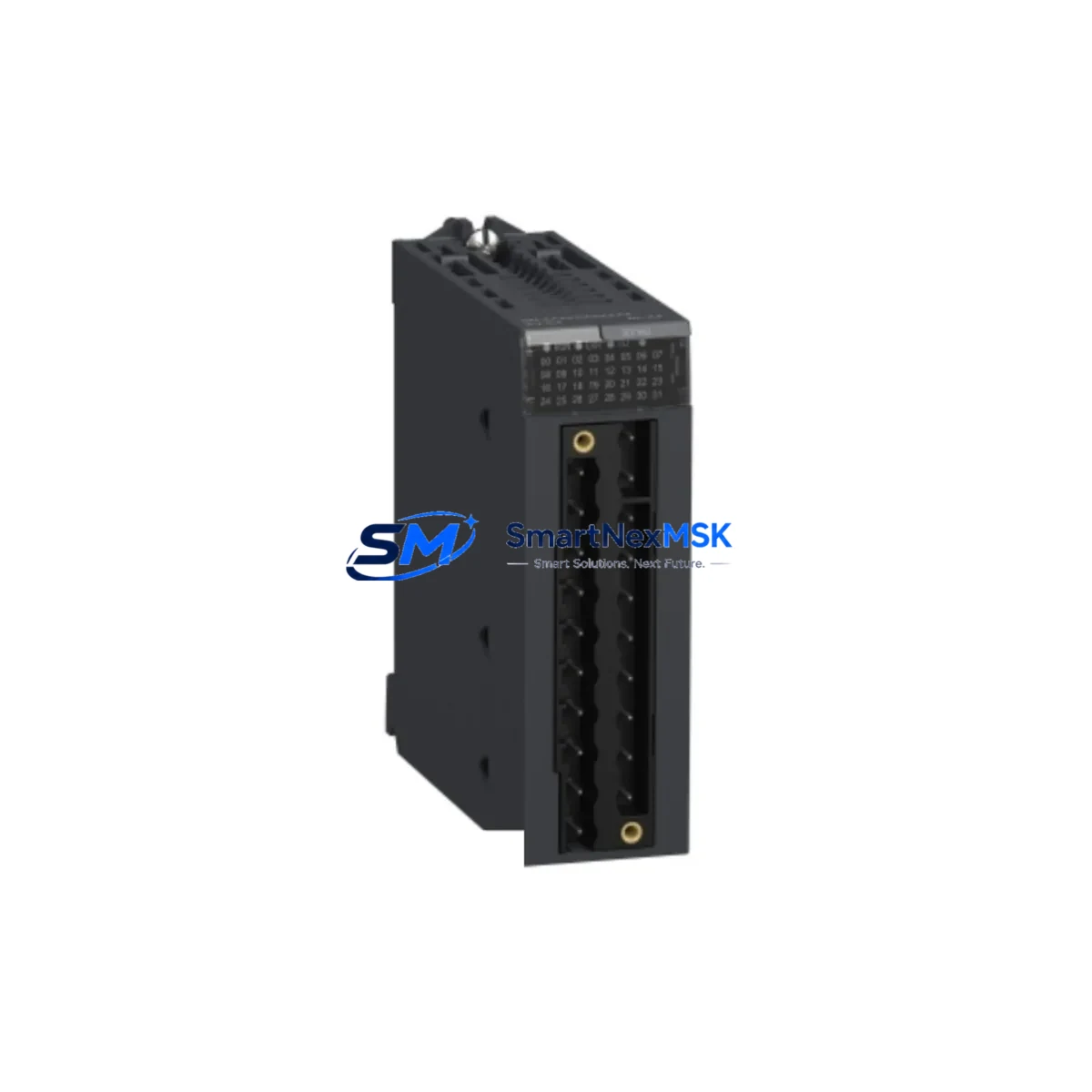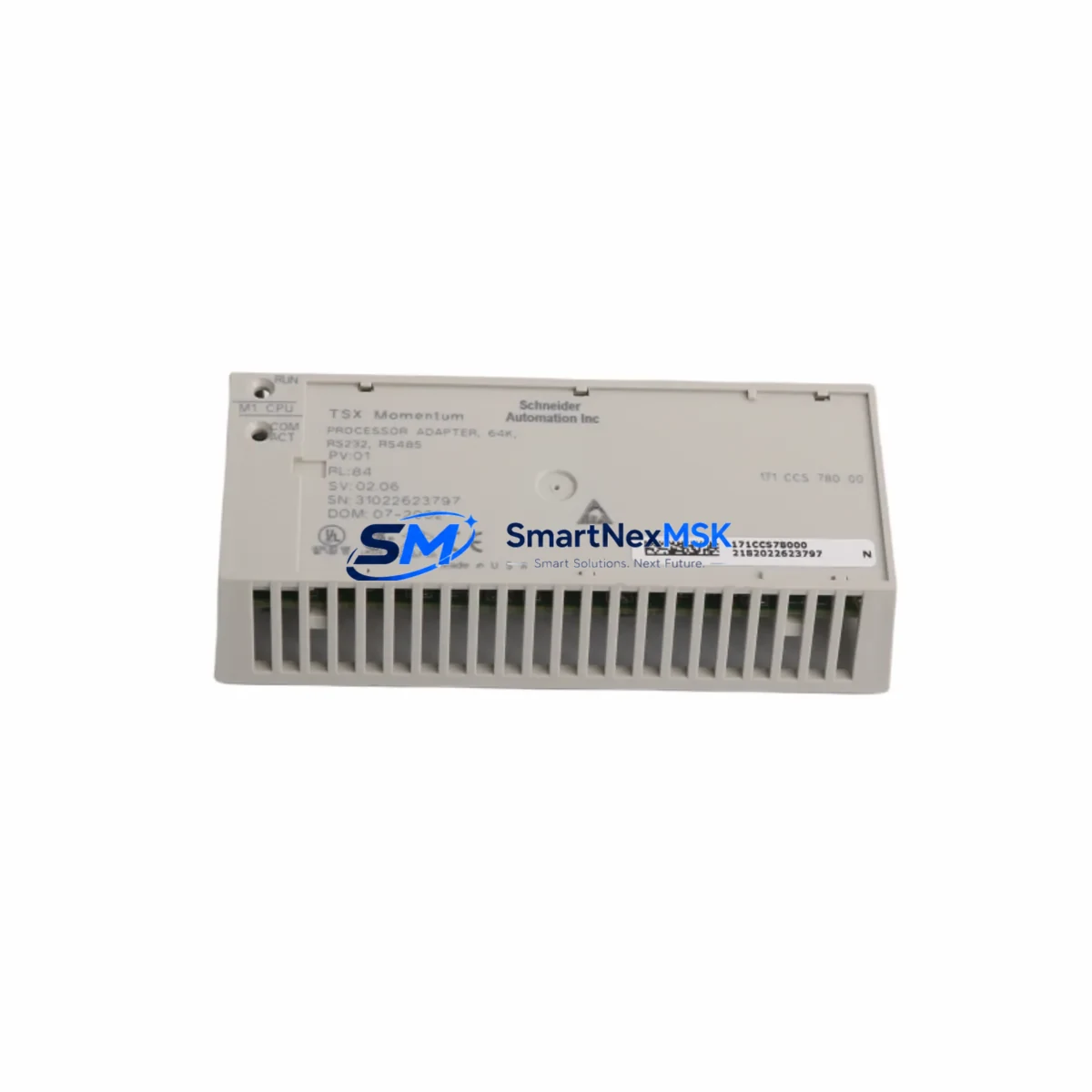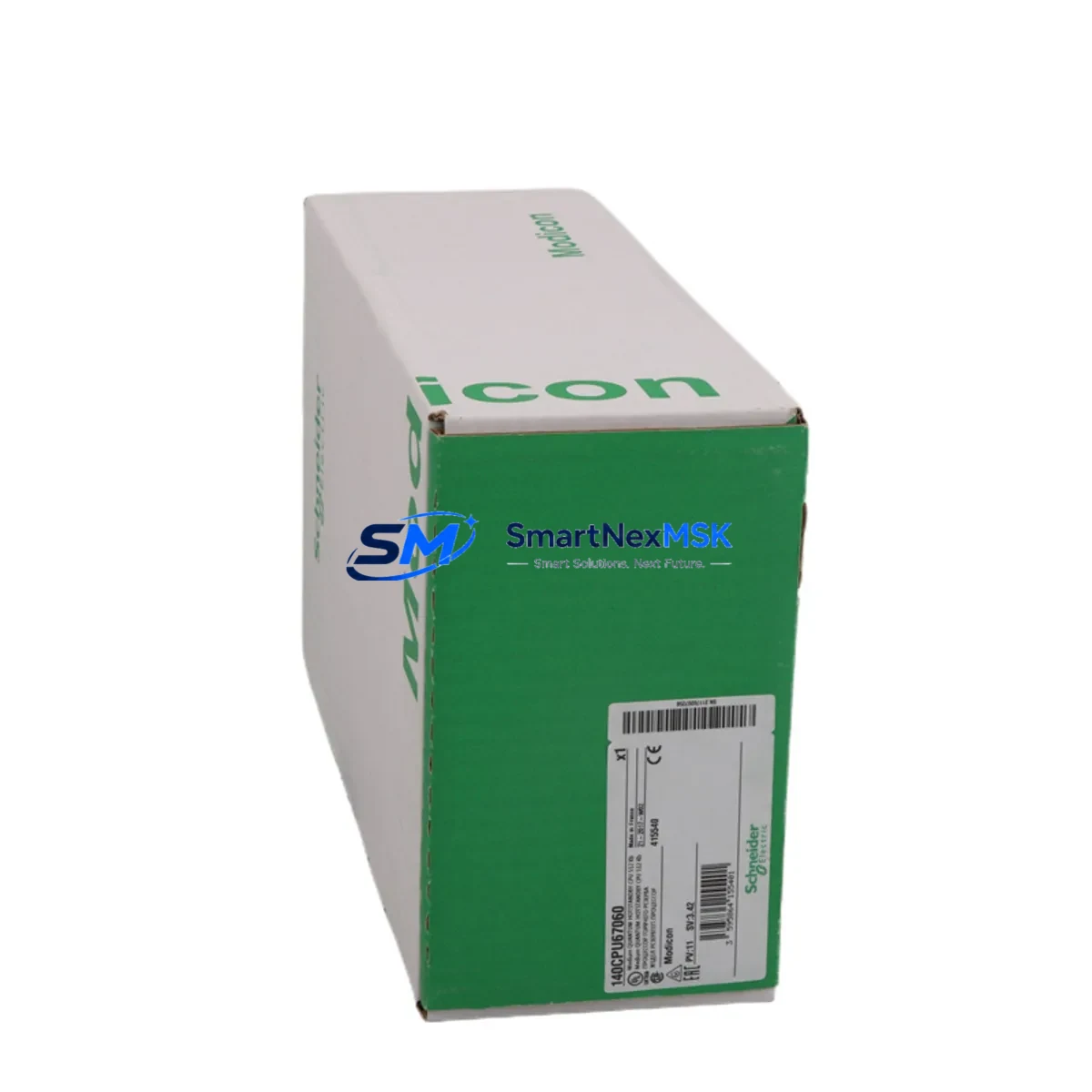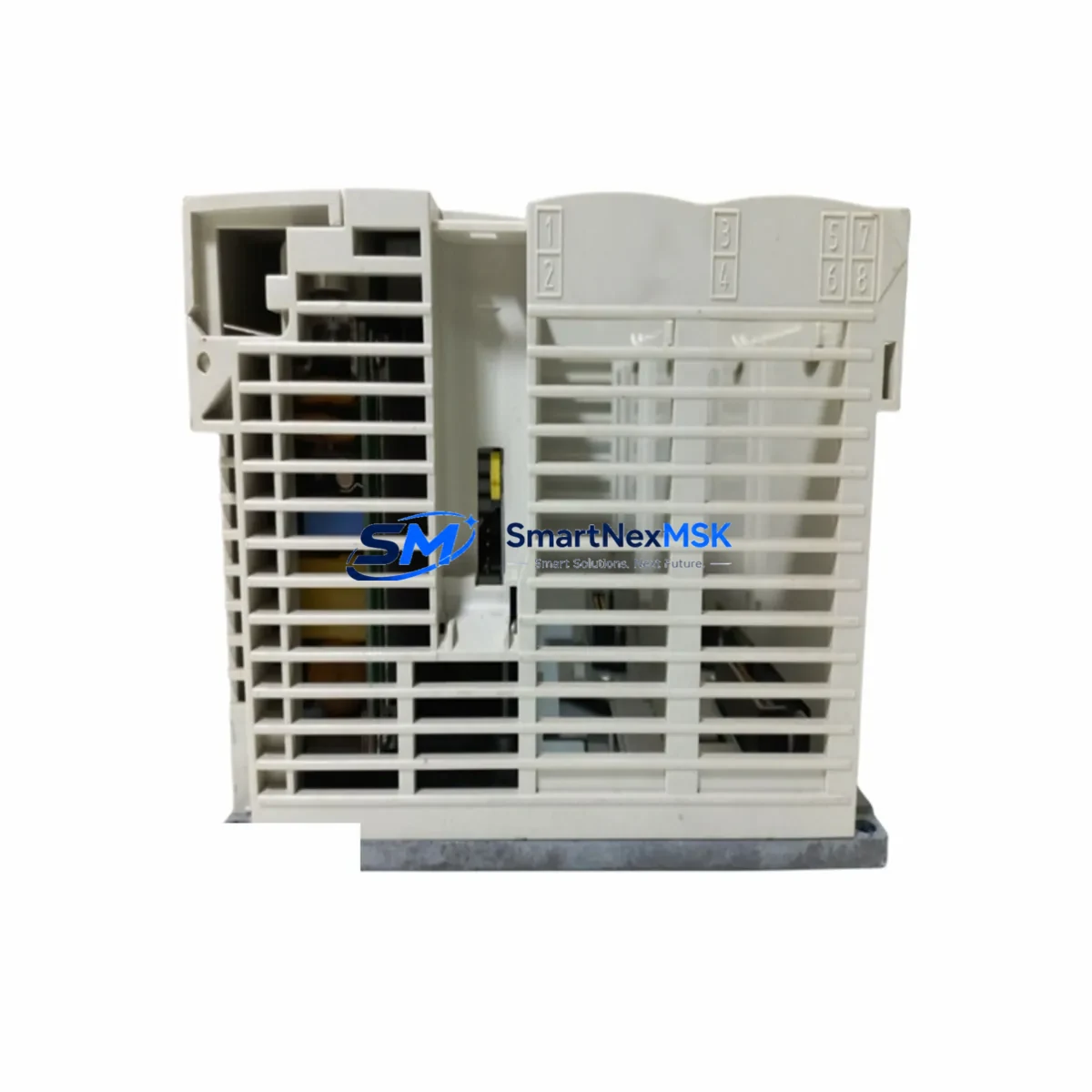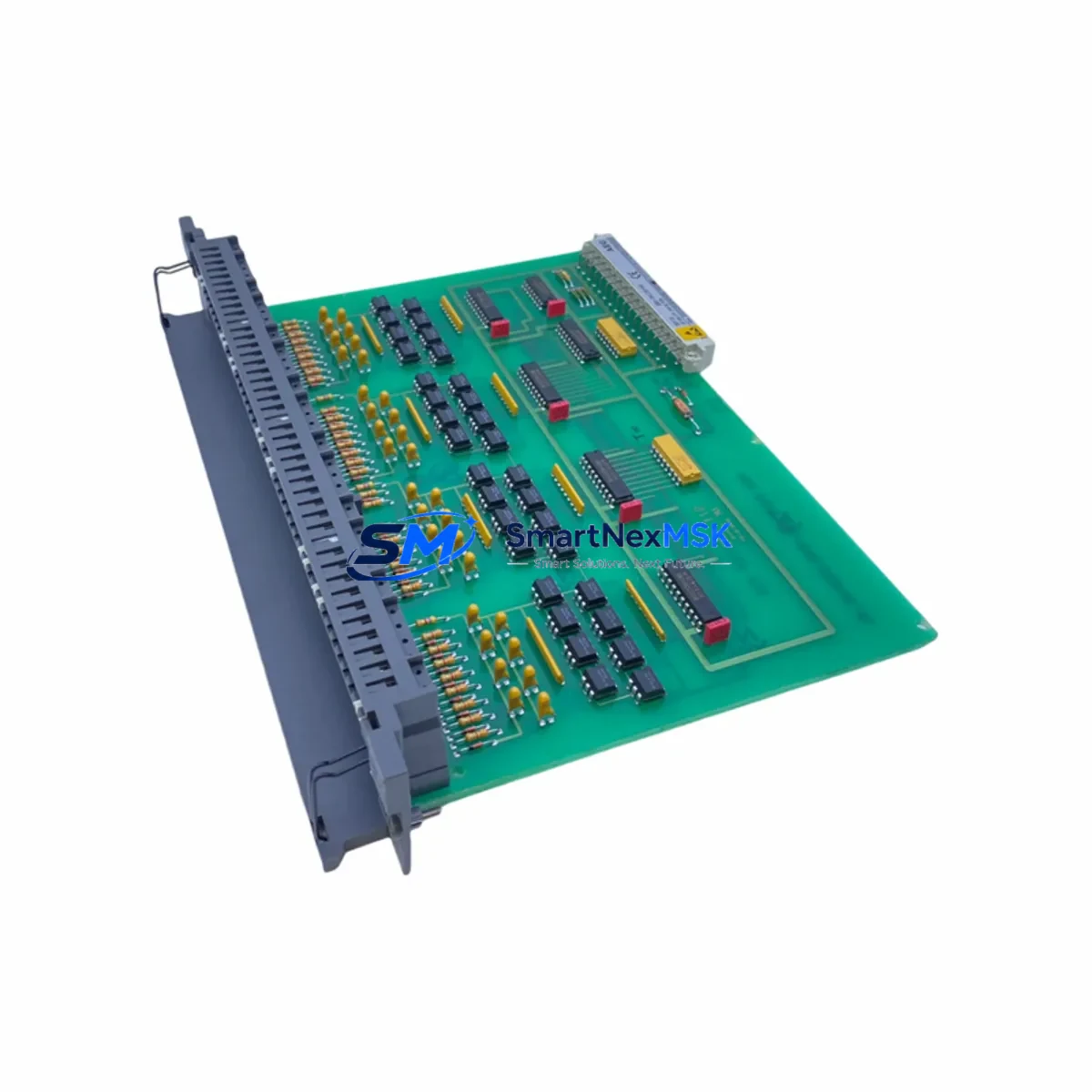
Schneider Electric DEP112 Spare for Modicon TSX Automation
The Schneider Electric DEP112 is an original 12-point 24VDC digital input module designed for the Modicon TSX series of programmable logic controllers. As a maintenance-ready spare part, the DEP112 is a critical component for industrial facilities that rely on Modicon TSX-based control architectures for continuous process automation, discrete manufacturing, and utility management. Unplanned downtime caused by a failed digital input module can cascade across an entire production line. Stocking a verified DEP112 spare ensures that maintenance engineers can execute rapid module swap-outs and restore system operation within a single maintenance window.
This unit is sourced as an original Schneider Electric component, fully tested prior to shipment, and backed by a 12-month warranty. Each module undergoes functional verification covering input channel integrity, signal threshold response, and backplane communication before dispatch. For procurement engineers managing MRO inventory, the DEP112 represents a long-lifecycle spare with broad compatibility across the TSX 37 and TSX 57 platform families.
Spare Maintenance Table
| Parameter | Specification |
|---|---|
| Part Number / SKU | DEP112 |
| Brand | Schneider Electric |
| Series | Modicon TSX (TSX 37 / TSX 57) |
| Module Type | Digital Input Module |
| Number of Input Channels | 12 Points |
| Input Voltage | 24 VDC |
| Input Logic | Positive / Sink |
| Backplane Interface | TSX Rack Bus |
| Compatible Racks | TSX RKY 4, RKY 6, RKY 8, RKY 12 |
| Operating Temperature | 0°C to +60°C |
| Protection Rating | IP20 |
| Origin | France |
| Condition | Original, New / Tested Surplus |
| Pre-shipment Testing | Yes — Channel-level functional test |
| Warranty | 12 Months |
| Typical Application | Discrete I/O, Process Control, Utility Automation |
Maintenance Planning for Continuous Operation
When a DEP112 digital input module is flagged during a control cabinet inspection or fails during a fault-isolation routine, the replacement scope should extend beyond the module itself. Maintenance engineers are advised to conduct a concurrent review of the following components within the same TSX rack and electrical circuit:
Begin with the TSX PSY power supply module — a degraded power supply is a leading cause of intermittent input faults and false diagnostics on digital I/O modules. Verify output voltage stability under load before commissioning the replacement DEP112. Next, inspect the TSX RKY rack backplane for oxidized bus connectors or mechanical damage that could cause communication errors with the new module.
On the field wiring side, check the 24VDC field power distribution terminals and associated terminal blocks (e.g., Schneider NSYTRV or equivalent DIN rail terminals) for loose connections, corrosion, or overheating marks. Faulty field wiring is frequently misdiagnosed as module failure. Inspect input signal fuses or miniature circuit breakers protecting each field device circuit — a blown fuse on an input channel will produce the same symptom as a failed module channel.
If the DEP112 is part of a mixed I/O rack alongside a TSX DEY digital output module or an AEY analog input module, verify that adjacent modules are seated correctly and that the rack is not exceeding its total current budget. For systems using TSX SCY communication modules or TSX ETY Ethernet modules, confirm that the PLC CPU — such as the TSX P57 or TSX 37-22 processor module — has not logged persistent I/O bus faults that would indicate a deeper rack or backplane issue rather than an isolated module failure.
In facilities running legacy Modicon TSX systems beyond their original design life, it is also prudent to inspect the TSX CPU battery and program memory backup, and to verify that any connected Magelis HMI panels or XBT terminals are communicating correctly after the module swap. A complete cabinet inspection checklist — covering power, I/O, communications, and protection devices — reduces the risk of repeat failures and extends the operational life of the overall control system.
Site Replacement Workflow
Step 1 — Pre-replacement verification: Confirm the failed module SKU is DEP112 by reading the label on the module faceplate. Cross-reference with the PLC rack layout drawing and I/O address mapping in the project documentation. Ensure the replacement unit’s firmware and hardware revision are compatible with the installed TSX CPU version.
Step 2 — Safe isolation: Place the PLC in STOP mode via the programming terminal (PL7 Pro or Unity Pro software). De-energize the 24VDC field power supply feeding the input channels. Do not remove the module under live backplane power unless the rack supports hot-swap — standard TSX racks do not.
Step 3 — Module extraction and installation: Release the module locking tab, extract the DEP112, and insert the replacement unit into the same rack slot. Ensure the module is fully seated against the backplane connector. Re-energize field power and return the CPU to RUN mode.
Step 4 — Functional validation: Activate each field device connected to the 12 input channels and verify correct state indication on the module LEDs and in the PLC I/O table. Document the replacement in the site maintenance log with date, technician ID, and new module serial number.
Step 5 — Spare stock replenishment: After consuming a DEP112 from site stock, initiate a replenishment order to maintain minimum spare holding. For critical production lines, a minimum of one DEP112 per installed rack is recommended as a baseline inventory strategy.
Spare Parts Support FAQ
Q1: Is the DEP112 still available as a new original part, or only as tested surplus?
The DEP112 is available in both new original and tested surplus condition. All units — regardless of condition — are functionally tested at the channel level before shipment. The condition is clearly stated on the product listing and shipping documentation.
Q2: How do I confirm compatibility between the DEP112 and my installed TSX CPU version?
The DEP112 is compatible with the full TSX 37 and TSX 57 rack families. Compatibility is determined by the rack type (RKY series) rather than the CPU version. If you provide your rack reference and CPU model, our technical team can confirm compatibility before order confirmation.
Q3: What pre-shipment testing is performed on each DEP112 unit?
Each unit undergoes a channel-level functional test verifying input signal detection across all 12 channels, correct LED indication, and backplane communication integrity. A test report is available upon request for quality-critical procurement.
Q4: What does the 12-month warranty cover, and how is a warranty claim handled?
The 12-month warranty covers functional failure under normal operating conditions. It does not cover damage caused by incorrect installation, overvoltage, or physical mishandling. Warranty claims are handled by contacting our sales team directly — a replacement unit or full refund is issued after fault confirmation, with no requirement to return the unit in advance for standard claims.
© 2026 SMARTNEXMSK. All rights reserved.
Original Source: https://smartnexmsk.com
Contact: [email protected] | +86 18259474341