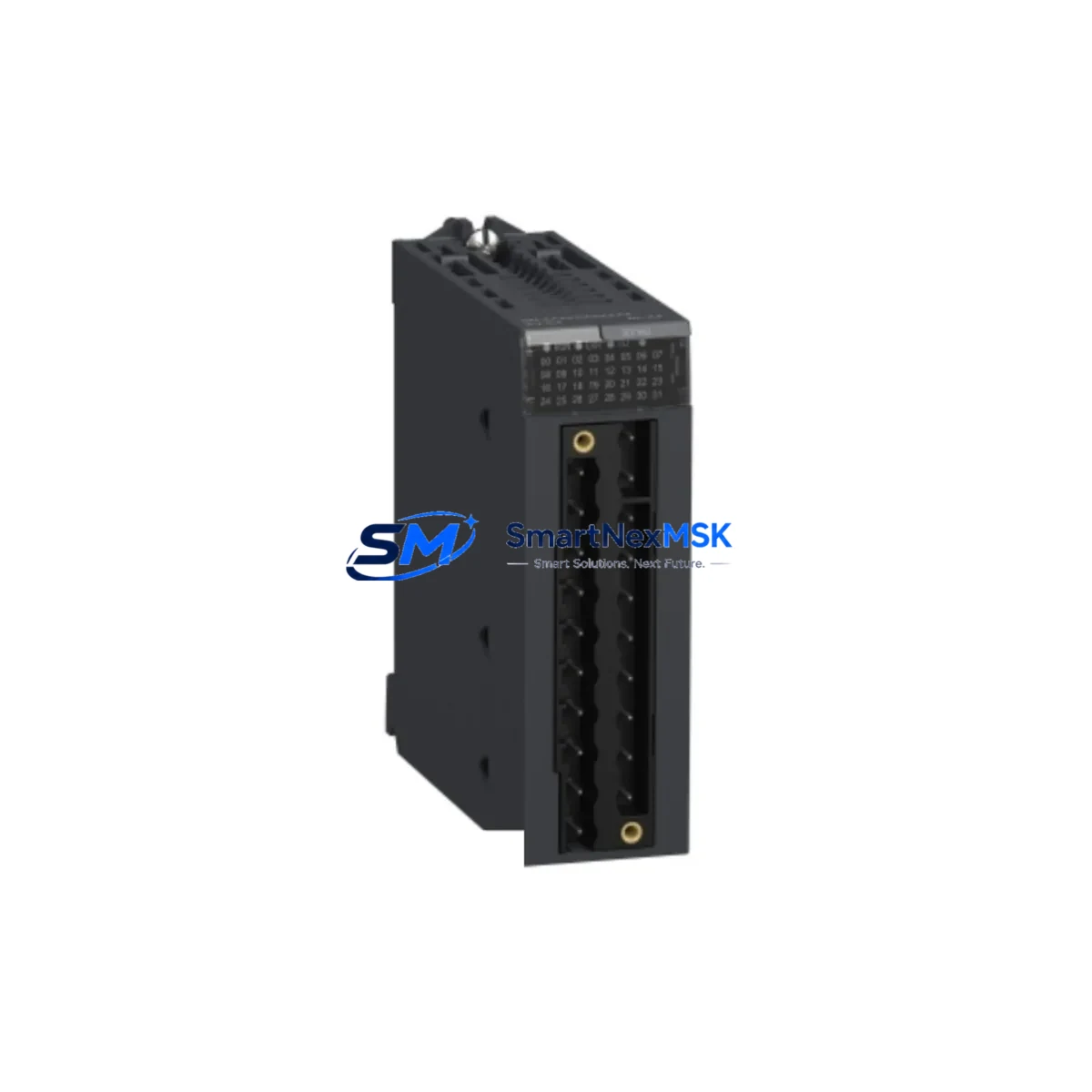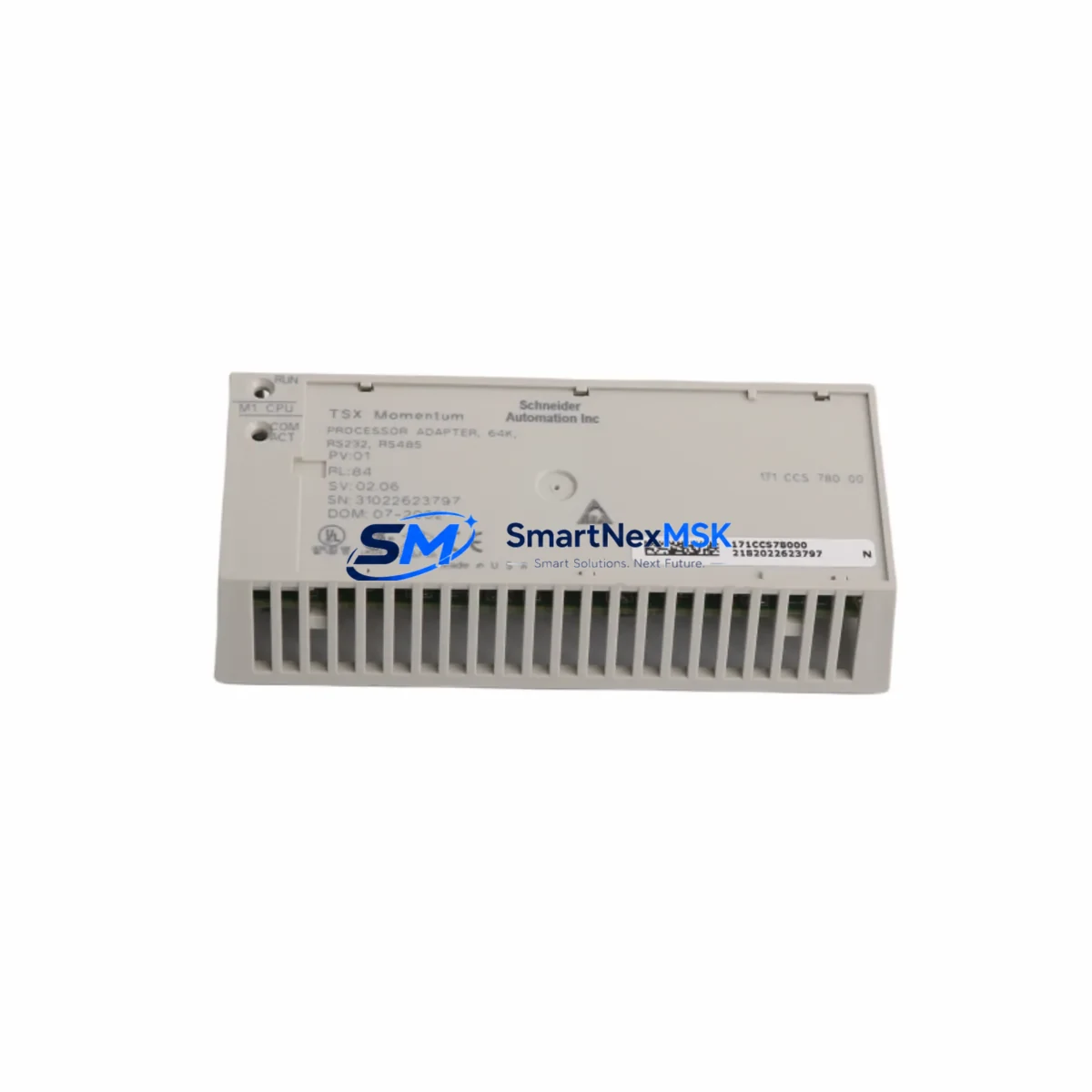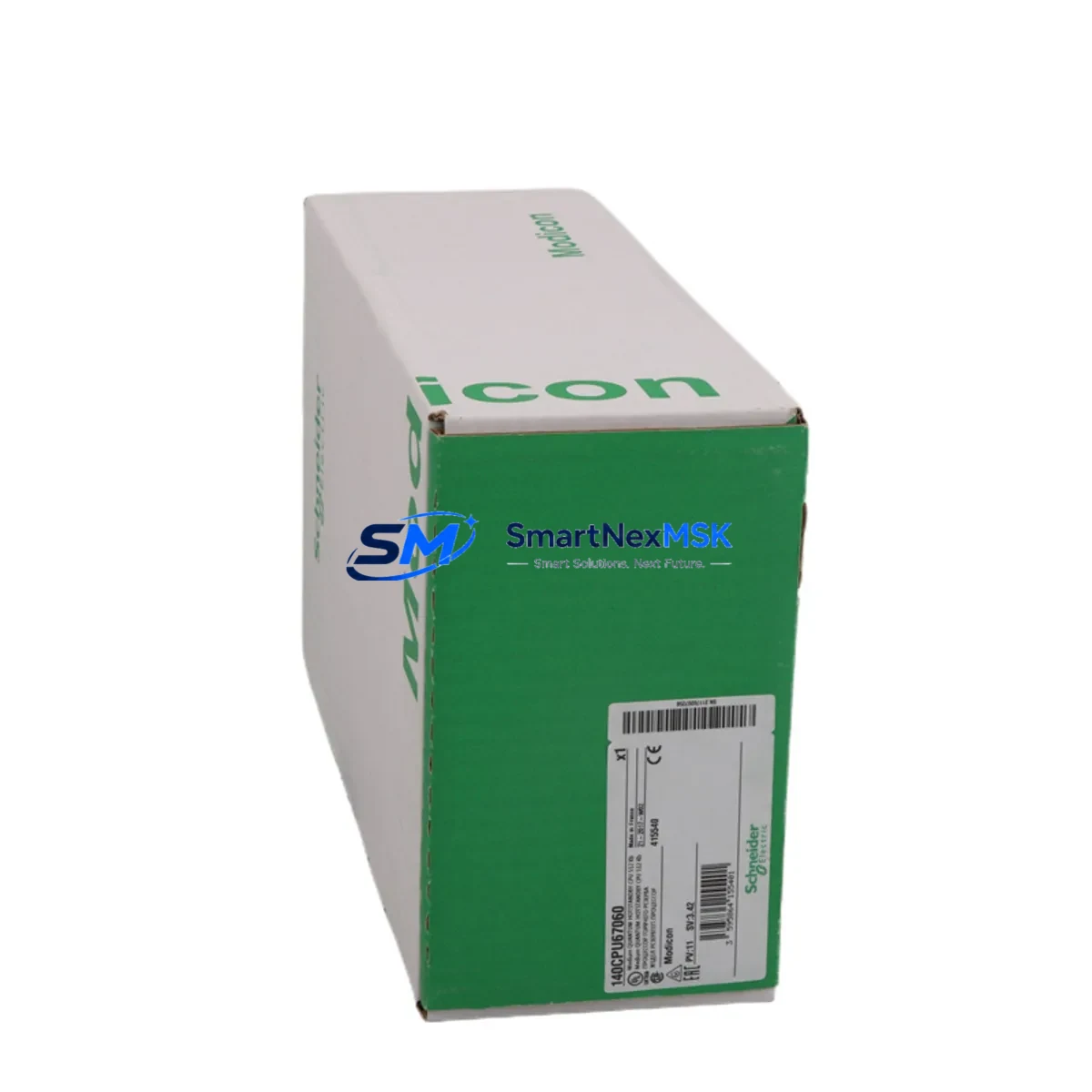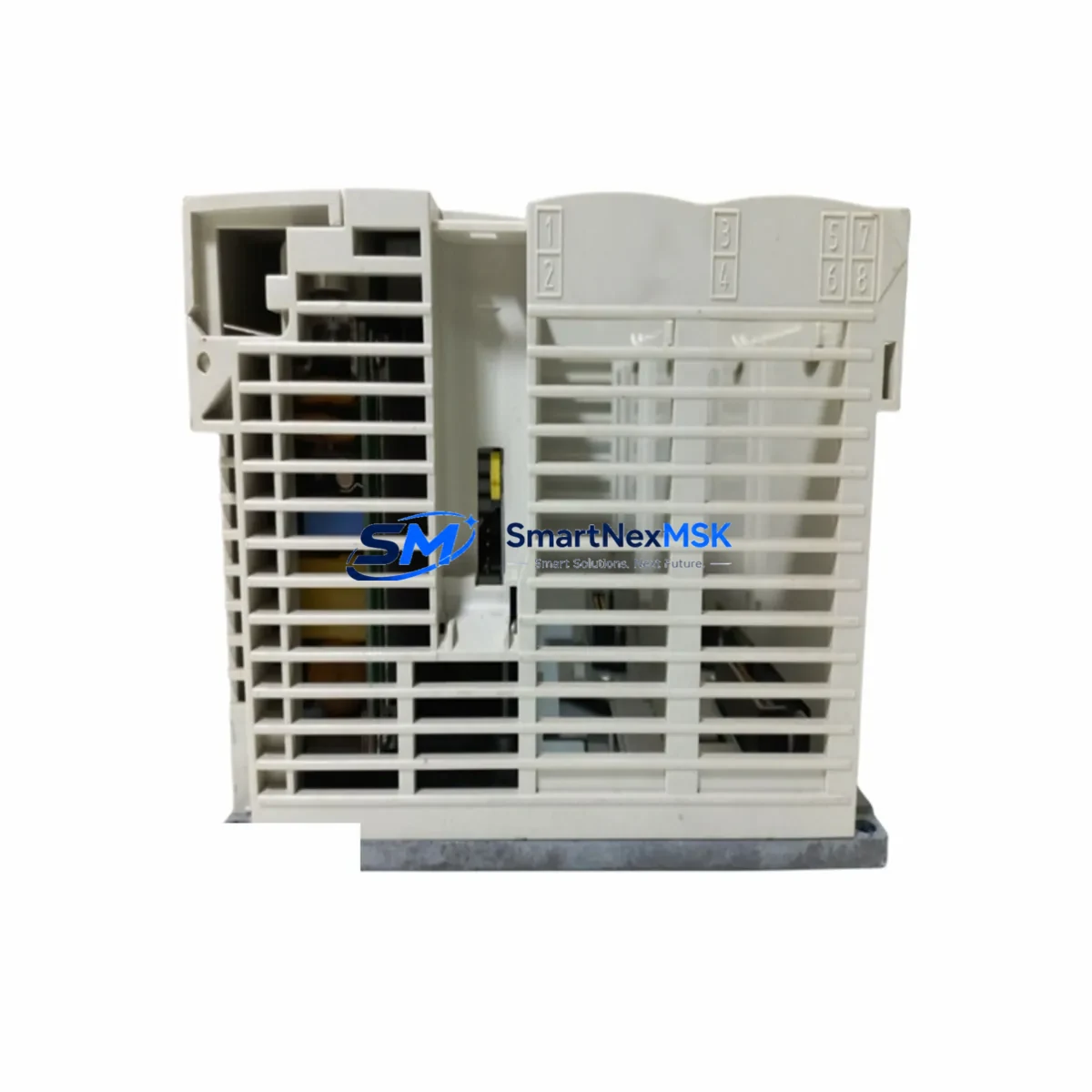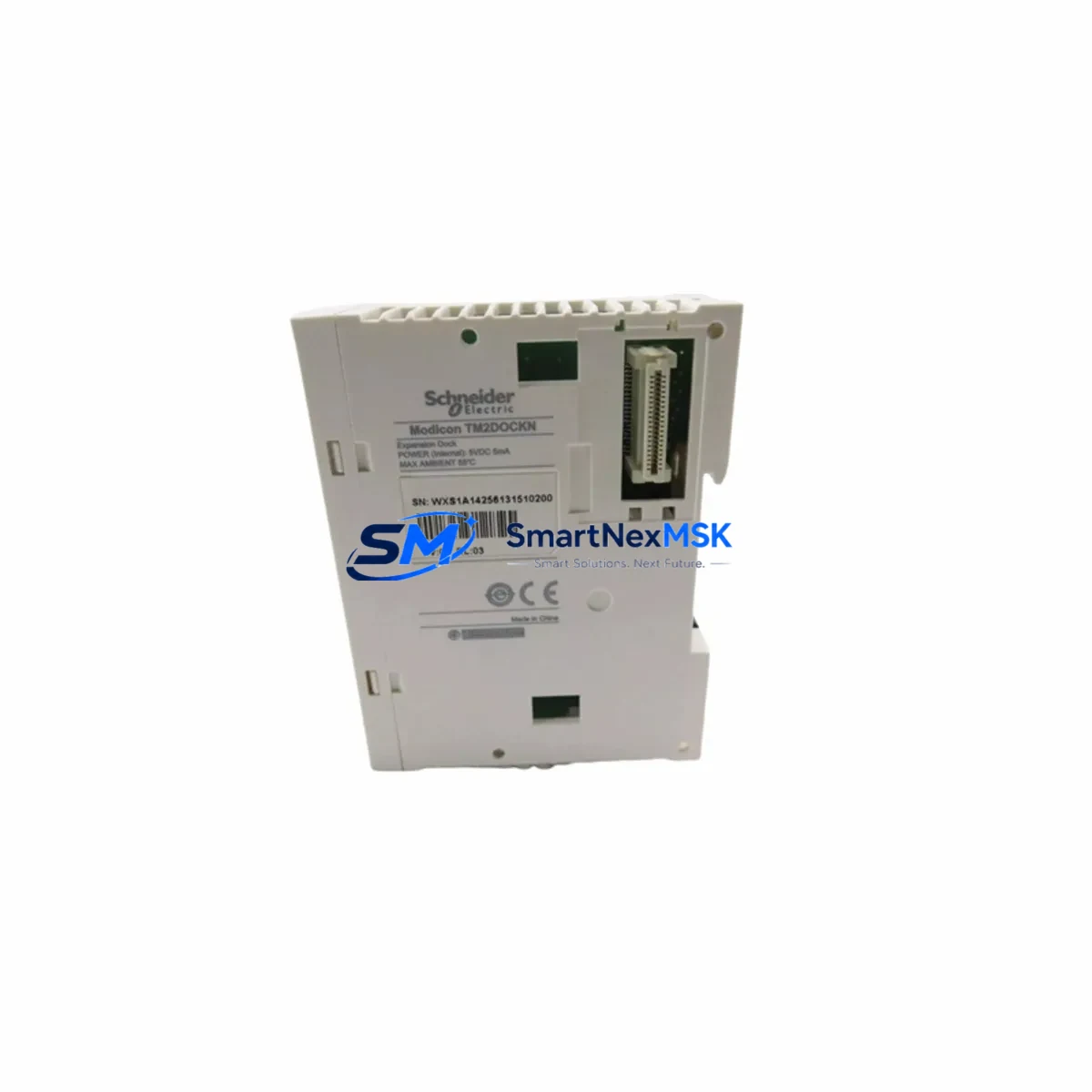
Schneider Electric TM2DOCKN Spare for Modicon TM2 Automation
The Schneider Electric TM2DOCKN is the original expansion bus adaptor designed for the Modicon TM2 series, enabling seamless I/O expansion on M238 and compatible Modicon controllers. In industrial maintenance environments where unplanned downtime translates directly into production loss, having a verified, pre-tested TM2DOCKN in your spare parts inventory is a critical risk-mitigation measure. This unit ships as an original Schneider Electric component, fully inspected and backed by a 12-month warranty, ensuring your control system can be restored to full operation with minimal delay.
For maintenance engineers managing aging Modicon TM2 control cabinets, the TM2DOCKN serves as the mechanical and electrical bridge between the base controller and expansion I/O modules. Its failure — whether from vibration fatigue, connector wear, or power surge — immediately disables all downstream I/O, triggering a full line stop. Stocking this adaptor alongside your standard TM2 spare kit is a straightforward way to reduce mean time to repair (MTTR) and protect production continuity.
Spare Maintenance Table
| Parameter | Specification |
|---|---|
| Part Number / SKU | TM2DOCKN |
| Brand | Schneider Electric |
| Series | Modicon TM2 |
| Product Type | PLC Expansion Bus Adaptor |
| Compatible Controllers | Modicon M238, TM238 series; TM2 expansion bus |
| Compatible I/O Modules | TM2DDI8DT, TM2DDO8TT, TM2AMI2HT, TM2AVO2HT and TM2 series I/O |
| Origin | France (Original Schneider Electric) |
| Mounting | DIN rail, snap-on to TM2 base controller |
| Operating Temperature | 0°C to +60°C (IEC 61131-2 compliant) |
| Storage Temperature | -25°C to +70°C |
| Protection Rating | IP20 |
| Application Environment | Industrial control panels, machine automation, process control |
| Maintenance Recommendation | Inspect connector pins and bus locking tabs at each scheduled PM; replace if mechanical wear or intermittent I/O faults are detected |
| Warranty | 12 Months |
| Condition | Original, pre-tested, ready to ship |
Maintenance Planning for Continuous Operation
When a TM2DOCKN failure is identified during fault isolation or routine inspection, experienced maintenance engineers know that a single component swap rarely tells the whole story. A thorough site assessment should accompany any TM2DOCKN replacement to prevent repeat failures and ensure the restored system operates reliably through the next maintenance interval.
Begin by verifying the 24 VDC power supply feeding the TM2 rack — a degraded or undersized supply (such as an aging Phaseo ABL7 series unit) can cause intermittent bus communication errors that mimic adaptor failure. Inspect the TM2 I/O modules seated on the expansion bus, particularly digital input modules like the TM2DDI8DT and digital output modules such as the TM2DDO8TT, for signs of overheating, loose terminal connections, or blown output channels. Analogue modules including the TM2AMI2HT (analogue input) and TM2AVO2HT (analogue output) should be checked for signal drift or calibration loss that may have been masked by the bus fault.
Review the terminal blocks and wiring harnesses connected to each I/O module — corroded or loose field wiring is a common root cause of bus instability that gets misattributed to the adaptor itself. If the cabinet includes signal isolators on analogue loops (e.g., for 4–20 mA transmitters), verify their output integrity before re-energising the system. Check any intermediate relays or solid-state relays driven by TM2 digital outputs for contact wear or coil degradation, as a shorted relay load can stress output modules and propagate faults upstream.
For cabinets with Modicon M238 or TM238 base controllers, confirm that the controller firmware is current and that the I/O configuration in SoMachine or EcoStruxure Machine Expert matches the physical module layout after the adaptor swap. If a Magelis HMI (such as the HMIGTO or HMISTO series) is connected via serial or Ethernet, verify communication parameters are intact post-replacement. Finally, inspect cabinet ventilation, fuse holders, and surge protection devices — a blown fuse or failed SPD is often the upstream cause of the event that damaged the original TM2DOCKN.
Site Replacement Workflow
Replacing the TM2DOCKN on-site is a straightforward procedure when the correct spare is available and the replacement workflow is followed systematically:
- De-energise and isolate the control cabinet per local LOTO procedures. Confirm 24 VDC bus power is off before touching the expansion bus.
- Document the existing I/O module layout — photograph or record the position of each TM2 module on the expansion bus before disassembly.
- Remove I/O modules from the expansion bus by releasing the locking tabs, then detach the TM2DOCKN from the base controller.
- Inspect the base controller connector on the M238/TM238 for bent pins or debris before fitting the replacement TM2DOCKN.
- Snap the new TM2DOCKN onto the base controller, ensuring the mechanical lock engages fully. Re-seat all I/O modules in their original positions.
- Re-energise and verify — confirm all I/O modules are recognised in the PLC configuration, check for any I/O fault LEDs, and run a functional test of all field devices before returning the machine to production.
- Update the maintenance log with the replacement date, part number, and any associated findings for future reference.
This workflow minimises downtime and ensures the replacement is validated before the line restarts, reducing the risk of a secondary fault event.
Spare Parts Support FAQ
Q1: Is the TM2DOCKN compatible with all Modicon TM2 I/O modules?
Yes. The TM2DOCKN is the standard expansion bus adaptor for the Modicon TM2 series and is compatible with all TM2 digital and analogue I/O modules, including the TM2DDI8DT, TM2DDO8TT, TM2AMI2HT, and TM2AVO2HT. It is designed for use with M238 and TM238 base controllers running SoMachine or EcoStruxure Machine Expert.
Q2: How is the TM2DOCKN tested before shipment?
Each unit undergoes a pre-shipment functional inspection covering connector integrity, bus communication continuity, and mechanical locking mechanism. Units that do not pass inspection are not shipped. All orders include a 12-month warranty covering manufacturing defects and functional failures under normal operating conditions.
Q3: Can the TM2DOCKN replace an older or discontinued adaptor from the same series?
The TM2DOCKN is the current Schneider Electric part number for this function. If your existing installation uses an earlier revision of the same adaptor, the TM2DOCKN is the direct replacement. Always verify the physical connector type and module count against your existing configuration before installation. Our technical team can assist with compatibility confirmation prior to order.
Q4: What is your lead time and long-term supply availability?
In-stock units ship within 1–3 business days. For planned maintenance programmes or MRO blanket orders requiring multiple units over a 6–12 month horizon, we support scheduled release orders to ensure supply continuity for your site. Contact our sales team to discuss inventory reservation and long-term supply agreements.
© 2026 SMARTNEXMSK. All rights reserved.
Original Source: https://smartnexmsk.com
Contact: [email protected] | +86 18259474341