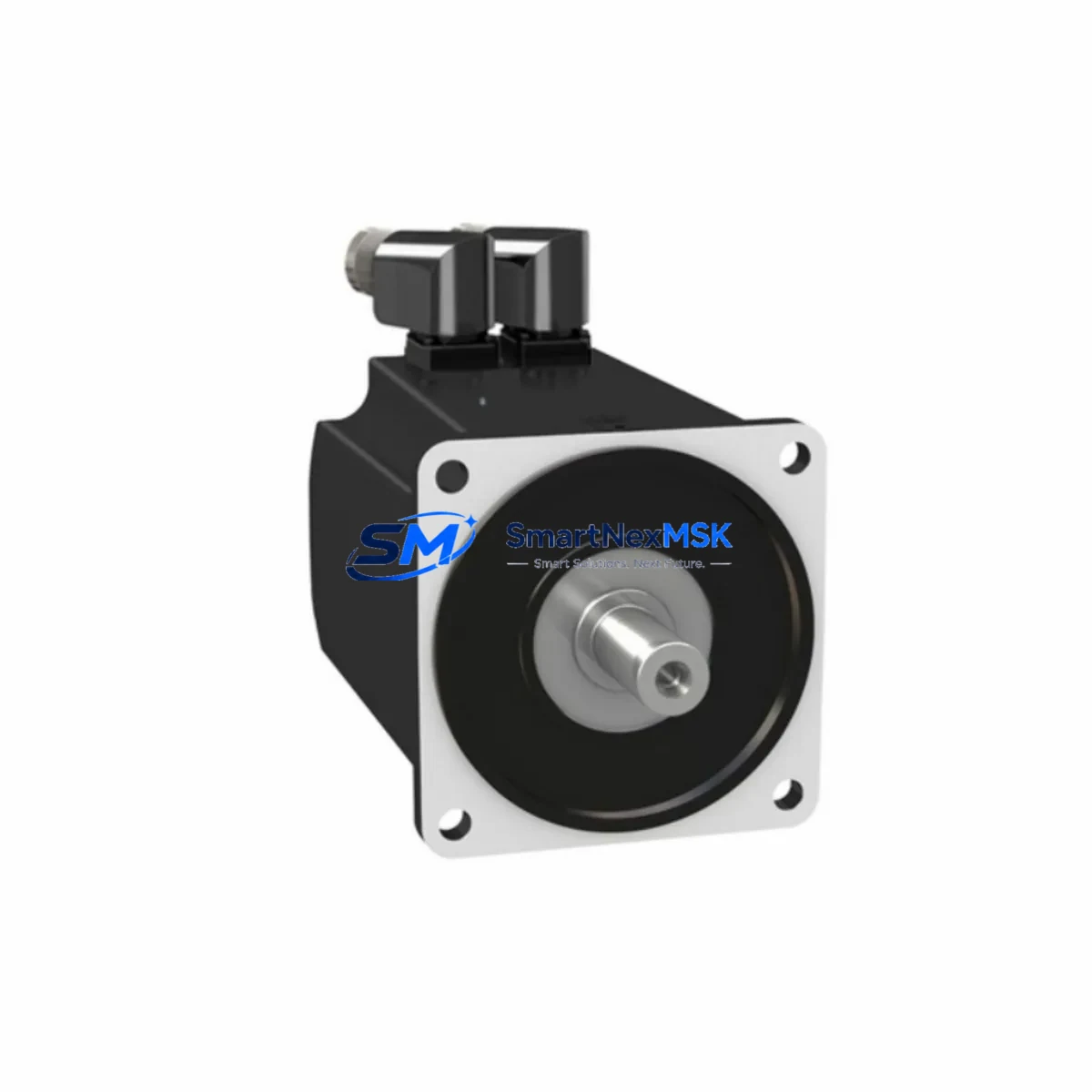
Schneider HMIGTO2300 Retrofit-Ready HMI for Magelis GTO Control Systems
The Schneider Electric HMIGTO2300 is a 3.8-inch QVGA color touchscreen HMI panel from the Magelis GTO series, purpose-built for industrial control environments where legacy system compatibility, minimal downtime, and long-term parts availability are non-negotiable. Whether you are replacing a failed unit on an aging production line, upgrading a control cabinet from an earlier Magelis XBT or Magelis GTO generation, or migrating from a discontinued panel to a currently supported model, the HMIGTO2300 delivers a proven, field-tested retrofit path with minimal engineering rework.
This unit supports serial communication via RS-232C and RS-485, as well as Modbus RTU and Modbus TCP/IP protocols, making it directly compatible with a wide range of Schneider Modicon M340, Modicon M580, and Modicon Premium PLCs without requiring protocol converters or gateway devices. Its compact panel-cut dimensions and standard DIN-rail-compatible mounting footprint allow direct installation into existing control cabinets with minimal mechanical modification.
Upgrade Compatibility Table
| Parameter | HMIGTO2300 Specification | Retrofit Notes |
|---|---|---|
| Display | 3.8″ QVGA TFT Color Touchscreen | Verify panel cutout dimensions match legacy unit |
| Communication Ports | RS-232C, RS-485, Ethernet (RJ45) | Compatible with Modbus RTU and Modbus TCP/IP |
| Power Supply | 24 VDC (±20%) | Confirm existing PSU output; no transformer required |
| PLC Compatibility | Modicon M340, M580, Premium, Quantum | Driver pre-loaded; verify firmware version on PLC |
| Programming Software | Vijeo Designer 6.x | Existing .xba project files can be imported and adapted |
| Mounting | Panel-mount, IP65 front face | Standard cutout; gasket seal included |
| Replacement Models | HMIGTO2310, XBTGT2330, XBTGT2220 | Direct functional replacement; screen size may differ |
| Warranty | 12 Months | Covers hardware defects; includes pre-shipment function test |
Retrofit Planning for Existing Automation Systems
A successful HMIGTO2300 retrofit begins well before the unit arrives on-site. Engineers replacing a legacy XBTGT2330 or XBTGT2220 panel should first audit the existing control cabinet for available 24 VDC power capacity. The HMIGTO2300 draws approximately 5W at full brightness; if the existing Phaseo ABL8 power supply is already loaded near capacity due to additional I/O modules or communication cards, a supplementary rail-mount PSU may be required before installation.
Terminal wiring is the next critical checkpoint. The HMIGTO2300 uses a standard 2-pin power connector and a DB9 serial port for RS-232C communication. When migrating from an older Magelis XBT panel that used a proprietary connector pinout, technicians must prepare a wiring adapter or re-terminate the cable harness to match the new port layout. For Ethernet-connected installations communicating with a Modicon M340 via Modbus TCP/IP, the existing RJ45 patch cable can typically be reused without modification.
Backplane and rack considerations apply when the HMIGTO2300 is deployed alongside a Modicon X80 I/O drop or a BMX CRA 312 10 remote I/O adapter. In these configurations, the HMI communicates over the Ethernet network rather than through a direct serial link, and the network topology — including any managed switches or TCSESM Ethernet switches — must be verified to support the additional node without introducing latency that could affect screen refresh rates or alarm acknowledgment timing.
Module addressing must be confirmed in the Vijeo Designer project file before the new panel is powered on. If the legacy project was built for a XBTGT2330 with a different internal memory map, variable addresses referencing %MW registers in the Modicon M340 program may need to be remapped. This is particularly important for systems where the HMI drives setpoint entry for PID loops or batch control sequences managed by a Unity Pro application running on the PLC CPU.
HMI screen migration is straightforward when the source project was created in Vijeo Designer 5.x or later. The .xba project file can be opened in Vijeo Designer 6.x, the target panel model changed to HMIGTO2300, and the project rebuilt. Most graphic objects, alarm pages, and trend displays transfer without manual redrawing. Screens originally designed for a larger HMIGTO4310 or HMIGTO5310 panel will require layout rescaling to fit the 3.8-inch display, but functional logic and variable bindings remain intact.
Communication link verification should be performed with the PLC in RUN mode before handing the system back to production. Use the Vijeo Designer runtime diagnostics to confirm that all variable reads and writes are completing within the expected scan cycle. For systems where the HMIGTO2300 shares an Ethernet segment with a Modicon M580 CPU and a BMENOC0301 Ethernet communication module, confirm that the IP address scheme does not conflict with existing devices on the subnet.
Downtime Control During System Migration
Minimizing production downtime during an HMI panel swap requires a structured pre-commissioning approach. Before removing the legacy unit, technicians should export the full Vijeo Designer project from the existing panel using the upload function, verify the backup file integrity, and store a copy on both a local engineering laptop and a network share. This ensures that if the new HMIGTO2300 requires a fresh project load rather than a direct transfer, the source data is immediately available without searching for archived project files.
The physical swap itself — disconnecting power, removing the panel from the cutout, installing the HMIGTO2300, and reconnecting wiring — typically takes 20 to 40 minutes for a trained technician familiar with the cabinet layout. The majority of commissioning time is spent on communication verification and screen functional testing rather than mechanical installation. Pre-staging the HMIGTO2300 with the Vijeo Designer project loaded and communication parameters configured before the maintenance window begins can reduce total downtime to under one hour in most retrofit scenarios.
To protect original program logic in the Modicon PLC during the HMI swap, the PLC should remain in RUN mode throughout the panel replacement. The Modicon M340 or M580 CPU will continue executing the control program and maintaining process outputs regardless of HMI connectivity status. Only alarm acknowledgment and operator setpoint entry functions are interrupted during the swap window, which is acceptable for most batch and continuous process applications when the maintenance window is coordinated with the production schedule.
Field calibration after installation is limited to communication parameter verification and screen brightness adjustment. No analog I/O calibration is required since the HMIGTO2300 does not directly interface with field instruments — all process data is read from PLC memory registers over the communication link. Final acceptance testing should include cycling through all HMI screens, triggering and acknowledging a test alarm, and verifying that all operator-entry setpoints write correctly to the PLC program.
Retrofit Support FAQ
Q: Is the HMIGTO2300 a direct drop-in replacement for the XBTGT2330?
A: Functionally yes — both units use Vijeo Designer, support Modbus RTU and TCP/IP, and share compatible variable addressing. The panel cutout dimensions differ slightly (HMIGTO2300 is 115 × 86 mm vs. 115 × 90 mm for XBTGT2330), so minor cabinet modification may be required. Wiring pinouts are compatible for 24 VDC power and RS-232C serial connections.
Q: Can I reuse my existing Vijeo Designer project from an older Magelis panel?
A: Yes. Projects created in Vijeo Designer 5.0 or later can be opened in Vijeo Designer 6.x and retargeted to the HMIGTO2300. Variable bindings, alarm configurations, and trend definitions are preserved. Screens designed for larger panels (e.g., HMIGTO4310) will require layout rescaling. Schneider Electric’s migration guide provides step-by-step instructions for the retargeting process.
Q: What pre-shipment testing is performed on the HMIGTO2300?
A: Each unit undergoes a full power-on functional test prior to shipment, including display verification, touchscreen calibration check, and communication port continuity. Units are shipped with original or equivalent packaging and include a 12-month warranty covering hardware defects from the date of delivery. A test report is available upon request.
Q: What should I verify before connecting the HMIGTO2300 to my Modicon PLC?
A: Confirm the PLC communication driver is set to Modbus RTU (for serial) or Modbus TCP/IP (for Ethernet), verify the PLC IP address or COM port settings match the Vijeo Designer project configuration, and ensure the 24 VDC supply is within the ±20% tolerance range. For Modicon M340 systems using a BMX NOE 0100 Ethernet module, confirm the module firmware supports the Modbus TCP server function before establishing the HMI connection.
© 2026 SMARTNEXMSK. All rights reserved.
Original Source: https://smartnexmsk.com
Contact: [email protected] | +86 18259474341