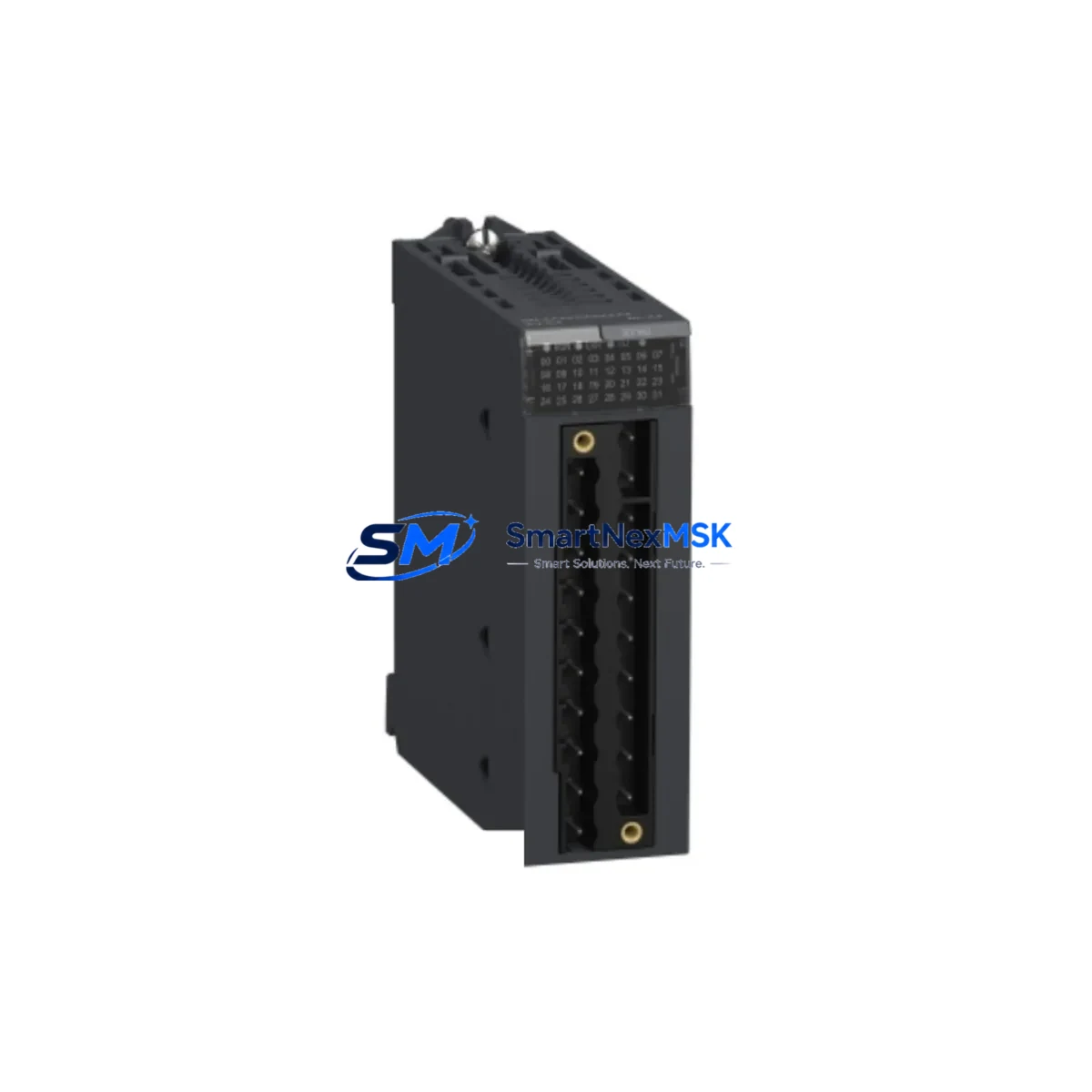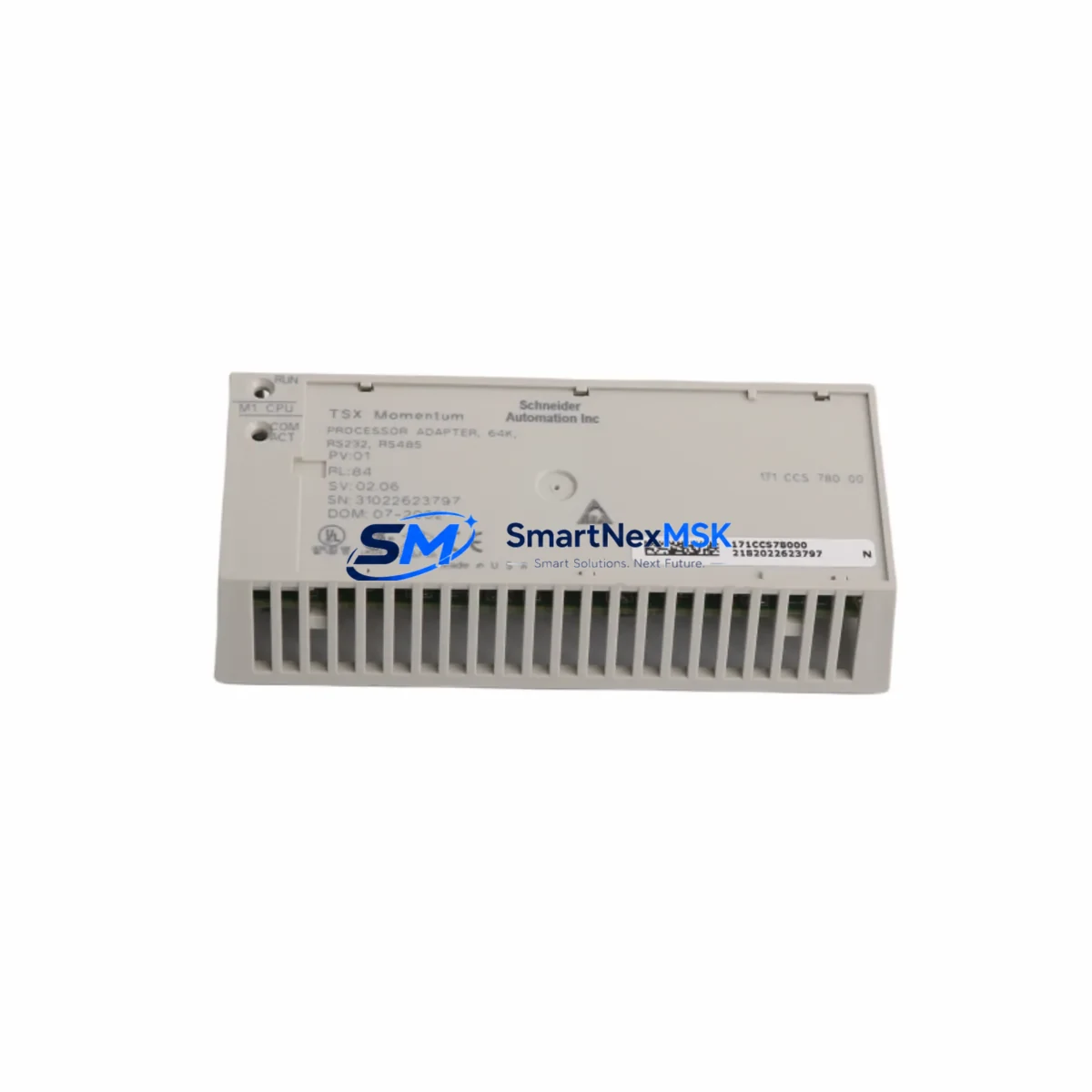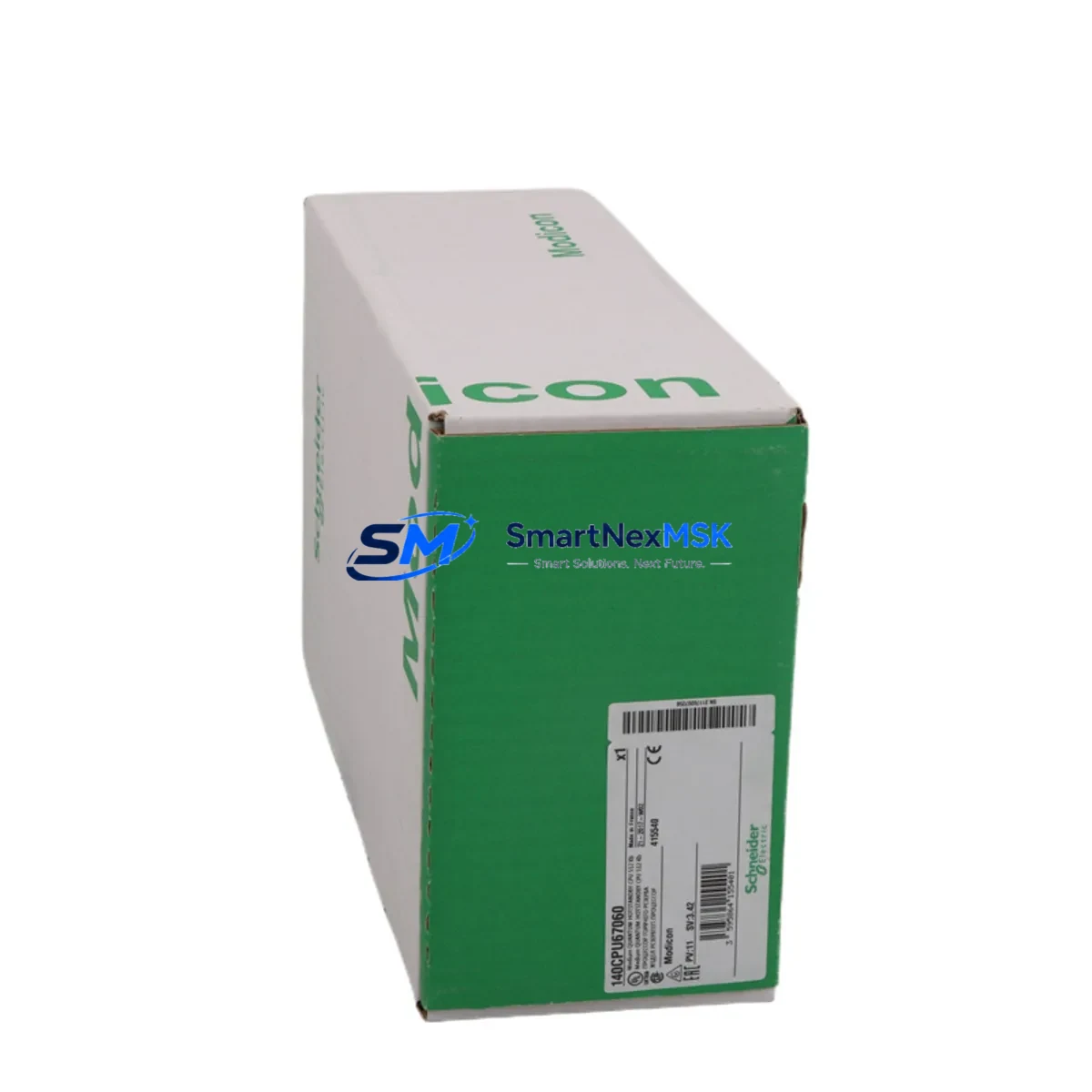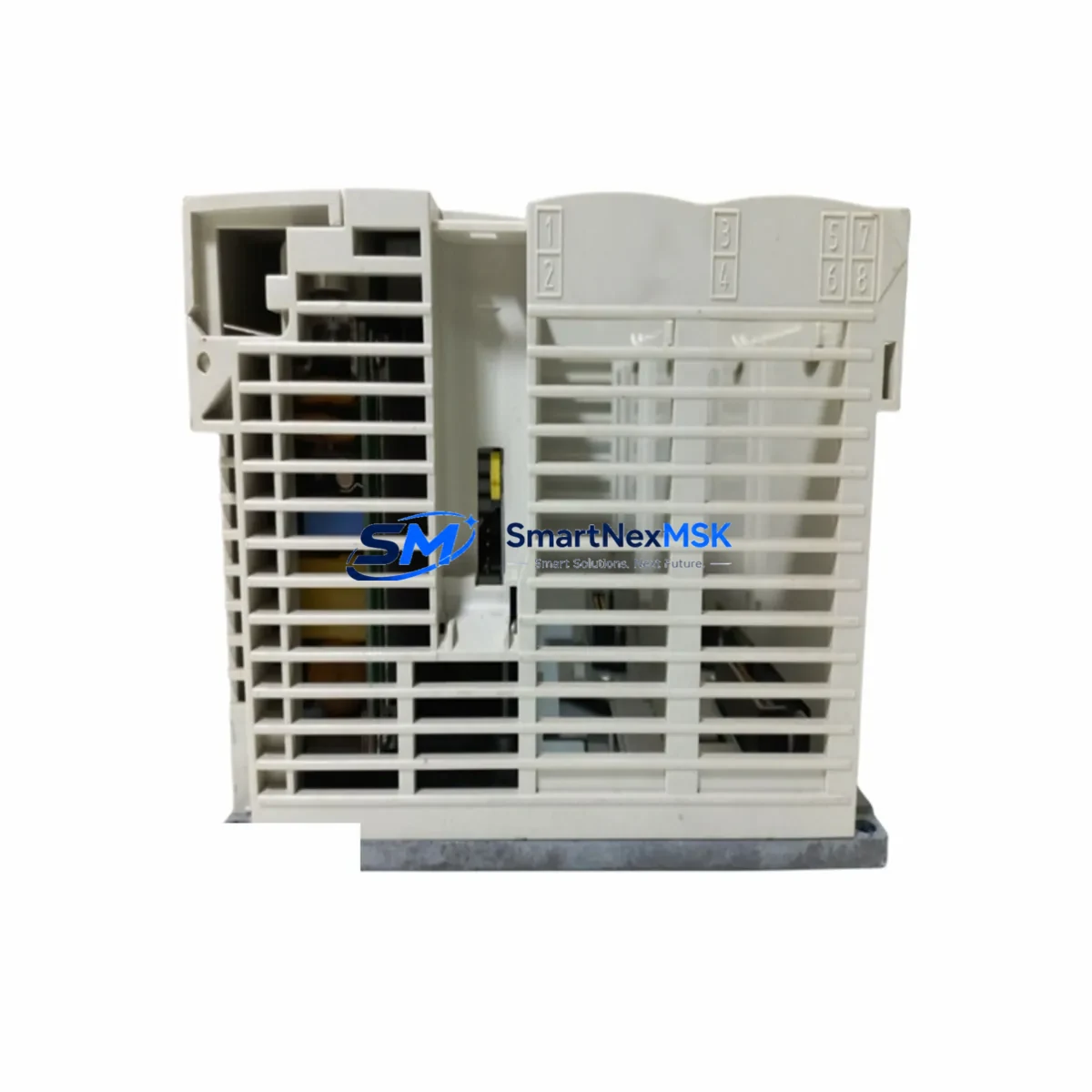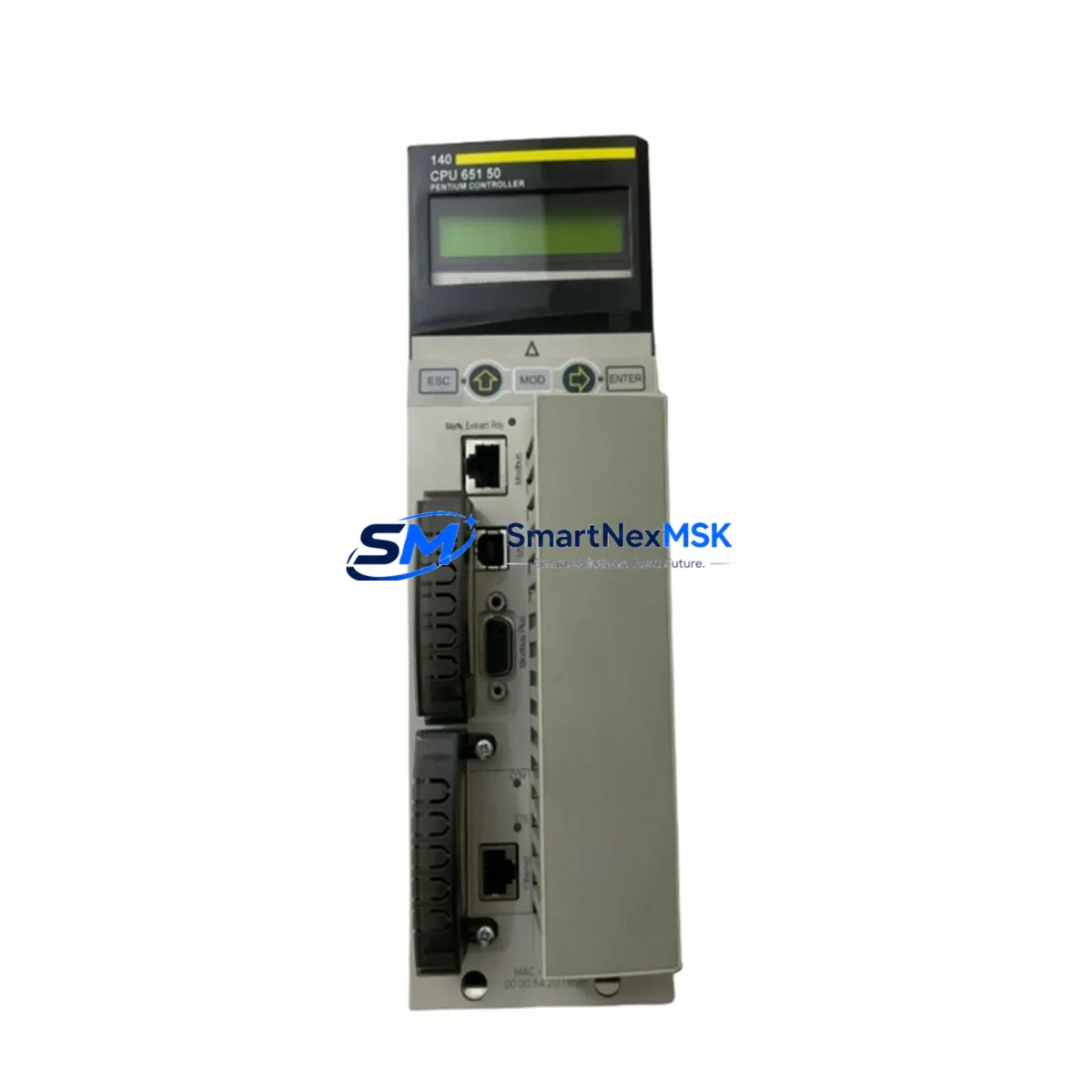
Schneider SPM10KL Retrofit-Ready Power Module Easy UPS 3Ph: Compatible Upgrade for Legacy UPS Systems
The Schneider Electric SPM10KL is a 10 kVA/kW power module designed for the Easy UPS 3-Phase series, providing a direct retrofit path for aging or discontinued UPS infrastructure in industrial facilities, data centers, and process control environments. Whether you are replacing a failed module in an existing cabinet, expanding capacity in a modular rack, or migrating from an older APC or Schneider three-phase UPS platform, the SPM10KL delivers the electrical and mechanical compatibility required for a smooth, low-risk upgrade.
Industrial buyers sourcing the SPM10KL typically face one of three scenarios: an in-service module failure requiring immediate like-for-like replacement, a planned system upgrade from a legacy single-module UPS to a scalable modular architecture, or a control-room retrofit where the existing UPS cabinet must be preserved while internal components are refreshed. In all three cases, the SPM10KL slots into the standard Easy UPS 3-Phase enclosure without structural modification, preserving existing cable routing, busbar connections, and battery string wiring.
Before committing to a retrofit, engineers should verify several critical parameters. Input power capacity must be confirmed against the upstream distribution panel — the SPM10KL operates on a 400 V AC three-phase input and requires a dedicated circuit breaker sized to the module’s full-load input current. Terminal wiring should be inspected for conductor cross-section compliance; the module’s input and output terminals accept cables up to the rated lug size, and any legacy wiring using undersized conductors must be replaced before energizing the new module. The backplane interface — the internal communication bus connecting the power module to the UPS intelligence module (such as the SYBTU1-PLP battery management unit or the SYPM10KF parallel management module) — must be inspected for pin integrity and firmware compatibility before insertion.
Module address configuration is handled automatically by the Easy UPS 3-Phase system controller when the SPM10KL is inserted into a recognized slot, but engineers performing a hot-swap replacement should confirm that the system’s SYPM10KF parallel module or equivalent controller has been updated to the latest firmware revision to avoid address conflicts in multi-module configurations. In systems running two or more SPM10KL modules in parallel, the load-sharing algorithm must be re-validated after any module replacement to ensure balanced current distribution across all active modules.
Program compatibility is not a concern for the power module itself, as the SPM10KL does not store application logic. However, if the retrofit is part of a broader control-system upgrade that includes replacing the UPS network management card — for example, migrating from an older AP9630 network management card to a current-generation AP9641 — the SNMP trap configurations, Modbus register maps, and SCADA integration points must be re-mapped before the system is returned to service. HMI screens that display UPS status, battery state-of-charge, and load percentage should be updated to reflect any changes in the data object model introduced by the new management card firmware.
Communication link integrity is especially important in facilities where the UPS feeds critical PLC racks or DCS marshalling cabinets. The SPM10KL supports the Easy UPS 3-Phase internal communication bus, and its status data is exposed to building management systems via the network management card’s Modbus TCP or SNMP interface. Before commissioning, verify that the communication link between the UPS and the facility SCADA or BMS is active and that all alarm thresholds — including low battery, overload, and bypass status — are correctly mapped to the supervisory system’s alarm annunciator.
On-site commissioning of the SPM10KL follows a structured sequence: visual inspection of the module and enclosure, torque verification of all terminal connections, insulation resistance testing of input and output cables, functional test of the static bypass switch, battery discharge test to confirm runtime at rated load, and final verification of all communication links. SMARTNEXMSK ships each SPM10KL with a pre-shipment functional test report, and all units carry a 12-month warranty covering manufacturing defects and premature failure under normal operating conditions.
For facilities managing a mixed fleet of Schneider and legacy APC three-phase UPS equipment, the SPM10KL is also a viable upgrade path from older SYPM10K or SYPM16K power modules, provided the enclosure backplane revision is compatible. Engineers should cross-reference the enclosure serial number and firmware revision with Schneider Electric’s compatibility matrix before ordering. SMARTNEXMSK’s technical team can assist with compatibility verification prior to purchase.
Upgrade Compatibility Table
| Parameter | SPM10KL Specification | Retrofit Notes |
|---|---|---|
| Rated Power | 10 kVA / 10 kW | Verify upstream breaker sizing before installation |
| Input Voltage | 400 V AC, 3-Phase | Confirm site voltage matches; check for voltage tolerance compliance |
| Backplane Interface | Easy UPS 3-Phase internal bus | Compatible with standard Easy UPS 3-Phase enclosures; verify backplane revision |
| Communication | Internal bus + NMC (via AP9630/AP9641) | Re-map Modbus/SNMP registers if NMC is also being replaced |
| Parallel Operation | Supported (with SYPM10KF) | Re-validate load sharing after module swap in multi-module systems |
| Replacement Models | SYPM10K, SYPM10KF (older revisions) | Cross-check enclosure firmware and backplane revision before ordering |
| Installation | Tool-assisted hot-swap (enclosure dependent) | Follow Schneider Electric installation guide; torque all terminals to spec |
| Commissioning | Auto address assignment by system controller | Update controller firmware before insertion in multi-module racks |
| Warranty | 12 Months | Covers manufacturing defects; pre-shipment functional test included |
Retrofit Planning for Existing Automation Systems
A successful SPM10KL retrofit begins with a thorough audit of the existing UPS cabinet and its downstream loads. In a typical industrial control room, the UPS feeds a combination of PLC racks, HMI workstations, network switches, and I/O marshalling panels. Before removing the old power module, document the current load profile using the UPS display or the network management card’s load log. This baseline data will be used to verify that the SPM10KL is operating within its rated capacity after commissioning.
The retrofit bill of materials for a complete Easy UPS 3-Phase cabinet refresh typically includes the SPM10KL power module, a replacement SYBTU1-PLP battery management unit if the existing unit is beyond its service life, a set of SYBT10 or SYBT16 external battery modules if runtime extension is required, and a current-generation AP9641 network management card for enhanced SNMP and Modbus TCP connectivity. In facilities where the UPS cabinet feeds a Schneider Electric Modicon M340 or M580 PLC rack, the Modbus TCP link between the UPS NMC and the PLC’s BMXNOE0110 or BMXNOE0100 Ethernet communication module must be re-established and tested after the retrofit is complete.
For control cabinets that also house a Magelis HMIGTO or HMISCU HMI panel, the UPS status display page — typically showing input voltage, output load percentage, battery state-of-charge, and estimated runtime — must be updated to reflect the new module’s data object addresses if the NMC firmware version has changed. In facilities using a TSXCUSB485 or VW3A8306 programming cable for PLC maintenance access, ensure that the cable routing within the cabinet is not disturbed during the module swap, as these cables are often routed through the same cable tray as the UPS output wiring.
I/O expansion modules mounted in the same control cabinet — such as Schneider Electric TM5 or TM7 distributed I/O slices — should be powered down in a controlled sequence before the UPS module is removed, following the facility’s lockout/tagout procedure. After the SPM10KL is installed and the system has completed its self-test sequence, restore power to the I/O modules in the reverse sequence and verify that all field signals are correctly read by the PLC before releasing the system to production.
Downtime Control During System Migration
Minimizing unplanned downtime is the primary concern for any UPS module replacement in an active production environment. The SPM10KL supports hot-swap replacement in compatible Easy UPS 3-Phase enclosures, meaning the remaining modules in a multi-module system continue to supply load power while the failed or aging module is removed and replaced. Before initiating a hot-swap, confirm that the remaining modules have sufficient combined capacity to carry the full connected load — the system controller’s load display will show the current load percentage across all active modules.
For single-module installations where hot-swap is not possible, plan the replacement during a scheduled maintenance window. Coordinate with the facility’s operations team to transfer critical loads to an alternative power source — such as a portable UPS or a generator-backed distribution panel — before de-energizing the main UPS cabinet. Preserve the existing PLC program by uploading a backup to the programming workstation before the maintenance window begins, using the appropriate programming software (Unity Pro, EcoStruxure Machine Expert, or Control Expert depending on the PLC platform). This ensures that the program can be restored immediately if a communication fault occurs during the power transition.
After the SPM10KL is installed and the system has completed its initialization sequence, perform a controlled load transfer from the bypass source back to the UPS output. Monitor the UPS display and the SCADA alarm console for any fault indications during the first 15 minutes of operation under load. Verify that the battery charge cycle has started correctly and that the estimated runtime displayed by the system matches the expected value for the connected battery string. Document the commissioning results and retain the pre-shipment test report provided by SMARTNEXMSK for the facility’s maintenance records.
Retrofit Support FAQ
Q1: Is the SPM10KL a direct drop-in replacement for the SYPM10K or SYPM10KF?
The SPM10KL is the current-generation replacement for older Easy UPS 3-Phase power modules including the SYPM10K and certain revisions of the SYPM10KF. Physical dimensions and backplane connector positions are compatible with standard Easy UPS 3-Phase enclosures. However, engineers should verify the enclosure’s backplane firmware revision against Schneider Electric’s compatibility matrix before ordering, as early enclosure revisions may require a firmware update before the SPM10KL can be recognized by the system controller. SMARTNEXMSK’s technical team can assist with pre-purchase compatibility verification.
Q2: What wiring changes are required when replacing an older power module with the SPM10KL?
In most cases, existing input and output power cables can be reused if they meet the conductor cross-section requirements specified in the SPM10KL installation guide. Terminal lug compatibility should be verified before reuse. Control wiring and communication cables connected to the UPS enclosure — including RS-485 links, dry-contact alarm wiring, and Ethernet cables to the network management card — do not need to be modified unless the NMC is also being replaced. All terminal connections should be re-torqued to the specified values after the new module is installed.
Q3: How is the SPM10KL commissioned in a multi-module parallel system?
In a multi-module Easy UPS 3-Phase system, the SPM10KL is assigned a module address automatically by the system controller upon insertion. No manual address configuration is required. After insertion, the system controller performs a self-test and integrates the new module into the load-sharing algorithm. Engineers should monitor the load distribution display for 10–15 minutes after commissioning to confirm that current sharing is balanced across all active modules. If load sharing is uneven, a firmware update to the system controller may be required.
Q4: What does the 12-month warranty cover, and what pre-shipment testing is performed?
Each SPM10KL shipped by SMARTNEXMSK undergoes a functional test prior to dispatch, including input/output voltage verification, load transfer testing, and communication bus integrity check. The 12-month warranty covers manufacturing defects and premature failure under normal operating conditions as defined in the product specification. Warranty claims are supported by SMARTNEXMSK’s after-sales team; customers are required to provide the pre-shipment test report and a description of the fault condition. Units damaged by incorrect installation, overvoltage events, or environmental factors outside the rated operating range are not covered under the standard warranty.
© 2026 SMARTNEXMSK. All rights reserved.
Original Source: https://smartnexmsk.com
Contact: [email protected] | +86 18259474341