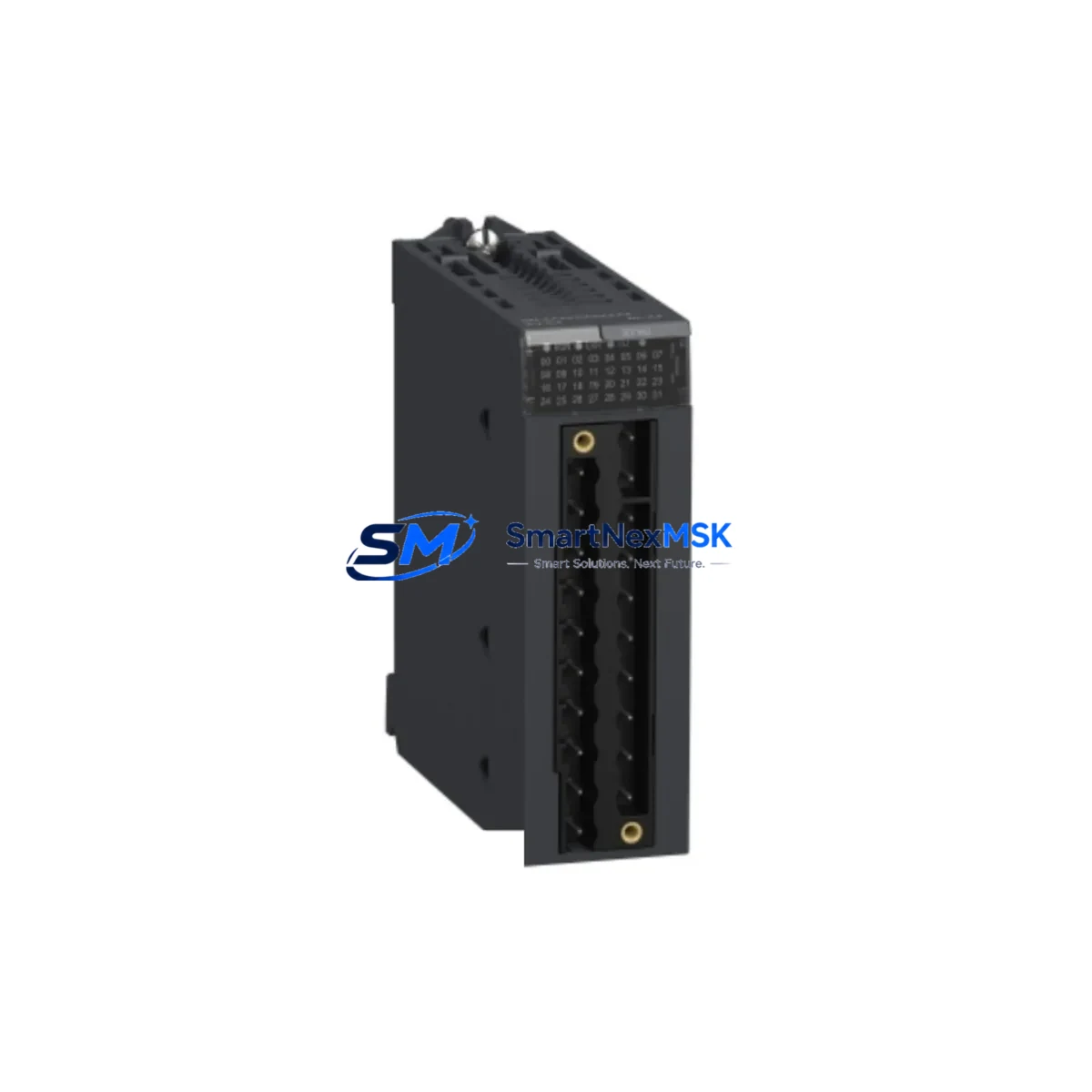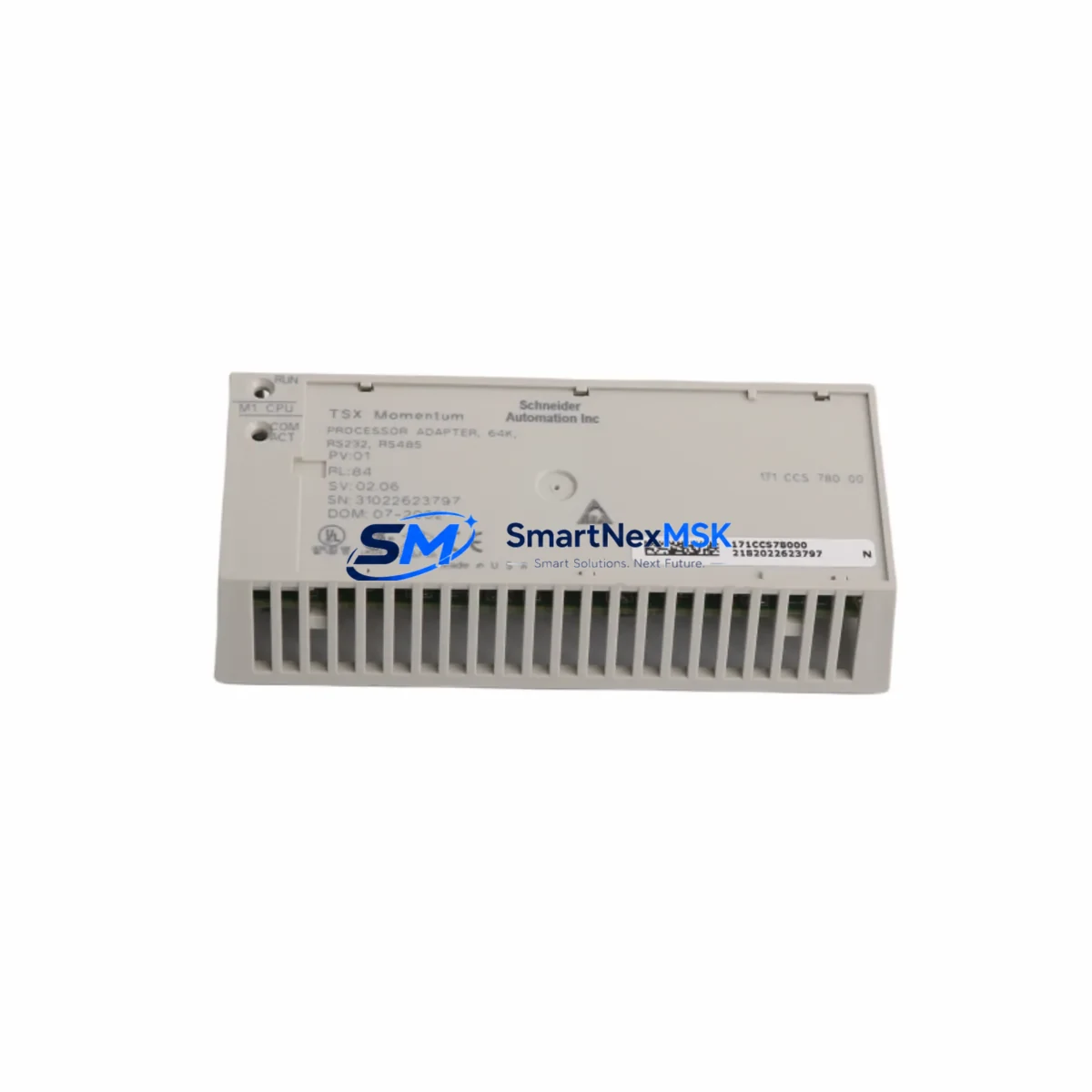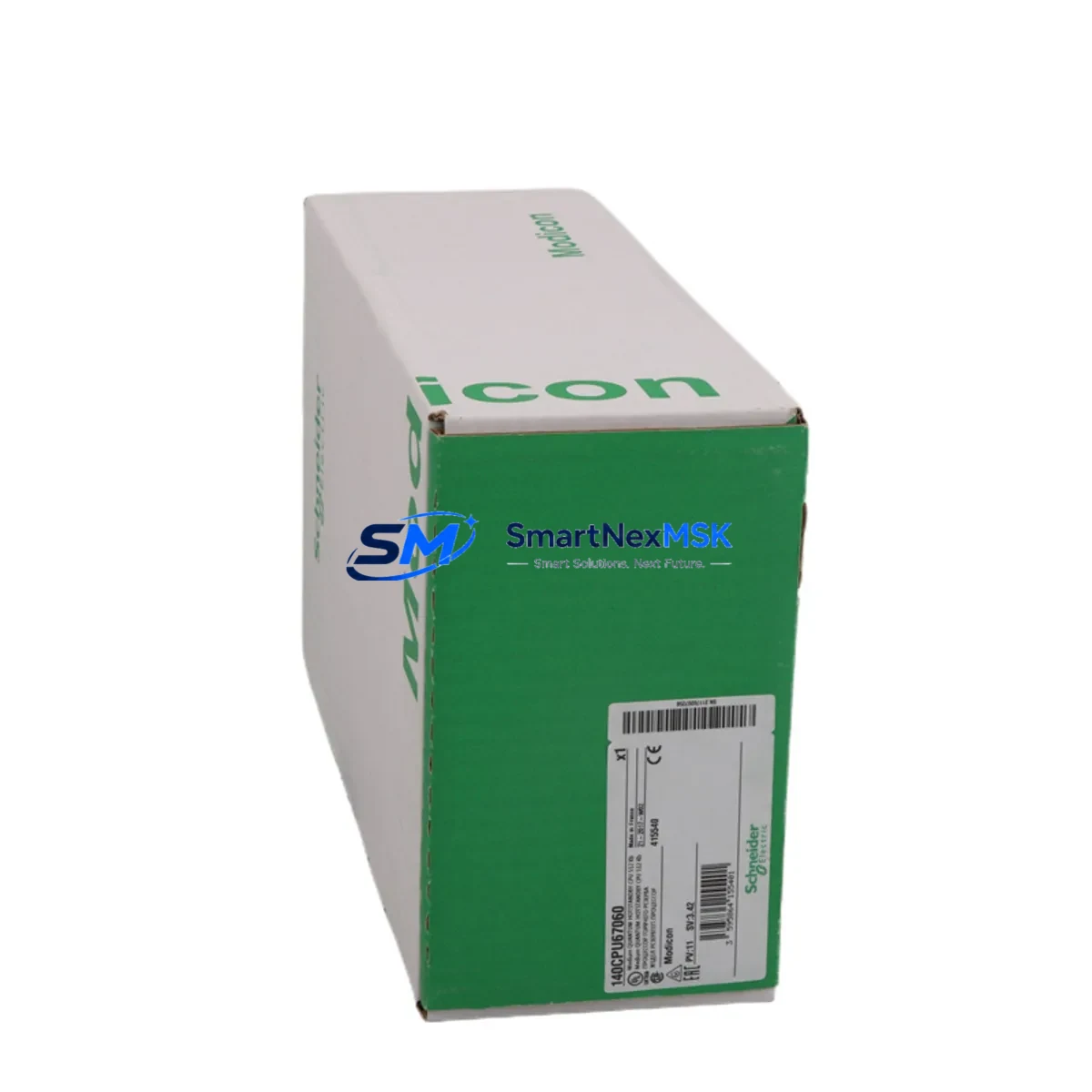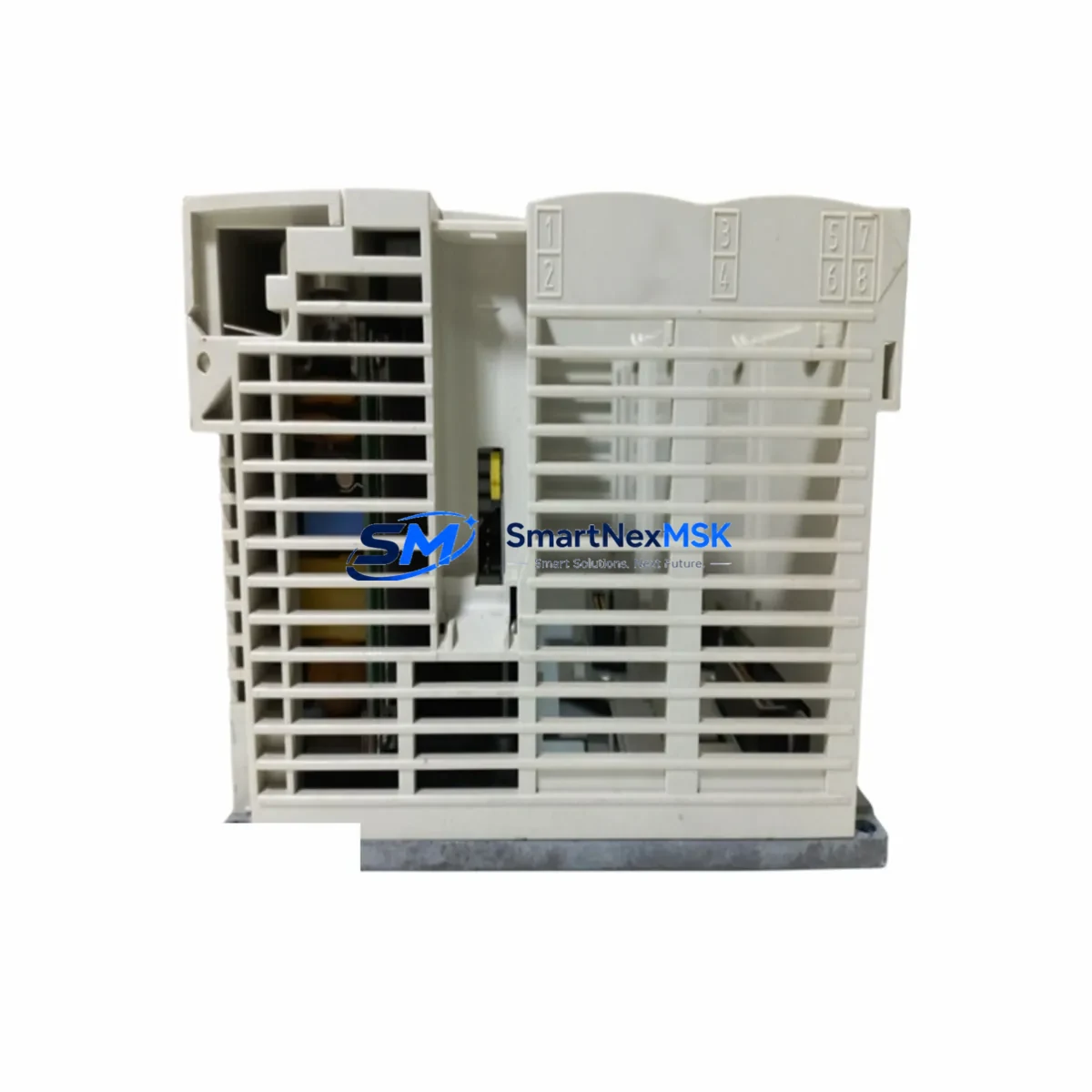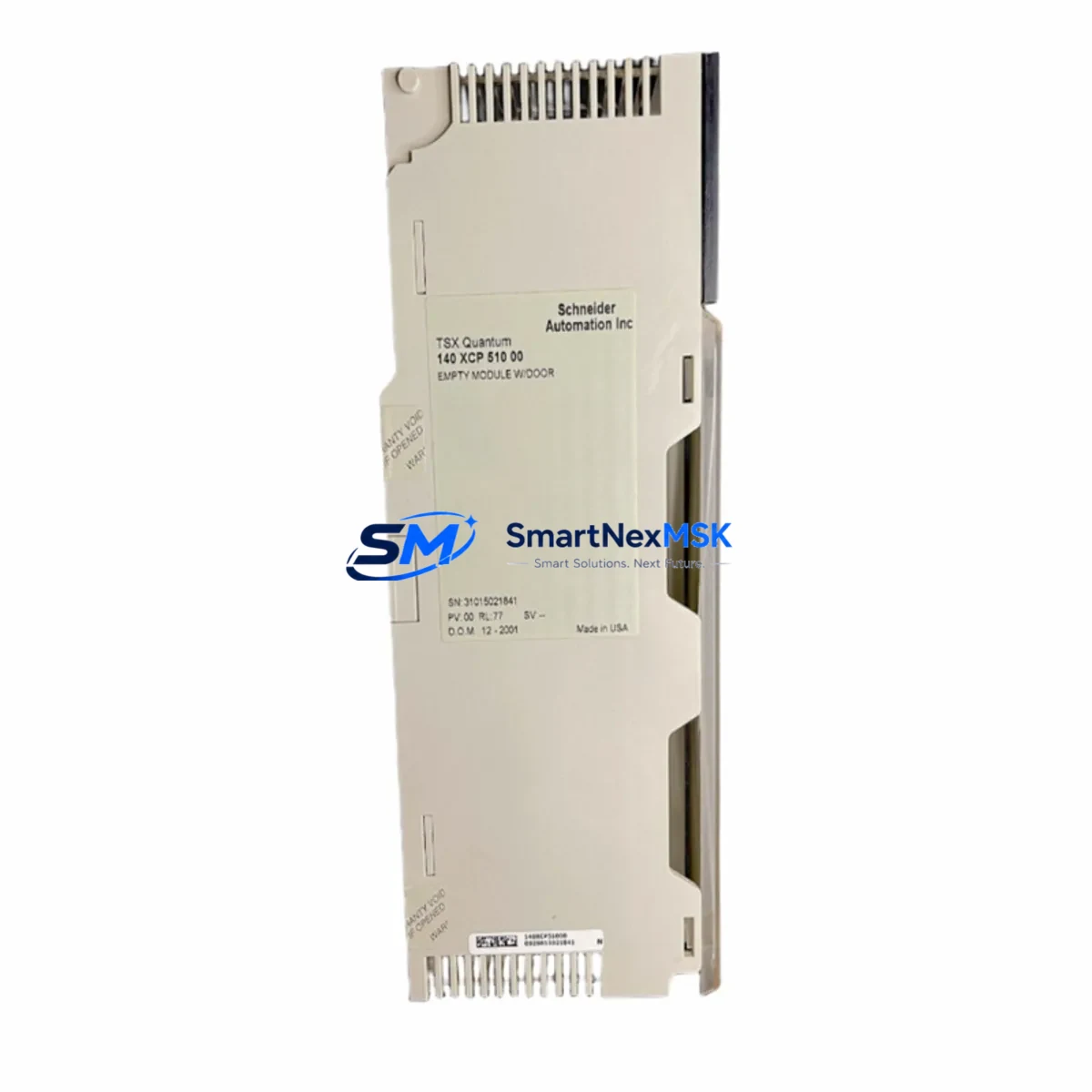
Schneider TCSESM043F2CU0 Retrofit-Ready Managed Switch for ConneXium Control Systems
The Schneider Electric TCSESM043F2CU0 is a 4-port industrial managed Ethernet switch engineered for the ConneXium series automation platform. Designed to serve as a direct retrofit replacement for aging or discontinued network infrastructure within Schneider Electric control architectures, this module supports seamless integration into existing control cabinets without requiring rack redesign or PLC program modification. Whether you are upgrading a legacy Modicon TSX Premium line, migrating from an older ConneXium unmanaged switch, or expanding network capacity in a Modicon M340 or Quantum-based system, the TCSESM043F2CU0 delivers the port density, protocol compatibility, and DIN-rail form factor your retrofit project demands.
Industrial sites running continuous processes — including automotive assembly, water treatment, oil & gas, and discrete manufacturing — frequently encounter the challenge of sourcing replacement network components for control systems that have been in service for 10 to 20 years. The TCSESM043F2CU0 addresses this directly: it maintains backward compatibility with Modbus TCP and EtherNet/IP communication protocols, preserving existing HMI screen mappings, SCADA tag structures, and PLC I/O addressing without requiring re-engineering of the control logic. This is critical when the cost of downtime or program re-validation exceeds the cost of the hardware itself.
When planning a retrofit around the TCSESM043F2CU0, engineers should verify several key parameters before installation. First, confirm that the existing 24 VDC power supply — such as a Schneider Electric TSXPSY2600M or equivalent — can support the additional current draw of the managed switch alongside existing modules on the same rail. Second, review terminal wiring diagrams to ensure RJ45 port assignments align with the existing structured cabling layout in the control cabinet. Third, confirm that the backplane or DIN-rail mounting position does not conflict with adjacent modules such as the TCSESM083F23F0 or other ConneXium switch variants already installed in the panel.
For systems using a Modicon M340 BMX P34 2020 CPU or a Quantum 140CPU65150 controller, the TCSESM043F2CU0 integrates directly into the Ethernet segment without requiring changes to the Unity Pro or Control Expert project file, provided the IP addressing scheme and subnet mask are preserved. If the retrofit involves migrating from a ring topology using RSTP to a star topology, the managed switch’s VLAN and QoS configuration should be reviewed in the ConneXium Network Manager tool prior to commissioning.
HMI compatibility is another critical checkpoint. Panels running Magelis HMIGTO or XBTGT series terminals connected via Ethernet must retain their existing communication driver settings. The TCSESM043F2CU0 does not alter the Ethernet frame structure, so existing Vijeo Designer projects and Intouch or iFIX SCADA configurations remain valid. However, if the retrofit also involves replacing a TCSEGPA23F14FA gateway or a TCSEGDB23F24FA ConneXium Ethernet/Serial gateway, the serial-to-Ethernet mapping tables must be re-verified against the new switch port assignments.
Field commissioning of the TCSESM043F2CU0 follows a structured sequence: power-off isolation of the affected network segment, physical installation and cable reconnection, power-on verification of link LEDs, ping test from the engineering workstation, and finally a live I/O scan from the PLC to confirm all remote I/O modules — including STB NIP 2212 Advantys island bus couplers or BMX EIA 0100 serial communication modules — are responding correctly. Each unit shipped by SMARTNEXMSK undergoes pre-shipment functional testing to verify port activity, VLAN configuration integrity, and power input tolerance before dispatch.
Upgrade Compatibility Table
| Parameter | TCSESM043F2CU0 (This Unit) | Typical Legacy Unit | Retrofit Notes |
|---|---|---|---|
| Port Count | 4 × RJ45 (10/100 Mbps) | 4–8 ports (unmanaged) | Verify cabling count before swap |
| Power Supply | 24 VDC (18–30 VDC range) | 24 VDC | Confirm PSU current headroom |
| Mounting | DIN-rail (35 mm) | DIN-rail | Direct drop-in; no bracket change |
| Communication Protocols | Modbus TCP, EtherNet/IP, SNMP | Modbus TCP (unmanaged) | VLAN/QoS config required if upgrading |
| Management Interface | Web UI + SNMP v1/v2c | None (unmanaged) | Assign management IP before commissioning |
| Operating Temperature | 0°C to +60°C | 0°C to +60°C | Verify cabinet thermal load |
| Replacement Compatibility | ConneXium series drop-in | TCSESM043F2CU0 predecessors | No PLC program changes required |
| Commissioning Tool | ConneXium Network Manager | N/A | Required for VLAN/RSTP setup |
| Warranty | 12-Month Warranty — Covered by SMARTNEXMSK | ||
Retrofit Planning for Existing Automation Systems
A successful retrofit using the TCSESM043F2CU0 begins well before the maintenance window opens. The engineering team should audit the existing network topology, documenting every device connected to the switch being replaced — including Modicon M340 BMX NOE 0100 Ethernet communication modules, Magelis HMIGTO 5310 operator panels, remote I/O drops using STB NIP 2212 network interface modules, and any TCSEGDB23F24FA serial gateways bridging legacy RS-485 devices into the Ethernet segment.
The power distribution rail should be reviewed to confirm that the TSXPSY2600M or equivalent 24 VDC power supply can sustain the inrush and steady-state current of the TCSESM043F2CU0 alongside co-located modules. If the cabinet also houses a TCSESM083F23F0 8-port ConneXium switch for a parallel network segment, ensure that the two switches are on separate power feeds to avoid a single-point failure during the cutover.
Terminal block wiring should be photographed and labeled before disconnection. The TCSESM043F2CU0 uses standard screw-terminal power connectors compatible with existing cabinet wiring practices. RJ45 patch cables should be tested with a cable certifier prior to reconnection to eliminate latent wiring faults that could mask commissioning issues. If the retrofit also involves replacing a BMX EIA 0100 serial communication module or a 140NOE77111 Quantum Ethernet module, those replacements should be staged and tested offline before the live cutover window begins.
Programming cable access — typically via a TSXPCX3030 USB-to-serial programming cable for legacy TSX Premium CPUs or a standard USB cable for M340 — should be confirmed available on-site so that the engineer can connect to the PLC directly if network communication is interrupted during the transition. Having a laptop with Unity Pro or Control Expert pre-loaded with the current project backup is non-negotiable before any live retrofit begins.
Downtime Control During System Migration
Minimizing unplanned downtime during a ConneXium network retrofit requires a disciplined pre-cutover checklist. The TCSESM043F2CU0 should be pre-configured offline — management IP assigned, VLAN IDs matched to the existing network plan, RSTP priority set — before it enters the cabinet. This reduces the live cutover window to a physical swap and cable reconnection, typically achievable in under 30 minutes for a 4-port segment.
The PLC program logic does not require modification when replacing a like-for-like ConneXium switch, as the TCSESM043F2CU0 is transparent to the Modbus TCP and EtherNet/IP traffic flowing between the Modicon M340 CPU and its remote I/O or HMI devices. The existing Unity Pro or Control Expert project can remain in RUN mode on the controller during the network segment cutover if the affected ports are isolated from the active I/O scan — a technique that requires coordination with the process control team but eliminates the need for a full PLC stop.
Post-cutover, the commissioning engineer should verify link status on all four ports, confirm that the Magelis HMI reconnects within its configured timeout period, and run a full I/O scan from the PLC to validate that all remote modules are responding. SMARTNEXMSK provides pre-shipment test reports for each TCSESM043F2CU0 unit, confirming port activity, power input tolerance, and VLAN configuration integrity — reducing the risk of receiving a defective unit during a time-critical retrofit window.
Retrofit Support FAQ
Q1: Is the TCSESM043F2CU0 a direct replacement for older ConneXium unmanaged switches?
Yes. The TCSESM043F2CU0 is physically and electrically compatible with the ConneXium DIN-rail mounting standard and 24 VDC power input. It replaces unmanaged predecessors on a port-for-port basis. Note that as a managed switch, it requires a one-time IP address assignment via the ConneXium Network Manager tool before commissioning. No PLC program changes are required.
Q2: Will my existing HMI screens and SCADA tags remain valid after the swap?
Yes. The TCSESM043F2CU0 is protocol-transparent for Modbus TCP and EtherNet/IP traffic. Magelis HMI projects built in Vijeo Designer and SCADA configurations in iFIX or Intouch do not require modification, provided the IP addressing of all connected devices is preserved during the retrofit.
Q3: What wiring checks are required before installation?
Verify that the 24 VDC supply rail has sufficient current headroom, that RJ45 patch cables are tested and certified, and that terminal block connections are photographed before disconnection. If the retrofit involves co-located modules such as a BMX EIA 0100 or a TCSEGDB23F24FA gateway, those wiring interfaces should be documented separately and verified post-cutover.
Q4: What does the 12-month warranty cover, and how is it handled?
Every TCSESM043F2CU0 unit supplied by SMARTNEXMSK carries a 12-month warranty covering manufacturing defects and functional failures under normal operating conditions. Each unit undergoes pre-shipment functional testing. In the event of a warranty claim, SMARTNEXMSK provides a replacement unit and coordinates return logistics. Contact [email protected] or call +86 18259474341 to initiate a warranty request.
© 2026 SMARTNEXMSK. All rights reserved.
Original Source: https://smartnexmsk.com
Contact: [email protected] | +86 18259474341