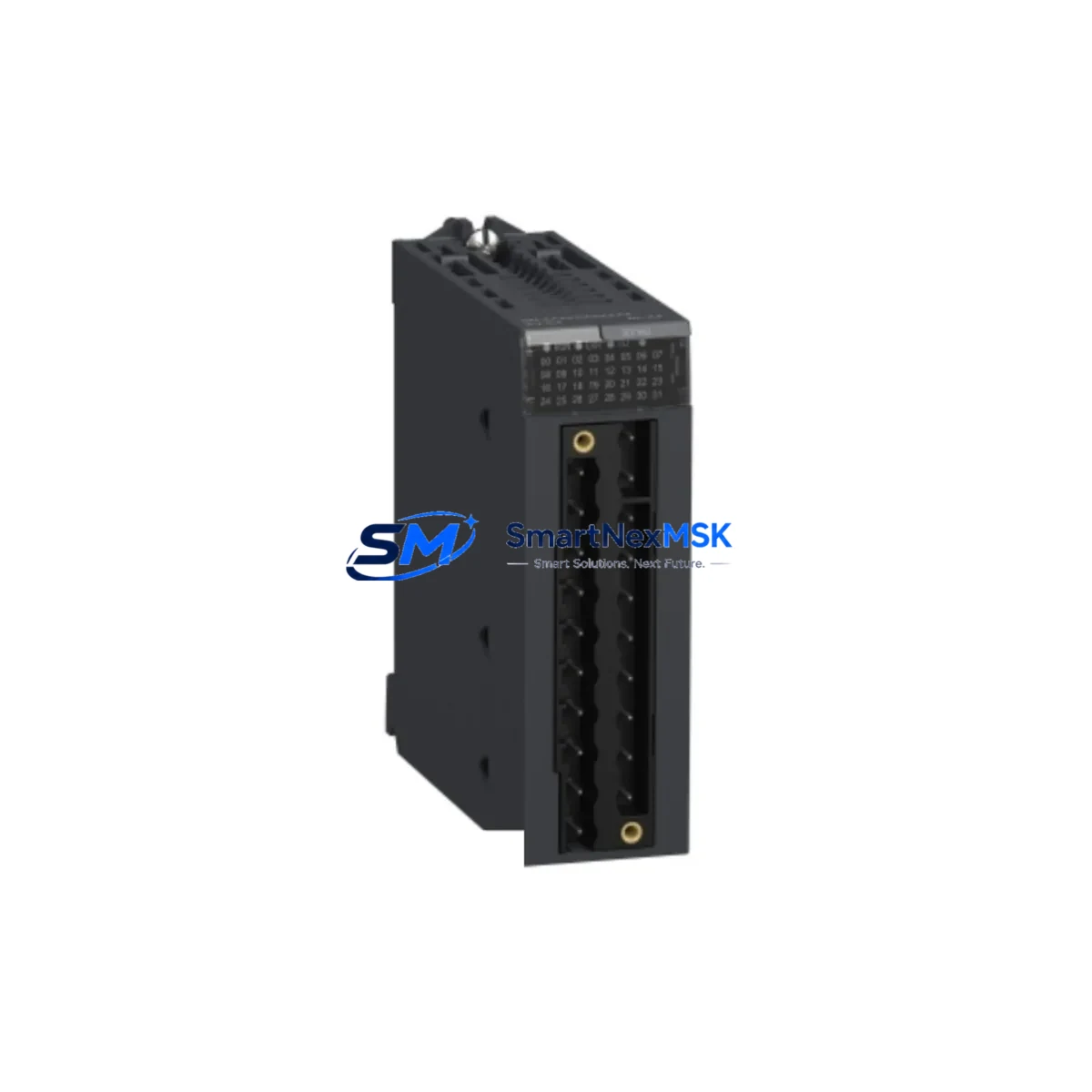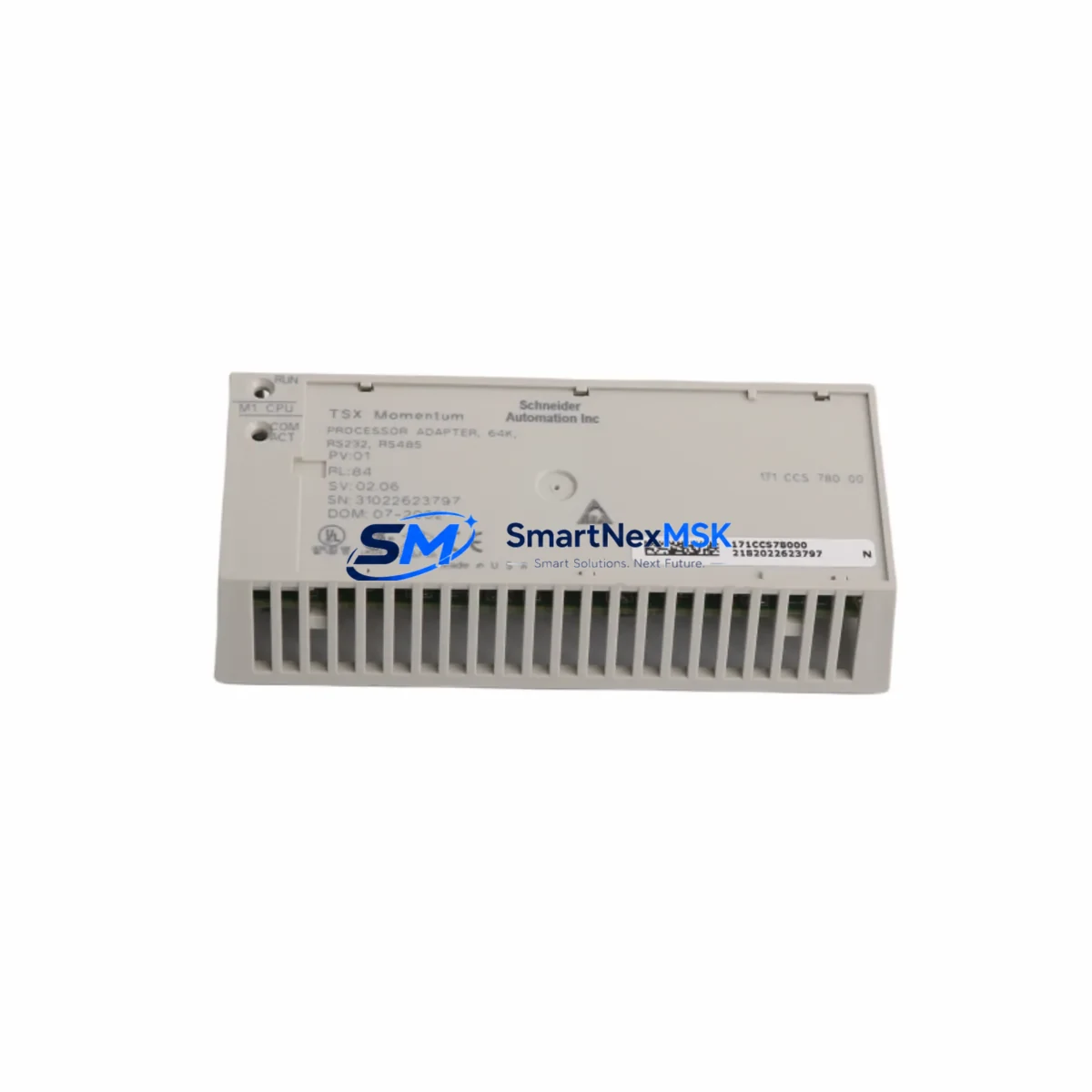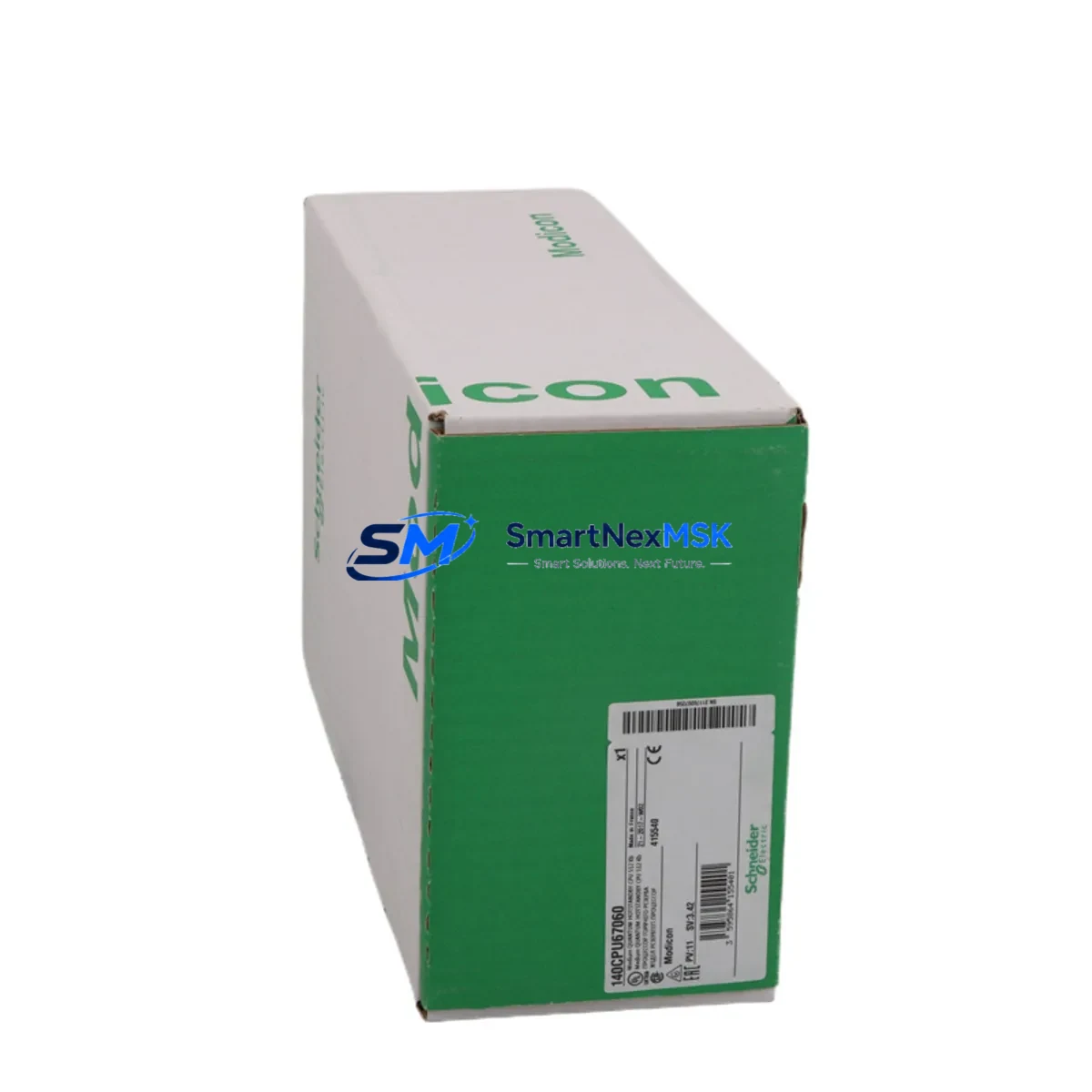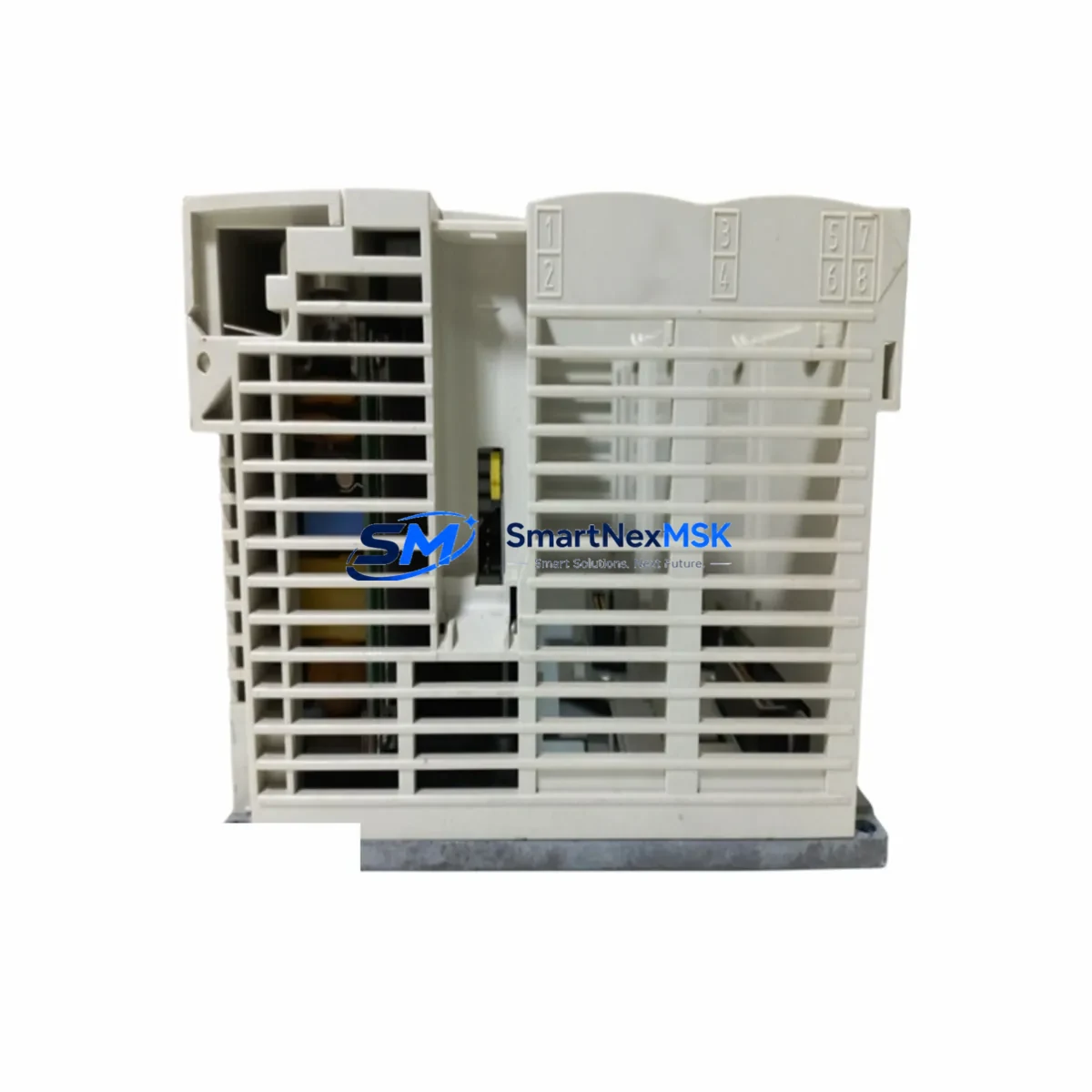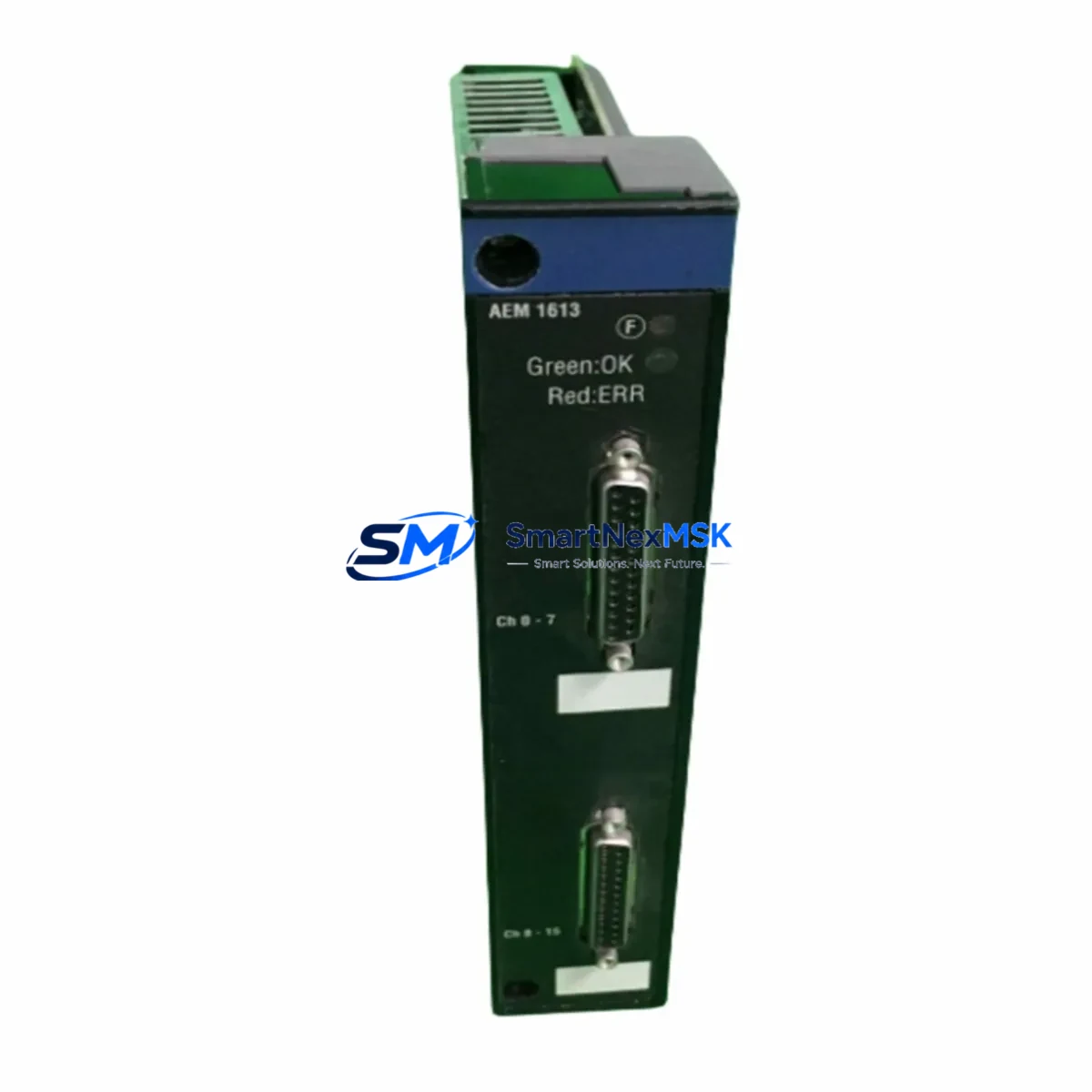
Schneider TSXAEM1613 Maintenance-Ready Spare for TSX Premium Automation
The Schneider Electric TSXAEM1613 is a 16-channel analog input module designed for the Modicon TSX Premium PLC platform. As a critical signal acquisition component in process control and factory automation systems, this module handles voltage and current analog signals from field instruments including pressure transmitters, temperature sensors, and flow meters. For maintenance engineers managing aging TSX Premium control cabinets, having a verified original TSXAEM1613 spare on the shelf is a direct line of defense against unplanned downtime.
At SMARTNEXMSK, every TSXAEM1613 unit is sourced from authorized supply chains, function-tested prior to dispatch, and backed by a 12-month warranty. We support rapid replacement cycles for both planned shutdowns and emergency breakdowns, with same-day processing available for in-stock orders.
Spare Maintenance Table
| Parameter | Specification |
|---|---|
| Part Number | TSXAEM1613 |
| Brand | Schneider Electric |
| Series | Modicon TSX Premium |
| Module Type | Analog Input Module |
| Number of Channels | 16 Channels |
| Signal Types | Voltage (±10V, 0–10V) / Current (0–20mA, 4–20mA) |
| Resolution | 12-bit + sign |
| Isolation | Channel-to-bus isolation |
| Rack Compatibility | TSX Premium racks (TSXRKY series) |
| Power Supply | Supplied via backplane from TSX PSY power supply module |
| Operating Temperature | 0°C to +60°C |
| Mounting | Modular rack-mount, hot-swap capable with rack power-off |
| Origin | France |
| Condition | Original, New or Tested Surplus |
| Warranty | 12 Months |
| Pre-shipment Test | Function-tested and inspected before dispatch |
| Application | Process control, factory automation, SCADA integration |
Maintenance Planning for Continuous Operation
When a TSXAEM1613 analog input module fails or degrades, the fault rarely exists in isolation. Experienced maintenance engineers know that a thorough cabinet inspection during the replacement window is essential to prevent repeat failures and extend system life. The following components should be evaluated concurrently:
Power Supply Module (TSXPSY2600M / TSXPSY5500M): Verify output voltage stability under load. A degraded power supply is a leading cause of analog module drift and erratic readings. Measure ripple and confirm the 24VDC rail is within tolerance before commissioning the replacement TSXAEM1613.
Backplane and Rack (TSXRKY series): Inspect the rack bus connectors for oxidation or mechanical damage. A faulty backplane slot can damage a new module immediately upon insertion. Clean contacts with isopropyl alcohol and verify slot integrity.
CPU Module (TSXP57 series): Check the CPU’s I/O configuration table to confirm the TSXAEM1613 slot address is correctly mapped. After module replacement, a configuration download or rack re-scan may be required to restore full communication.
Signal Wiring and Terminal Blocks: Inspect field wiring terminations at the module’s front connector. Loose or corroded terminals on analog signal lines introduce noise and offset errors. Replace any suspect terminal blocks and verify shielding continuity on instrumentation cables.
Signal Isolators and Barriers: For 4–20mA loops connected to the TSXAEM1613, check inline signal isolators (such as those in the Schneider Zelio Analog or third-party DIN-rail isolator series) for proper loop current and isolation integrity. A failed isolator can inject ground loops that corrupt analog readings across multiple channels.
Fuses and Circuit Protection: Verify the fuse ratings on the 24VDC field supply feeding the analog input loop. Blown or weakened fuses cause intermittent channel failures that are often misdiagnosed as module faults.
Communication Modules (TSXETY series / TSXSCP series): If the TSX Premium system uses Ethernet or serial communication modules in the same rack, confirm their status LEDs and communication health. A rack-level power event that damaged the TSXAEM1613 may have also affected adjacent communication modules.
HMI and SCADA Interface: After replacing the analog input module, validate that the Magelis HMI or SCADA system (connected via Uni-Telway or Modbus TCP) is receiving correct engineering-unit values. Recalibrate any affected analog input tags if scaling parameters were stored in the old module.
Relay Output Modules (TSXDSY series): In mixed I/O racks, inspect adjacent discrete output modules for signs of coil voltage spikes that may have contributed to the analog module failure. Install surge suppressors on inductive loads if not already present.
Maintaining a minimum stock of one TSXAEM1613 per production line, alongside a TSXPSY power supply module and a spare TSXP57 CPU, is a recognized best practice for TSX Premium installations in continuous-process environments. This three-component buffer covers the majority of unplanned downtime scenarios without requiring emergency freight.
Site Replacement Workflow
Step 1 — Pre-replacement verification: Confirm the failed module’s slot number in the PL7 Pro or Unity Pro software configuration. Note the channel assignments, scaling parameters, and any custom calibration offsets before powering down the rack.
Step 2 — Safe isolation: De-energize the rack using the TSXPSY power supply switch. Do not hot-swap analog modules without confirming the rack supports live insertion for that slot. Disconnect field wiring connectors from the front of the TSXAEM1613.
Step 3 — Module extraction and inspection: Remove the faulty TSXAEM1613 and inspect the backplane connector pins for damage. Retain the old module for failure analysis if root cause investigation is required.
Step 4 — Replacement installation: Insert the new TSXAEM1613 into the correct rack slot. Reconnect field wiring connectors, ensuring correct channel-to-terminal mapping per the original wiring diagram. Re-energize the rack.
Step 5 — Software re-commissioning: In PL7 Pro or Unity Pro, perform a rack scan or force a module re-recognition if the CPU does not automatically detect the new module. Restore any custom scaling or calibration parameters. Verify all 16 channels are reading correctly against known reference signals.
Step 6 — Functional test and handover: Run the process through a full operating cycle and confirm analog values are within expected ranges at the HMI and SCADA level. Document the replacement in the maintenance log with the new module’s serial number and test date.
This workflow minimizes total downtime to under two hours for a prepared maintenance team, compared to 8–24 hours when spare parts must be sourced reactively. SMARTNEXMSK ships TSXAEM1613 units with a pre-shipment test report, reducing on-site commissioning risk.
Spare Parts Support FAQ
Q1: Is the TSXAEM1613 still in production, and how long can I source it?
Schneider Electric has transitioned the TSX Premium platform to end-of-life/legacy status, meaning new production has ceased. However, SMARTNEXMSK maintains stock of original TSXAEM1613 units sourced from authorized distributors and tested surplus channels. We support long-term supply for legacy system maintenance and can advise on migration paths to the Modicon M340 or M580 platform when the time is right for your facility.
Q2: How do I verify compatibility before ordering?
The TSXAEM1613 is compatible with all TSX Premium racks (TSXRKY4EX, TSXRKY6EX, TSXRKY8EX, TSXRKY12EX) and is recognized by PL7 Pro and Unity Pro software. Confirm your rack model and software version before ordering. If you are unsure, send your system configuration details to [email protected] and our technical team will verify compatibility at no charge.
Q3: What does the 12-month warranty cover, and what is the return process?
Our 12-month warranty covers functional failure under normal operating conditions. Each unit is tested before shipment and ships with a test record. If a unit fails within the warranty period, contact us at [email protected] with the order number and fault description. We will arrange a replacement dispatch or full refund within 5 business days of receiving the returned unit.
Q4: Can you supply multiple TSXAEM1613 units for a planned maintenance stock program?
Yes. We support bulk orders for maintenance stock programs and can provide volume pricing for quantities of 3 or more units. We also offer consignment stock arrangements for large facilities with multiple TSX Premium systems. Contact us to discuss a tailored spare parts supply agreement that aligns with your planned maintenance schedule and budget cycle.
© 2026 SMARTNEXMSK. All rights reserved.
Original Source: https://smartnexmsk.com
Contact: [email protected] | +86 18259474341