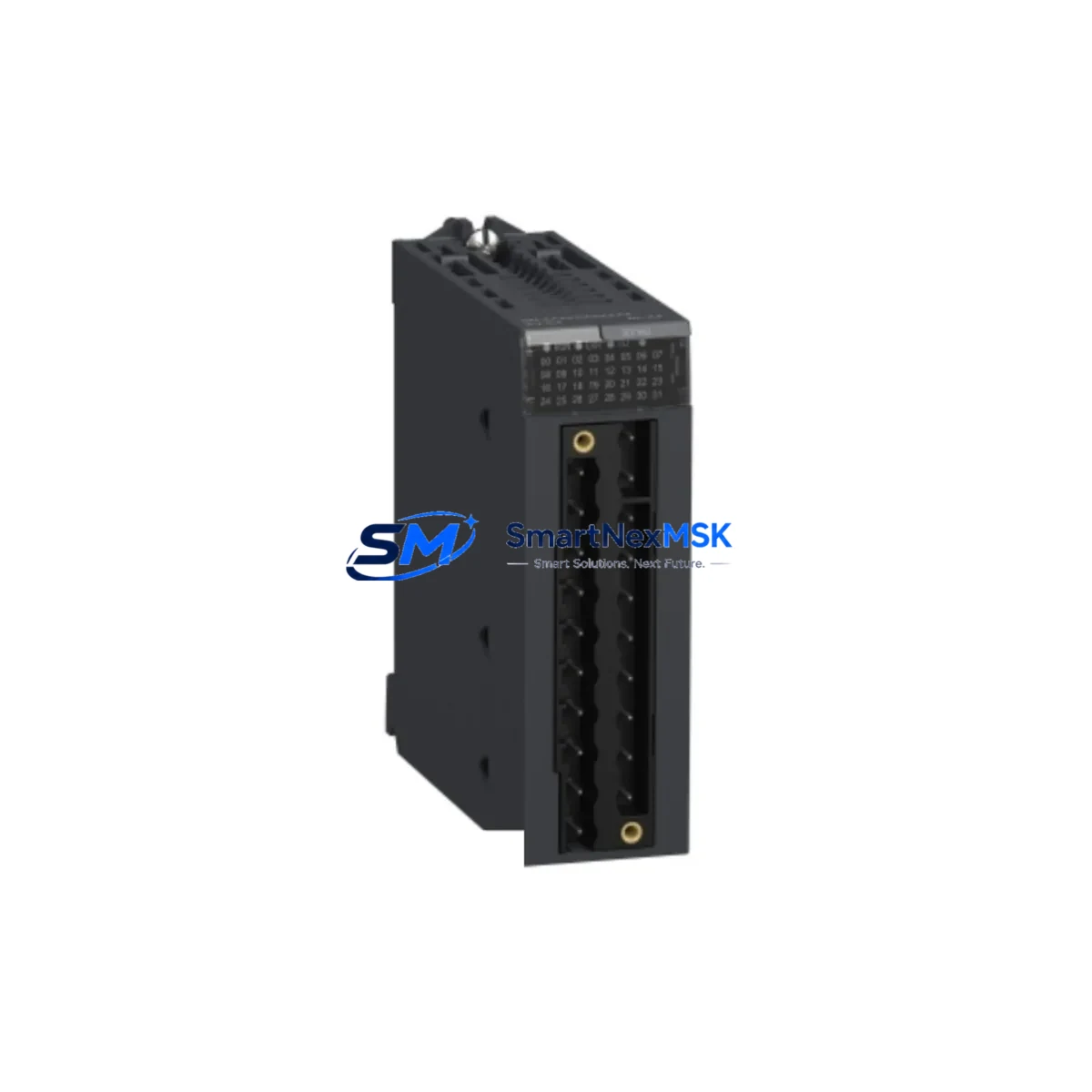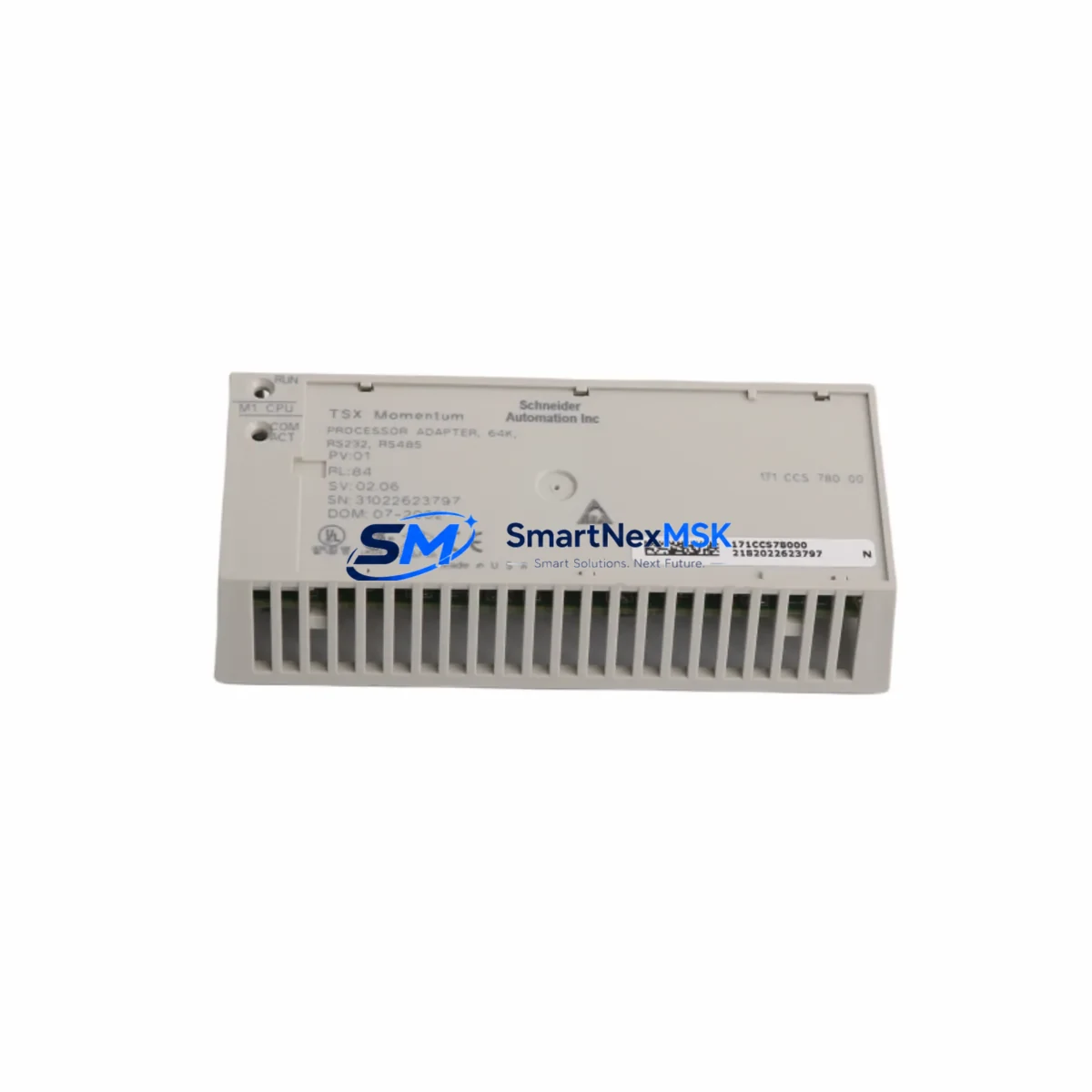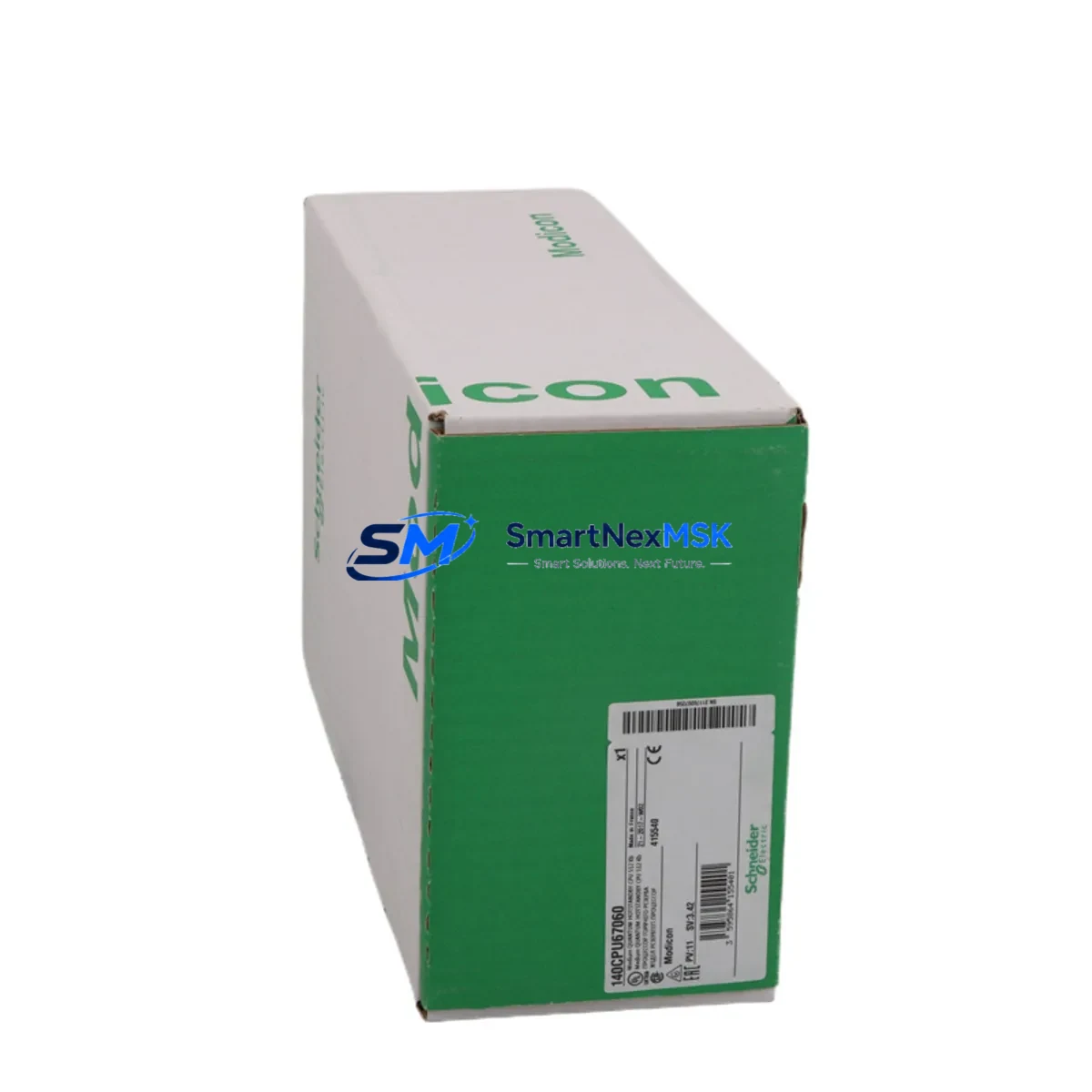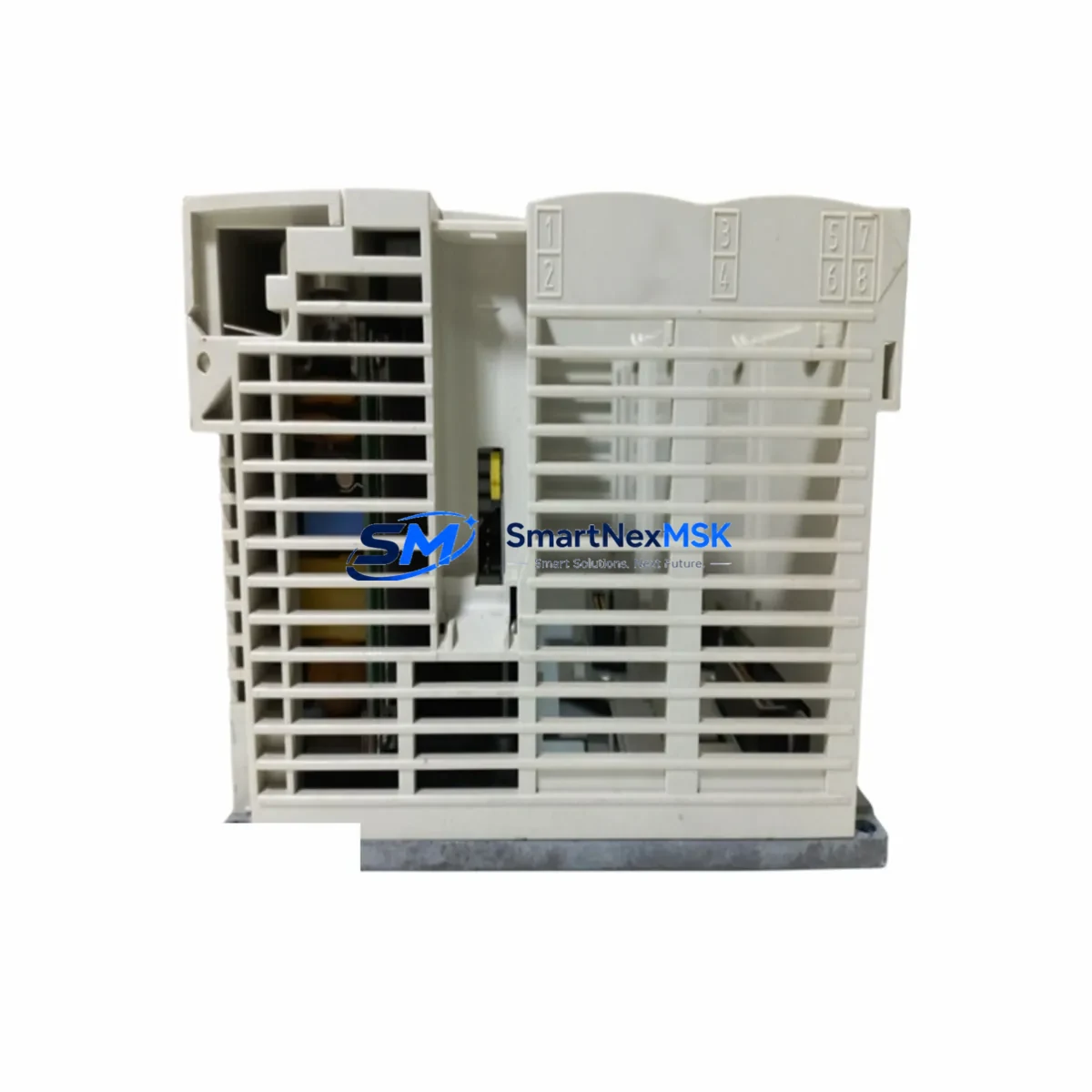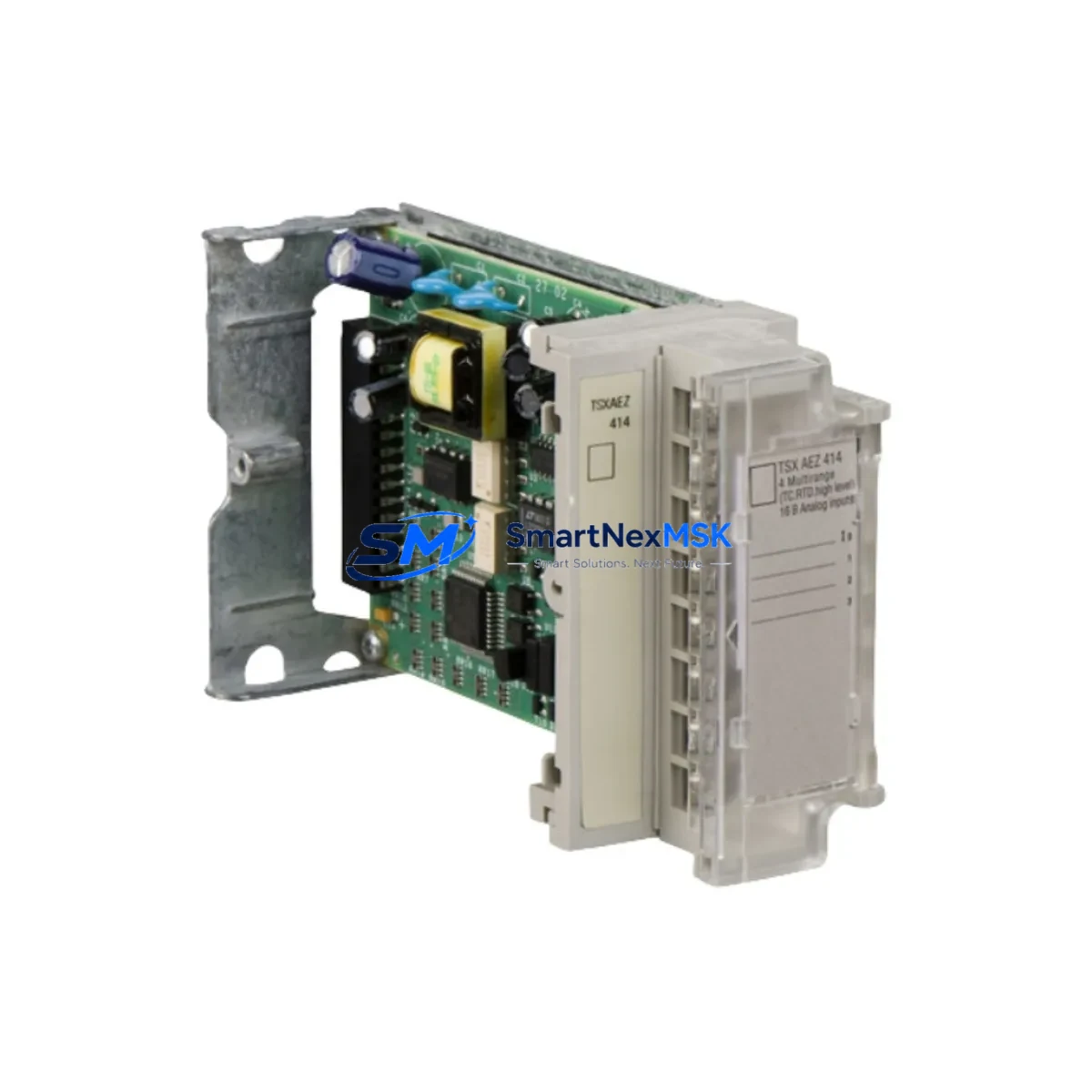
Schneider TSXAEZ414 Retrofit-Ready Analog Input for TSX Premium Control Systems
The Schneider Electric TSXAEZ414 is a 4-channel analog input module engineered for the TSX Premium programmable logic controller platform. As legacy TSX Premium installations age and original spare parts become increasingly scarce, the TSXAEZ414 remains one of the most sought-after retrofit components for engineers tasked with extending the operational life of existing control systems. Whether you are replacing a failed module on a running production line, upgrading a control cabinet to meet new process requirements, or migrating from an older TSX Micro or Modicon Quantum architecture, the TSXAEZ414 provides a verified drop-in solution with full backplane compatibility.
Each unit is sourced from authorized supply chains, subjected to pre-shipment functional testing, and backed by a 12-month warranty covering both hardware defects and firmware integrity. Global stock availability ensures lead times are minimized, a critical factor when unplanned downtime threatens production continuity.
Upgrade Compatibility Table
| Parameter | TSXAEZ414 Specification | Retrofit Notes |
|---|---|---|
| Module Type | 4-Channel Analog Input | Direct replacement for TSXAEZ401 and TSXAEZ402 in most rack configurations |
| Input Range | ±10V / 0–20mA / 4–20mA selectable per channel | Verify field wiring terminal assignments before swap |
| Resolution | 12-bit + sign | Compatible with existing PL7 Pro and Unity Pro ladder logic blocks |
| Backplane Interface | TSX Premium rack bus (TSXRKY4, TSXRKY6, TSXRKY8, TSXRKY12) | Slot position must match module address configured in software |
| Power Consumption | 0.8A @ 5VDC from rack | Verify rack power supply (TSXPSY2600M or TSXPSY5500M) has sufficient headroom |
| Communication | Internal rack bus — no external fieldbus required | No protocol migration needed for intra-rack replacement |
| Programming Environment | PL7 Pro v4.5+, Unity Pro XL v2.0+ | Re-download application after module swap; verify I/O map addresses |
| Replacement Candidates | TSXAEZ401, TSXAEZ402, TSXAEZ412 | Confirm channel count and range requirements before ordering |
| Warranty | 12 Months | Covers hardware failure and pre-shipment test certification |
| Shipping | In-stock, global dispatch | ESD-safe packaging; includes installation reference card |
Retrofit Planning for Existing Automation Systems
Successful integration of the TSXAEZ414 into a legacy control system requires a structured pre-installation review. Begin by auditing the existing TSX Premium rack assembly. Identify the rack model — commonly a TSXRKY4 (4-slot), TSXRKY6 (6-slot), or TSXRKY8 (8-slot) — and confirm that the target slot is physically and electrically compatible. The rack power supply, typically a TSXPSY2600M (26W) or the higher-capacity TSXPSY5500M (55W), must have sufficient reserve current to support the TSXAEZ414’s 0.8A draw at 5VDC alongside other installed modules such as the TSXDEY32D2K digital input module or the TSXDSY32T2K digital output module.
Next, document the existing module address assignment within PL7 Pro or Unity Pro XL. The TSXAEZ414 must occupy the same rack slot as the module it replaces to preserve the I/O address map embedded in the application program. If the slot position changes, the application must be modified and re-validated — a process that can extend downtime significantly. Where possible, maintain the original slot assignment to allow a hot-swap-style replacement with minimal software intervention.
Terminal wiring is another critical checkpoint. The TSXAEZ414 uses a 20-pin removable screw terminal block. Before disconnecting field wiring from the old module, photograph or document each terminal connection, noting signal type (voltage or current), polarity, and shielding practice. Analog signal cables should be shielded and grounded at one end only to prevent ground loops, which can introduce measurement errors in sensitive process control applications such as temperature, pressure, or flow monitoring.
For systems that also incorporate a TSXSCP114 or TSXSCP111 serial communication module for Modbus RTU or Uni-Telway links to field devices or HMI panels — such as the Magelis XBTGT series — verify that the communication module’s rack position and address remain unchanged. HMI screen tags bound to analog input values will continue to function correctly as long as the underlying PLC variable addresses are preserved. If the HMI application references symbolic variable names rather than absolute addresses, no HMI modification is required after the module swap.
In systems where the TSX Premium CPU — such as the TSXP574634M or TSXP57454M — manages multiple racks via a TSXRKY bus extension or a Fipio network drop, confirm that the remote rack’s module inventory is correctly reflected in the Unity Pro hardware configuration before downloading the updated project. Mismatches between the physical rack configuration and the software hardware catalog will generate configuration errors on startup and prevent the CPU from entering RUN mode.
Downtime Control During System Migration
Minimizing unplanned downtime is the primary operational concern when replacing analog input modules in a live production environment. The recommended approach is to prepare the replacement TSXAEZ414 offline before the maintenance window begins. This includes verifying the module’s firmware version, confirming the terminal block wiring diagram, and staging the PL7 Pro or Unity Pro XL project file with any necessary address adjustments pre-validated in simulation mode.
During the maintenance window, follow a structured sequence: place the TSX Premium CPU in STOP mode, remove the faulty module, insert the TSXAEZ414 into the correct rack slot, reconnect the terminal block, and restore power. Before returning the CPU to RUN mode, perform a forced I/O test on each analog channel to confirm signal integrity. Most process engineers use a calibrated signal generator to inject known 4–20mA or 0–10V signals and verify that the PLC reads the expected engineering unit values within tolerance.
If the system uses a TSXMRP032P memory card to store the application backup, ensure the card contains the latest validated program version before the swap. This allows rapid recovery if the CPU requires a cold restart. For systems with redundant CPU configurations, coordinate the module replacement with the redundancy switchover sequence to maintain continuous control output to field actuators and drives throughout the procedure.
After the module is confirmed operational, update the maintenance log with the replacement date, module serial number, and test results. This record supports future warranty claims and provides traceability for regulatory compliance audits in industries such as pharmaceuticals, food processing, and energy management.
Retrofit Support FAQ
Q: Is the TSXAEZ414 a direct drop-in replacement for the TSXAEZ401?
A: In most TSX Premium rack configurations, yes. Both modules occupy a single rack slot and share the same backplane interface. However, the TSXAEZ414 offers 4 channels versus the TSXAEZ401’s single-channel design, so verify that your application program’s I/O address map accounts for the additional channels. No hardware modification to the rack or power supply is typically required.
Q: Do I need to modify my PL7 Pro application after installing the TSXAEZ414?
A: If the module replaces an identical or functionally equivalent unit in the same rack slot, the existing application can usually be re-downloaded without modification. If the slot position changes or the module type differs from what is declared in the hardware configuration, update the Unity Pro or PL7 Pro hardware catalog entry, re-validate the project, and perform a full download before returning to RUN mode.
Q: What pre-shipment testing is performed on each TSXAEZ414 unit?
A: Each module undergoes a functional test protocol that includes power-on self-test verification, per-channel analog signal accuracy measurement across the full input range, and backplane communication handshake confirmation. Test results are logged and accompany the unit. The 12-month warranty covers any hardware defect identified after installation under normal operating conditions.
Q: Can the TSXAEZ414 be used in a Modicon Quantum or M340 rack?
A: No. The TSXAEZ414 is designed exclusively for the TSX Premium rack bus architecture and is not physically or electrically compatible with Modicon Quantum (140-series) or M340 (BMX-series) backplanes. For Quantum systems, the equivalent analog input module is the 140AII33000; for M340 systems, consider the BMXAMI0410. If you are migrating from TSX Premium to M340, a full I/O remapping and application re-engineering effort is required.
© 2026 SMARTNEXMSK. All rights reserved.
Original Source: https://smartnexmsk.com
Contact: [email protected] | +86 18259474341