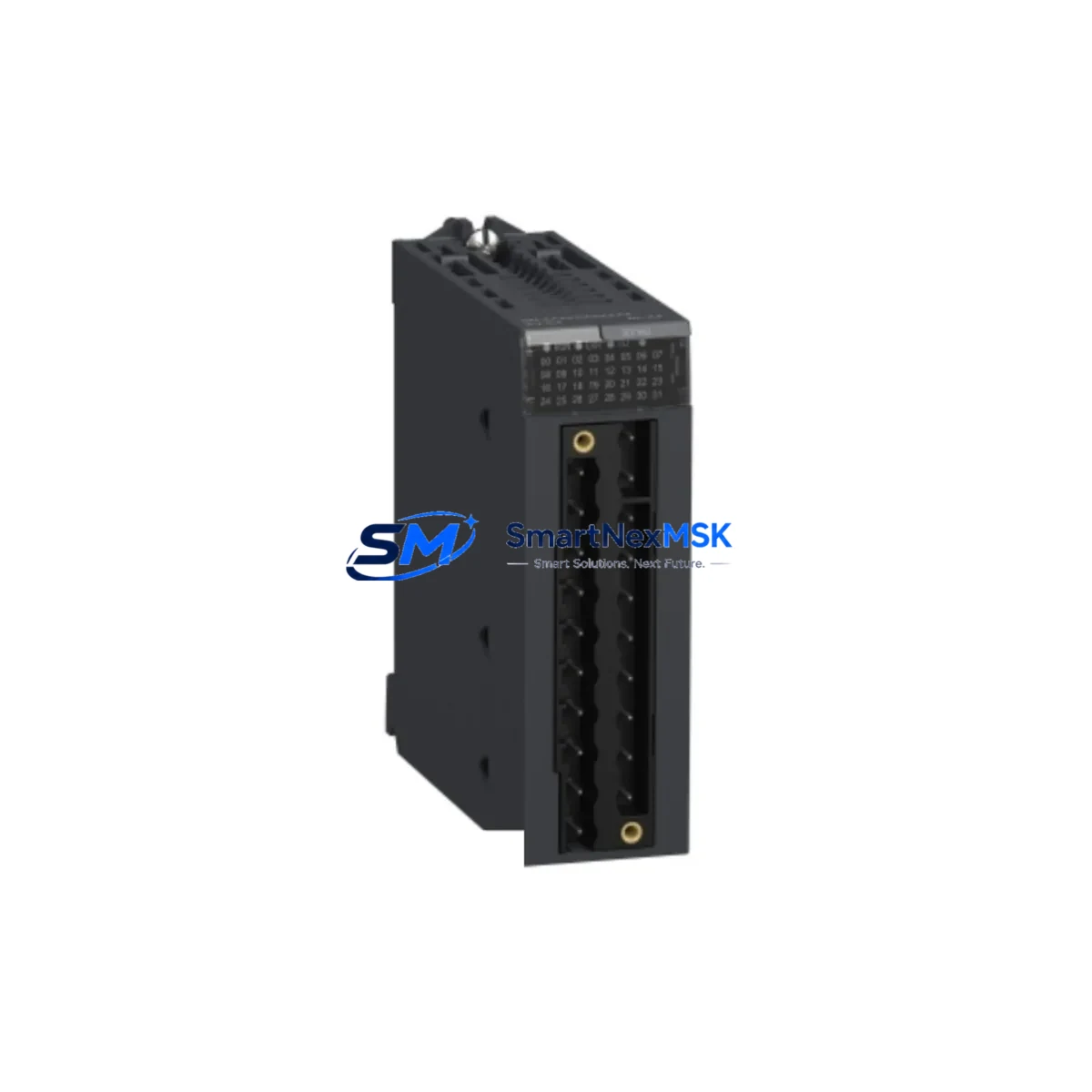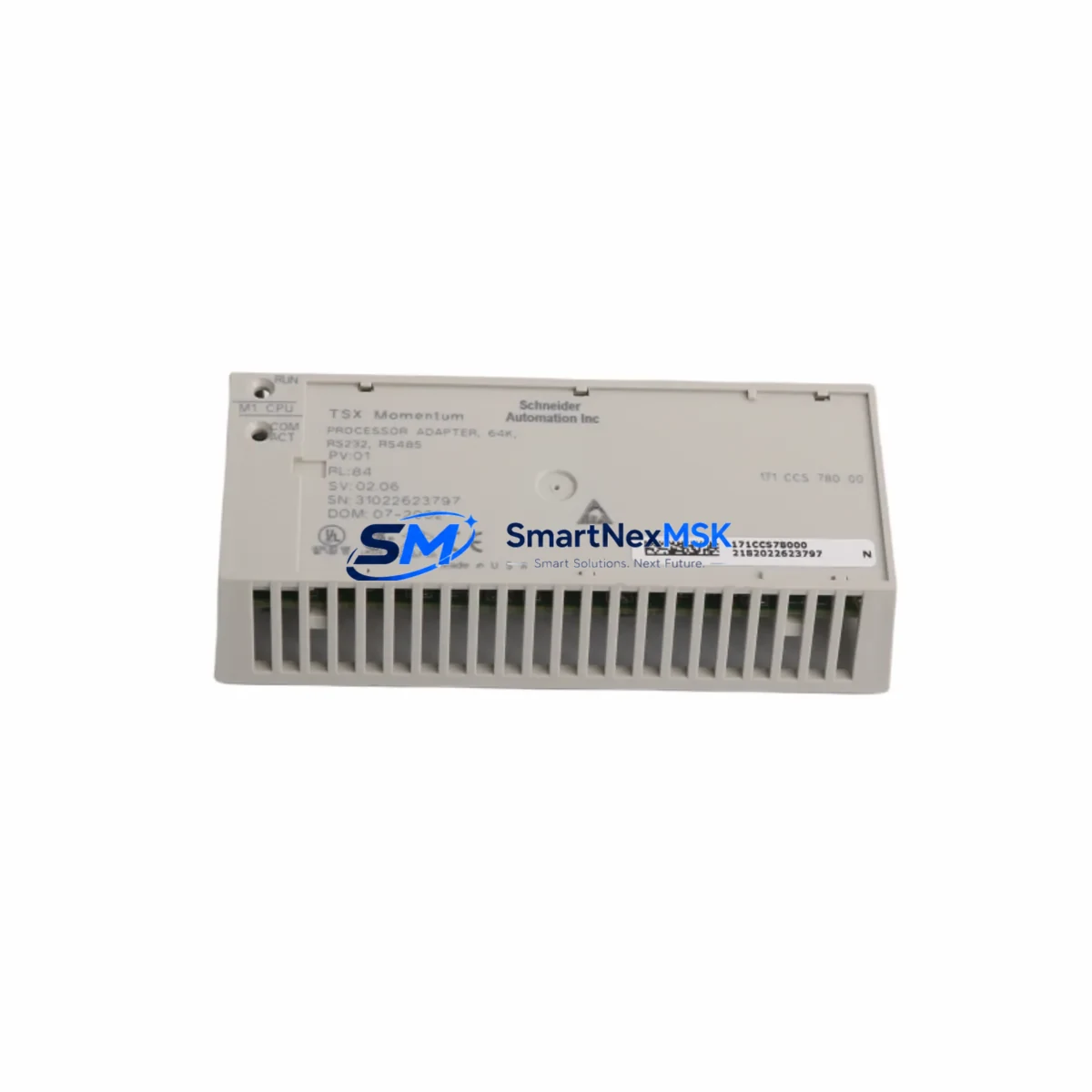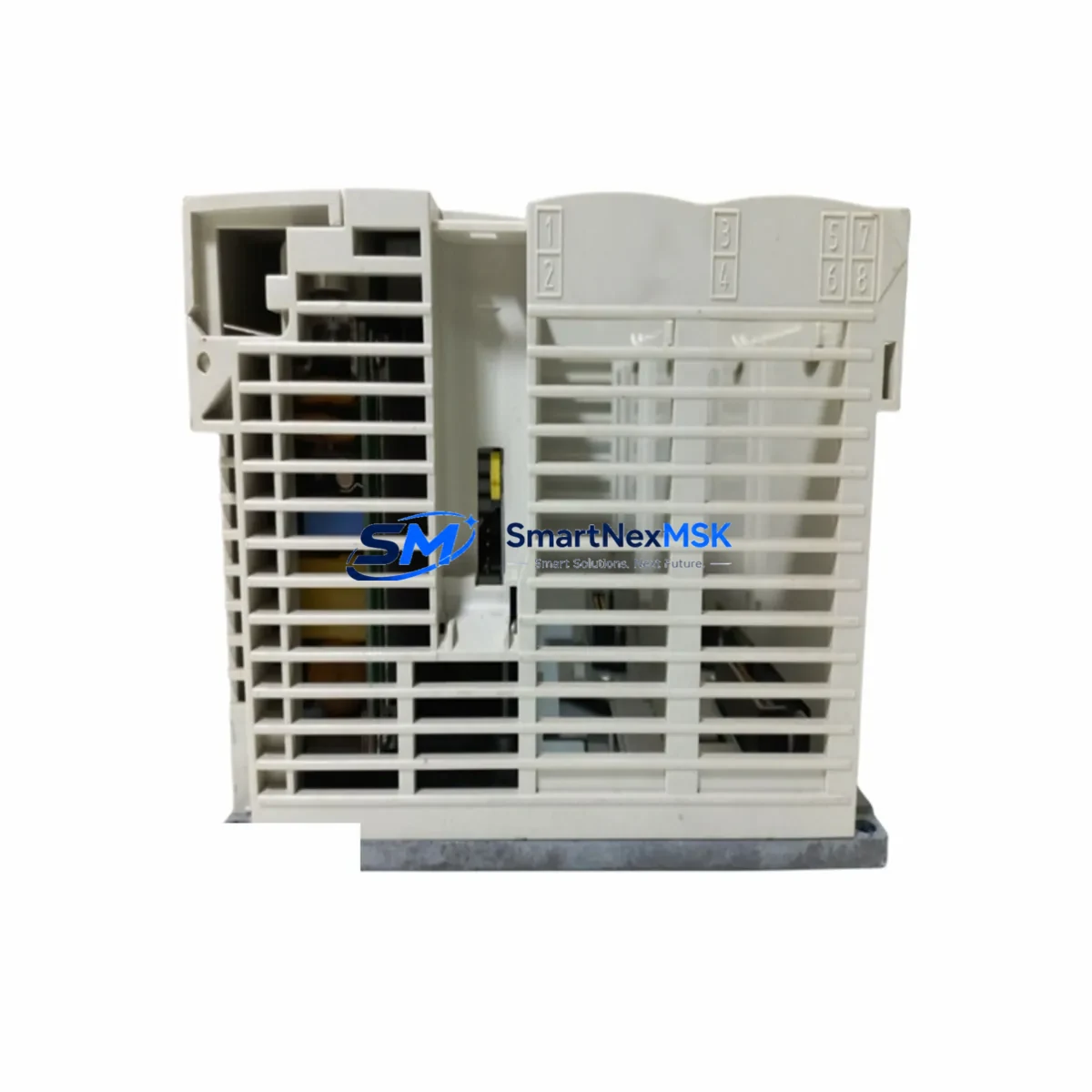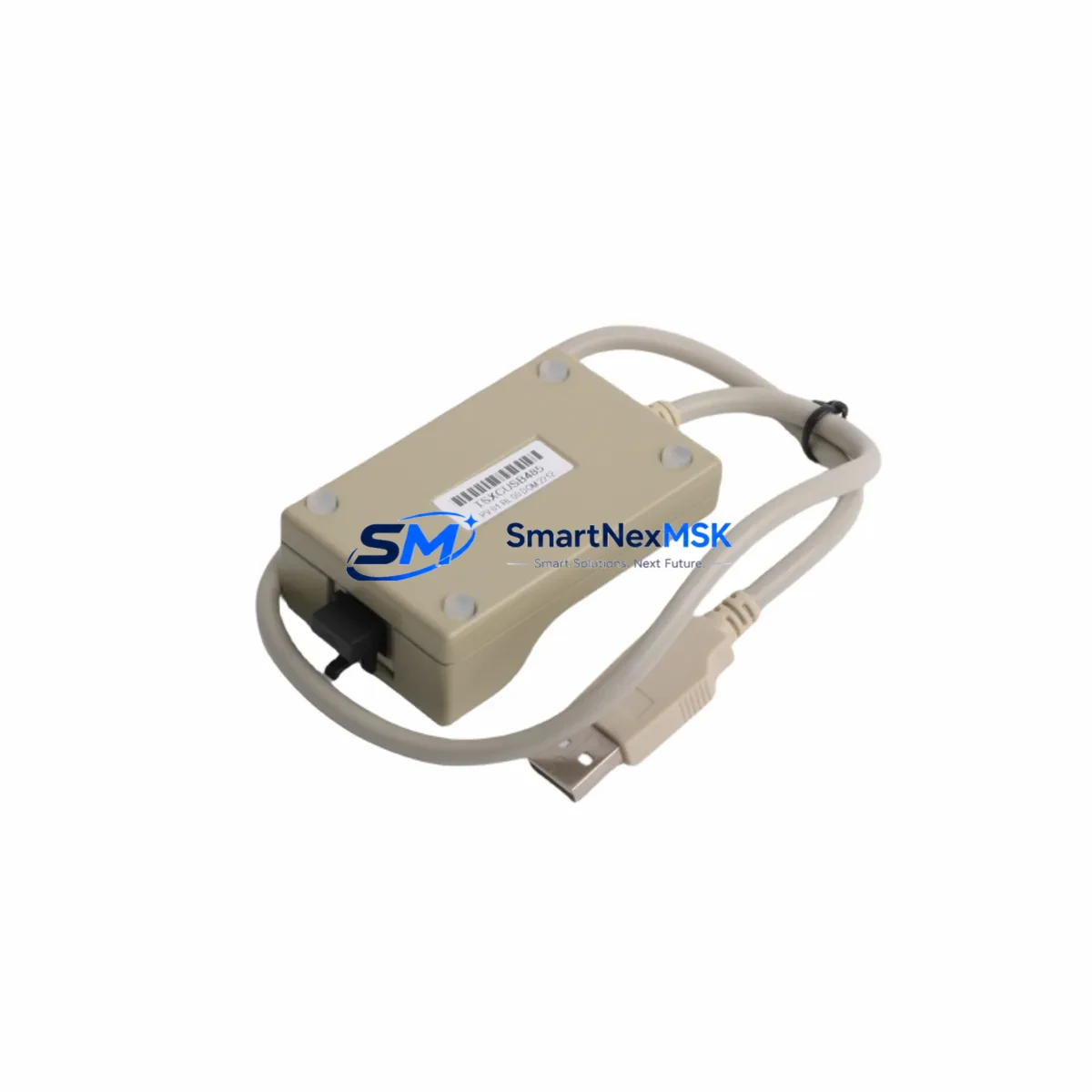
Schneider TSXCUSB485 Maintenance-Ready Spare for TSX Premium Automation
The Schneider Electric TSXCUSB485 is a USB-to-RS485 programming and communication cable engineered for the TSX Premium and TSX Micro PLC series. As a maintenance-critical interface component, it enables direct laptop-to-PLC communication for program upload/download, online diagnostics, parameter adjustment, and firmware management — all without requiring a dedicated programming terminal. For maintenance engineers managing aging TSX Premium control systems, keeping a verified spare TSXCUSB485 in the cabinet tool kit is a fundamental risk-reduction measure.
Sourced as an original Schneider Electric component, each unit undergoes pre-shipment electrical continuity and signal integrity testing. The cable supports RS485 half-duplex communication at standard baud rates used by Unity Pro and PL7 Pro programming environments, ensuring seamless compatibility with existing TSX Premium racks and CPU modules such as the TSXP574634 and TSXP57454M. With a 12-month warranty and documented test records, this spare is procurement-ready for both planned maintenance budgets and emergency replacement orders.
Spare Maintenance Table
| Parameter | Specification |
|---|---|
| Part Number / SKU | TSXCUSB485 |
| Brand | Schneider Electric |
| Series Compatibility | TSX Premium, TSX Micro |
| Interface | USB (Type-A) to RS485 (RJ45 / terminal) |
| Communication Protocol | RS485 Half-Duplex, Modbus, Uni-Telway |
| Compatible Software | Unity Pro, PL7 Pro |
| Cable Length | Approx. 3 m |
| Operating Temperature | 0°C to +60°C |
| Weight | 160 g |
| Origin | France |
| Installation | Plug-and-play; USB driver required (Windows 7/10/11) |
| Application Environment | Industrial control cabinets, MCC panels, process automation |
| Maintenance Role | PLC programming, online diagnostics, parameter backup |
| Pre-Shipment Test | Continuity, signal integrity, USB enumeration verified |
| Warranty | 12 Months |
Maintenance Planning for Continuous Operation
When a TSXCUSB485 cable fails or goes missing during a planned maintenance window, the impact extends well beyond a simple cable swap — it can halt the entire programming and diagnostic workflow for the TSX Premium system. Experienced maintenance engineers treat this cable as a consumable spare and stock at least one backup unit per control room or cabinet cluster.
During a scheduled cabinet inspection or corrective maintenance event involving the TSXCUSB485, it is equally important to verify the condition of adjacent components in the same communication and power circuit. The TSX Premium CPU module (e.g., TSXP574634) should be checked for firmware currency and memory battery status. The TSXPSY2600 or TSXPSY5000 power supply module should be inspected for output voltage stability, as an unstable 24 VDC rail can corrupt USB-to-RS485 signal conversion. The TSXDEY16D2 or TSXDEY32D2 digital input modules and associated TSXDSY08T2 output modules should be verified for correct I/O mapping after any CPU re-programming session.
For systems using Modbus RTU or Uni-Telway communication, the TSXSCP114 or TSXSCP111 serial communication module should be inspected alongside the TSXCUSB485 to confirm that RS485 termination resistors are correctly set and that the communication port is not showing fault LEDs. If the control cabinet includes a Magelis XBTGT or XBTGK HMI terminal, verify that the HMI communication parameters match the PLC port settings after any cable replacement. Terminal blocks and TSXCDP053 or TSXCDP203 bus cables connecting racks should also be inspected for oxidation or loose contacts, particularly in high-humidity or high-vibration environments.
For older TSX Premium installations approaching end-of-support, maintaining a curated spare parts list that includes the TSXCUSB485, a backup CPU module, at least one power supply, and key I/O modules is the most effective strategy for extending system life without a full migration. Procurement engineers should consider establishing a standing order or consignment stock arrangement to ensure zero lead-time availability for these critical interface components.
Site Replacement Workflow
Step 1 — Identify and Confirm: Verify the failed or missing cable is indeed the TSXCUSB485 by checking the label on the cable body or the part number recorded in the maintenance log. Confirm the target PLC is a TSX Premium or TSX Micro series unit with a standard RS485 programming port.
Step 2 — Driver Preparation: Before connecting the replacement cable, ensure the maintenance laptop has the correct USB-to-RS485 driver installed (Schneider Electric USB driver package, compatible with Windows 10/11). Verify the COM port assignment in Device Manager after first connection.
Step 3 — Software Configuration: Open Unity Pro or PL7 Pro and set the communication address to match the PLC’s configured station address. For Uni-Telway networks, confirm the UNI-TE address and baud rate (typically 19200 bps) match the CPU configuration.
Step 4 — Online Connection and Backup: Establish an online connection, upload the current PLC program as a backup before making any changes, and verify I/O status, diagnostic buffers, and communication module states. Document the connection test result in the maintenance record.
Step 5 — Restore and Verify: After completing programming or diagnostic tasks, disconnect the cable safely, confirm the PLC returns to RUN mode, and verify all process signals are operating normally. Log the replacement in the spare parts management system and reorder a backup TSXCUSB485 to restore minimum stock levels.
This workflow minimizes unplanned downtime, preserves system configuration integrity, and ensures the replacement is fully documented for audit and compliance purposes.
Spare Parts Support FAQ
Q1: Is the TSXCUSB485 compatible with both Unity Pro and PL7 Pro software?
Yes. The TSXCUSB485 supports both Unity Pro (for TSX Premium CPUs with firmware ≥ V3.0) and PL7 Pro (for legacy TSX Premium and TSX Micro CPUs). Ensure the correct USB driver is installed and the COM port is properly assigned before launching either software environment.
Q2: What is the recommended spare parts stocking strategy for this cable?
For facilities operating multiple TSX Premium PLCs, we recommend maintaining a minimum of two TSXCUSB485 cables per site — one in active use and one sealed in the spare parts cabinet. For multi-site operations, a centralized regional stock of 3–5 units with documented location tracking is advisable to support emergency dispatch within 24 hours.
Q3: How is each unit tested before shipment?
Every TSXCUSB485 unit undergoes USB enumeration verification, RS485 signal continuity testing, and a functional communication test with a TSX Premium CPU prior to packaging. A test record is available upon request. Units are shipped in anti-static packaging with a 12-month warranty covering manufacturing defects and communication failures under normal operating conditions.
Q4: Can this cable replace older Schneider programming cables such as the TSXPCX1031 or TSXPCX3030?
The TSXCUSB485 is the recommended modern replacement for serial-port-based programming cables including the TSXPCX1031 (RS232) and TSXPCX3030 (RS485 serial). Since most current maintenance laptops no longer include RS232 or DB9 serial ports, the TSXCUSB485 provides a direct USB interface that eliminates the need for additional USB-to-serial adapters, simplifying the maintenance toolkit and reducing potential signal conversion errors.
© 2026 SMARTNEXMSK. All rights reserved.
Original Source: https://smartnexmsk.com
Contact: [email protected] | +86 18259474341