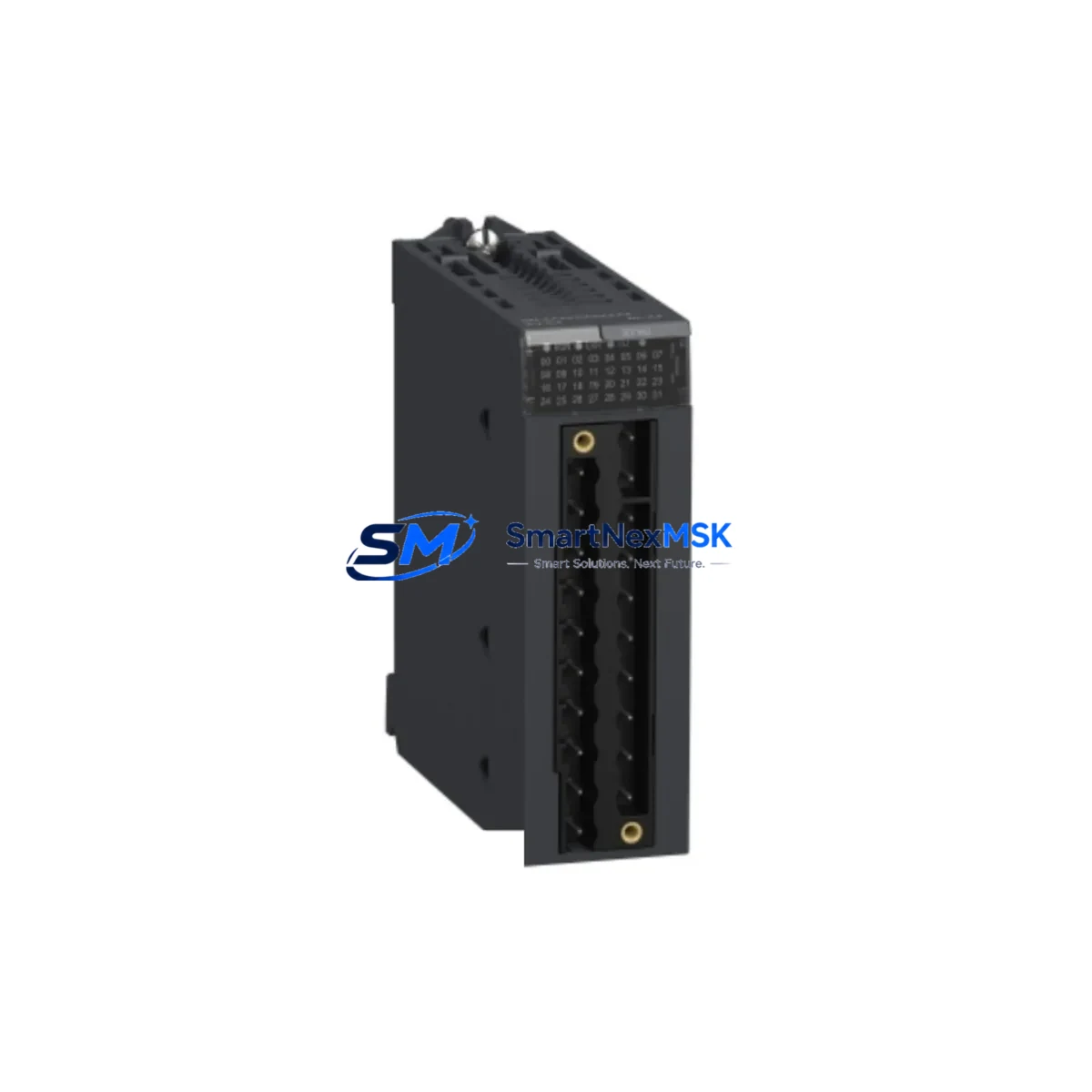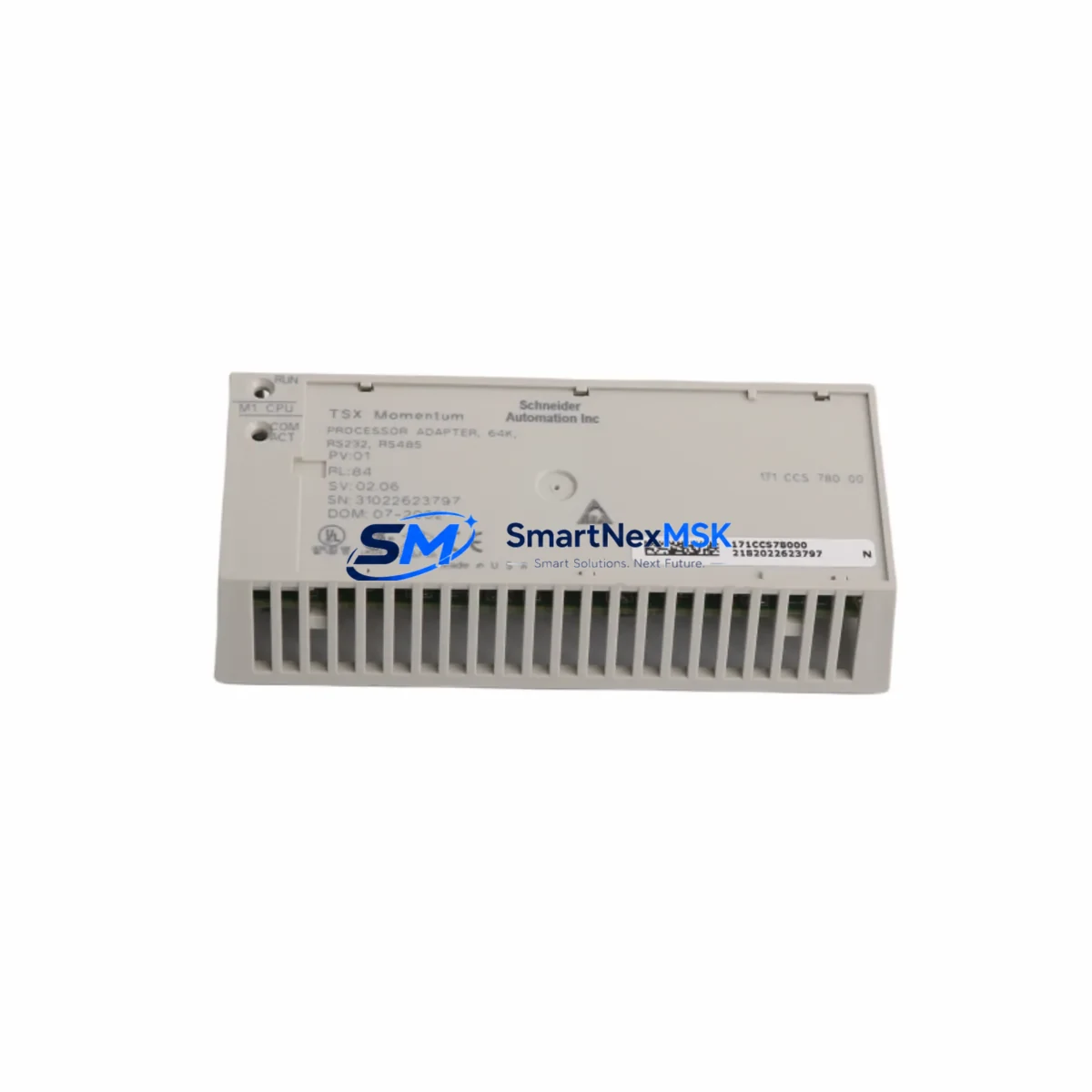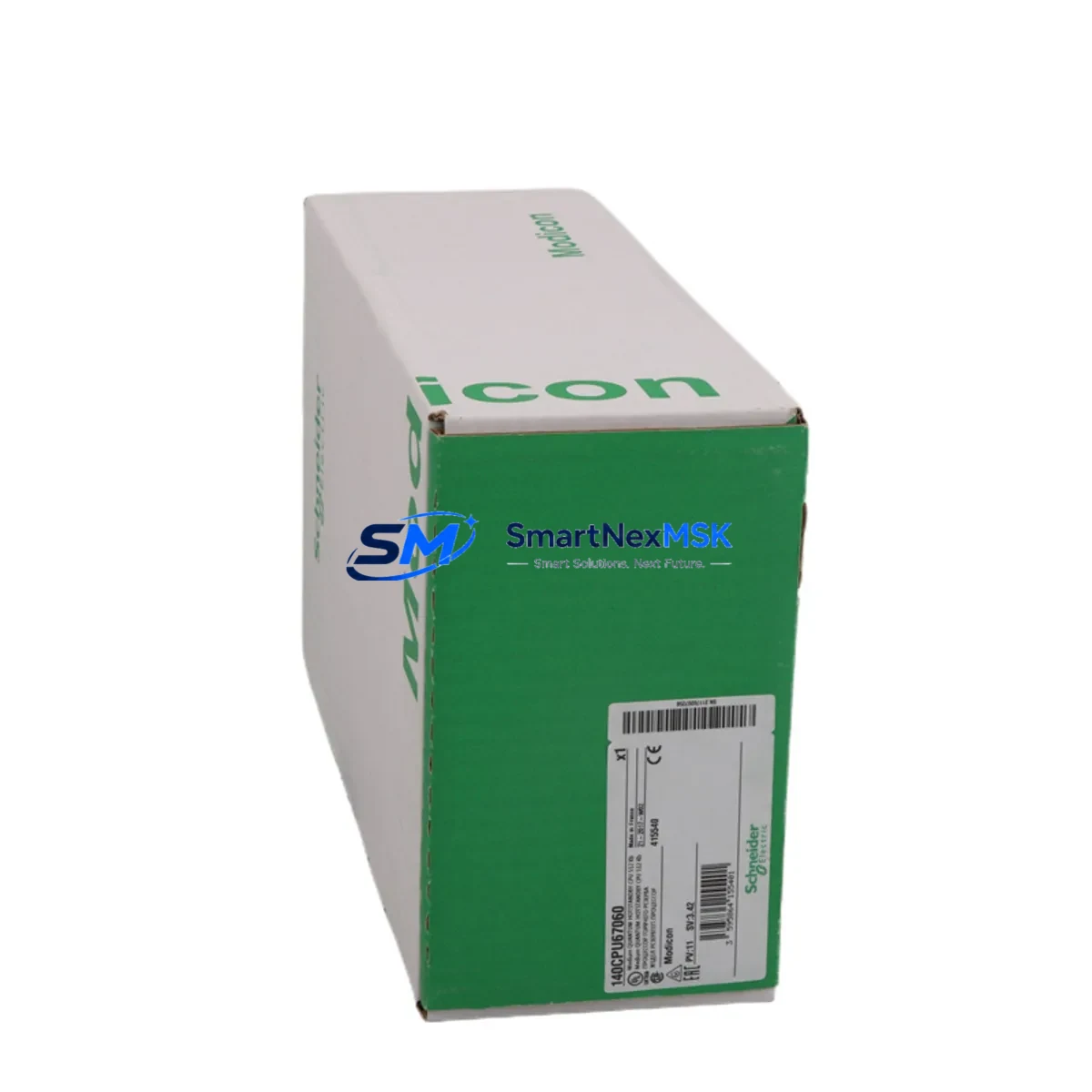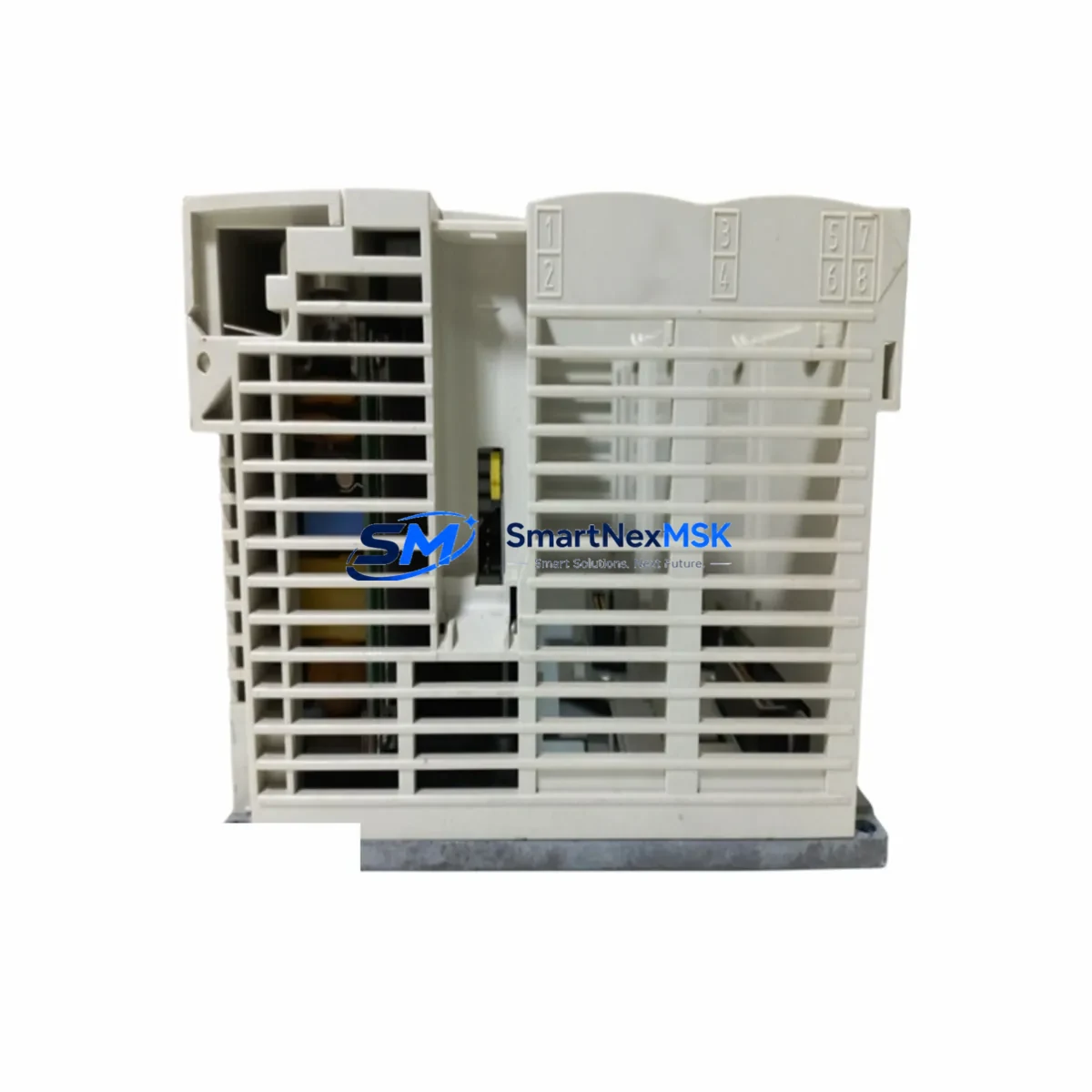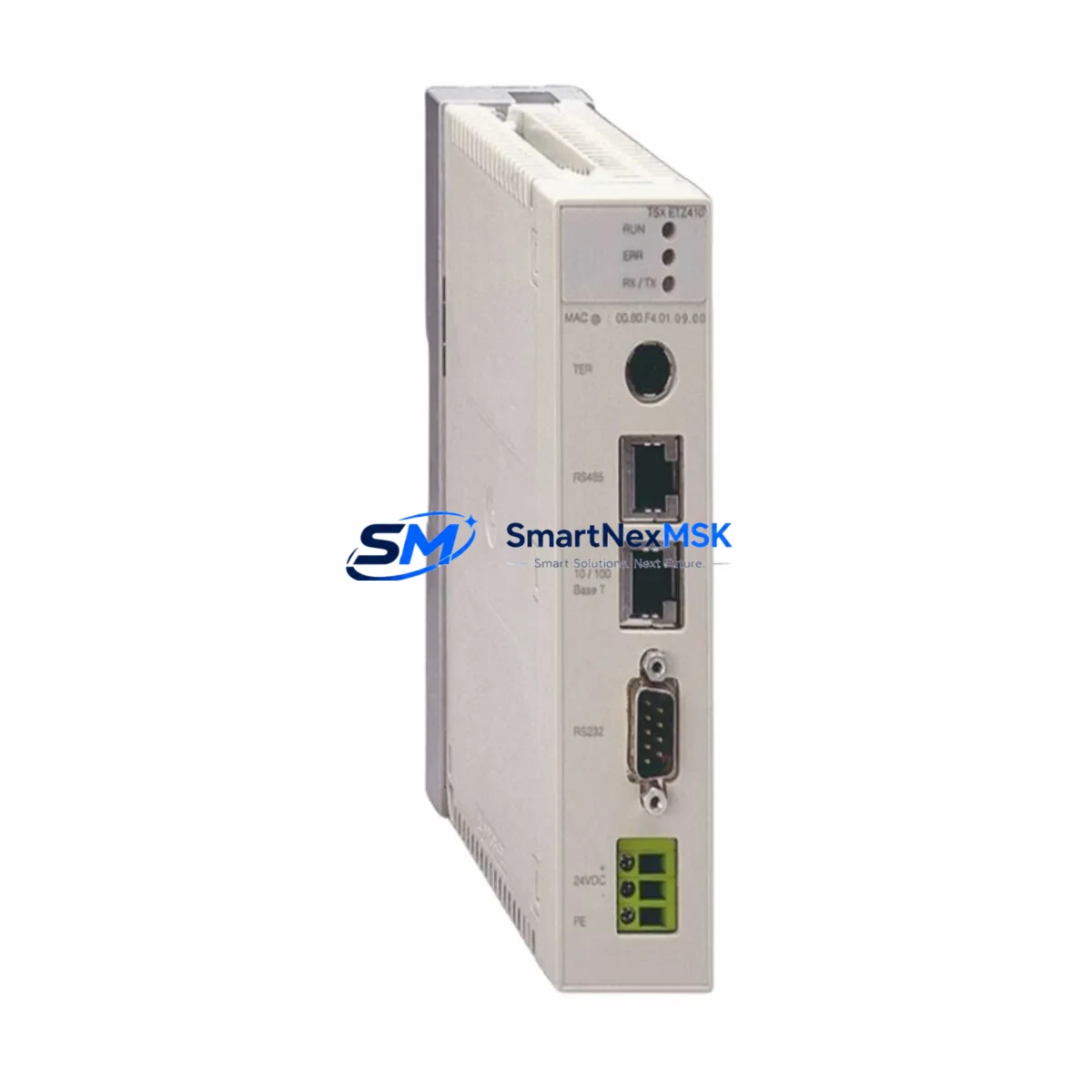
Schneider TSXETZ410 Retrofit-Ready Ethernet Module for TSX Premium Control Systems
The Schneider Electric TSXETZ410 is a 10/100 Mbps Ethernet TCP/IP communication module engineered for seamless integration into the TSX Premium PLC platform. As legacy automation infrastructure ages and original Schneider catalog items reach end-of-life, the TSXETZ410 has become a critical retrofit component for engineers tasked with modernizing control cabinets, migrating communication protocols, and restoring network connectivity in existing production lines — without replacing the entire control architecture.
SMARTNEXMSK maintains verified stock of the TSXETZ410 with full functional testing, 12-month warranty coverage, and fast international dispatch. Each unit is inspected against Schneider Electric’s original specification before shipment, ensuring compatibility with your existing TSX Premium rack and backplane.
Upgrade Compatibility Table
| Parameter | TSXETZ410 Specification | Retrofit Notes |
|---|---|---|
| Compatible Platform | TSX Premium PLC (TSX P57 series) | Installs in any standard TSX Premium rack slot |
| Communication Protocol | Ethernet TCP/IP, Modbus TCP, UNI-TE | Replaces TSXETY110 / TSXETY210 with protocol upgrade path |
| Network Interface | RJ45, 10/100 Mbps auto-negotiation | Direct cable reuse from prior Ethernet modules |
| Backplane Interface | TSX Premium standard backplane connector | No adapter required; verify rack slot availability |
| Power Consumption | ≤ 4.5 W from backplane | Confirm TSX PSY power supply headroom before installation |
| Module Address | Configurable via Unity Pro / PL7 Pro | Re-use existing address map; verify no address conflict |
| HMI Compatibility | Magelis XBTGT / XBTGK series via Ethernet | Update HMI driver to Modbus TCP if previously using serial |
| Programming Software | Unity Pro XL / PL7 Pro v4.5+ | Export and re-import network configuration after swap |
| Replacement For | TSXETY110, TSXETY210, TSXETZ410 (OEM) | Drop-in form factor; verify firmware version compatibility |
| Warranty | 12 Months | Covered from date of shipment; includes functional test certificate |
Retrofit Planning for Existing Automation Systems
Replacing a failed or obsolete Ethernet communication module in a live TSX Premium system requires careful pre-migration planning. Before removing the existing module, engineers should document the current IP address, subnet mask, gateway, and Modbus TCP slave table configured in Unity Pro or PL7 Pro. The TSXETZ410 occupies a single slot on the TSX Premium rack — typically a TSX RKY 8EX or TSX RKY 12EX expansion rack — and draws power directly from the backplane via the installed TSX PSY 2600M or TSX PSY 5500M power supply module. Confirm that the power budget has sufficient margin before adding or swapping communication modules.
In systems where the original network link used a TSXETY110 (10 Mbps coaxial) or TSXETY210 (10 Mbps twisted pair), the TSXETZ410 provides a direct upgrade to 100 Mbps Fast Ethernet with auto-negotiation, eliminating the need for legacy hubs or media converters. The module’s UNI-TE and Modbus TCP dual-stack support allows it to communicate simultaneously with SCADA systems, Magelis HMI panels, and third-party devices without protocol gateway hardware.
For I/O-intensive retrofits, the TSXETZ410 is commonly deployed alongside TSX DEY 16D2 discrete input modules and TSX DSY 16T2 discrete output modules that remain in service from the original installation. Analog signal chains using TSX AEY 414 analog input modules are unaffected by the Ethernet module swap, as they communicate via the internal backplane bus rather than the network layer. Where remote I/O is involved, verify that TSX ETY PORT remote drop adapters or Advantys STB island bus couplers are configured to the new module’s IP address before restarting the PLC.
Communication-intensive sites running CANopen or Fipio fieldbus alongside Ethernet should audit the TSX CPP 110 or TSX FPP 10 fieldbus processor modules to ensure no address conflicts arise after the Ethernet module replacement. Programming cables such as the TSXPCX3030 USB-to-serial adapter remain useful for direct PLC access during the transition period when network connectivity is temporarily interrupted.
Downtime Control During System Migration
Minimizing unplanned downtime is the primary concern during any live-system Ethernet module replacement. The recommended approach is to perform the swap during a scheduled maintenance window, with the PLC placed in STOP mode only after confirming that all field outputs are in a safe state and that the process can tolerate a controlled pause. Before powering down the rack, use Unity Pro to perform a full project backup — including the network configuration, symbol table, and I/O mapping — to a local engineering workstation.
Once the TSXETZ410 is physically seated in the rack and the system is powered on, the module will initialize and broadcast an ARP request on the network. Assign the pre-documented IP address using the module’s rotary switches or via Unity Pro’s hardware configuration editor. Restore the Modbus TCP server table and verify that all SCADA polling addresses resolve correctly before switching the PLC back to RUN mode. HMI screens connected via Magelis Ethernet drivers typically reconnect automatically within 30 seconds of the module coming online, but a manual driver restart may be required on older XBTGT terminals running firmware below v3.10.
For sites where continuous operation is critical, consider staging a pre-configured spare TSXETZ410 with the correct IP settings loaded offline, so that the physical swap and network restoration can be completed in under 15 minutes. SMARTNEXMSK ships units with a functional test certificate and pre-verified firmware, reducing on-site commissioning time and the risk of DOA failures during critical maintenance windows.
Retrofit Support FAQ
Q1: Is the TSXETZ410 a direct drop-in replacement for the TSXETY210?
Yes. The TSXETZ410 uses the same TSX Premium backplane connector and occupies one standard rack slot, making it physically interchangeable with the TSXETY210. The primary difference is the upgraded 100 Mbps interface and expanded Modbus TCP server capacity. You will need to update the hardware configuration in Unity Pro or PL7 Pro to reflect the new module reference before downloading to the PLC.
Q2: What wiring changes are required during installation?
No terminal wiring changes are required — the TSXETZ410 connects to the network via a standard RJ45 patch cable. If the previous module used a BNC coaxial connector (TSXETY110), you will need to replace the network cable with a Cat5e or Cat6 twisted-pair cable and update the switch port configuration. All field I/O wiring on discrete and analog modules remains untouched.
Q3: How do I verify compatibility with my existing Unity Pro project?
Open your Unity Pro project and navigate to the hardware configuration editor. Locate the existing Ethernet module in the rack view and note its reference. Replace it with TSXETZ410 in the catalog, then run the project analyzer to identify any configuration mismatches. Export the network configuration (IP address, Modbus TCP table, UNI-TE parameters) before making changes so you can restore settings quickly if needed.
Q4: What does the 12-month warranty cover?
All TSXETZ410 units supplied by SMARTNEXMSK carry a 12-month warranty from the date of shipment, covering manufacturing defects and functional failures under normal operating conditions. Each unit ships with a functional test certificate confirming that the module was powered on, initialized, and verified for Ethernet link establishment and Modbus TCP communication prior to dispatch. Warranty claims are handled directly by our technical team at [email protected].
© 2026 SMARTNEXMSK. All rights reserved.
Original Source: https://smartnexmsk.com
Contact: [email protected] | +86 18259474341