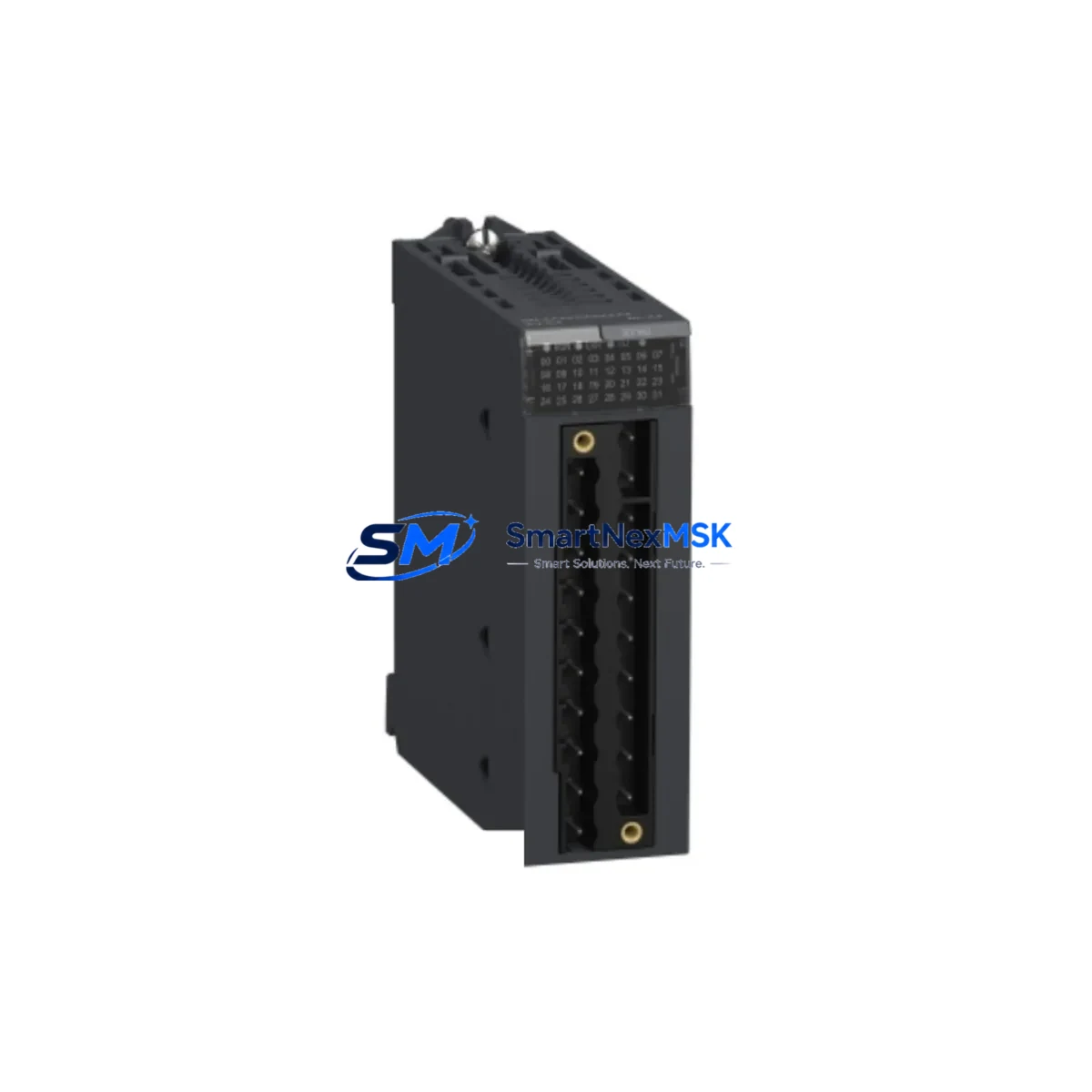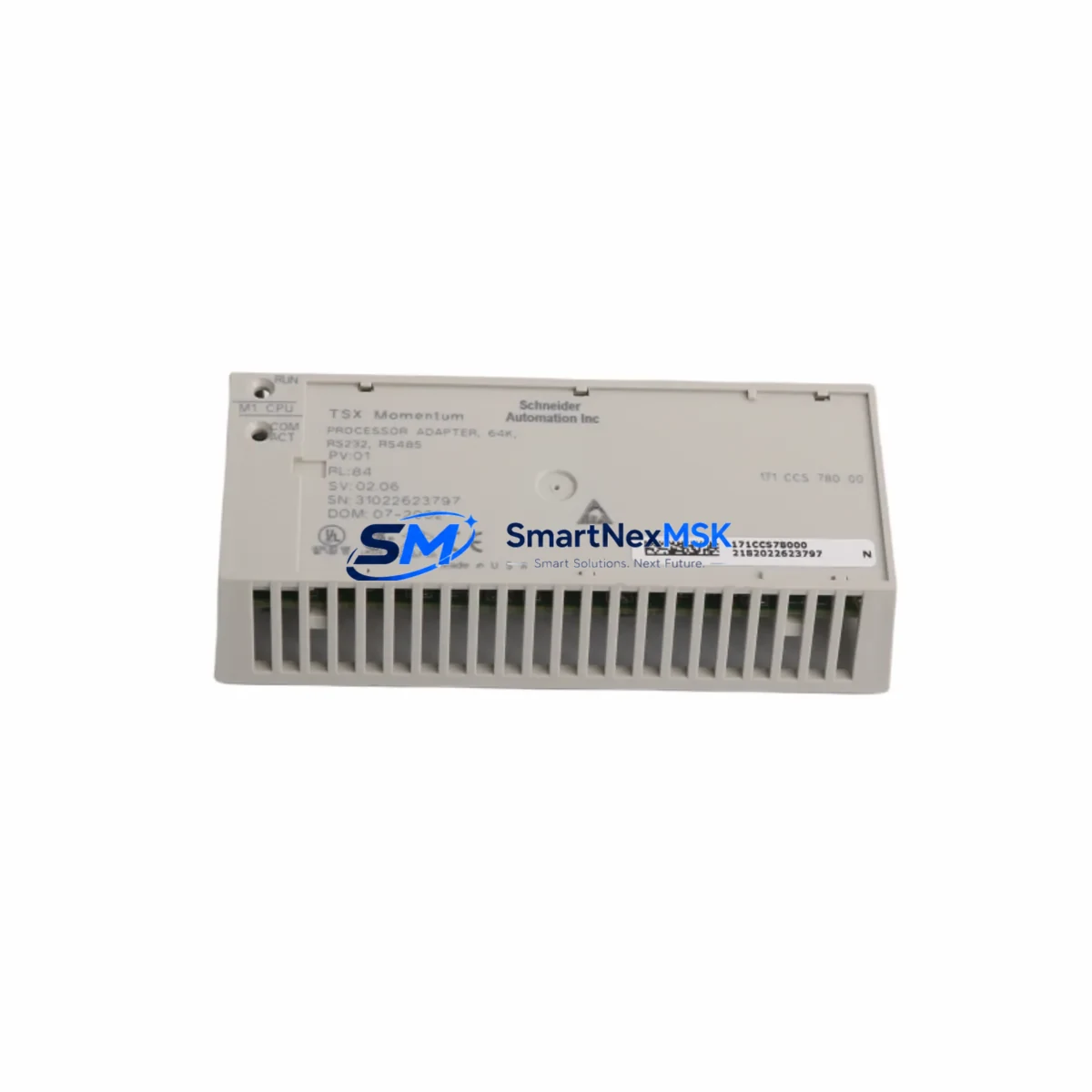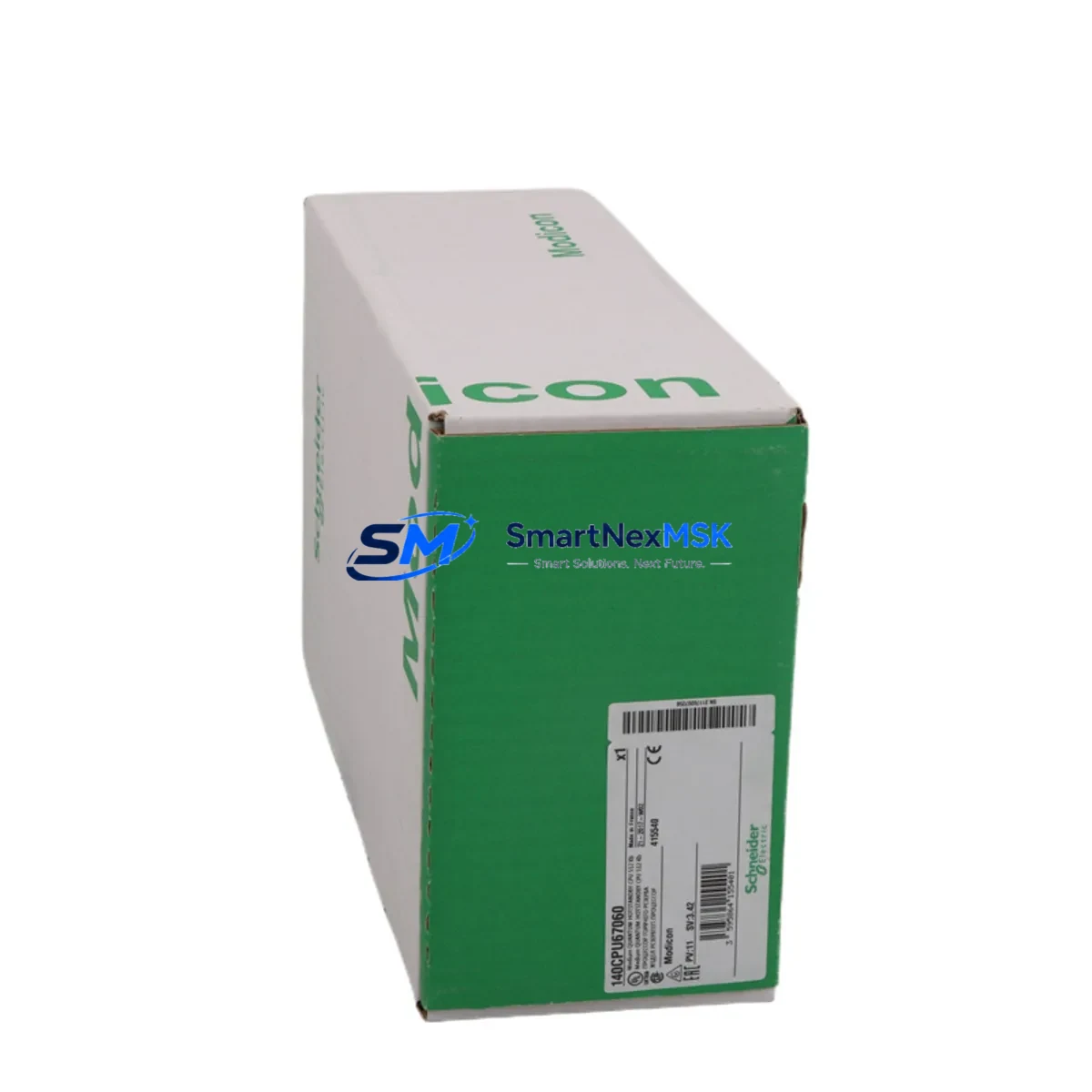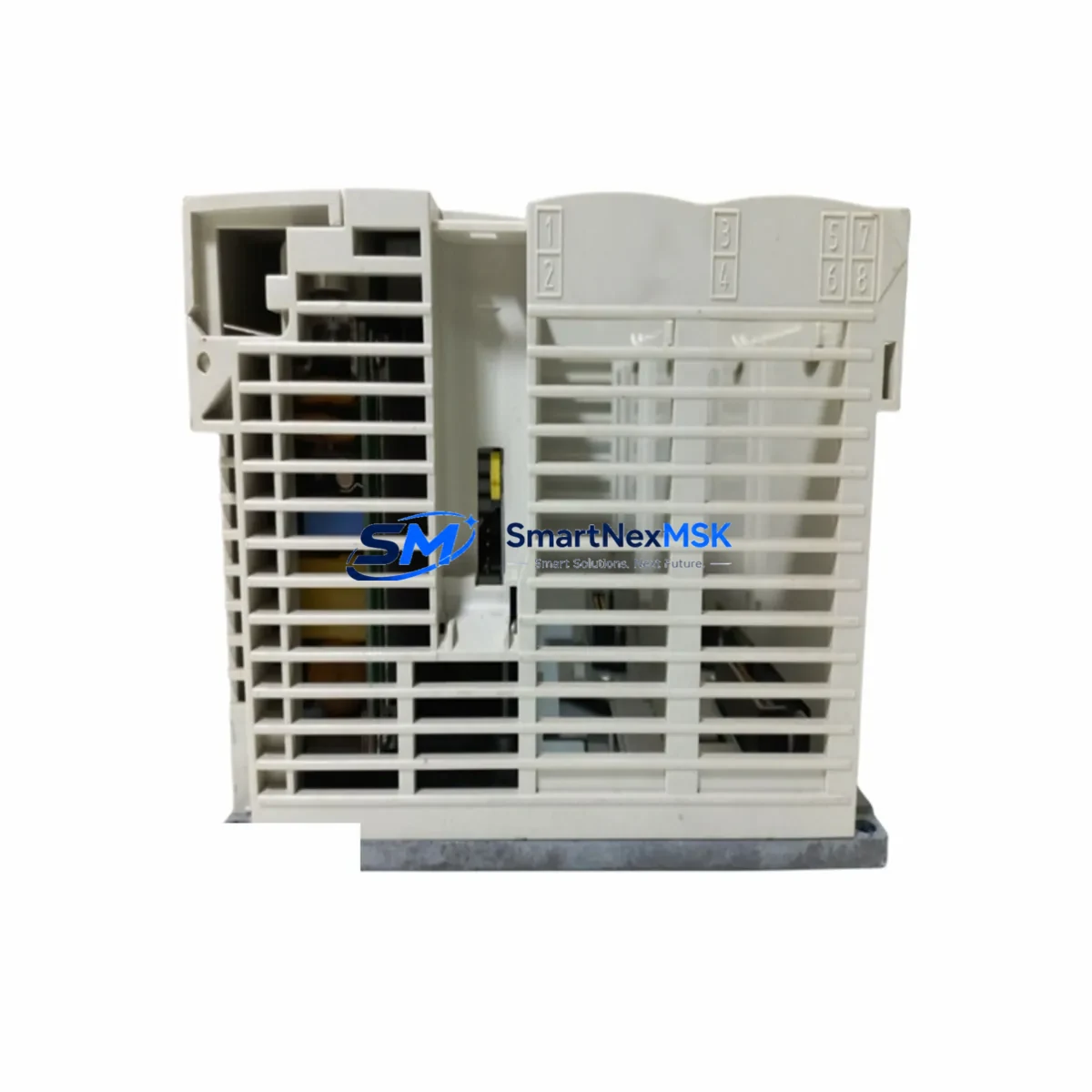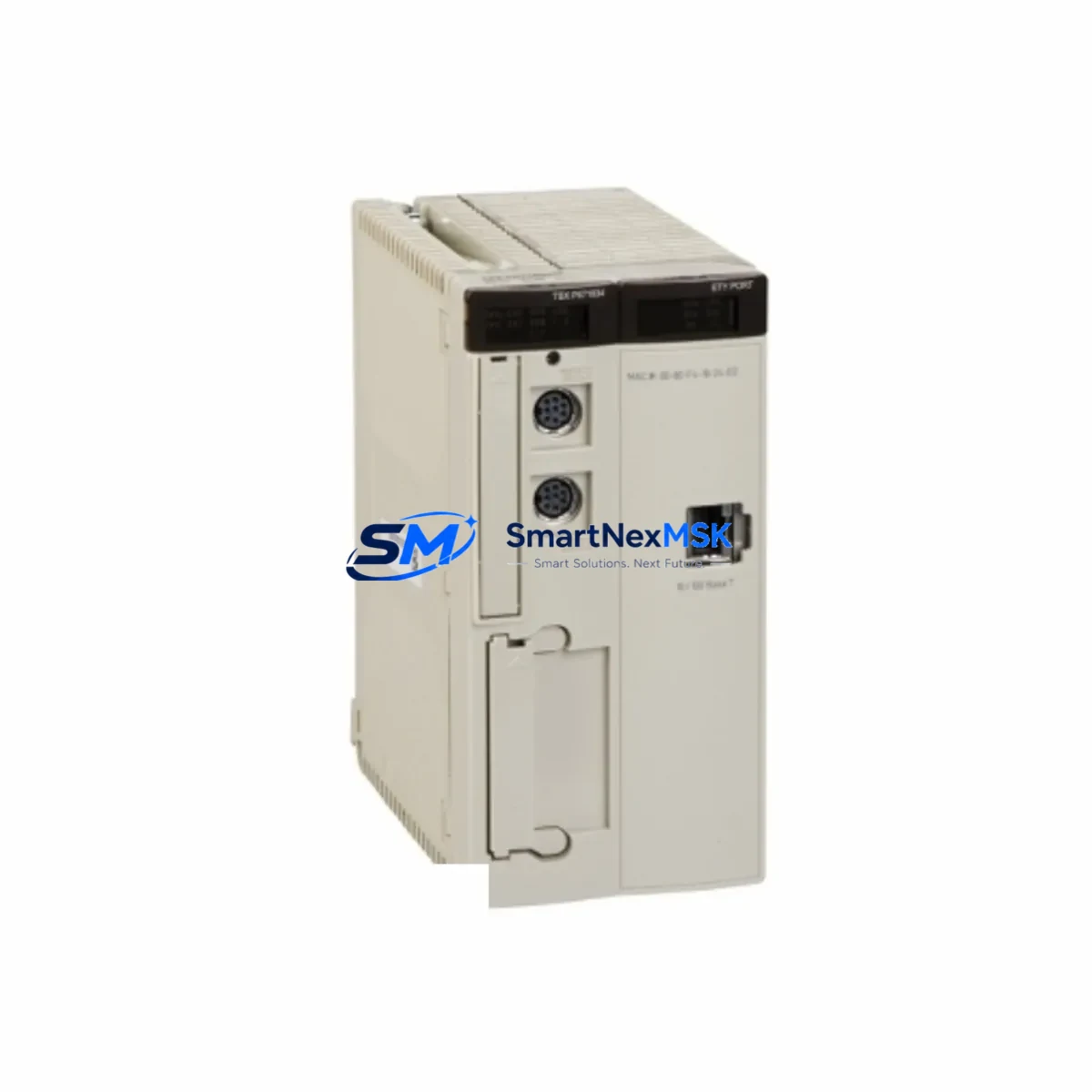
Schneider TSXP57204M Maintenance-Ready Spare for TSX P57 Automation
The Schneider Electric TSXP57204M is a high-performance PLC processor module designed for the TSX P57 series within the Modicon Premium automation platform. For maintenance engineers managing continuous production lines, control panel integrity, and aging automation infrastructure, sourcing a verified original spare of the TSXP57204M is a critical step in any downtime-recovery or preventive maintenance strategy. This module supports Unity Pro programming environments and is fully compatible with the broader Modicon Premium ecosystem, making it a direct, drop-in replacement for failed or end-of-life units in the field.
Whether you are executing a planned shutdown inspection, responding to an unscheduled fault, or building a strategic spare parts buffer for a multi-line facility, the TSXP57204M delivers the processing capacity and I/O management capability required to restore system operation with minimal configuration overhead. Each unit is tested prior to dispatch and ships with a 12-month warranty, giving procurement and maintenance teams confidence in both quality and long-term supply continuity.
Spare Maintenance Table
| Parameter | Specification |
|---|---|
| Part Number / SKU | TSXP57204M |
| Brand | Schneider Electric |
| Series | TSX P57 / Modicon Premium |
| Module Type | PLC Processor Module |
| Programming Software | Unity Pro (all versions) |
| Communication Ports | Uni-Telway / Modbus / Ethernet (via expansion) |
| I/O Capacity | Up to 1024 discrete I/O (rack-dependent) |
| Memory | 256 KB application memory |
| Power Supply Compatibility | TSX PSY series (e.g. TSXPSY2600M, TSXPSY5500M) |
| Rack Compatibility | TSX RKY series backplanes (4, 8, 12 slot) |
| Operating Temperature | 0°C to +60°C |
| Origin | France |
| Condition | Original, tested before shipment |
| Warranty | 12 Months |
| Application Environment | Industrial automation, process control, discrete manufacturing |
| Maintenance Recommendation | Replace as unit; inspect rack, PSU, and I/O modules simultaneously |
Maintenance Planning for Continuous Operation
When a TSXP57204M processor fault is identified — whether through a watchdog trip, communication loss, or Unity Pro diagnostic alarm — the replacement workflow should extend beyond the CPU module itself. Experienced maintenance engineers know that a processor failure is rarely isolated; adjacent components in the same control cabinet are often subject to the same environmental stressors, power transients, or aging cycles.
Begin by inspecting the TSX PSY series power supply module (such as the TSXPSY2600M or TSXPSY5500M) for output voltage drift, capacitor bulge, or thermal discoloration. A degraded power supply is a common root cause of intermittent processor resets. Next, verify the TSX RKY backplane for connector oxidation or mechanical damage — a faulty backplane slot can cause the replacement CPU to exhibit the same fault symptoms as the original.
Review all TSX DEY / TSX DSY digital I/O modules installed in the rack. During a processor swap, it is best practice to confirm that each I/O module’s LED status indicators return to normal after the new CPU initializes. Analog I/O modules such as the TSX AEY series should also be checked for signal drift, particularly in temperature-sensitive process environments.
For systems using Modbus or Uni-Telway communication, inspect the TSX SCY series communication modules and associated RS-485 or RS-232 wiring for continuity and termination resistance. Communication faults that appear after a CPU replacement are frequently caused by pre-existing wiring issues that were masked by the previous processor’s fault state.
If the Premium rack includes a TSX ETY Ethernet module, verify IP configuration and network switch port status after the TSXP57204M is installed and the Unity Pro application is downloaded. HMI panels connected via Ethernet — such as Magelis XBTGT or XBTGK series terminals — should be tested for live data exchange before the system is returned to production.
Finally, review the terminal blocks, fuse holders, and signal isolators in the control cabinet. Surge events that damage a processor module can also degrade 24VDC relay output modules, signal conditioning isolators, and field wiring terminations. A thorough cabinet inspection at the time of CPU replacement significantly reduces the risk of a repeat fault within the next maintenance cycle.
Site Replacement Workflow
Step 1 — Backup & Documentation: Before removing the faulty TSXP57204M, use Unity Pro to perform a full application backup if the processor is still partially responsive. Record the current firmware version, I/O configuration, and network parameters.
Step 2 — Safe Isolation: Follow your site’s lockout/tagout (LOTO) procedure. De-energize the rack via the TSX PSY power supply. Confirm zero voltage at the backplane before handling any module.
Step 3 — Module Removal & Inspection: Remove the TSXP57204M from the TSX RKY rack slot. Inspect the backplane connector pins for damage or contamination. Clean with isopropyl alcohol if required.
Step 4 — Replacement Installation: Insert the new TSXP57204M into the same rack slot. Ensure the module is fully seated and the locking lever is engaged. Re-energize the power supply and observe the CPU status LEDs — RUN, ERR, and I/O indicators should follow the normal startup sequence.
Step 5 — Application Download & Verification: Connect via Unity Pro and download the backed-up application. Verify all I/O modules are recognized, communication links are active, and HMI screens display live process data. Conduct a functional test of critical outputs before releasing the system to production.
This workflow minimizes mean time to repair (MTTR), preserves system compatibility, and ensures the replacement TSXP57204M is fully validated before resuming automated operation.
Spare Parts Support FAQ
Q1: Is the TSXP57204M still available as a new original spare?
Yes. We maintain stock of original TSXP57204M units sourced from authorized channels. Each unit undergoes functional testing prior to shipment. For facilities managing legacy Modicon Premium systems, we recommend holding at least one processor spare per critical line to eliminate lead-time risk during unplanned outages.
Q2: How do I confirm compatibility with my existing TSX P57 rack and I/O configuration?
The TSXP57204M is compatible with all TSX RKY series backplanes and the full range of TSX DEY, DSY, AEY, and SCY expansion modules. Compatibility is confirmed by matching the Unity Pro project’s hardware configuration to the installed rack layout. If you share your existing hardware list, our technical team can verify fit before shipment.
Q3: What pre-shipment testing is performed on each TSXP57204M unit?
Every TSXP57204M is powered on, initialized, and verified for communication port functionality, memory integrity, and LED status response before dispatch. Units that do not pass full functional verification are not shipped. A test report is available upon request for quality-critical procurement processes.
Q4: What does the 12-month warranty cover, and what is the replacement process?
The 12-month warranty covers manufacturing defects and functional failures under normal operating conditions. If a unit fails within the warranty period, contact our support team with the order reference and fault description. We will arrange priority replacement shipment to minimize your downtime exposure. Warranty claims are processed within 3 business days of fault confirmation.
© 2026 SMARTNEXMSK. All rights reserved.
Original Source: https://smartnexmsk.com
Contact: [email protected] | +86 18259474341