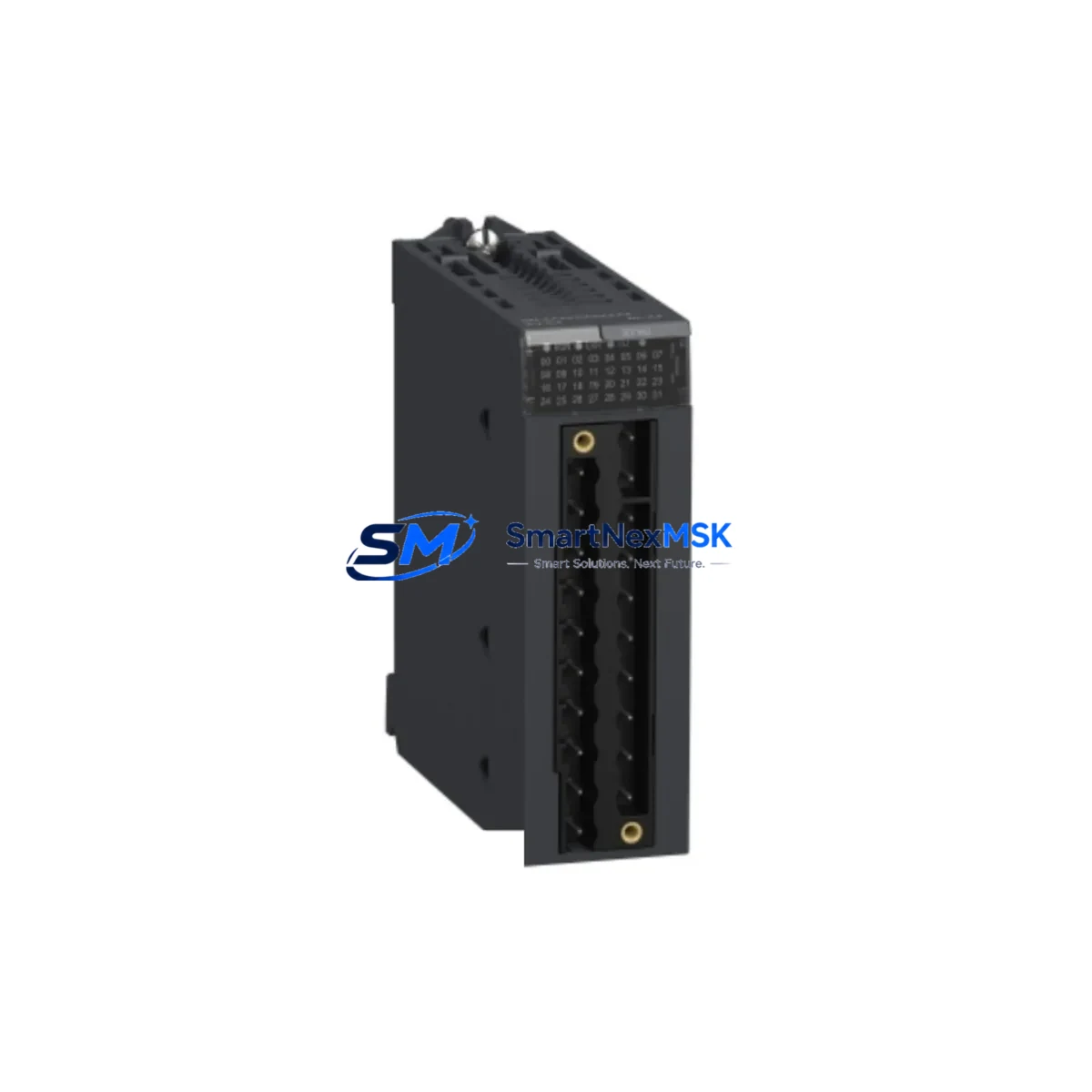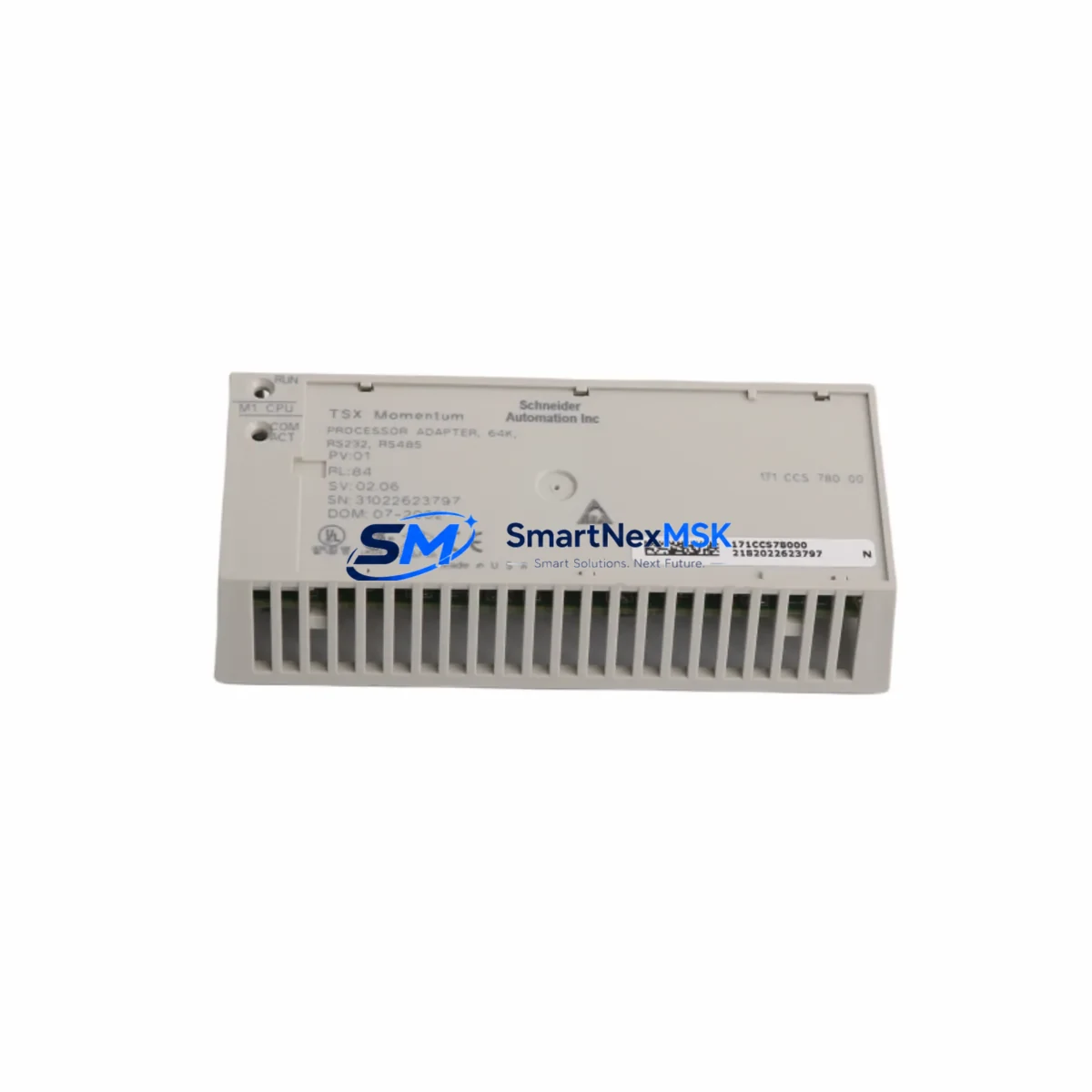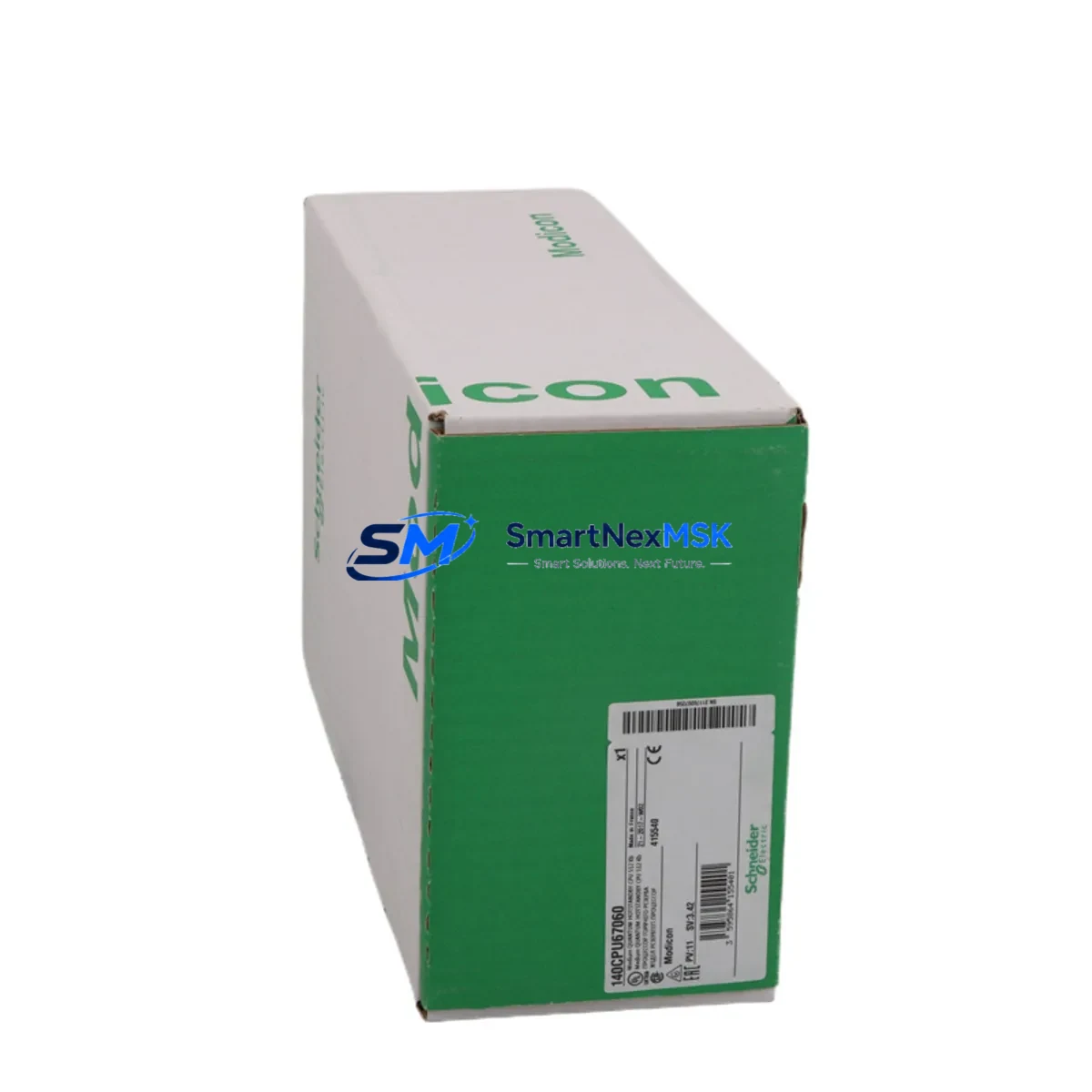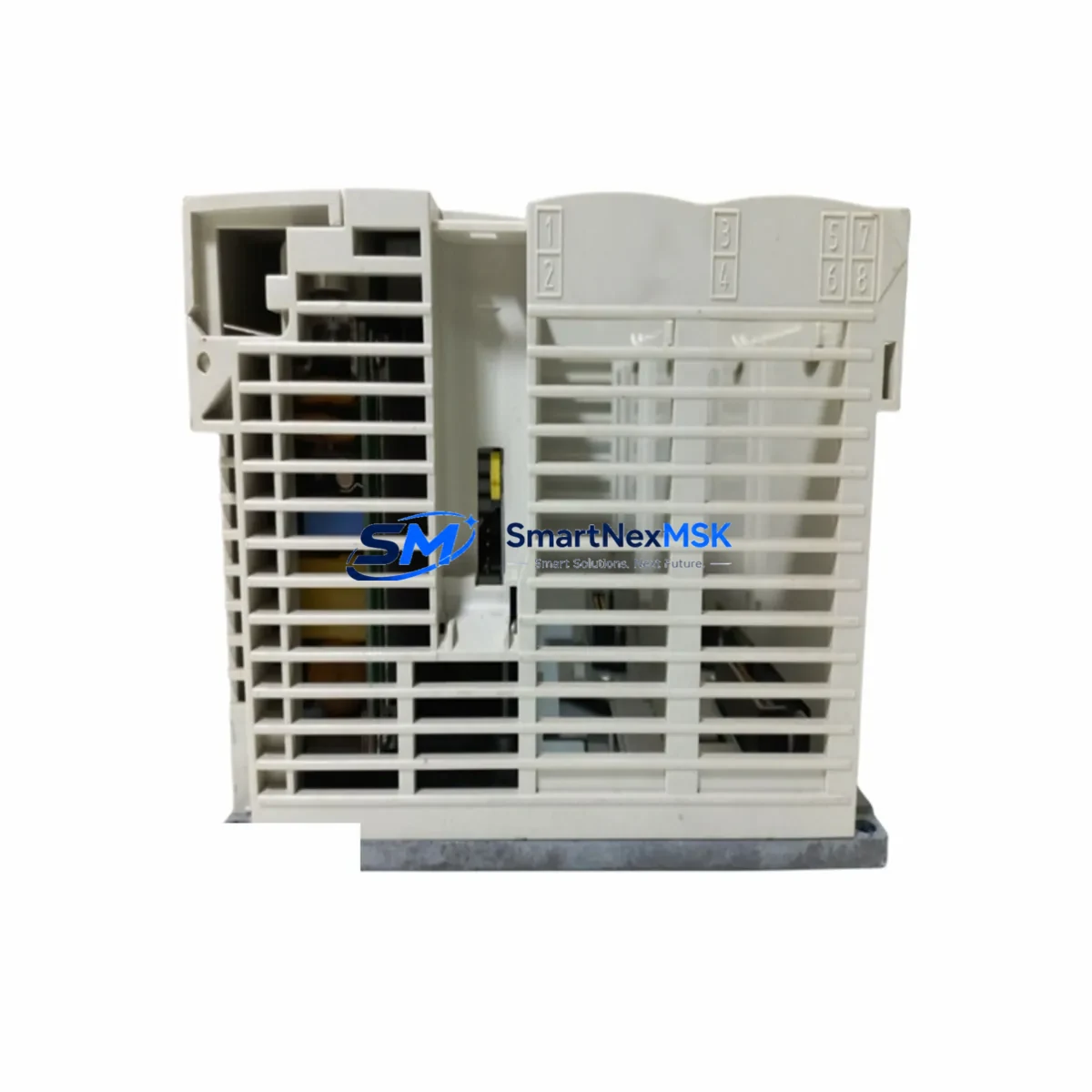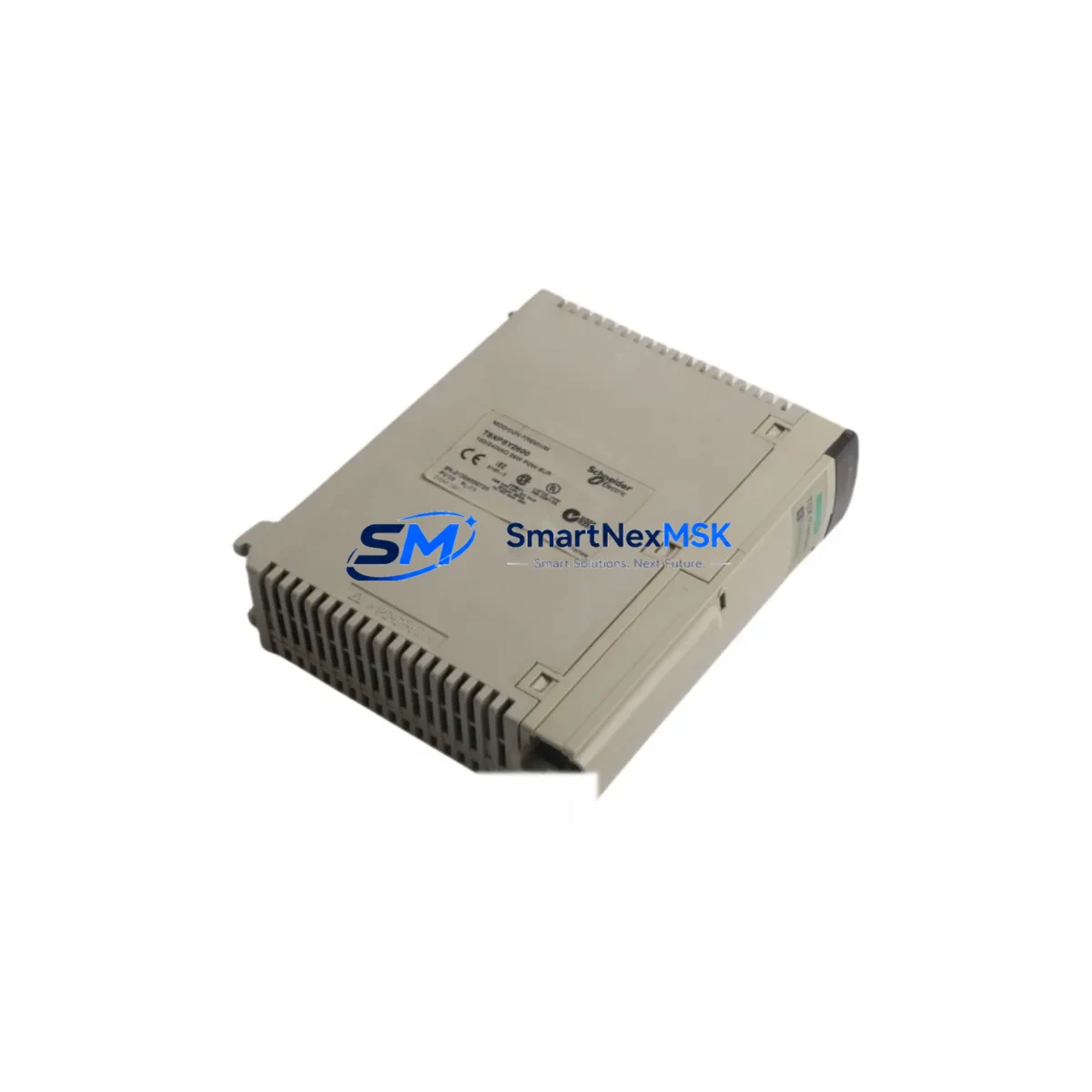
Schneider TSXPSY2600 Maintenance-Ready Spare for TSX Premium Automation
The Schneider Electric TSXPSY2600 is a rack-mounted power supply module designed for the Modicon TSX Premium PLC platform — one of the most widely deployed mid-range automation controllers in process manufacturing, water treatment, building management, and discrete production lines across Europe, Asia, and the Middle East. As the TSX Premium series approaches end-of-life support from the OEM, sourcing a reliable, tested spare for the TSXPSY2600 has become a critical priority for maintenance engineers managing aging control infrastructure.
This module provides the internal DC bus power required to sustain all rack-mounted I/O, processor, and communication modules within the TSX Premium rack assembly. A failure of the TSXPSY2600 results in a complete rack shutdown — meaning every connected I/O channel, every field signal, and every control loop goes offline simultaneously. For continuous-process industries, this represents an unacceptable risk. Holding a verified spare in your maintenance inventory is the single most effective measure to contain unplanned downtime to under two hours.
SMARTNEXMSK supplies the TSXPSY2600 as a tested, original-specification spare with a 12-month warranty, pre-shipment functional verification, and documentation support for incoming inspection.
Spare Maintenance Table
| Parameter | Specification / Detail |
|---|---|
| SKU / Part Number | TSXPSY2600 |
| Brand | Schneider Electric (Modicon) |
| Series | Modicon TSX Premium |
| Module Function | Rack Power Supply Module |
| Input Voltage | 100–240 V AC, 47–63 Hz (wide-range) |
| Output Power | 26 W internal DC bus |
| Rack Compatibility | TSX RKY racks (4, 8, 12 slot) |
| Installation | Slot 00 of TSX Premium rack, DIN-rail or panel mount rack |
| Communication Compatibility | Compatible with TSXETY110, TSXSCP114, TSXPBX010 modules in same rack |
| Replacement Scope | Direct drop-in for all TSXPSY2600 installations |
| Maintenance Recommendation | Inspect every 24 months; replace proactively at 8–10 years service life |
| Warranty | 12 Months — SMARTNEXMSK |
| Origin | France (OEM) |
| Shipping | Pre-tested, ESD-packaged, worldwide express available |
Maintenance Planning for Continuous Operation
When a TSXPSY2600 failure is suspected or confirmed, the replacement process should be treated as a full rack health audit — not simply a module swap. Maintenance engineers should begin by verifying the incoming AC supply voltage at the rack terminal block, checking for voltage sag, harmonic distortion, or loose connections that may have contributed to the original failure. A faulty upstream circuit breaker or deteriorated surge protection device can destroy a new power supply within weeks if not addressed.
Inside the rack, inspect the TSXRKY8EX or TSXRKY12EX rack backplane for signs of oxidation, bent connector pins, or heat discoloration around the power slot. The backplane distributes the 5 V and 24 V DC rails to all installed modules — a damaged backplane will cause intermittent faults even after the power supply is replaced. If the rack has been in service for more than seven years, consider replacing the backplane as a preventive measure during the same maintenance window.
With the new TSXPSY2600 installed, power up the rack and verify that the TSXP57454M or TSXP574634M processor module initializes correctly and that the RUN LED illuminates without fault codes. Check that all installed I/O modules — including TSXDEY32D2K digital input modules and TSXDSY32T2K digital output modules — report healthy status in the Unity Pro or PL7 Pro diagnostic screen.
For racks that include communication modules such as the TSXETY110 Ethernet module or the TSXSCP114 serial communication module, verify that network links re-establish within the expected timeout period after power restoration. If the system uses a TSXPBX010 PROFIBUS DP master module, confirm that all field devices on the PROFIBUS segment re-enter data exchange mode and that no GSD configuration errors are reported.
Analog I/O modules such as the TSXAEY414 analog input module should be checked for signal accuracy after power cycling — particularly in temperature-sensitive applications where thermocouple or RTD inputs may require re-zeroing. Terminal blocks and field wiring connections on the I/O sub-bases should be inspected for tightness and insulation integrity as part of the same maintenance visit.
For sites running HMI panels connected to the TSX Premium via Uni-Telway or Modbus serial links, confirm that the HMI communication driver re-establishes the connection and that all dynamic data tags are updating correctly before returning the system to automatic operation. This is especially important in batch process applications where a missed handshake can leave the HMI in a stale-data state without triggering an alarm.
Site Replacement Workflow
Step 1 — Pre-Shutdown Preparation: Download and save the current PLC program from the TSXP57 processor using Unity Pro or PL7 Pro before any power interruption. Confirm the backup file is readable and timestamped. Notify operations of the planned outage window — target 90 minutes for a straightforward power supply swap on a healthy rack.
Step 2 — Safe Isolation: Switch the rack AC supply circuit breaker to OFF and verify zero voltage at the rack terminal block with a calibrated multimeter. Allow 60 seconds for internal capacitors to discharge before opening the rack enclosure.
Step 3 — Module Removal: Release the TSXPSY2600 locking lever, slide the module out of slot 00, and place it in an ESD bag for return or failure analysis. Do not remove any other modules from the rack unless a backplane inspection is required.
Step 4 — Spare Installation: Insert the replacement TSXPSY2600 into slot 00, engage the locking lever, and verify the module is fully seated against the backplane connector. Restore AC supply and observe the module status LEDs — the green PWR LED should illuminate within 3 seconds.
Step 5 — System Verification: Confirm processor RUN status, I/O module health, communication link re-establishment, and HMI data refresh. Run a short manual cycle of the controlled process before returning to automatic mode. Document the replacement in the site maintenance log with date, module serial number, and technician name.
This workflow is designed to keep total downtime under two hours for a single-rack TSX Premium system. For multi-rack configurations connected via the FIPIO fieldbus or TSX ETY Ethernet I/O network, allow additional time for network re-synchronization.
Spare Parts Support FAQ
Q1: Is the TSXPSY2600 still available as a new original spare, or only as refurbished stock?
SMARTNEXMSK supplies the TSXPSY2600 as original-specification units sourced from authorized distribution channels and verified surplus inventory. Each unit undergoes pre-shipment functional testing. Units are supplied with a 12-month warranty regardless of manufacture date. Refurbished units are clearly identified and priced separately — we do not mix stock grades without disclosure.
Q2: Will the replacement TSXPSY2600 work with my existing TSXRKY rack and processor without any configuration changes?
Yes. The TSXPSY2600 is a passive power supply module with no firmware or address configuration. It is a direct drop-in replacement for any TSX Premium rack currently using the same part number. No software changes, no parameter downloads, and no rack reconfiguration are required. The processor retains its program in battery-backed RAM during the swap.
Q3: How do I verify the replacement module is functioning correctly before returning the system to production?
After installation, confirm the green PWR LED on the TSXPSY2600 is steady ON. In Unity Pro or PL7 Pro, open the rack viewer and confirm all modules show healthy status with no ERR or I/O fault indicators. Check the DC bus voltage diagnostic if your processor firmware supports it. Run a supervised manual cycle of the process for at least 10 minutes before switching to automatic mode.
Q4: What is covered under the 12-month warranty, and what is the process if a unit fails in service?
The 12-month warranty covers manufacturing defects and functional failure under normal operating conditions. It does not cover damage caused by incorrect installation, overvoltage events, or physical impact. If a unit fails within the warranty period, contact SMARTNEXMSK with the order reference and a description of the fault. We will arrange a replacement shipment — typically within 3–5 business days — and provide a return label for the failed unit if failure analysis is requested.
© 2026 SMARTNEXMSK. All rights reserved.
Original Source: https://smartnexmsk.com
Contact: [email protected] | +86 18259474341