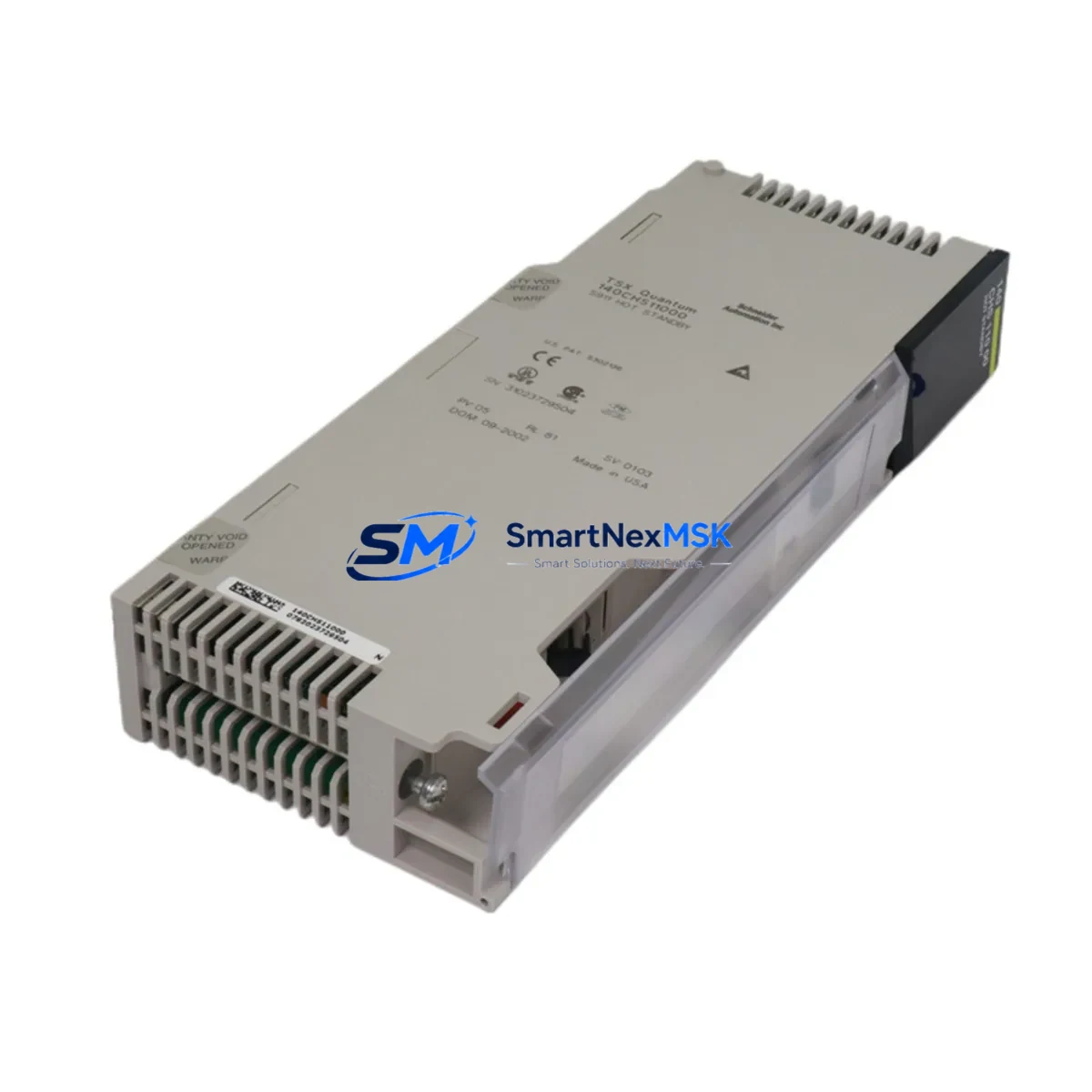
Schneider XS630B1MAL2 Retrofit-Ready PNP Sensor for XS6 Series Control Systems
The Schneider Electric XS630B1MAL2 is an M30-body, PNP normally-open inductive proximity sensor engineered for seamless integration into legacy XS6 Series automation architectures. Whether you are replacing a discontinued sensor on an aging production line, upgrading a control cabinet to meet current safety standards, or migrating an entire machine cell to a modern PLC platform, the XS630B1MAL2 delivers the electrical and mechanical compatibility required to minimise engineering risk and reduce unplanned downtime.
Industrial facilities running Schneider Electric Modicon M340, Modicon M580, or Modicon Premium PLCs frequently encounter sensor obsolescence during scheduled maintenance windows. The XS630B1MAL2 is a direct form-fit-function replacement for earlier XS6 variants, sharing the same M30 threaded barrel, 3-wire PNP output, and standard M12 connector pinout. This means existing cable harnesses, terminal blocks, and I/O wiring routed to Schneider TM3 or TM2 digital input modules can be retained without modification, dramatically shortening the retrofit timeline.
Upgrade Compatibility Table
| Parameter | XS630B1MAL2 (Current) | Typical Legacy XS6 Variant | Retrofit Note |
|---|---|---|---|
| Body Diameter | M30 | M30 | No bracket change required |
| Output Type | PNP NO | PNP NO | Direct drop-in; no I/O card reconfiguration |
| Supply Voltage | 12–24 V DC | 12–24 V DC | Existing 24 V DC rail compatible |
| Sensing Distance | 15 mm (nominal) | 10–15 mm | Verify target gap; minor teach-in may apply |
| Connector | M12 4-pin | M12 4-pin | Existing cordsets reusable |
| Communication Protocol | Discrete digital (24 V DC) | Discrete digital (24 V DC) | No protocol migration required |
| Installation Standard | IEC 60947-5-2 | IEC 60947-5-2 | Fully compliant; no re-certification needed |
| Warranty | 12-Month Warranty Included | Covered from date of shipment | |
Retrofit Planning for Existing Automation Systems
A successful retrofit begins well before the maintenance window opens. When planning the replacement of an XS630B1MAL2 or its predecessors within a Schneider Electric control architecture, engineers should audit the full sensor loop: from the field device through the M12 cordset, into the marshalling terminal block, across the I/O bus to the TM3DI16 or TM3DI32 digital input module, and ultimately to the Modicon M340 or M580 CPU rack. Confirming that the 24 V DC power supply — often a Schneider ABL8 series SMPS — can sustain the additional inrush current of a new sensor batch is a frequently overlooked step that can cause nuisance tripping during commissioning.
For facilities operating Schneider Advantys STB or Altivar ATV320 drive systems alongside proximity sensors, it is equally important to verify that the sensor signal is correctly mapped in the Unity Pro XL or EcoStruxure Machine Expert project file. Sensor address assignments within the I/O scanner table must match the physical slot position on the Modicon X80 backplane or the remote I/O drop. If the legacy program used symbolic addressing tied to the old sensor’s I/O channel, a simple variable remap in the PLC project — without modifying the ladder logic or function block diagram — is all that is required.
Control cabinet upgrades that incorporate the XS630B1MAL2 alongside a Schneider XPSAF safety relay or a Preventa XPSUAF safety module should confirm that the sensor’s PNP output meets the safety relay’s input threshold voltage. In most Schneider XS6 retrofit scenarios, the electrical characteristics are identical, and no additional signal conditioning is needed. Where a Magelis HMIGTO or HMISCU HMI panel displays sensor status, the associated animation object or data table simply needs to reference the updated I/O address if any rack reconfiguration has taken place.
For Profibus DP or Modbus RTU communication backbones, the XS630B1MAL2 operates as a standard discrete input device and does not require any fieldbus node configuration. However, if the retrofit is part of a broader migration from a Profibus network to an EtherNet/IP or Modbus TCP topology — for example, when upgrading from a Modicon Premium TSX P57 to a Modicon M580 ePAC — the sensor wiring remains unchanged while only the communication head-end is updated. This separation of concerns is one of the key advantages of the XS6 platform’s backward-compatible sensor family.
Downtime Control During System Migration
Minimising production downtime during a sensor retrofit requires a structured hot-swap protocol. Before the maintenance window, pre-stage the XS630B1MAL2 unit alongside a calibrated M12 cordset and a torque wrench set to the manufacturer’s specified 30 N·m installation torque for M30 sensors. Capture a screenshot or export of the current PLC I/O diagnostic page from EcoStruxure Machine Expert or Unity Pro so that the pre-retrofit sensor state is documented.
During the swap, place the affected PLC I/O channel into forced-output mode to hold the downstream logic in a safe state while the sensor is physically exchanged. This prevents false triggering of actuators — such as Schneider TeSys D contactors or Altivar drive enable signals — that depend on the proximity sensor’s discrete output. Once the XS630B1MAL2 is installed and the M12 connector is seated and locked, release the forced output and verify the sensor’s LED indicator illuminates correctly in the presence of a metal target at the rated sensing distance.
Post-installation, run a full I/O diagnostic cycle from the PLC programming terminal to confirm signal integrity across the entire loop. Log the commissioning result — including sensor serial number, installation date, and technician ID — in the plant’s CMMS system to support the 12-month warranty claim process if required. Where multiple sensors are being replaced in a single maintenance window, a sequential swap approach — replacing one sensor at a time and verifying before proceeding — is strongly recommended over a batch replacement strategy to preserve control continuity.
Retrofit Support FAQ
Q1: Is the XS630B1MAL2 a direct replacement for discontinued XS6 Series sensors?
Yes. The XS630B1MAL2 shares the M30 body, PNP NO output, M12 4-pin connector, and 12–24 V DC supply range with the broader XS6 family. In the vast majority of retrofit applications, it is a drop-in replacement requiring no wiring changes, no I/O card reconfiguration, and no PLC program modification beyond a variable remap if symbolic addressing was used.
Q2: What wiring checks should be performed before installation?
Verify that the Brown wire (Pin 1) connects to +24 V DC, the Blue wire (Pin 3) connects to 0 V DC, and the Black wire (Pin 4) carries the PNP signal to the digital input channel. Confirm the existing M12 cordset is undamaged and that the terminal block screw torque meets the panel builder’s specification. Check that the 24 V DC supply — typically an ABL8 series unit — is within ±10% of nominal under full load.
Q3: How is compatibility with Modicon M340 and M580 I/O modules verified?
Open the Unity Pro XL or EcoStruxure Machine Expert project and navigate to the I/O configuration table for the relevant TM3 or X80 digital input module. Confirm the channel is configured as a 24 V DC PNP sink input. No firmware update to the CPU or I/O module is required for the XS630B1MAL2. Run the I/O diagnostic function in online mode after installation to confirm the channel reports the correct state.
Q4: What does the 12-month warranty cover, and how is a claim initiated?
The 12-month warranty covers manufacturing defects, premature output failure, and housing integrity under normal industrial operating conditions. To initiate a claim, contact [email protected] with the sensor serial number, purchase order reference, installation date, and a brief description of the fault. Replacement units are dispatched after fault verification, and return shipping of the defective unit is arranged by SMARTNEXMSK at no additional cost to the buyer.
© 2026 SMARTNEXMSK. All rights reserved.
Original Source: https://smartnexmsk.com
Contact: [email protected] | +86 18259474341