
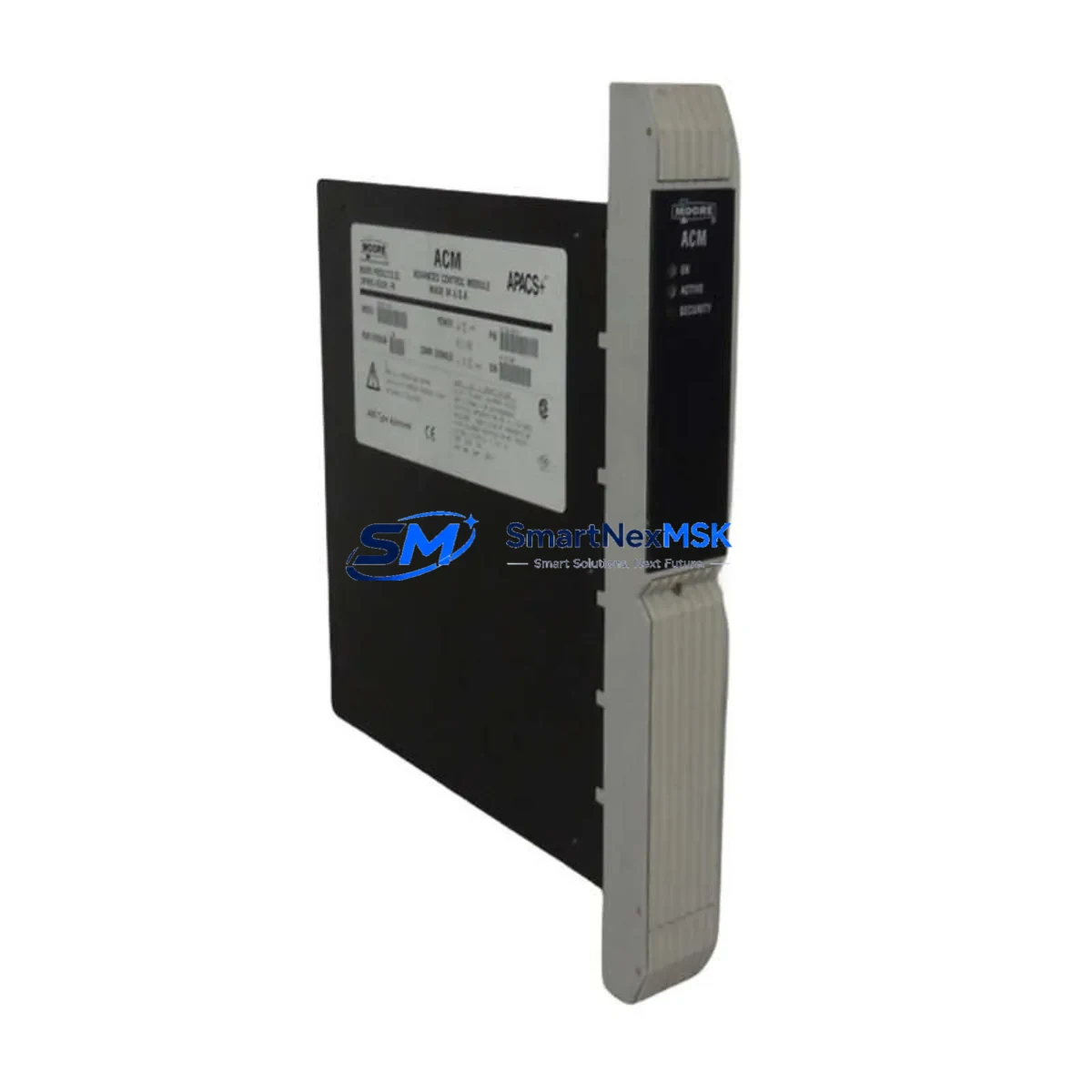
Siemens 353D4F1NNETNNA4 Maintenance-Ready Spare for SIMATIC S7 Automation
The Siemens 353D4F1NNETNNA4 is an original SIMATIC S7 series PLC controller module engineered for continuous industrial operation. In high-availability automation environments — from automotive assembly lines to chemical processing plants — unplanned downtime caused by a failed controller module can cost thousands of dollars per hour. Stocking a verified, tested spare of the 353D4F1NNETNNA4 is the single most effective measure a maintenance team can take to compress mean time to repair (MTTR) and restore production within a single shift.
This module is sourced directly from authorized Siemens supply channels, inspected prior to dispatch, and shipped with full functional verification. Every unit carries a 12-month warranty covering manufacturing defects and operational failure under normal industrial conditions. Whether you are managing a greenfield SIMATIC S7-300 or S7-400 installation or extending the service life of a legacy control cabinet, the 353D4F1NNETNNA4 delivers the electrical and firmware compatibility your system demands.
Spare Maintenance Table
| Parameter | Specification / Value |
|---|---|
| Part Number / SKU | 353D4F1NNETNNA4 |
| Brand | Siemens |
| Series | SIMATIC S7 (S7-300 / S7-400 compatible) |
| Module Type | PLC Controller Module |
| Origin | Germany (DE) |
| Supply Voltage | 24 V DC (nominal), 20.4–28.8 V DC operating range |
| Operating Temperature | 0 °C to +60 °C (horizontal installation) |
| Storage Temperature | −40 °C to +70 °C |
| Protection Class | IP20 |
| Communication Interface | MPI / PROFIBUS-DP (series-dependent) |
| Backplane Compatibility | SIMATIC S7-300 / S7-400 standard rail |
| Firmware | Compatible with STEP 7 V5.x and TIA Portal |
| Mounting | DIN rail, snap-on |
| Weight | Approx. 2,140 g |
| Warranty | 12 Months — covers manufacturing defects and operational failure |
| Pre-shipment Test | Full functional verification performed before dispatch |
| Delivery Condition | Original packaging, anti-static protection |
Maintenance Planning for Continuous Operation
When a maintenance or procurement engineer schedules a replacement of the 353D4F1NNETNNA4, the replacement event should be treated as a full control-cabinet health audit — not an isolated swap. The following components share the same electrical environment and failure modes, and should be inspected or replaced concurrently to prevent a secondary fault from triggering another unplanned outage.
Power Supply Module (e.g., Siemens PS 307 / PS 405): The CPU module’s longevity is directly tied to the quality of its DC supply. Measure output ripple and verify the 24 V DC rail is within tolerance. An aging PS 307 5A power supply that is borderline on ripple will stress the replacement module immediately.
PROFIBUS-DP Communication Cable and Connectors: Inspect the PROFIBUS segment connected to this CPU slot. Damaged bus connectors, incorrect termination resistors, or a degraded cable shield are common root causes of intermittent CPU faults that are misdiagnosed as module failure. Replace any 9-pin Sub-D connectors showing corrosion or mechanical wear.
Digital Input / Output Modules (SM 321 / SM 322): During the maintenance window, cycle-test all I/O channels on adjacent SM 321 digital input modules and SM 322 digital output modules. A shorted output channel can back-feed voltage into the backplane and damage a newly installed CPU.
Signal Module Backplane Bus Connector: The U-connector bus segments linking modules on the S7-300 rail degrade over years of thermal cycling. Inspect each connector for cracked plastic and bent pins before re-racking the replacement module.
Relay Output Modules (e.g., SM 322 DO 8 × Relay): Relay contacts in output modules accumulate wear independently of the CPU. If the system has been in service for more than five years, replace relay output modules proactively during the same maintenance window.
SIMATIC S7 Memory Card (MMC / SD): The Micro Memory Card holding the user program should be inspected and, if near end-of-write-cycle life, replaced with a new Siemens MMC. Transfer and verify the program backup before inserting the card into the replacement 353D4F1NNETNNA4.
Signal Isolators and Analog Input Modules (SM 331): For process-critical analog loops, verify that signal isolators upstream of SM 331 analog input modules are functioning within calibration. A drifting isolator will produce erroneous process values that can trigger nuisance shutdowns after the CPU is restored.
Terminal Blocks and Wiring Ferrules: Inspect all terminal blocks in the control cabinet for loose ferrules, discoloration from heat, or corrosion. Re-torque all screw terminals to manufacturer specification before powering up the replacement module.
HMI Communication Link (e.g., SIMATIC HMI TP700 / KTP900): After CPU replacement, verify the MPI or PROFIBUS connection to the operator panel. Re-establish the HMI project connection and confirm all screen tags are updating correctly before returning the system to production.
Fuse and Circuit Breaker Coordination: Check all 24 V DC branch fuses and miniature circuit breakers feeding the PLC rack. A nuisance trip on a branch fuse is often the first symptom of an impending power supply failure that contributed to the original module fault.
Site Replacement Workflow
Step 1 — Pre-replacement documentation: Before de-energizing the cabinet, photograph the existing wiring, record the CPU order number and firmware version, and export a full program backup from the Siemens MMC to a laptop running STEP 7 or TIA Portal. Confirm the backup compiles without errors.
Step 2 — Safe isolation: Follow your site LOTO (Lockout/Tagout) procedure. De-energize the 24 V DC supply rail, wait for the CPU status LED to extinguish, then remove the Micro Memory Card before extracting the module from the rail.
Step 3 — Module extraction and inspection: Slide the 353D4F1NNETNNA4 off the DIN rail. Inspect the backplane bus connector on the old module for bent pins or burn marks. If damage is found, inspect adjacent modules before installing the replacement.
Step 4 — Replacement installation: Insert the Micro Memory Card into the replacement 353D4F1NNETNNA4. Snap the module onto the DIN rail, ensuring the bus connector seats fully. Re-connect the MPI/PROFIBUS cable and tighten the locking screws.
Step 5 — Power-up and verification: Restore 24 V DC power. Observe the CPU LED sequence — RUN/STOP indicator should cycle through startup and settle on RUN (green) within 60 seconds. Verify all I/O modules report healthy status in STEP 7 / TIA Portal online diagnostics.
Step 6 — Functional test: Run a controlled functional test of all critical I/O points before releasing the system to production. Document the replacement in the maintenance log with date, technician name, and new module serial number.
This workflow minimizes downtime to under two hours for a prepared maintenance team and eliminates the risk of re-introducing a fault through improper installation. The 353D4F1NNETNNA4 is a direct form-fit-function replacement for the original Siemens SIMATIC S7 position, requiring no hardware modification or software re-configuration when the MMC program is intact.
Spare Parts Support FAQ
Q1: What is the shelf life of the 353D4F1NNETNNA4 when stored as a spare?
When stored in its original anti-static packaging in a dry environment (10–70% RH, non-condensing) at temperatures between −20 °C and +60 °C, the module can be held as a spare for 5–10 years without degradation of electronic components. Capacitors on the power section should be re-formed by a brief power-up cycle if the module has been stored for more than three years before deployment.
Q2: How do I verify compatibility before installation?
Match the order number 353D4F1NNETNNA4 against your existing module’s nameplate. Confirm the SIMATIC S7 rack type (S7-300 or S7-400), the firmware version required by your STEP 7 / TIA Portal project, and the MPI/PROFIBUS address settings. Our technical team can assist with compatibility verification prior to shipment upon request.
Q3: What does the 12-month warranty cover, and how is a claim processed?
The 12-month warranty covers manufacturing defects and operational failure under normal industrial operating conditions (within specified voltage, temperature, and humidity ranges). To initiate a warranty claim, contact our sales team with the module serial number, purchase date, and a description of the failure mode. We will arrange return shipping and either repair or replace the unit within 10 business days of receipt.
Q4: Can you supply multiple units for a plant-wide spare parts standardization program?
Yes. We maintain stock of the 353D4F1NNETNNA4 and related SIMATIC S7 modules to support bulk spare parts programs. Volume pricing is available for orders of 3 or more units. Each unit in a bulk order undergoes the same pre-shipment functional verification and ships with individual warranty documentation, making it straightforward to integrate into your plant’s spare parts management system (CMMS).
© 2026 SMARTNEXMSK. All rights reserved.
Original Source: https://smartnexmsk.com
Contact: [email protected] | +86 18259474341



