
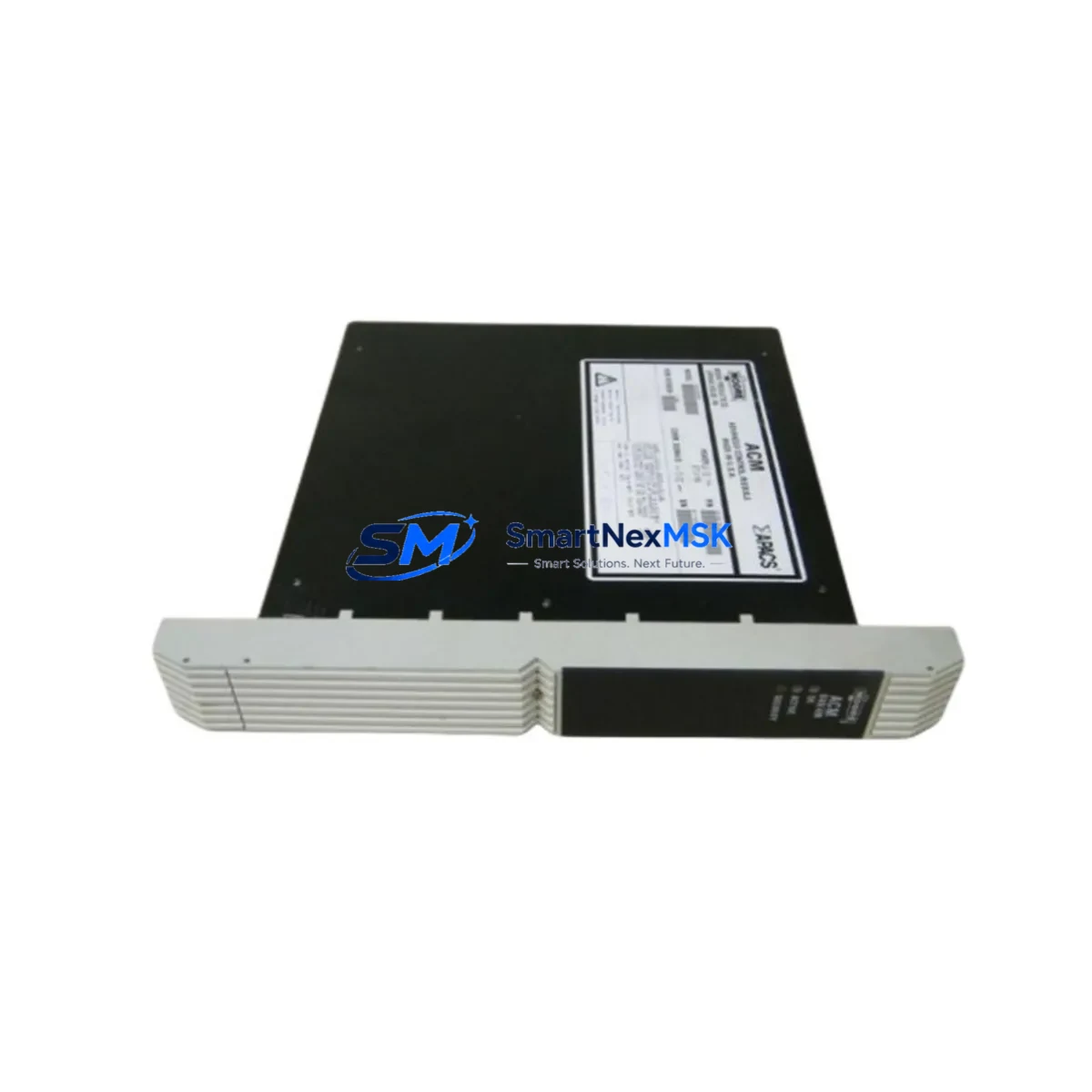
Siemens 39ACM24BAN 16139-76/09 Retrofit-Ready Advanced Control Module for TELEPERM M Control Systems
The Siemens 39ACM24BAN (part reference 16139-76/09) is a retrofit-ready Advanced Control Module (ACM) designed for integration into TELEPERM M distributed control system architectures. As Siemens has progressively phased out the TELEPERM M platform in favour of the SIMATIC PCS 7 ecosystem, demand for verified, wiring-compatible replacement modules has grown sharply across petrochemical, power generation, water treatment, and heavy manufacturing facilities. SMARTNEXMSK maintains ready stock of the 39ACM24BAN to support planned upgrades, emergency replacements, and phased migration projects without forcing a full control-system overhaul.
Each unit is inspected, function-tested, and shipped with a 12-month warranty covering manufacturing defects and operational failures under normal industrial service conditions. Customers receive full documentation support including terminal assignment references and backplane slot compatibility notes to accelerate on-site commissioning.
Upgrade Compatibility Table
| Parameter | Detail |
|---|---|
| SKU / Part Reference | 39ACM24BAN / 16139-76/09 |
| Brand | Siemens |
| Series | TELEPERM M (TM) |
| Module Function | Advanced Control Module (ACM) — analog and digital closed-loop control |
| Backplane Interface | TELEPERM M standard rack bus; compatible with AS 230, AS 235, AS 488 subrack configurations |
| Installation Requirement | Direct slot replacement; no mechanical modification required for standard TM racks |
| Communication Compatibility | TELEPERM M internal bus; SINEC H1 network interface where applicable |
| Power Supply Requirement | 24 V DC via backplane; verify rack PSU capacity before hot-swap |
| Replacement Recommendation | Verify module address DIP-switch settings match original configuration before power-on |
| Commissioning Focus | Terminal wiring continuity, module address assignment, function block re-linking in PROGRAF AP |
| Warranty | 12 months from date of shipment — covers manufacturing defects and operational failures |
Retrofit Planning for Existing Automation Systems
Replacing the 39ACM24BAN within a live TELEPERM M installation requires a structured approach that accounts for the interdependencies between control modules, I/O subsystems, and supervisory layers. Before removing the failed or end-of-life module, engineers should document the existing terminal wiring layout against the original loop diagrams, noting any field modifications made since initial commissioning. The TELEPERM M AS 235 automation station, which commonly hosts ACM modules in multi-loop control applications, uses a shared backplane bus where module slot addresses are set via hardware DIP switches — these must be replicated exactly on the replacement 39ACM24BAN to avoid address conflicts with adjacent modules such as the 6DS1 series digital I/O modules or the 6DS3 analog input modules already installed in the same rack.
Power budget verification is a critical pre-installation step. The rack power supply unit — typically a Siemens 6DS9 series PSU — must have sufficient headroom to support the replacement ACM alongside existing modules. In aging installations, PSU capacitors may have degraded, making it advisable to test supply rail voltage under load before inserting the new module. Where the control cabinet also houses a TELEPERM M OM 650 operator station or a connected SIMATIC Panel for HMI functions, operators should confirm that the HMI tag database references the correct module address so that process variable displays and alarm setpoints remain accurate after the swap.
For facilities migrating from TELEPERM M toward SIMATIC PCS 7 in a phased approach, the 39ACM24BAN serves as a bridge component — maintaining loop control continuity on legacy sections of the plant while new SIMATIC S7-400 controllers and ET 200M remote I/O stations are commissioned on adjacent process units. Communication links between the legacy SINEC H1 network and the newer PROFIBUS DP segments must be carefully managed through protocol converters or gateway modules to prevent data loss during the transition window. Programming tools such as PROGRAF AP (used for TELEPERM M function block configuration) and STEP 7 (used for SIMATIC S7 programming) operate independently, so parallel engineering teams are often required during overlap phases.
Where the retrofit scope extends to expanding I/O capacity, engineers frequently add TELEPERM M 6DS1 digital output modules or 6DS3 analog input modules to existing racks before the full migration to ET 200M distributed I/O is complete. Termination boards and marshalling cabinets should be reviewed to confirm that existing cable schedules accommodate the new module’s terminal assignments without re-pulling field cables — a significant cost and schedule driver in brownfield projects.
Downtime Control During System Migration
Minimising unplanned downtime during a TELEPERM M module replacement begins with pre-staging the 39ACM24BAN with the correct DIP-switch address configuration and a verified firmware revision before the maintenance window opens. Where the process permits, control loops should be placed in manual mode at the operator station — whether that is a TELEPERM M OM 650 console or a more recent SIMATIC WinCC HMI — so that field actuators hold their last commanded position during the module swap interval.
The original function block program stored in the TELEPERM M automation station memory is not resident on the ACM module itself; it resides in the AS 235 or AS 488 station processor. This means that a direct module replacement does not require program re-download in most configurations, significantly reducing the commissioning window to terminal verification, address confirmation, and a controlled loop transfer back to automatic mode. Engineers should nonetheless have a PROGRAF AP programming terminal connected and ready to perform a forced re-initialisation if the station does not recognise the replacement module on first power-up.
For critical loops where even brief manual operation is unacceptable, a shadow control strategy using a portable SIMATIC S7-1200 or S7-300 controller with temporary I/O wiring can maintain automatic control of the most critical process variables while the primary ACM is replaced. This approach is particularly effective in continuous process industries such as refining or chemical production where loop upsets carry significant safety or quality consequences. After the 39ACM24BAN is installed and loop control is restored, a full functional acceptance test — covering setpoint tracking, alarm response, and communication status — should be completed and documented before the maintenance record is closed.
Retrofit Support FAQ
Q1: Is the 39ACM24BAN a direct drop-in replacement for the original TELEPERM M ACM module in my AS 235 rack?
Yes. The 39ACM24BAN (16139-76/09) is mechanically and electrically compatible with standard TELEPERM M subrack slots. The module address must be set via DIP switches to match the original slot assignment. No backplane wiring changes are required for a like-for-like replacement.
Q2: What commissioning steps are required after installing the replacement module?
After physical installation, verify terminal wiring continuity against the original loop diagrams, confirm the module address matches the PROGRAF AP configuration, and perform a controlled transfer of each associated control loop from manual to automatic mode. Monitor process variable feedback for at least one full control cycle before closing the maintenance window. A PROGRAF AP terminal should be on standby for forced re-initialisation if required.
Q3: Can this module be used during a phased migration from TELEPERM M to SIMATIC PCS 7?
Yes. The 39ACM24BAN is well-suited to bridge-phase deployments where legacy TELEPERM M sections must remain operational while adjacent process units are migrated to SIMATIC PCS 7 with S7-400 controllers and ET 200M I/O. It maintains full compatibility with the SINEC H1 network and existing TELEPERM M function block logic throughout the transition period.
Q4: What does the 12-month warranty cover, and what is the shipping lead time?
The 12-month warranty covers manufacturing defects and operational failures under normal industrial service conditions from the date of shipment. Units are pre-tested prior to dispatch. Standard lead time from confirmed order is 3–7 business days for in-stock units, with expedited options available for urgent plant shutdowns. Contact our sales team for current stock status and express shipping arrangements.
© 2026 SMARTNEXMSK. All rights reserved.
Original Source: https://smartnexmsk.com
Contact: [email protected] | +86 18259474341



