
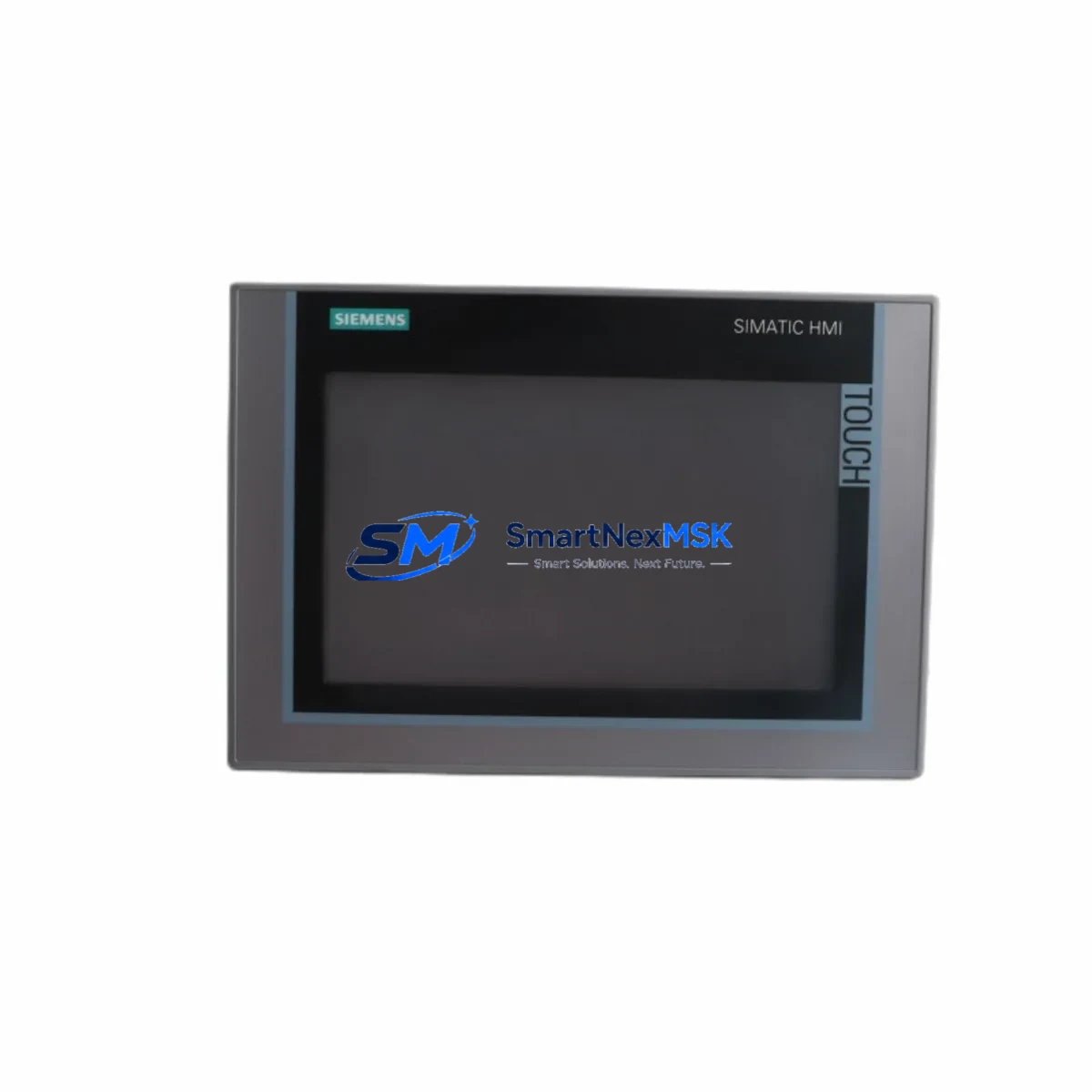
Siemens 6AV2124-0JC01-0AX0 Retrofit-Ready HMI for SIMATIC Control Systems
The Siemens 6AV2124-0JC01-0AX0 is a 9″ WVGA KTP900 Comfort Panel from the SIMATIC HMI Comfort series — one of the most widely deployed operator interface platforms in industrial automation. Designed for seamless integration into both new and legacy control architectures, this unit is a direct retrofit replacement for discontinued or end-of-life HMI panels across SIMATIC S7-300, S7-400, S7-1200, and S7-1500 control platforms. Whether you are upgrading an aging control cabinet, recovering from a panel failure, or migrating a legacy visualization system, the 6AV2124-0JC01-0AX0 delivers the compatibility, performance, and reliability your production line demands.
Before deploying this unit as a replacement, engineers should verify several critical parameters: the existing power supply capacity (24 VDC, typically 4.5 A peak), terminal wiring layout at the cabinet backplane, PROFINET or MPI/PROFIBUS communication link configuration, and the HMI project file version in TIA Portal or WinCC flexible. Panels migrating from older OP/TP series units — such as the TP900 Comfort or MP 277 — may require project conversion using the TIA Portal migration wizard. Confirm that the replacement panel’s firmware version is compatible with the project archive before commissioning.
Upgrade Compatibility Table
| Parameter | Details |
|---|---|
| SKU / Part Number | 6AV2124-0JC01-0AX0 |
| Series | SIMATIC HMI Comfort Panel |
| Display | 9″ WVGA (800 × 480), TFT, 64K colors |
| Communication Interfaces | PROFINET (2× RJ45), MPI/PROFIBUS DP, USB, SD card |
| Power Supply | 24 VDC (20.4–28.8 V), max 18 W |
| Installation | Panel cutout 256 × 196 mm, IP65 front protection |
| Compatible Controllers | S7-300, S7-400, S7-1200, S7-1500, WinAC |
| Engineering Tool | TIA Portal V13 SP1 and above; WinCC Comfort V13+ |
| Replaces | 6AV6648-0JC11-3AX0 (TP900 Comfort), MP 277 series, OP 277 |
| Retrofit Recommendation | Direct panel swap with project migration via TIA Portal |
| Commissioning Focus | PROFINET IP assignment, tag mapping, alarm migration, screen scaling |
| Warranty | 12-Month Warranty — covers hardware defects and DOA replacement |
Retrofit Planning for Existing Automation Systems
Successful retrofit of the 6AV2124-0JC01-0AX0 into an existing control cabinet begins with a thorough audit of the current system architecture. In most legacy installations, the HMI communicates with a Siemens S7-300 CPU 315-2 PN/DP or S7-400 CPU 414-3 PN/DP via MPI or PROFIBUS. When migrating to PROFINET, engineers must reconfigure the network topology, assign a new IP address to the panel, and update the device name in the TIA Portal hardware configuration. The existing PROFIBUS DP cable and termination resistors should be inspected and replaced if degraded.
Power distribution within the control cabinet must be assessed before installation. The 6AV2124-0JC01-0AX0 draws up to 18 W at 24 VDC. If the existing Siemens SITOP PSU100S 24V/5A power supply is already loaded near capacity by other devices — such as a SM 321 digital input module, SM 322 digital output module, or CP 343-1 PROFINET communication processor — a dedicated power branch or upgraded PSU may be required. Always measure actual current draw under load before finalizing the cabinet layout.
Terminal wiring at the panel connector must match the new unit’s pinout. The 6AV2124-0JC01-0AX0 uses a standard 24 VDC two-pin power connector and dual RJ45 PROFINET ports. If the legacy panel used a 9-pin Sub-D MPI connector, a PC Adapter USB A2 or MPI/DP adapter cable may be needed during the transition period for programming and diagnostics. Ensure the panel cutout dimensions (256 × 196 mm) match the existing cabinet opening; adaptor frames are available for panels previously housing a 10.4″ unit.
For systems running WinCC flexible projects, the migration path to TIA Portal WinCC Comfort requires importing the existing project and resolving any deprecated function blocks or screen objects. Tag names, alarm classes, and recipe structures should be validated against the new runtime environment. If the control system includes a Siemens S7-1500 CPU 1516-3 PN/DP as the target controller, take advantage of the integrated OPC UA server to future-proof the HMI data exchange layer. Backup the original project archive and PLC program to a secure location before beginning any migration work.
Downtime Control During System Migration
Minimizing production downtime during an HMI panel replacement requires a structured pre-commissioning strategy. Before the scheduled maintenance window, prepare the replacement 6AV2124-0JC01-0AX0 by pre-loading the migrated WinCC Comfort project, assigning the correct PROFINET device name and IP address offline, and verifying all tag connections in simulation mode within TIA Portal. This allows the physical swap to be completed in under 30 minutes in most cases.
During the cutover, maintain PLC program continuity by keeping the S7-300 or S7-1500 CPU in RUN mode throughout the panel replacement. The PLC will continue executing the control logic independently of the HMI connection state. Field I/O — including signals from SM 331 analog input modules and SM 332 analog output modules — remains active. Only visualization and operator input are interrupted during the panel swap, not the underlying control loop.
After physical installation, restore the PROFINET connection, confirm the panel appears in the network scan, and perform a full alarm acknowledgment cycle to clear any connection-loss alarms generated during the swap. Validate all critical HMI screens, setpoint entry fields, and trend displays before returning the line to production. Document the as-commissioned configuration, including firmware version, IP settings, and project archive checksum, for future maintenance reference.
Retrofit Support FAQ
Q1: Is the 6AV2124-0JC01-0AX0 a direct drop-in replacement for the TP900 Comfort (6AV6648-0JC11-3AX0)?
A: Physically and functionally, yes — both are 9″ Comfort Panels with identical cutout dimensions and PROFINET/MPI interfaces. The WinCC Comfort project from the TP900 can be migrated to the 6AV2124-0JC01-0AX0 using TIA Portal’s built-in migration tool with minimal manual rework. Verify firmware compatibility before transfer.
Q2: What commissioning steps are required after wiring the panel?
A: Assign the PROFINET device name and IP address via TIA Portal or the panel’s built-in Control Panel utility. Download the WinCC Comfort project, establish the PLC connection, and run a full I/O and alarm simulation. Confirm all operator screens display correctly and that setpoint write operations reach the PLC data blocks as expected.
Q3: Can this panel communicate with both S7-300 (MPI) and S7-1500 (PROFINET) controllers simultaneously?
A: The 6AV2124-0JC01-0AX0 supports multiple simultaneous connections. It can maintain a PROFINET link to an S7-1500 while also connecting to an S7-300 via MPI/PROFIBUS using the integrated serial interface. Configure each connection as a separate HMI connection in TIA Portal and assign tags accordingly.
Q4: What does the 12-month warranty cover?
A: The 12-month warranty covers all hardware defects, display failures, and dead-on-arrival (DOA) units. Each panel undergoes pre-shipment functional testing including power-on verification, touchscreen calibration, and communication port checks. Warranty claims are processed within 5 business days with advance replacement available for critical production environments.
© 2026 SMARTNEXMSK. All rights reserved.
Original Source: https://smartnexmsk.com
Contact: [email protected] | +86 18259474341



