
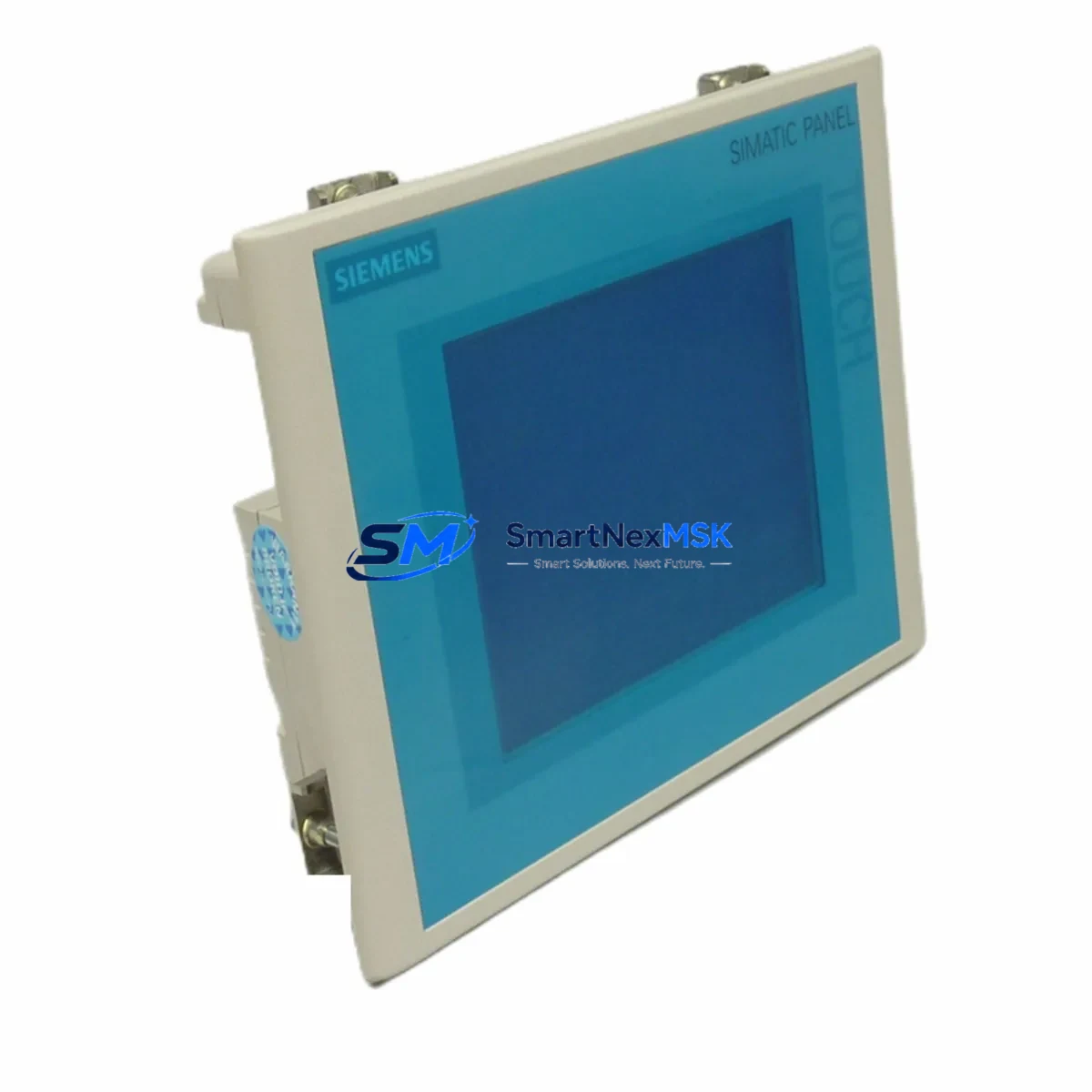
Siemens 6AV6642-0AA11-0AX1 Maintenance-Ready Spare for TP177B Automation
The Siemens 6AV6642-0AA11-0AX1 is an original SIMATIC TP177B 5.7-inch HMI touch panel engineered for demanding industrial automation environments. As a maintenance-ready spare part, it is designed to support rapid on-site replacement, minimize unplanned downtime, and extend the operational life of legacy SIMATIC S7-300 and S7-400 control systems. Whether you are managing a scheduled overhaul, responding to an emergency panel failure, or building a strategic spare parts inventory for a critical production line, this unit delivers the compatibility, reliability, and documentation traceability that maintenance and procurement engineers require.
Sourced from authorized supply channels, each 6AV6642-0AA11-0AX1 unit undergoes functional verification prior to shipment. The panel supports PROFIBUS DP and MPI communication protocols, making it a direct drop-in replacement for aging TP177B installations without requiring PLC program modifications or network reconfiguration. Its 5.7-inch STN color display, integrated touch interface, and compact panel-mount housing make it suitable for control cabinet integration across process industries including automotive, chemical, food and beverage, and utilities.
Spare Maintenance Table
| Parameter | Specification |
|---|---|
| Part Number | 6AV6642-0AA11-0AX1 |
| Brand | Siemens |
| Series | SIMATIC TP177B |
| Display | 5.7″ STN Color, 320×240 px |
| Communication | PROFIBUS DP / MPI |
| Supply Voltage | 24 V DC (19.2–28.8 V) |
| Power Consumption | Approx. 6 W typical |
| Operating Temperature | 0 °C to +50 °C |
| Storage Temperature | −20 °C to +60 °C |
| Protection Rating | IP65 (front panel) |
| Compatible PLC | SIMATIC S7-200, S7-300, S7-400 |
| Configuration Software | WinCC flexible 2008 / STEP 7 |
| Mounting | Panel cutout, rear-mount clamps |
| Origin | Germany |
| Condition | Original New / Refurbished-Tested |
| Pre-shipment Test | Power-on functional verification |
| Compatibility Verified | TP177B, OP177B (with project migration) |
| Warranty | 12 Months from shipment date |
Maintenance Planning for Continuous Operation
When replacing the 6AV6642-0AA11-0AX1 in a live control cabinet, a thorough inspection of the surrounding electrical environment is essential to prevent repeat failures and ensure system stability. Begin by verifying the 24 V DC power supply module — such as a Siemens SITOP PSU100S or SITOP Smart 24V/10A — for output voltage stability and ripple within specification. Undervoltage and supply noise are leading causes of HMI communication faults and display anomalies in TP177B installations.
Inspect the PROFIBUS DP cable termination and bus connector — typically a 6ES7972-0BA52-0XA0 or similar 90° connector — for pin corrosion, loose crimps, or damaged shielding. A degraded bus termination resistor at either end of the PROFIBUS segment can cause intermittent communication loss that mimics HMI hardware failure. If the panel communicates via MPI, verify the MPI network address assignment and baud rate match the replacement unit’s configuration before powering up. A CP 5611 or CP 5512 PROFIBUS communication card on the engineering workstation is recommended for offline project transfer and diagnostics.
Check the CPU module — such as a Siemens S7-300 CPU 315-2 DP or CPU 314C-2 DP — for active fault codes related to HMI communication. Review the digital I/O modules connected to the same rack, particularly SM321 digital input modules and SM322 digital output modules, for any pending hardware faults that may have contributed to the original panel failure. Inspect the backplane bus connector and rack power distribution rail for signs of overheating or contact wear.
For control cabinets with relay output modules or intermediate relay boards, verify coil voltage and contact integrity, as inductive load switching can introduce voltage spikes that stress HMI power circuits. Signal isolators or DIN-rail surge protection devices on the 24 V DC supply line — such as a Phoenix Contact or Weidmüller surge arrester — are recommended for installations in electrically noisy environments. Terminal blocks and cable ferrules on the HMI power and communication wiring should be re-torqued to manufacturer specification during any planned replacement event.
If the control system includes a Siemens ET 200S or ET 200M distributed I/O station communicating over PROFIBUS, confirm that the IM 151 or IM 153 interface module firmware is compatible with the replacement HMI’s WinCC flexible project version. Where the system includes a Siemens S7-400 CPU with a CP 443-1 Ethernet module for supervisory connectivity, verify that HMI tag communication paths remain intact after the panel swap. Maintaining a parallel spare of the TP177B alongside key associated components — including the PROFIBUS connector, 24 V fuse holder, and power supply module — is a best-practice inventory strategy for sites with zero-tolerance downtime requirements.
Site Replacement Workflow
Before removing the failed 6AV6642-0AA11-0AX1, back up the existing HMI project from panel memory using WinCC flexible or a USB transfer card if the panel is still partially functional. If the panel is completely unresponsive, retrieve the project from the engineering workstation archive or the STEP 7 project backup. Document the current PROFIBUS address, baud rate, and network topology before disconnecting any cables.
Power down the 24 V DC supply to the HMI circuit — not the entire PLC rack — to avoid disrupting active process control. Disconnect the PROFIBUS/MPI connector and the power terminals, noting wire labeling for accurate reconnection. Remove the panel from the cutout by releasing the rear-mount clamps. Install the replacement 6AV6642-0AA11-0AX1, reconnect power and communication cables, and restore the project via USB or PROFIBUS download. Perform a full touchscreen calibration and communication test before returning the system to automatic mode.
This workflow supports direct substitution of all TP177B hardware revisions and enables migration from discontinued OP177B operator panels with minor project adaptation in WinCC flexible. The result is a fully restored HMI interface with no PLC logic changes required, minimizing total downtime to under two hours for a prepared maintenance team. All replacement units are individually packaged with anti-static protection and dispatched with a pre-shipment test report available upon request.
Spare Parts Support FAQ
Q: Is the 6AV6642-0AA11-0AX1 compatible with my existing WinCC flexible project?
A: Yes. The SIMATIC TP177B platform is fully supported by WinCC flexible 2008 and later service packs. Projects created for earlier TP177B hardware revisions can be transferred directly without modification in most cases. Verify the panel firmware version matches your project’s target device settings before download to avoid compatibility warnings.
Q: What does the 12-month warranty cover?
A: Each unit is covered by a 12-month warranty from the date of shipment, covering manufacturing defects and functional failures under normal operating conditions. Units are power-on tested and functionally verified prior to dispatch. Warranty claims are supported with return logistics coordination and priority replacement dispatch to minimize site downtime.
Q: Can this unit replace an OP177B or older TP177 panel?
A: The 6AV6642-0AA11-0AX1 (TP177B) can substitute for OP177B and earlier TP177 panels with project migration in WinCC flexible. The physical cutout dimensions are identical, and PROFIBUS/MPI connectivity is preserved. A brief project adaptation session is typically required to remap screen objects to the TP177B display resolution and confirm tag assignments.
Q: How quickly can this spare part be shipped, and what testing is performed before dispatch?
A: In-stock units are dispatched within 1–2 business days following order confirmation. Each unit undergoes power-on functional verification and communication interface testing before packaging. Express international shipping options are available for urgent maintenance situations. A test report is available upon request, and all units are individually packaged with anti-static and impact protection for safe transit.
© 2026 SMARTNEXMSK. All rights reserved.
Original Source: https://smartnexmsk.com
Contact: [email protected] | +86 18259474341



