
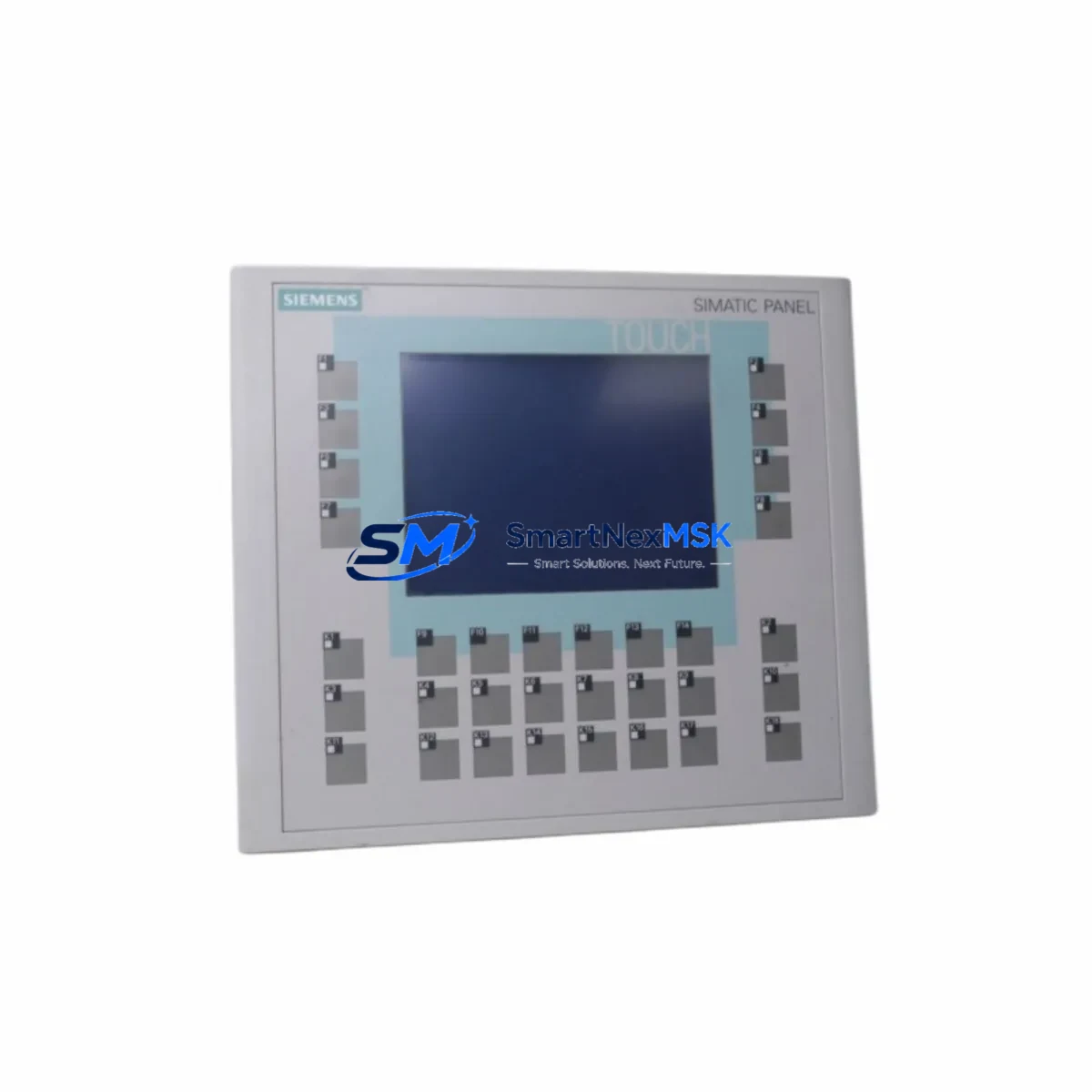
Siemens 6AV6642-0DC01-1AX1 Spare for OP177B Automation
The Siemens 6AV6642-0DC01-1AX1 is an original SIMATIC OP177B operator panel — a 5.7-inch color TFT HMI device widely deployed in discrete manufacturing, process control, and utility automation systems. When this panel fails or reaches end-of-service life, unplanned downtime can cascade across an entire production line. Sourcing a verified, maintenance-ready spare is the fastest path to restoring operator visibility and control loop integrity.
At SMARTNEXMSK, every 6AV6642-0DC01-1AX1 unit is inspected, function-tested, and shipped with a 12-month warranty. We maintain standing stock to support both emergency breakdown replacements and planned preventive maintenance schedules. Whether you are managing a single control cabinet or a multi-cell automation network, our supply chain is structured to deliver within your maintenance window.
The OP177B communicates natively with Siemens S7-300 and S7-400 PLCs via MPI, PROFIBUS DP, and Ethernet, and is configured using WinCC flexible 2008 or TIA Portal in compatibility mode. Before replacing the panel, maintenance engineers should verify that the existing project file (.hmi) is archived and accessible, and that the PLC program version matches the HMI tag configuration. A mismatch between the HMI project and the connected CPU — such as a Siemens CPU 315-2 DP or CPU 414-3 PN/DP — can cause communication faults immediately after panel swap.
Spare Maintenance Table
| Parameter | Specification |
|---|---|
| Part Number / SKU | 6AV6642-0DC01-1AX1 |
| Series | SIMATIC OP177B |
| Display | 5.7″ STN Color TFT, 320 × 240 px |
| Supply Voltage | 24 V DC (20.4–28.8 V) |
| Communication Interfaces | MPI / PROFIBUS DP, RS-422/485, Ethernet (RJ45) |
| Compatible PLCs | Siemens S7-300, S7-400, S7-1200 (via Ethernet) |
| Configuration Software | WinCC flexible 2008 SP5 / TIA Portal V13+ |
| Operating Temperature | 0 °C to +50 °C |
| Protection Rating | IP65 (front panel) |
| Mounting | Panel cutout, portrait or landscape |
| Origin | Germany |
| Condition | Original / Tested |
| Warranty | 12 Months |
| Shipping | Inspected and tested before dispatch |
Maintenance Planning for Continuous Operation
Replacing the 6AV6642-0DC01-1AX1 is rarely an isolated task. A thorough site inspection during the same maintenance window significantly reduces the risk of repeat callouts. Maintenance and procurement engineers should evaluate the following components in the same control cabinet or electrical loop:
Power supply integrity is the first checkpoint. The OP177B requires a stable 24 V DC rail; a degraded Siemens SITOP PSU100S or equivalent 24 V regulated power supply can cause intermittent panel resets that mimic HMI hardware failure. Verify output voltage under load before commissioning the replacement panel.
Communication cabling and connectors should be inspected next. PROFIBUS DP cables (typically 6XV1830-0EH10 or equivalent shielded twisted-pair) and their 9-pin Sub-D connectors are common failure points in high-vibration environments. A faulty bus termination resistor on the PROFIBUS segment can prevent the new panel from establishing communication with the CPU.
I/O modules and signal cards in the same rack — such as Siemens SM 321 digital input modules or SM 331 analog input modules — should be checked for blown fuses, loose terminal connections, and error LEDs. An I/O fault that was masked by the HMI failure may surface immediately after the panel is restored.
Relay output modules and contactors wired to the PLC’s digital outputs should be tested for contact wear. Siemens SM 322 relay output modules and associated Siemens 3RT contactors in the same cabinet are frequently overlooked during HMI-focused maintenance visits.
Communication modules such as the Siemens CP 343-1 Ethernet module or CP 342-5 PROFIBUS module should be confirmed as operational, particularly if the OP177B was configured for Ethernet-based S7 communication. A failed CP module will prevent the replacement HMI from connecting to the PLC even if all other hardware is correct.
Signal isolators and barriers on analog loops feeding process values to the HMI display should be verified. Degraded Siemens SITRANS or equivalent signal isolators can introduce offset errors that appear as instrumentation faults on the new panel.
Terminal blocks and wiring — particularly Phoenix Contact or Weidmüller-style screw terminals on the 24 V supply and communication lines — should be re-torqued and inspected for corrosion, especially in humid or chemically aggressive environments.
Maintaining a local spare kit that includes the 6AV6642-0DC01-1AX1 alongside a backup PROFIBUS cable assembly, a spare 24 V PSU, and a USB programming adapter (PC Adapter USB A2, 6ES7972-0CB20-0XA0) ensures that your team can complete a full panel swap and re-commission within a single shift.
Site Replacement Workflow
Step 1 — Archive the HMI project. Before powering down the existing panel, confirm that the current WinCC flexible or TIA Portal project is saved and backed up. If the panel is still partially functional, use the panel’s transfer menu to upload the project to the programming PC.
Step 2 — Power isolation. Isolate the 24 V DC supply to the panel using the cabinet’s dedicated MCB or fuse. Confirm zero voltage with a calibrated multimeter before disconnecting cables.
Step 3 — Document and disconnect. Photograph all cable connections — power, PROFIBUS/MPI, Ethernet, and USB — before removal. Label each connector. Remove the panel from the cutout by releasing the mounting clamps from the rear.
Step 4 — Install the replacement 6AV6642-0DC01-1AX1. Seat the new panel in the cutout, secure the mounting clamps evenly to maintain IP65 sealing, and reconnect all cables in reverse order of removal.
Step 5 — Download and commission. Power up the panel and use the PC Adapter or Ethernet connection to download the archived HMI project. Verify all screen pages, alarm displays, and trend views are functioning correctly. Confirm PLC communication status on the panel’s connection diagnostics screen.
Step 6 — Functional test. Cycle through all operator screens, test alarm acknowledgement, and verify that process values displayed on the HMI match the values read directly from the PLC data blocks. Document the replacement in the site maintenance log.
This workflow is compatible with legacy OP177B installations replacing earlier SIMATIC OP170B or TP177B panels, provided the HMI project is migrated using the WinCC flexible Migration Wizard before download.
Spare Parts Support FAQ
Q: Is the 6AV6642-0DC01-1AX1 still available as a new original part?
A: The SIMATIC OP177B series has reached end-of-sale status from Siemens. However, SMARTNEXMSK maintains verified original stock sourced from authorized channels. Each unit is individually tested before shipment. For long-term projects, we recommend purchasing a backup unit alongside your primary replacement to protect against future supply constraints.
Q: How do I confirm compatibility with my existing PLC and HMI project?
A: The 6AV6642-0DC01-1AX1 is compatible with Siemens S7-300 and S7-400 CPUs via MPI and PROFIBUS DP, and with S7-1200/1500 via Ethernet using the S7 protocol. Compatibility is determined by the communication driver configured in your WinCC flexible or TIA Portal project. Share your project file or CPU order number with our technical team and we will confirm compatibility before shipment.
Q: What pre-shipment testing is performed on each unit?
A: Every 6AV6642-0DC01-1AX1 is powered on, display-tested for pixel uniformity and backlight integrity, and communication-port verified before packaging. Units that do not pass functional inspection are not shipped. A test report is available on request.
Q: What does the 12-month warranty cover?
A: The warranty covers hardware defects and functional failures under normal operating conditions for 12 months from the date of shipment. It does not cover damage resulting from incorrect installation voltage, physical impact, or unauthorized modification. Warranty claims are processed with priority turnaround to minimize your downtime exposure.
© 2026 SMARTNEXMSK. All rights reserved.
Original Source: https://smartnexmsk.com
Contact: [email protected] | +86 18259474341



