
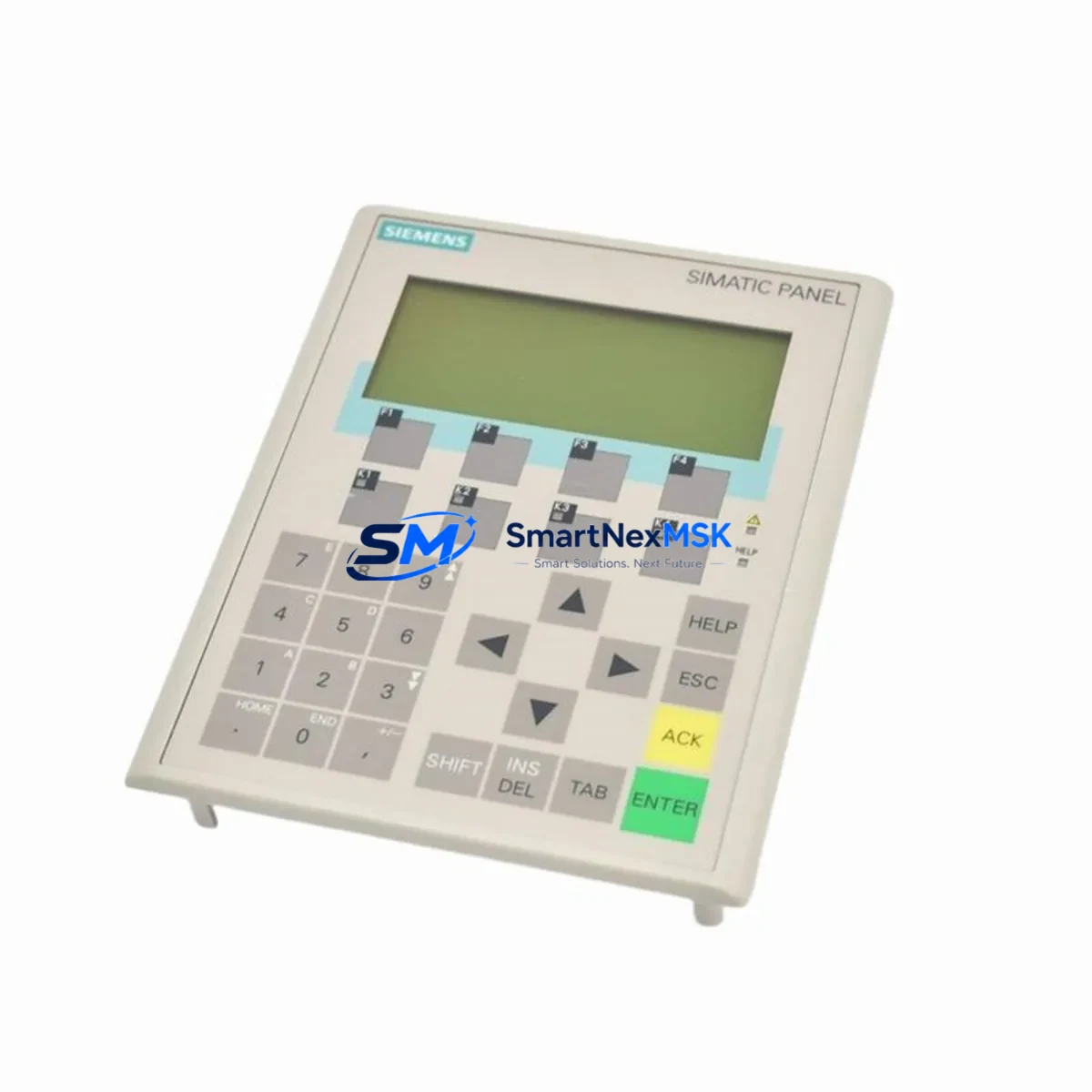
Siemens 6AV6645-7AB10-0AS0 Retrofit-Ready Mobile HMI for SIMATIC MP 277 Control Systems
The Siemens 6AV6645-7AB10-0AS0 is a SIMATIC Mobile Panel 277 Wireless unit designed for direct operator interaction with automation systems in demanding industrial environments. As legacy SIMATIC HMI platforms approach end-of-life, this unit serves as a verified retrofit-ready replacement for discontinued MP 277 variants, enabling smooth migration from older Siemens HMI generations without requiring full control cabinet redesign or PLC program rewrites. Whether you are upgrading a production line, replacing a failed wireless panel, or modernizing a control cabinet that still runs on SIMATIC S7-300 or S7-400 controllers, the 6AV6645-7AB10-0AS0 provides a compatible, field-proven solution backed by a 12-month warranty.
Upgrade Compatibility Table
| Parameter | Details |
|---|---|
| Replacement For | SIMATIC Mobile Panel 277 (6AV6645-7AB10-0AS0 and compatible MP 277 variants) |
| Compatible Controllers | SIMATIC S7-300, S7-400, S7-1200 (via MPI/PROFIBUS/PROFINET gateway) |
| Communication Interfaces | PROFINET, MPI, PROFIBUS DP, IEEE 802.11 a/b/g Wireless LAN |
| Display | 7.5″ TFT color touchscreen, 640 × 480 px |
| Installation Requirements | 24 V DC power supply; compatible docking station or charging cradle required |
| Backplane / Rack Compatibility | Standalone handheld; no backplane slot required |
| HMI Software | WinCC flexible 2008 SP3 or higher; TIA Portal WinCC (RT Advanced) with migration tool |
| Retrofit Recommendation | Direct drop-in for MP 277 Wireless; verify WLAN access point firmware and SSID configuration |
| Commissioning Focus | IP address assignment, PROFINET device name, safety acknowledgment wiring (enabling switch) |
| Warranty | 12 months from date of shipment |
Retrofit Planning for Existing Automation Systems
Replacing a legacy mobile HMI in an active production environment requires careful pre-migration planning. Before installing the 6AV6645-7AB10-0AS0, engineers should audit the existing control cabinet for power supply capacity. The panel requires a stable 24 V DC supply; if the existing SITOP PSU100S or equivalent power supply module is undersized, it must be upgraded before commissioning the new panel. Verify that the total current draw across all connected modules — including any SM 321 digital input modules, SM 322 digital output modules, and communication processors — remains within the power budget of the installed rack.
For systems still running on SIMATIC S7-300 with a CP 343-1 PROFINET communication processor, the 6AV6645-7AB10-0AS0 integrates directly over the plant WLAN infrastructure. Confirm that the wireless access point supports the panel’s 802.11 a/b/g radio and that the SSID, WPA2 key, and channel settings are pre-configured before powering on the replacement unit. In older installations using MPI or PROFIBUS DP as the primary bus, a protocol gateway or PN/MPI link module may be required to bridge the panel’s PROFINET interface to the legacy bus segment.
Terminal wiring for the enabling switch (three-position safety switch) must be verified against the original wiring diagram. The enabling switch circuit is safety-critical and must be tested independently before resuming operator use. If the original MP 277 used a docking station for charging and data transfer, confirm that the existing docking cradle is compatible with the 6AV6645-7AB10-0AS0 hardware revision. In some retrofit scenarios, a new SIMATIC Mobile Panel docking station must be ordered alongside the panel.
HMI project migration from WinCC flexible to TIA Portal WinCC RT Advanced should be performed using Siemens’ official migration wizard. Back up the original .hmi project file before conversion. Screen layouts, tag connections, alarm configurations, and recipe data structures must be validated post-migration. If the plant uses a SIMATIC WinCC SCADA server for centralized alarm logging, verify that the OPC DA or OPC UA connection from the panel to the server remains intact after the IP address change. For systems with a SIMATIC HMI TP 1200 Comfort or KTP 900 Basic as a fixed panel alongside the mobile unit, ensure that tag name conflicts are resolved in the shared TIA Portal project before downloading to either device.
Downtime Control During System Migration
Minimizing unplanned downtime during a mobile HMI replacement is achievable with a structured hot-swap protocol. Begin by pre-loading the migrated WinCC project onto the replacement 6AV6645-7AB10-0AS0 in the workshop using a USB programming cable or over a test WLAN network, and verify all screen navigation, tag reads, and alarm acknowledgments before bringing the panel to the production floor. This offline validation step eliminates the most common source of extended downtime — discovering project errors only after the old panel has been removed.
On the day of cutover, schedule the swap during a planned maintenance window. Power down the original panel, disconnect it from the docking station, and confirm that the PLC continues to run in its last valid state — most S7-300 and S7-400 CPUs maintain program execution independently of HMI connectivity. Insert the pre-configured 6AV6645-7AB10-0AS0, connect it to the docking station or allow it to associate with the plant WLAN, and confirm PROFINET communication is established by checking the diagnostic buffer on the CPU using STEP 7 or TIA Portal. Restore operator control only after confirming that all critical process values are displaying correctly and the enabling switch circuit has passed its functional test. Total cutover time for a well-prepared migration is typically under 30 minutes.
For systems where continuous operation is mandatory, consider deploying the replacement panel in parallel with the existing unit on a secondary WLAN SSID, completing all validation steps live, and then performing a final switchover with less than five minutes of operator panel unavailability. Preserve the original program backup on a SIMATIC Memory Card or network share as a rollback option throughout the transition period.
Retrofit Support FAQ
Q1: Is the 6AV6645-7AB10-0AS0 a direct replacement for all MP 277 Wireless variants?
The 6AV6645-7AB10-0AS0 is the standard MP 277 8″ Wireless variant. It is a direct hardware replacement for units with the same order number. For other MP 277 screen sizes or wired variants (e.g., 6AV6645-0AB01-0AX0), verify display size and communication interface compatibility before ordering. Our team can confirm cross-compatibility based on your existing order number.
Q2: What commissioning steps are required after installation?
After physical installation, assign the correct IP address and PROFINET device name via the panel’s bootstrap menu or TIA Portal online tools. Verify WLAN association and signal strength at the intended operating location. Test the enabling switch in all three positions (released, pressed, fully pressed/panic) before handing the panel back to operators. Download the validated HMI project and confirm all process tags are live.
Q3: Can the existing WinCC flexible project be used without migration?
Yes, if the replacement panel runs the same firmware version as the original, the existing WinCC flexible project can be transferred directly via USB or WLAN without migration. If the firmware version differs, use the WinCC flexible migration tool to convert the project before transfer. Always validate alarm lists, recipe structures, and safety screen logic after any firmware-level change.
Q4: What does the 12-month warranty cover?
The 12-month warranty covers manufacturing defects, component failures under normal operating conditions, and DOA (dead-on-arrival) units. Each unit undergoes pre-shipment functional testing including power-on verification, display check, WLAN radio test, and enabling switch continuity test. Warranty claims are processed within 5 business days of receipt of the returned unit. Units damaged by incorrect wiring, overvoltage, or physical impact are not covered under the standard warranty.
© 2026 SMARTNEXMSK. All rights reserved.
Original Source: https://smartnexmsk.com
Contact: [email protected] | +86 18259474341



